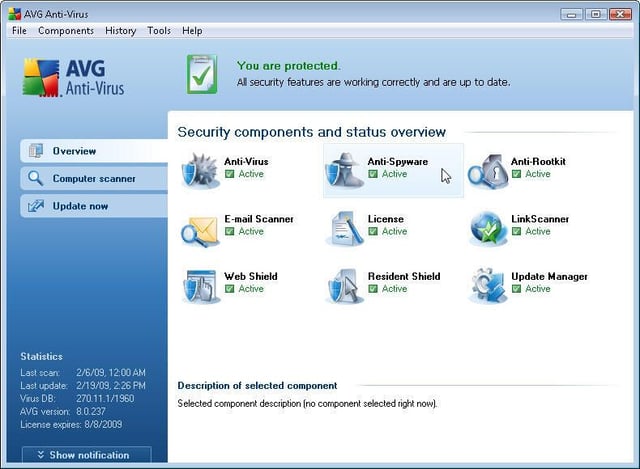
All AVG Anti-Virus Professional 8.0 tools are available from a single console, as shown here. From configuring advanced Resident Shield exceptions to fine-tuning anti-rootkit settings, a variety of customizations enable matching the security software to a wide range of small business needs.
Images by Erik Eckel for \u00a9 TechRepublic
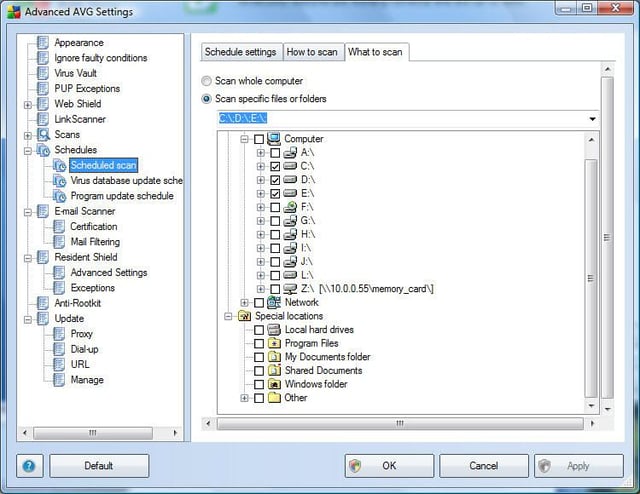
Technology professionals can configure AVG to update its antivirus signatures frequently. By regularly refreshing the program’s signatures, organizations can better protect themselves from emerging threats.\n
\nUnlike the application’s free versions, the paid edition enables specifying more than one update daily. Here you can see the software is set to its default: virus database updates are set to run every four hours.
Images by Erik Eckel for \u00a9 TechRepublic
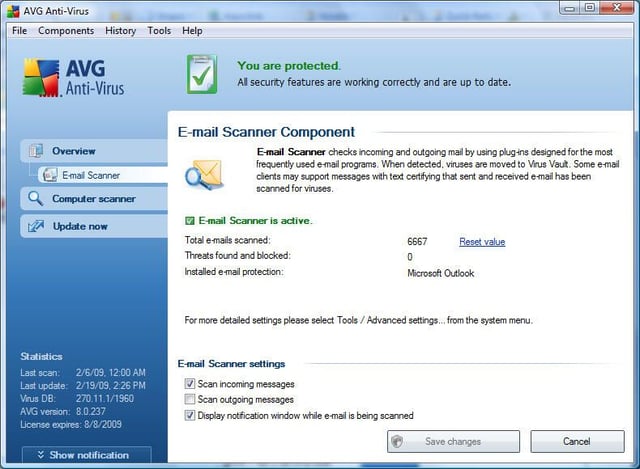
Business users can elect to scan incoming messages, outgoing e-mail, or both. Such changes are entered using the E-mail Scanner Component, as shown here.
Images by Erik Eckel for \u00a9 TechRepublic
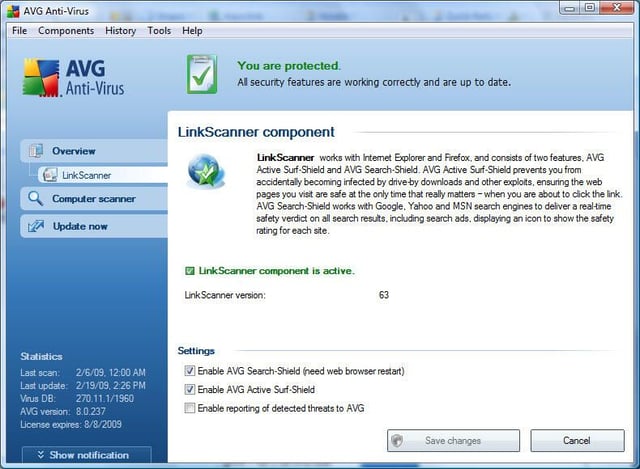
AVG’s LinkScanner provides protection from Web-related threats. It includes two components (AVG Active Surf-Shield and AVG Search Shield) to protect users from browser-based vulnerabilities and potential threats that could appear within searches.
Images by Erik Eckel for \u00a9 TechRepublic
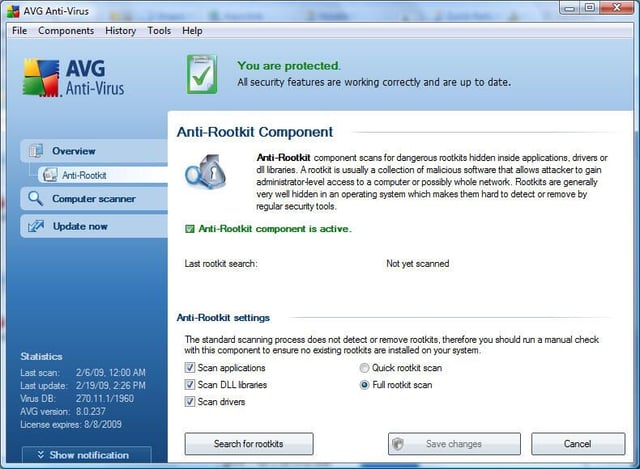
AVG Anti-Virus Professional 8.0 provides protection from rootkit programs, which very often prove very difficult or impossible to detect using other programs. Using the Anti-Rootkit utility shown here, users can perform scans specifically for rootkit components.
Images by Erik Eckel for \u00a9 TechRepublic
When AVG Anti-Virus Professional 8.0 detects a virus or other infection, the security software quarantines the offending file. Users and support techs can review all quarantined files using AVG’s Virus Vault window, featured here.
Images by Erik Eckel for \u00a9 TechRepublic
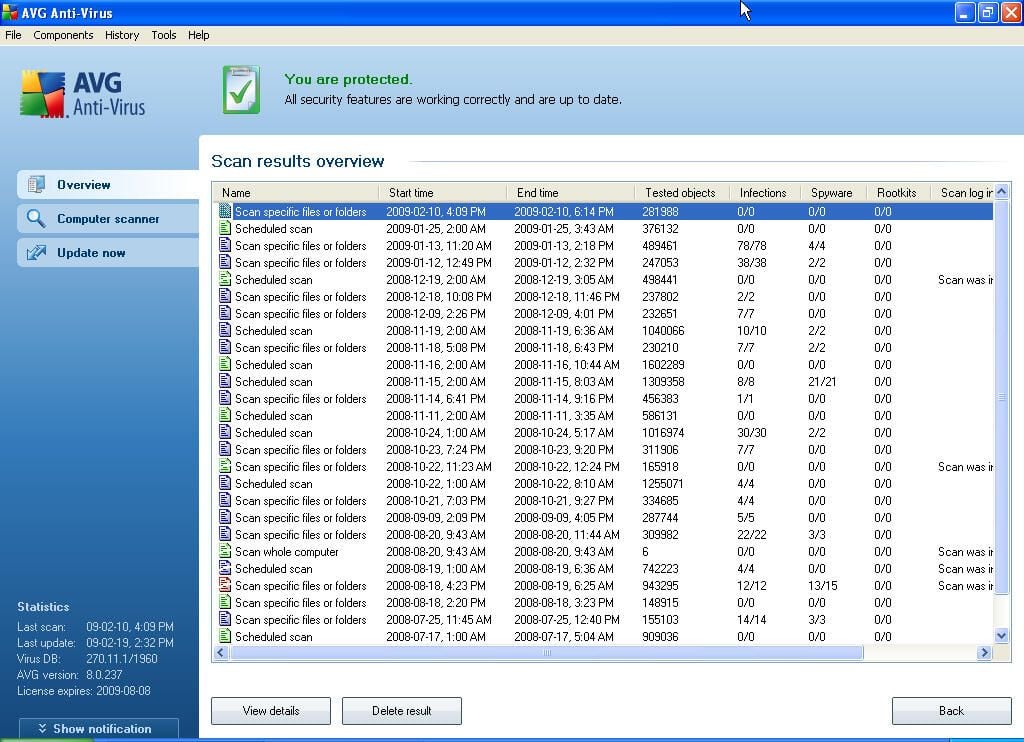
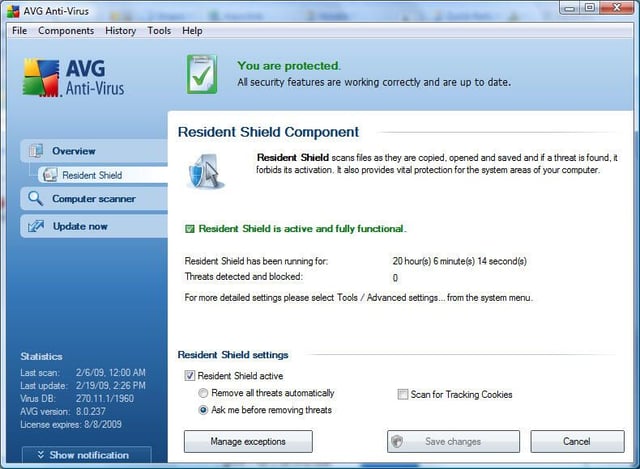
AVG also tracks files its real-time detection engine isolates. For example, here are the log results from a test system’s (used to clean slaved hard disks) Resident Shield.
Images by Erik Eckel for \u00a9 TechRepublic

Erik Eckel is a managing partner at Louisville Geek and president of Eckel Media Corp. He previously served as Executive Editor at TechRepublic. He received Microsoft Engineer accreditation from Sullivan University and earned his Bachelor's Degree in English from the University of Louisville. He's earned Network+, Windows NT 4.0 MCP+I and MCSE, and Windows 2000 Professional MCP accreditations.


