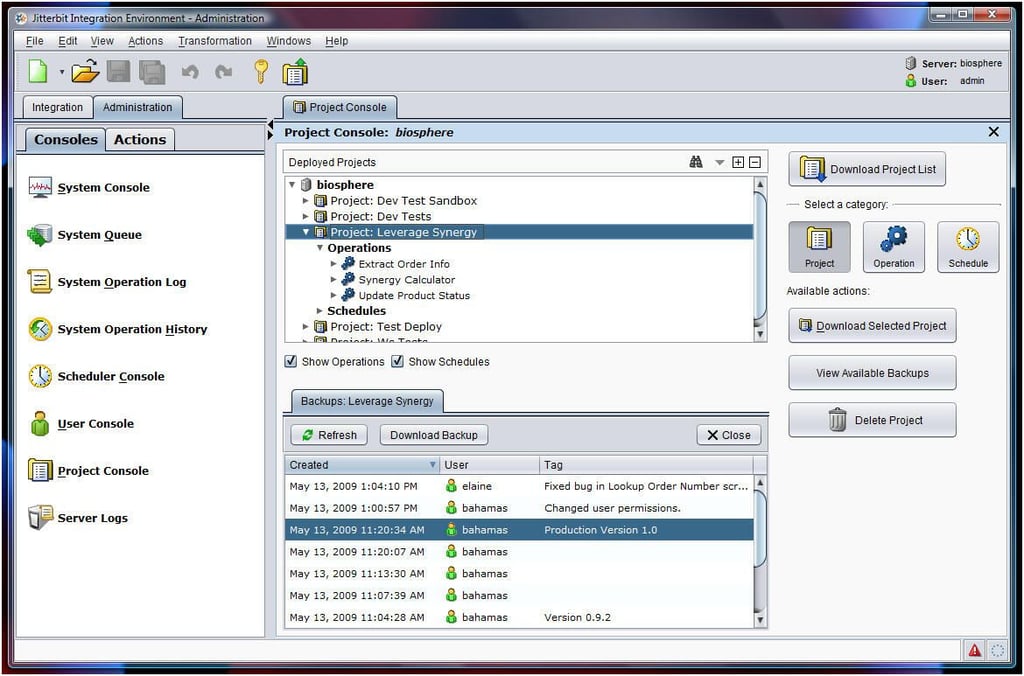
The Jitterbit Project Console permits business analysts to view all integration projects within a single window. New and existing projects are easily added and edited from this console, whether running one or more Jitterbit servers.
For a full review of Jitterbit Enterprise MX 3.0, check out the TechRepublic Product Spotlight Blog.
Image created by Erik Eckel for TechRepublic.
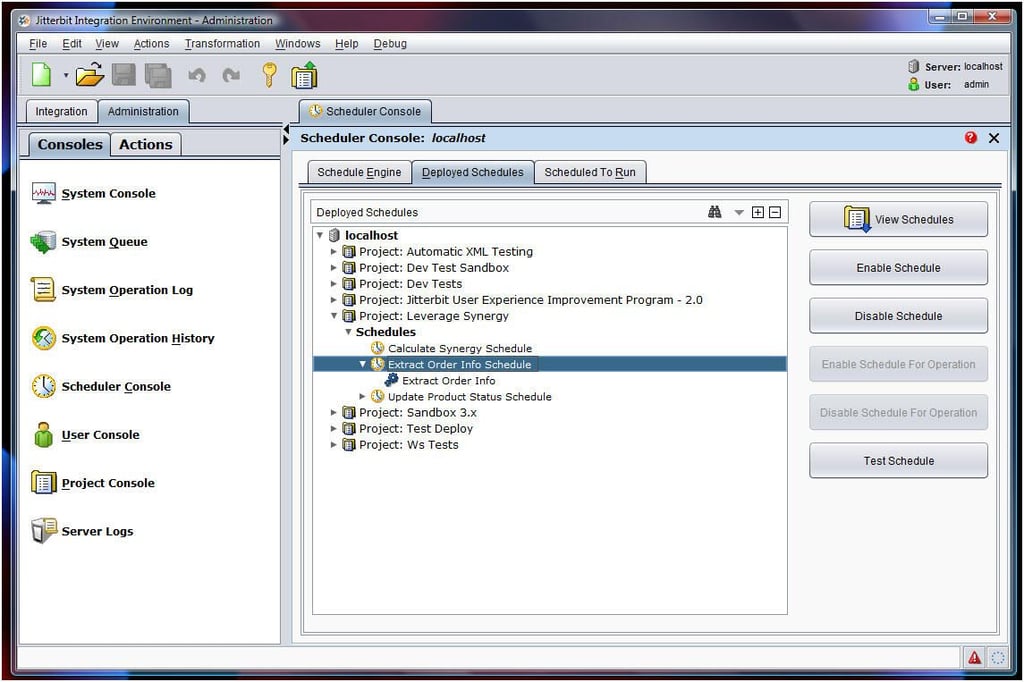
All of a server’s schedules can be viewed, and managed, using the Scheduler Console. Tasks can be scheduled specifically for one operation or globally, determining upon the organization’s needs.
For a full review of Jitterbit Enterprise MX 3.0, check out the TechRepublic Product Spotlight Blog.
Image created by Erik Eckel for TechRepublic.
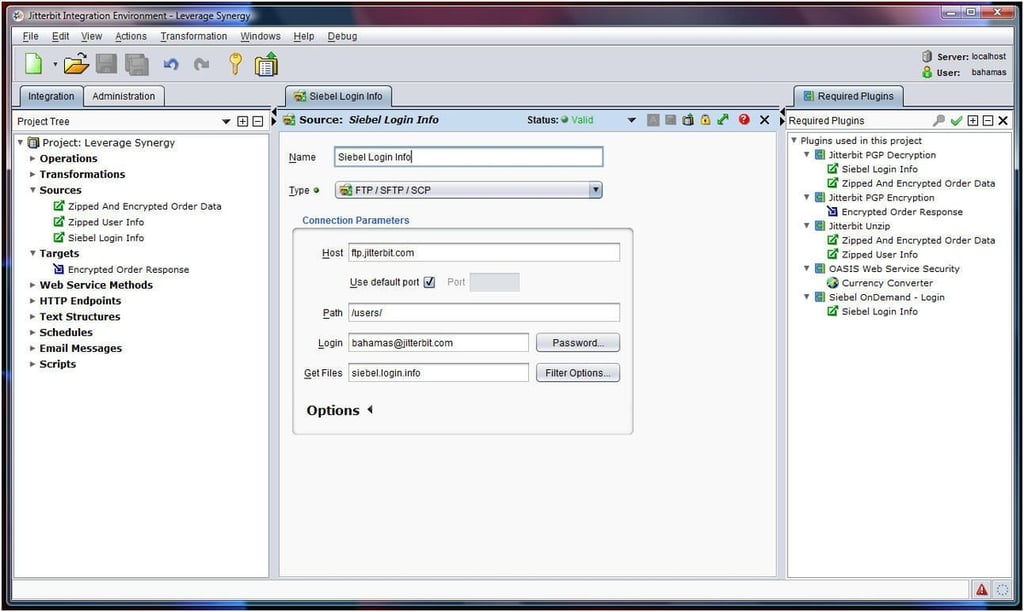
The Jitterbit Plug-in Manager displays the various plug-ins a project uses, as can be seen here. A new feature of Jitterbit Enterprise MX 3.0 is the integration application checks to confirm that all required plug-ins are installed on the server and that installed versions are compatible.
For a full review of Jitterbit Enterprise MX 3.0, check out the TechRepublic Product Spotlight Blog.
Image created by Erik Eckel for TechRepublic.
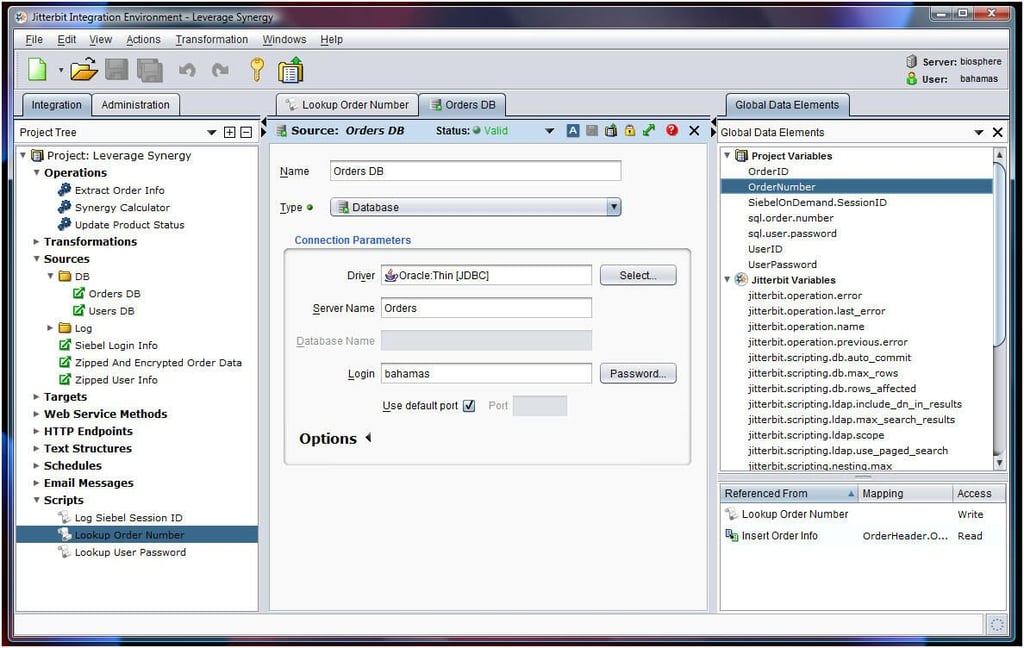
The inclusion of a variable library ensures business analysts can view all the variables a project taps, as well as which integration components access those variables. The ability to customize application integration variables provides Jitterbit with much of its flexibility.
For a full review of Jitterbit Enterprise MX 3.0, check out the TechRepublic Product Spotlight Blog.
Image created by Erik Eckel for TechRepublic.
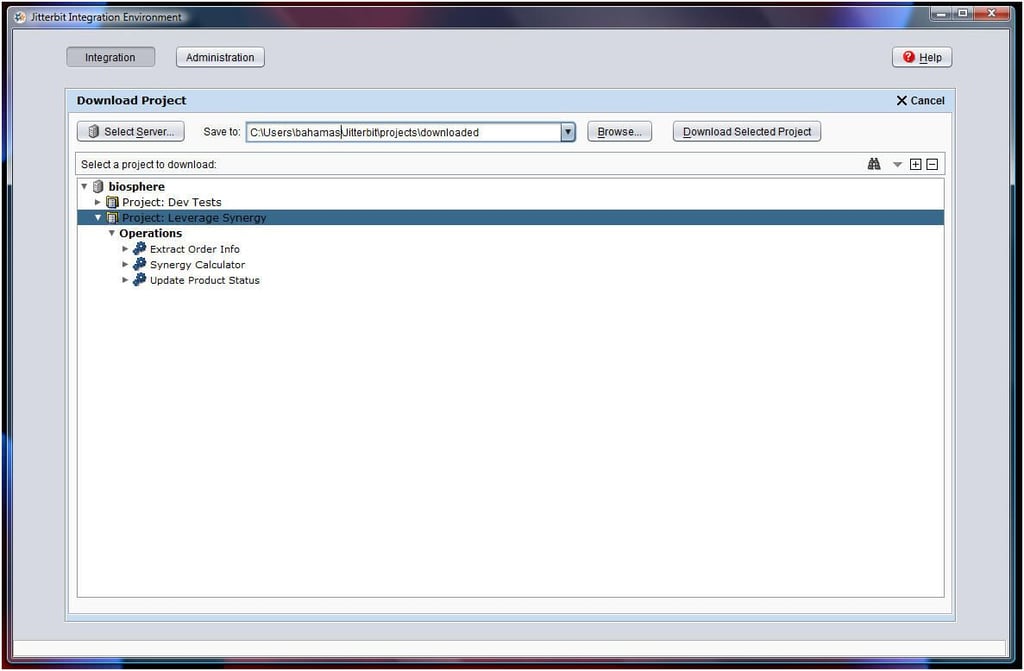
Jitterbit’s support for a multi-user environment makes it easy for larger teams to collaborate on application integration projects. With this console, users can collaborate, rather than fear erasing or repeating one another’s work.
For a full review of Jitterbit Enterprise MX 3.0, check out the TechRepublic Product Spotlight Blog.
Image created by Erik Eckel for TechRepublic.
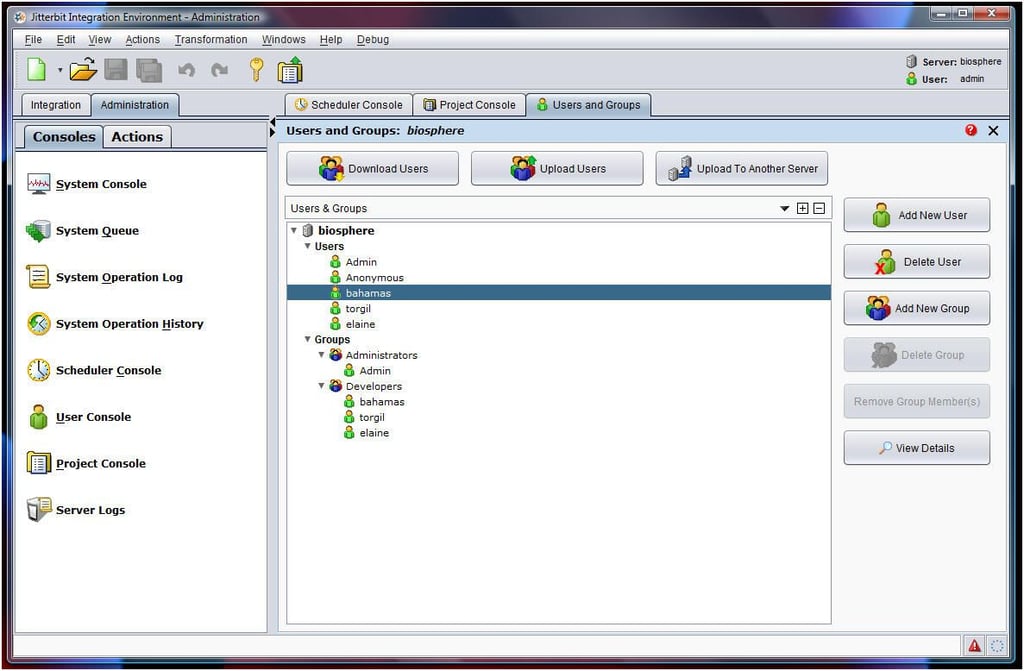
A new feature in Jitterbit Enterprise MX 3.0 enables replicating user accounts and permissions across multiple servers. The creation of production and live server environments is simplified, as a result.
For a full review of Jitterbit Enterprise MX 3.0, check out the TechRepublic Product Spotlight Blog.
Image created by Erik Eckel for TechRepublic.
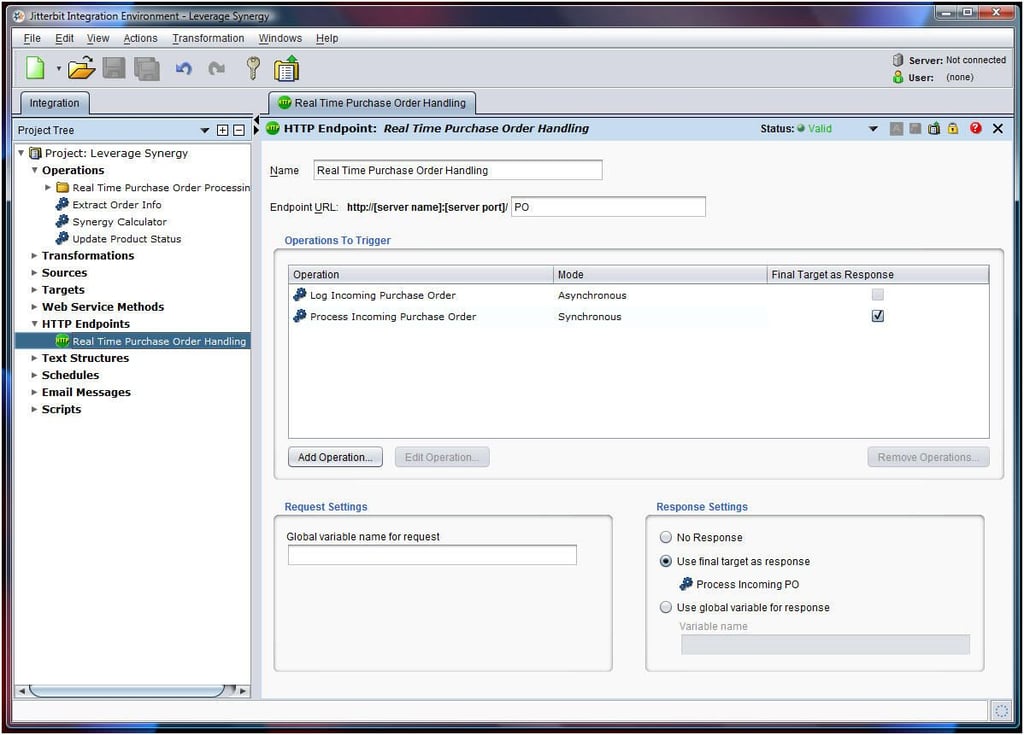
Jitterbit engineers have worked to speed the rate at which the application and project integration software imports, manipulates and processes data. Resulting performance improvements make it easier to implement and maintain large enterprise scale projects with high volume transaction levels.
For a full review of Jitterbit Enterprise MX 3.0, check out the TechRepublic Product Spotlight Blog.
Image created by Erik Eckel for TechRepublic.

Erik Eckel is a managing partner at Louisville Geek and president of Eckel Media Corp. He previously served as Executive Editor at TechRepublic. He received Microsoft Engineer accreditation from Sullivan University and earned his Bachelor's Degree in English from the University of Louisville. He's earned Network+, Windows NT 4.0 MCP+I and MCSE, and Windows 2000 Professional MCP accreditations.


