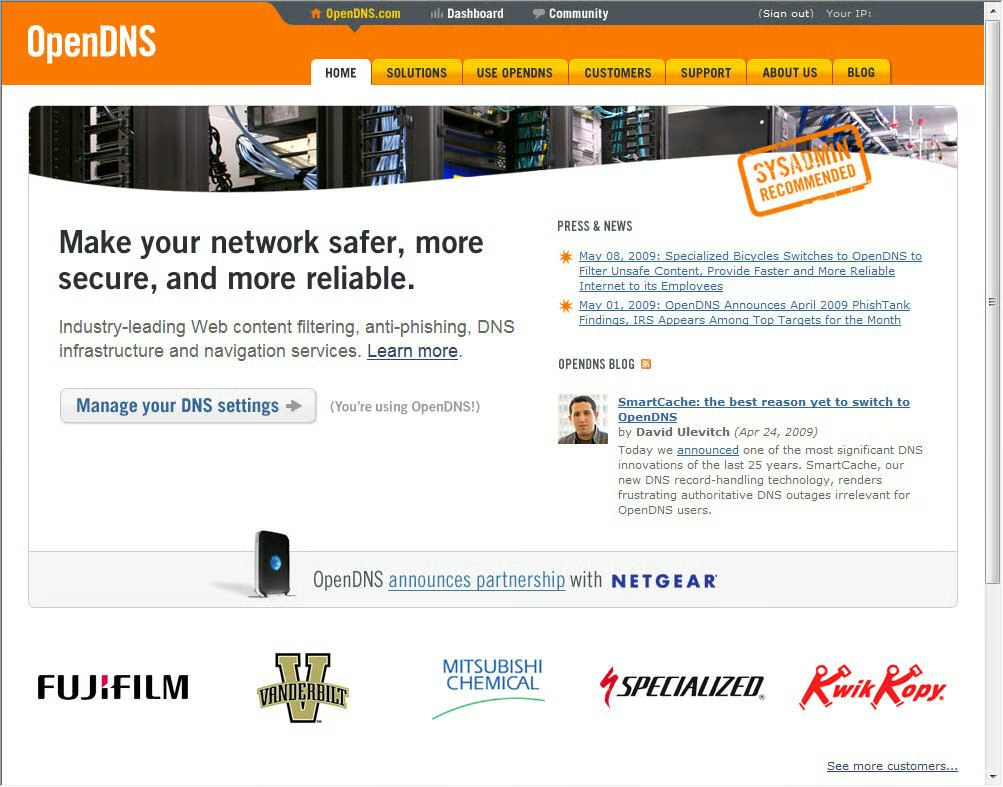
OpenDNS is easy to reach; just navigate to www.opendns.com. Accounts are free, configuration is easy, and excellent documentation is available to help answer any questions that arise.
For a full review check out the Product Spotlight.
Images by Erik Eckel for TechRepublic
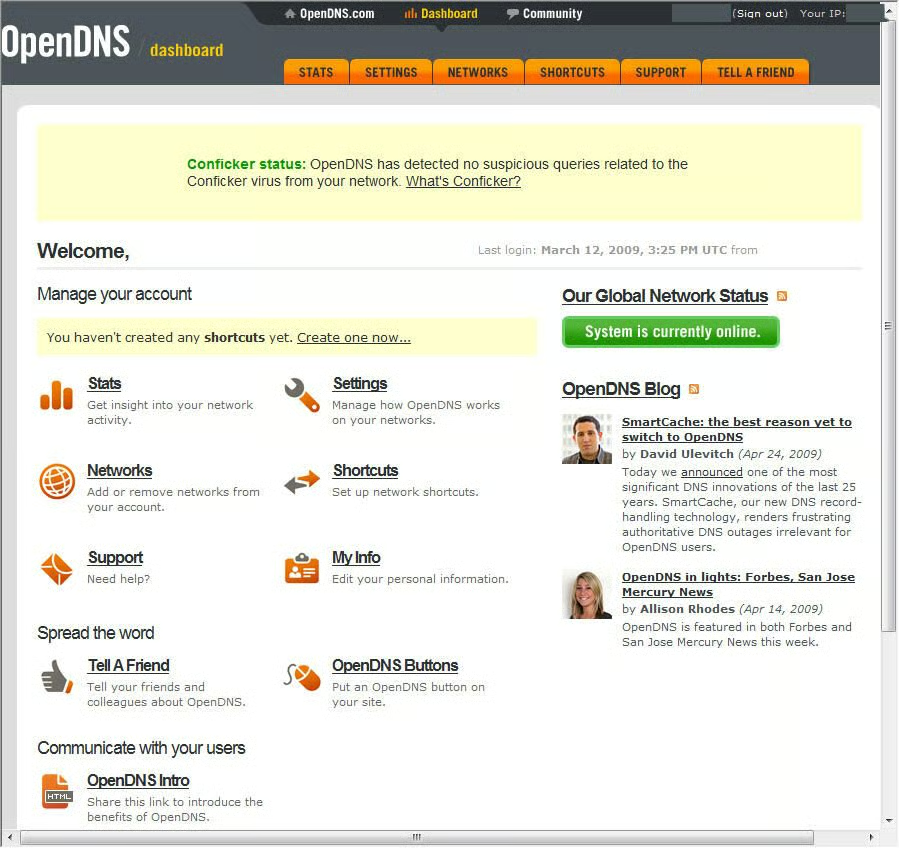
Numerous features can be configured from the OpenDNS Dashboard, shown here. Network settings, statistics and more are all accessed here.
Images by Erik Eckel for TechRepublic
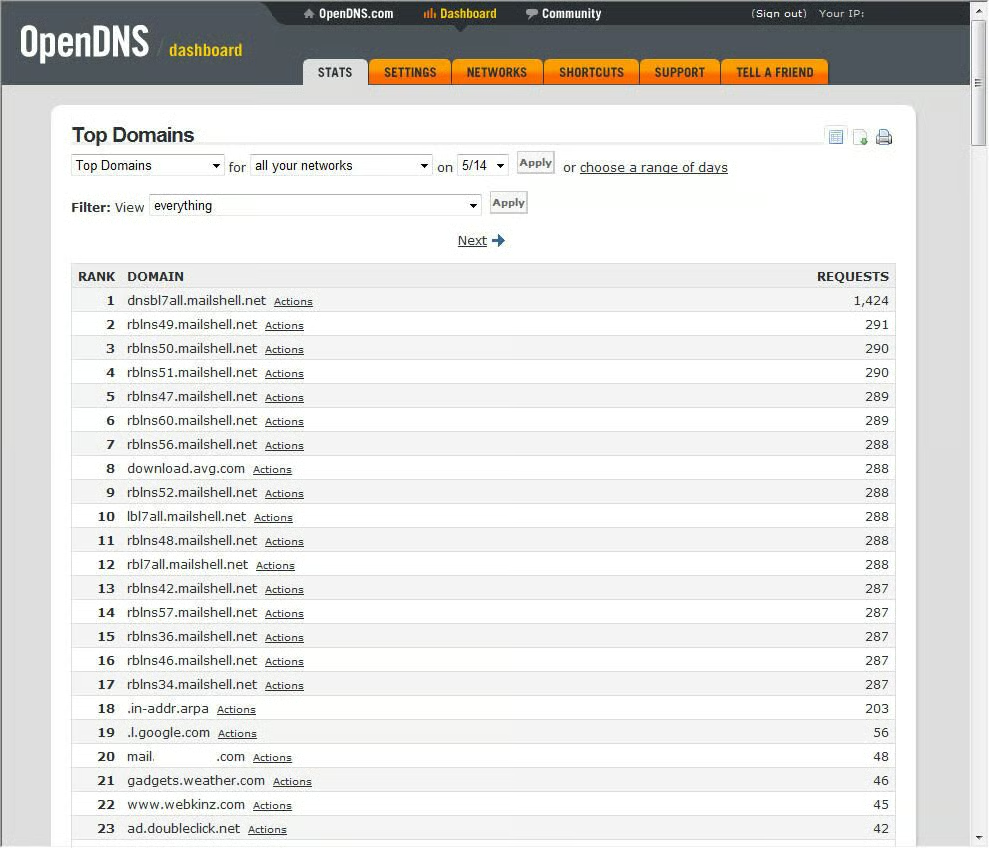
OpenDNS enables tracking specific metrics associated with Internet use, including a report that shows the most visited domains, as shown here.
Images by Erik Eckel for TechRepublic
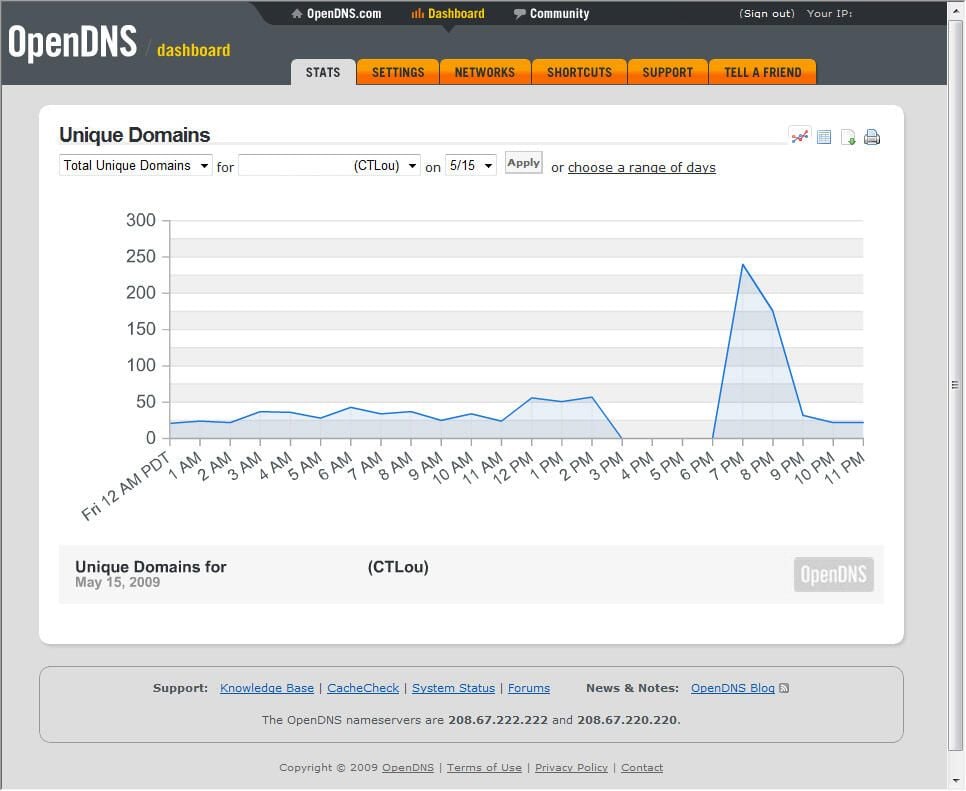
Among the other information OpenDNS statistics track is unique domains. Here a single day’s traffic is loggedd using an hourly graph.
Images by Erik Eckel for TechRepublic
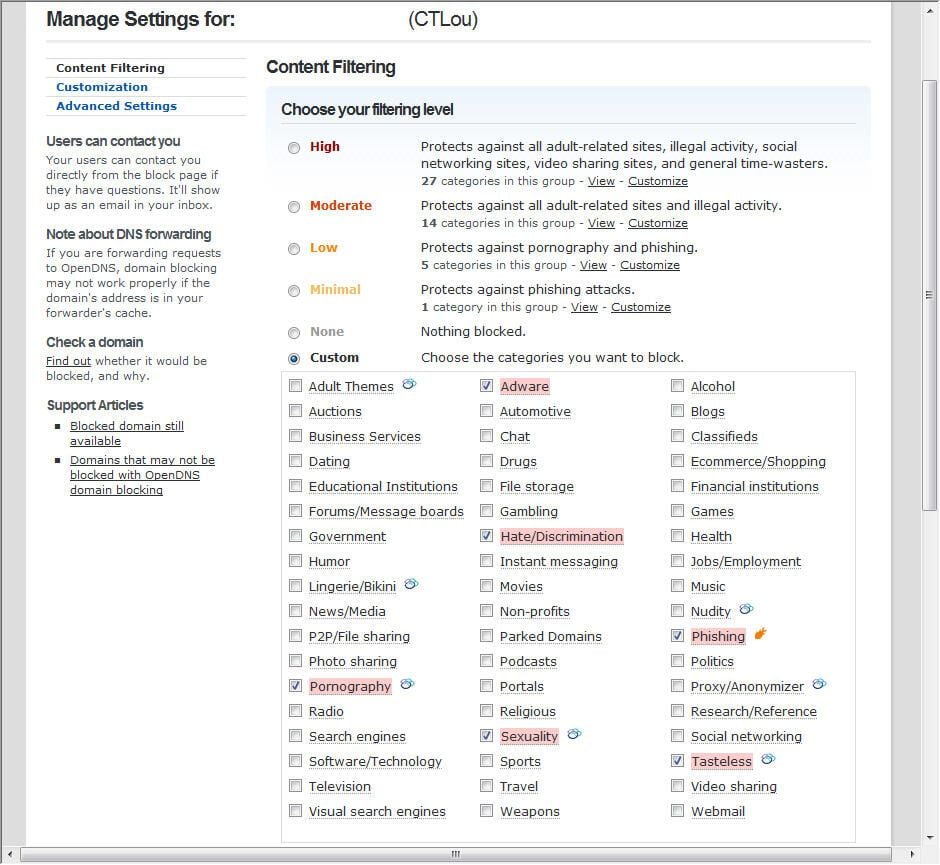
Administrators can choose to use one of several preset filter levels (Minimal, Low, Moderate and High are among the available choice). Or, you can choose to create a custom filter, as shown here. Changes typically become effective within two or three minutes.
Images by Erik Eckel for TechRepublic
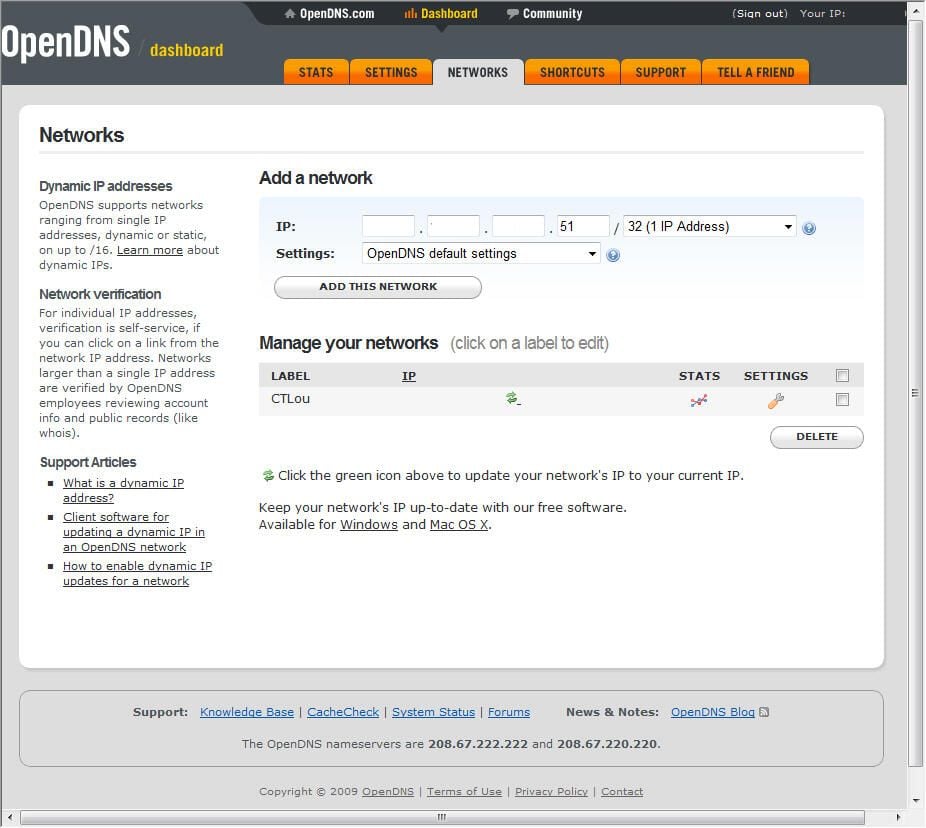
Adding different networks to a single OpenDNS account is easy. Just go to the Networks tab and enter the corresponding IP information.
Images by Erik Eckel for TechRepublic
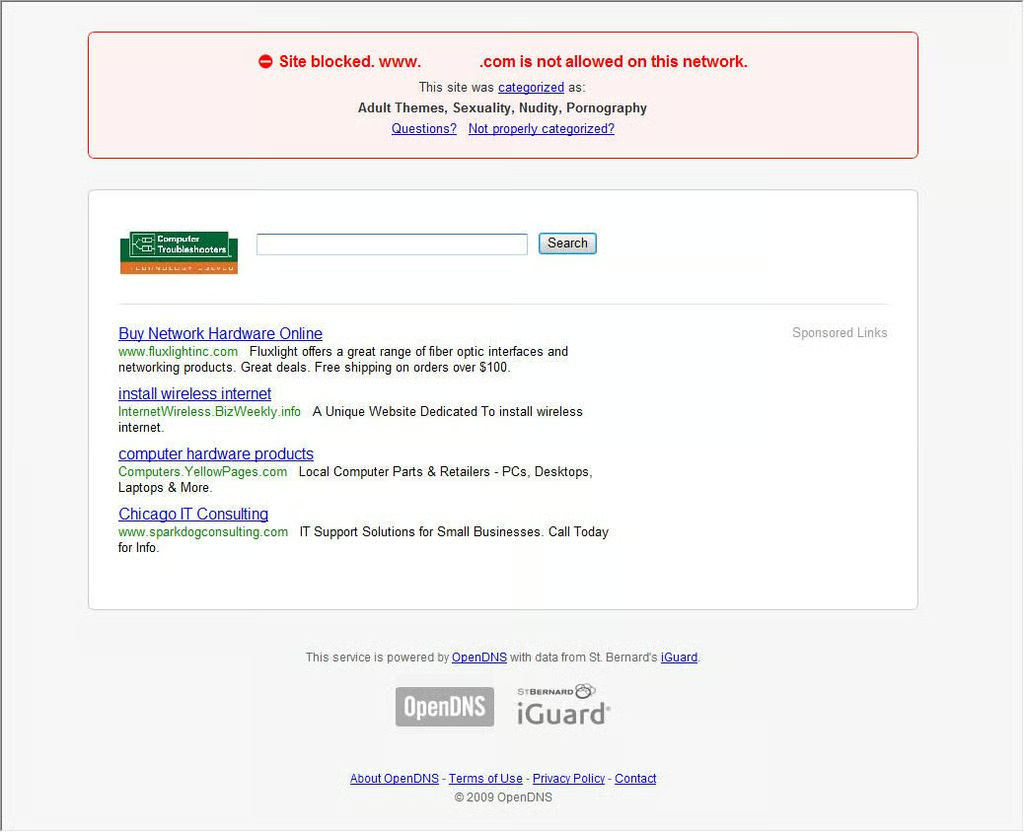
OpenDNS displays a Web page similar to this when users attempt to access a blocked site. By displaying ads on such pages, OpenDNS is able to provide its robust DNS services for free.
Images by Erik Eckel for TechRepublic

Erik Eckel is a managing partner at Louisville Geek and president of Eckel Media Corp. He previously served as Executive Editor at TechRepublic. He received Microsoft Engineer accreditation from Sullivan University and earned his Bachelor's Degree in English from the University of Louisville. He's earned Network+, Windows NT 4.0 MCP+I and MCSE, and Windows 2000 Professional MCP accreditations.


