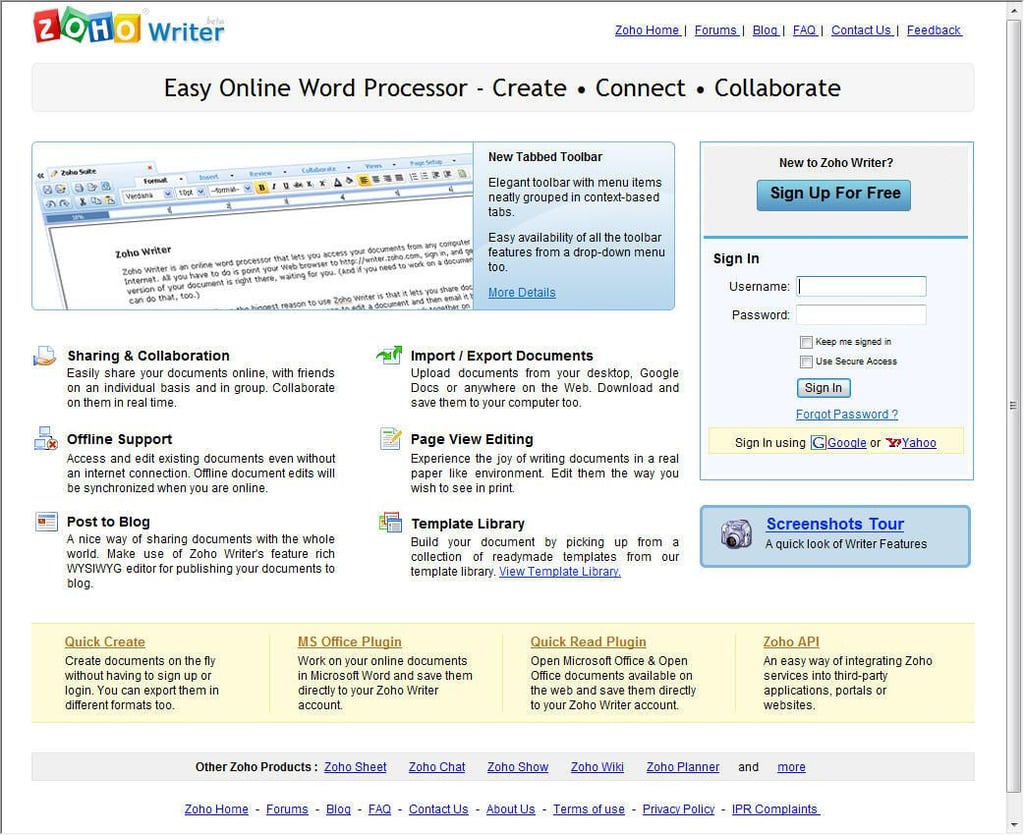
Zoho Writer is an online word processing tool users can leverage to create, edit and share documents. Here is the application’s Welcome screen (users can create free accounts using the provided sign in box).
\n\nIn addition to supporting a variety of import formats, the tool works with a variety of Web browsers to provide compatibility across numerous platforms.
For a full review, check out the TechRepublic Zoho Writer 2.0 Product Spotlight.\n
Images by Erik Eckel for \u00a9 TechRepublic
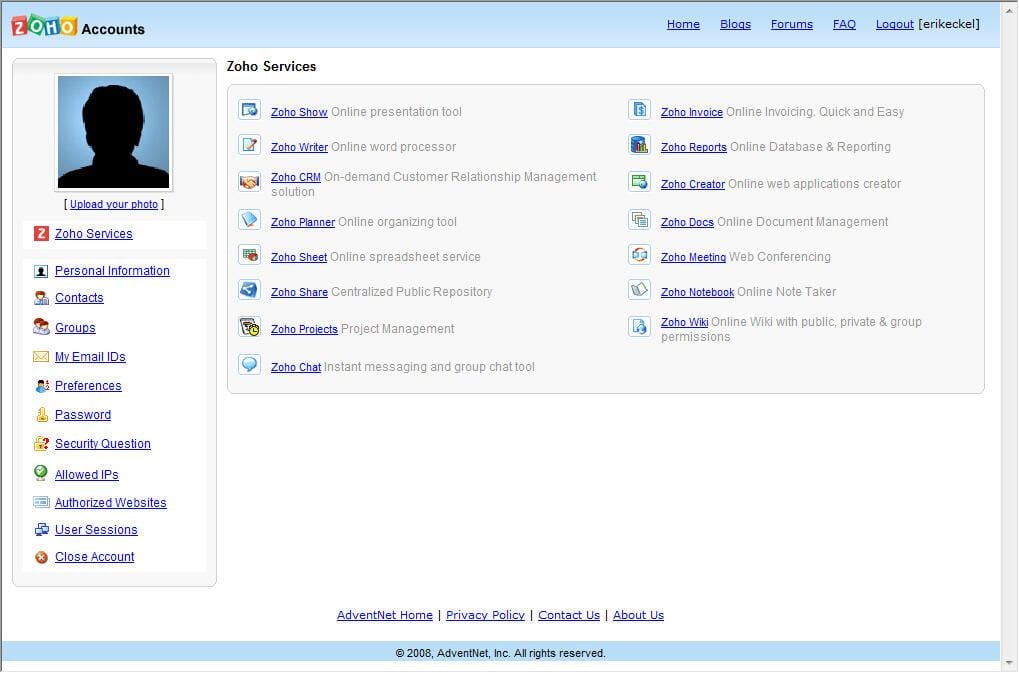
Zoho Writer is AdventNet’s online word processing tool. A wide variety of other Web-based applications-including CRM, project management and Wiki-are also available.
Images by Erik Eckel for \u00a9 TechRepublic
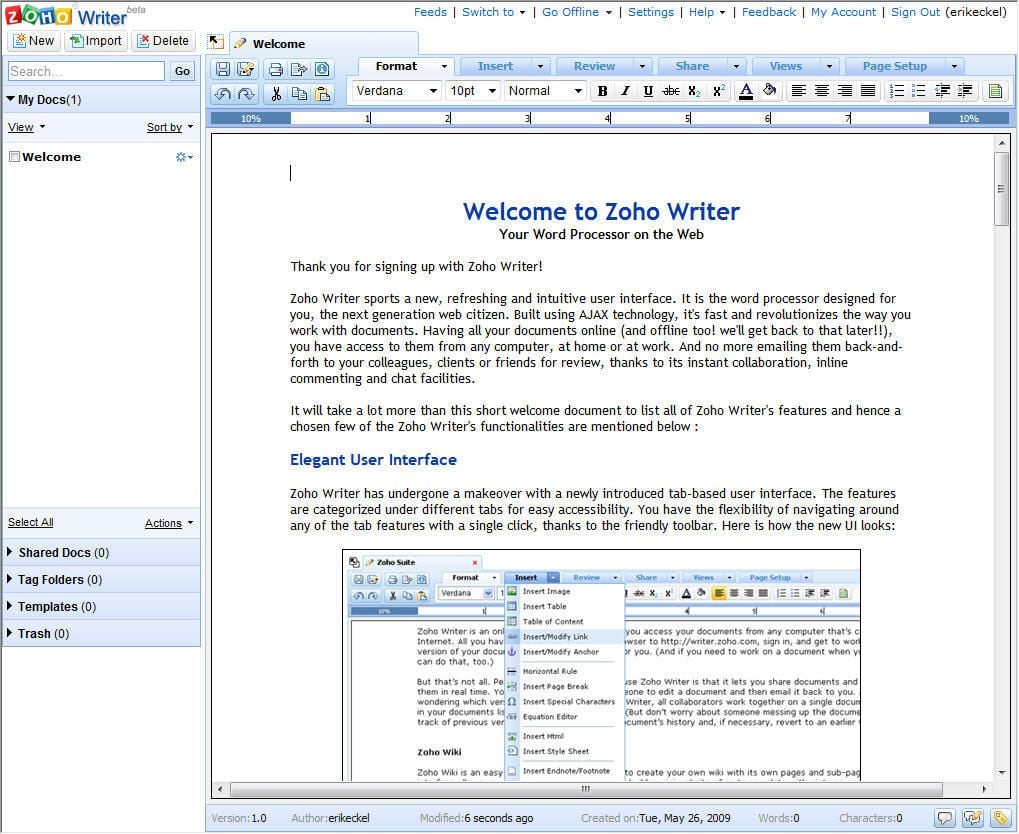
Zoho Writer delivers powerful word processing features in a simple, easy-to-learn Web-based application. Here you can see the sample document Zoho displays for each new user. \n\nWith support for various headings, images, headers/footers and other common document elements, users can create comprehensive and attractive documents using the online application.
Images by Erik Eckel for \u00a9 TechRepublic
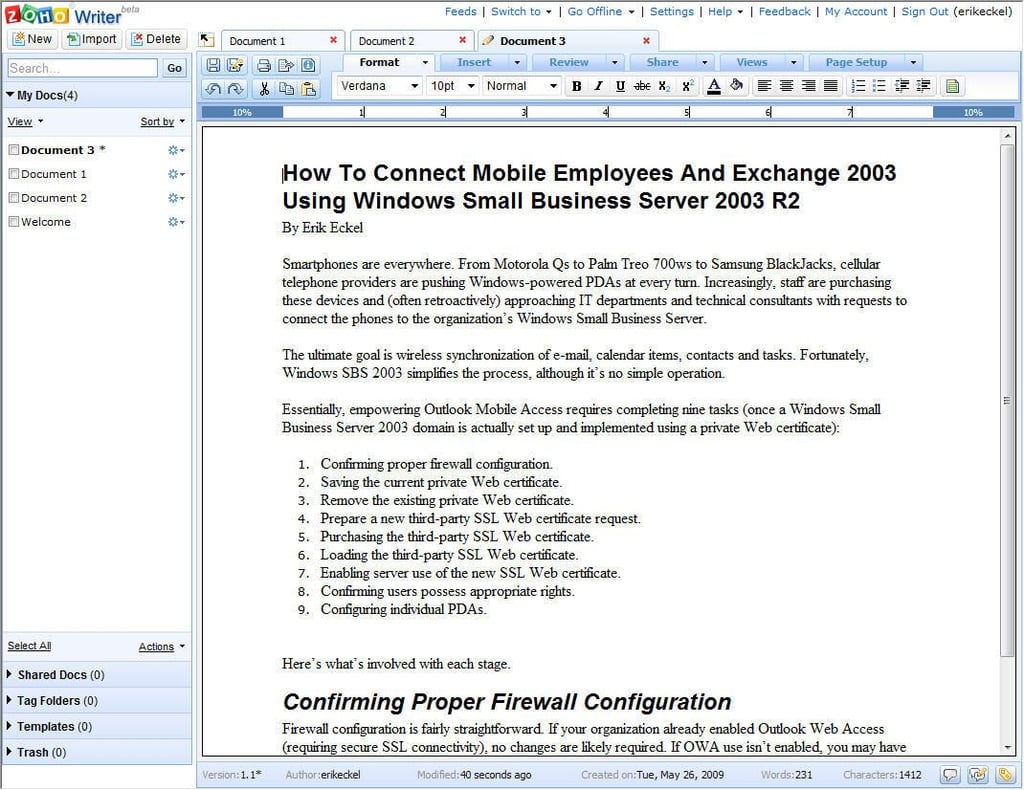
As users create documents, the Zoho Writer tracks them. At any given moment (despite whichever file might be open at the time) users can click the gear icon to move a document to the trash, share a document, rename a file or export a document.
Images by Erik Eckel for \u00a9 TechRepublic
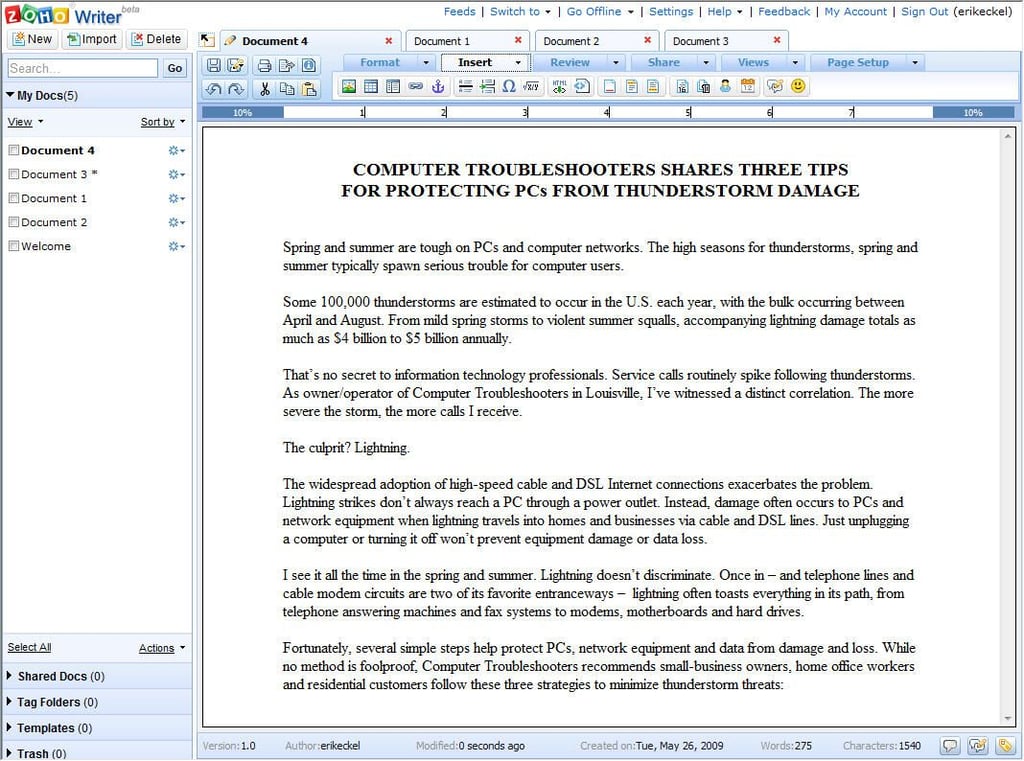
Using the Insert tab, users can insert graphics, tables, emoticons, hyperlinks and more from the resulting menu bar, shown here.
Images by Erik Eckel for \u00a9 TechRepublic
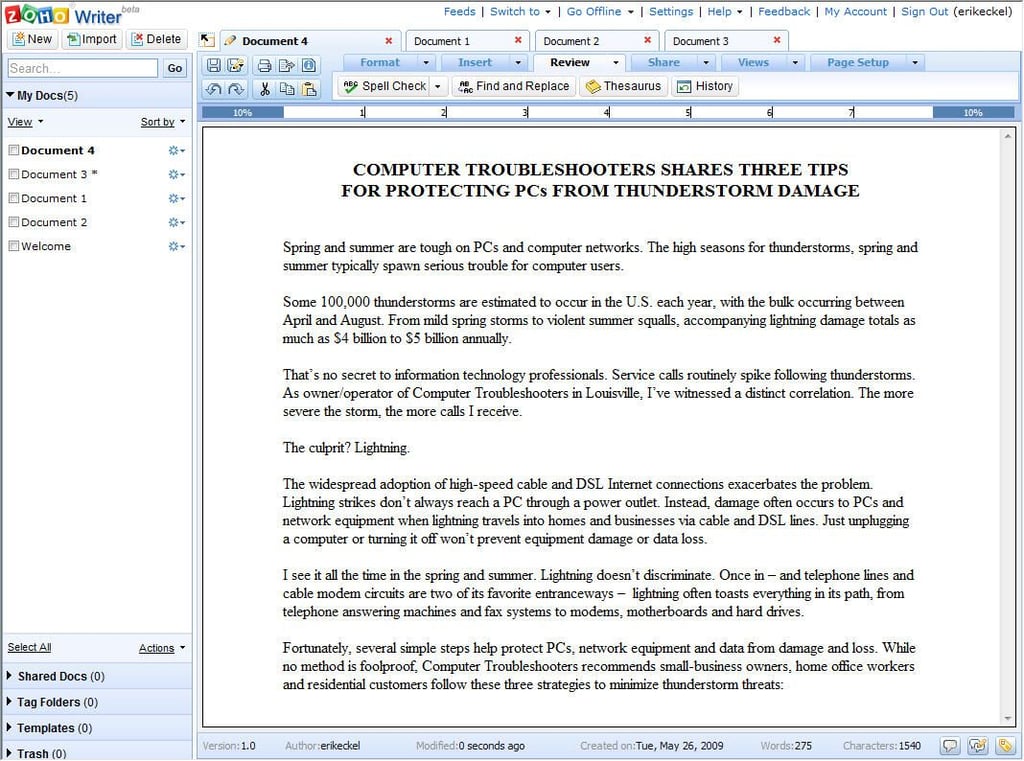
Using the Review tab, Zoho Writer users can run a spell check, perform find and replace operations, use the application’s thesaurus and view the document’s modification history.
Images by Erik Eckel for \u00a9 TechRepublic
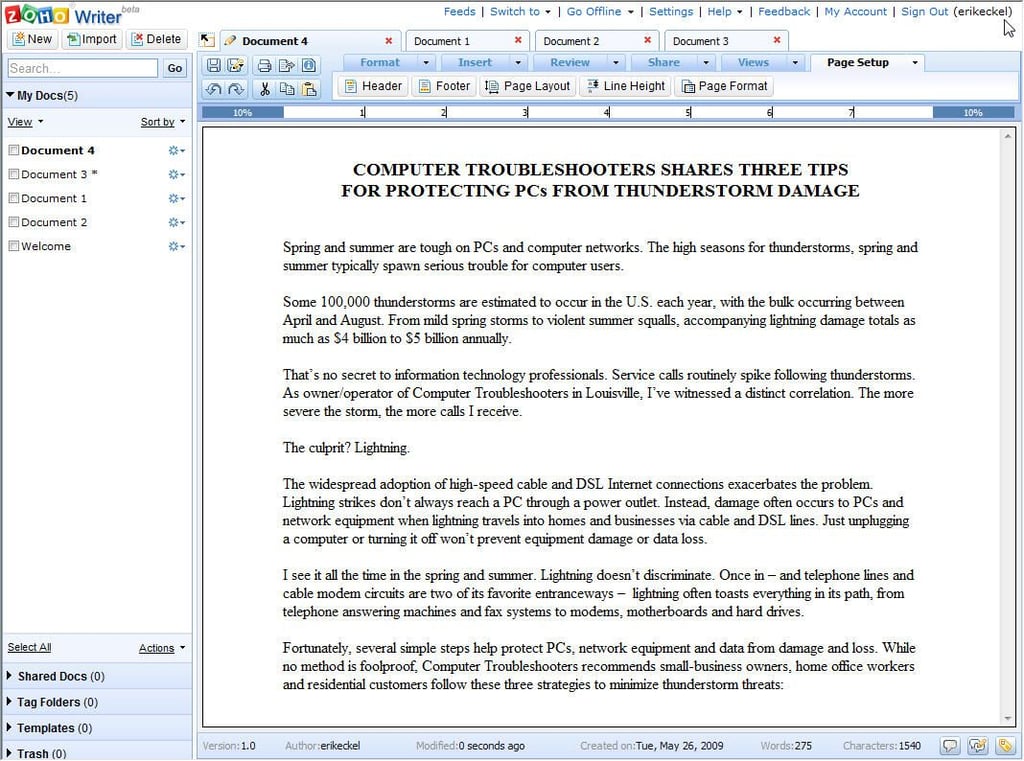
From the Page Setup tab, Zoho Writer users can insert headers and footers, change page layout and line height settings and adjust page formatting.
Images by Erik Eckel for \u00a9 TechRepublic
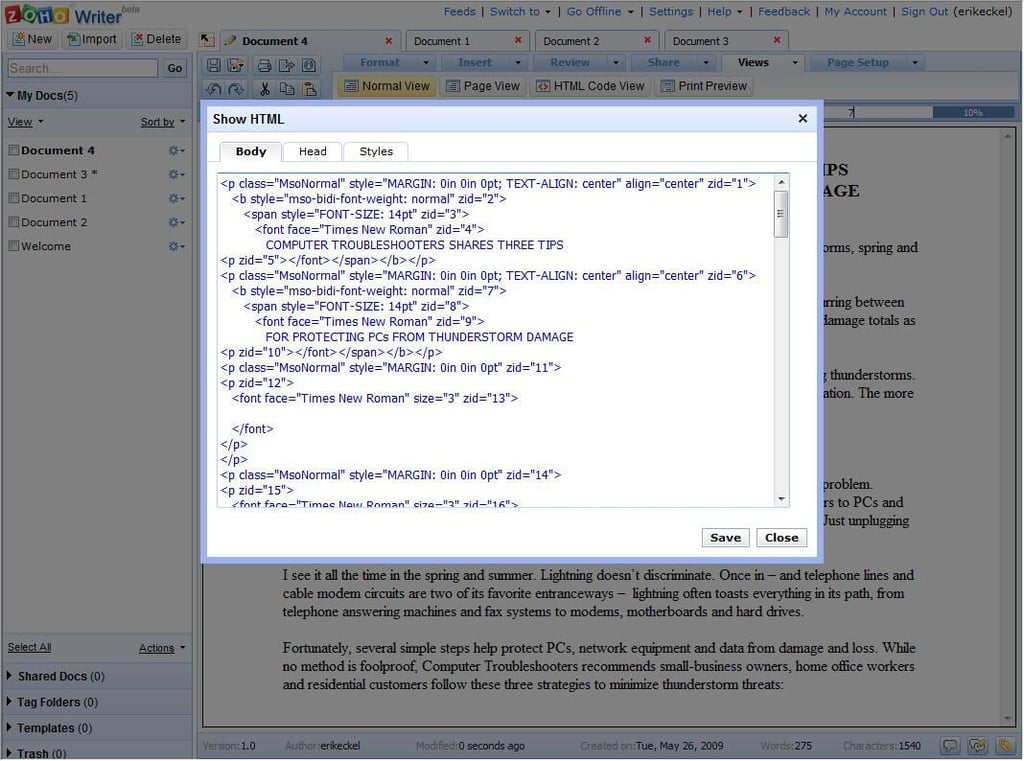
When clicking on Zoho Writer’s View tab, users can change from normal to page views and elect to view a print preview. There’s also a Show HTML function, which reveals the document’s HTML code, as shown here.
Images by Erik Eckel for \u00a9 TechRepublic
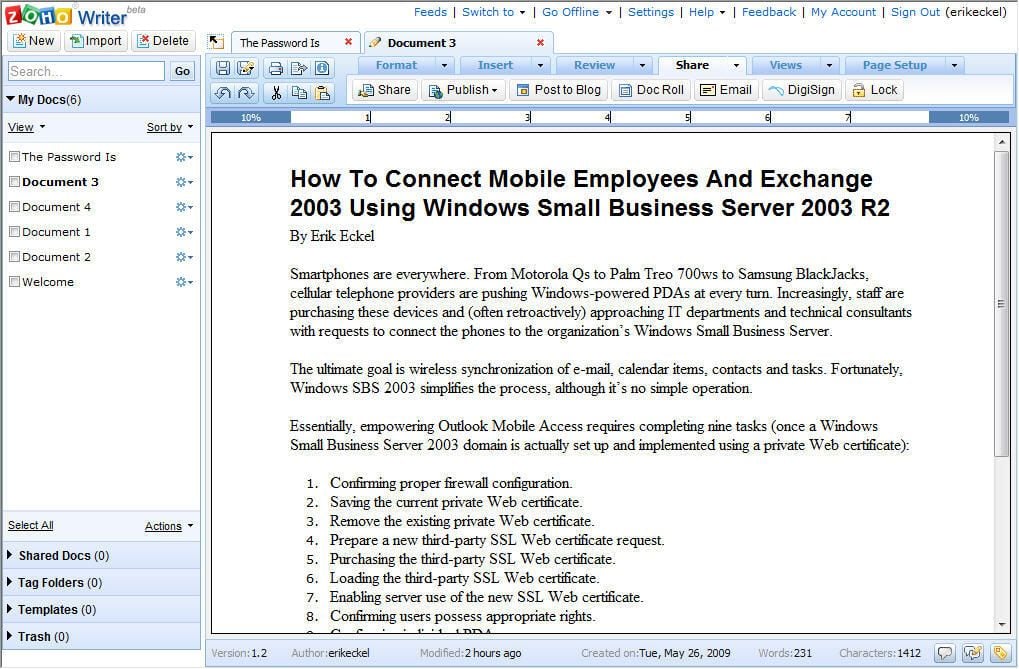
Zoho Writer makes it easy for users to share or publish their documents. Clicking the Share tab reveals a number of buttons that enable quick and easy sharing. Among the options are Share (which enables sharing the file with another Zoho Writer user), Publish (which enables publishing a document to a URL), posting to a blog, publishing a document to a Web page or blog using a scriptlet and e-mailing the document as a file.
Images by Erik Eckel for \u00a9 TechRepublic

Erik Eckel is a managing partner at Louisville Geek and president of Eckel Media Corp. He previously served as Executive Editor at TechRepublic. He received Microsoft Engineer accreditation from Sullivan University and earned his Bachelor's Degree in English from the University of Louisville. He's earned Network+, Windows NT 4.0 MCP+I and MCSE, and Windows 2000 Professional MCP accreditations.


