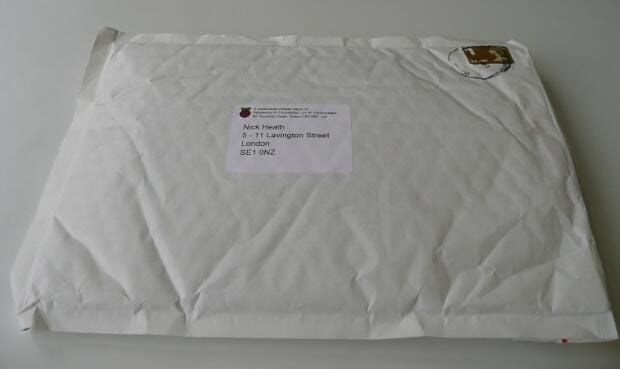
\n\tThe wait is over. After months of anticipation the $40 Raspberry Pi computer is in the hands of the public.
\n
\n\tDeliveries of the first boards began last week and TechRepublic was lucky enough to get its hands on one.
\n
\n\tThis unboxing gallery explores the hardware of the board in detail \u2013 from the chipset through to its ports.
\n
\n\tThe packaging for the Pi is minimal, however take a closer look at the envelope and you’ll spot the telltale raspberry logo, a clue that it contains one of the most anticipated computers of 2012.
\n
\n\tAnyone wanting to buy a Pi should register with distributors Premier Farnell or RS Components, although boards are currently sold out and there are reportedly more than 350,000 people on the waiting list to get one.
\n
\n\tIf you’ve already got a Pi and are unsure what to do with it then check out our 10 coolest uses for the Raspberry Pi, or if you’re planning an interesting project of your own then tell us about it by emailing nick dot heath at techrepublic.com.
\n
\n\t
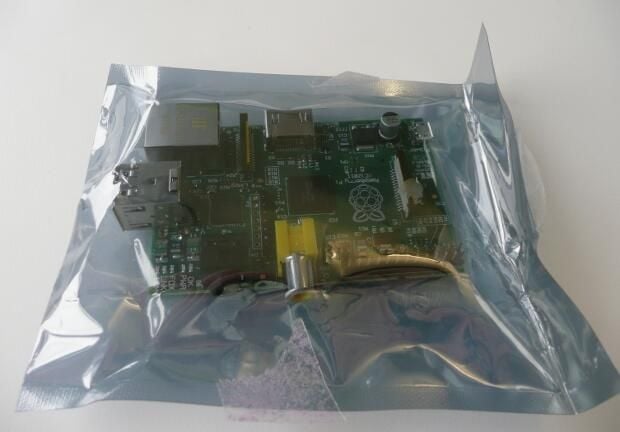
\n\tThe Raspberry Pi is shipped wrapped inside an anti-static bag.
\n
\n\tThe Pi ships as the bare board \u2013 to get it up and running you’ll need to source an SD card for storage, HDMI or composite video leads to hook it up to a TV or monitor , a micro USB power lead and a USB mouse and keyboard.
\n
\n\tYour first port of call should be the downloads section of the Raspberry Pi Foundation website, where you can download a Linux OS customised to run on the board. There are a variety of OSes available, including Debian and Fedora. The foundation recommends that new users of Linux download the customised version of Debian Squeeze from the site.
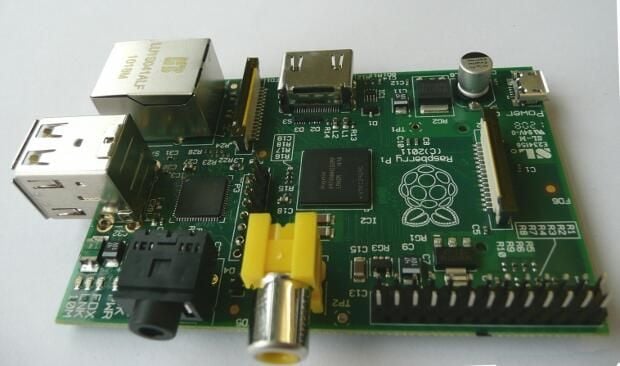
\n\tHere’s the board in all it’s glory. The first 10,000 boards to ship are bare but later Raspberry Pi computers will include a case.
\n
\n\tTwo versions of the board are being sold, the model B selling at $40 and the model A, which will be slightly cheaper when it goes on sale later this year. Unlike the model B the model A will not have a 10/100 Ethernet port and only has one USB port.
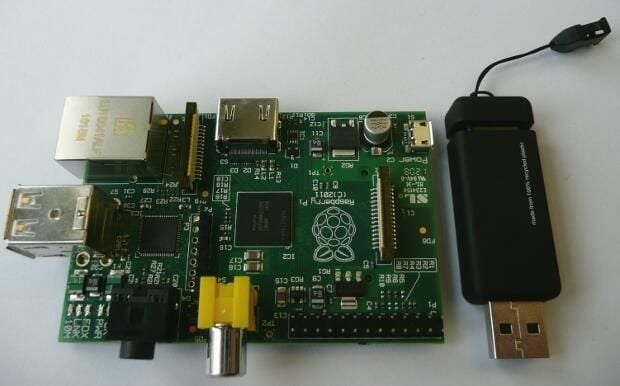
\n\tThe tiny board truly lives up to its description as being a credit card sized computer, no longer than a USB stick and easily big enough to fit into a pocket.
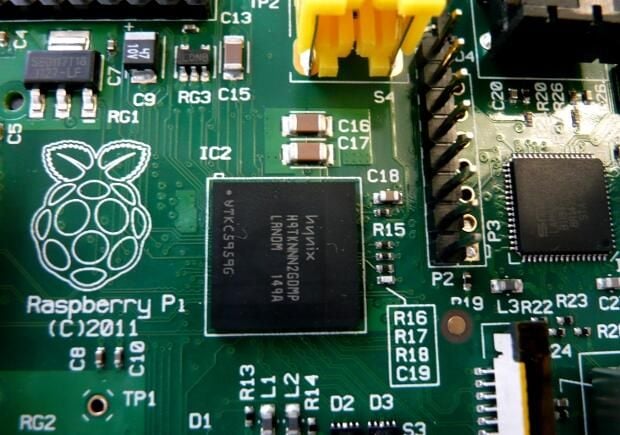
\n\tA close-up of the Broadcom BCM2835 system on a chip at the heart of the board.
\n
\n\tThe chip contains an ARM 11 processor running at 700MHz and a Videocore 4 GPU, which can play Blu-ray quality video and render 3D graphics.
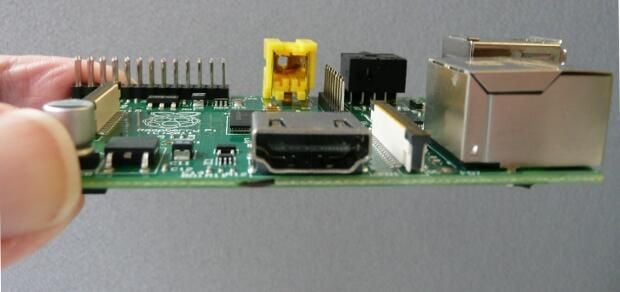
\n\tA close up of the HDMI port that will allow the board to be connected to most modern flat screen TVs and monitors.
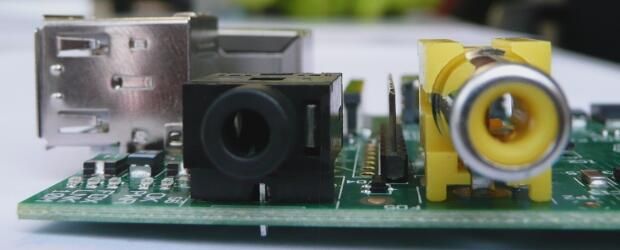
\n\tA close up of the board’s RCA video and 3.5mm audio ports The RCA video port should allow the board to be hooked up to most older televisions, while the audio port can be connected to speakers or headphones.
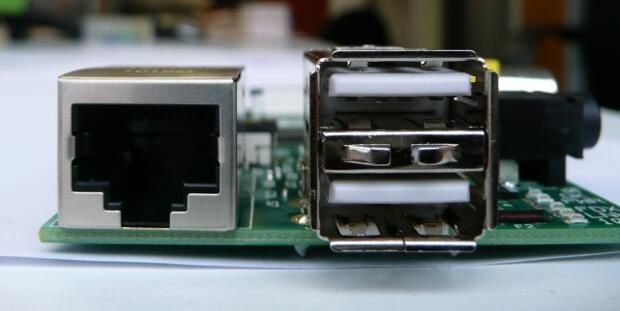
\n\tThe 10/100 wired Ethernet and twin USB 2.0 ports found on the model B version of the board. The board doesn’t include wireless connectivity out of the box.
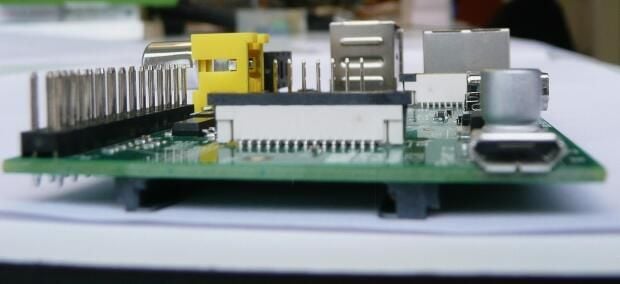
\n\tThe device is powered via micro USB. The shipping notes recommend using a good quality power supply capable of providing at least 700mA at 5V. The Pi shouldn’t be powered by plugging it into another computer or USB hub, according to the documentation.
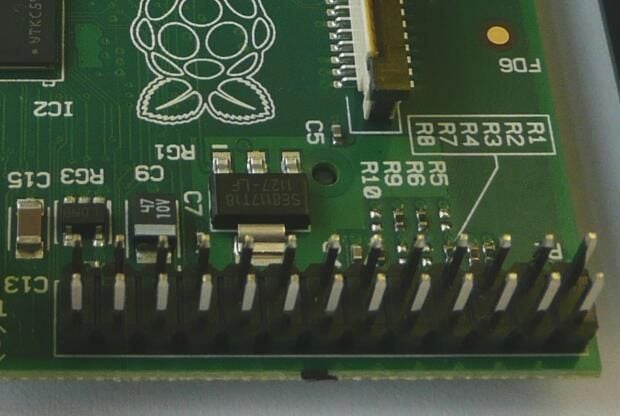
\n\tThe board’s general purpose input/output pins, which can be used to connect additional circuitry to Pi and expand its capabilities.
\n
\n\tThe pins allow expansion boards to be added that work with motors, sensors and other peripherals – allowing the Pi to be used for a wide range of tasks, for instance controlling robots.
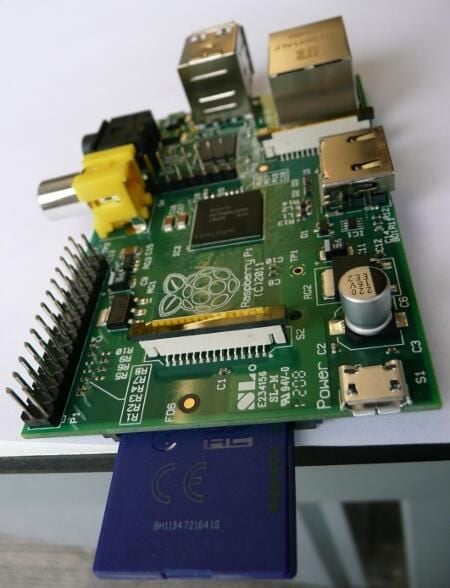
\n\tThe 4GB SD card holding the image of the Debian Squeeze OS that runs on the board shipped to TechRepublic. The device has been tested with SD cards up to 32GB in size, and should work with most makes and models. A list of compatible cards is available on the Raspberry Pi wiki.
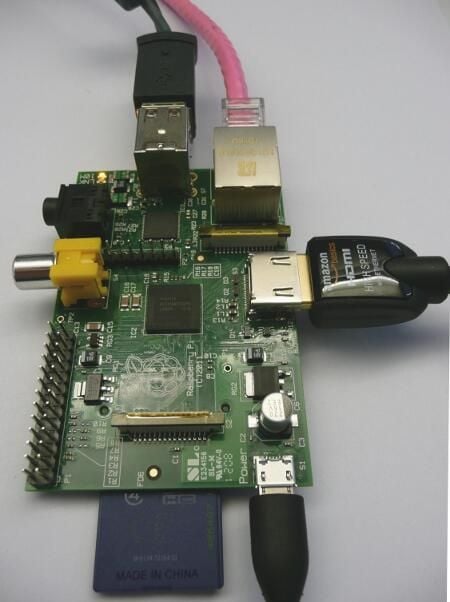
\n\tHere is the Pi ready for use. Everything needed to run the Pi and more is plugged in – the keyboard, mouse, SD card, Ethernet cable and micro USB jack.
\n
\n\tThe LEDs in the top left corner light up to provide information such as whether the board is working, powered up and sending and receiving data.
\n
\n\tLook out for our next gallery showing our hands-on experience with the board and just what it’s capable of.

Nick Heath is a computer science student and was formerly a journalist at TechRepublic and ZDNet.


