\n\tReactOS is no flash in the pan; look at the years on the copyright notice to see how far back this project goes.
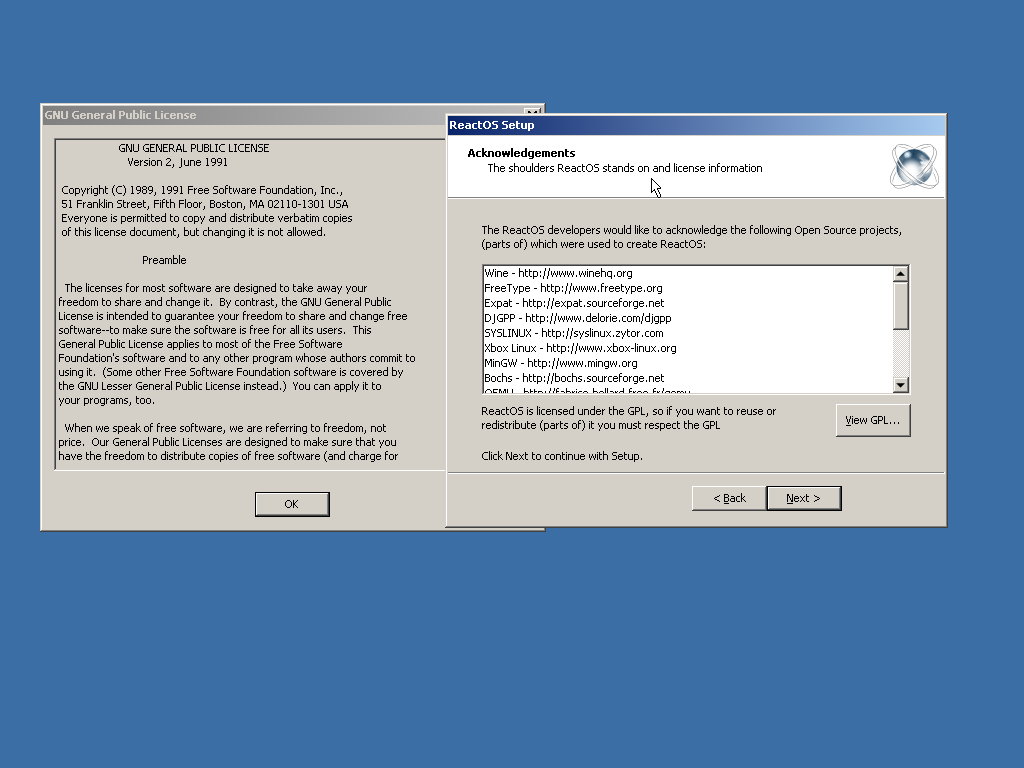
\n\tReactOS acknowledges the other free and open-source projects used to create this distribution. As can be seen in the GPL dialog to the left, ReactOS uses GPL v2.
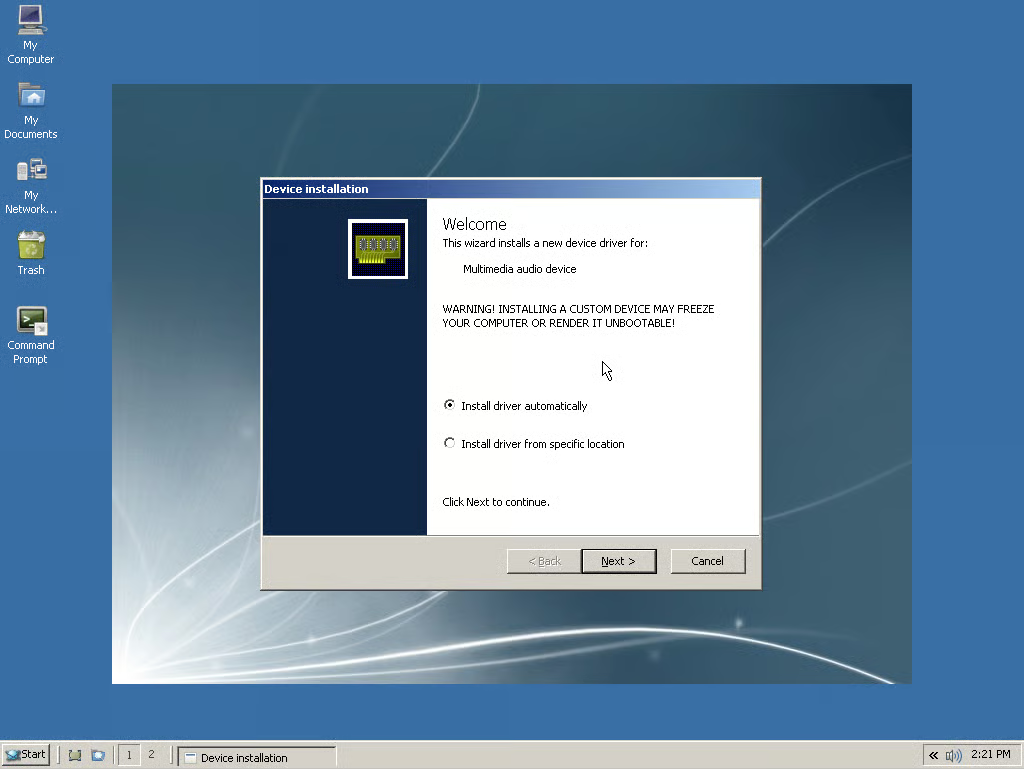
\n\tReactOS aims to create an operating system that is binary compatible with Windows NT 5.0. That quest gets off to a good start with something I remember from Windows days of old: the new hardware dialog. It couldn’t find the drivers for it either, much like circa-2000 era Windows.
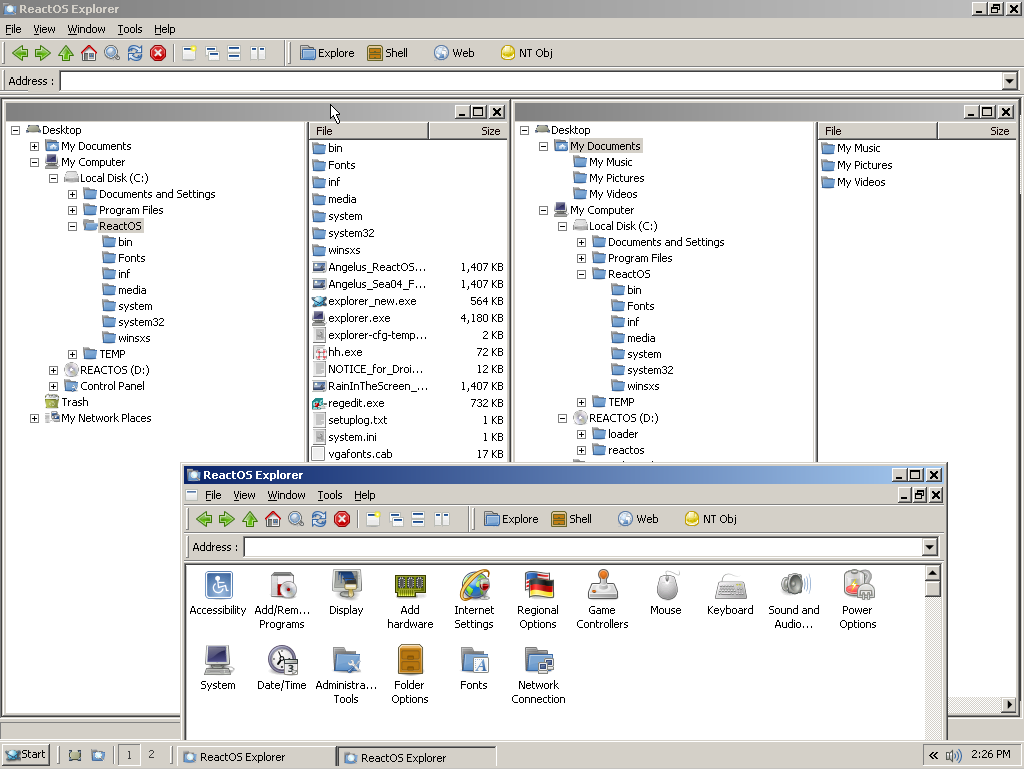
\n\tThe ReactOS explorer offers some extra functionality and views over its Windows namesake. At the bottom is the ReactOS collection of control panels.
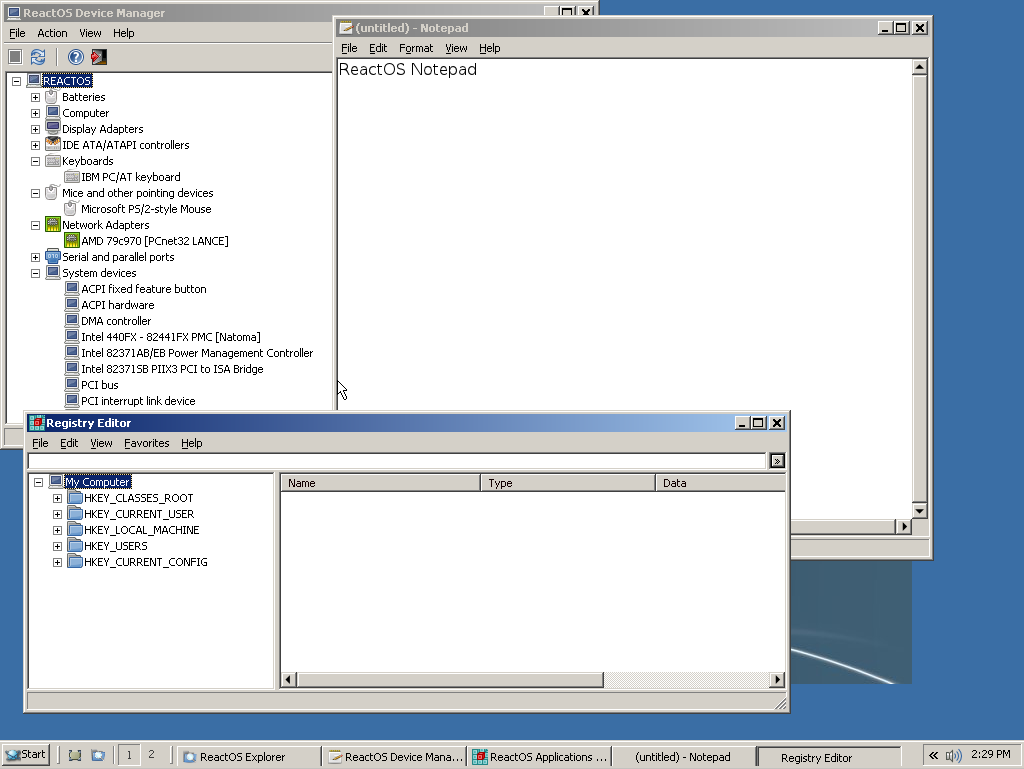
\n\tA familiar collection of applications: Notepad, RegEdit, and the Device Manager.
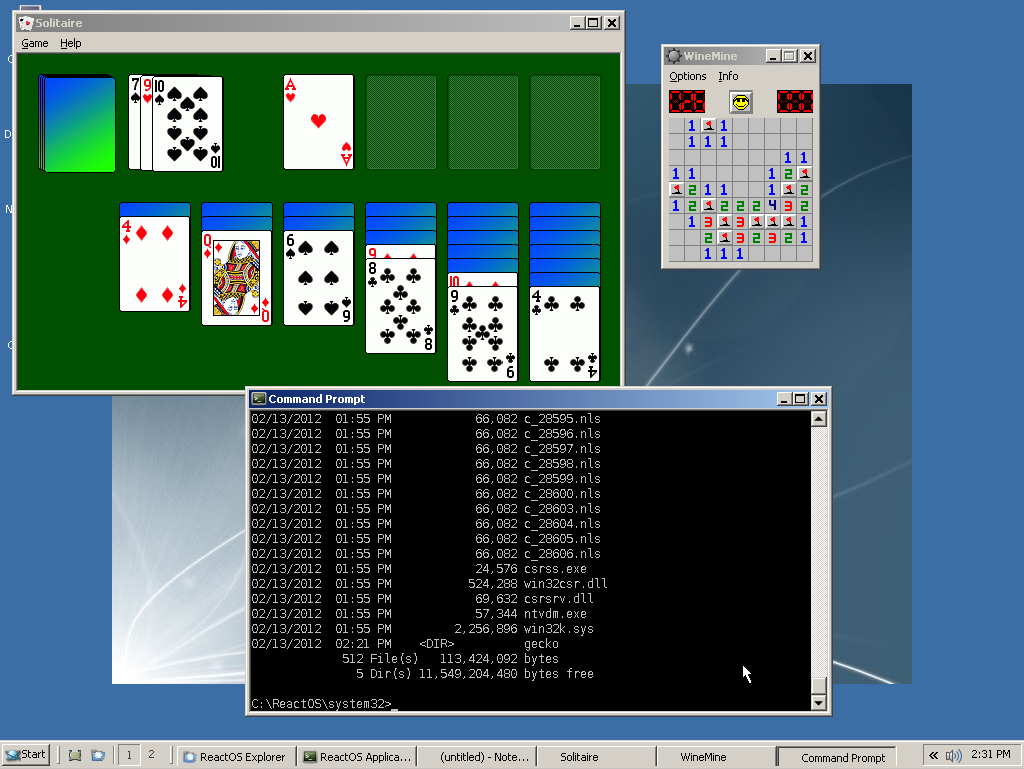
\n\tSolitaire, Minesweeper, and the command prompt.
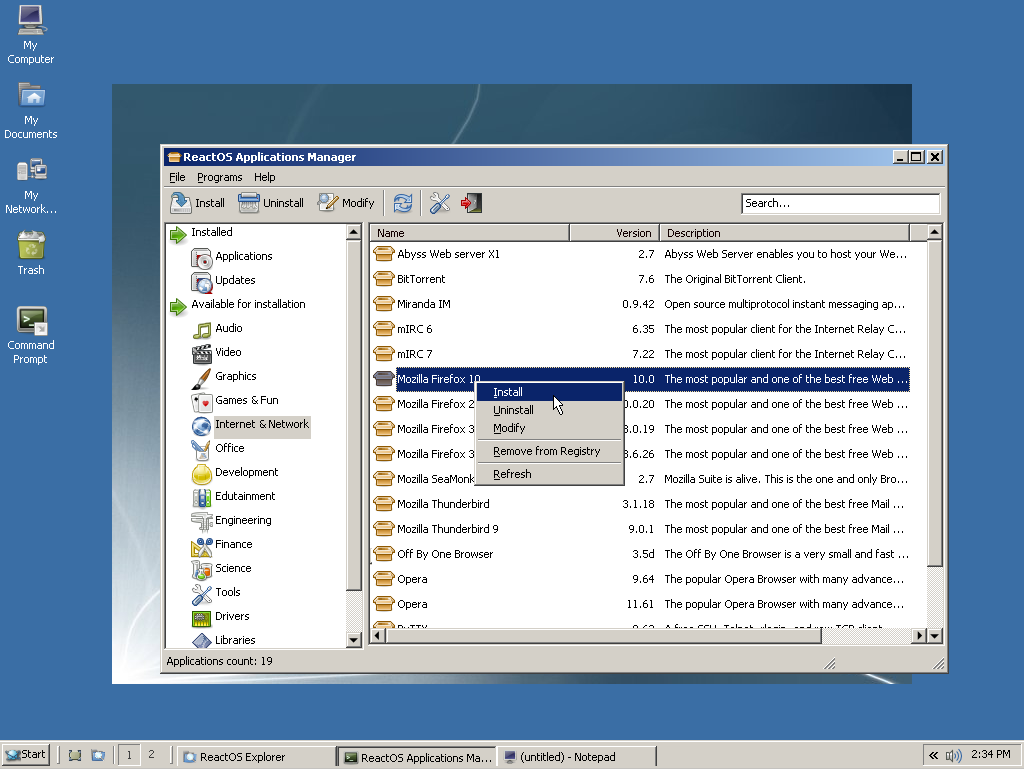
\n\tInstalling new software is a similar process to other open-source package-management solution.
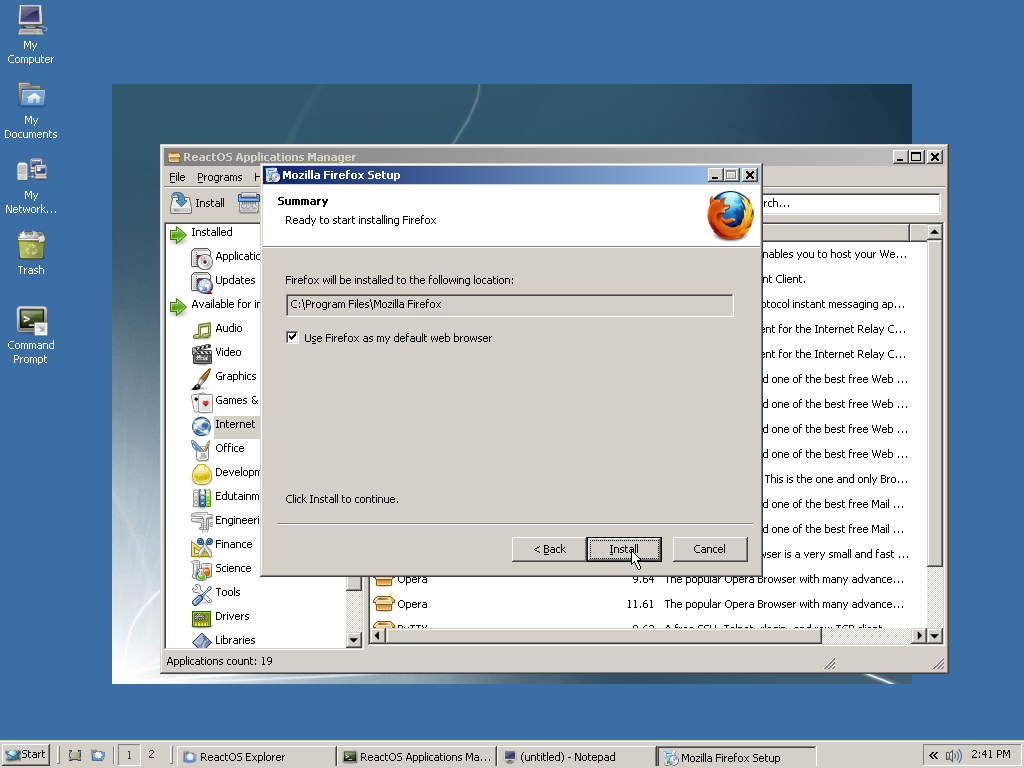
\n\tAfter downloading the Firefox package from the Application Manager, the usual Windows installer appears.
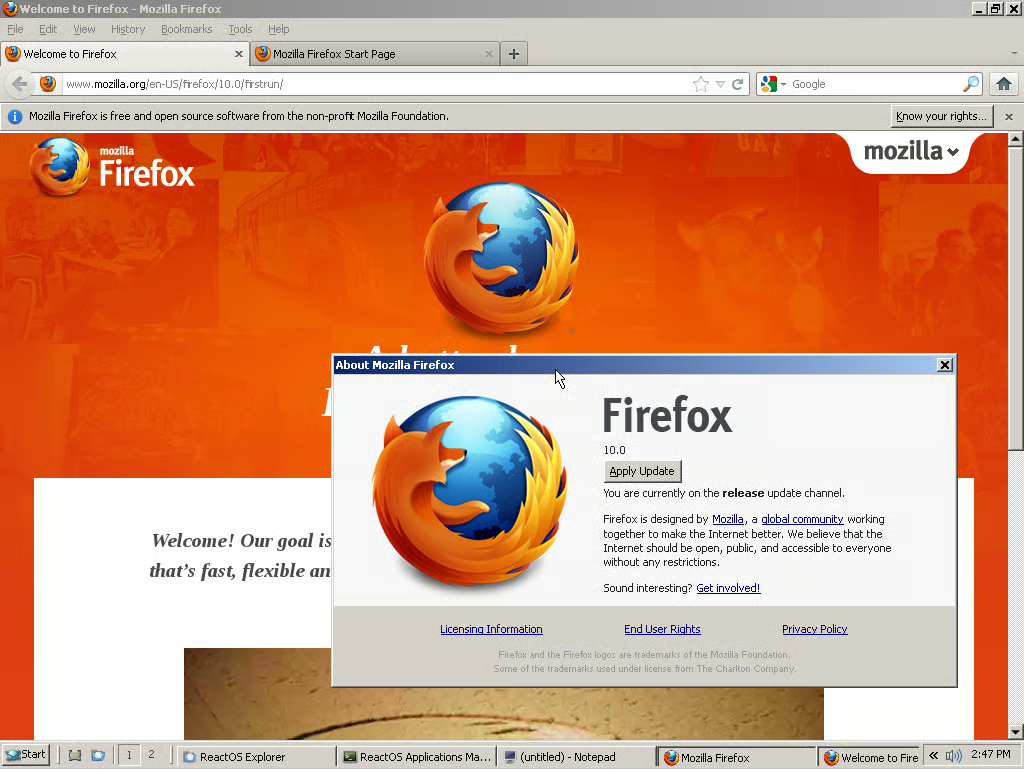
\n\tFirefox functions without any issues, unless you hit that “Apply Update” button; then bad things happen.
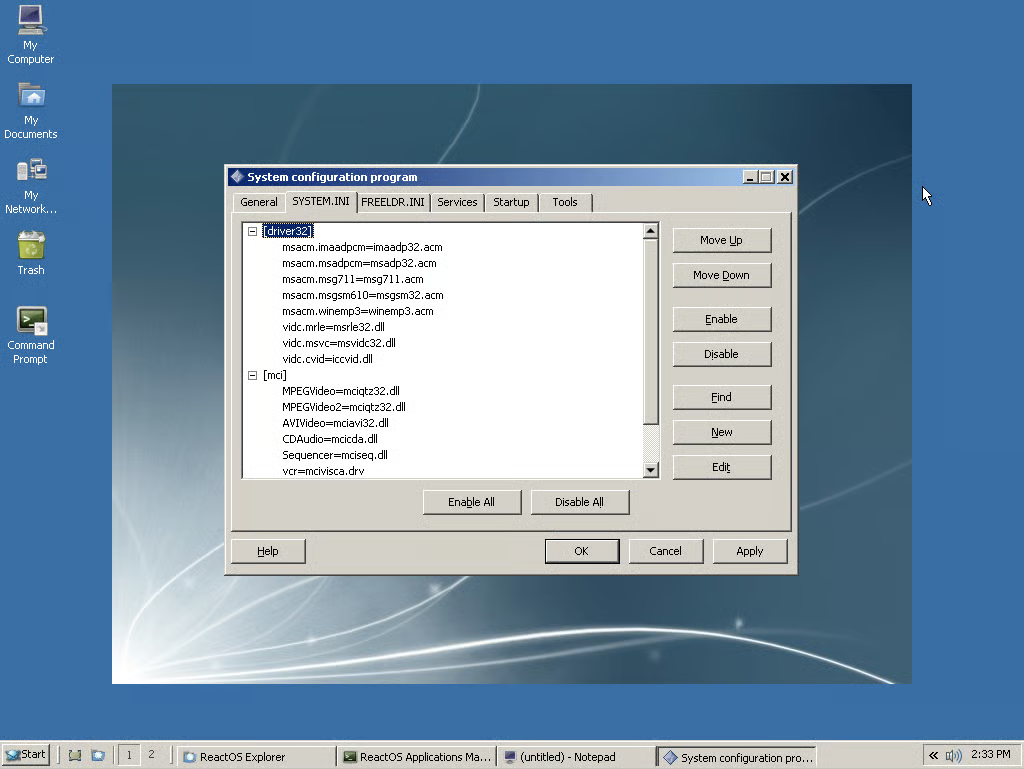
\n\tWhere was this tool when I needed it?!?!
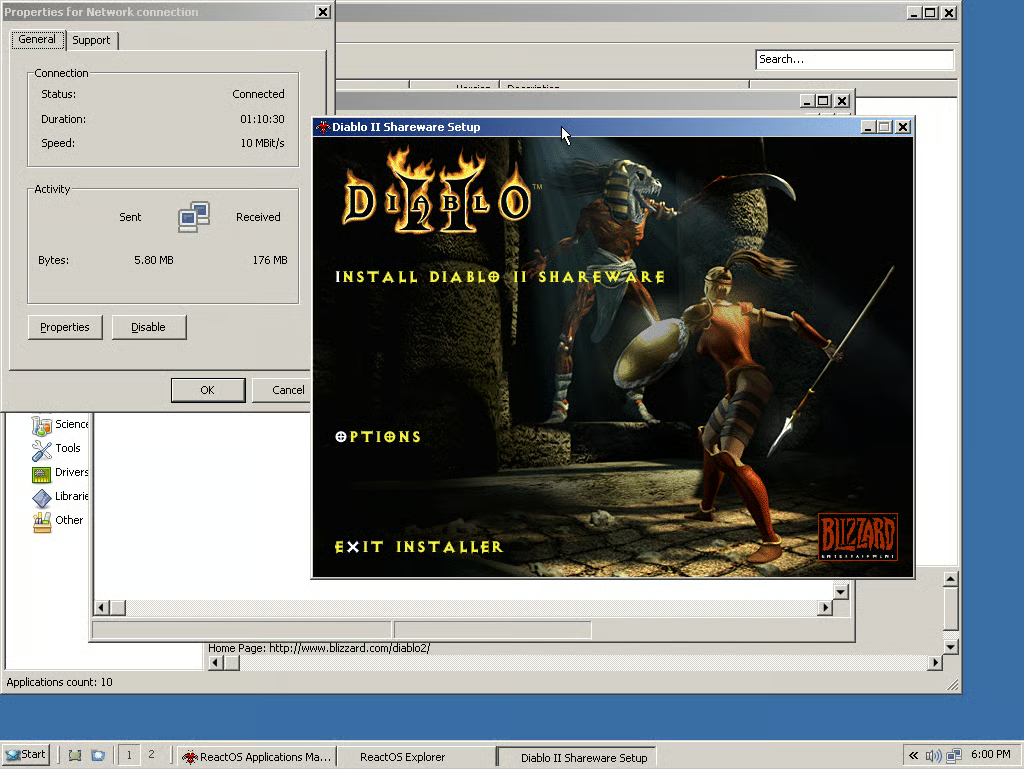
\n\tOh boy, Diablo II; this is going to be awesome!
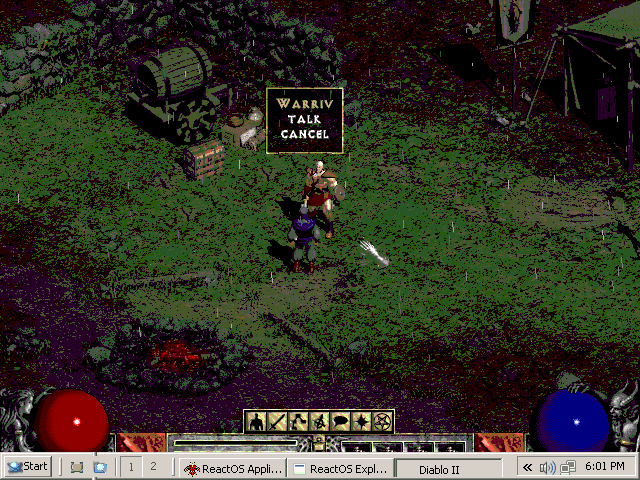
\n\tUm, yeah, this is not as awesome as I expected. Hopefully the bad colouring is because I am running this in a VirtualBox instance.
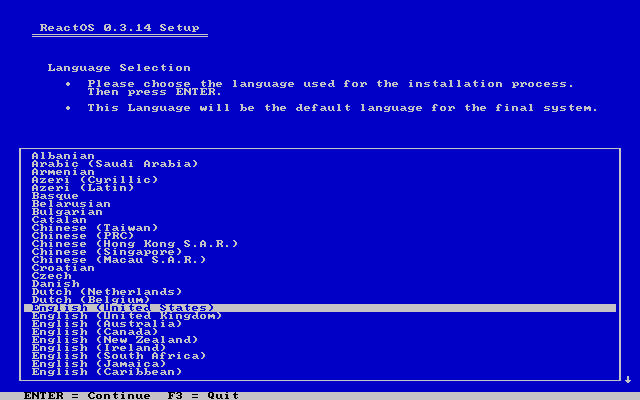
\n\tEven the ReactOS installer throws back to the Windows installers of yore.
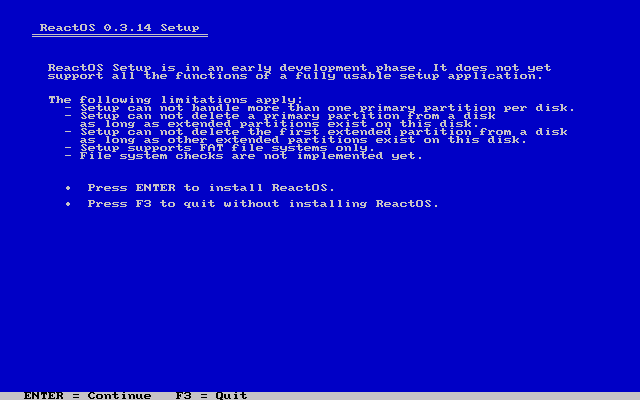
\n\tAs alpha software, it’s no shock to learn that it isn’t as flexible as many other operating systems.
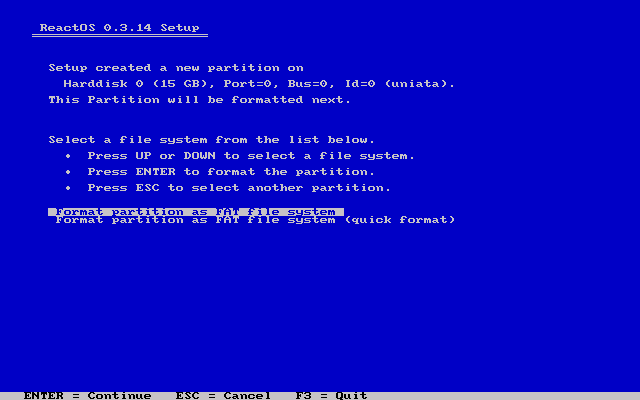
\n\tReactOS has one choice of filesystem, and the filesystem of choice shall be FAT.
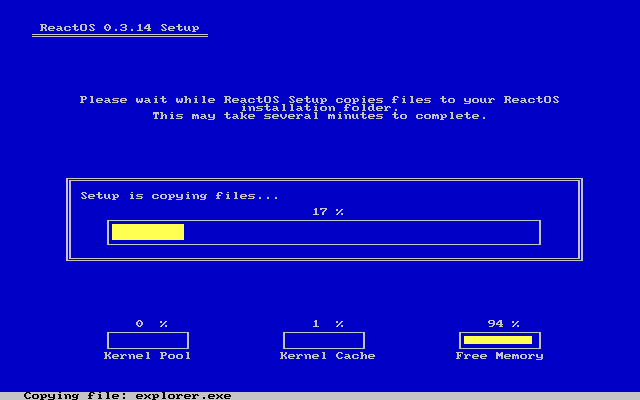
\n\tThanks to its lightweight size, installation of ReactOS was quite quick.
\n
\n\t (Image Credit: Chris Duckett/TechRepublic)

Some would say that it is a long way from software engineering to journalism, others would correctly argue that it is a mere 10 metres according to the floor plan. During his first five years with CBS Interactive, Chris started his journalistic adventure in 2006 as the Editor of Builder AU after originally joining the company as a programmer. Leaving CBS Interactive in 2010 to follow his deep desire to study the snowdrifts and culinary delights of Canada, Chris based himself in Vancouver and paid for his new snowboarding and poutine cravings as a programmer for a lifestyle gaming startup. Chris returns to CBS in 2011 as the Editor of TechRepublic Australia determined to meld together his programming and journalistic tendencies once and for all.


