\n\tThis gallery is also available as a post in the Five Apps Blog.
\n
\n\tMost of us probably have rather large hard disks or SSDs at our disposal. If you like to work with multiple operating systems or need a better way to segregate the storage of data, like separate partitions for media files and apps for instance, it’s important to use a tool that can perform the task of slicing up a disk easily and safely. Although all Windows versions since Vista come with a basic, built-in partition manager, it still might be too simple or limiting for some tasks. For today’s Five Apps blog entry, we will be looking at five excellent freeware partition editors that should serve as effective replacements for Microsoft’s implementation.
\n
\n\t\n\n
\n
\n
\n
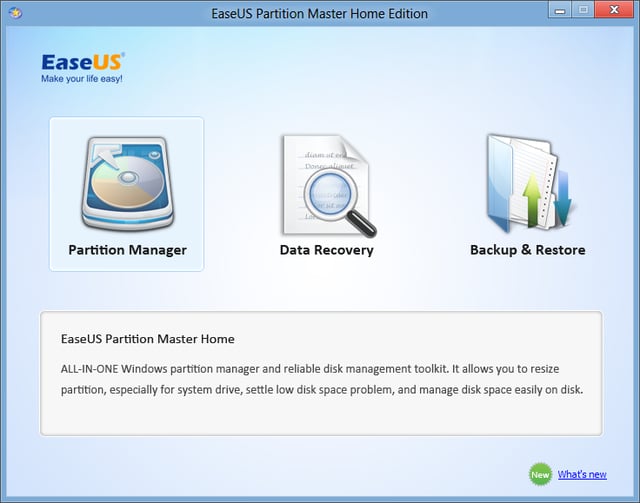
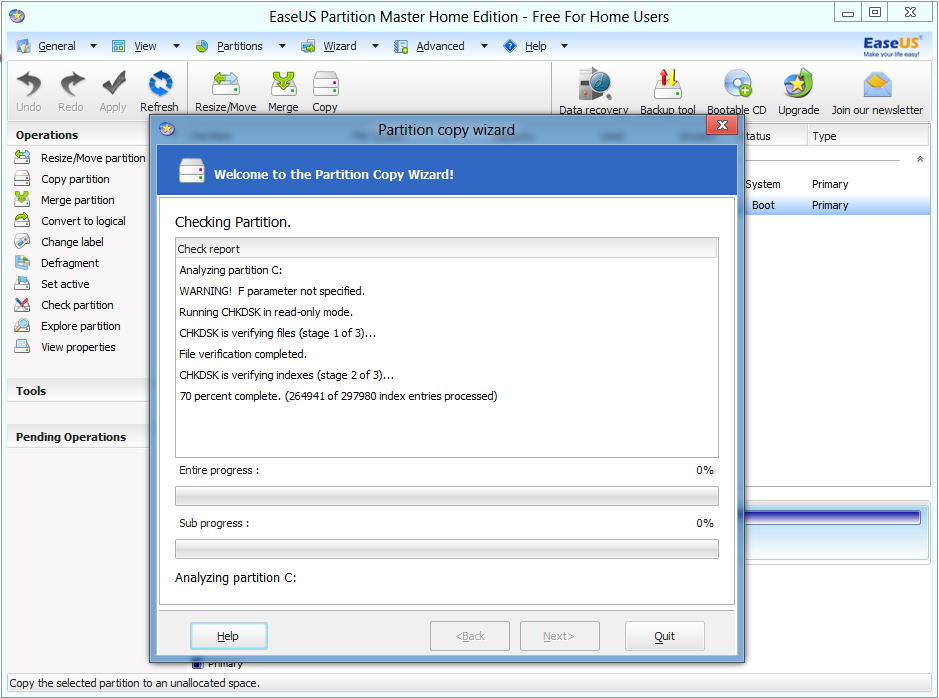
\n\tThis product not only has the distinction of being a user-friendly partition manager for Windows, but EaseUS throws in a few handy extras, such as basic file recovery as well as backup and restore abilities. There are also tutorials to help guide a user along with the proper instructions on what you need to do for effective partitioning. The user interface is clean and there aren’t any nagging popups, begging you to upgrade to a paid version.
\n
\n\tCredit: Images by Matthew Nawrocki for TechRepublic
\n\tCredit: Images by Matthew Nawrocki for TechRepublic
\n\t
\n
\n
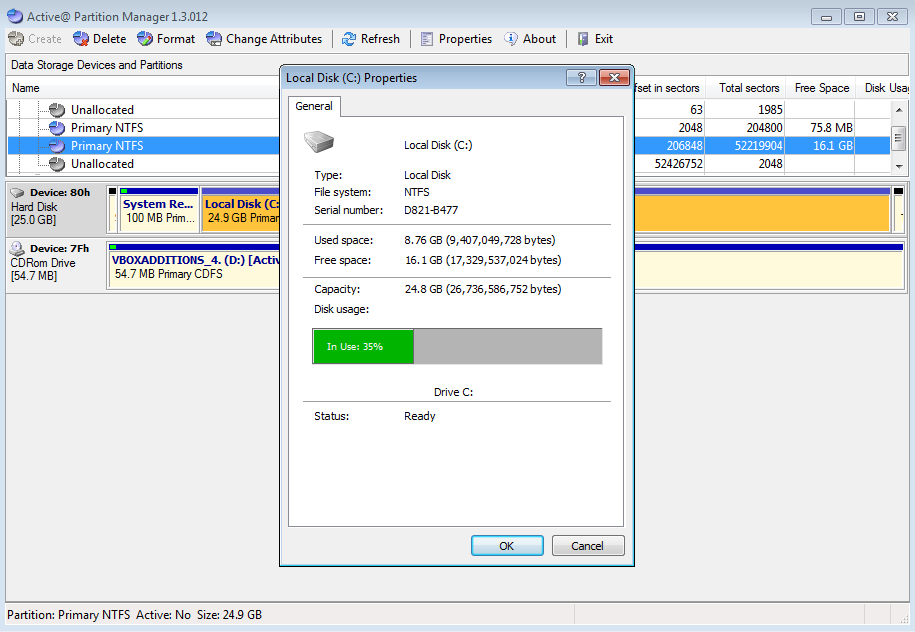
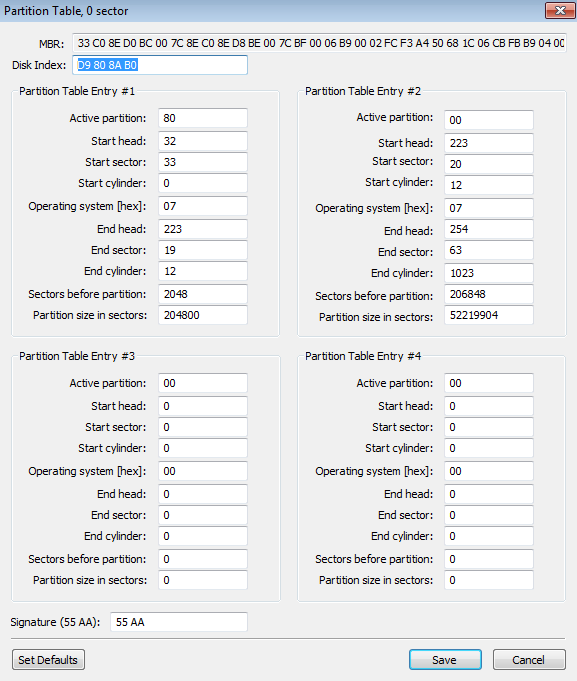
\n\tActive@’s solution is decidedly Spartan looking. Despite this fact, it covers all the necessary bases well for partition management operations. If you are a power user, you can even edit partition tables directly at the HEX level, if you are brave enough of course. The only problem with this software is the lack of Windows 8 support, so just be aware of that.
\n
\n\tCredit: Images by Matthew Nawrocki for TechRepublic
\n\tCredit: Images by Matthew Nawrocki for TechRepublic
\n\t
\n
\n
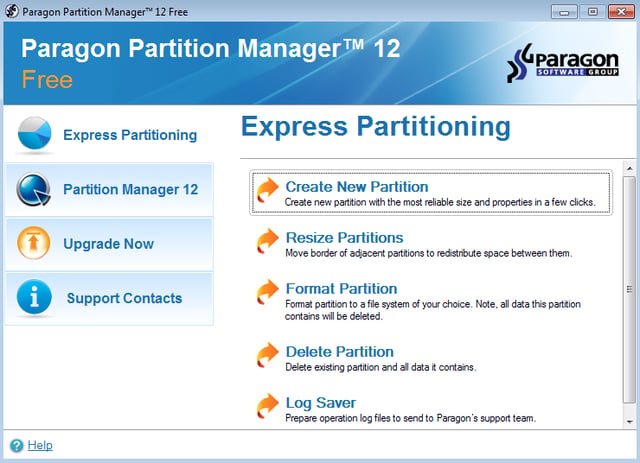
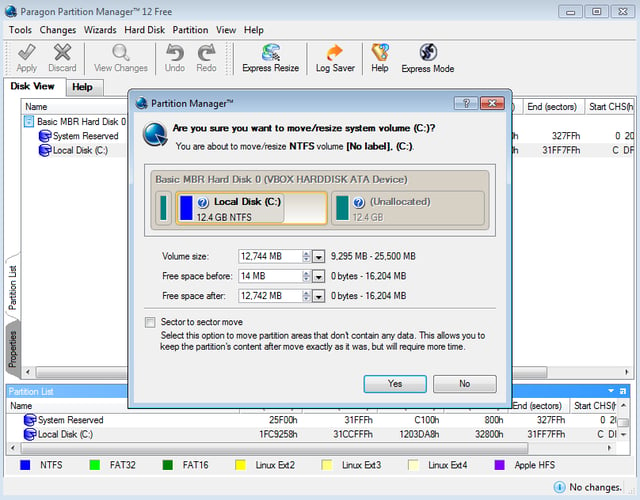
\n\tParagon Software, a premier vendor for high-quality administration tools, has a free version of its powerful partition management solution. What makes this tool stand out from most is the easy to use “express” wizard, which makes partitioning on disks a relative snap. The standard interface on the other hand is a bit lacking in features. But for a free product, it’s to be expected.
\n
\n\tCredit: Images by Matthew Nawrocki for TechRepublic
\n\tCredit: Images by Matthew Nawrocki for TechRepublic
\n\t
\n
\n
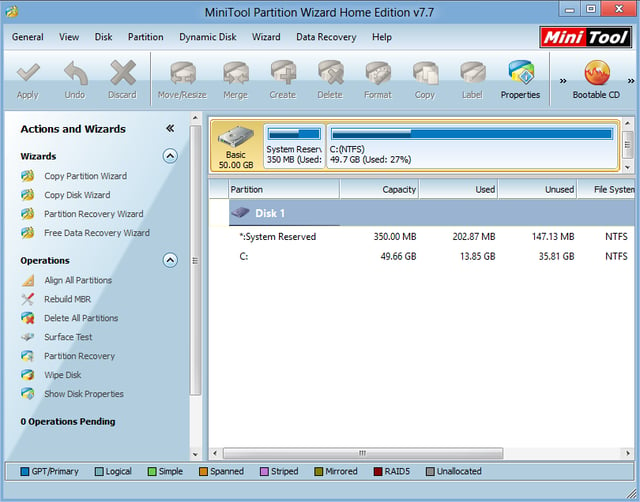
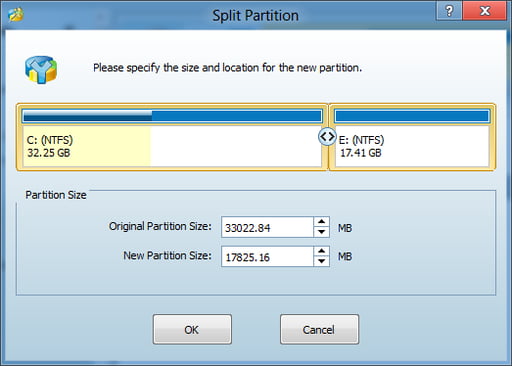
\n\tFrom a company I only heard about recently, MiniTool’s partition application is feature packed and powerful enough for home users. It even supports cutting-edge features, like UEFI boot, 4K advanced format drives and clean partition merging. There is even a feature for creating a bootable flash drive for offline system disk slicing. This product is definitely worth checking out.
\n
\n\tCredit: Images by Matthew Nawrocki for TechRepublic
\n\tCredit: Images by Matthew Nawrocki for TechRepublic
\n\t
\n
\n
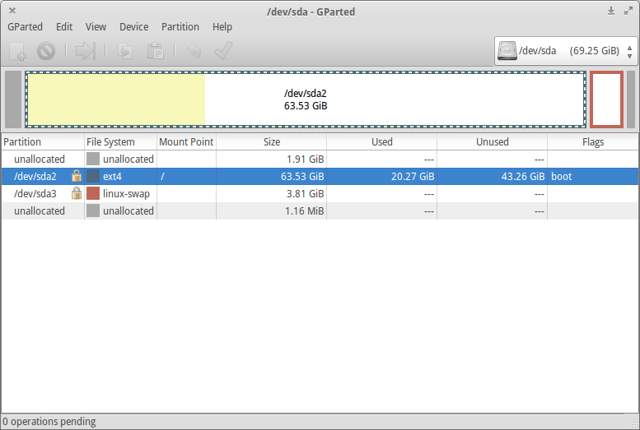
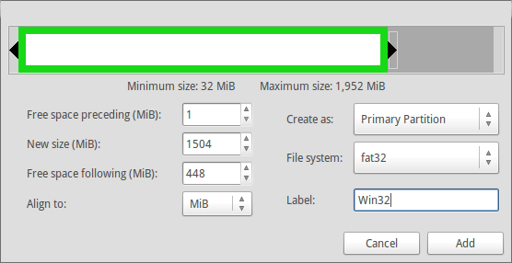
\n\tDespite being a Linux-based application, GParted can work easily with Windows NTFS partitions, allowing for resize and move operations with no data-loss. This is all thanks to the Linux NTFS-3G NTFS filesystem driver, which gives tools like GParted the access it needs to touch Windows volumes effectively. You can also change boot and active partition flags as needed.
\n
\n\tCredit: Images by Matthew Nawrocki for TechRepublic
\n\t
\n
\n
\n\t
\n\t
\n
\n
\n\tCredit: Images by Matthew Nawrocki for TechRepublic

A former avid technology writer and an IT guru, Matthew is here to help bring the best in software, hardware and the web to the collective consciousness of TechRepublic's readership. In addition to writing for TechRepublic, Matthew currently works as a Customer Success Professional for Ultimate Software in Santa Ana, California.


