\n\tThis screenshot gallery is also available as a post in the TechRepublic Five Apps Blog.
\n
\n\tThe digital photography revolution has resulted in an overabundance of high priced products for editing and managing digital photos. However, there are also free and cheap photo editing and management tools available. In this post we list five such tools that are either free or cost less than fifty dollars.
\n
\n\tCredit: Images by Brien Posey for TechRepublic
\n
\n
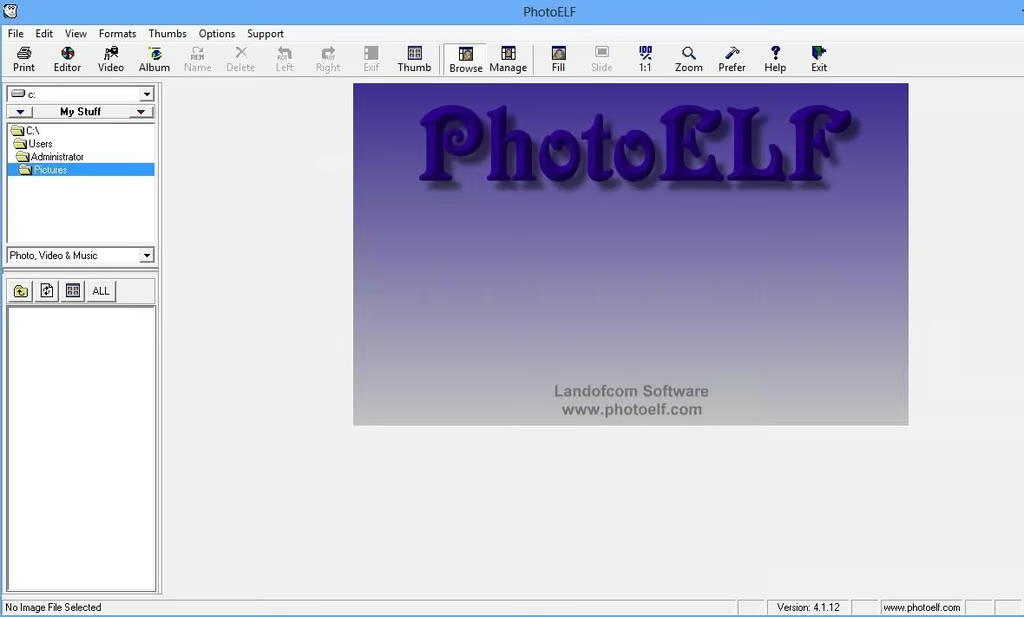
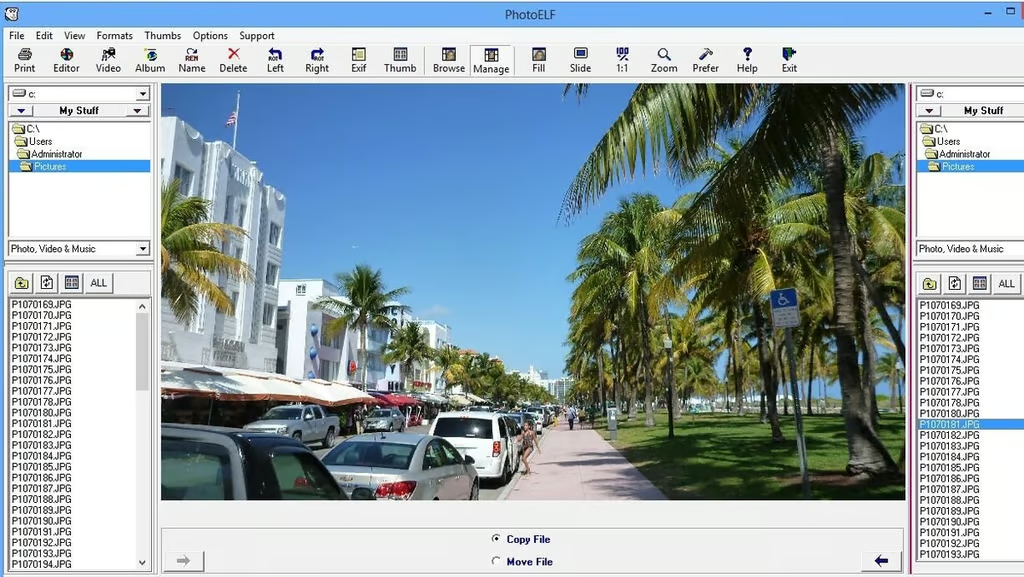
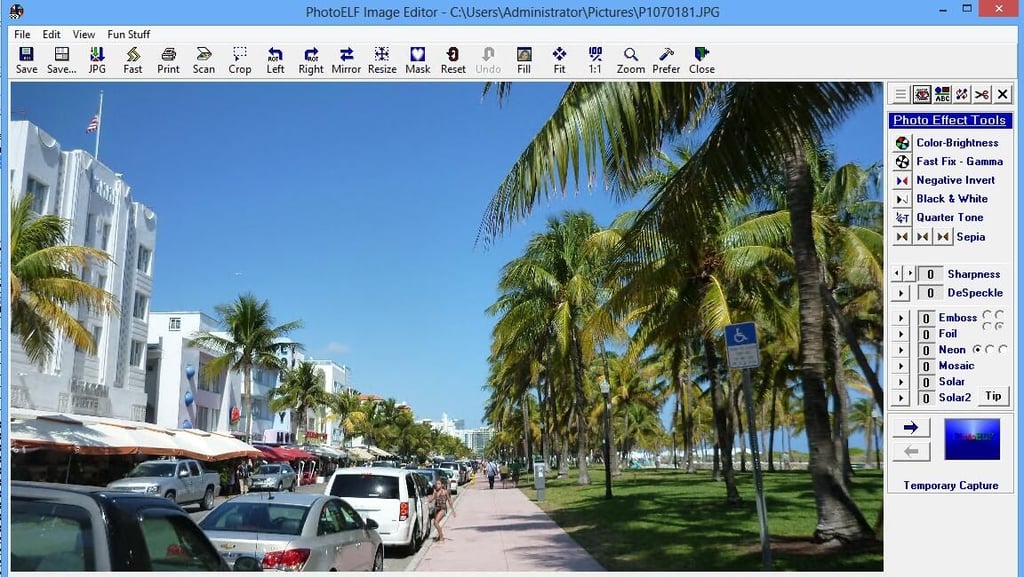
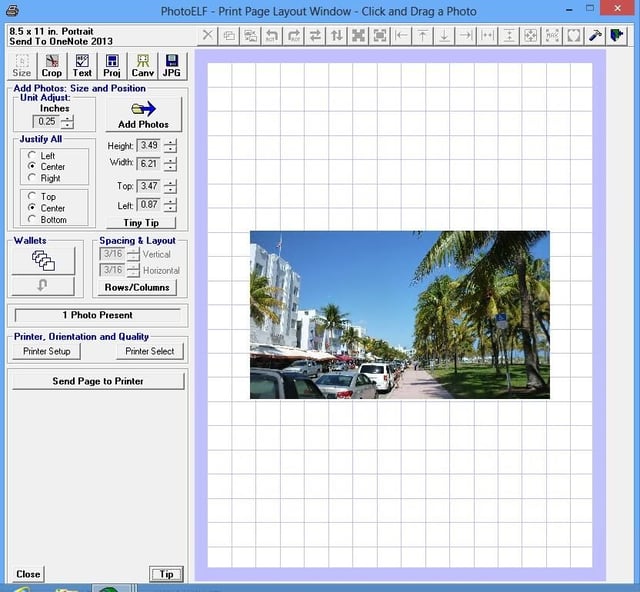
\n\tPhotoElf is a utility for viewing, editing, and printing digital photos. It also offers features for organizing your digital photo collection and for creating Web-based photo albums.
\n
\n\tAlthough PhotoElf is packed with features, it is its printing capabilities that really stand out. PhotoElf allows you to achieve granular control over the printing process in much the same way that you would be able to using a desktop publisher application such as Microsoft Publisher. The application even supports the creation of printing templates.
\n
\n\tCredit: Images by Brien Posey for TechRepublic
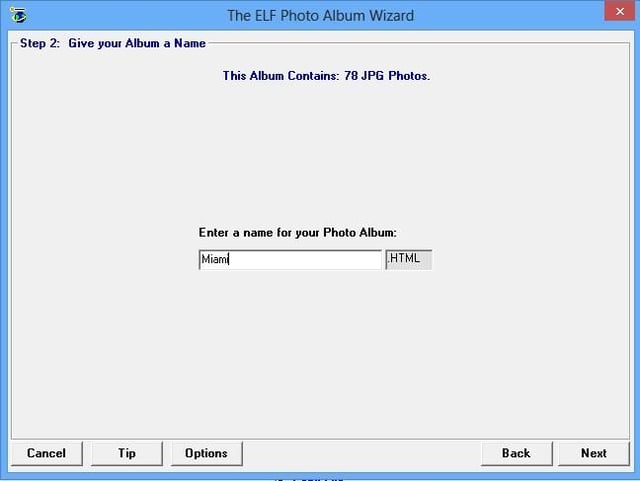
\n\tPhotoElf sells for $19.99, but a free 30-day trial is available for download.
\n
\n\tCredit: Images by Brien Posey for TechRepublic
\n\tCredit: Images by Brien Posey for TechRepublic
\n\tCredit: Images by Brien Posey for TechRepublic
\n
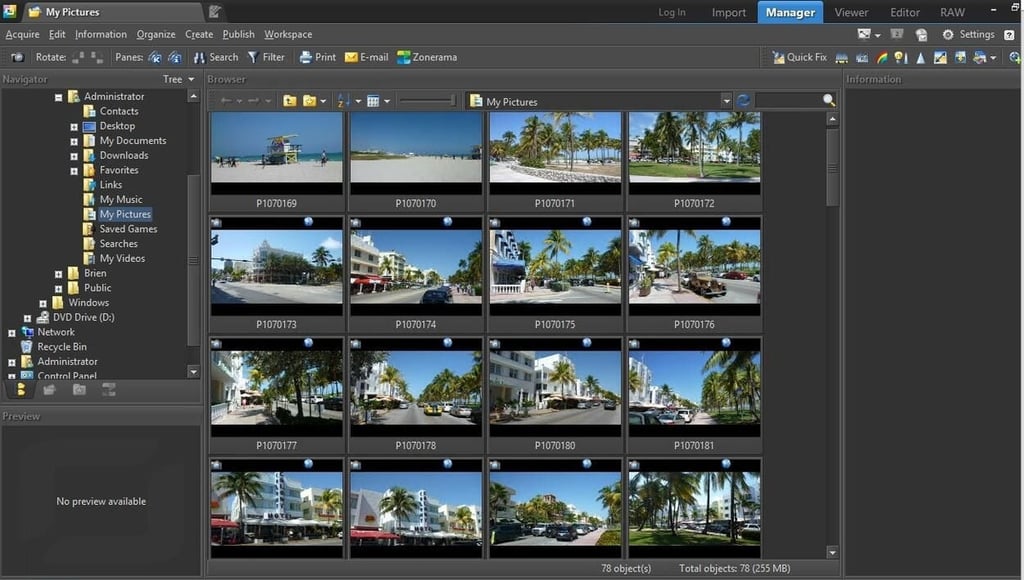
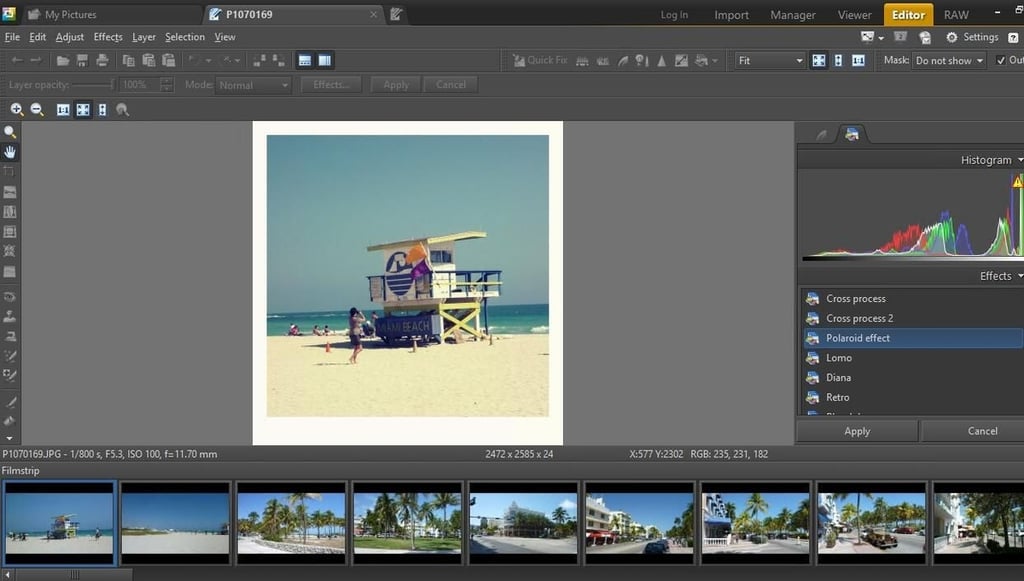
\n\tZoner Photo Studio Free is a free tool for managing and editing your digital photos. The thing that sets Zoner Photo Studio apart from other low cost photography applications is the fact that it is jam packed with the types of features that are normally found in higher end photo editing applications. For example, the application includes a histogram function, which is a feature lacking in many lower end photo editing applications.
\n
\n\tCredit: Images by Brien Posey for TechRepublic
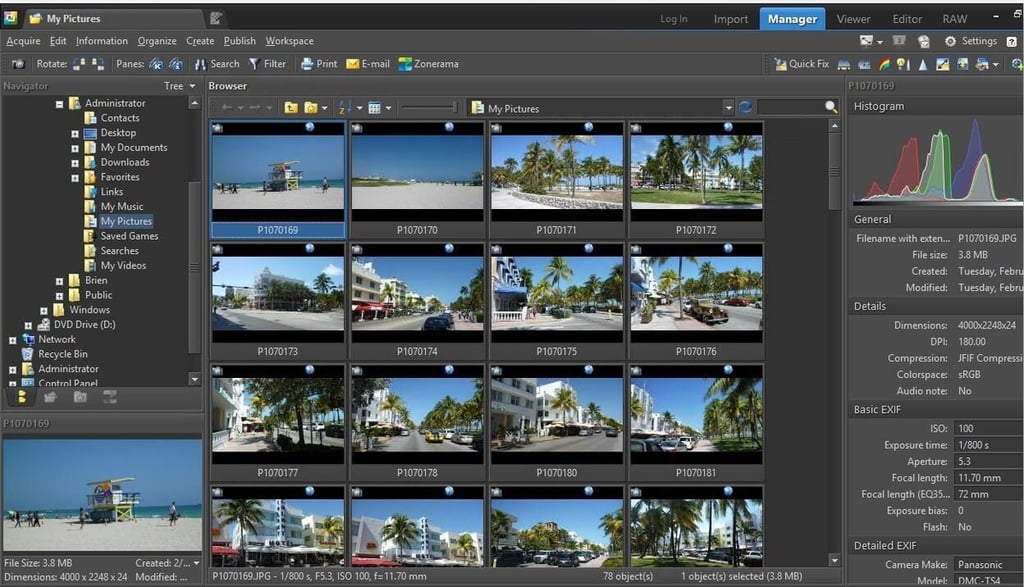
\n\tThe application contains a dizzying array of features, but novices will appreciate the fact that the utility contains a number of built in templates that can be used for automated photo editing. Prosumers will benefit from features such as batch processing and RAW mode support.
\n
\n\tCredit: Images by Brien Posey for TechRepublic
\n\tCredit: Images by Brien Posey for TechRepublic
\n
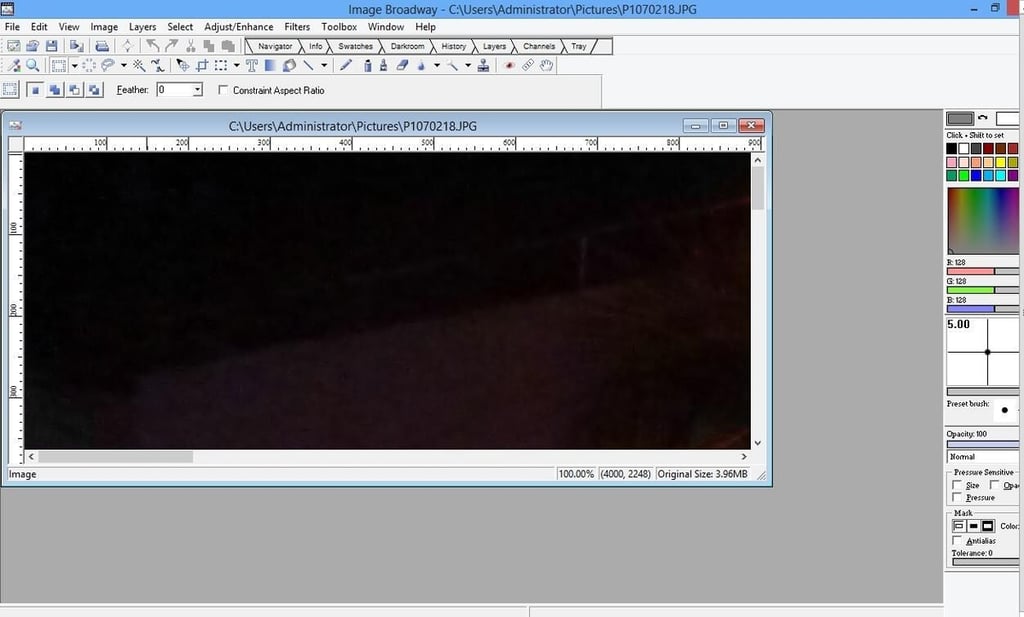
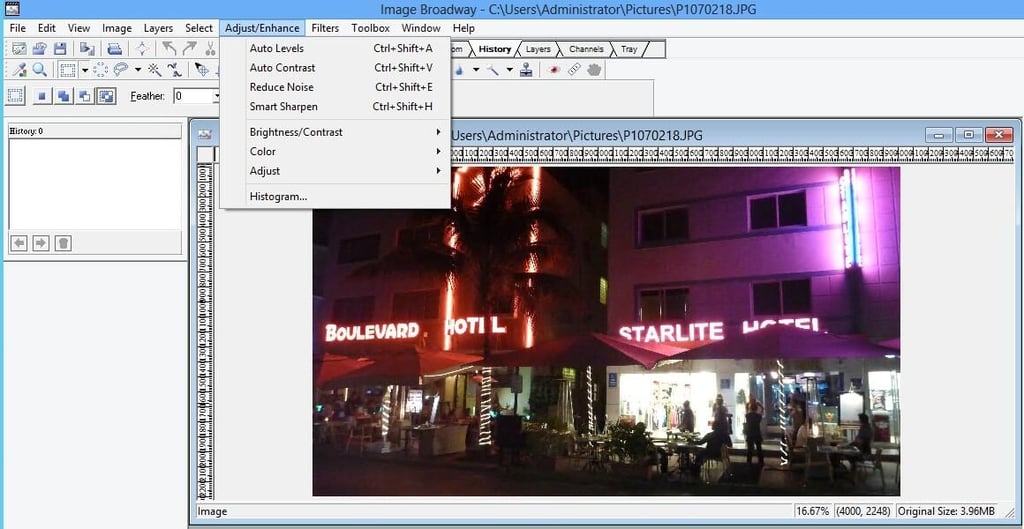
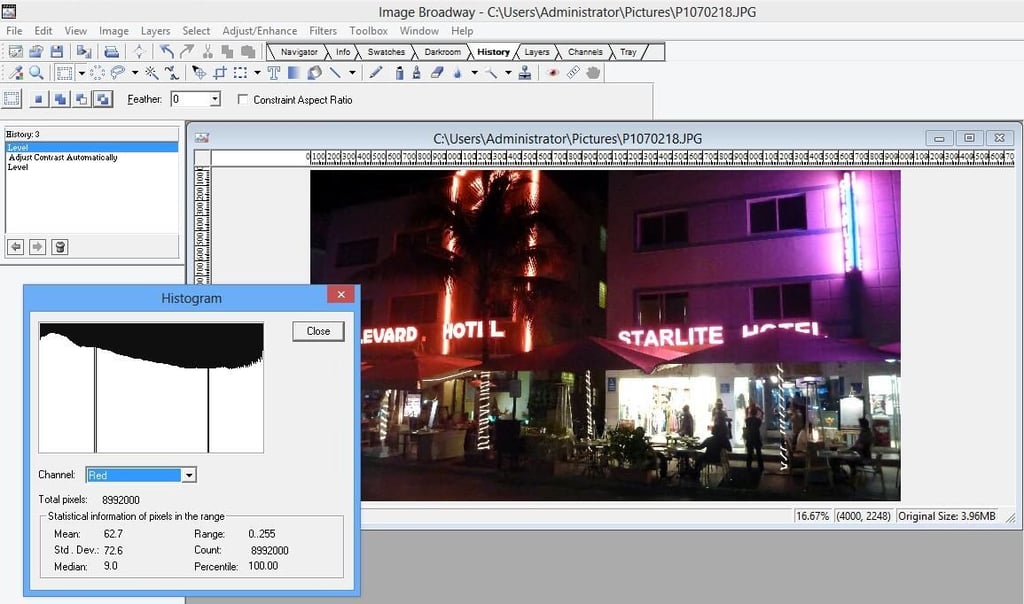
\n\tFileStream Image Broadway is a photo editing utility that is designed to be as easy to use as possible. This doesn’t, however, mean that the application is lacking in features. The application offers automated photo editing through features such as Auto Levels and Auto Contrast, but also offers full manual control of editing features. Image Broadway offers a color by color histogram, but my favorite feature is a queue that keeps track of editing actions and allows you to undo or redo editing. Rather than requiring you to blindly click an Undo icon, the program tells you exactly what editing task was performed in each step.
\n
\n\tCredit: Images by Brien Posey for TechRepublic
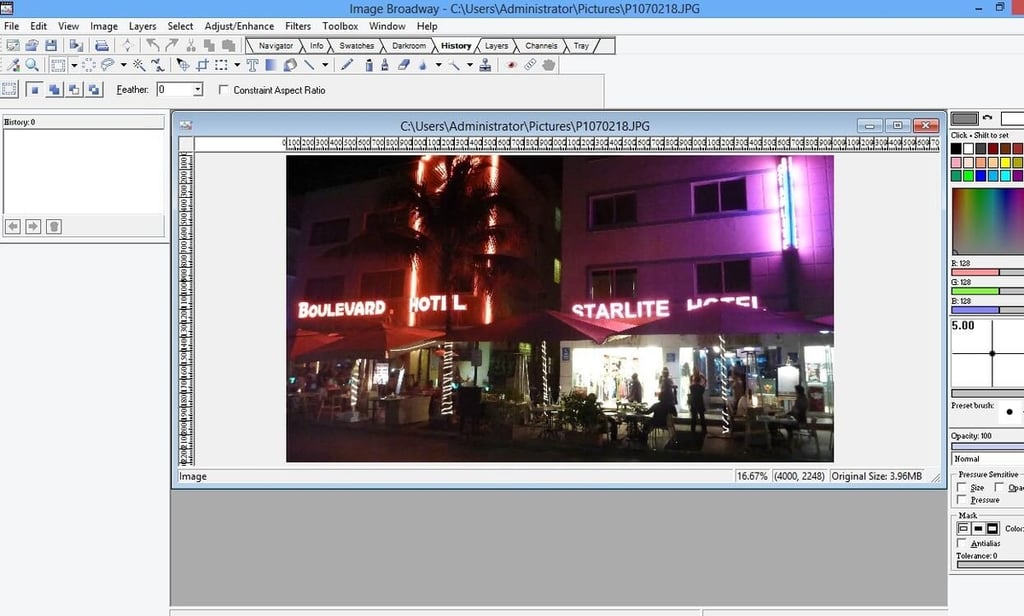
\n\tFileStream Image Broadway sells for $49.95, but a 30-day free trial is available for download.
\n
\n\tCredit: Images by Brien Posey for TechRepublic
\n\tCredit: Images by Brien Posey for TechRepublic
\n\tCredit: Images by Brien Posey for TechRepublic
\n\tCredit: Images by Brien Posey for TechRepublic
\n
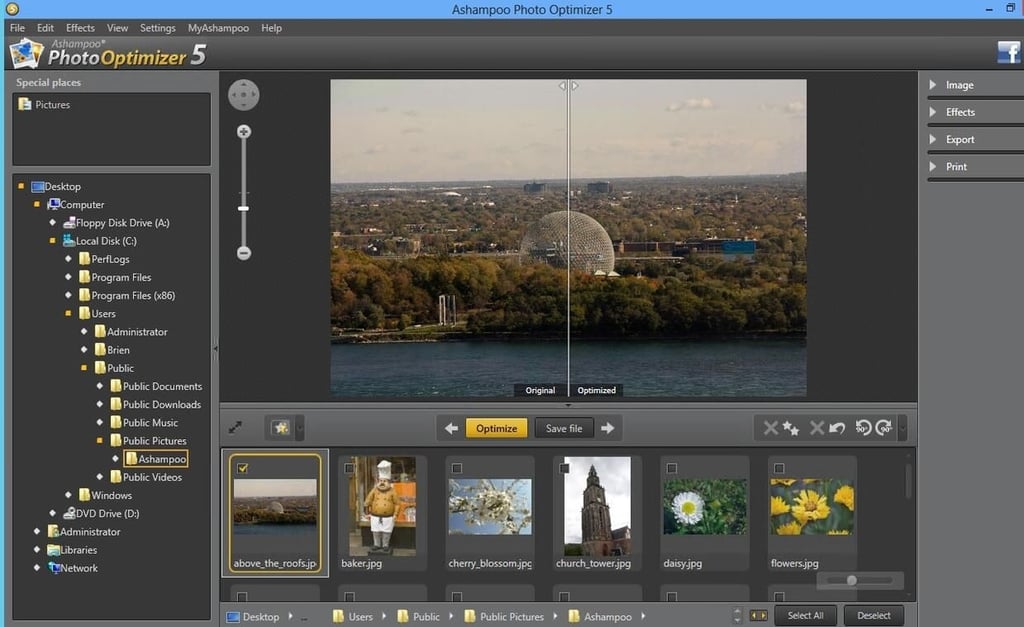
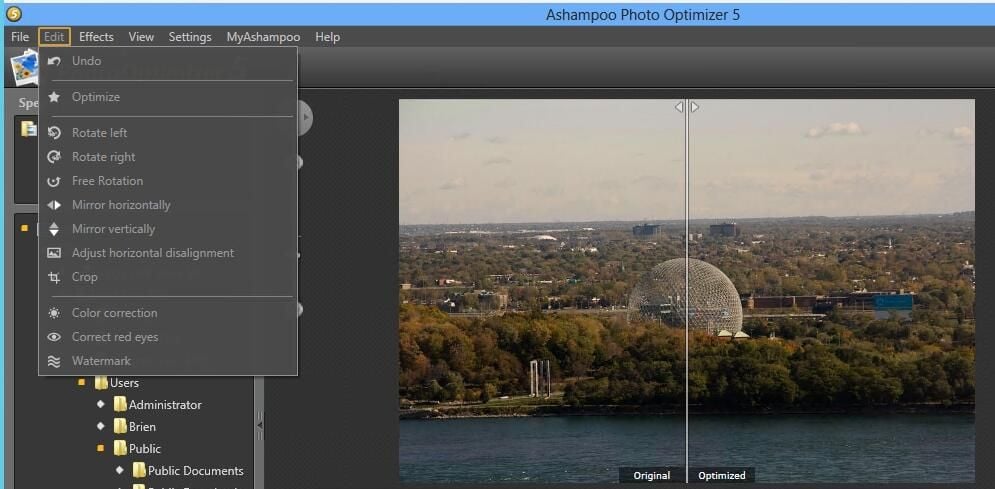
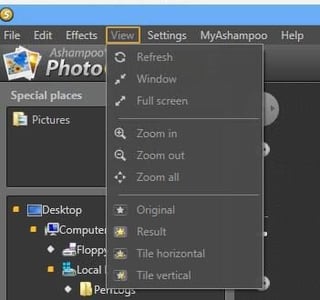
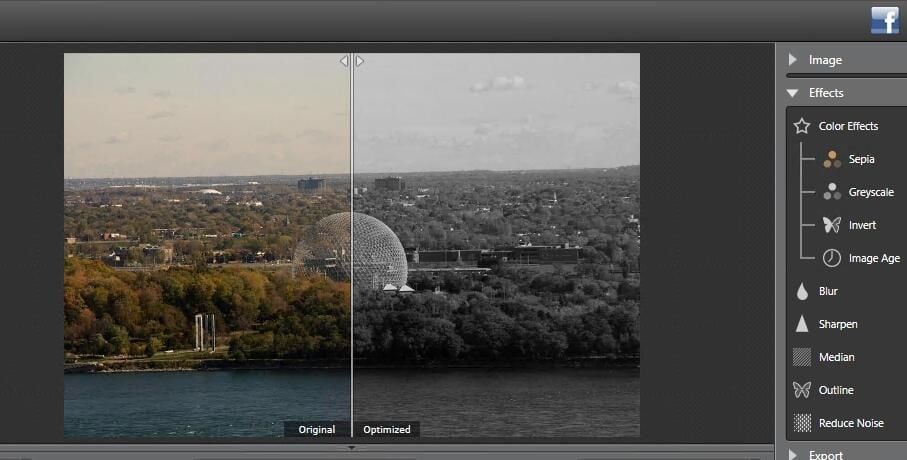
\n\tAshampoo Photo Optimizer is an entry level photo editor. Although easy to use, it is limited to performing basic photo editing tasks such as cropping, rotating, or applying effects. The best thing about this utility is that it features a split screen view of your photo so that you can compare an intended optimization to the original photo.
\n
\n\tCredit: Images by Brien Posey for TechRepublic
\n\tAshampoo Photo Optimizer sells for $14.99, but a free 40-day trial is available.
\n
\n\tCredit: Images by Brien Posey for TechRepublic
\n\tCredit: Images by Brien Posey for TechRepublic
\n
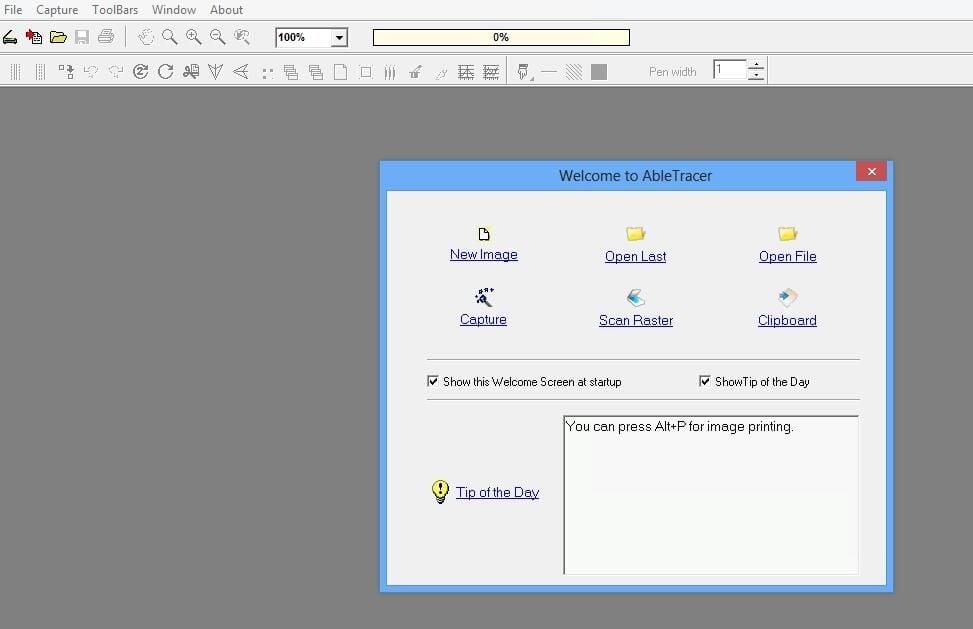
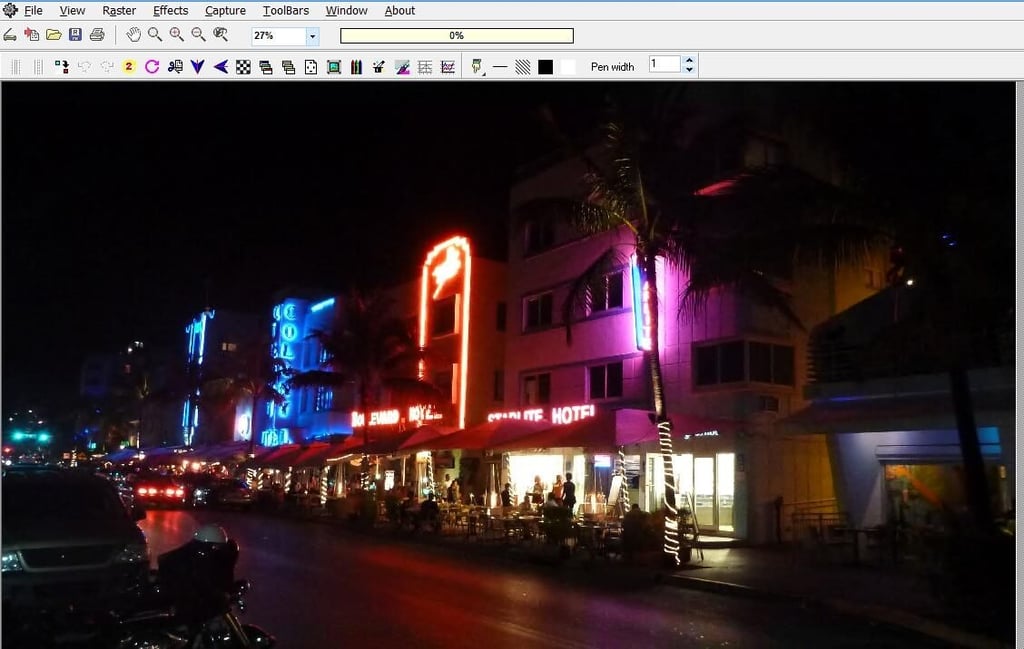
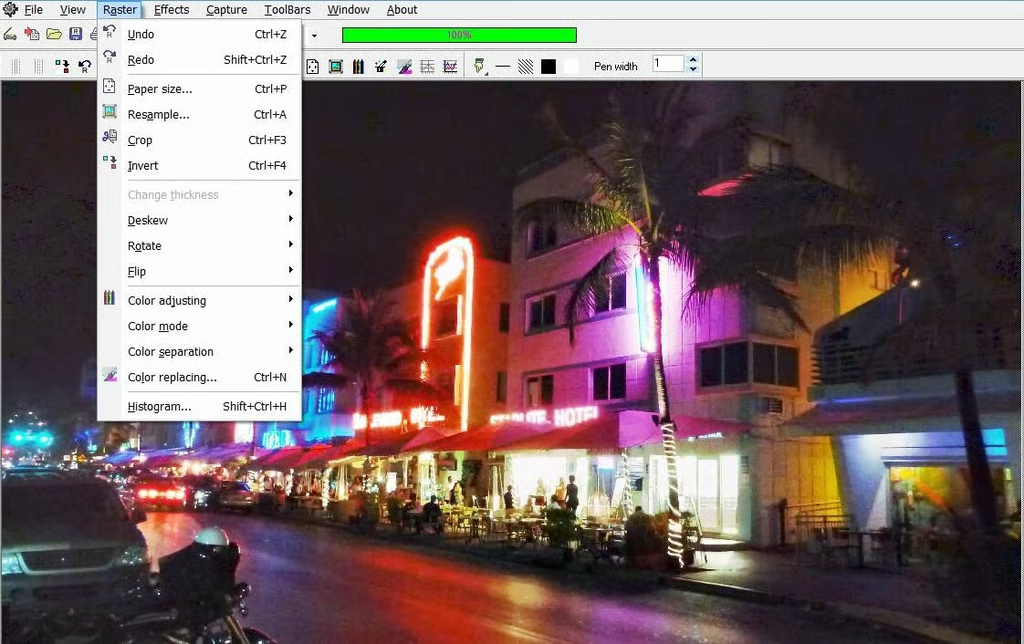
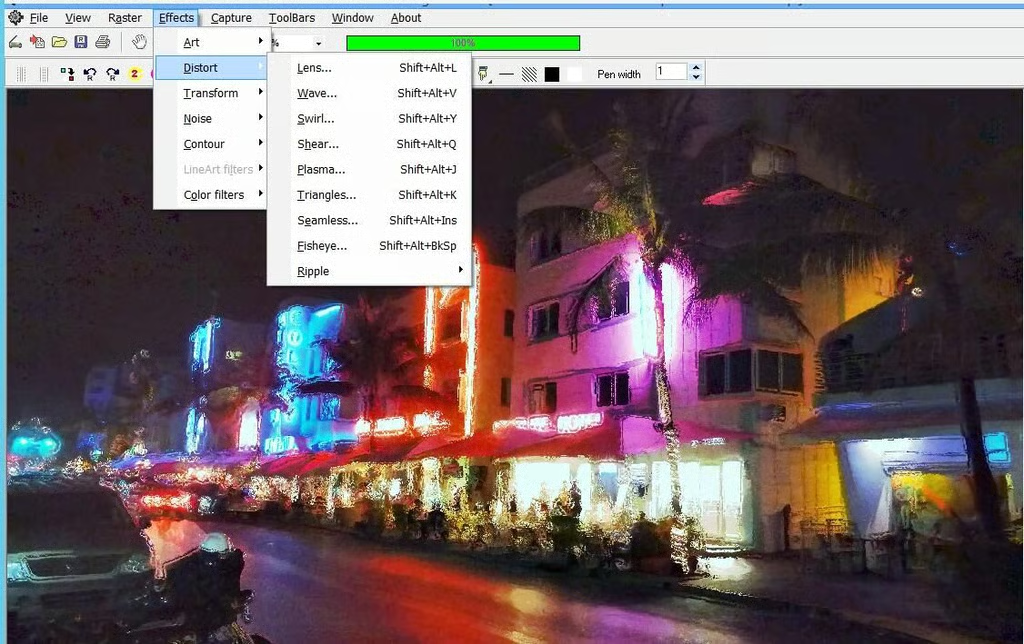
\n\tFree Image Editor is a free tool for, well, editing images. For a free application, Free Image Editor offers a surprising number of options. I also found it to be relatively easy to use. It includes a number of special effects including various color filters and distortions, as well as the ability to replace one color with another.
\n
\n\tCredit: Images by Brien Posey for TechRepublic
\n\tCredit: Images by Brien Posey for TechRepublic
\n\tCredit: Images by Brien Posey for TechRepublic
\n
\n\t
\n\t
\n
\n
\n\tCredit: Images by Brien Posey for TechRepublic

* 1988 - Started teaching myself about computers \ * 1992 - Mainframe programmer for an insurance company \ * 1993 - Network Administrator for a different insurance company \ * 1996 - Author for The Cobb Group \ * 1998 - Network Administrator for Fort Knox \ * 1999 - CIO for chain of hospitals \ * 2000 - Gave up the corporate rat race to work out of my home. I have been a full time technical author ever since. Visit my Web sites at http://www.brienposey.com and http://www.relevanttechnologies.com \


