Backup Maker 1
\n\tThis gallery is also available as a post in the Five Apps Blog.
\n
\n\tIt’s simple: If you’re not backing up your data, at some point you’re going to regret that mistake. For many medium to large businesses, data is typically backed up via shared directories on a server. But for smaller companies, or end users who have needs outside of shared directories, it’s nice to know there are backup tools that can be installed, free of charge, and can handle one, simple task: Backup your desktop data.
\n
\n\tI’m not talking about applications with bells and whistles to suit every need. What I’m looking for are applications that can do one job and do it dependably. In my quest to find a backup tool to meet these needs, I came across five that could happily recommend. Let’s take a look at these tools and see which, if any, will do the job you need done.
\n
\n\t\n\n
\n
\n\tFive Apps
\n
\n\tThere is one caveat to some of these tools – for a few, the free version is assumed for private use only. The business versions of the same tools can be acquired, for a small price.
\n
\n\t1. Backup Maker
\n
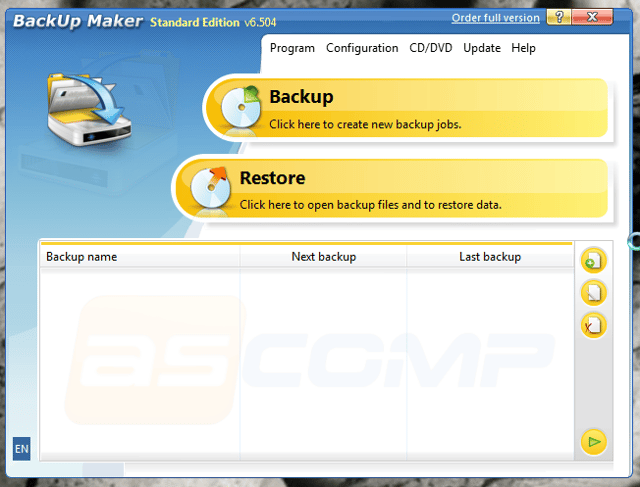
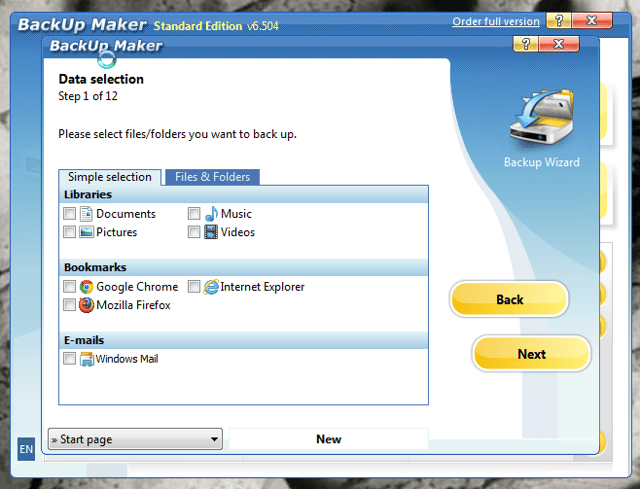
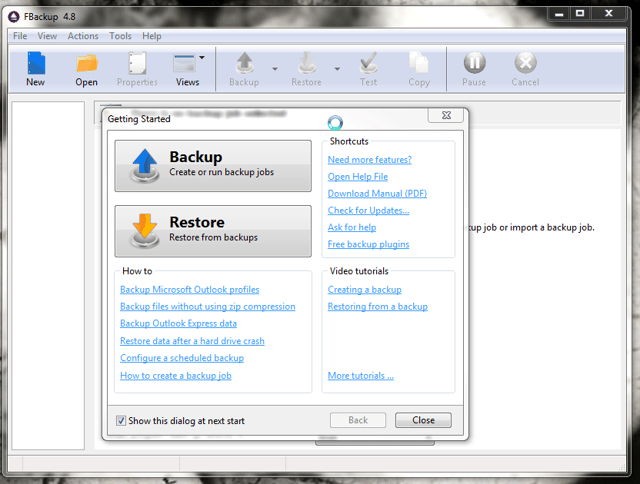
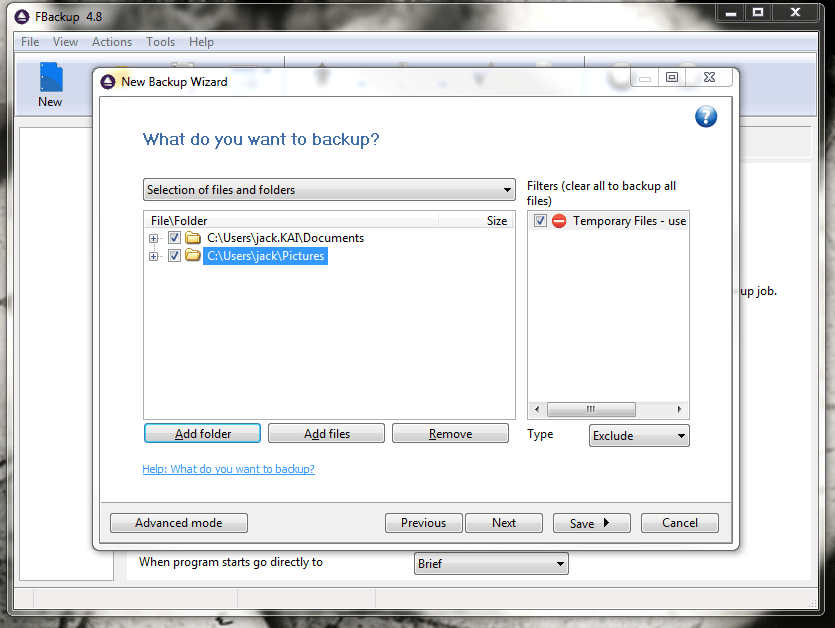
\n\tBackup Maker is one of those tools you need if what you’re looking for is simplicity and security. Backup Maker handles your desktop backups with an interface that nearly anyone (with any level of experience) can use.
\n
\n\tCredit: Images by Jack Wallen for TechRepublic