Screenshots: Five office suites that are not Microsoft Office - TechRepublic

Screenshots: Five office suites that are not Microsoft Office

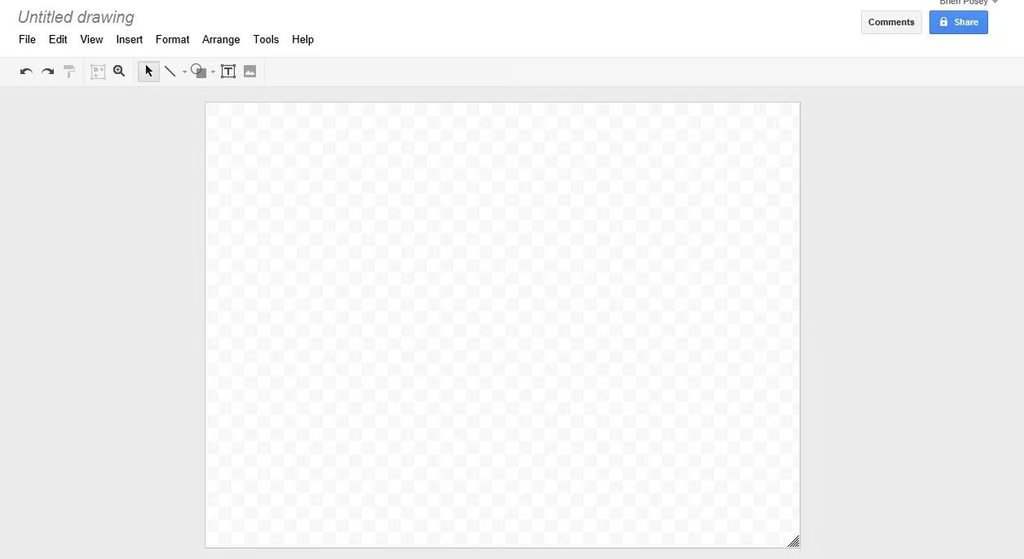
  • a1_Google_Docs_1.jpg

    Google Docs 1

    \n\tThis gallery is also available as a post in the Five Apps Blog.

    \n

    \n\tAlthough Microsoft Office is one of the most popular productivity suites available, it is far from being the only choice available. Here are five alternatives to Microsoft Office that you might consider the next time you are looking to purchase an office suite.

    \n

    \n\t 

    \n

    \n\t1. Google Docs

    \n

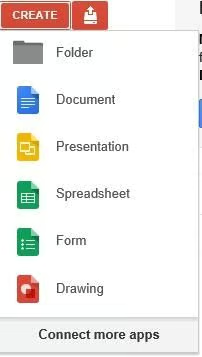
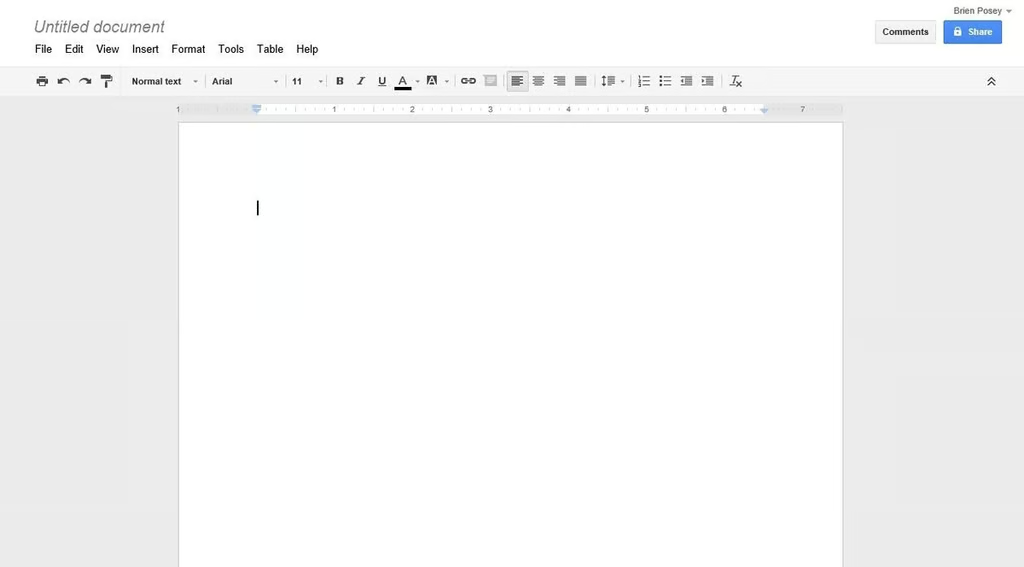
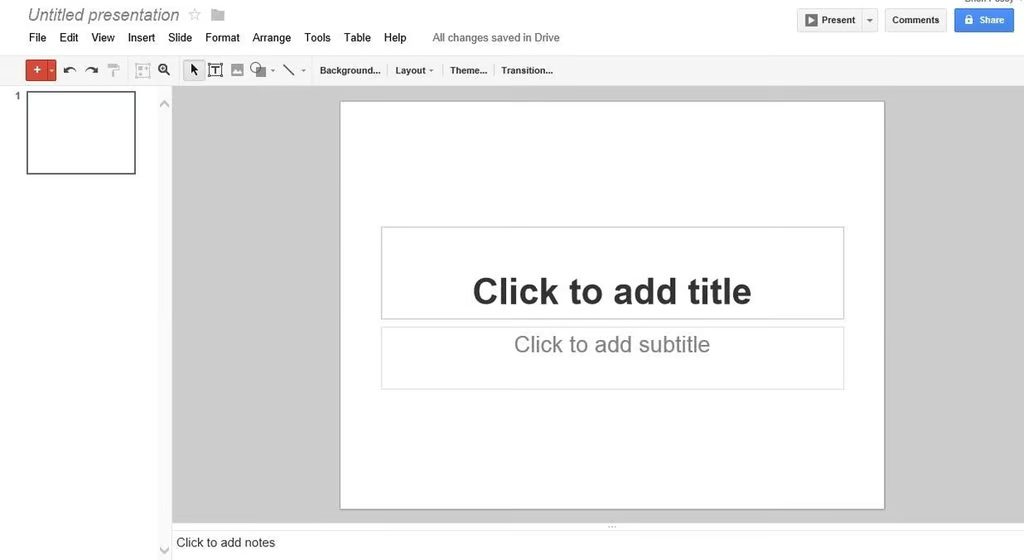
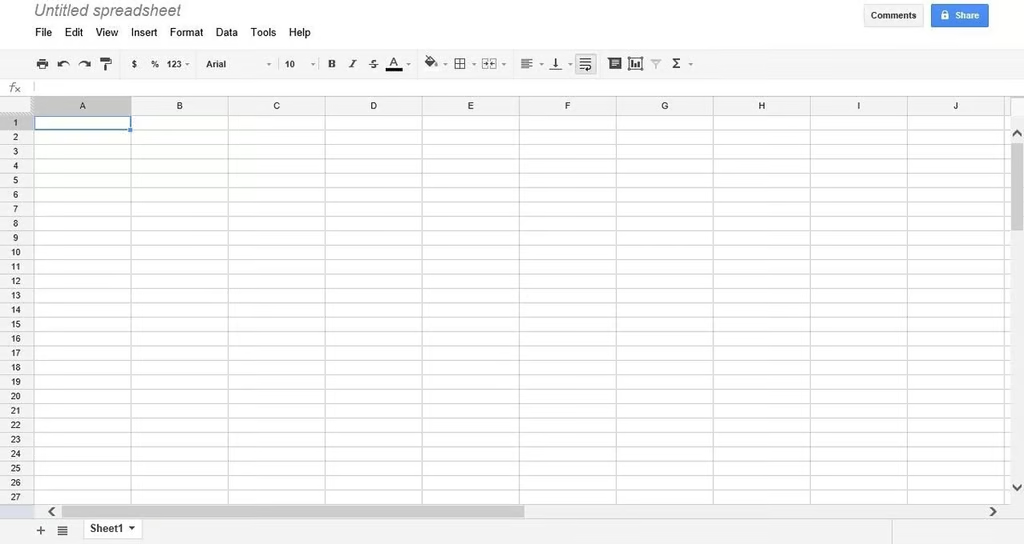
    \n\tGoogle Docs is a cloud based productivity suite that lets you create word processing documents, spreadsheets, presentations, and drawings. Because Google Docs is a browser based application, it isn’t quite as full featured as some of the other productivity suites. Even so, Google Docs is free, and there is nothing to install on your computer. The interface is completely intuitive and Google Docs can be used to create and edit Microsoft Office documents.
    \n

    \n\tCredit: Images by Brien Posey for TechRepublic

  • Google Docs 2

    \n\tCredit: Images by Brien Posey for TechRepublic

  • Google Docs 3

    \n\tCredit: Images by Brien Posey for TechRepublic

  • Google Docs 4

    \n\tCredit: Images by Brien Posey for TechRepublic

  • Google Docs 5

    \n\tCredit: Images by Brien Posey for TechRepublic

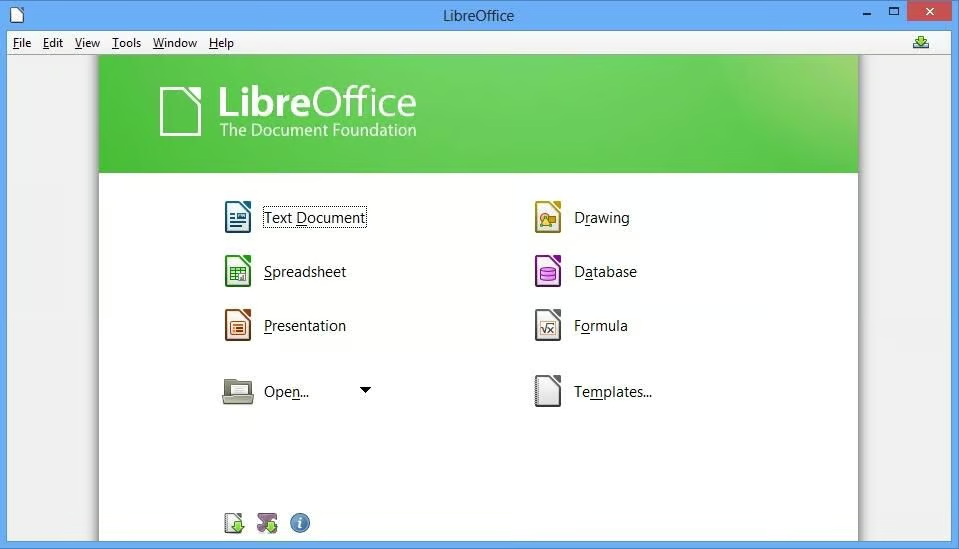
  • LibreOffice 1

    \n\t2. LibreOffice

    \n

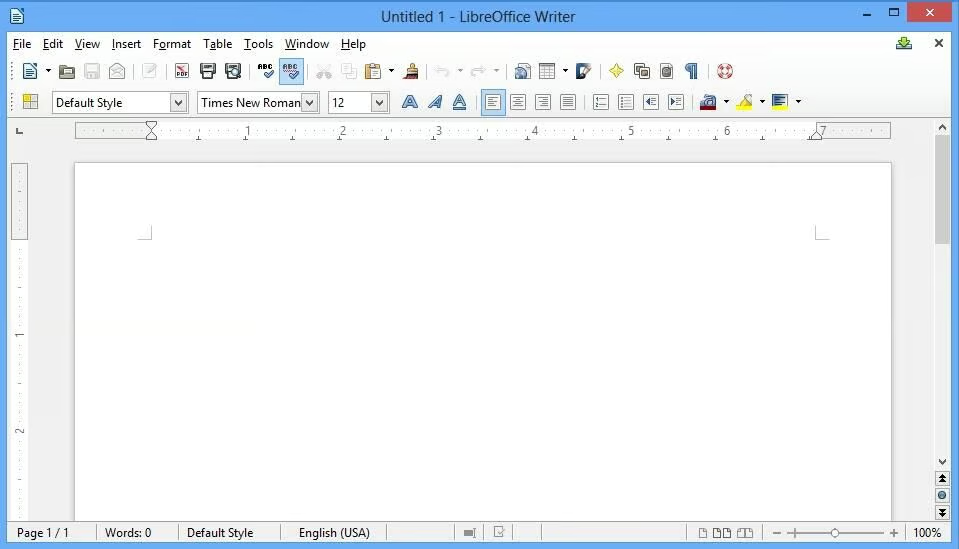
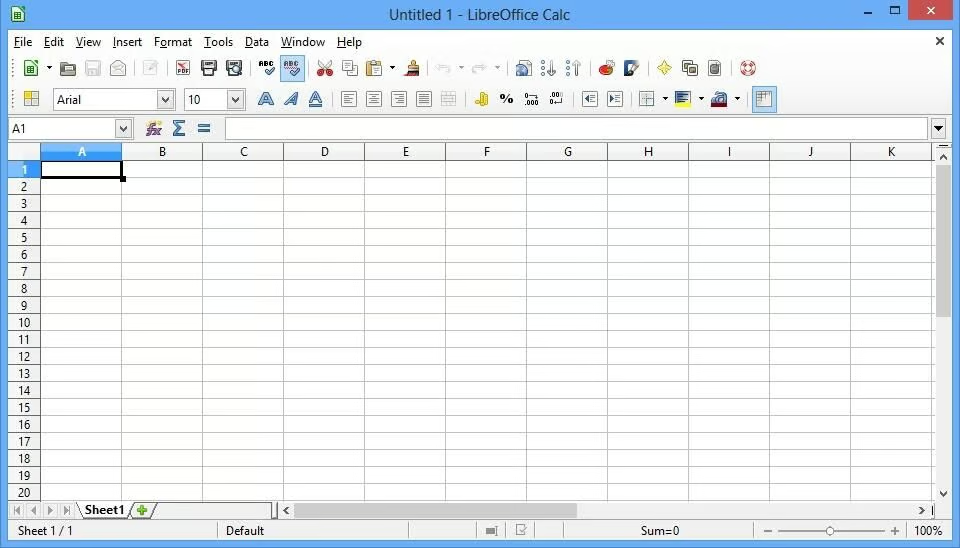
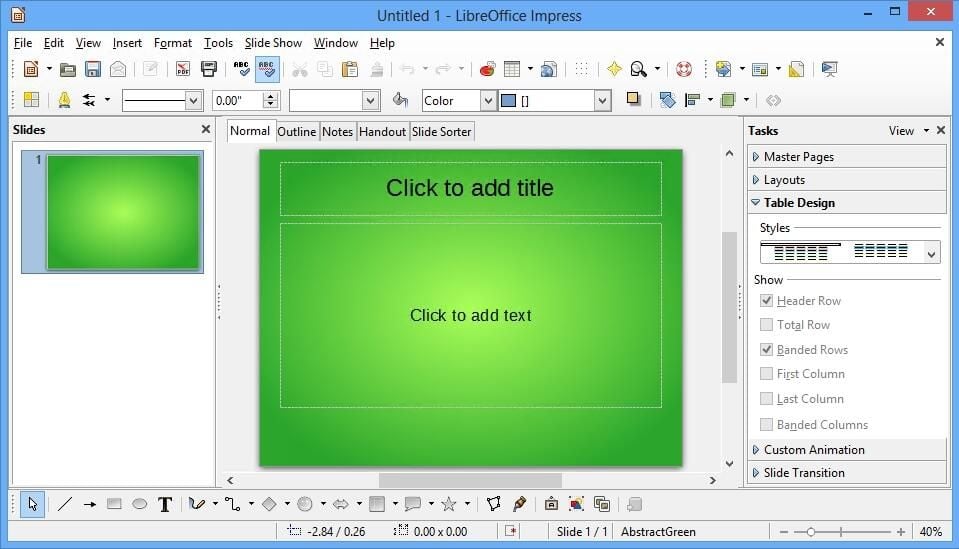
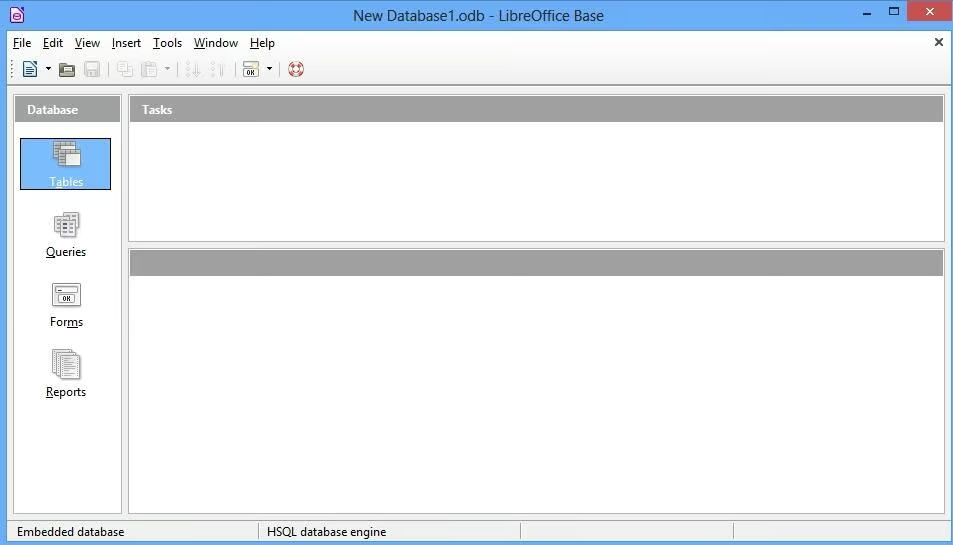
    \n\tLibreOffice is a free productivity suite that is designed to act as an alternative to Microsoft Office.  Like Apache Open Office, Libre Office offers a word processor, a spreadsheet, a presentation application, a drawing tool, and a database application. In fact, the launch screen is nearly identical to that of Apache Open Office. The reason for this is that in 2010 some of the OpenOffice developers broke away from OpenOffice and created LibreOffice. As such, there are a lot of similarities between the two suites. LibreOffice even supports the use of OpenOffice documents.

    \n

    \n\tCredit: Images by Brien Posey for TechRepublic

  • LibreOffice 2

    \n\tCredit: Images by Brien Posey for TechRepublic

  • LibreOffice 3

    \n\tCredit: Images by Brien Posey for TechRepublic

  • LibreOffice 4

    \n\tCredit: Images by Brien Posey for TechRepublic

  • LibreOffice 5

    \n\tCredit: Images by Brien Posey for TechRepublic

  • Kingsoft 1

    \n\t3. Kingsoft Office Suite Free 2012

    \n

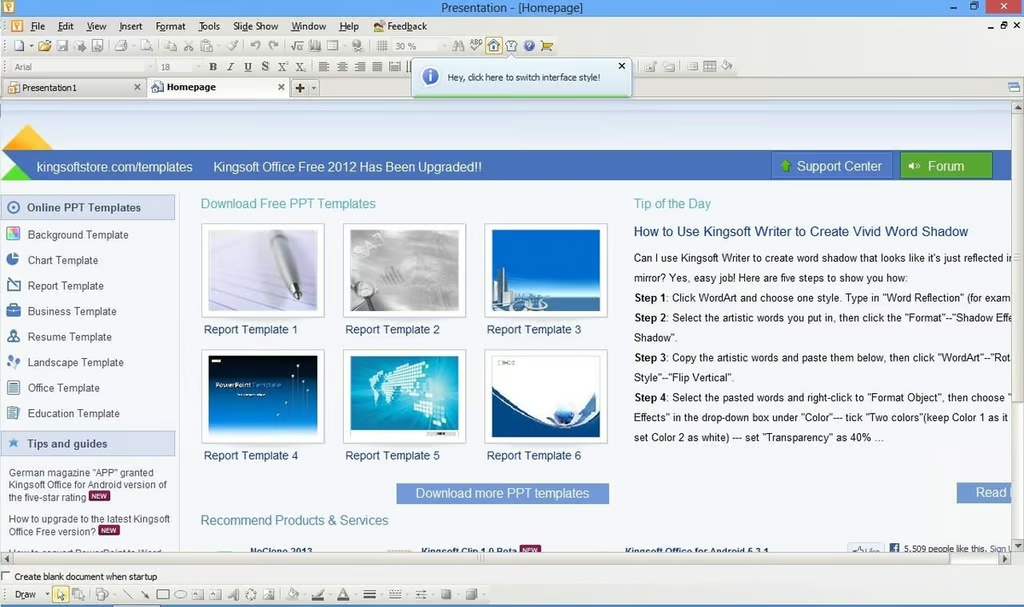
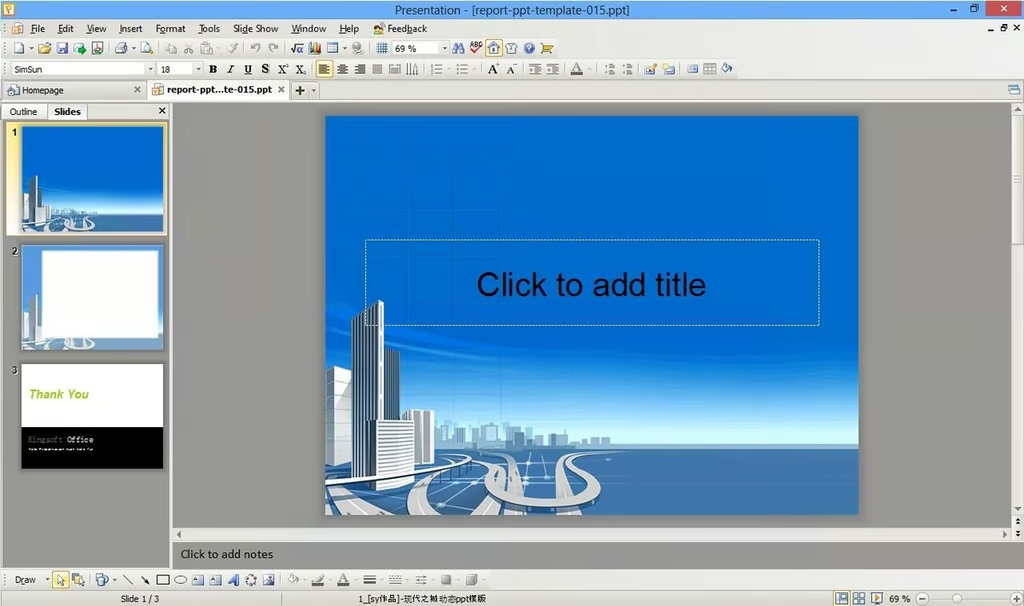
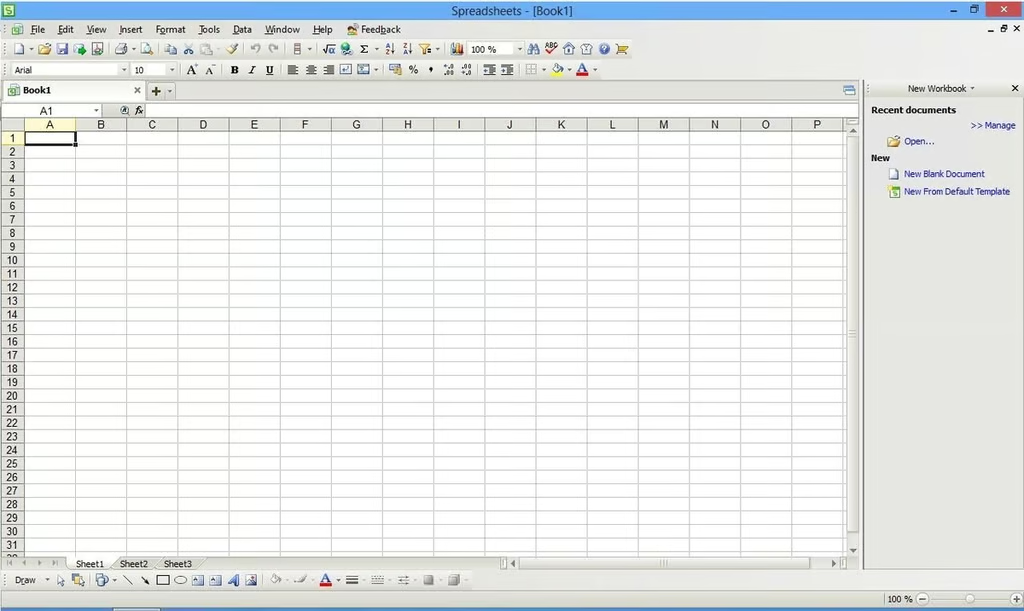
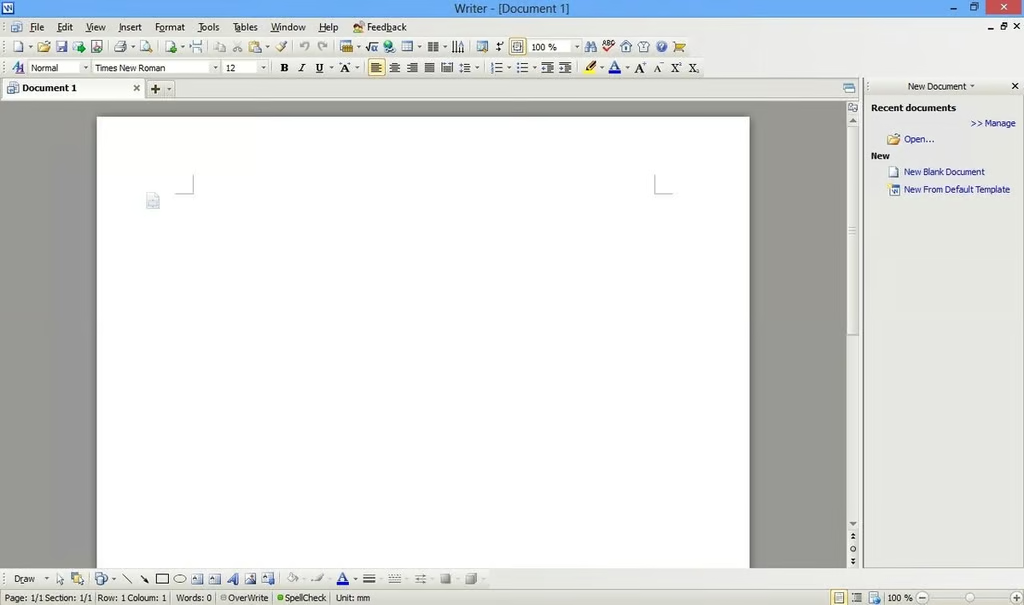
    \n\tKingsoft Office Suite Free 2012 is, as the name implies, a free office suite. The free version includes a word processor, a spreadsheet, and a presentation application. These applications look and feel like Office 2010 applications, and the software fully supports the use of Office documents in addition to its own native file format. Also supported are standard file types such as RTF, TXT, and HTML.

    \n

    \n\tCredit: Images by Brien Posey for TechRepublic

  • Kingsoft 2

    \n\tCredit: Images by Brien Posey for TechRepublic

  • Kingsoft 3

    \n\tCredit: Images by Brien Posey for TechRepublic

  • Kingsoft 4

    \n\tCredit: Images by Brien Posey for TechRepublic

  • Open Office 1

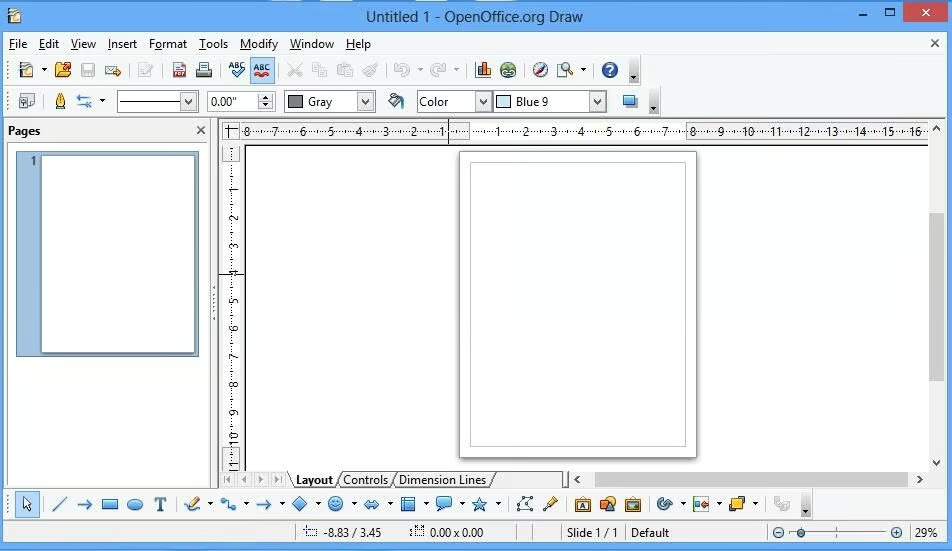
    \n\t4. Apache Open Office

    \n

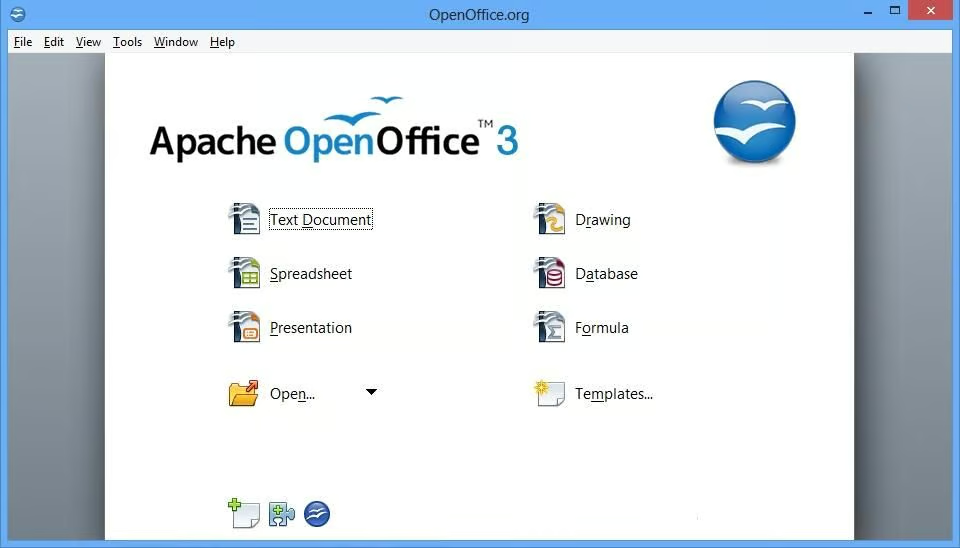
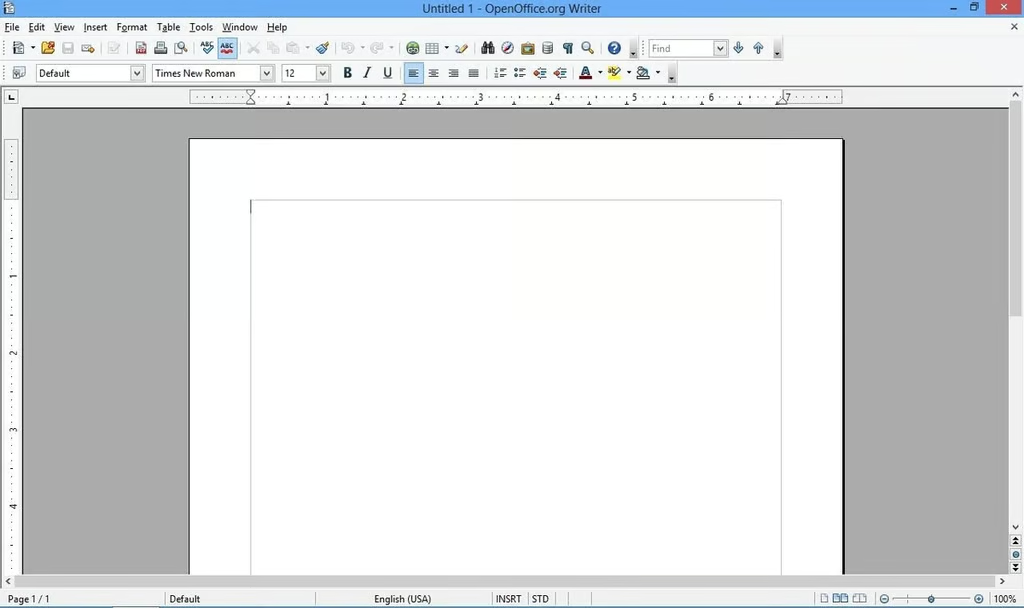
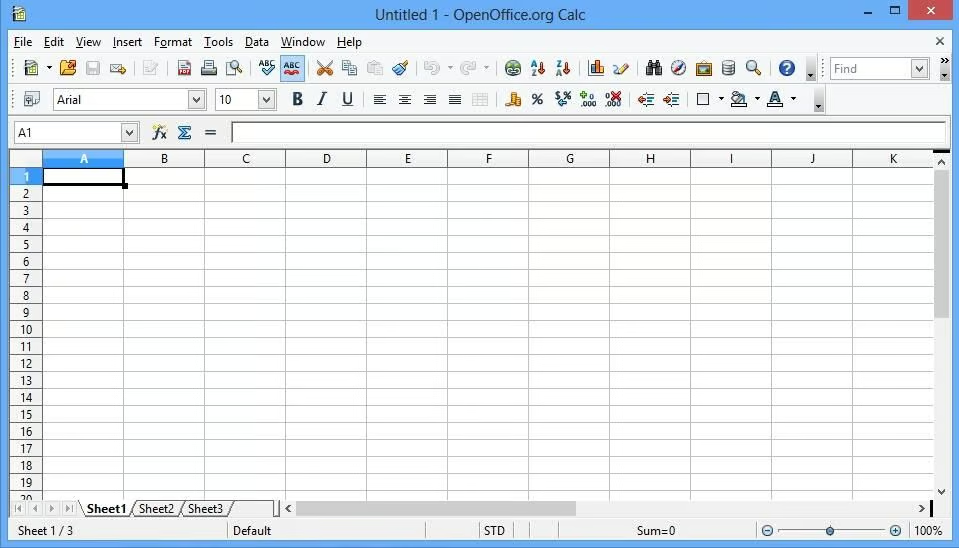
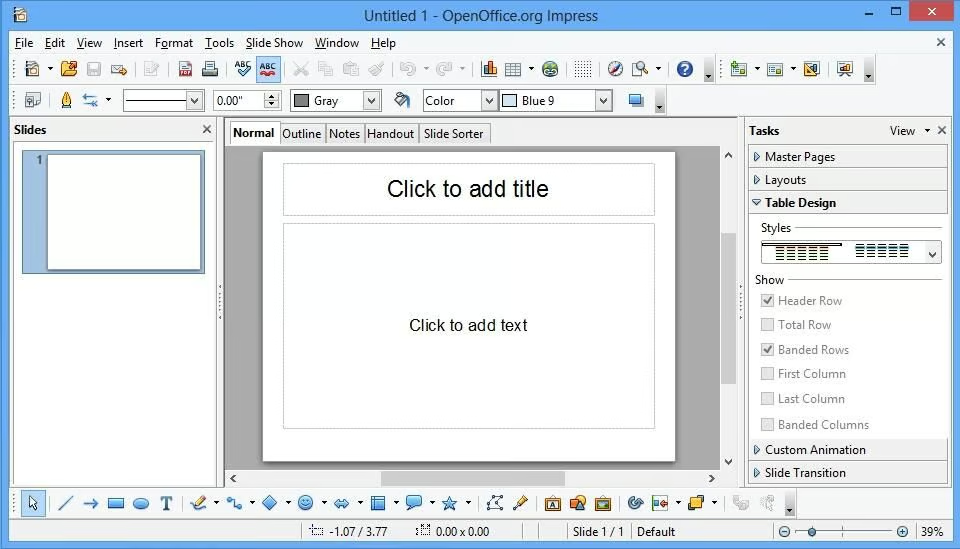
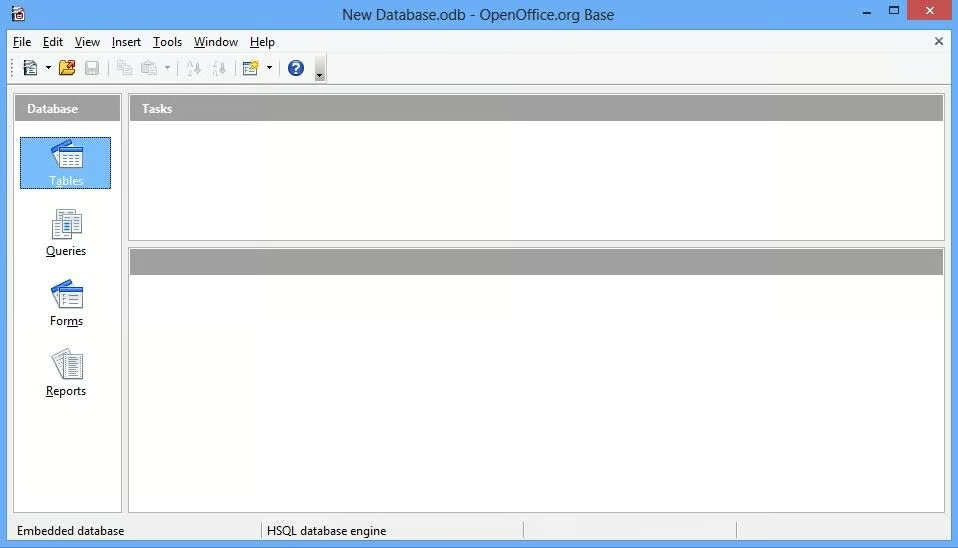
    \n\tApache Open Office is a free office suite that can trace its roots back for well over a decade. This open source suite contains utilities for creating text documents, spreadsheets, presentations, drawings, and formulas. Open Office should be easy to use for anyone who is familiar with Office 2010. The word processor and spreadsheet look a lot like Word and Excel. The presentation application looks different than PowerPoint, but contains familiar controls. The suite is capable of opening (and saving) Microsoft Office documents and other common file formats.

    \n

    \n\tCredit: Images by Brien Posey for TechRepublic

  • Open Office 2

    \n\tCredit: Images by Brien Posey for TechRepublic

  • Open Office 3

    \n\tCredit: Images by Brien Posey for TechRepublic

  • Open Office 4

    \n\tCredit: Images by Brien Posey for TechRepublic

  • Open Office 5

    \n\tCredit: Images by Brien Posey for TechRepublic

  • Open Office 6

    \n\tCredit: Images by Brien Posey for TechRepublic

  • Office Web App 1

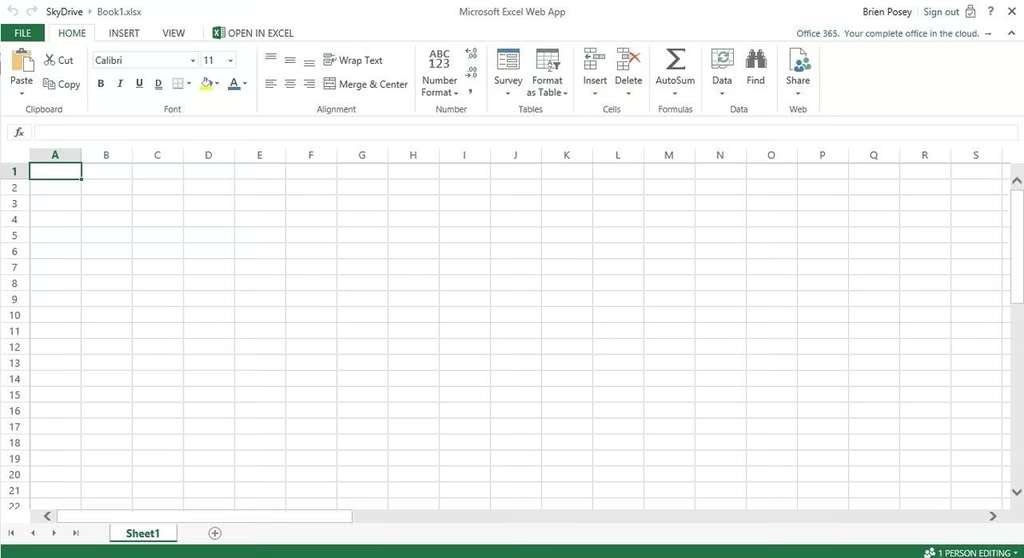
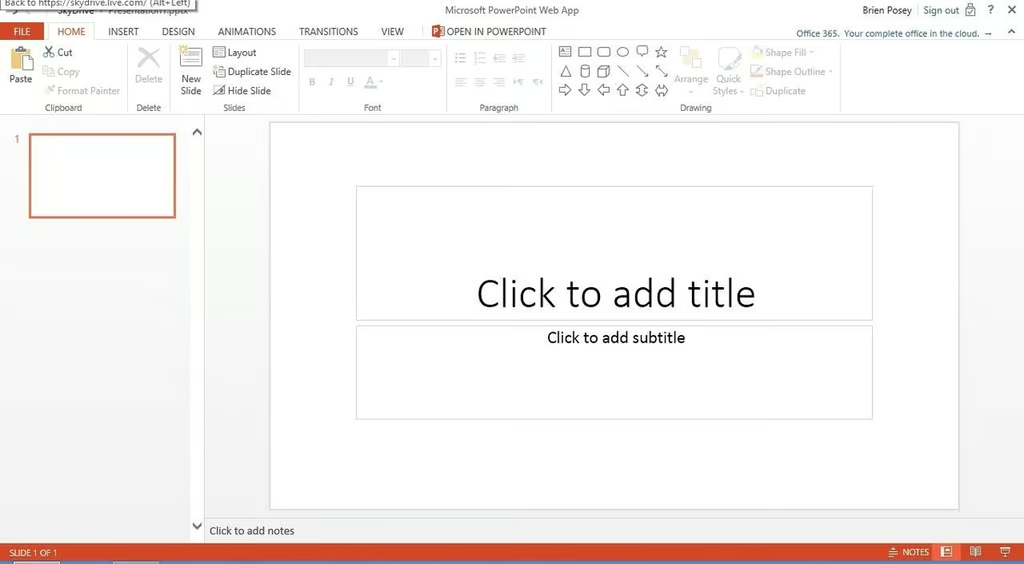
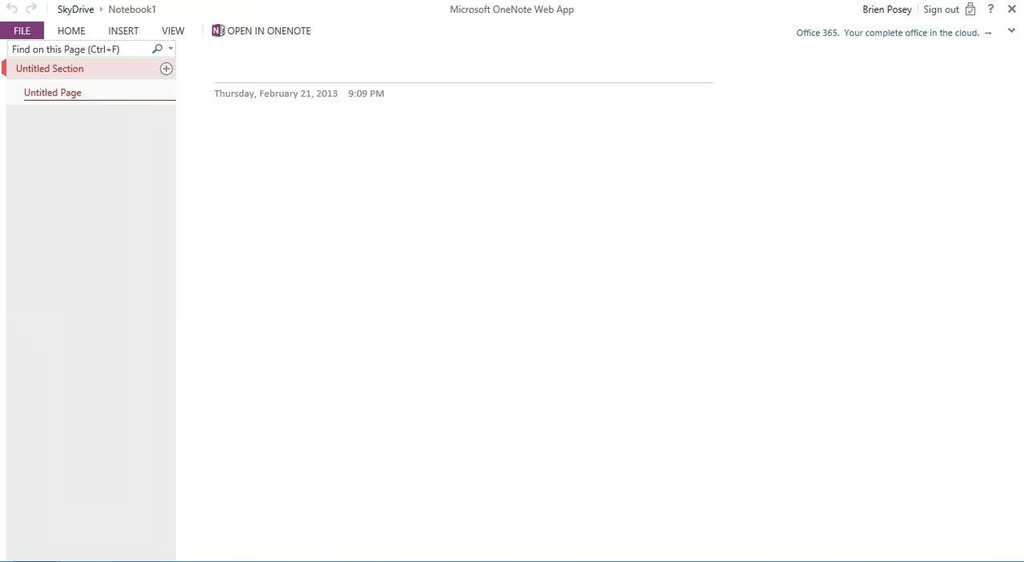
    \n\t5. Office Web App

    \n

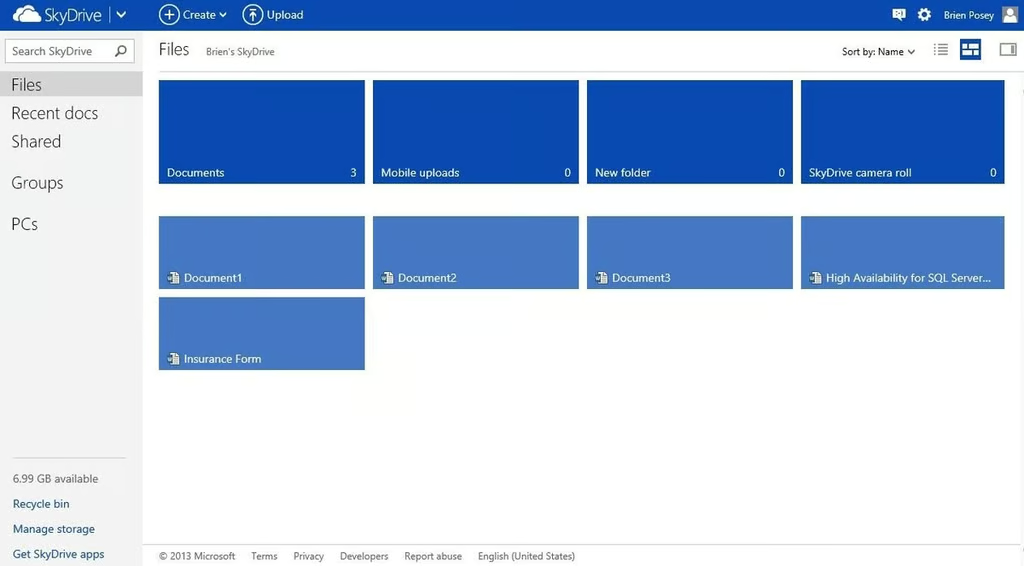
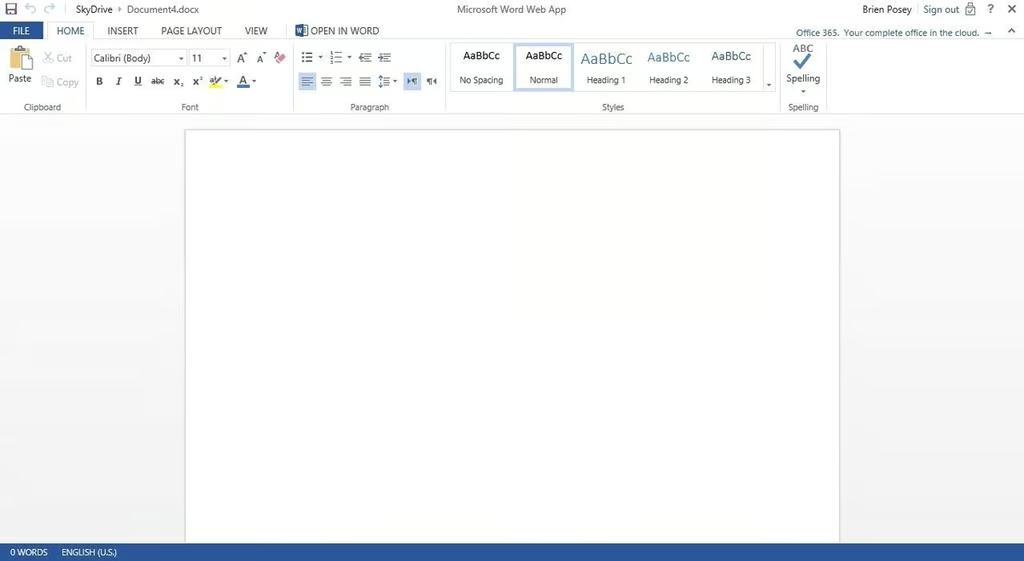
    \n\tThe Microsoft Office Web Apps are an alternative to an on-premise Microsoft Office deployment. This free suite of cloud apps includes Word, Excel, PowerPoint, and OneNote. Furthermore, you get 7GB of free storage space on SkyDrive, which is useful for storing your Office Web App documents. Office Web App isn’t quite as full featured as Office 2010 or Office 2013, but Microsoft does have the basics covered. Besides, it is hard to argue with the price, which is free.

    \n

    \n\tCredit: Images by Brien Posey for TechRepublic

  • Office Web App 2

    \n\tCredit: Images by Brien Posey for TechRepublic

  • Office Web App 3

    \n\tCredit: Images by Brien Posey for TechRepublic

  • Office Web App 4

    \n\tCredit: Images by Brien Posey for TechRepublic

1 of 25
Brien Posey

* 1988 - Started teaching myself about computers \ * 1992 - Mainframe programmer for an insurance company \ * 1993 - Network Administrator for a different insurance company \ * 1996 - Author for The Cobb Group \ * 1998 - Network Administrator for Fort Knox \ * 1999 - CIO for chain of hospitals \ * 2000 - Gave up the corporate rat race to work out of my home. I have been a full time technical author ever since. Visit my Web sites at http://www.brienposey.com and http://www.relevanttechnologies.com \