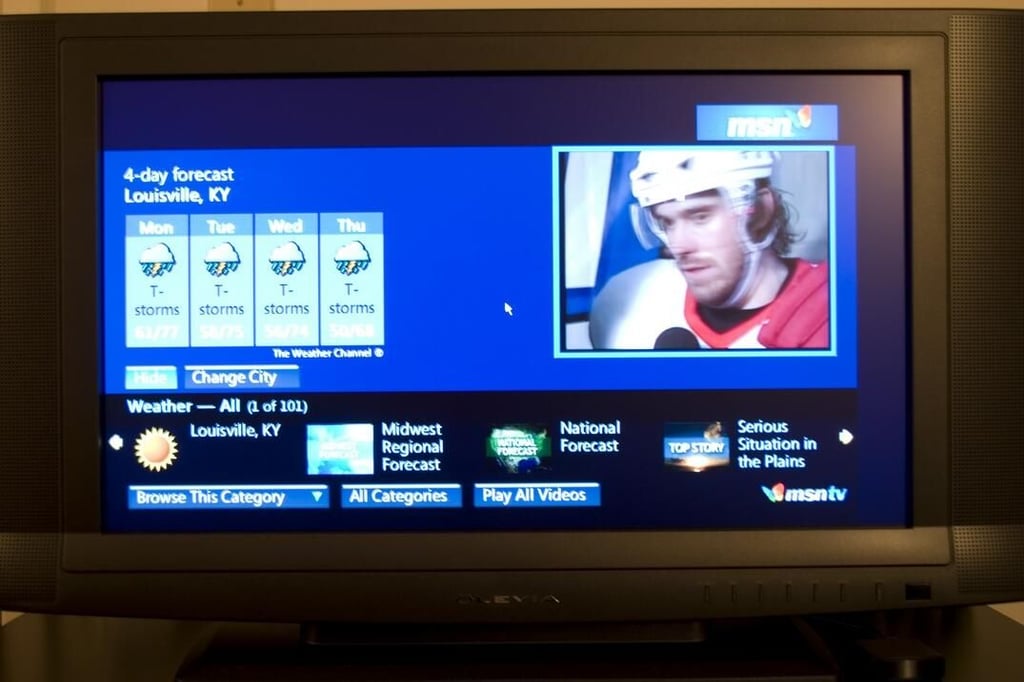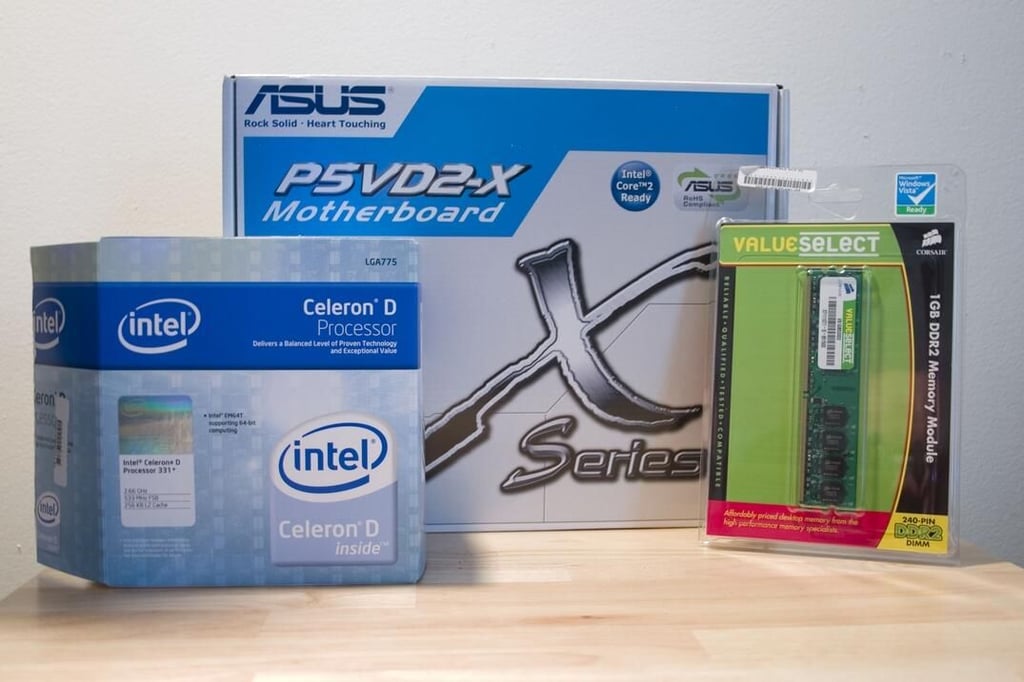
One of the more popular, geek-friendly weekend projects available is the building of a functional Media PC. TechRepublic Senior Software Engineer Bryan Peabody recently spent a weekend creating a Media PC using Microsoft Windows Media Center as its operating system. Here are a few of his observations and some screenshots of the process and his new Media PC in action.
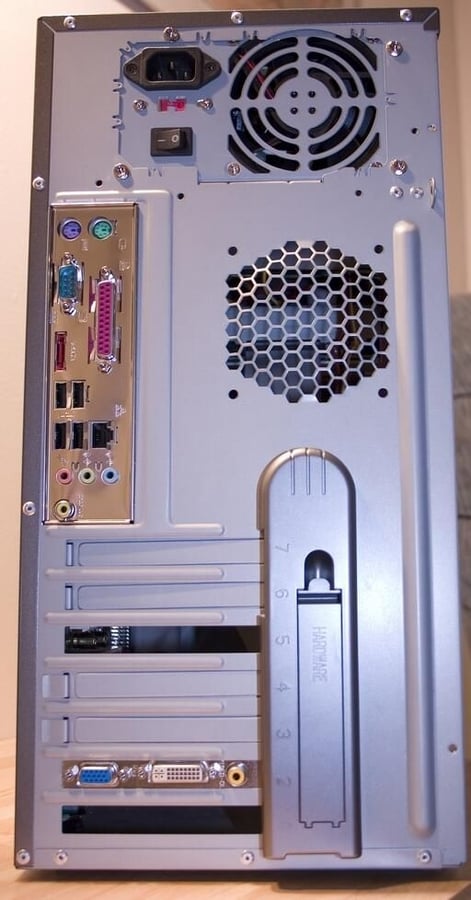
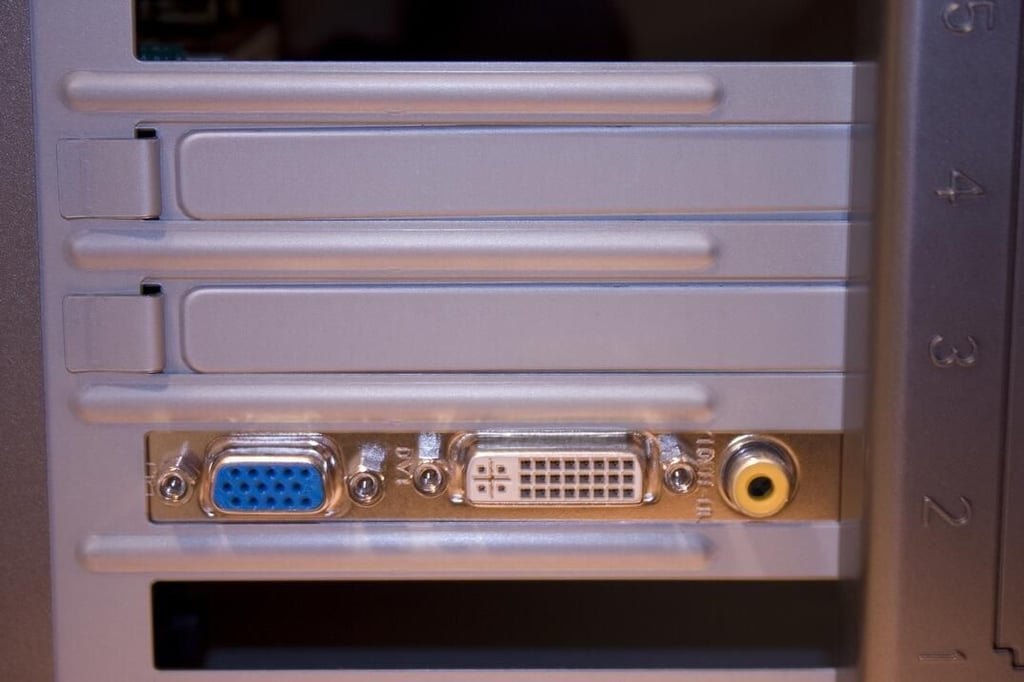
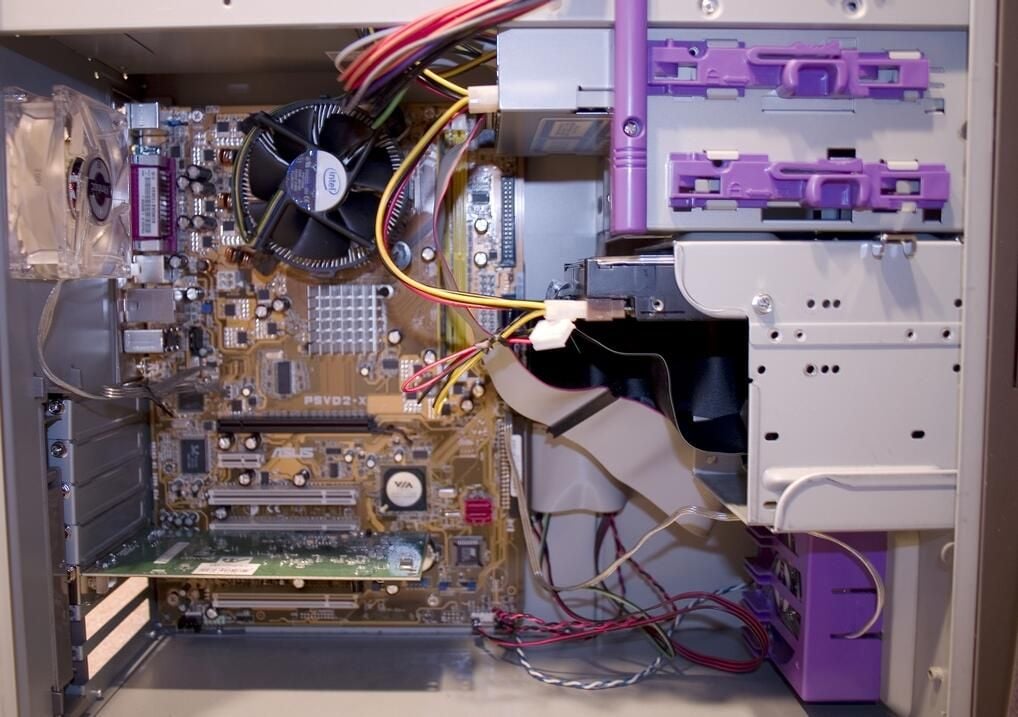
I ran into a couple problems during the build and install. Both were easy to fix.
The ATX case I used had a 20-pin power supply, but the ASUS motherboard had a 24-pin connector. To make the connection, I had to buy a simple $3 converter.
The install itself was a little tricky. Using an MSDN version of Windows Media PC required a command line switch to install correctly. Without the command, the install will not prompt you for CD-ROM Disc 2. When this happens you end up with Windows XP Pro with no Media Center PC capabilities. This can also happen if you have a bad registration key. The install commands to overcome this situation look like this:
(This information was found on a MSDN blog)
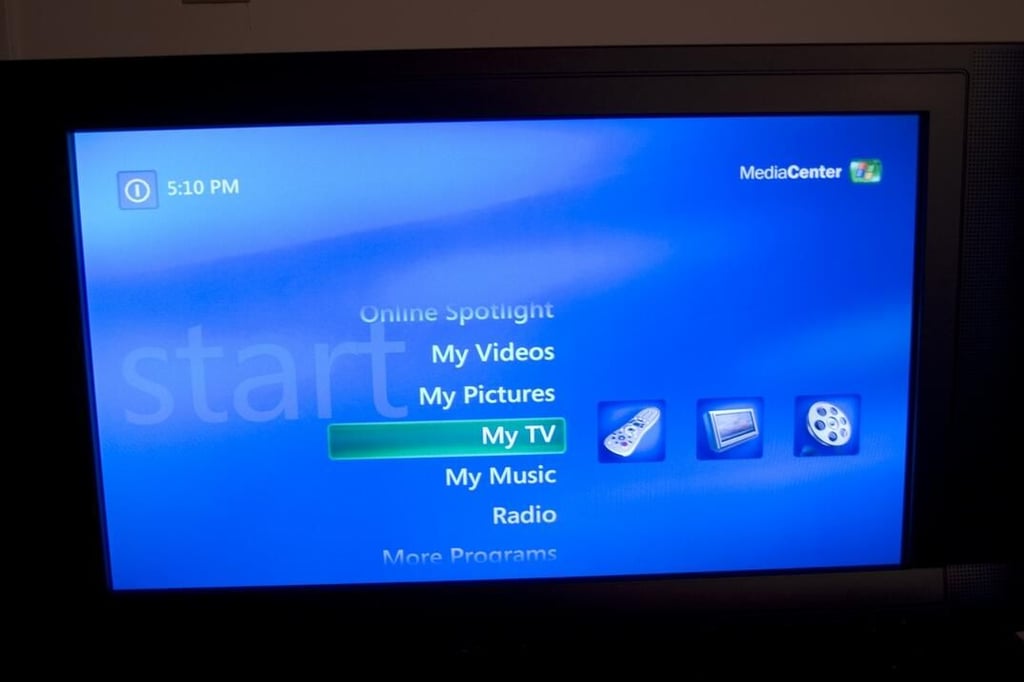
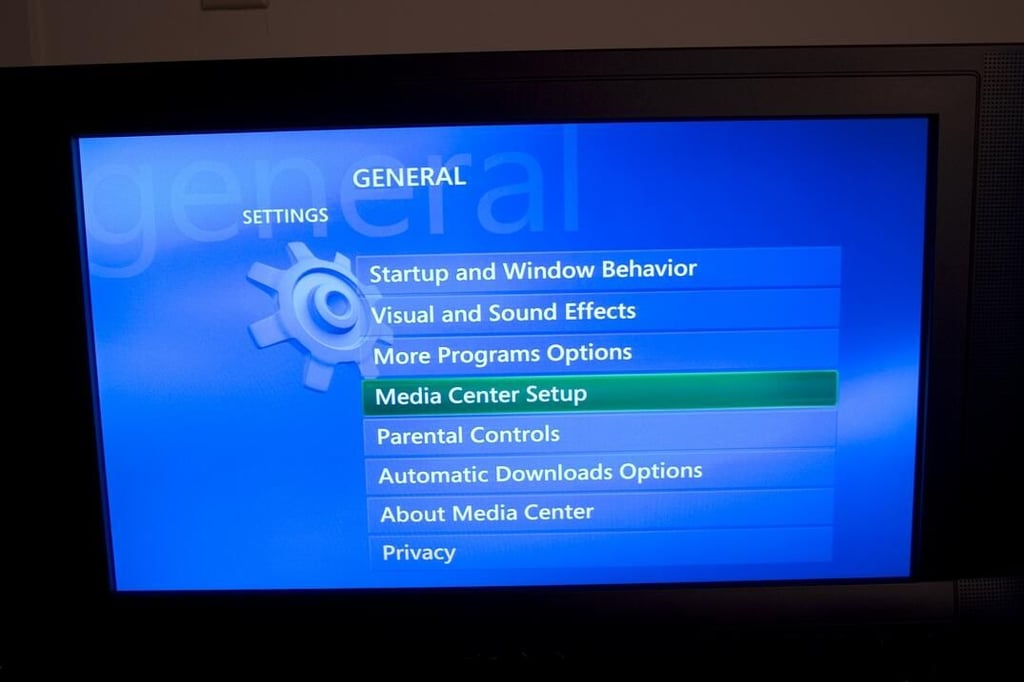
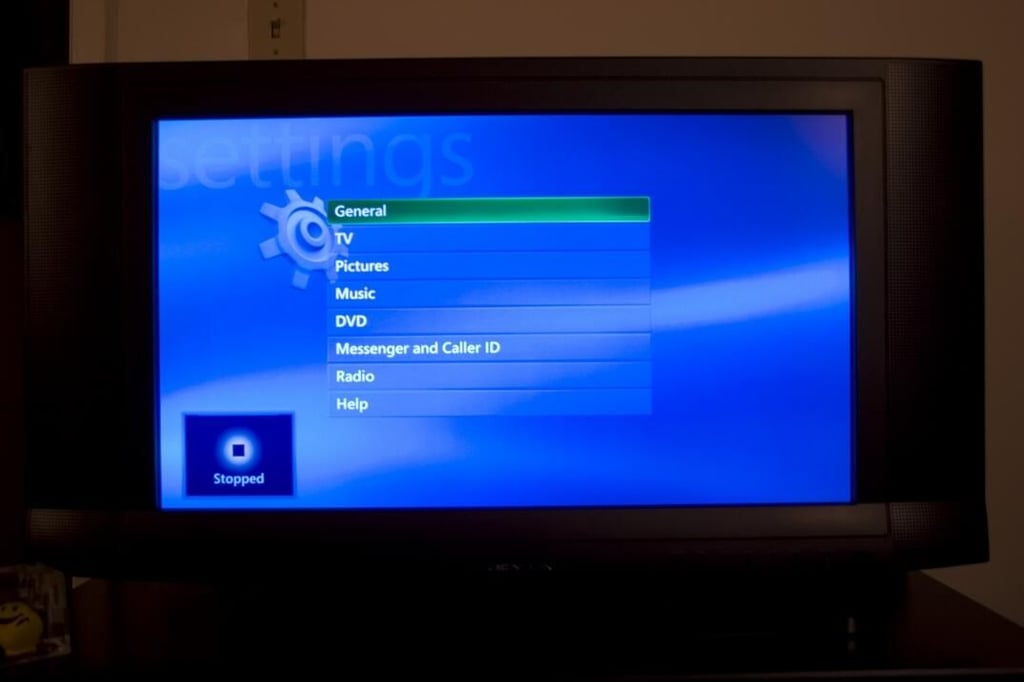
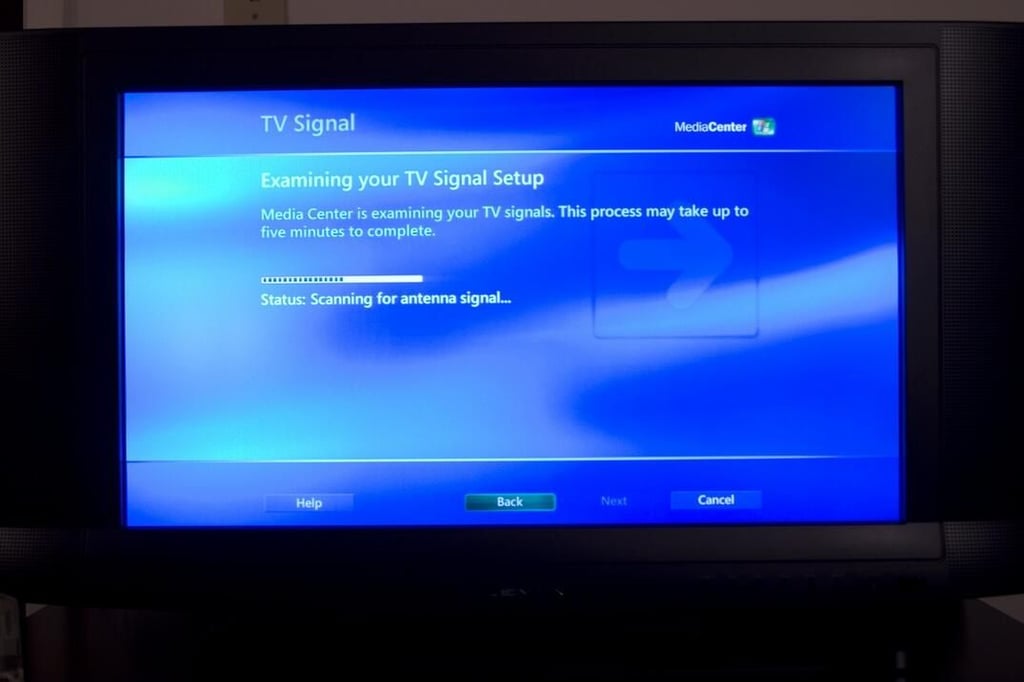
Setup couldn’t be any easier. Windows Media Center comes with an automatic TV Signal setup. The examination takes several minutes to complete, but once it determines your region and what type of signal you have it will download the guide listings for you.
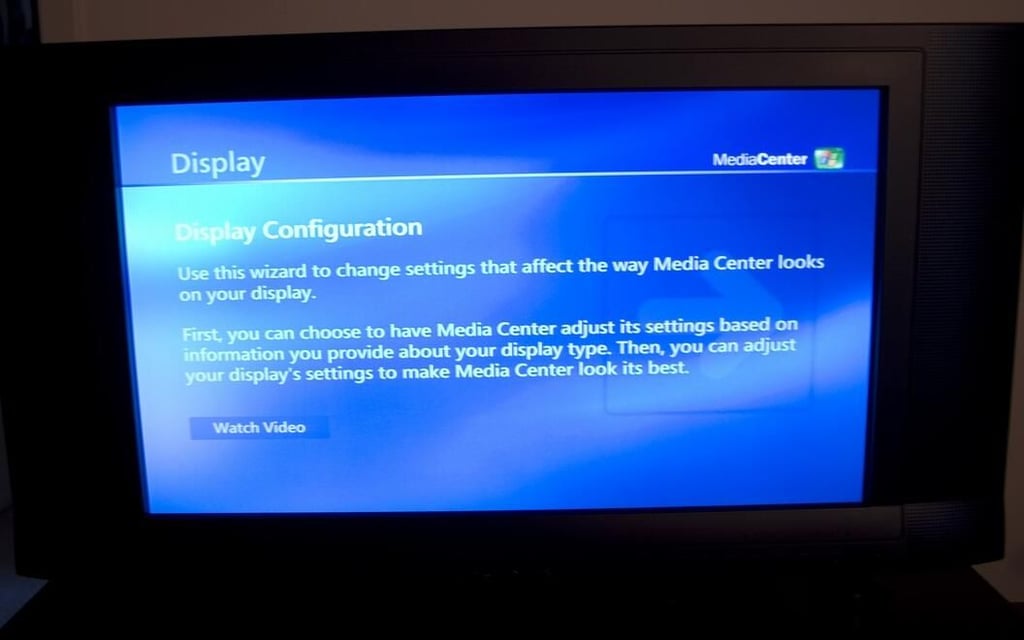
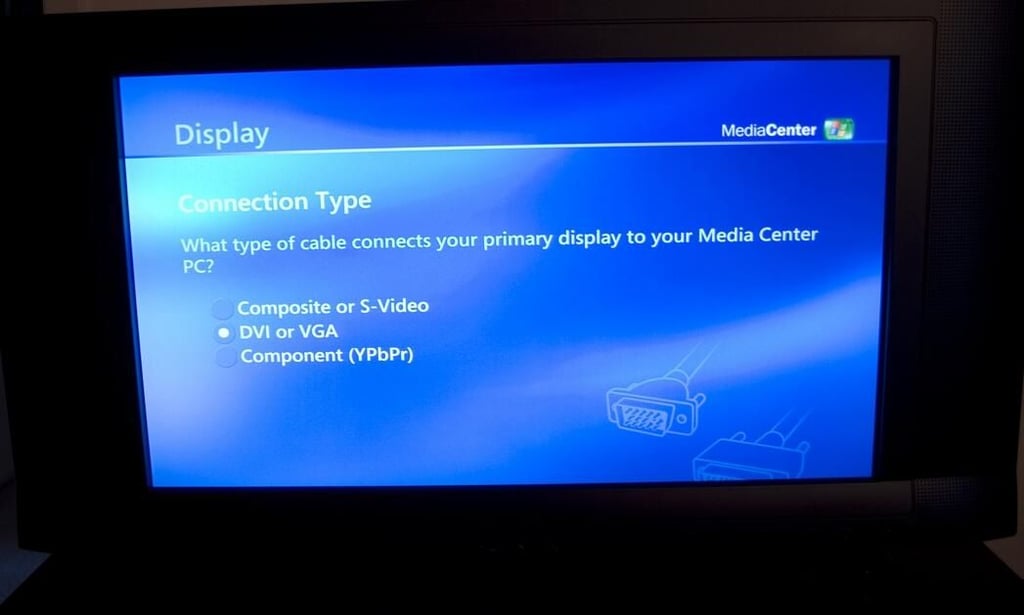
Next you will want to setup the display. This consists of questions such as what type of TV you have (traditional, flat panel, rear or front projection). Finally you will be asked what type of connection you have (composite or S-video, DVI or VGA or component).
The configuration process also includes the ability to set the screen orientation (vertical and horizontal) as well as image quality controls (brightness, contrast, etc).
If you wish to play DVD’s on your Media Center PC you will need to have compatible DVD software installed. I chose InterVideo’s DVD plug-in for Windows Media Center. Once these are setup you are ready to go.