\n\tThis gallery is also available as a post in the Five Apps Blog.
\n
\n\tWhen faced with multiple downloads it is usually easier to use a download manager than to try to manually download everything using the browser. This article discusses five such tools that are readily available and can help to simplify large scale downloads.
\n
\n
\n
\n
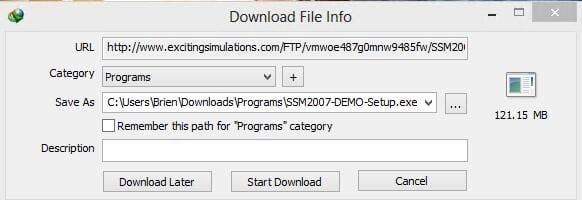
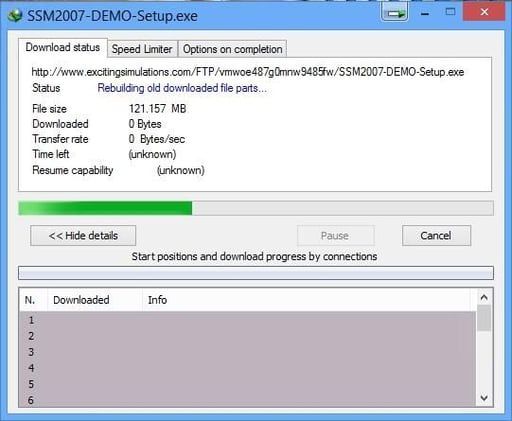
\n\tInternet Download Manager is a download utility that integrates with your Web browser to intercept any download operations that you initiate. This application has a relatively simple interface, but still offers some nice options. For example, you can opt to perform a download later on, and there is an option to throttle the amount of bandwidth used by the download process.
\n
\n\tCredit: Images by Brien Posey for TechRepublic
\n\t
\n
\n\tInternet Download Manager costs $24.95, but a free 30-day trial is available for download.
\n
\n\tCredit: Images by Brien Posey for TechRepublic
\n\t
\n
\n
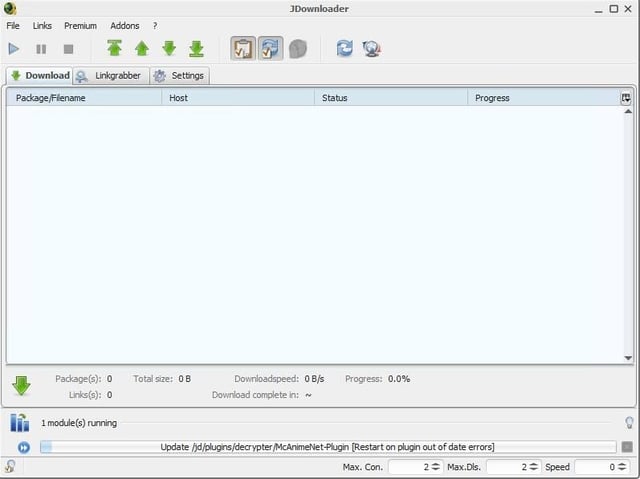
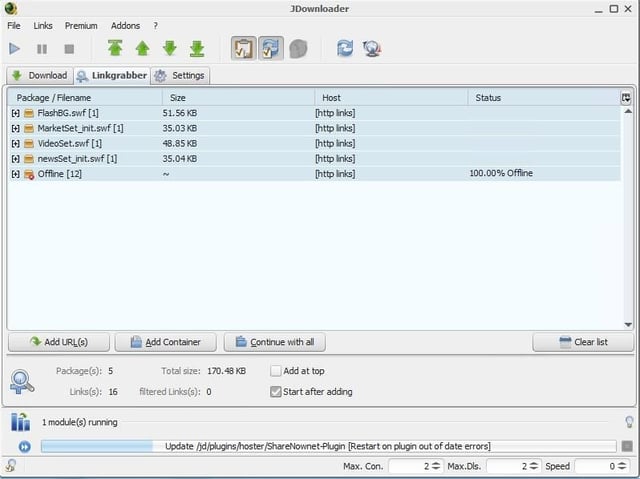
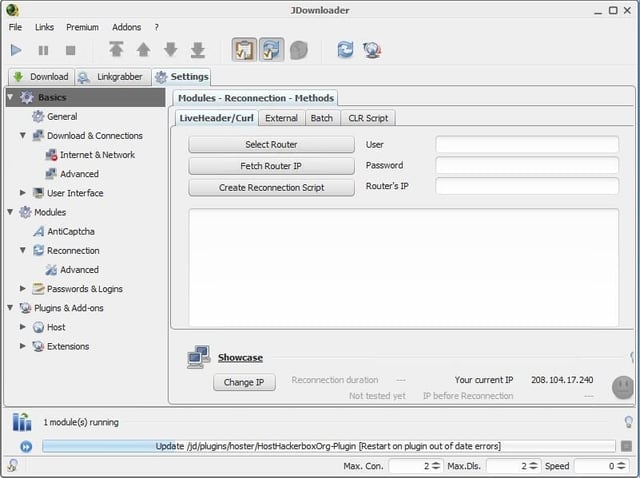
\n\tJDownloader is a free Java based download manager. What makes JDownloader different from some of the other downloaders is that the interface is designed to allow you to provide a Web site’s URL. After doing so, JDownloader will parse the page’s contents and download anything that happens to be on the page. This can be especially handy for extracting videos from a Web page.
\n
\n\tCredit: Images by Brien Posey for TechRepublic
\n\tCredit: Images by Brien Posey for TechRepublic
\n\tCredit: Images by Brien Posey for TechRepublic
\n\t
\n
\n
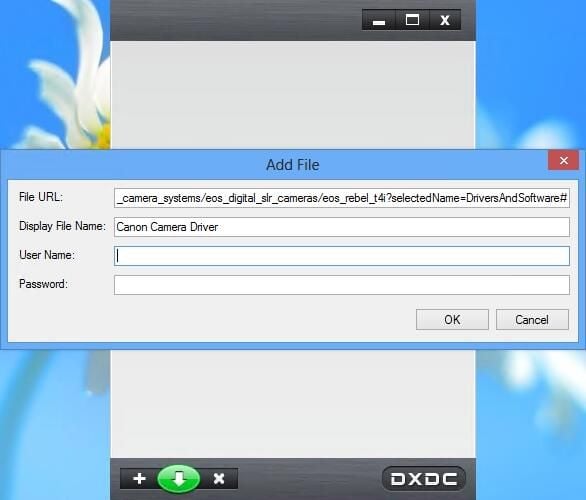
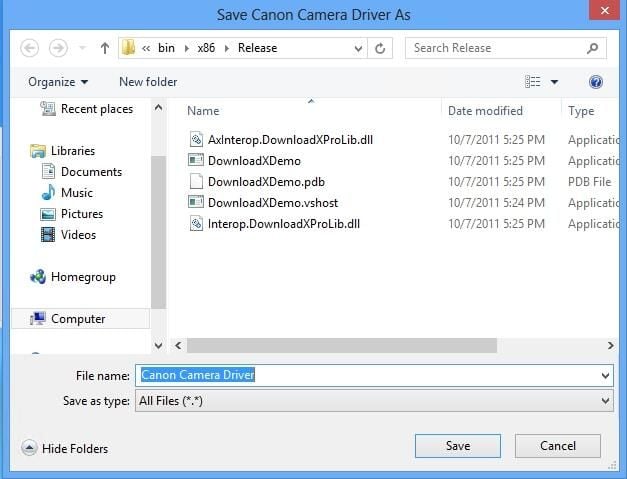
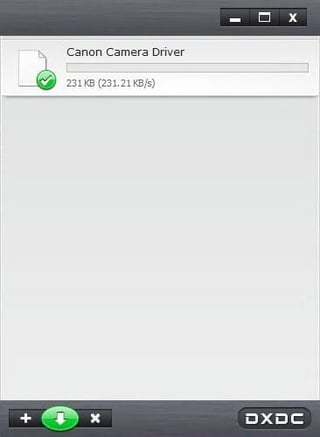
\n\tDownloadX ActiveX Download Control is a free download manager that uses a very simple interface. After opening the download manager, you must simply click the plus icon and then enter the URL for the file that you are downloading along with a display name and a set of optional authentication credentials. The file is then added to a download list. You can use the interface to launch downloads in a specific order or to perform parallel downloads.
\n
\n\tCredit: Images by Brien Posey for TechRepublic
\n\tAlthough this download manager is simple and handy, setting it up can be a bit of a chore. You will need to install version 3.51 of the .NET Framework. You will also have to be careful during the installation process not to accidentally install a bundled set of utilities called TuneUp Utilities and all of the browser add-ins that come with it.
\n
\n\tCredit: Images by Brien Posey for TechRepublic
\n\tCredit: Images by Brien Posey for TechRepublic
\n\t
\n
\n
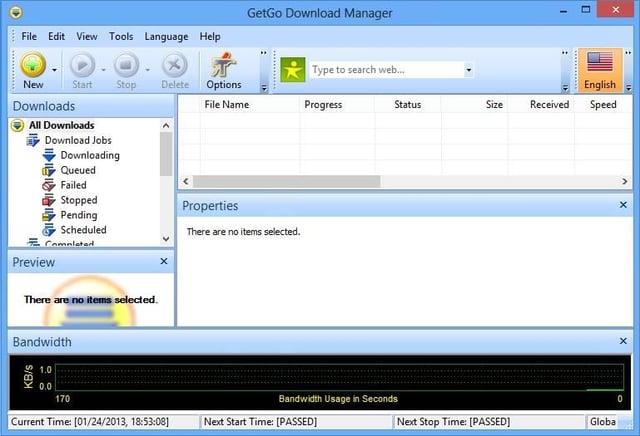
\n\tGetGo Download Manager is a free download manager, but is far more feature rich than the other download managers that have been discussed so far.
\n
\n\tCredit: Images by Brien Posey for TechRepublic
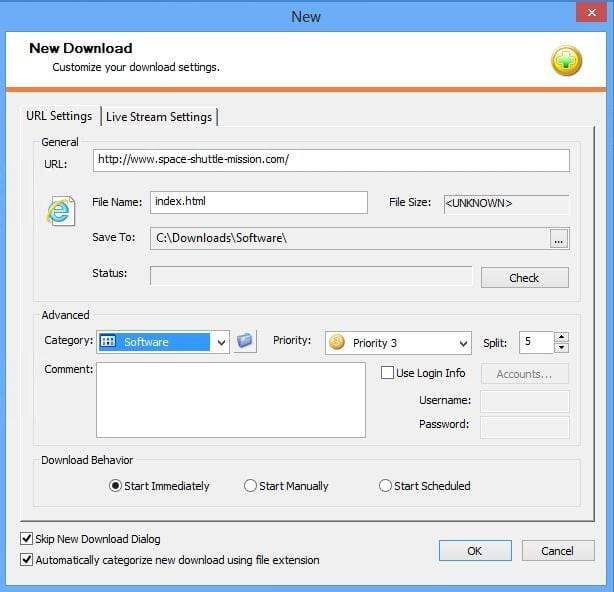
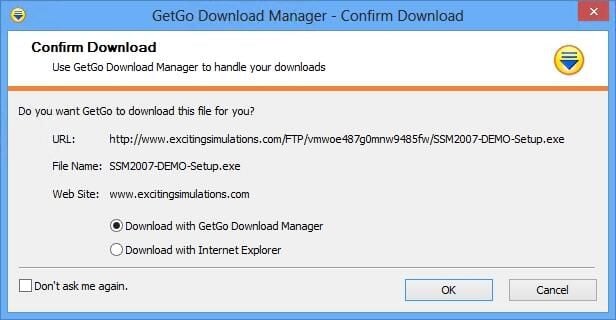
\n\tDownloads can be manually added to the download manager, or the download manager can automatically engage when a download is attempted through Internet Explorer. When you start a download, you have the option of categorizing and prioritizing the download. You can also add comments to help you keep track of what you are downloading. GetGo Download Manager even includes a bandwidth monitor that keeps track of your Internet bandwidth usage.
\n
\n\tCredit: Images by Brien Posey for TechRepublic
\n\tCredit: Images by Brien Posey for TechRepublic
\n\t
\n
\n
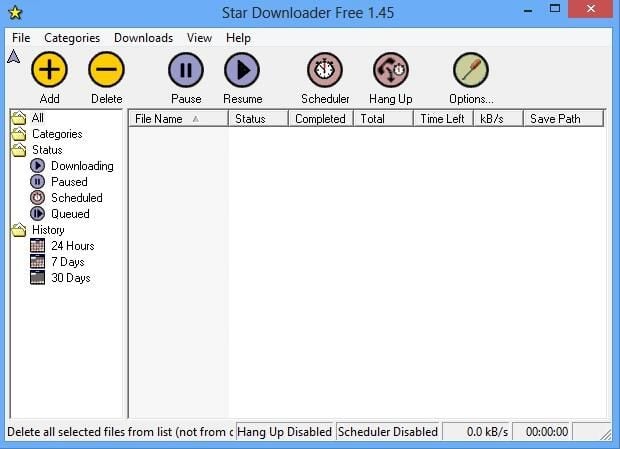
\n\tStar Downloader Free is a free download manager that is designed to expedite your downloads. Normally downloading a file is a serial operation. Star Downloader changes that by splitting large files into several pieces that can be downloaded simultaneously.
\n
\n\tCredit: Images by Brien Posey for TechRepublic
\n\t
\n
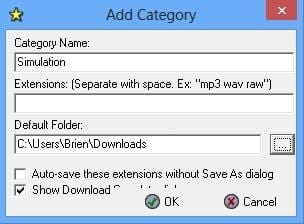
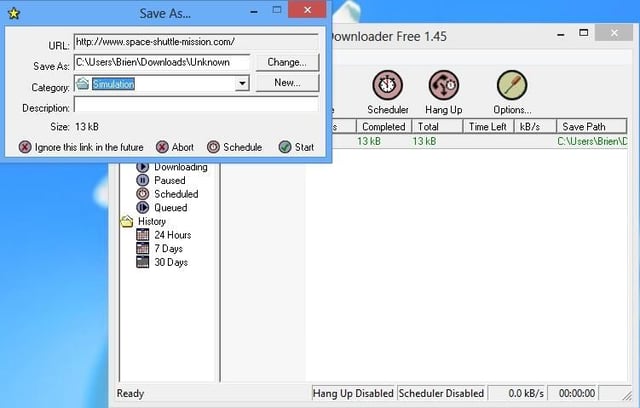
\n\tStar downloader also features a number of bells and whistles such as a download scheduler and the ability to categorize downloads. There is also a handy pause and resume feature.
\n
\n\tCredit: Images by Brien Posey for TechRepublic
\n\t
\n
\n
\n\t
\n\t
\n
\n
\n\tCredit: Images by Brien Posey for TechRepublic

* 1988 - Started teaching myself about computers \ * 1992 - Mainframe programmer for an insurance company \ * 1993 - Network Administrator for a different insurance company \ * 1996 - Author for The Cobb Group \ * 1998 - Network Administrator for Fort Knox \ * 1999 - CIO for chain of hospitals \ * 2000 - Gave up the corporate rat race to work out of my home. I have been a full time technical author ever since. Visit my Web sites at http://www.brienposey.com and http://www.relevanttechnologies.com \


