I'll use DVDs to create my system image
\n\tThis slideshow is also available as a post in the TechRepublic Windows and Office Blog.
\n
\n\tThe other day I was discussing with a friend the benefits of dual-booting Windows 8 using a VHD (Virtual Hard Disk) as I wrote about in the article Dual-boot Windows 7 and Windows 8 using a VHD. My friend has Windows 7 Home Premium installed on his computer and was saying that he would give anything for a way to add the Bootable VHD feature to his system so that he could experiment with Windows 8 and keep his Windows 7 setup intact. (As you know, the ability to boot from VHD is only available in Windows 7 Ultimate and Windows 7 Enterprise.)
\n
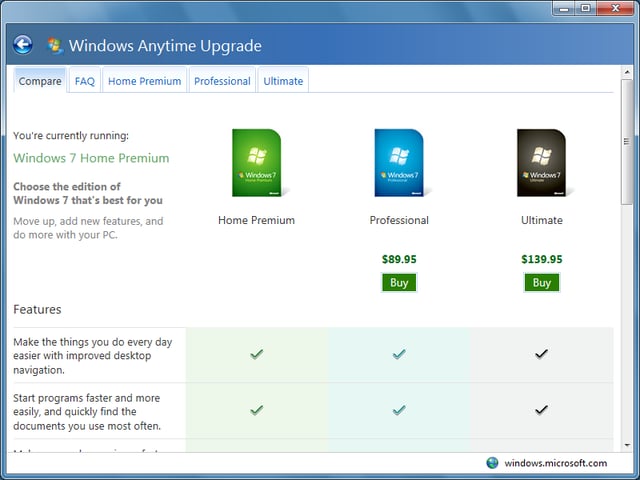
\n\tWhen I told him that there was a way he could do so, he was all ears. When told him that it would cost him about $140, he was still open to the idea saying that if it would allow him to install Windows 8 on a VHD, it would be worth it.
\n
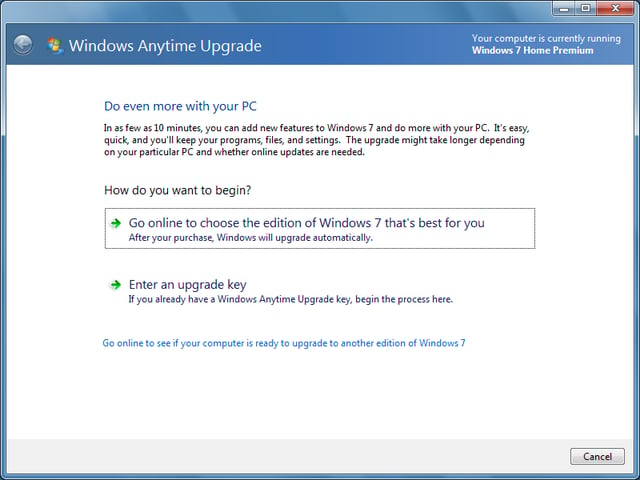
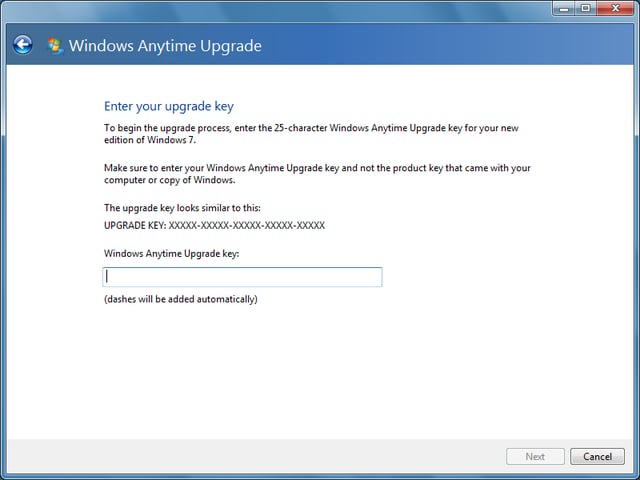
\n\tI then explained how he could purchase a Windows 7 Anytime Upgrade key that would allow him to easily upgrade his Windows 7 Home Premium system to Windows 7 Ultimate. A half hour later we were standing in line at the local Best Buy purchasing a Windows 7 Anytime Upgrade key.
\n
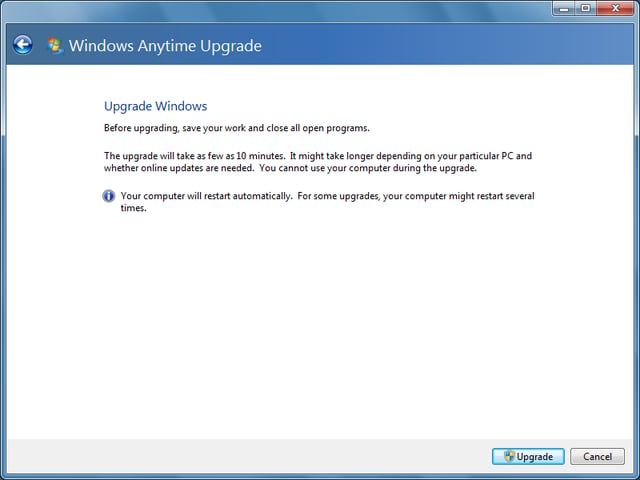
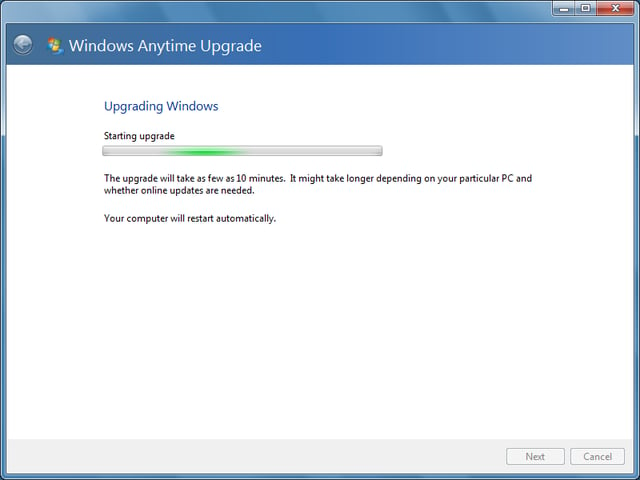
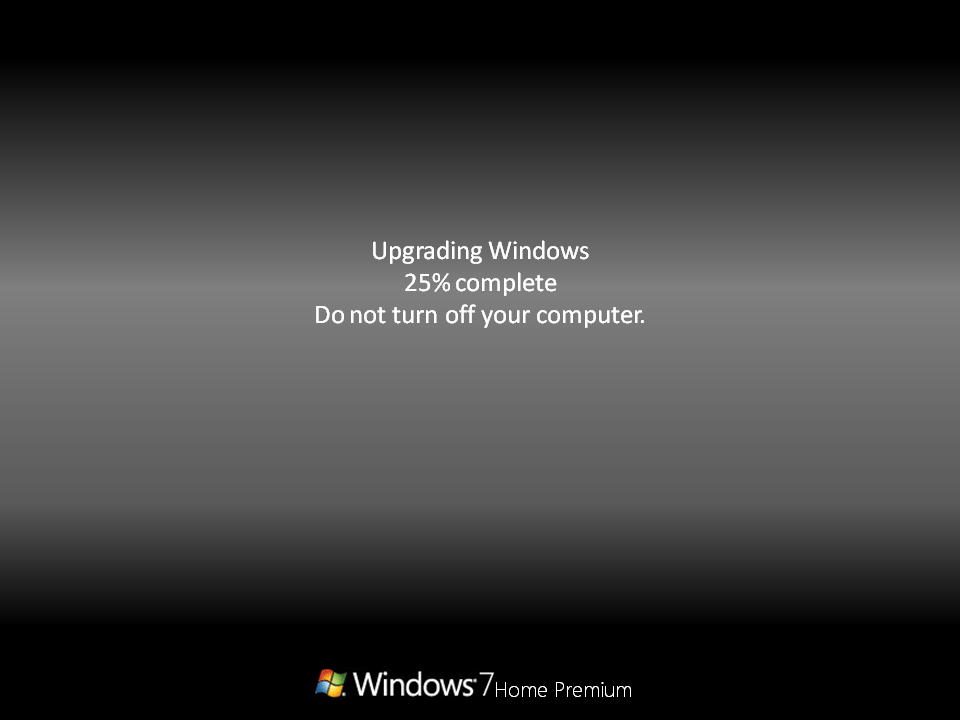
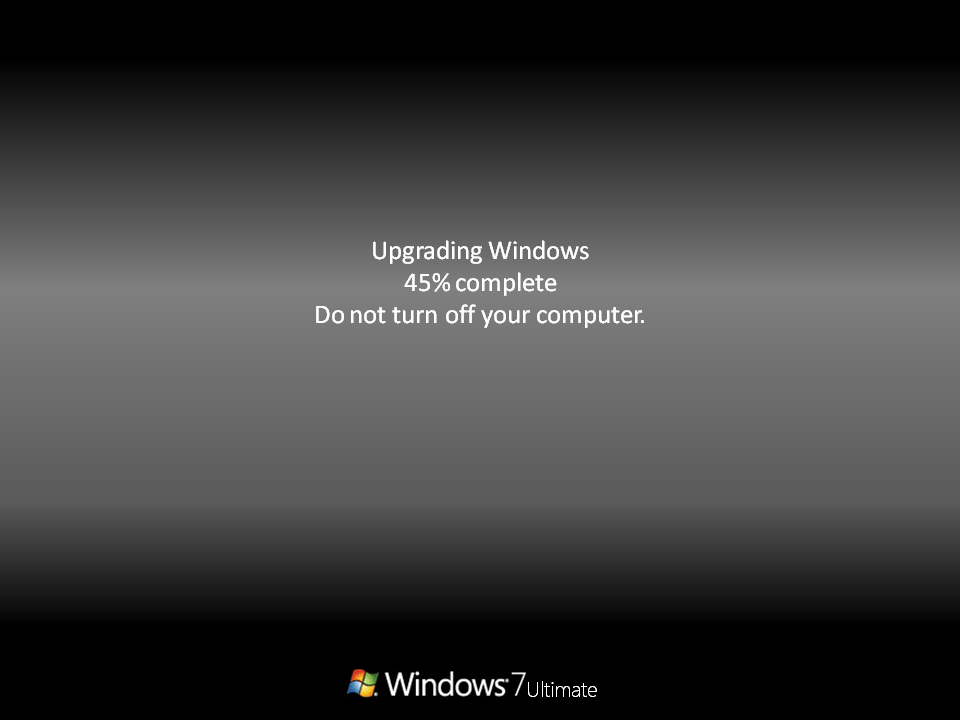
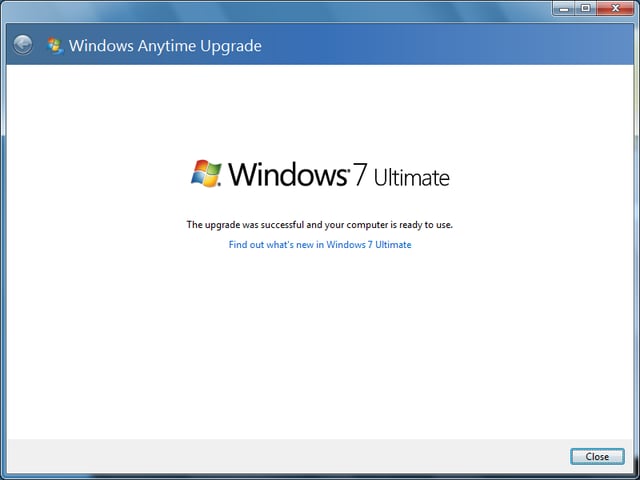
\n\tThe upgrade went very smooth and soon my friend was installing Windows 8 to a VHD. After we were finished, I figured that there were probably other folks out there that would be interested in learning more about using Windows 7 Anytime Upgrade to be able to install Windows 8 on a bootable VHD. As such, in this article, I’ll walk you step by step thru the entire procedure of using Windows 7 Anytime Upgrade to upgrade a Windows 7 Home Premium system to Windows 7 Ultimate.
\n
\n\t\n\n
\n
\n\tCreating a System Image
\n
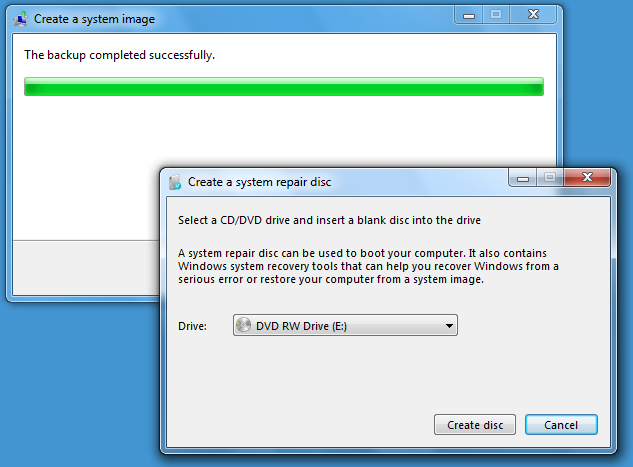
\n\tEven though the Upgrade will not alter any of your data or other configuration settings, I recommend that the first thing that you’ll want to do is create a System Image from within Windows 7’s Backup and Restore. When you do, you’ll end up with a complete image of your hard disk. That way, if anything out of the ordinary were to occur as you follow the steps for performing the Windows Anytime Upgrade, you will be able to return to your current configuration.
\n
\n\tFurthermore, I recommend that you also create a separate backup of your data. Maybe just make copies of all your data files on CD/DVD or on an external hard disk. While it may sound like overkill, having an extra backup will give you peace of mind.
\n
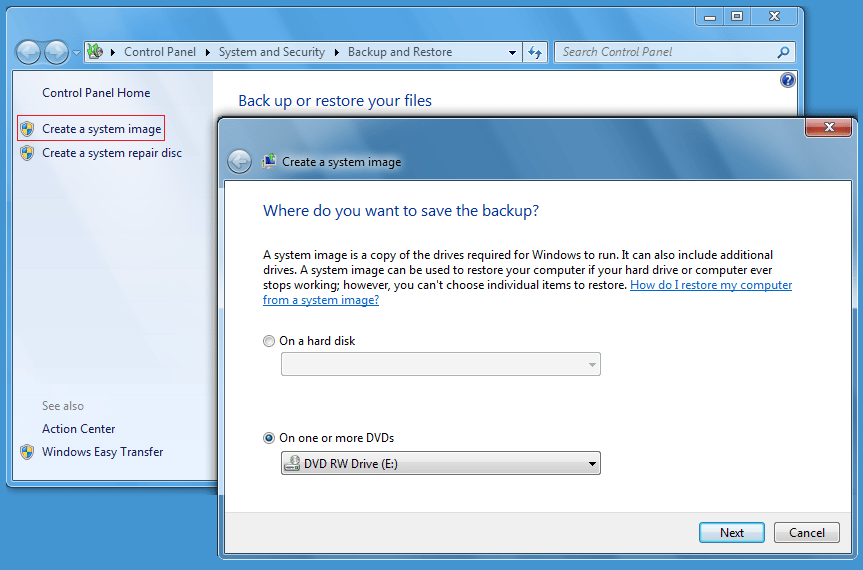
\n\tTo create a system image, you’ll need to have a CD-RW/DVD-RW drive, an external hard disk, or access to a network drive. To access Backup and Restore, click the Start button, type Backup in the Search box, and press [Enter] when Backup and Restore appears in the result pane.
\n
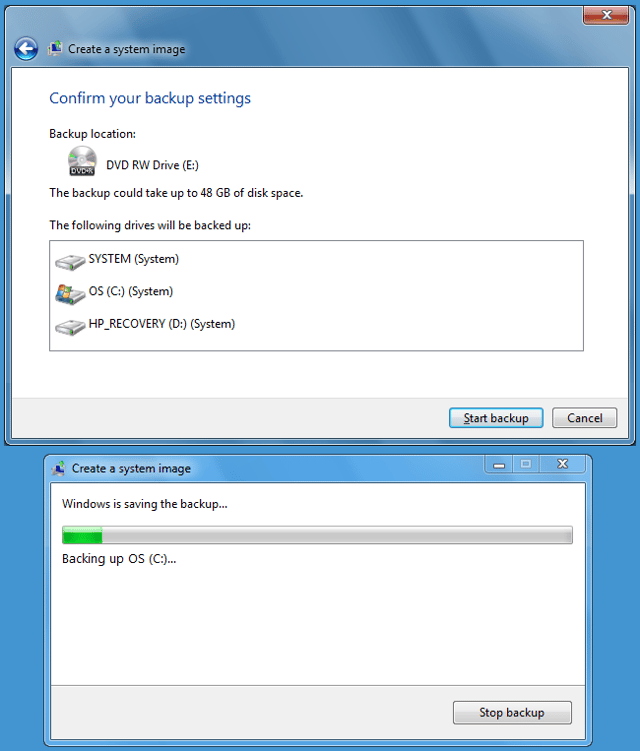
\n\tOnce you have Backup and Restore up, select the Create a System Image option and choose your backup location. As you can see, I used a DVD-RW drive on my system.
\n
\n\tImages by Greg Shultz for TechRepublic.