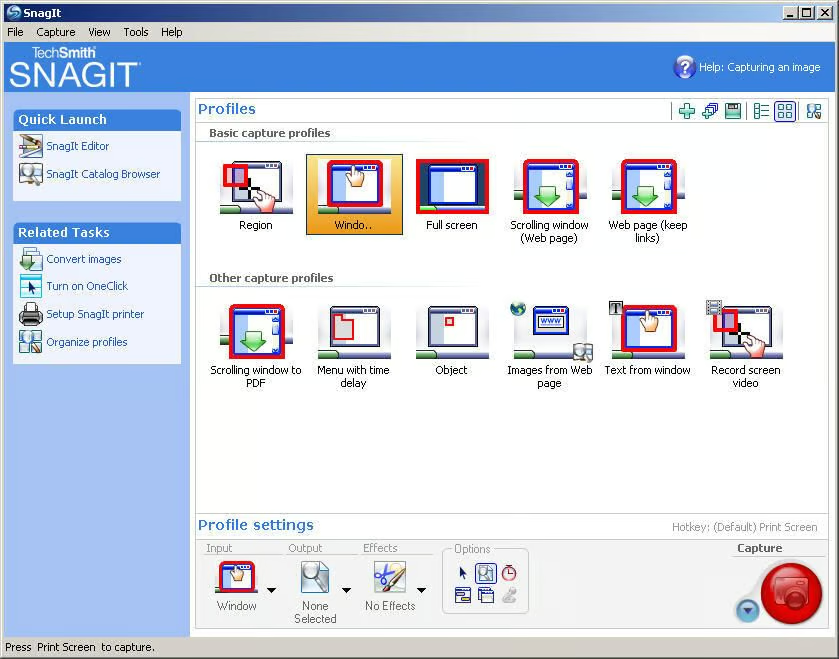
Over the years, I’ve used a variety of tools and techniques for capturing computer screen output, but TechSmith’s SnagIt has been the most useful and versatile. In this I’ll show you how SnagIt 8 can capture, edit, and enhance just about anything your computer screen can display.
Submitted by Bill Detwiler
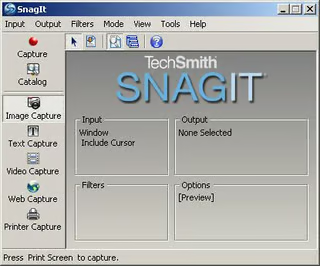
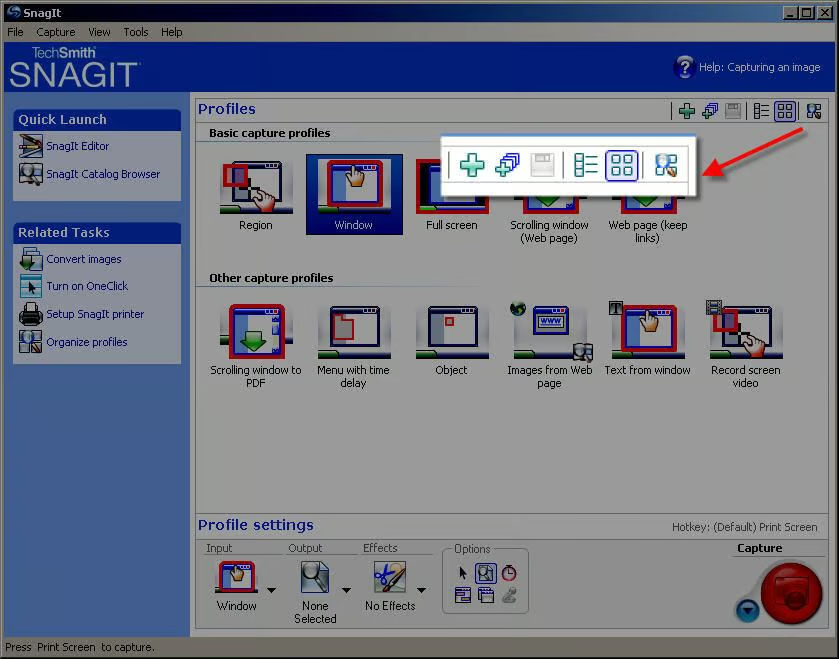
You can easily change the main window’s view to the smaller, Classic style.
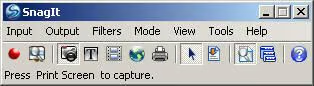
If you’re a desktop minimalist, you can also use this Compact View .
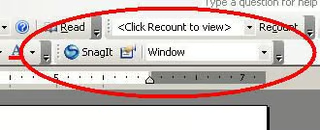
If you choose, SnagIt 8 will also add a SnagIt Toolbar to Microsoft Office applications.
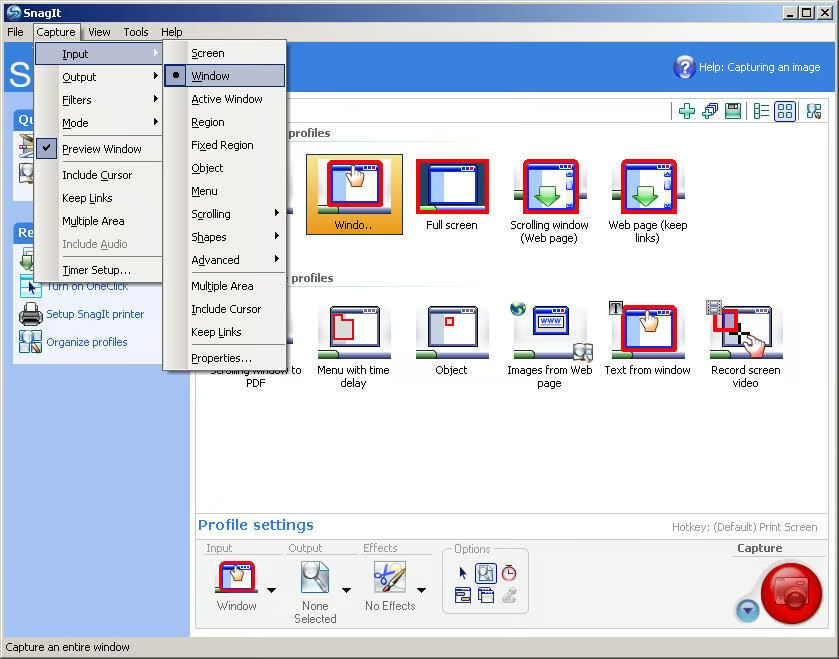
SnagIt 8 will capture just about anything your computer screen can display. The application’s many capture modes allow you to capture the entire screen, a specific rectangular region of the screen, an individual window, a menu or cascading menus from Windows applications, short, AVI videos of desktop activity, text, Web page elements, an application’s printer output, and more.
This image was captured using the Window input option. The menus are visable because they were open at the time of capture.
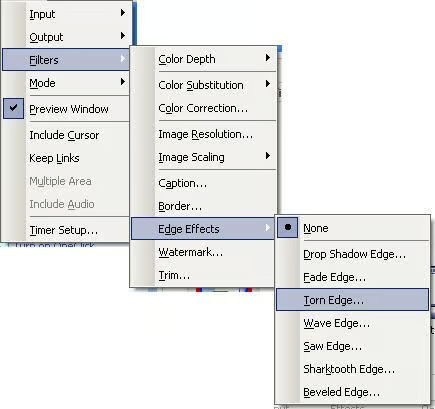
If you’d like to capture just the menus, SnagIt 8 allows you to do so. This image was taken using the Menu input option.
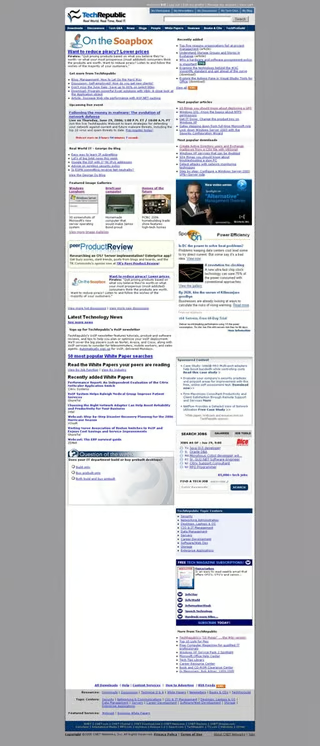
When you need to capture an image that extends beyond the bottom of the screen, SnagIt 8’s Window Auto Scroll input option works perfectly. Here, I captured the TechRepublic home page by opening and new browser window and merely selecting the actual display pane. SnagIt automatically scrolled the pane as it captured the image.

Using SnagIt 8’s Web Capture mode, you can scan and save images from a Web site.
This image is a capture of the Geekend graphic from the TechRepublic home page.

To capture small elements, such as toolbar buttons and icons, use SnagIt 8’s Object input option. Here, I’ve captured the folder in which I saved the images for this gallery.
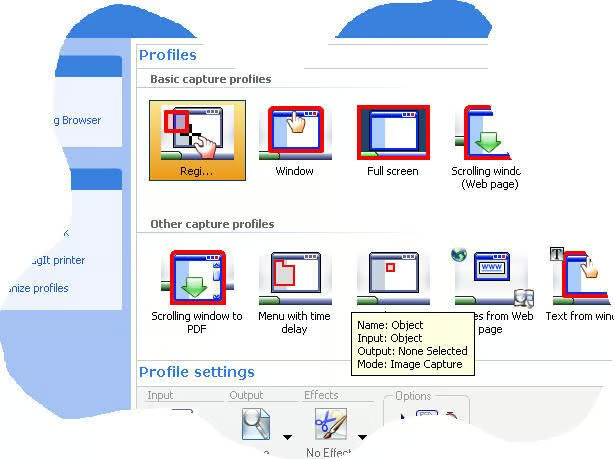
To capture this image, I used SnagIt 8’s Freehand input option. This can come in handy for irregularly-shaped objects you want to capture.
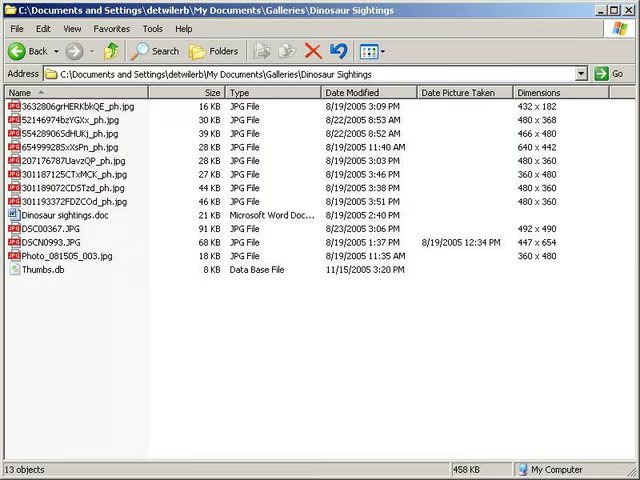
if you’re like me, you wonder why Microsoft never bult a print option into Windows Explorer. Sure, you can print a file, but try to print a directory listing and you’re out of luck.
SnagIt 8 however, allows you to capture the text within a Windows Explorer window using the Text capture mode.
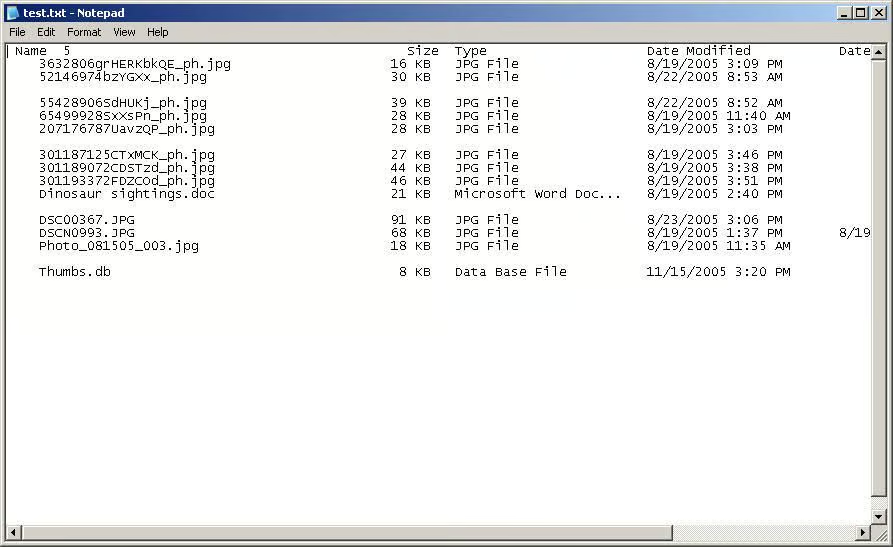
Once you’ve captured the text from a window, you can save that information as a text file.
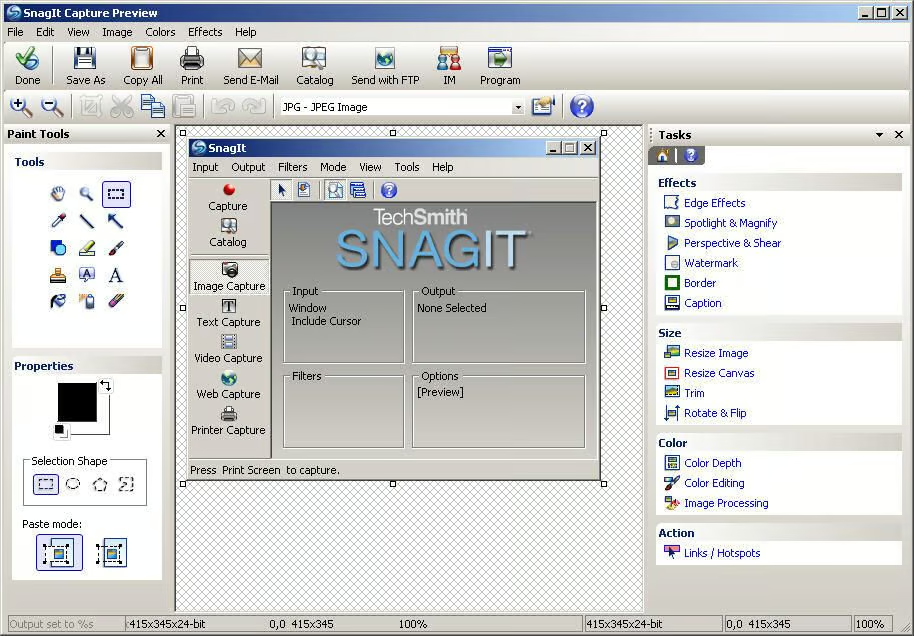
Before sharing or storing captured images, you’ll likely want to edit or enhance them. Using the SnagIt Editor, you can quickly and easily add text, arrows, highlighting, callouts, and a host of other informative elements. This is perhaps the functionality I find most helpful and the biggest time saver.
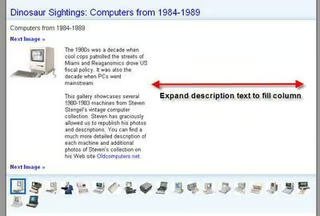
A screen capture can save you from having to write the 1,000 words a picture is often worth, but only if the image effectively conveys the intended meaning. SnagIt 8’s editor let’s you add that meaning.
For example, TechRepublic recently deployed a new, and greatly improved I think, gallery page–you can see an example here. I have suggested that our developers expand and contract the image description text to fill the column to the right of the image. I this image to illustrate my suggestion.
The Spotlight & Magnify effect is another tool through which you can emphasize a particular image element.
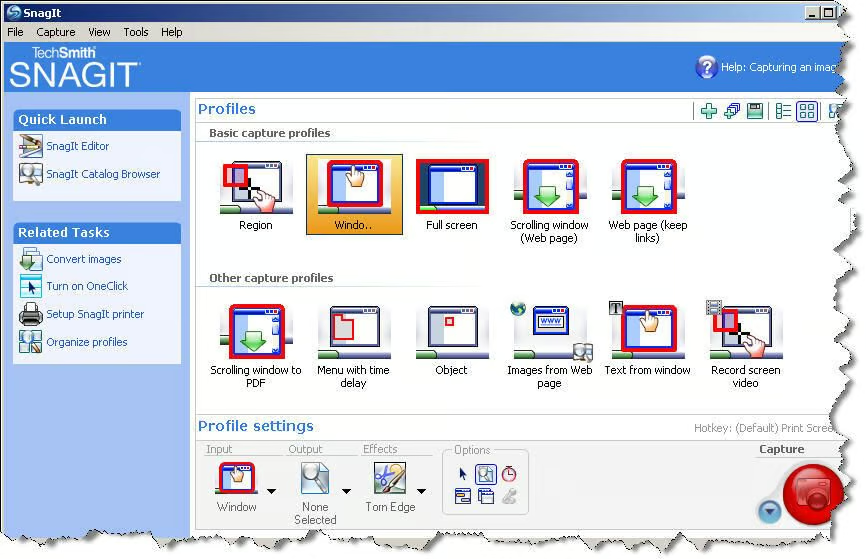
The SnagIt Editor also includes a variety of edge effects you can apply to images manually after capture or automatically at the time of capture.
This image shows the Torn Edge effect.
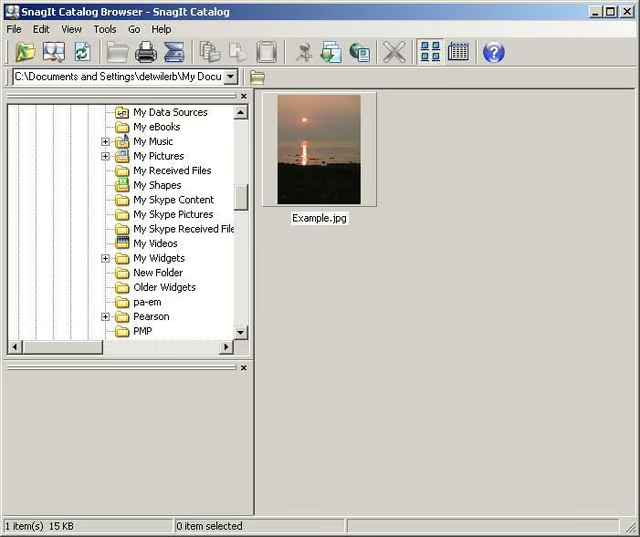
SnagIt 8 includes an image browser, which let’s you view images and perform batch processes, like resizing and renaming.
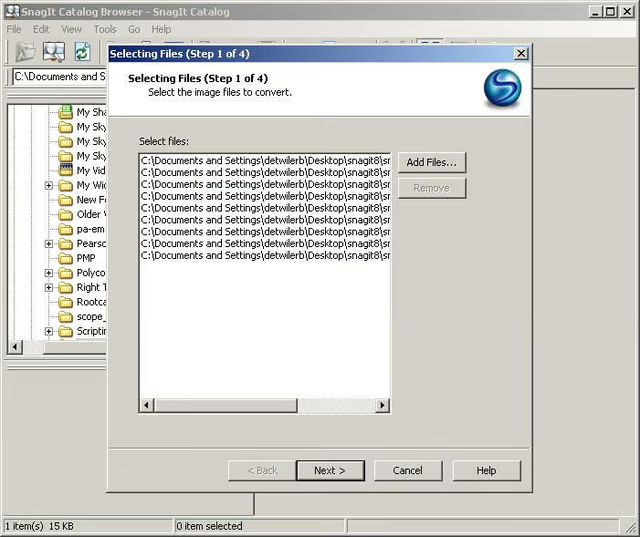
Using the Catalog Browser’s batch processing wizard, you can manipulate multiple images in a wide variety of ways.
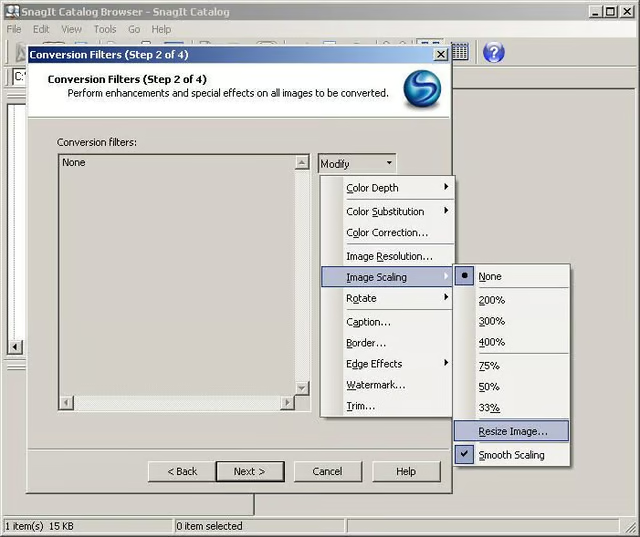
Here I am selecting the process I want to apply–resizing.
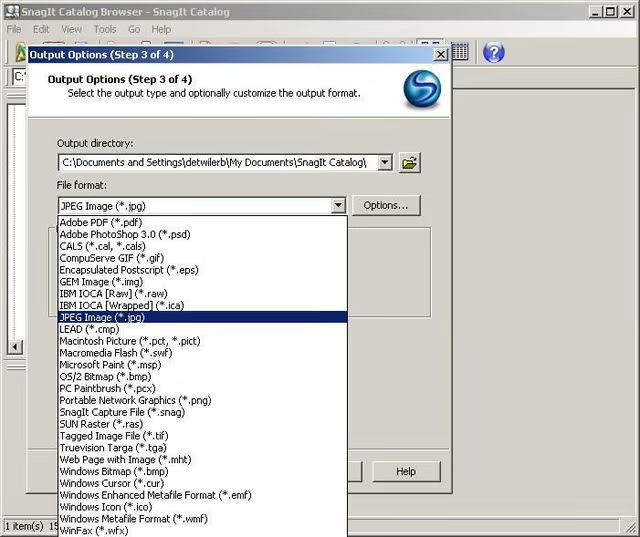
After configuring the batch process, I can select an output location and file format. SnagIt 8 support 23 different file formats.
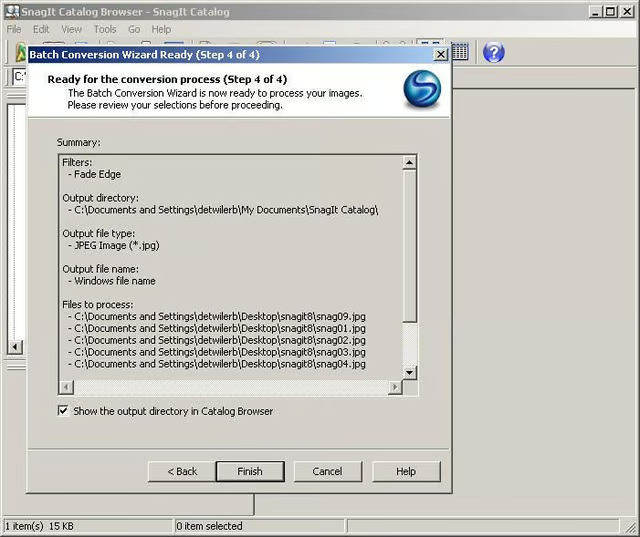
Clicking Finish will start the batch process.
Bill Detwiler is the Editor for Technical Content and Ecosystem at Celonis. He is the former Editor in Chief of TechRepublic and previous host of TechRepublic's Dynamic Developer podcast and Cracking Open, CNET and TechRepublic's popular online show. Previously, Bill was an IT manager in the social research and energy industries. He has bachelor's and master's degrees from the University of Louisville, where he has also lectured on computer crime and crime prevention.


