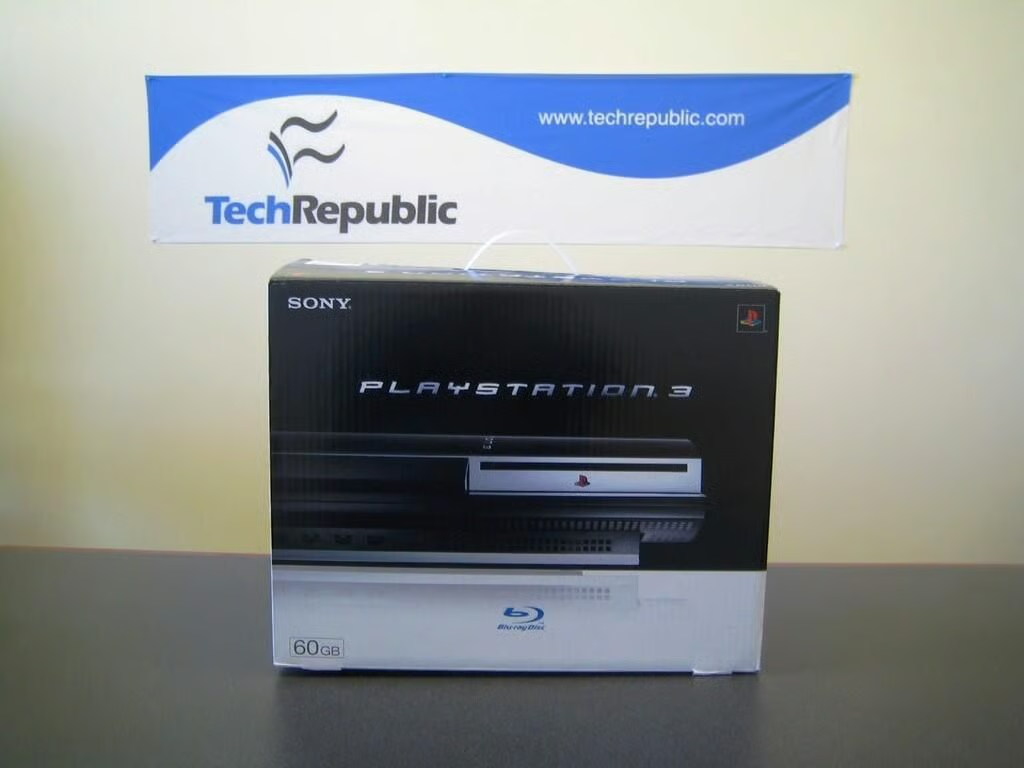
Once the holiday buying frenzy died down, we finally procured a Sony PlayStation 3. As we did with Microsoft’s Xbox 360 and Nintendo’s Wii, we plan to crack open the PS3 and explore the hardware that makes Sony’s new console run. Before breaking out the screwdrivers and plyers, the CNET Louisville staff took the PS3 for a test drive–just in case I couldn’t put it back together again.
Credit: Bill Detwiler
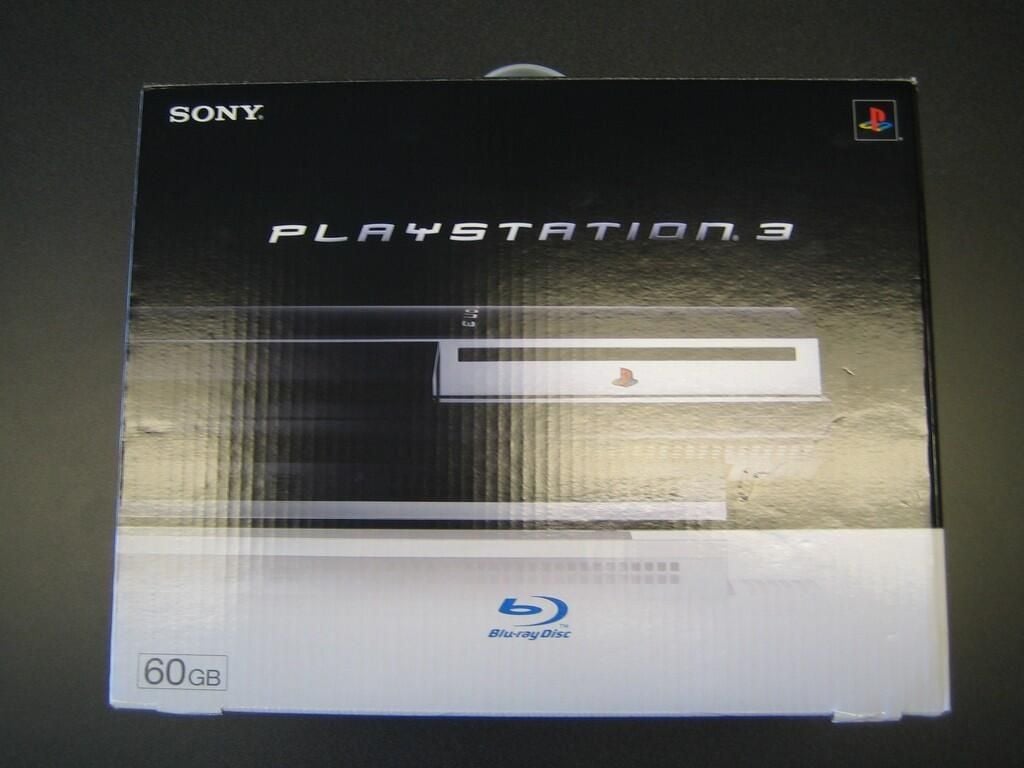
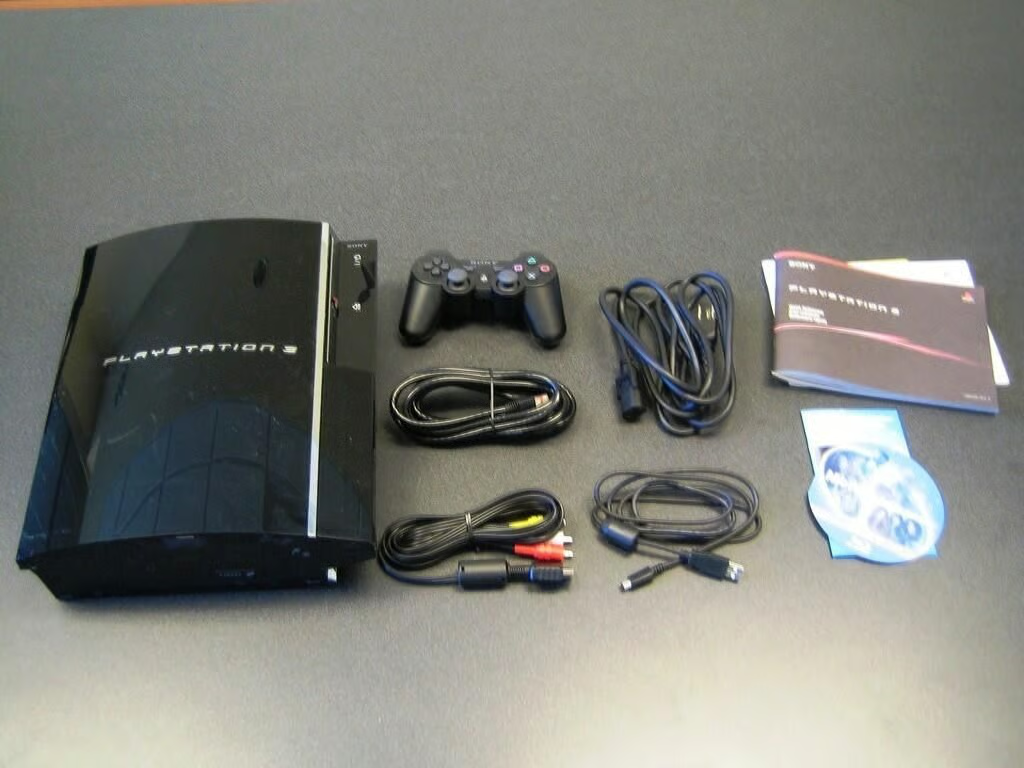
Compared to the Nintendo Wii and Microsoft Xbox 360, the PlayStation 3 has a much larger box.
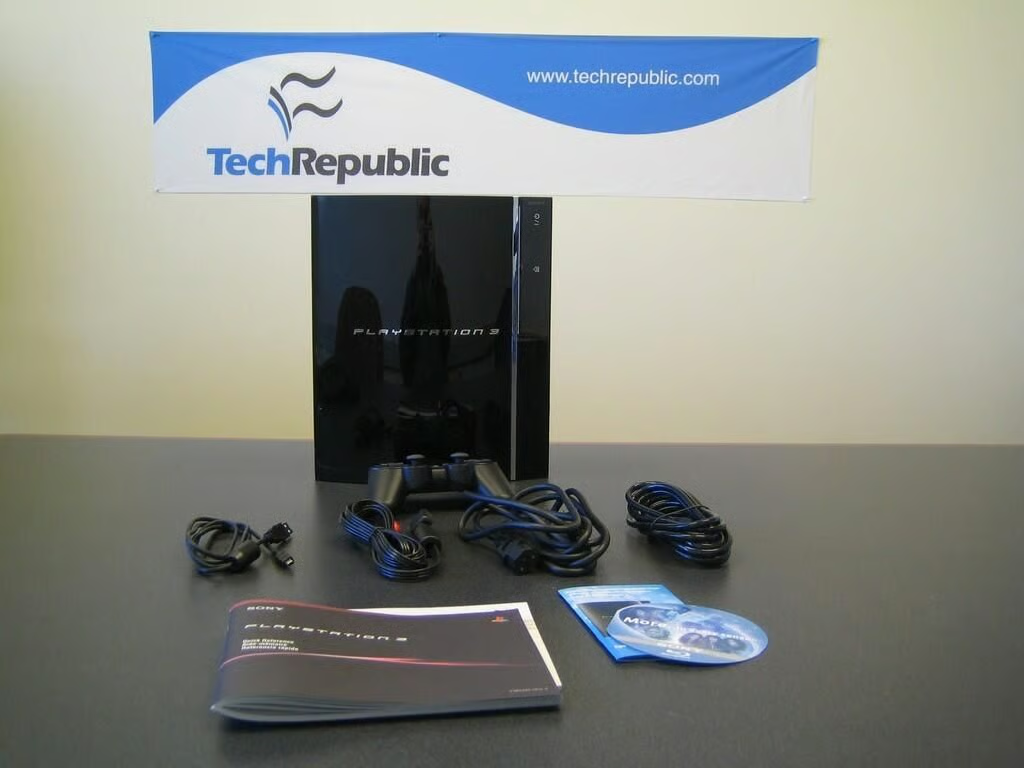
Like the Nintendo Wii, you can stand the Playstation 3 vertically, as shown here, or position the unit horizontally.
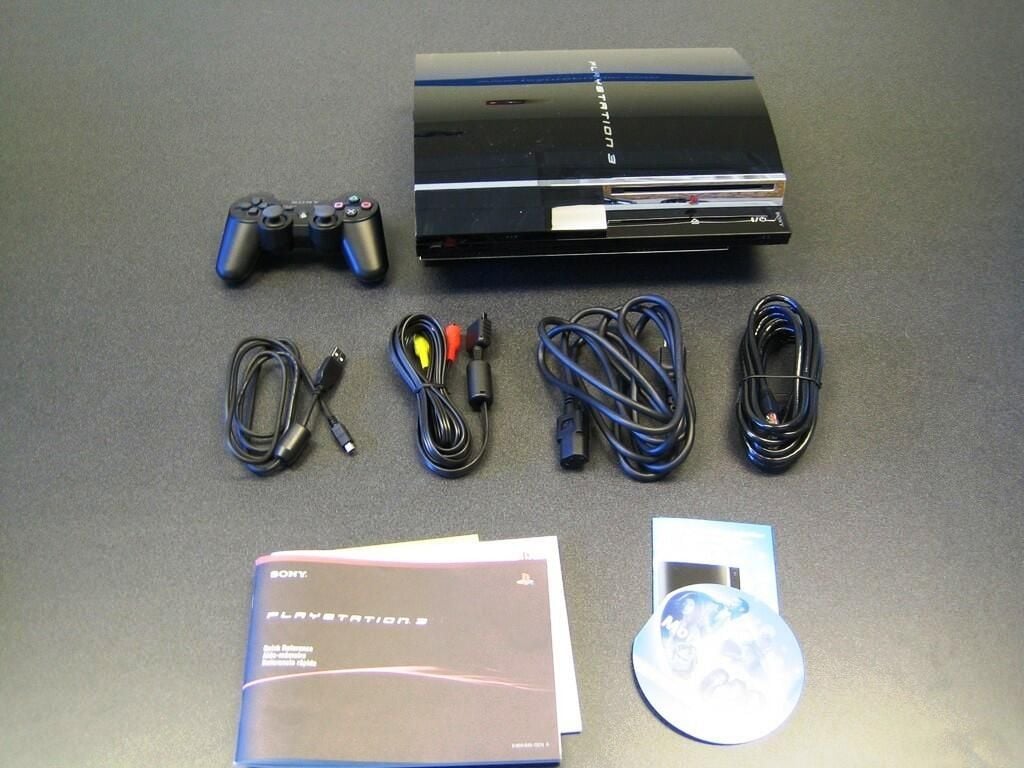
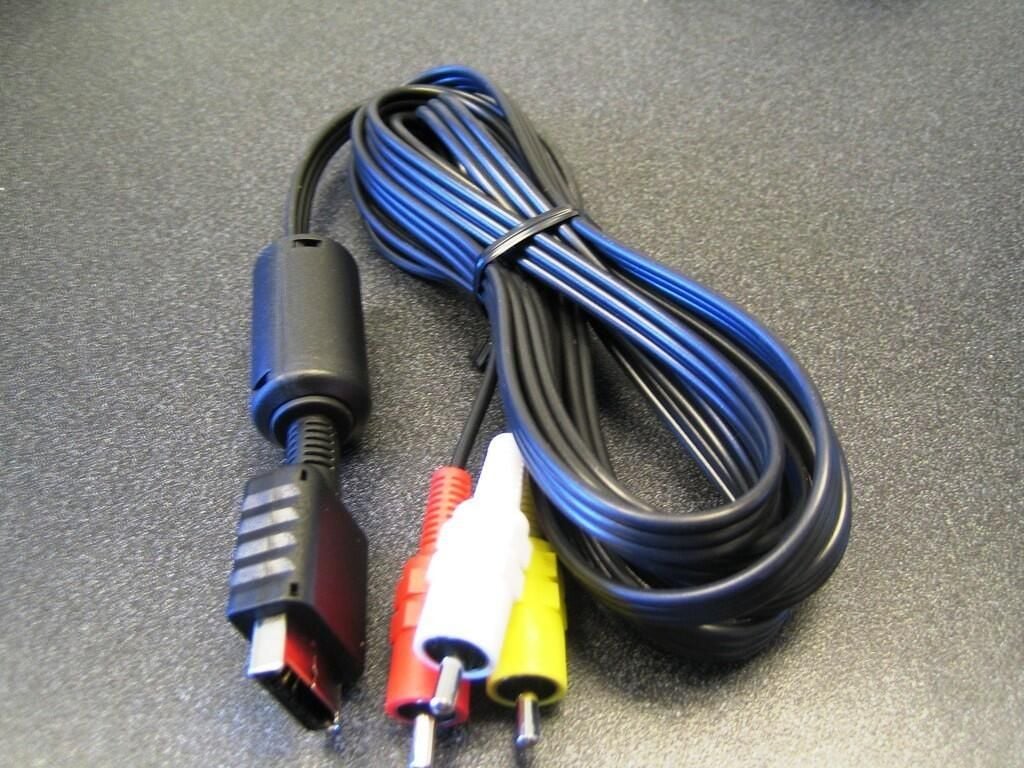
The PlayStation 3’s analog AV cable looks very similar to the Gamecube’s AV cable.
The included AV cable will produce an image at 480i resolution. The S VIDEO Cable (sold separately) will also produce a 480i image. The Component AV Cable (sold separately) will produce 1080p, 1080i, 720p, 480p, and 480i images. The HDMI Cable will produce 1080p, 1080i, 720p, and 480p images.
At standard definition (SD) resolutions (480p and 480i), the PS3 can produce an image with either a 16:9 or 4:3 aspect ratio. At high definition (HD) resolutions (1080p, 1080i, and 720p), the PS3 will only produce an image with a 16:9 aspect ratio.
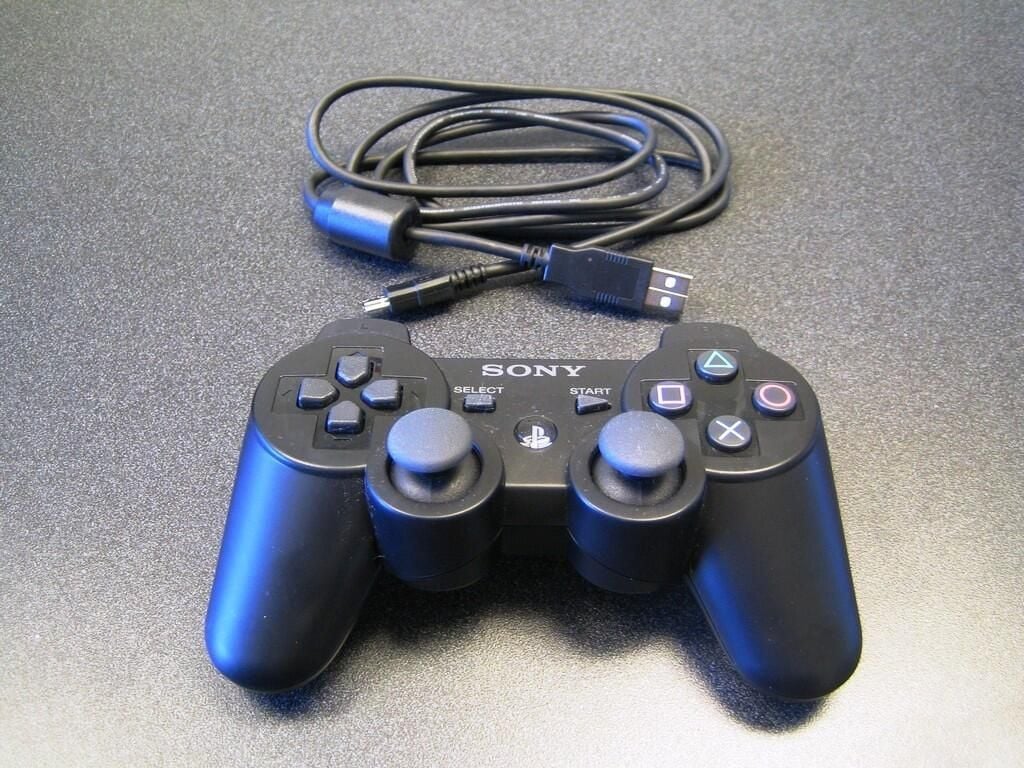
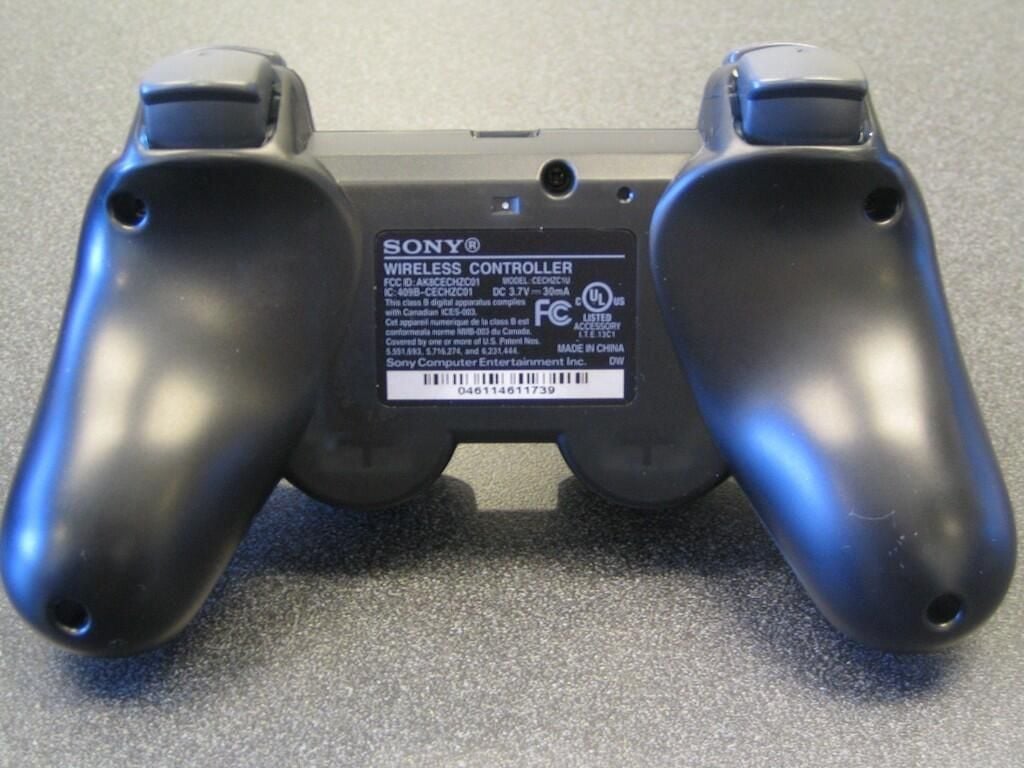
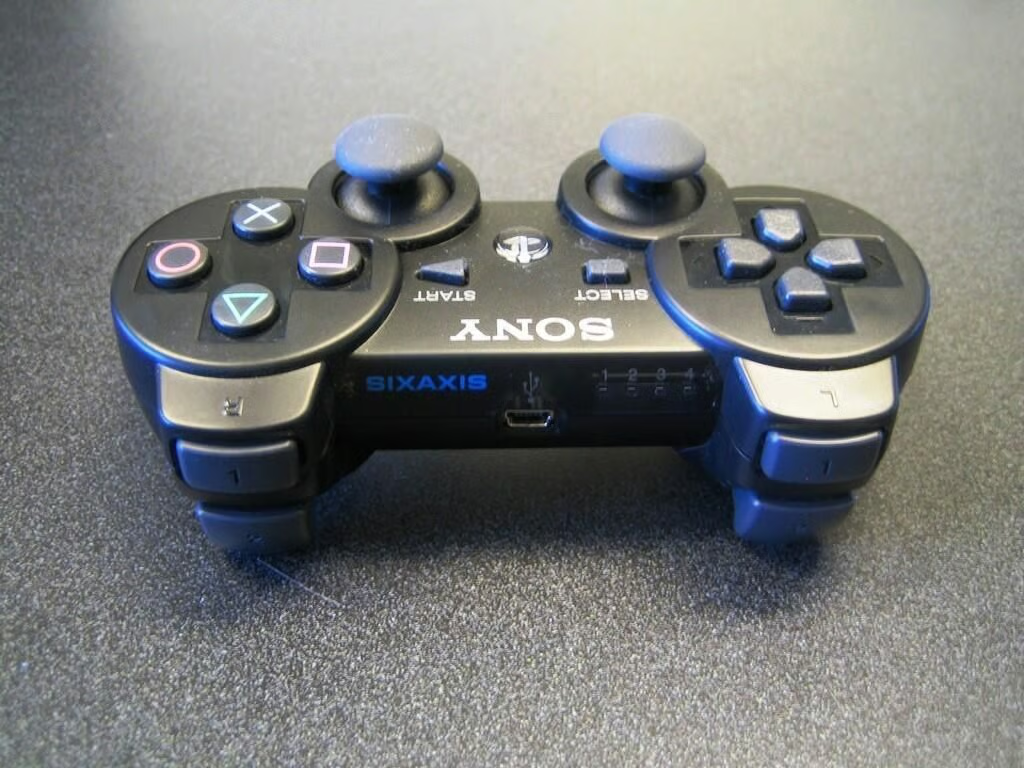
The PlayStation 3’s SIXAXIS wireless controller is almost identical to the PlayStation 2’s controller.
Unlike the Nintendo Wii and Microsoft Xbox 360, these wireless controllers use a battery that cannot be changed by the user, if at all. Gamers charge the controller’s battery by connecting it to the PlayStation 3 via the provided USB cable. Should the controller’s battery go during the critical boss fight, you can connected the controller to the console via the USB cable and continue playing.
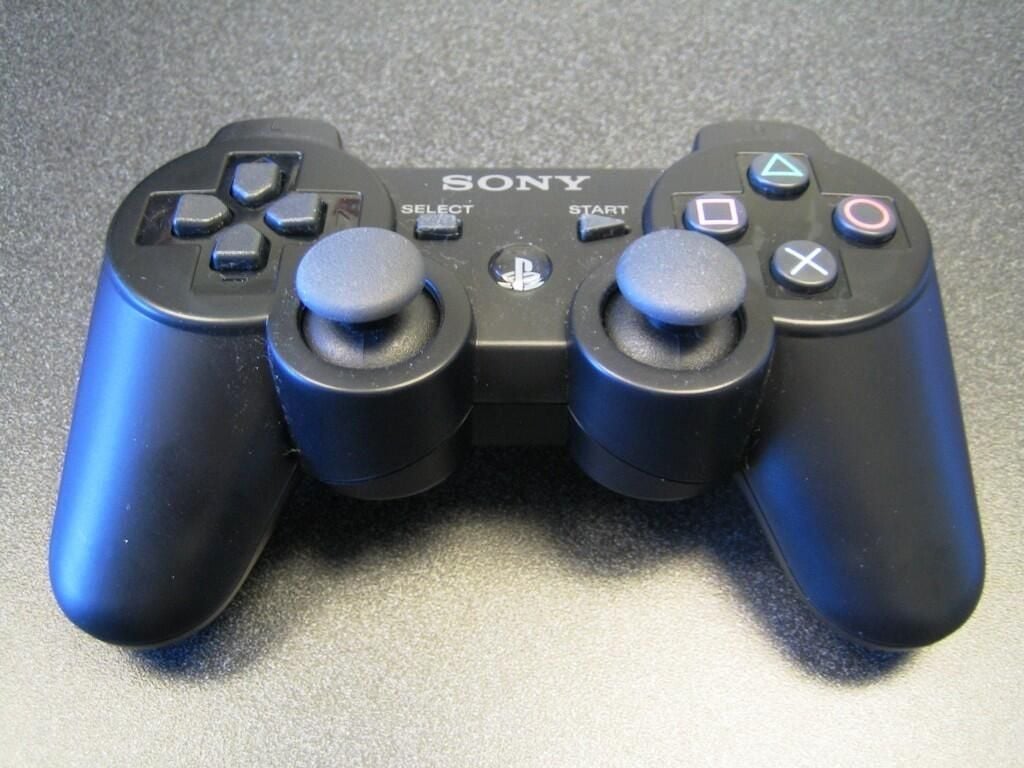
The SIXAXIS controller uses Bluetooth to wirelessly connect to the PlayStation 3, which can support up to seven wireless controllers at one time.
I’d hate to play a split-screen game with seven other people.
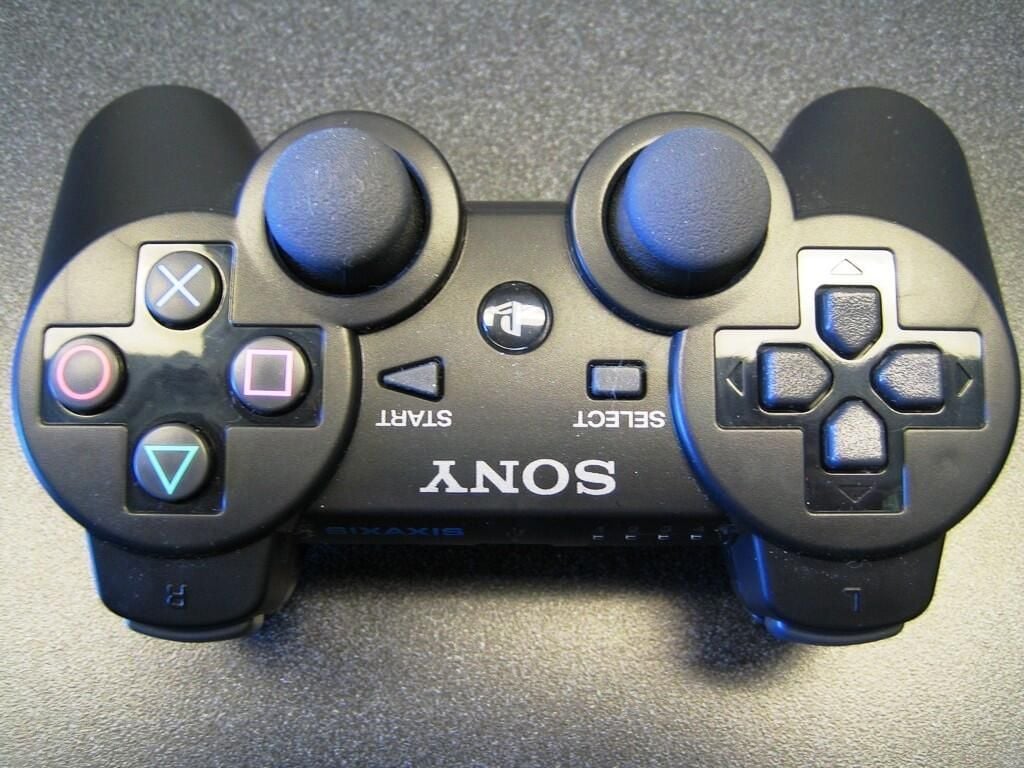
Although the SIXAXIS controller will be familiar to PlayStation 2 owners and it does have some motion-sensing ability, Sony could have done more to innovate their controller–like the revolutionary Nintendo Wii remote.
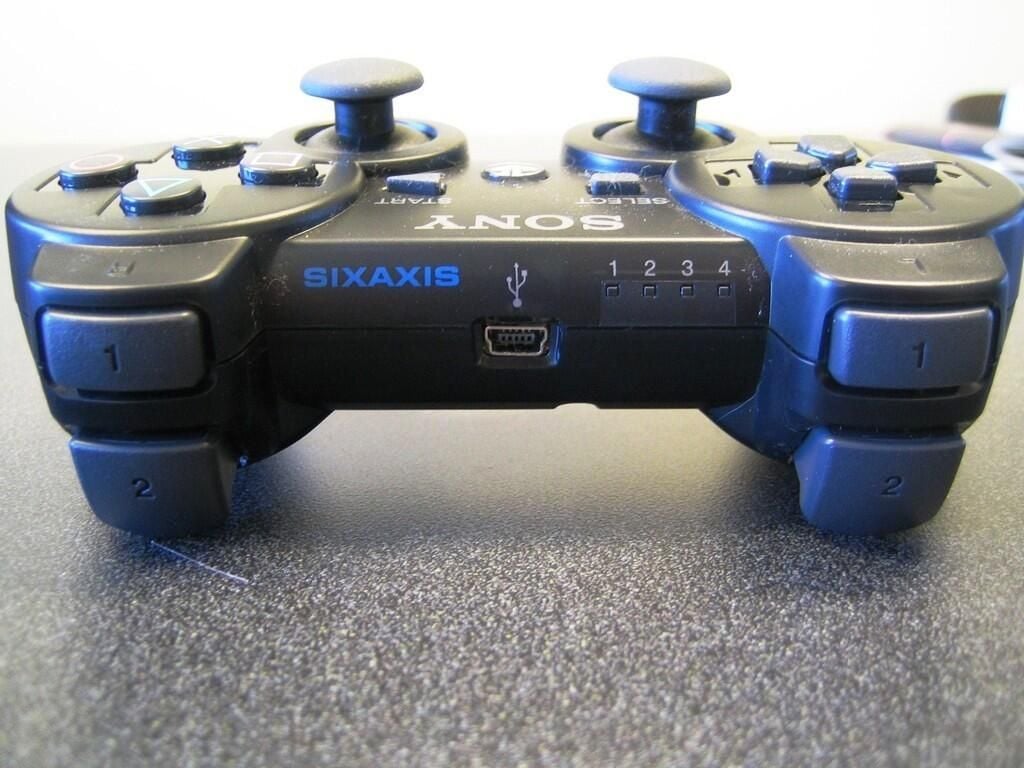
According to Sony’s PlayStation 3 Web site, the controller’s L2/R2 triggers have been redesigned to increase “travel and precision for more subtle control in games”.
The buttons do stick out a bit further than the PS2 controller’s L2/R2 buttons, but the SIXAXIS buttons felt very similar to the old controller’s buttons.
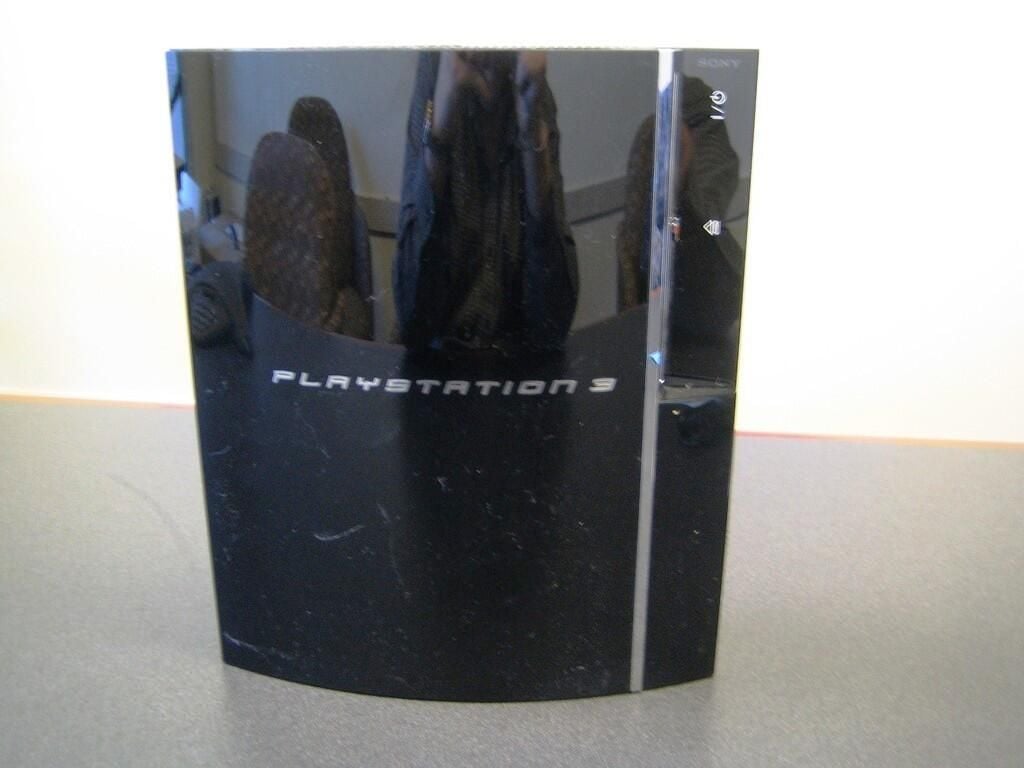
The PlayStation 3’s shinny black case look great, until it gets covered in dust and finger prints.
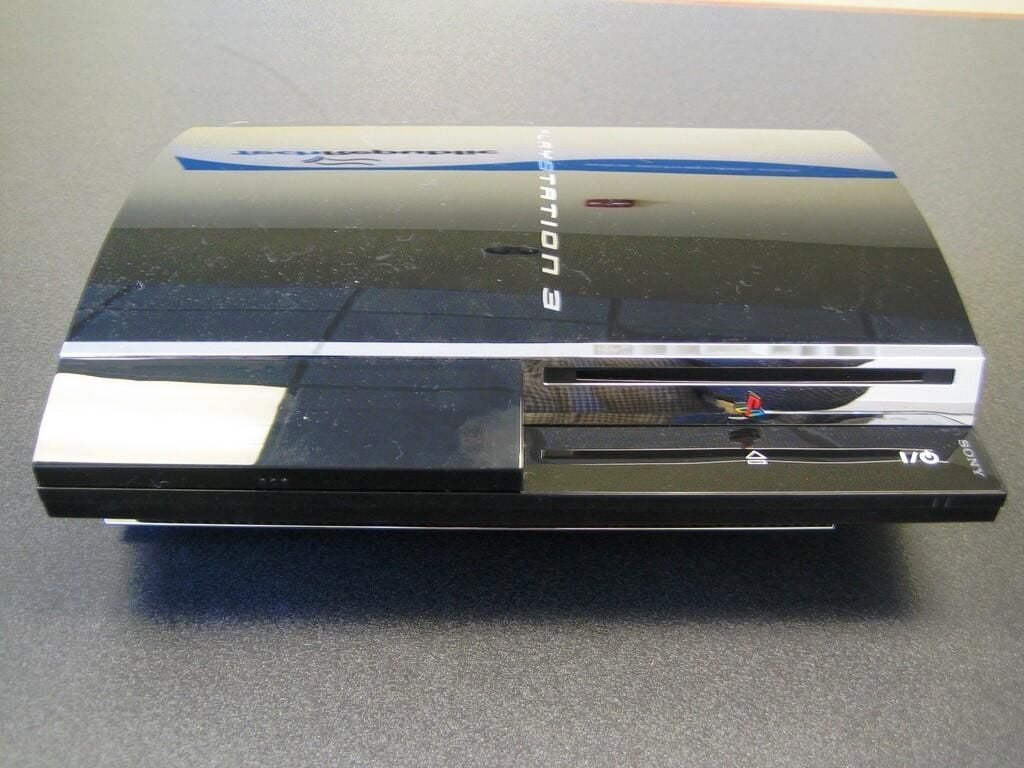
Our $599 60GB HDD PlayStation 3 came with silver plastic trim-how upscale. From the front of the unit you can access the PS3’s Blu-Ray optical drive, power button, disc eject button, memory card slots (hidden in this photo), and four USB ports. The HDD activity light and Wi-Fi connectivity light.
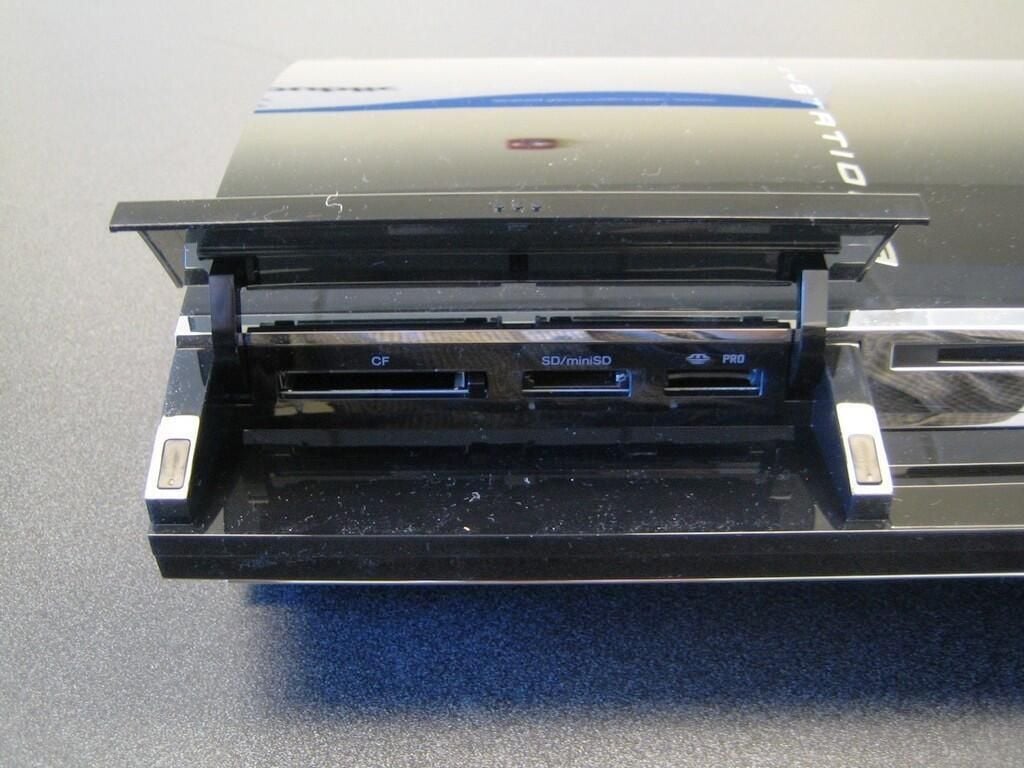
The $599 PlayStation 3 version supports Memory Sticks, SD Memory Cards, and Compact Flash cards. You don’t need an adaptor for Memory Stick Duo/miniSD cards. The PlayStation 3’s operating system will display or play ATRAC, MP3, AAC, JPEG and MPEG-4 files.
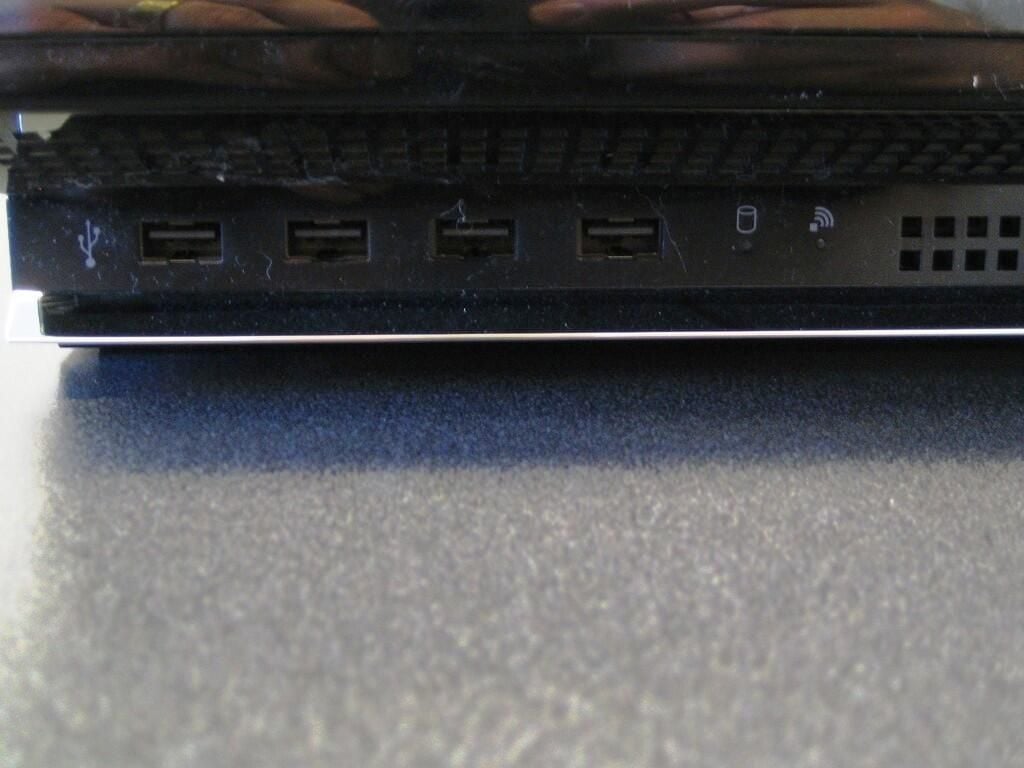
Below the memory card slots, the PS3 has four USB ports, the HDD activity light, and Wi-Fi connectivity light. The $599 PlayStation 3 has a built-in IEEE 802.11b/g Wi-Fi connection.
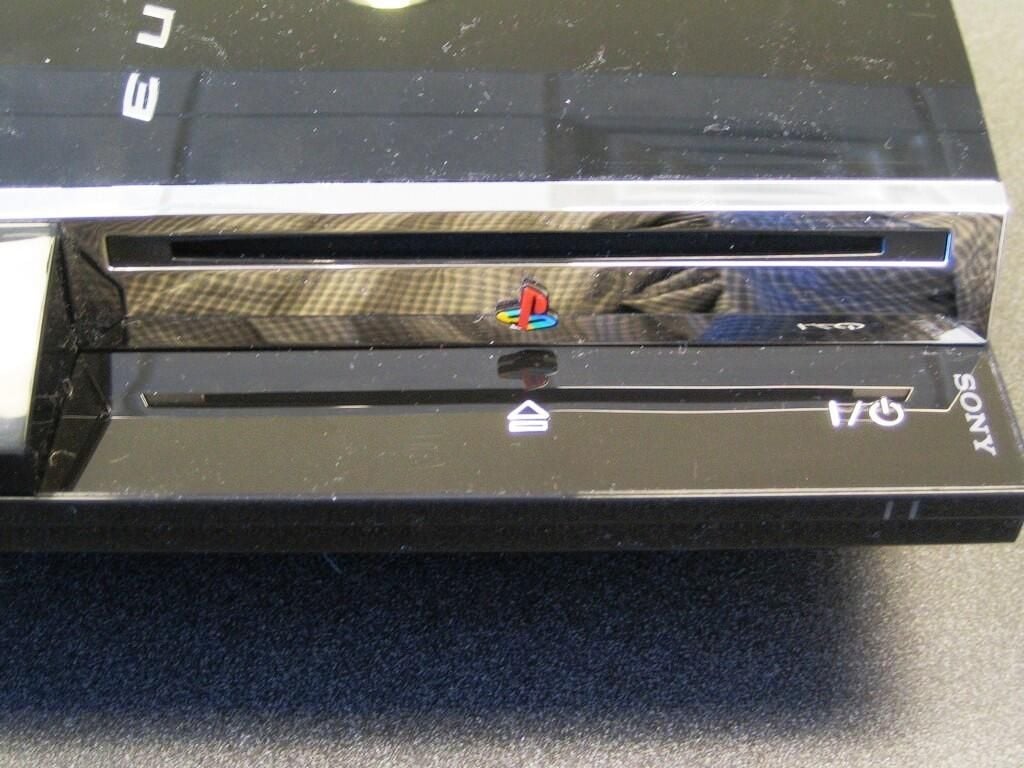
The PlayStation 3 uses a slot-loading Blu-Ray Disc (BD)/DVD/CD drive.
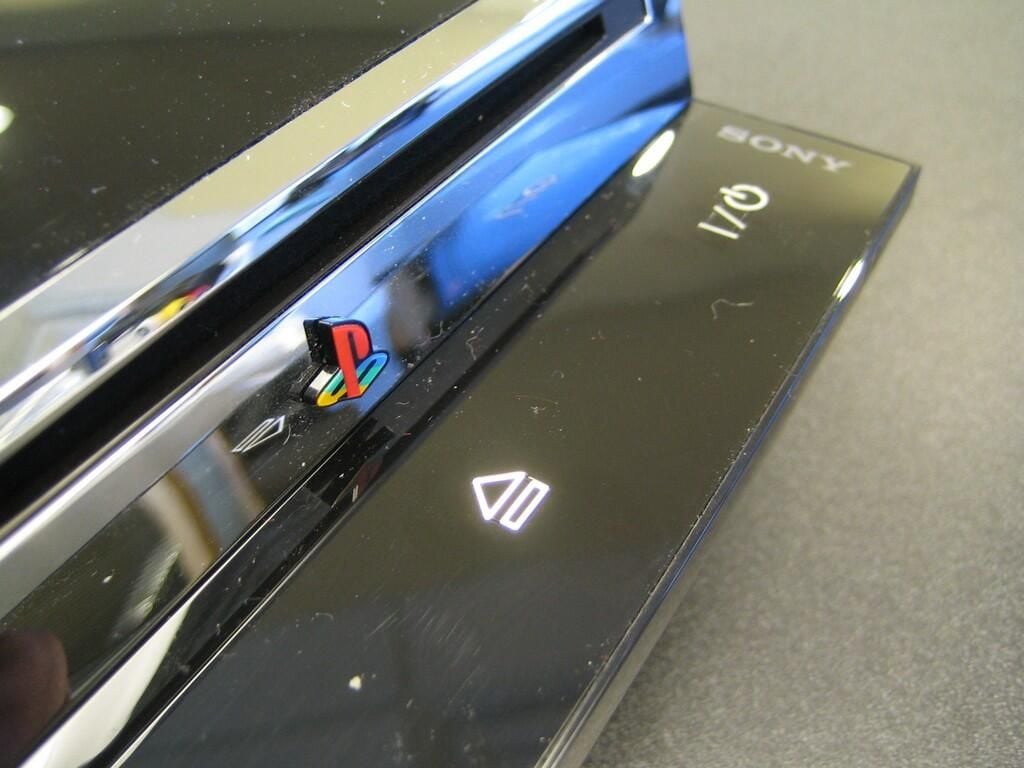
It took us a few seconds to figure out the disc eject and power buttons. I kept trying to press or squeeze the buttons but they just wouldn’t budge. Instead of buttons you depress, the PS3 uses touch-sensitive buttons that you simply hold you finger to–nice, but not immediately intuitive.
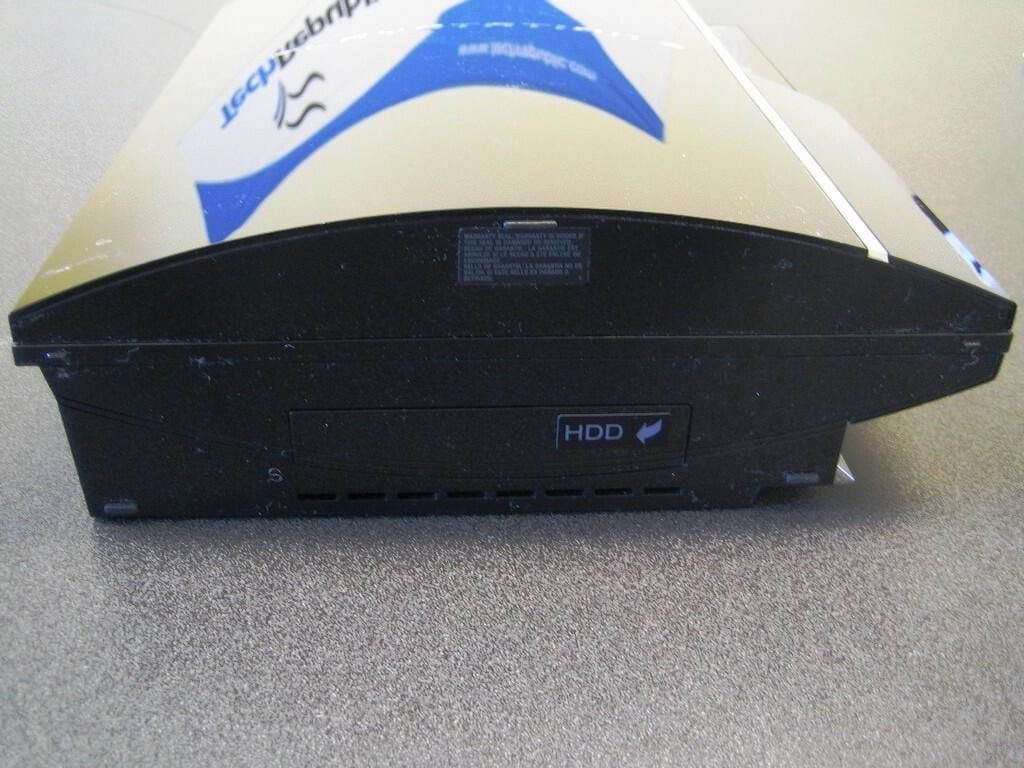
On the unit’s left side (or bottom if positioned vertically), you can access the PS3’s 2.5′ Serial ATA (60GB) hard drive.
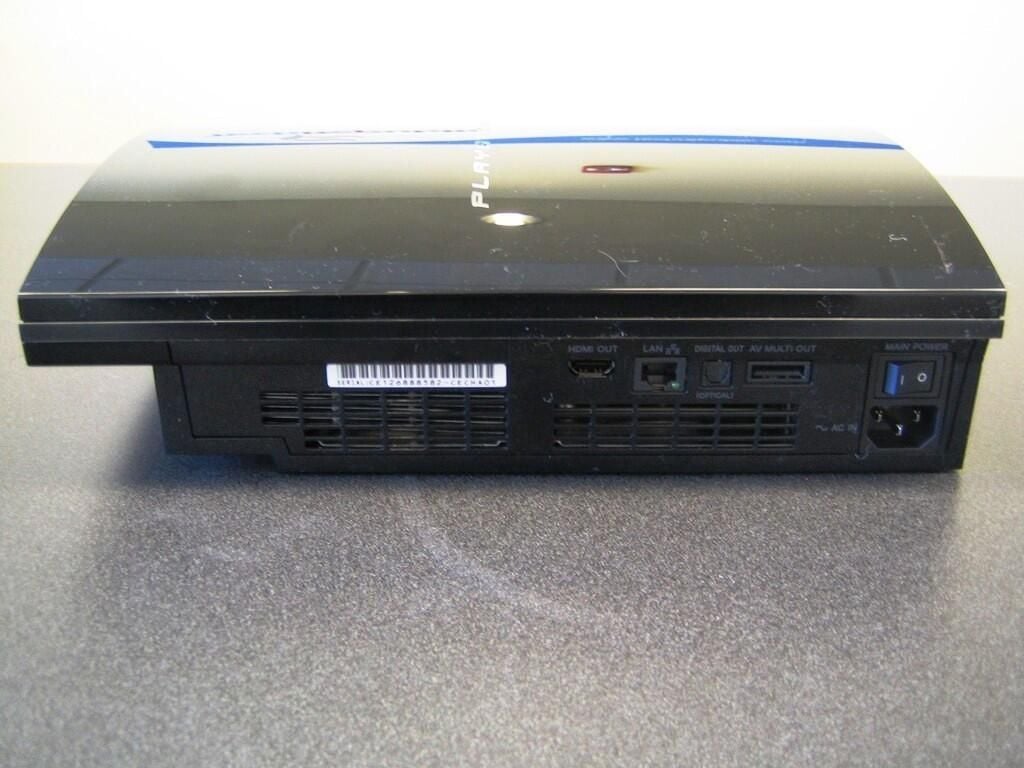
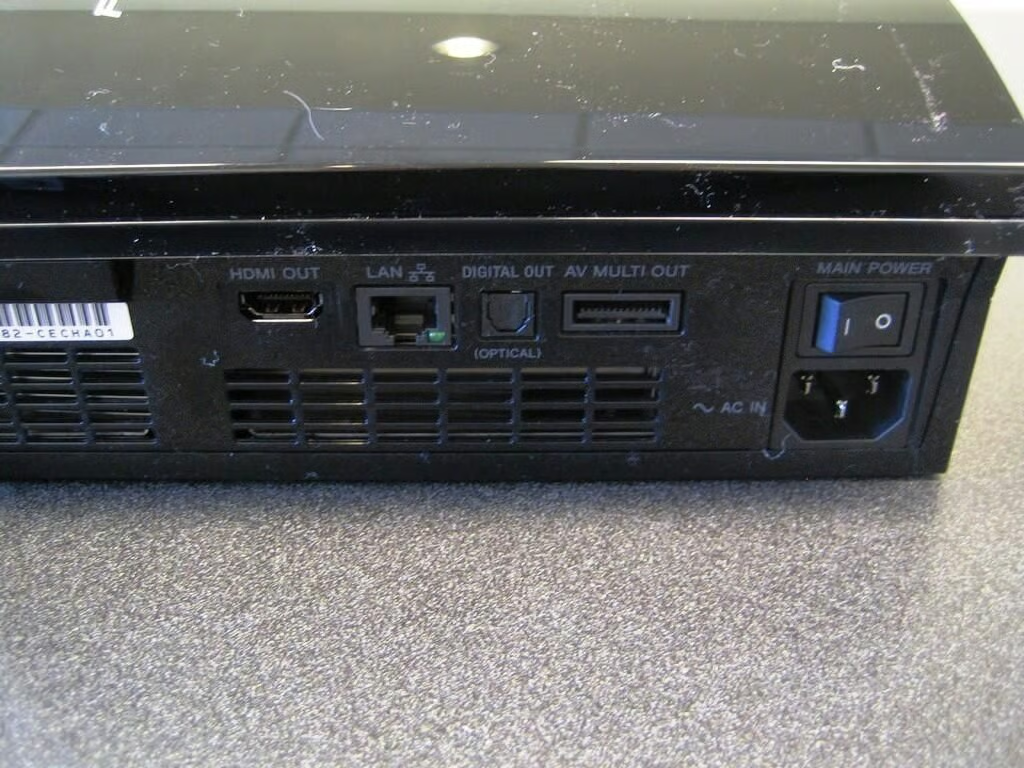
Along with two large vents, the PS3’s rear panel contains the main power switch, AC power connector, HDMI connector, RJ-45 Ethernet jack, optical audio output, and AV cable connector.
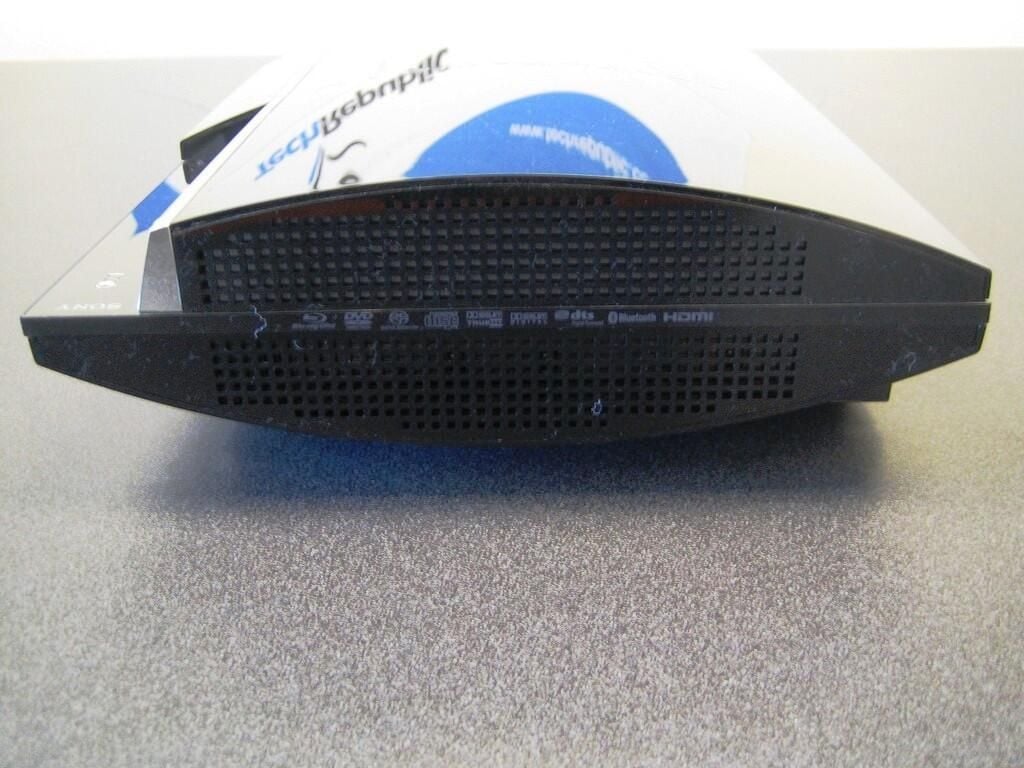
More cooling vents
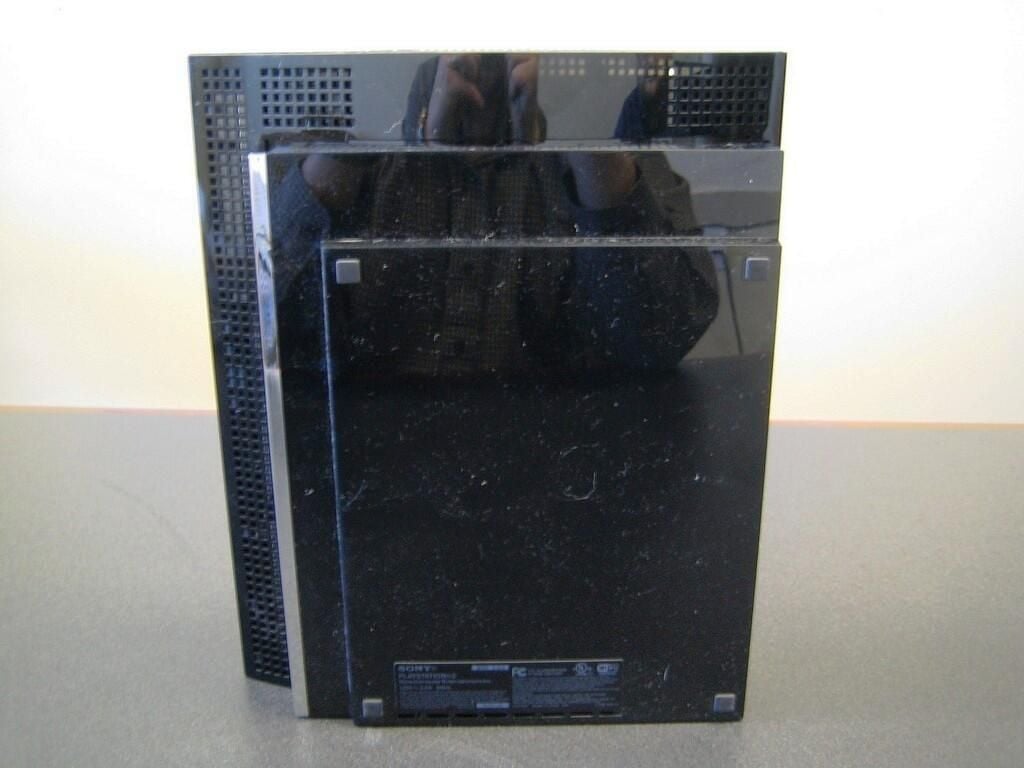
The PS3’s bottom contains more cooling vents and four rubber feet.
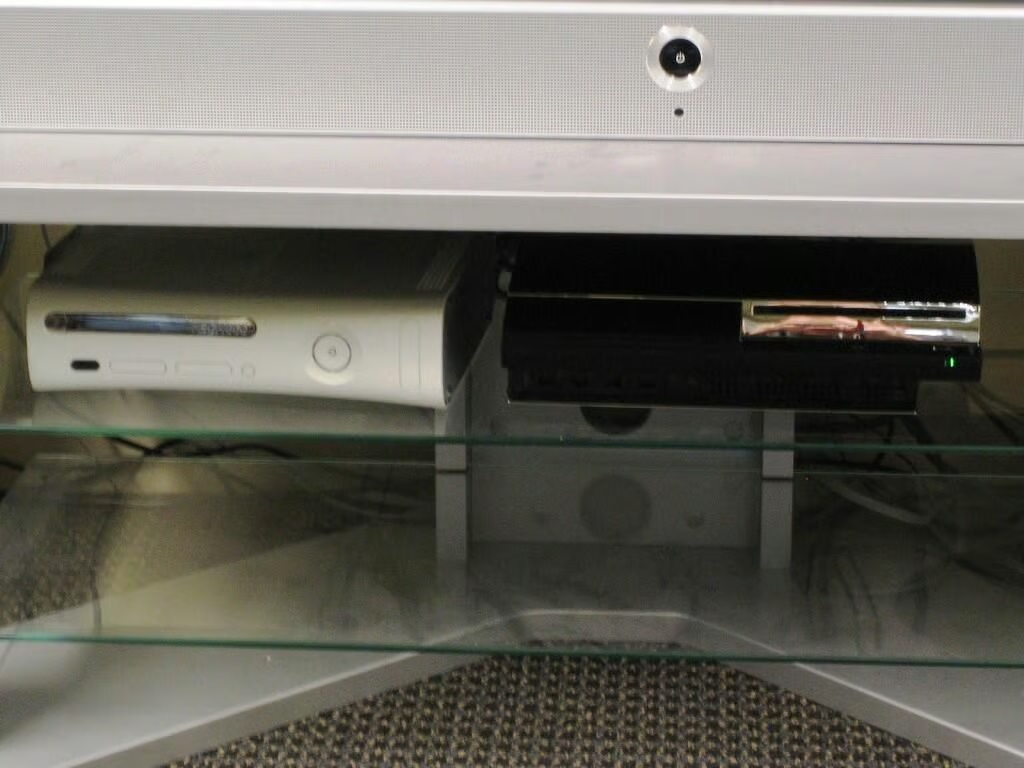
After thoroughly photographing the PS3, it was time to try it out. We took the unit into our game room and hooked it up next to our Xbox 360 and Wii (not shown).
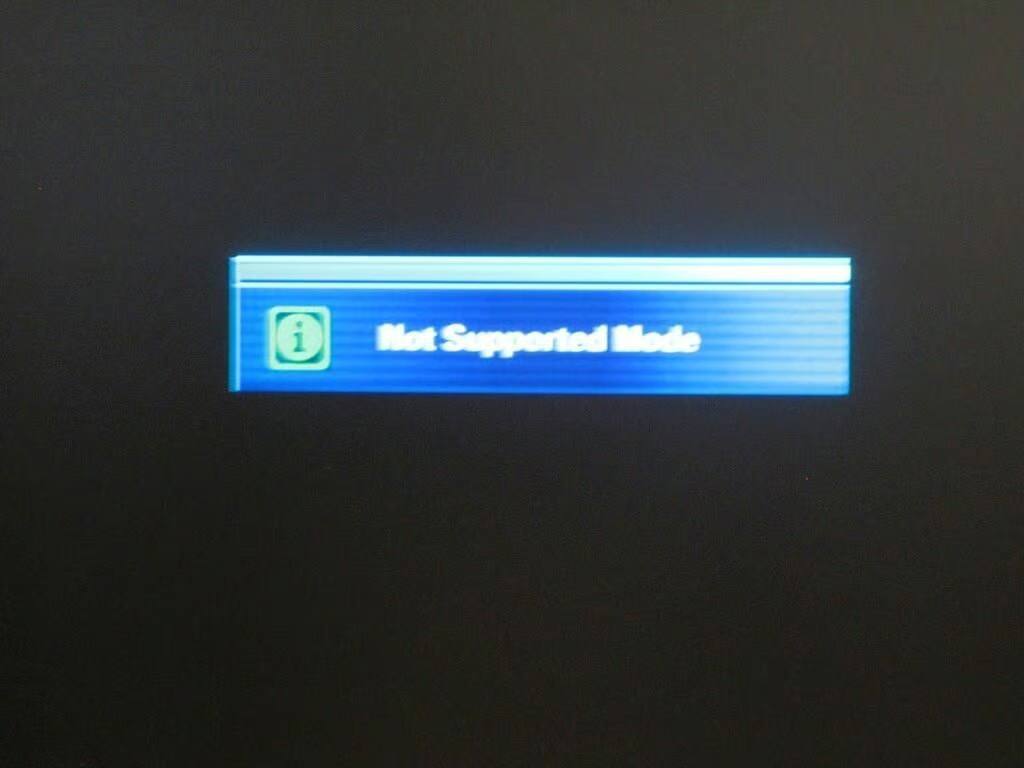
Much to our dismay, our Samsung television would not properly detect the PS3. We tried both an HDMI cable and the analog AV cable, with no luck.
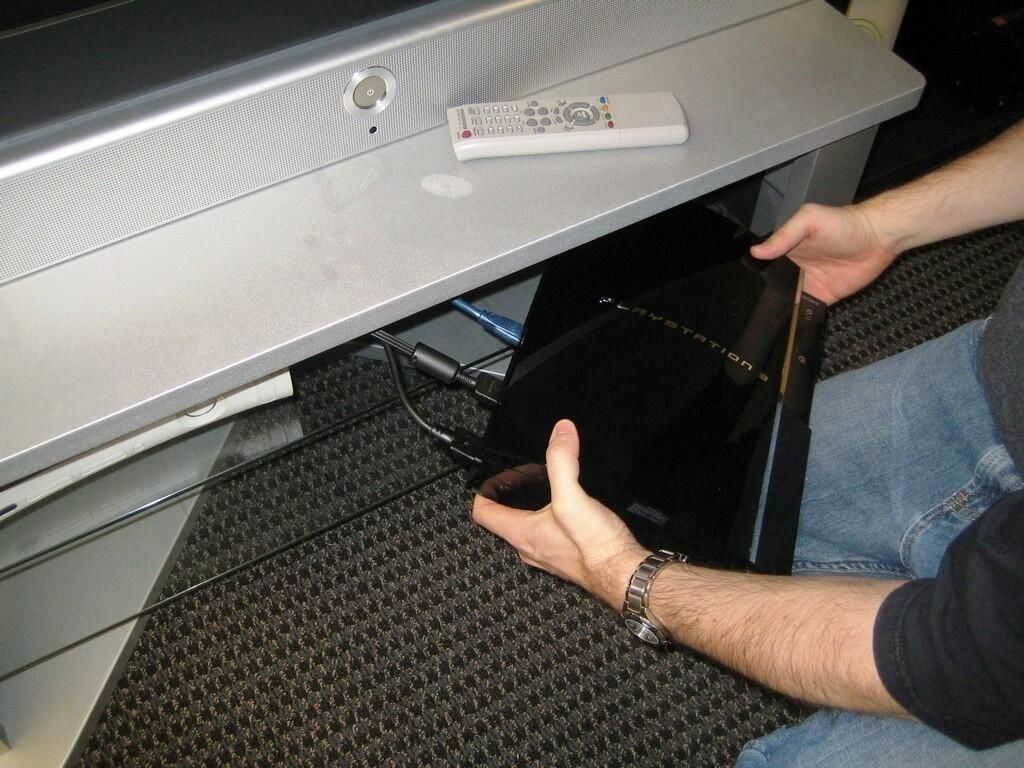
We double checked the cables and inputs several times.
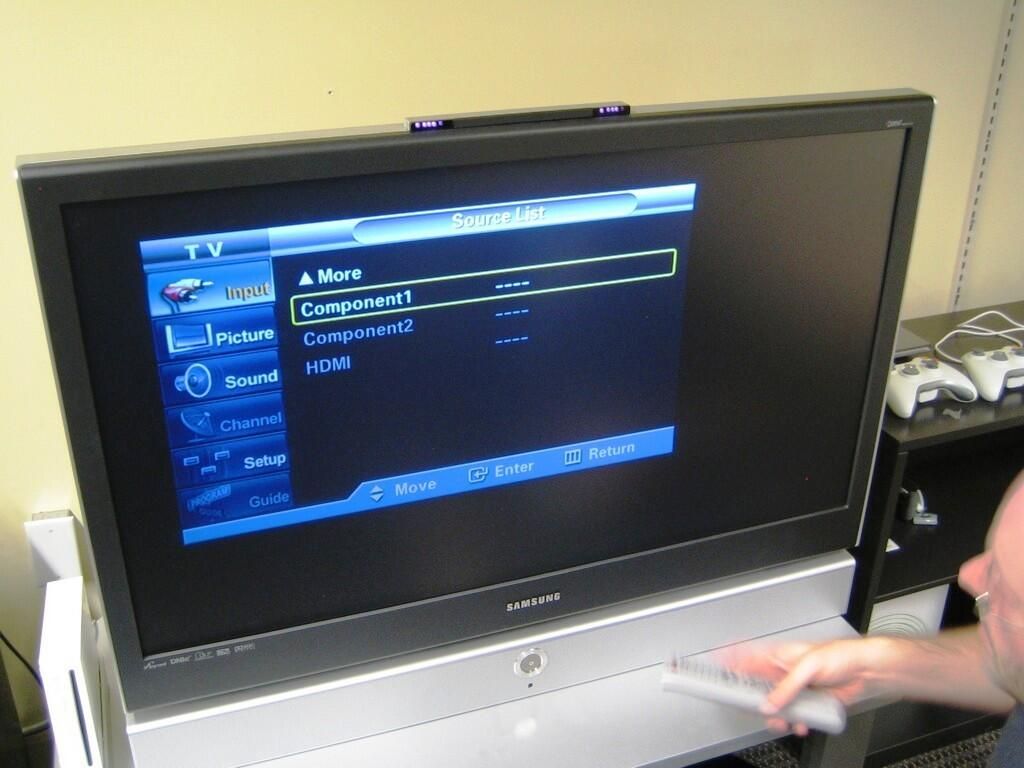
We also tried various settings on the television. Still, we could not get an image from the PS3.
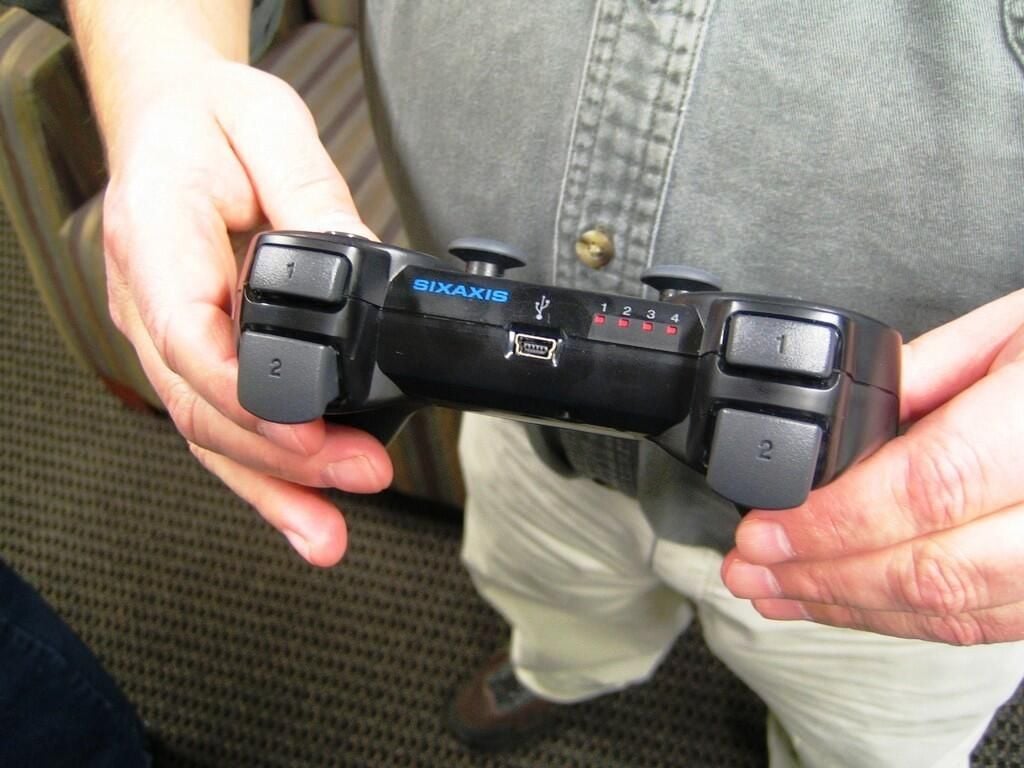
We were able to synchronize the wireless controller, as the red 1 light would shine. Unfortunately, this did us no good as we still couldn’t see what we were doing on the television.

After about 15 minutes of trying, I broke down and searched the manual for a solution. John Sheesley, fellow TechRepublic Section Editor, eagerly awaits my findings.
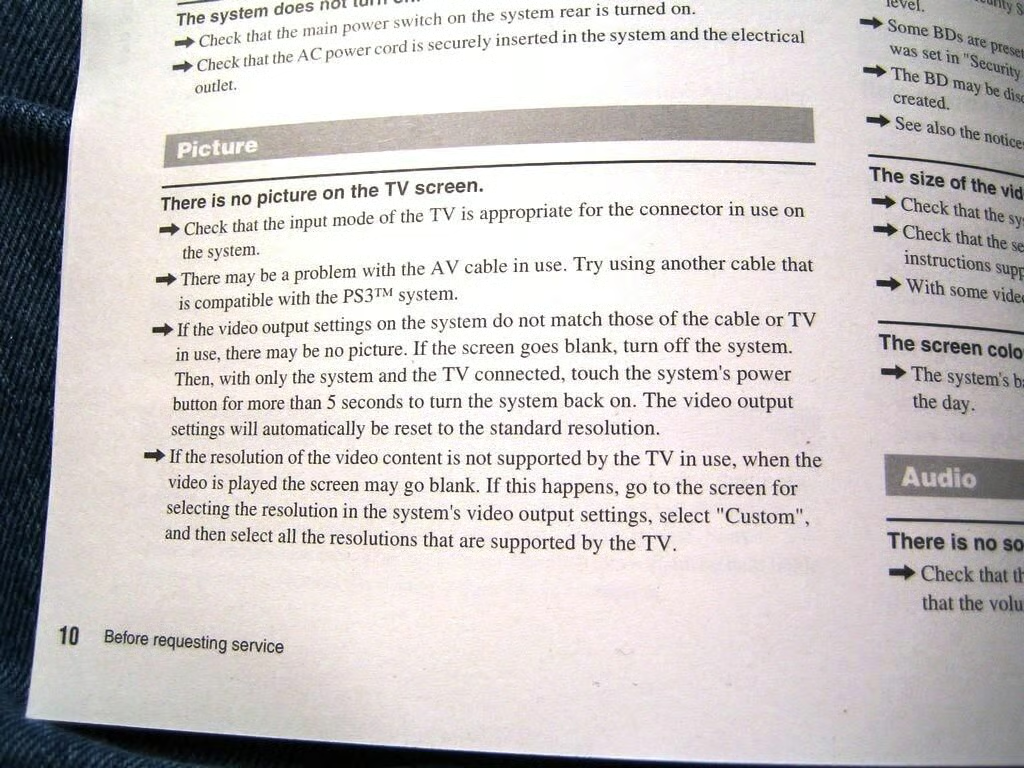
Okay, here we go. Let’s reset the PS3’s video mode to standard resolution by holding in the power button for 5 seconds.
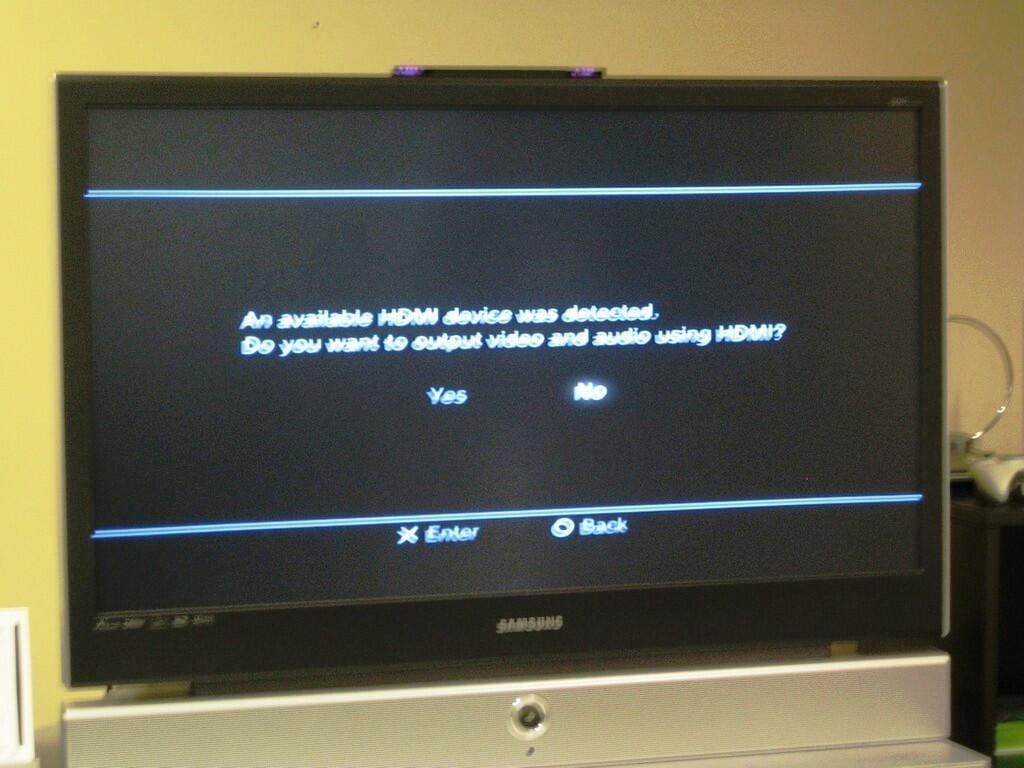
Success! With the video mode reset, the television could detect the PlayStation 3 and we could select the proper video mode.
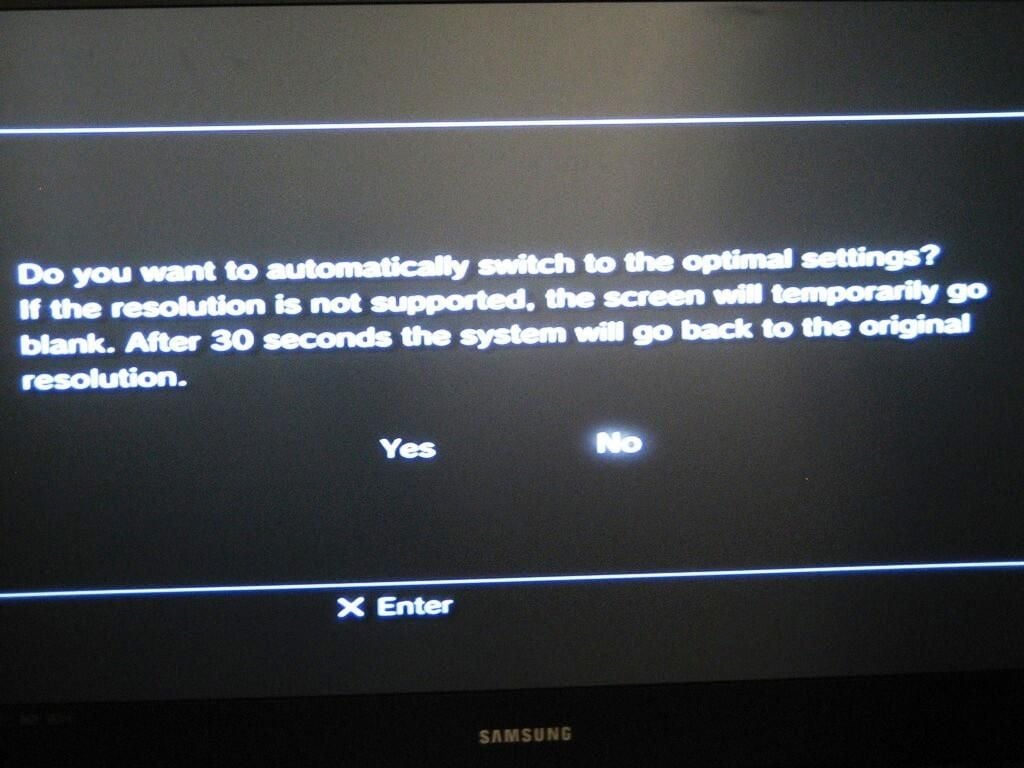
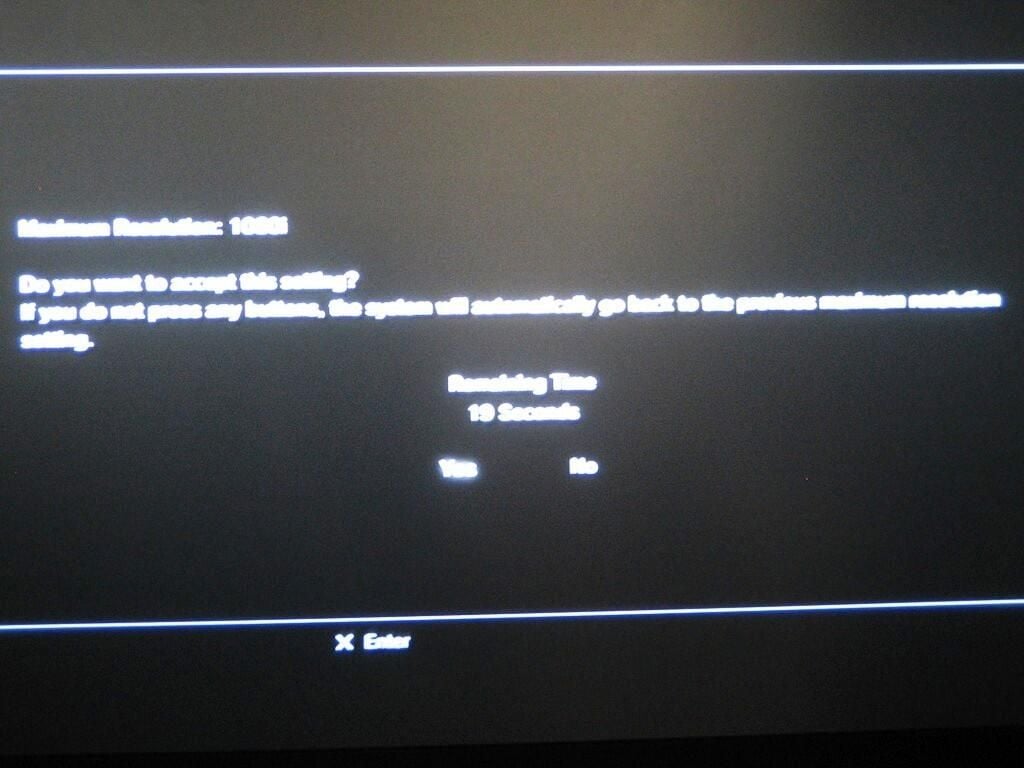
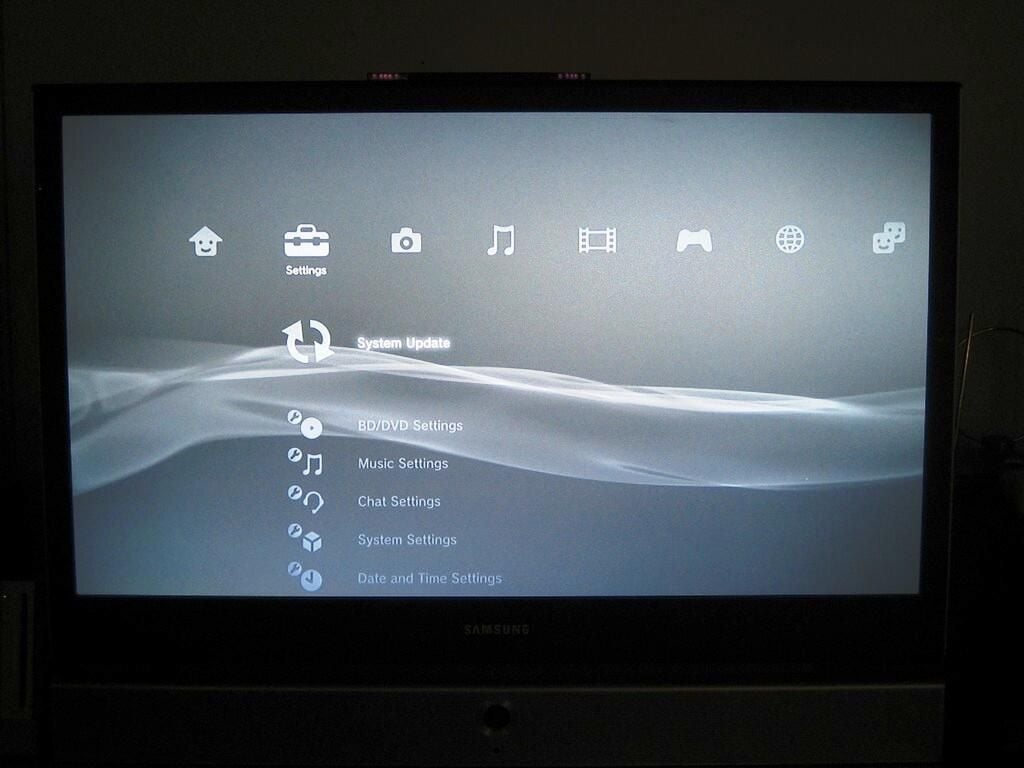
PSP users will immediately recognize the PS3’s Cross Media Bar (XMB) interface. I own a PSP. While I think the XMB interface works on the PSP’s small screen, it looks extremely plain on a large TV.
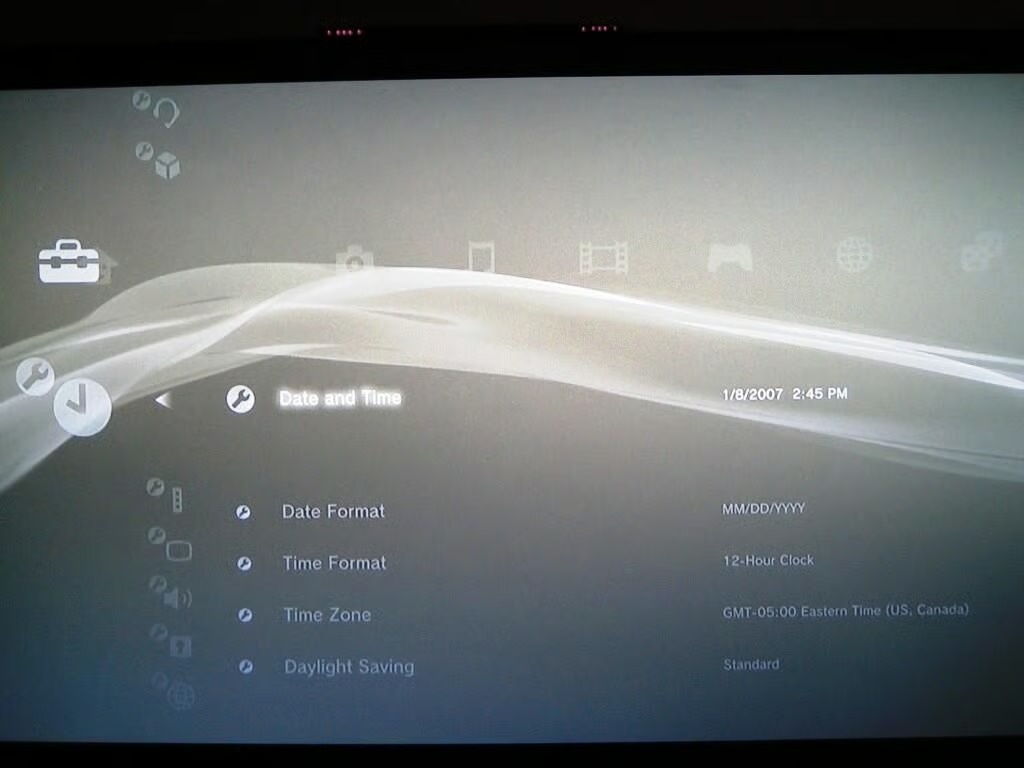
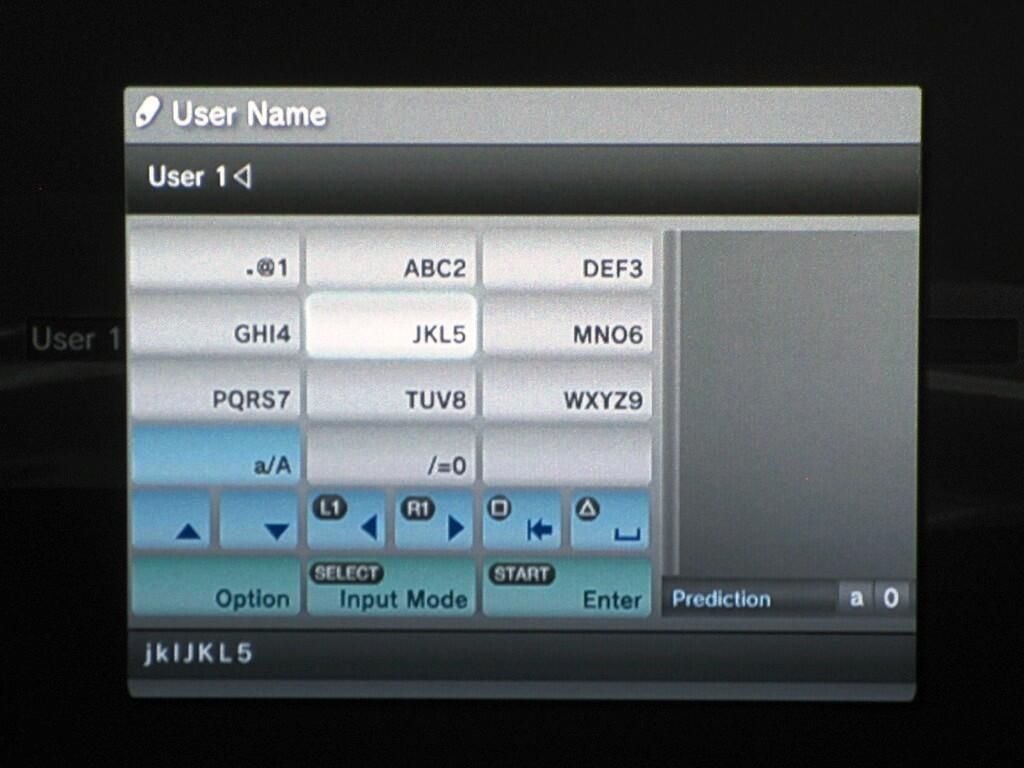
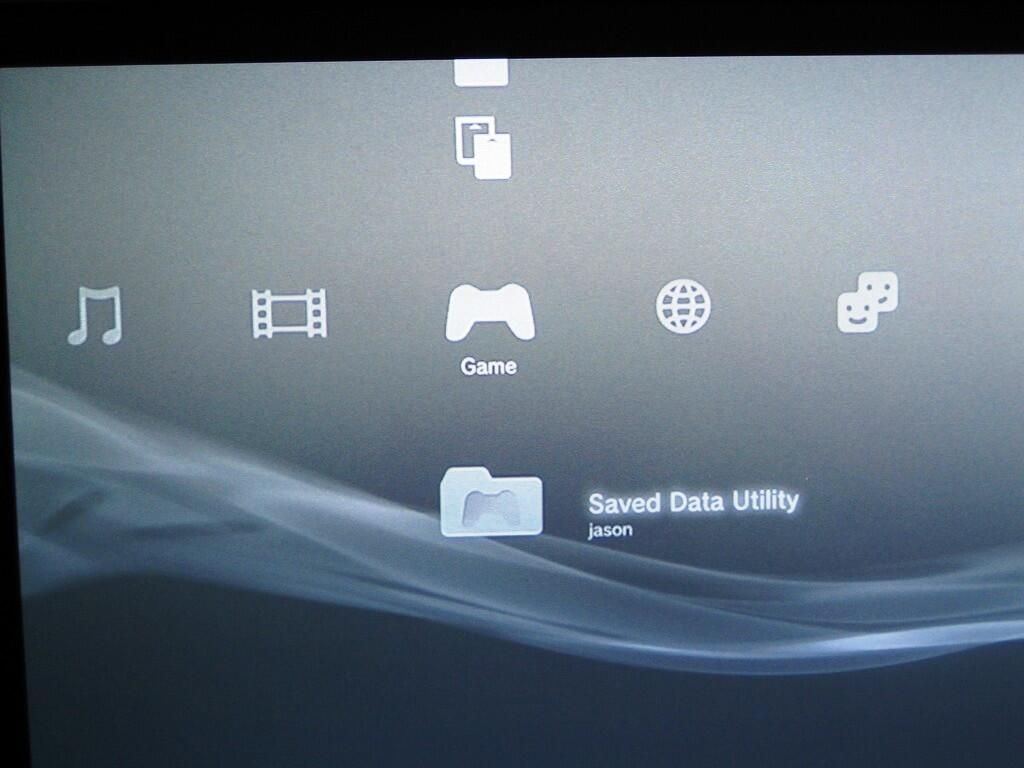
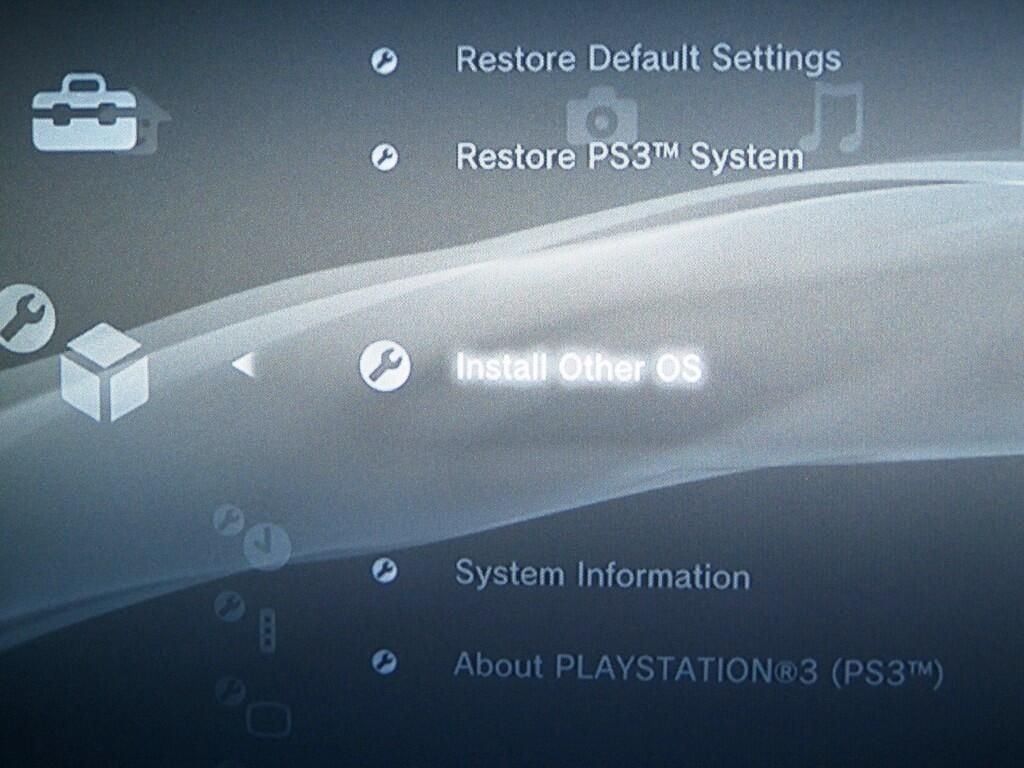
One of the most interesting options within the PlayStation’s system settings is “Install Other OS”.
According to Sony’s PlayStation 3 Web site, you can “Use this option to install other system software on the internal hard disk.” While the PS3’s Cell Processor will support Linux, and some report say the Sony initially planned to pre-install Linux on PS3 hard drives, launch units contain only Sony’s original PS3 OS.
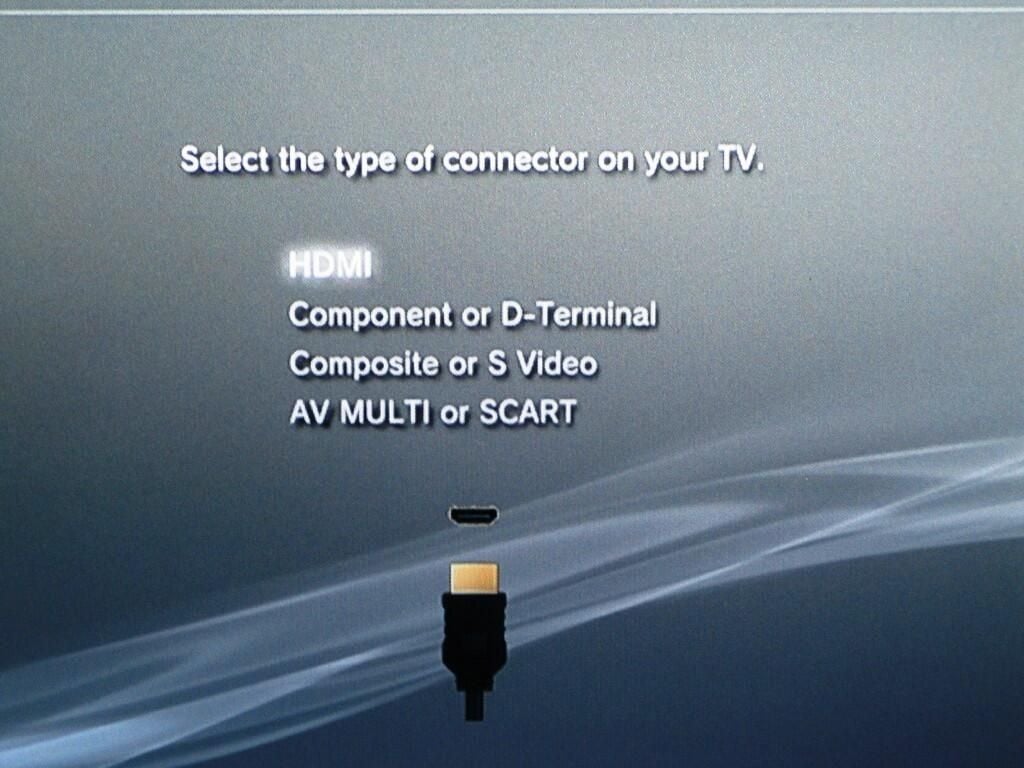
Although the PlayStation 3 can autodetect the optimal video mode, you can manually configure the mode from the XMB menu.
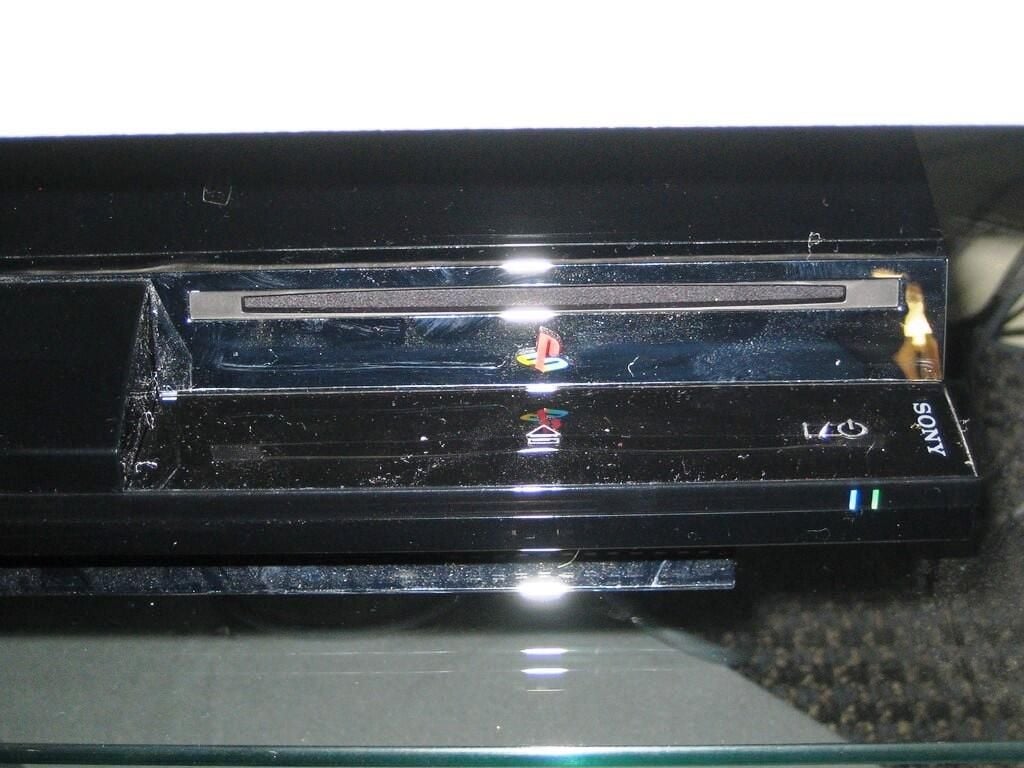
After loading a disc, the eject indicator light (blue) will turn on.
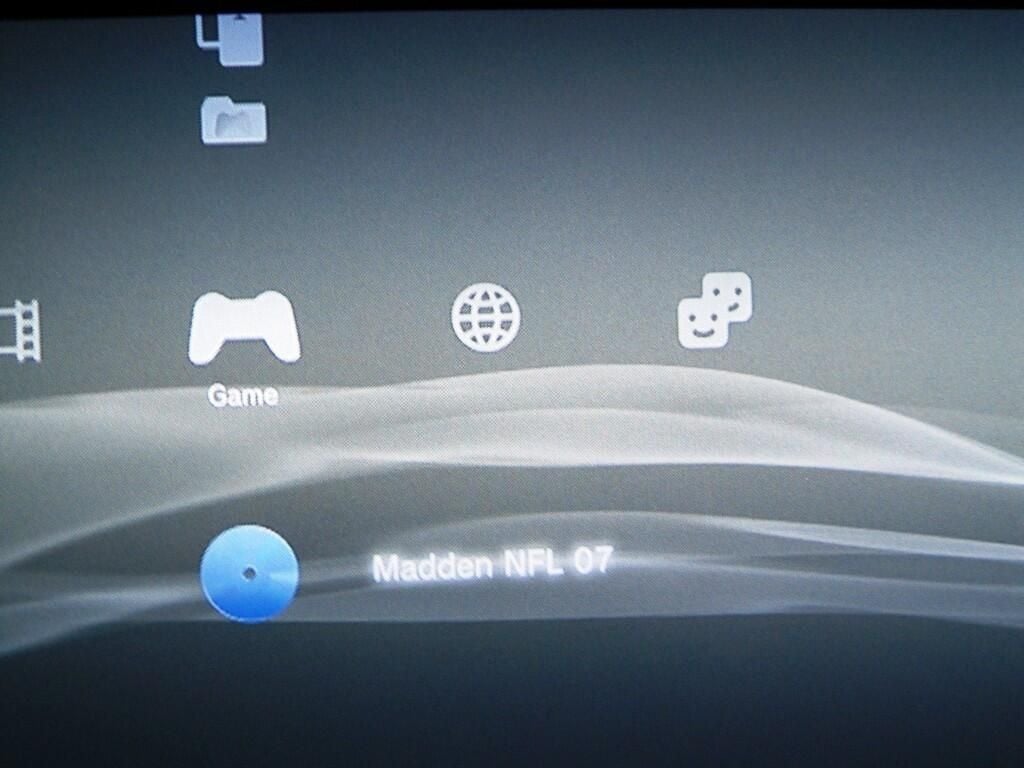
Once loaded, the game disc will appear on the XMB’s Game menu.
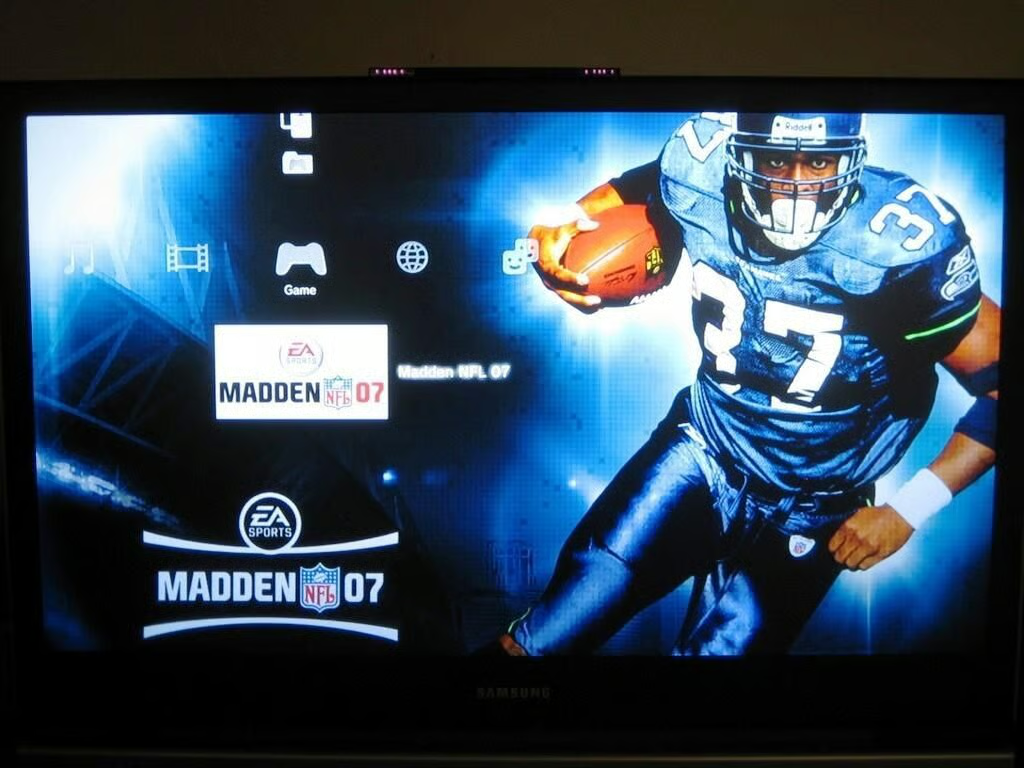
After a few seconds, the a game background will appear on the XMB interface will on the Game menu.
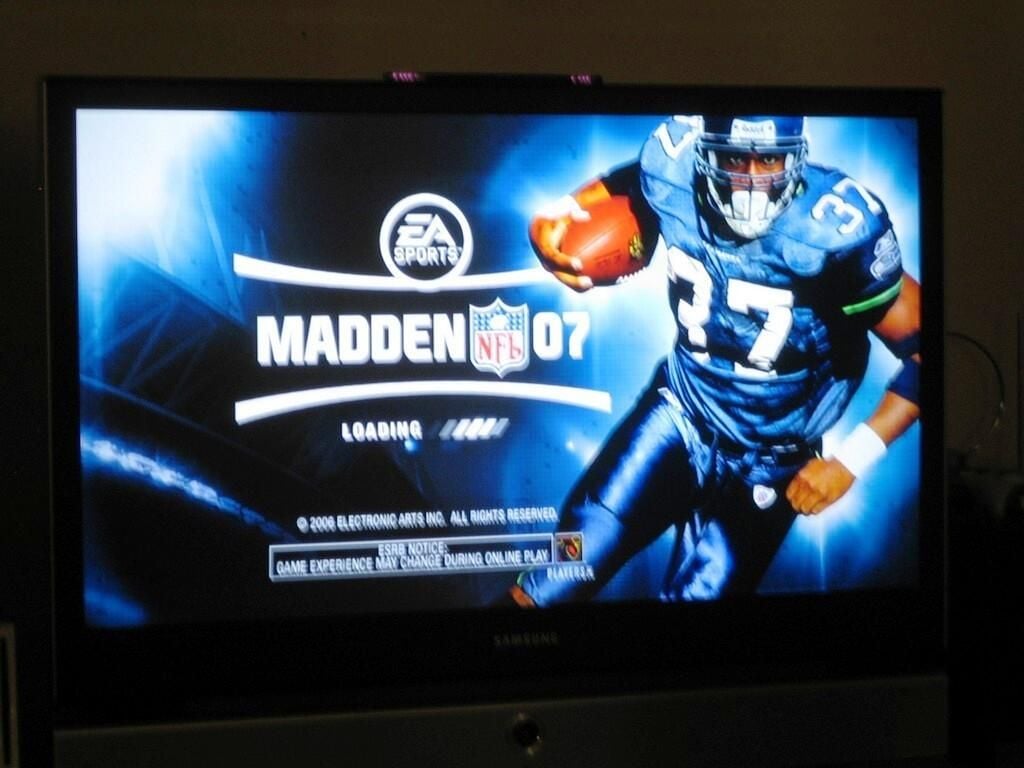
Selecting the game’s title from the XMB interface’s Game menu will launch the game. This image shows the initial screen for EA Sports’ Madden NFL 07.
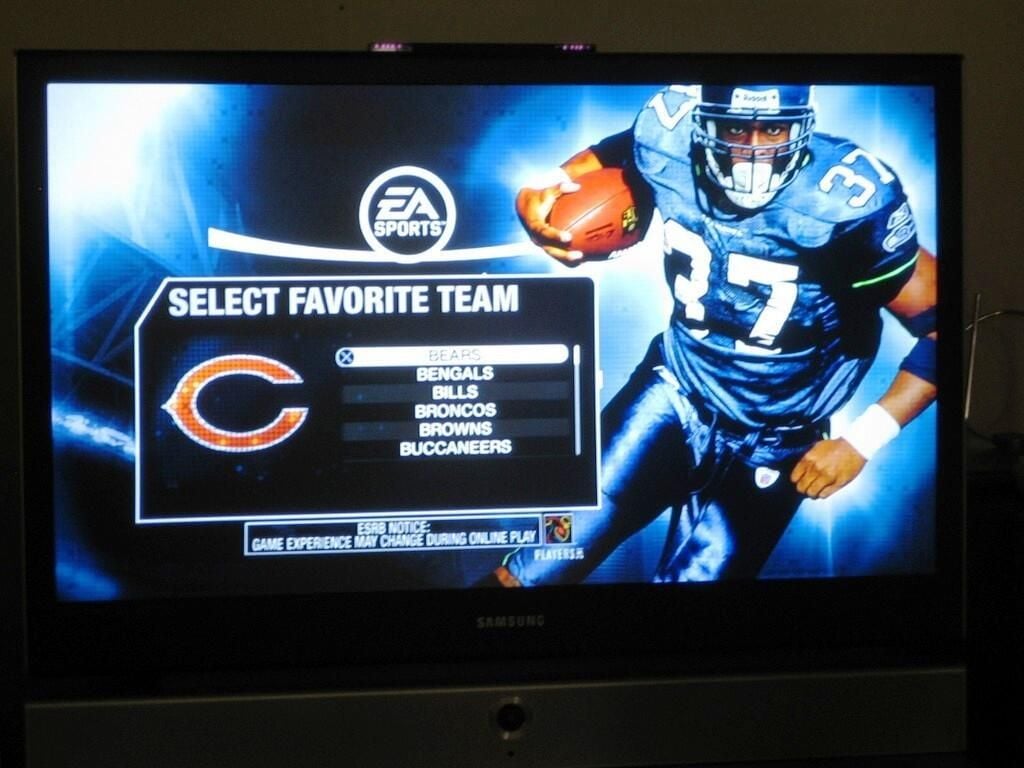
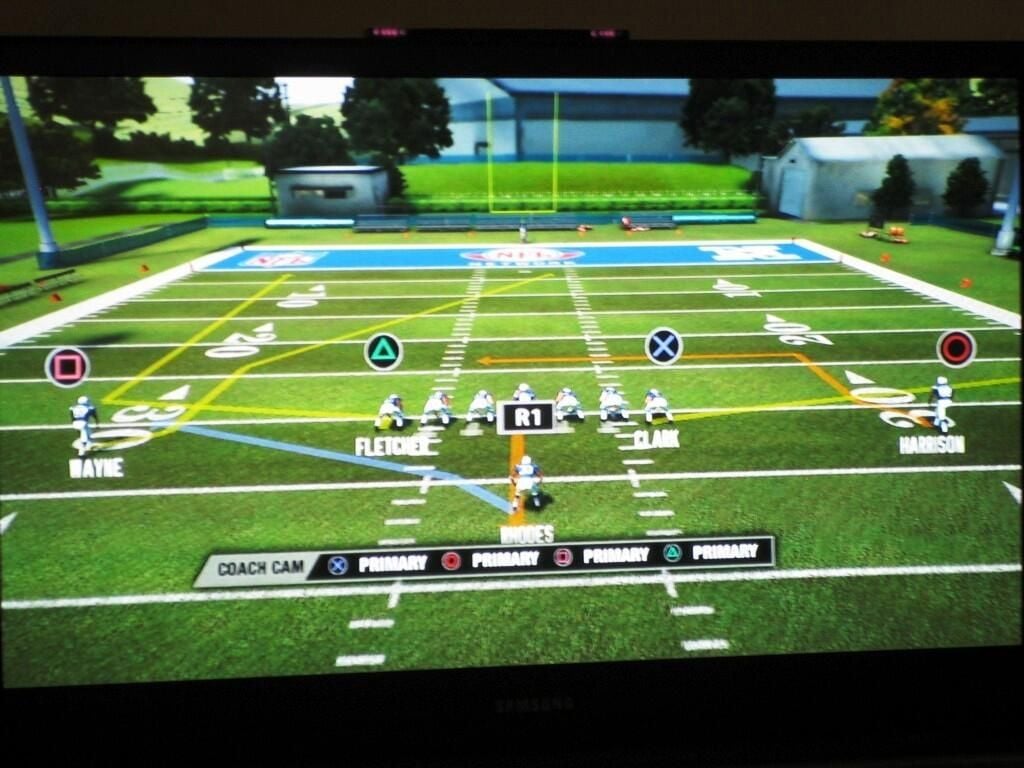
At 1080i, the Madden NFL 07 graphics were very good, but didn’t really blow anyone away. We’ve heard that other games provide better examples of the PS3’s graphics ability.
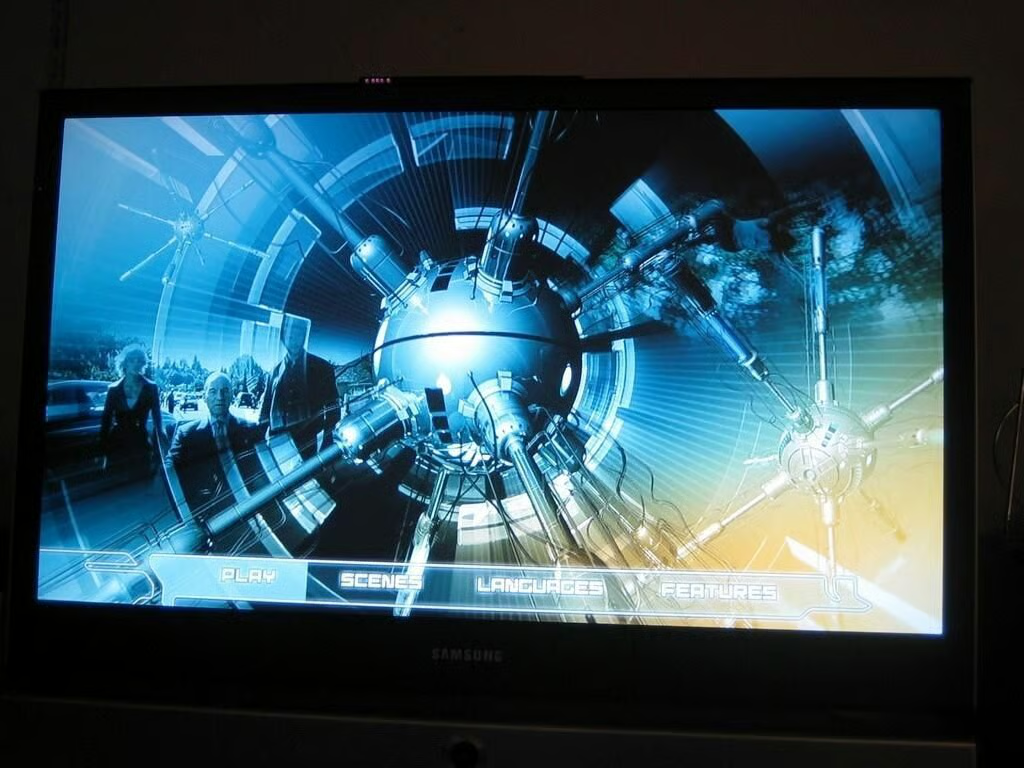
We also viewed a Blu-Ray version of X-Men 3: The Last Stand. This image shows the disc’s main menu.
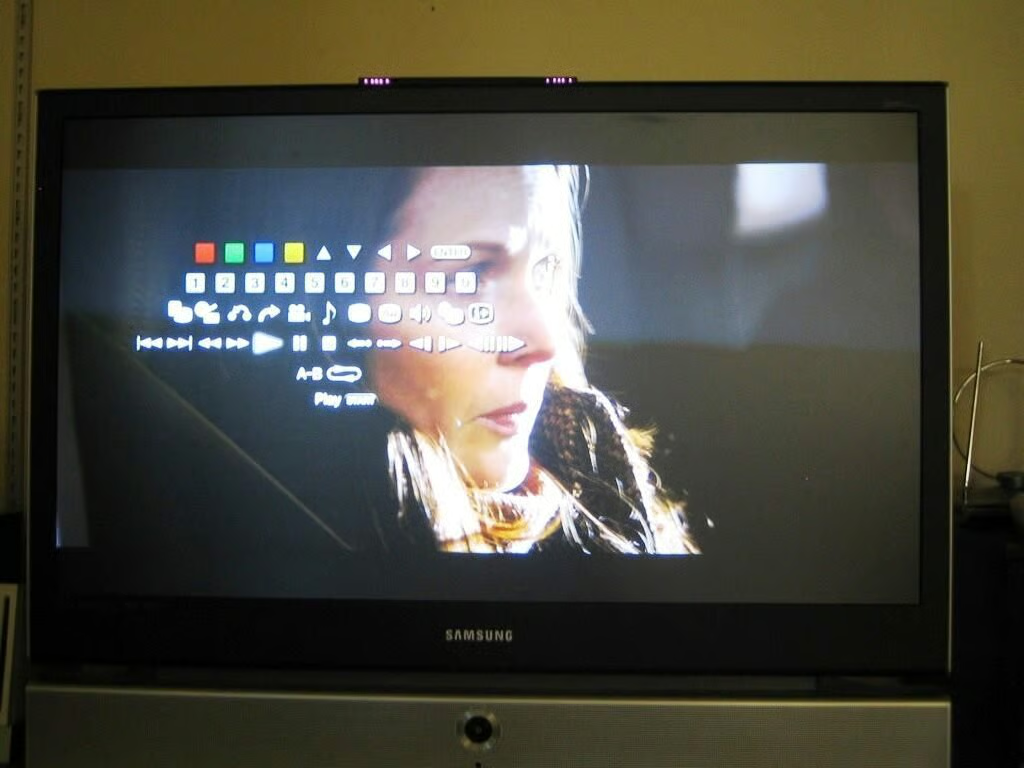
One of Blu-Ray’s interesting, but overwhelming, features is the ability to display and interact with the disc menus while the movie is playing.
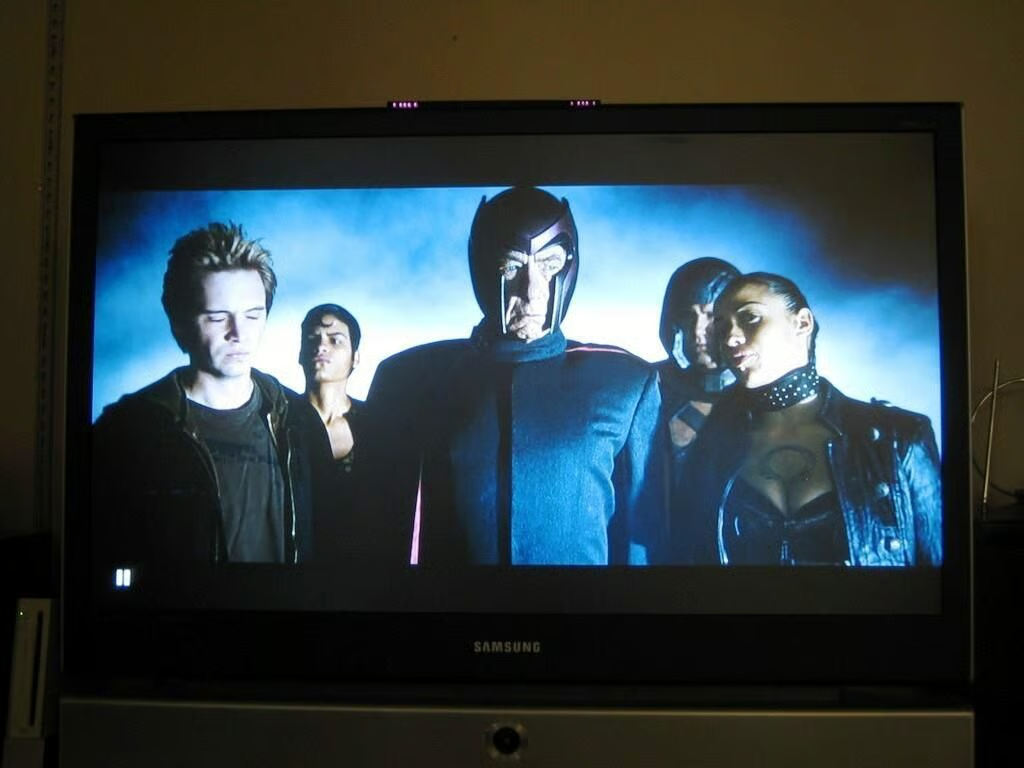
X-Men 3: The Last Stand did look good in Blu-Ray, but is it really worth the extra cost? For technophiles who want the latest technology, perhaps. But not for me. The image was good, but didn’t blow me away. The menus are nice, but is it that tedious to stop the movie when skipping scenes? Besides, there’s no guarantee Sony’s Blu-Ray will beat out HD DVD as the dominant video format of the near future.
If you’re a serious PlayStation fan, the PlayStation 3 with it’s great graphics, 60GB HDD, built-in Wi-Fi, and wireless controller are probably enough to sell you on the system. The Blu-Ray drive is just a bonus.
If you’re a gamer looking for a unique gaming experience and are less concerned with graphics, then you should really check out Nintendo’s Wii. During our PS3 tests only a few hard core TechRepublic gamers wanted to join in. When we tested the Wii, a constant flow of TechRepublic staff members (gamers and non-gamers alike) wanted to see the system in action and give it a try.
Bill Detwiler is the Editor for Technical Content and Ecosystem at Celonis. He is the former Editor in Chief of TechRepublic and previous host of TechRepublic's Dynamic Developer podcast and Cracking Open, CNET and TechRepublic's popular online show. Previously, Bill was an IT manager in the social research and energy industries. He has bachelor's and master's degrees from the University of Louisville, where he has also lectured on computer crime and crime prevention.


