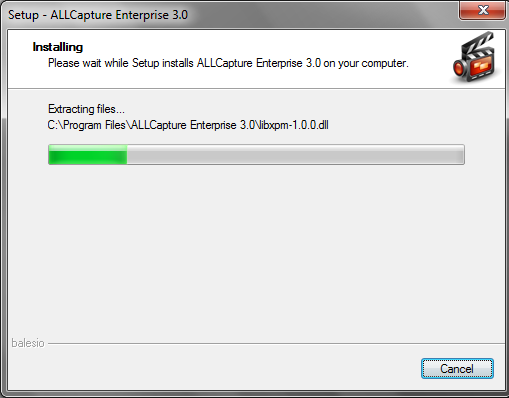
The installation of AllCapture goes quick.
For a full review of AllCapture, check out the TechRepublic Product Spotlight Blog.
Image created by Mark Kaelin for TechRepublic.
All setup and ready to go.
For a full review of AllCapture, check out the TechRepublic Product Spotlight Blog.
Image created by Mark Kaelin for TechRepublic.
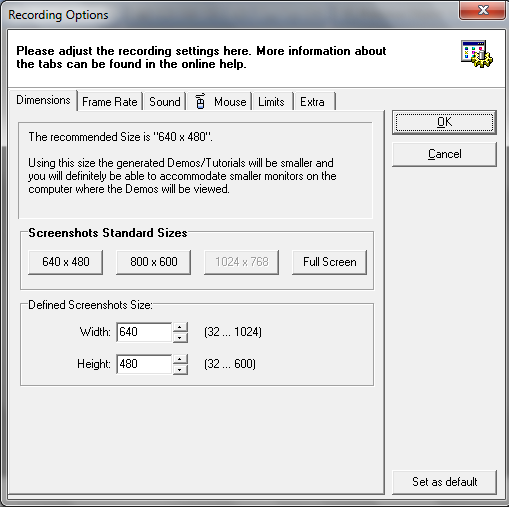
Each screen capture in AllCapture is a project. This dialog box starts each project. From here you can set the configuration and parameters of your project.
For a full review of AllCapture, check out the TechRepublic Product Spotlight Blog.
Image created by Mark Kaelin for TechRepublic.
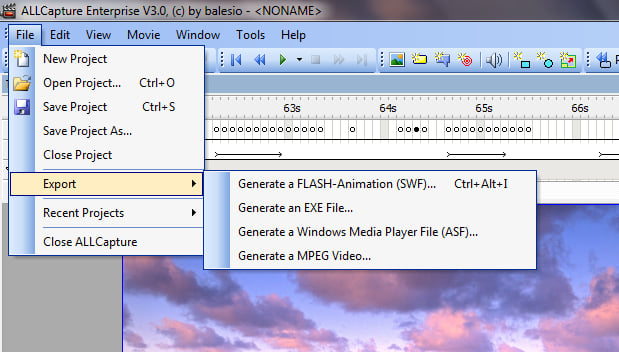
AllCapture can export your project into several video formats including Shockwave Flash and MPEG.
For a full review of AllCapture, check out the TechRepublic Product Spotlight Blog.
Image created by Mark Kaelin for TechRepublic.
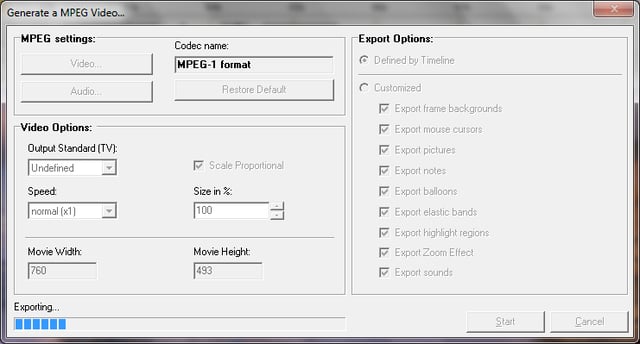
The included codecs for exporting files were surprisingly quick.
For a full review of AllCapture, check out the TechRepublic Product Spotlight Blog.
Image created by Mark Kaelin for TechRepublic.
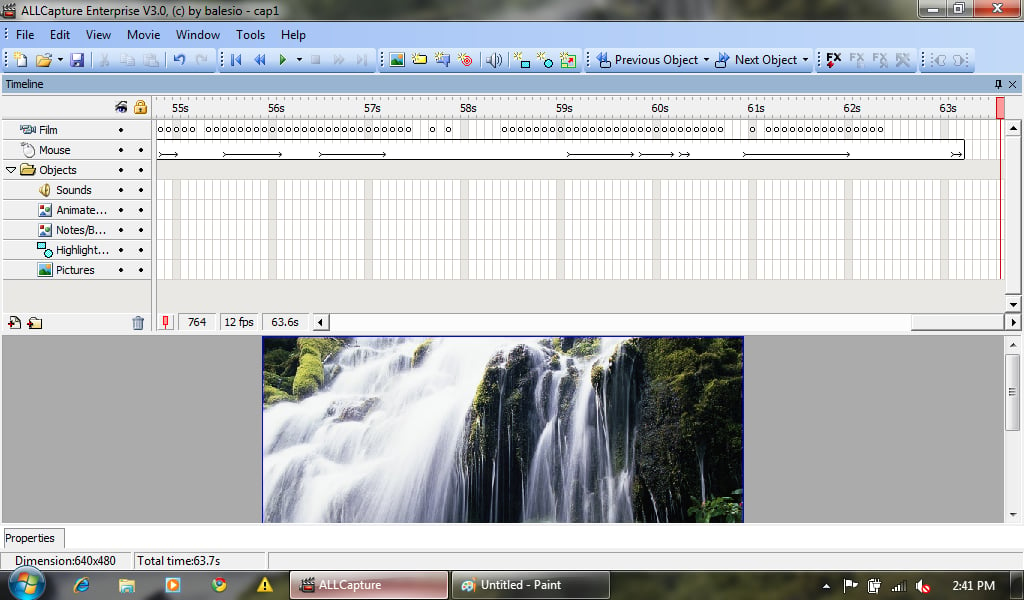
Each layer of the project gets its own timeline making editing much easier to see.
For a full review of AllCapture, check out the TechRepublic Product Spotlight Blog.
Image created by Mark Kaelin for TechRepublic.

Mark W. Kaelin has been writing and editing stories about the information technology industry, software, hardware, gaming, finance, accounting, and technology geekdom for more than 30 years.


