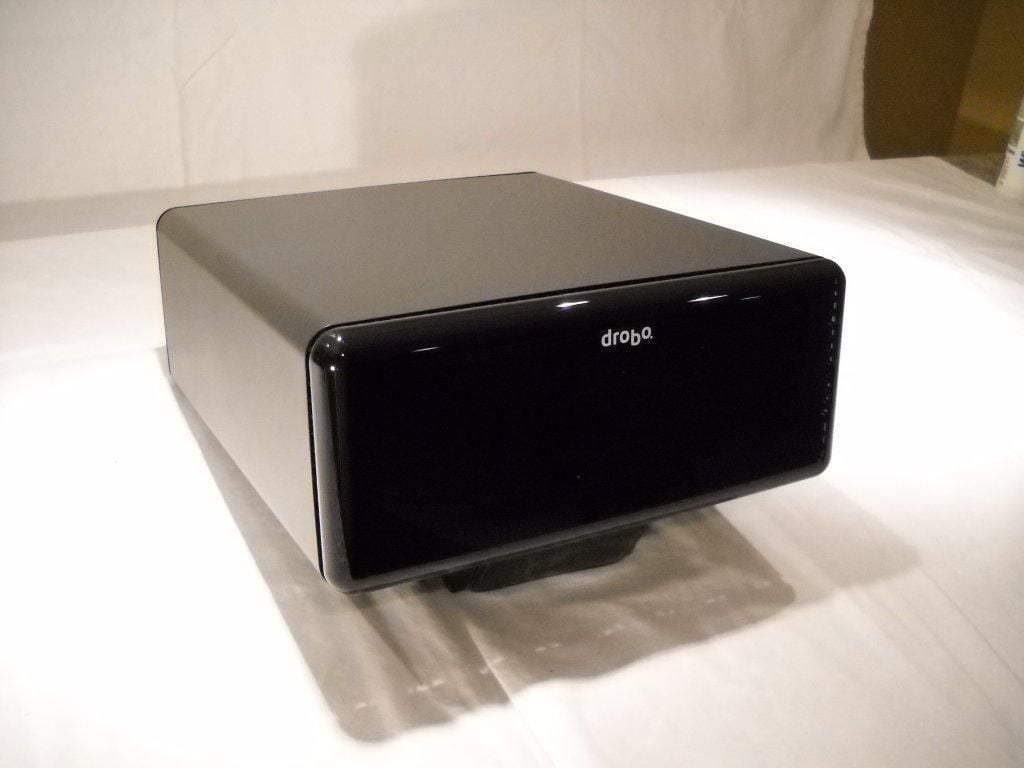
The DroboElite is Data Robotics’ latest foray into the SMB storage market. The DroboElite provides 16 TB of iSCSI-accessed storage with powerful BeyondRAID technology for less than $6,000.
The cover of the Drobo Elite is pretty reflective, and it smudges easily.
Photo credit: Scott Lowe
For a complete review of the DroboElite, check out TechRepublic’s Servers and Storage blog.
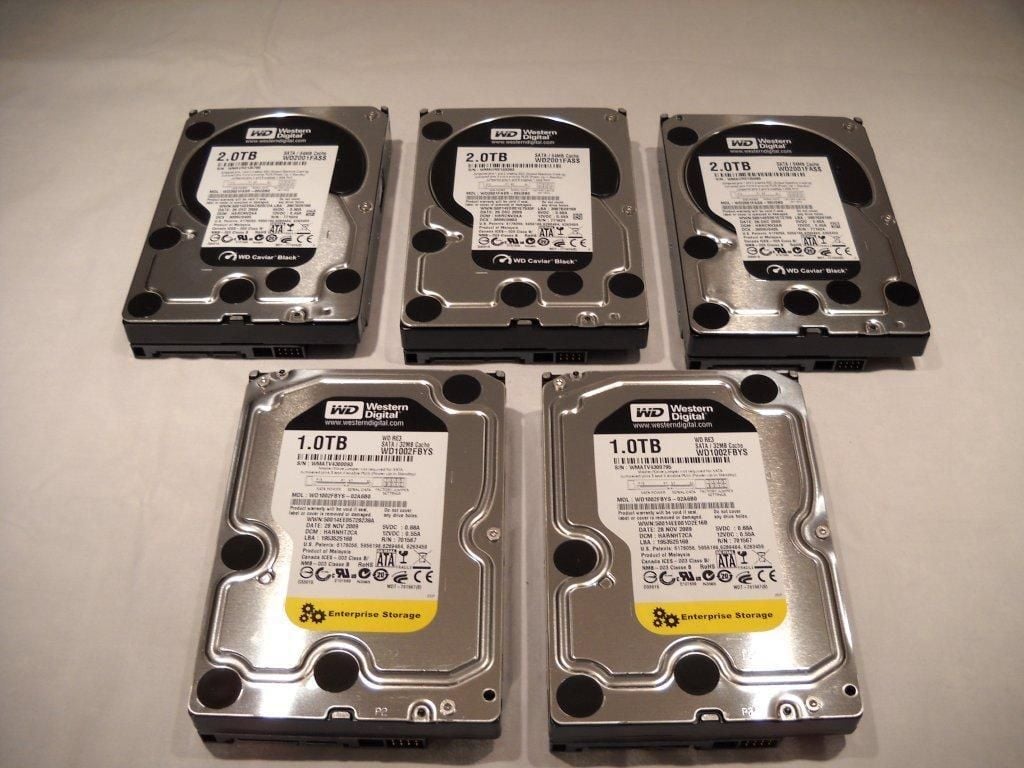
Data Robotics shipped me two boxes; one contained five SATA disks and the other contained the DroboElite. After unpacking the box with the disks, I arranged them neatly and took a picture. There are three 2 TB disks and two 1 TB disks.
Photo credit: Scott Lowe
For a complete review of the DroboElite, check out TechRepublic’s Servers and Storage blog.
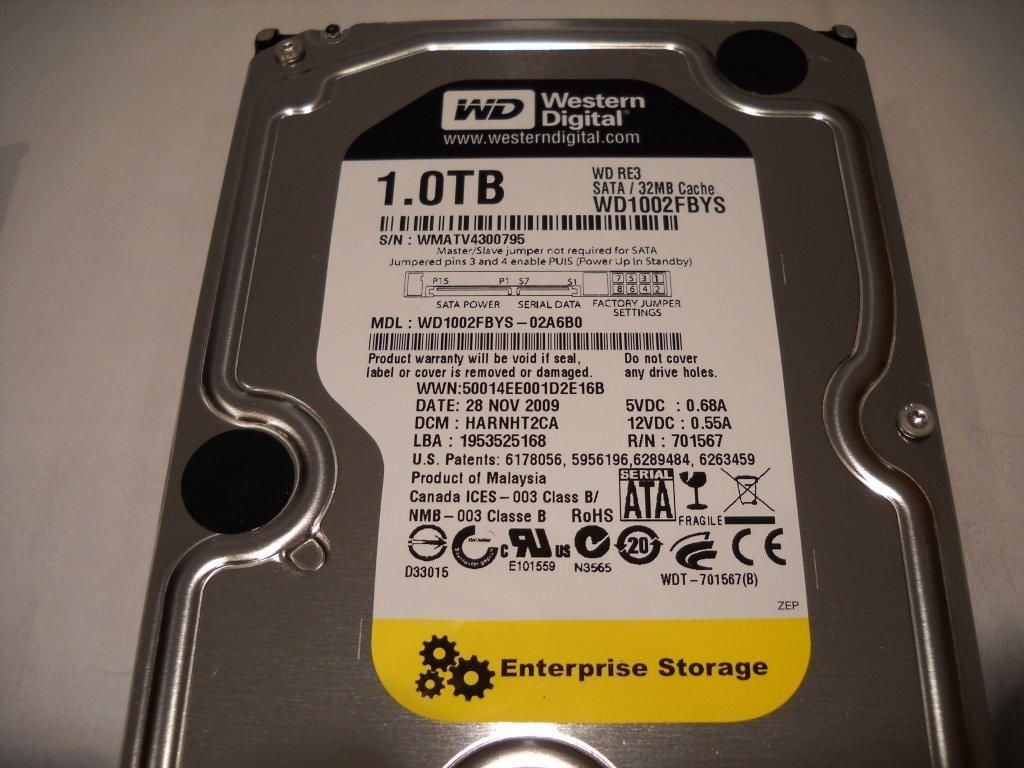
Here’s a look at the drive label for one of the 1 TB disks.
Photo credit: Scott Lowe
For a complete review of the DroboElite, check out TechRepublic’s Servers and Storage blog.
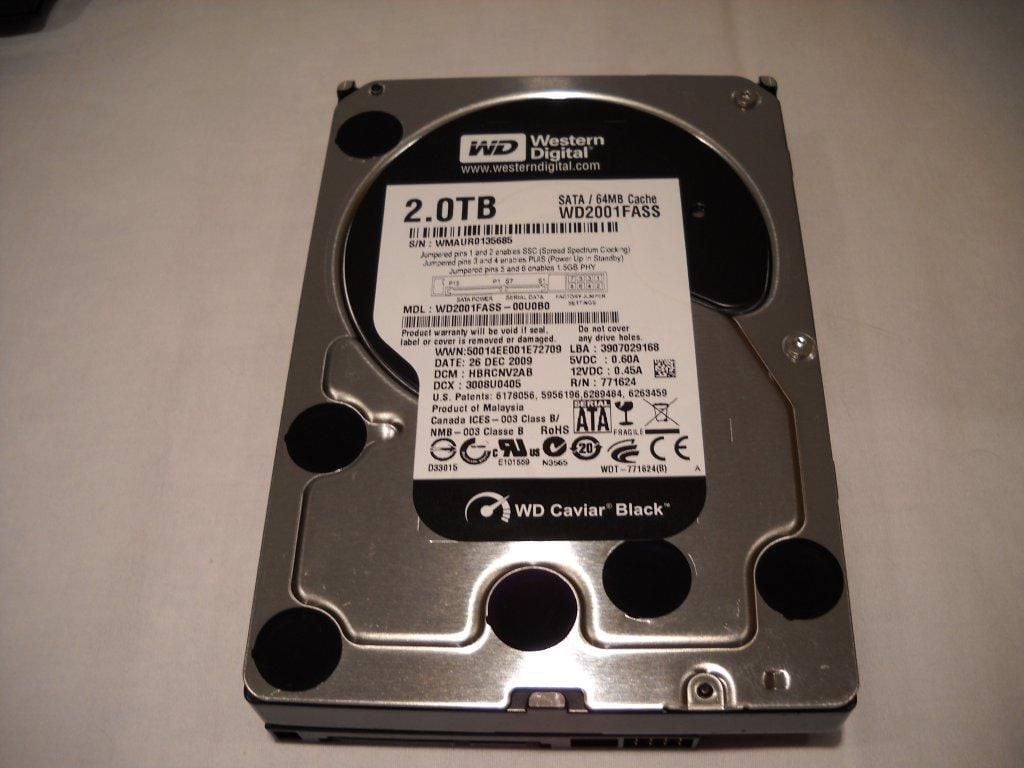
Here’s a look at the drive label for one of the 2 TB disks.
Photo credit: Scott Lowe
For a complete review of the DroboElite, check out TechRepublic’s Servers and Storage blog.
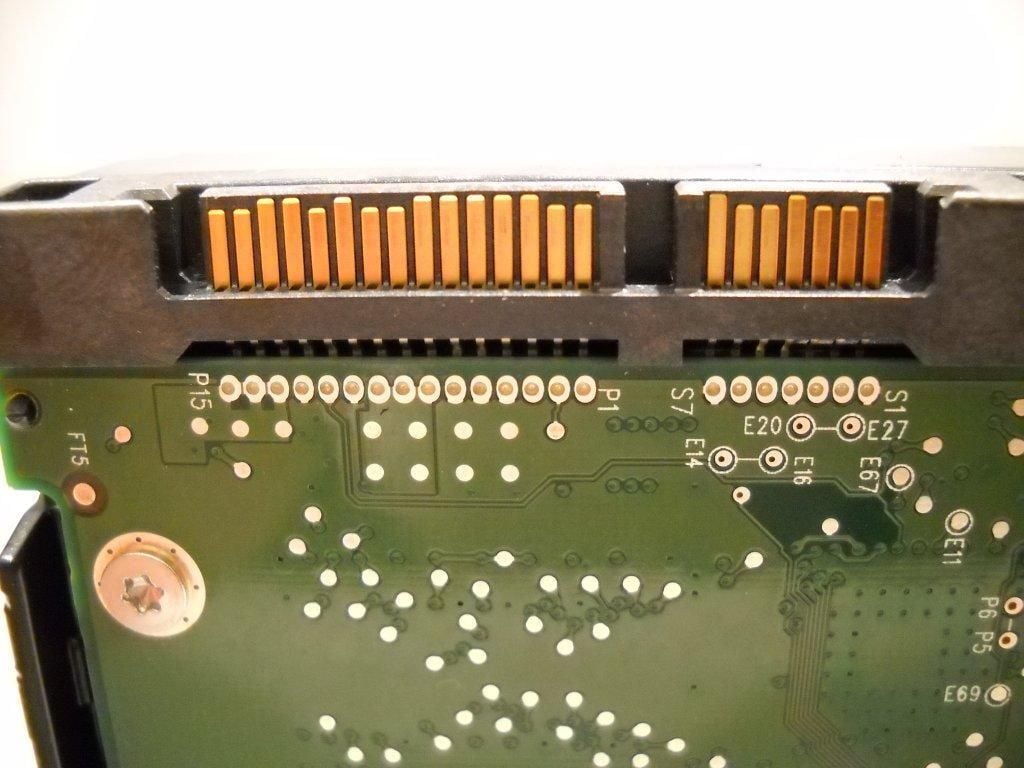
These are definitely SATA disks, as proven by both the labels and the connectors.
Photo credit: Scott Lowe
For a complete review of the DroboElite, check out TechRepublic’s Servers and Storage blog.
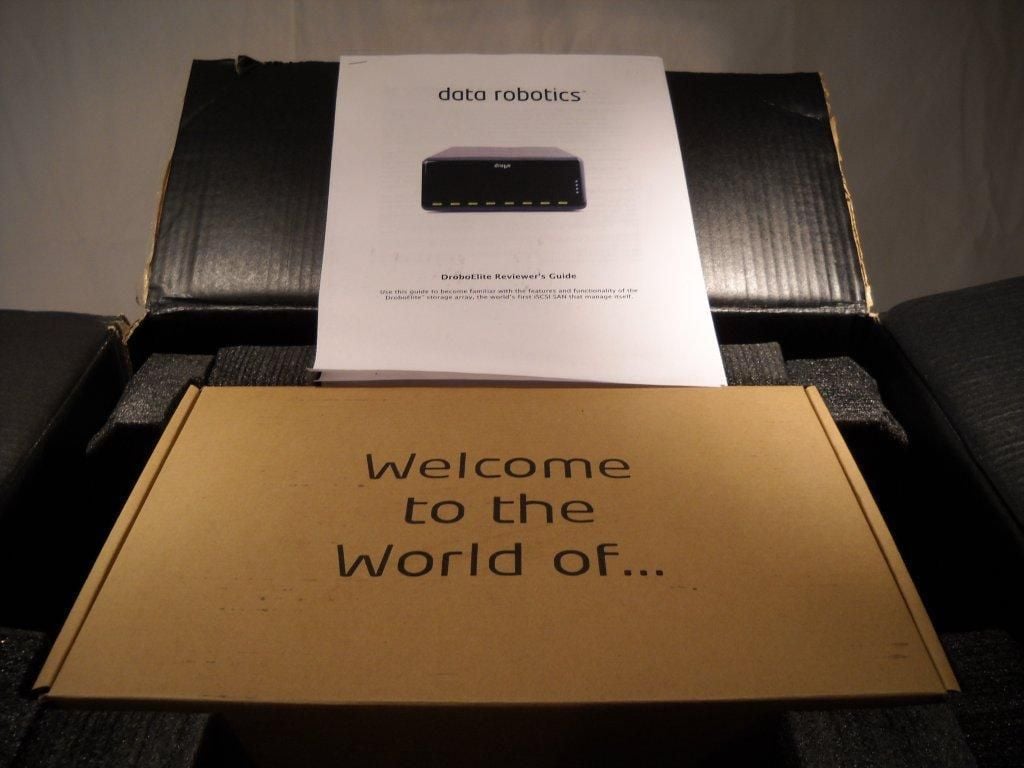
Data Robotics does a very nice job with the packaging, so that first impression is definitely a positive one.
Photo credit: Scott Lowe
For a complete review of the DroboElite, check out TechRepublic’s Servers and Storage blog.
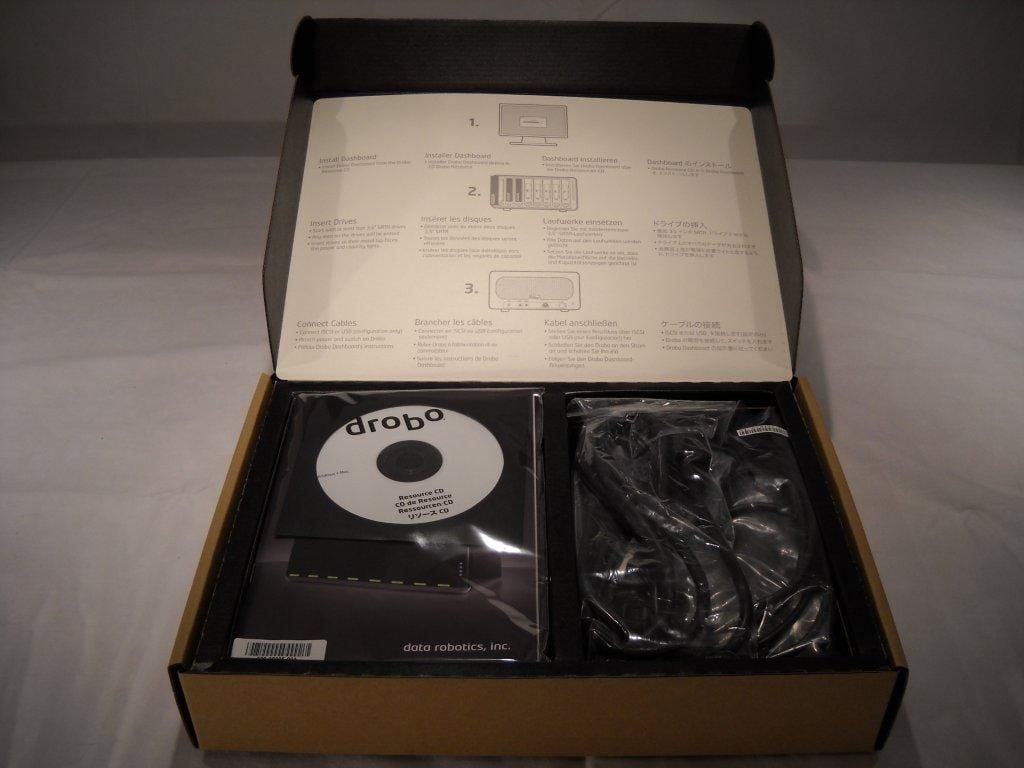
The accessories box contains cables, documentation, and an installation CD.
Photo credit: Scott Lowe
For a complete review of the DroboElite, check out TechRepublic’s Servers and Storage blog.
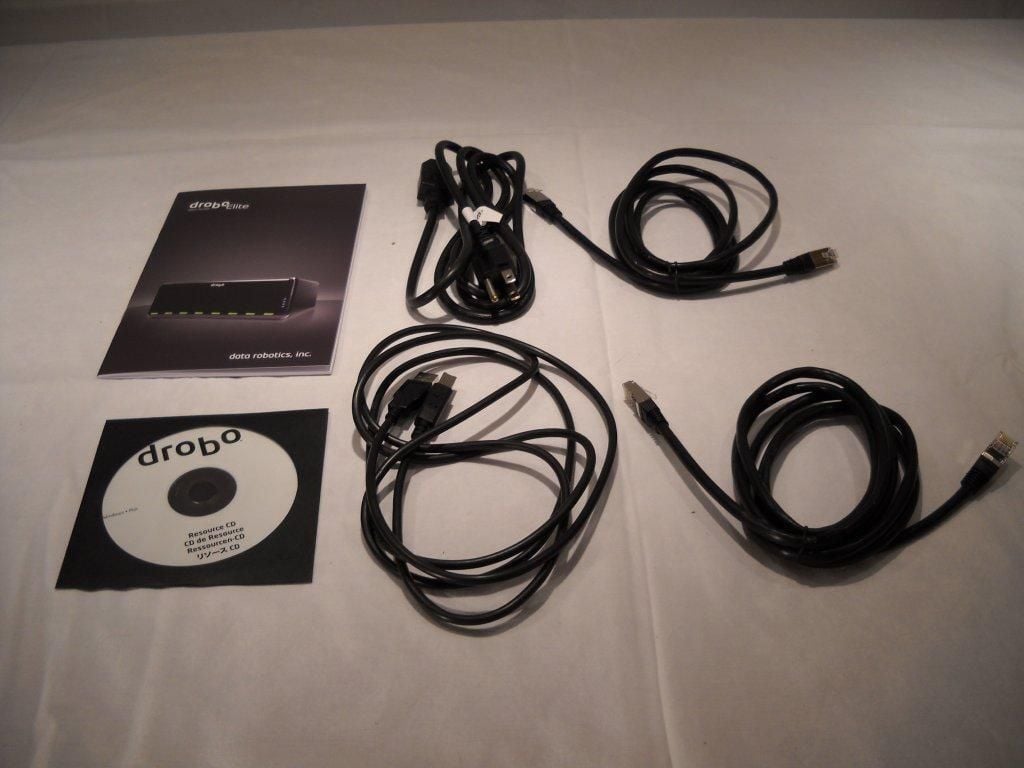
Tthe box includes two Ethernet cables, a power cord, and a USB cable.
Photo credit: Scott Lowe
For a complete review of the DroboElite, check out TechRepublic’s Servers and Storage blog.
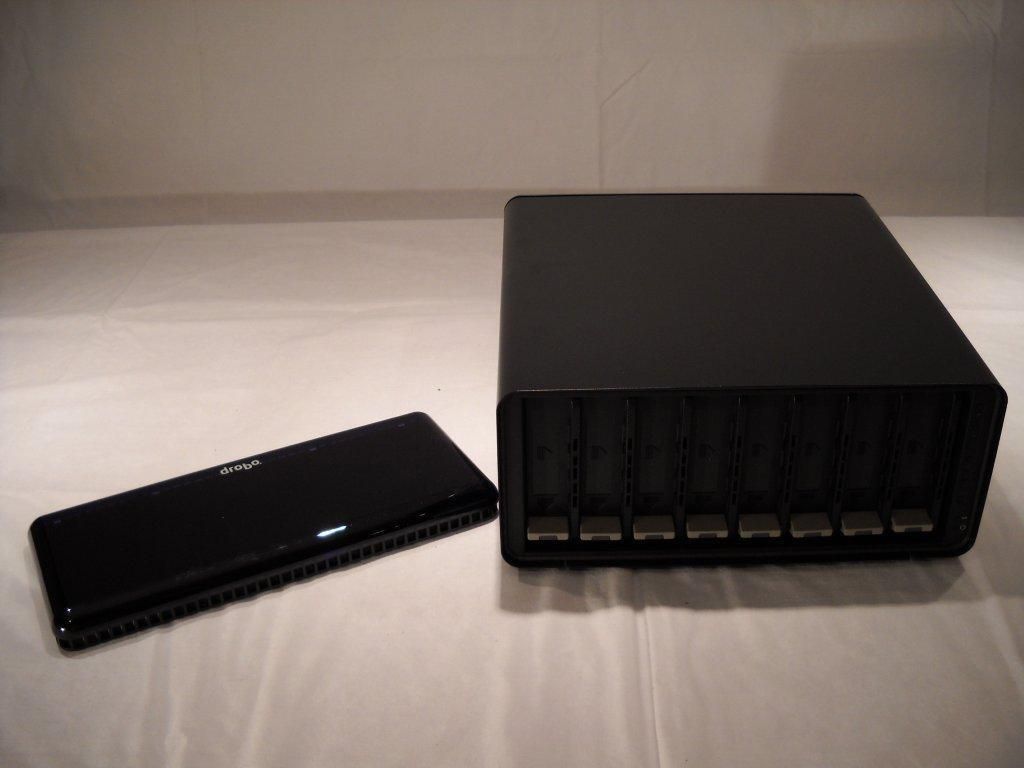
The cover is removable and is held in place on the chassis with magnets.
Photo credit: Scott Lowe
For a complete review of the DroboElite, check out TechRepublic’s Servers and Storage blog.
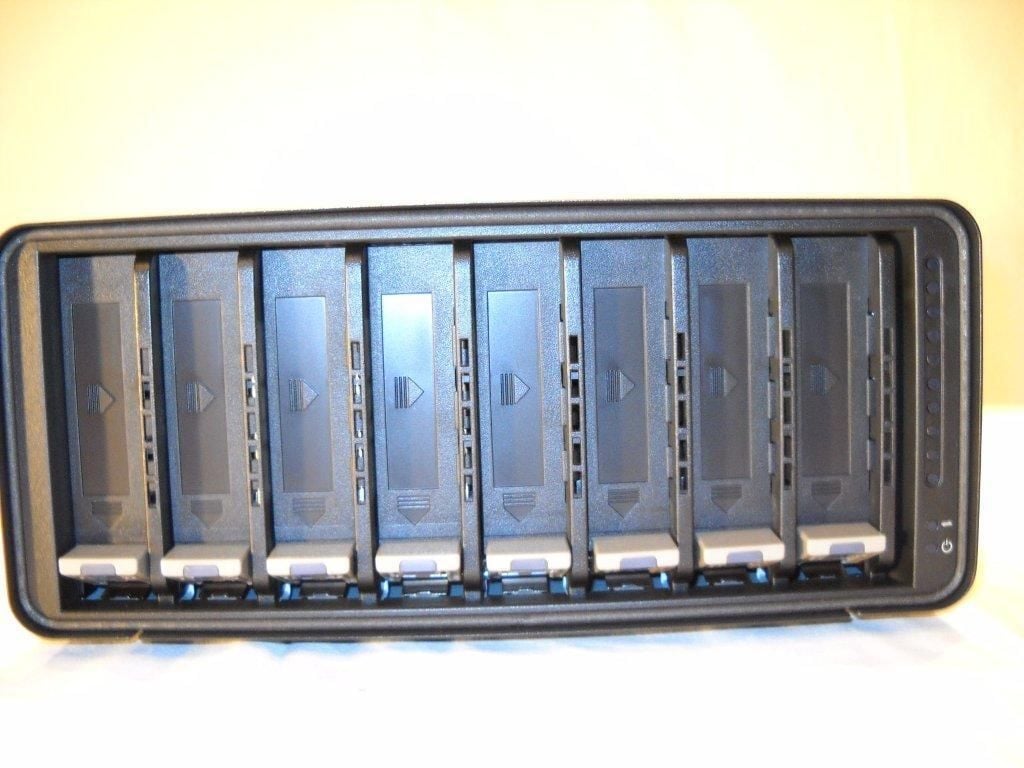
Under the cover, you’ll find eight drive bays.
Photo credit: Scott Lowe
For a complete review of the DroboElite, check out TechRepublic’s Servers and Storage blog.
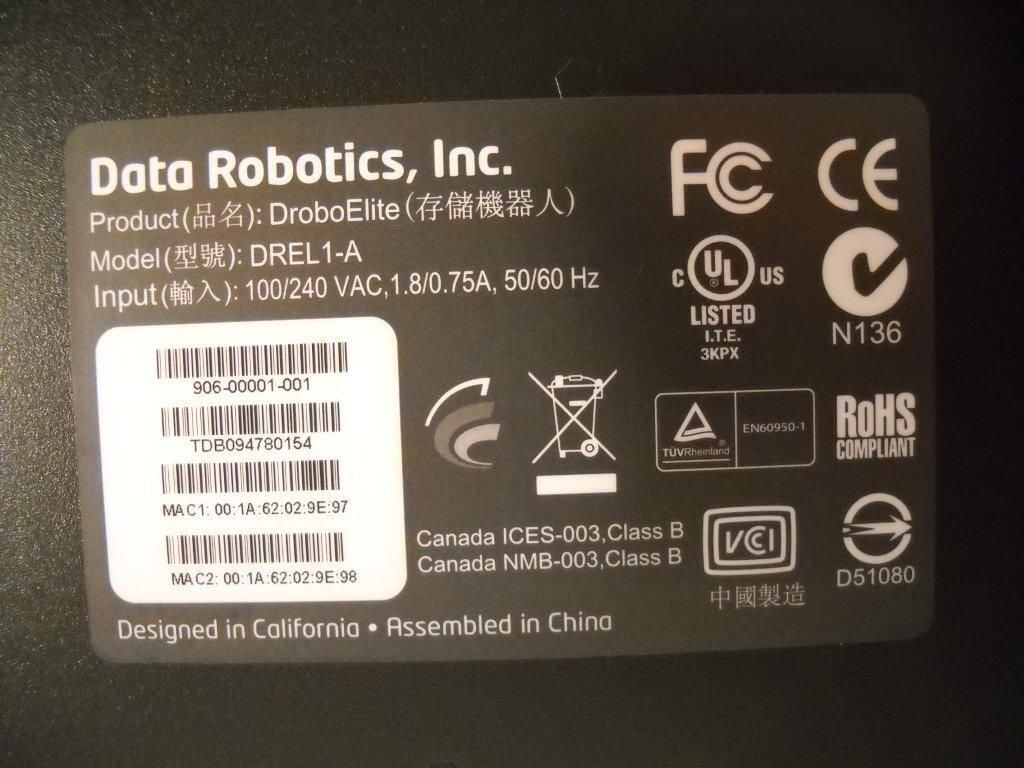
The product label on the bottom of the unit.
Photo credit: Scott Lowe
For a complete review of the DroboElite, check out TechRepublic’s Servers and Storage blog.
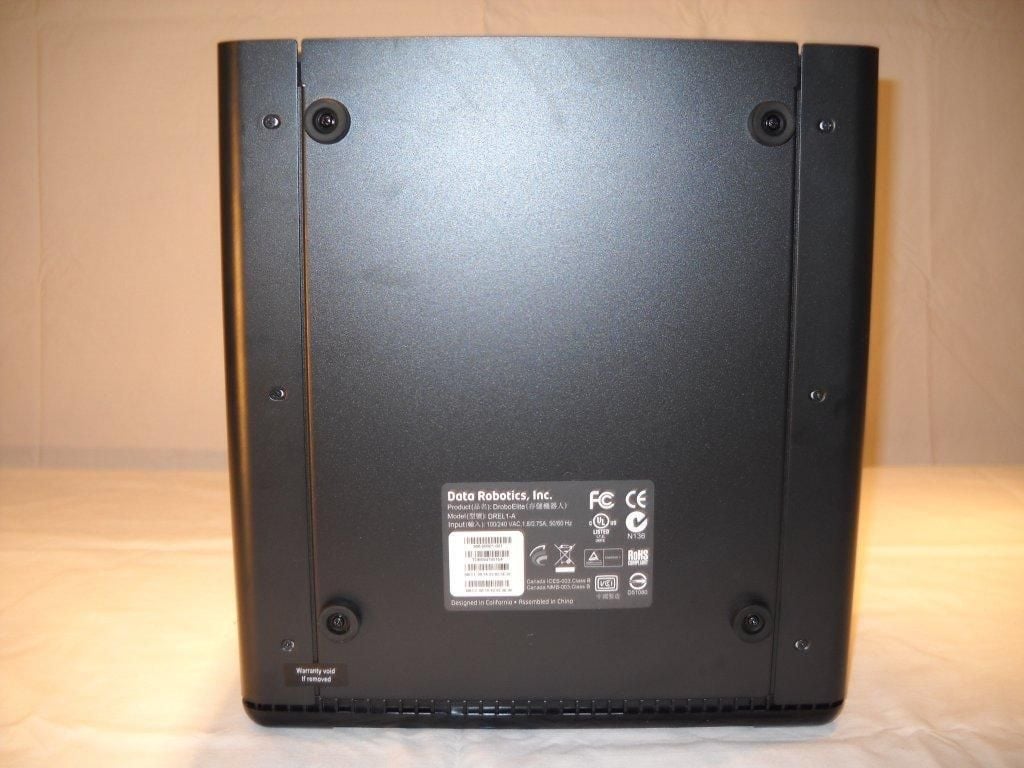
The bottom of the unit has rubber feet; this helps reduce noise. Data Robotics advises against setting the DroboElite on its side, as this can affect the drive connections to the backplane.
Photo credit: Scott Lowe
For a complete review of the DroboElite, check out TechRepublic’s Servers and Storage blog.
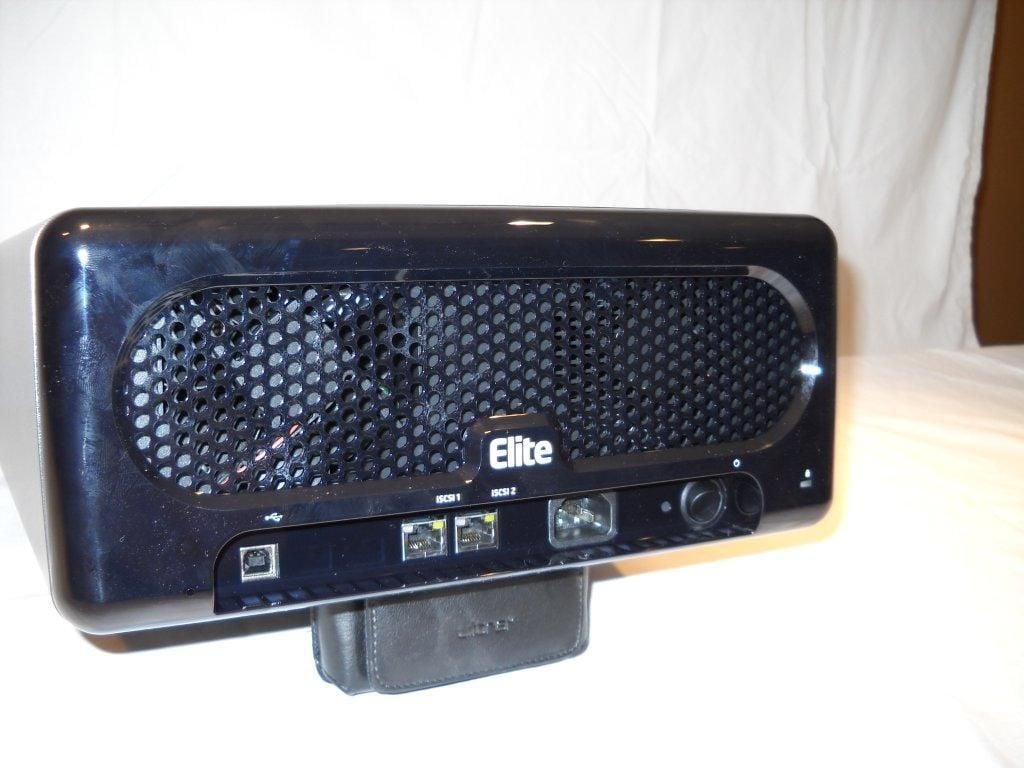
The rear of the unit includes a USB port for administration, two iSCSI ports, a power connector, and a power switch.
Photo credit: Scott Lowe
For a complete review of the DroboElite, check out TechRepublic’s Servers and Storage blog.
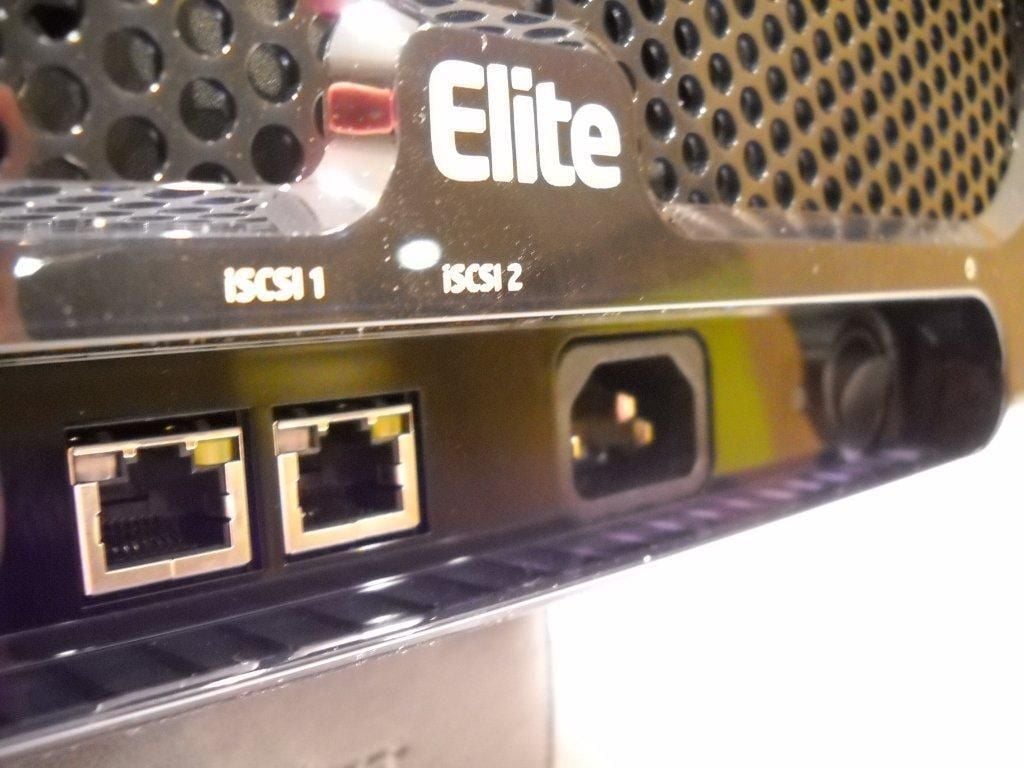
This is another look at the back of the DroboElite.
Photo credit: Scott Lowe
For a complete review of the DroboElite, check out TechRepublic’s Servers and Storage blog.
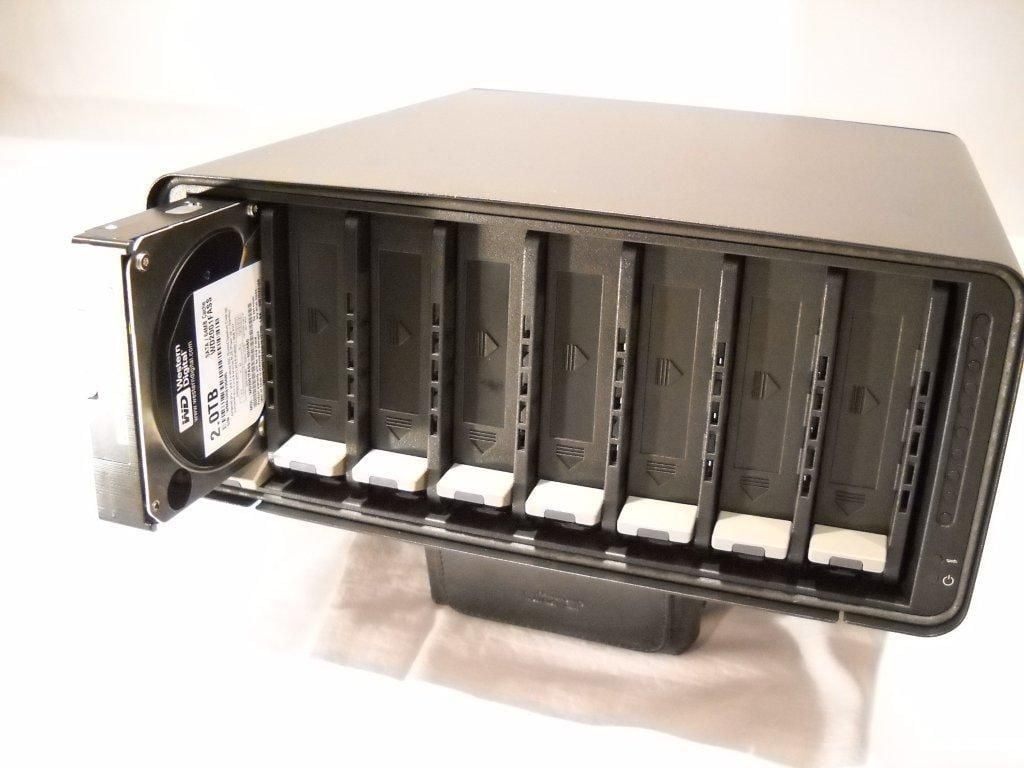
Drives slide into place very easily.
Photo credit: Scott Lowe
For a complete review of the DroboElite, check out TechRepublic’s Servers and Storage blog.
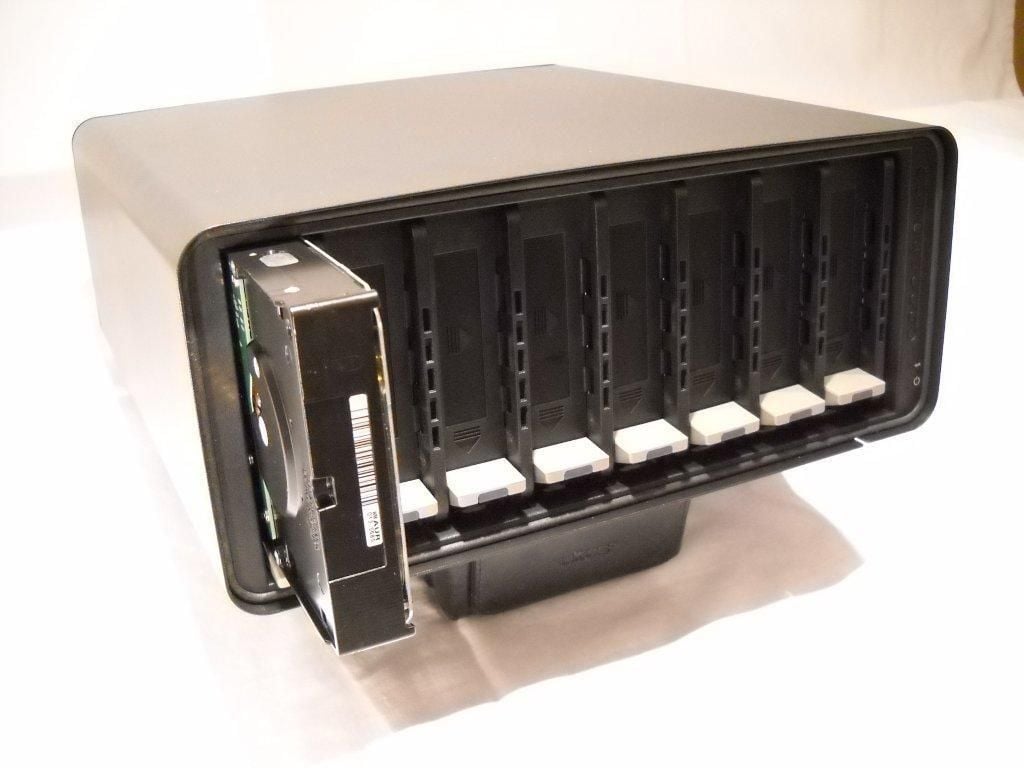
Here’s another look at the partially inserted drive.
Photo credit: Scott Lowe
For a complete review of the DroboElite, check out TechRepublic’s Servers and Storage blog.
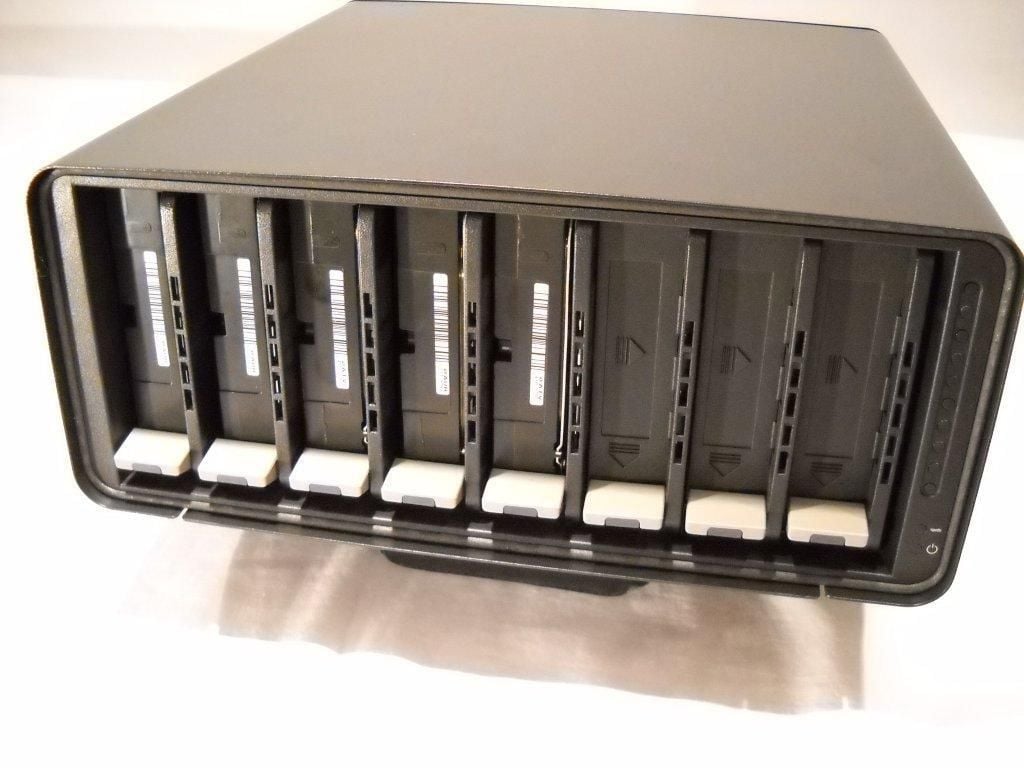
Data Robotics shipped me five disks. In this photo, all disks are installed.
Photo credit: Scott Lowe
For a complete review of the DroboElite, check out TechRepublic’s Servers and Storage blog.
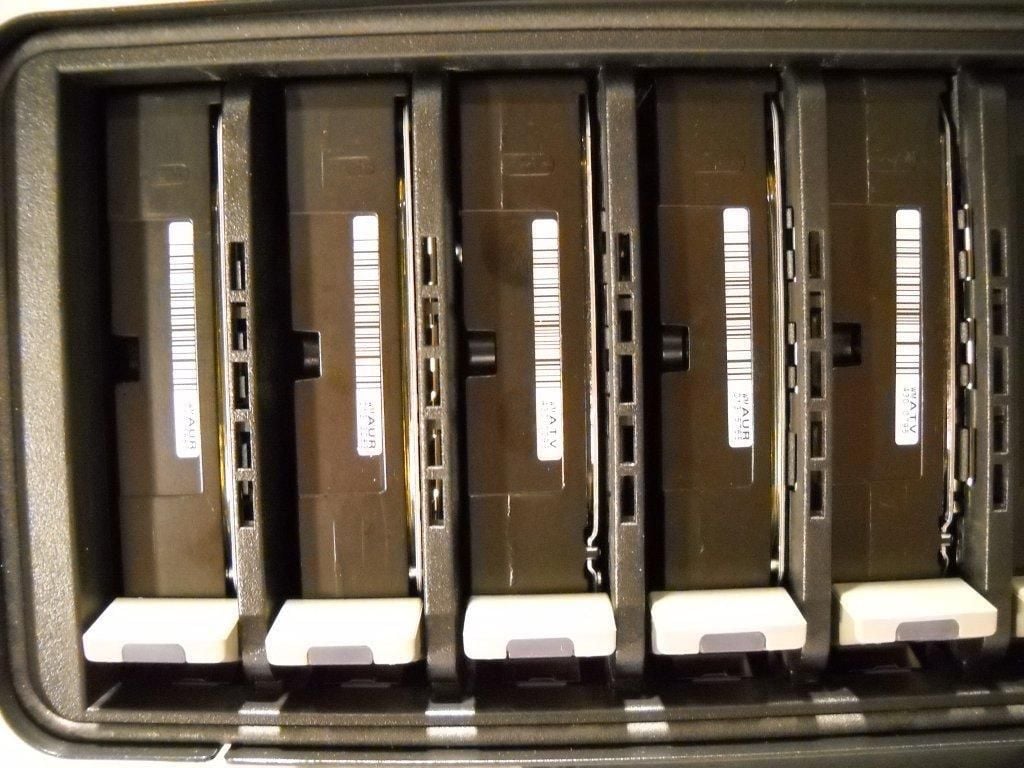
Another look at the five installed disks.
Photo credit: Scott Lowe
For a complete review of the DroboElite, check out TechRepublic’s Servers and Storage blog.
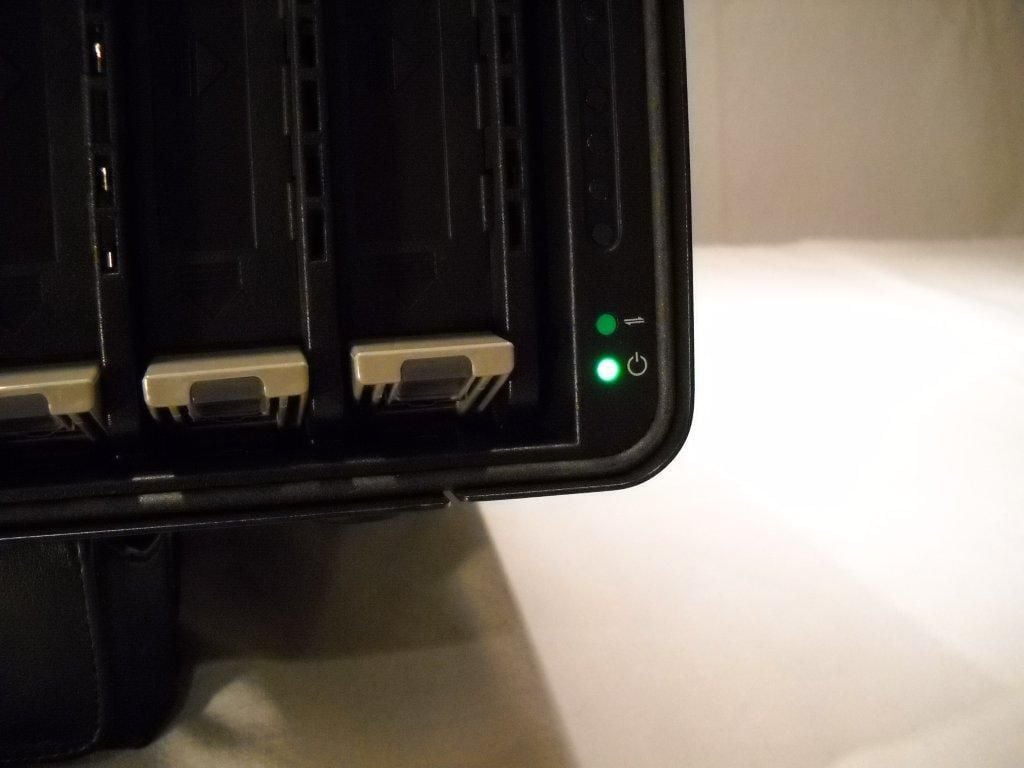
The unit is powered on.
Photo credit: Scott Lowe
For a complete review of the DroboElite, check out TechRepublic’s Servers and Storage blog.
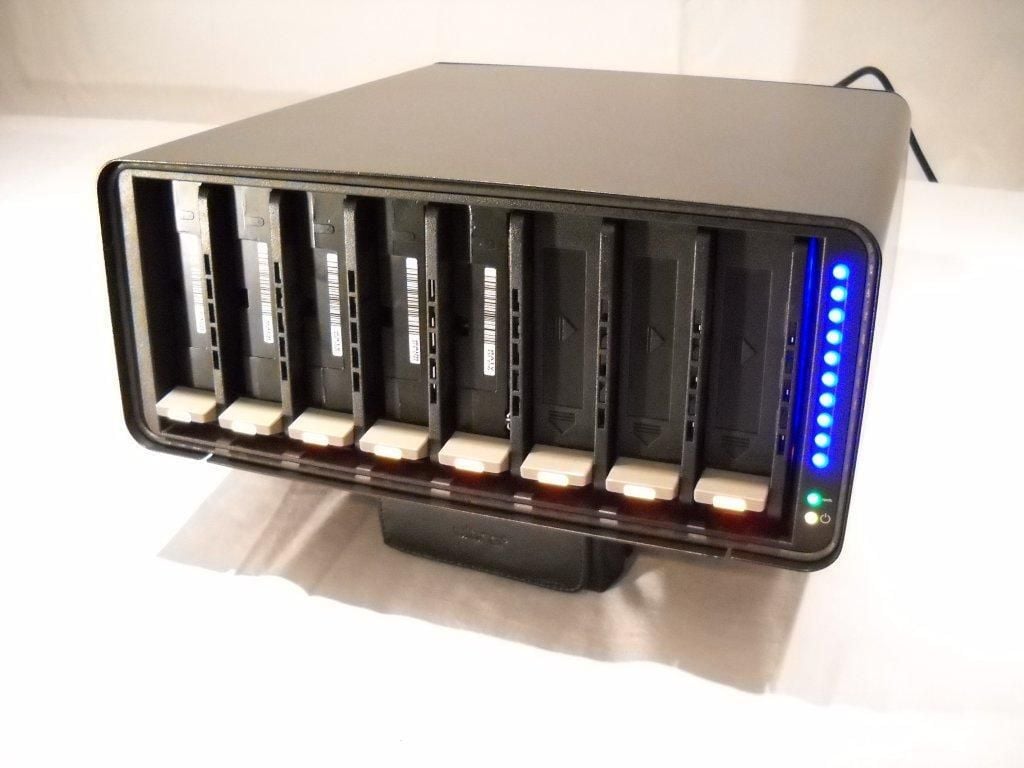
Notice the 10 blue LEDs along the side of the unit. This picture was taken during the device startup. During normal operation, these LEDs indicate how much space is being used. For instance, two LEDs lit = 20% of space is being used.
Photo credit: Scott Lowe
For a complete review of the DroboElite, check out TechRepublic’s Servers and Storage blog.
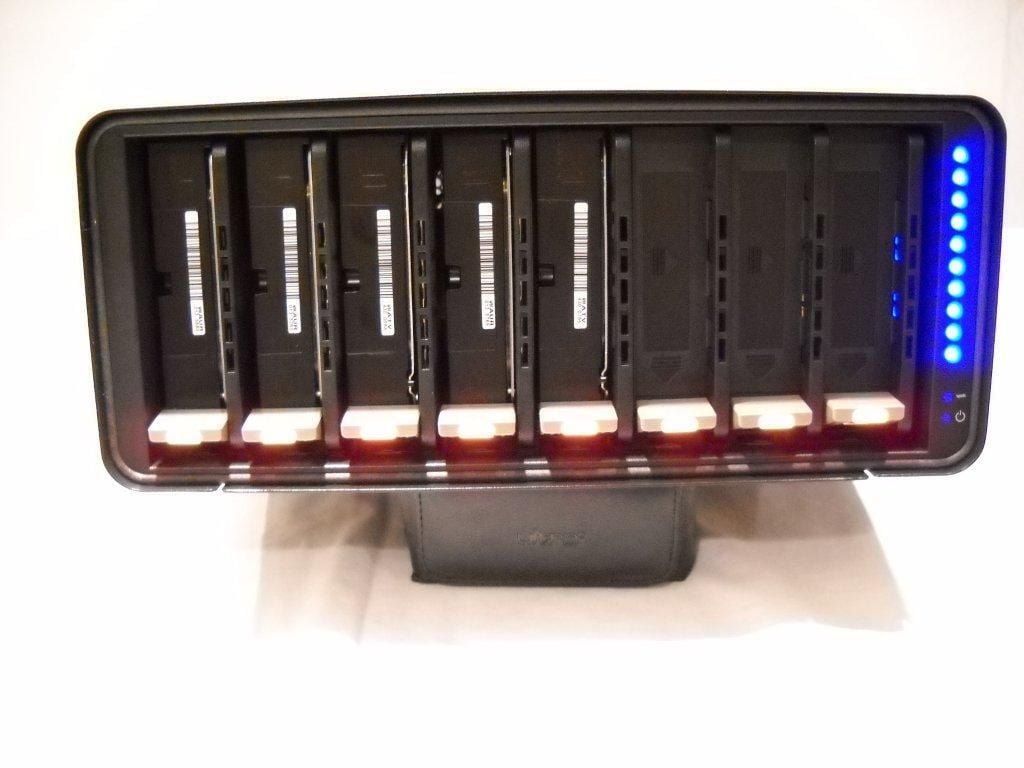
This is a front shot of the device starting up.
Photo credit: Scott Lowe
For a complete review of the DroboElite, check out TechRepublic’s Servers and Storage blog.
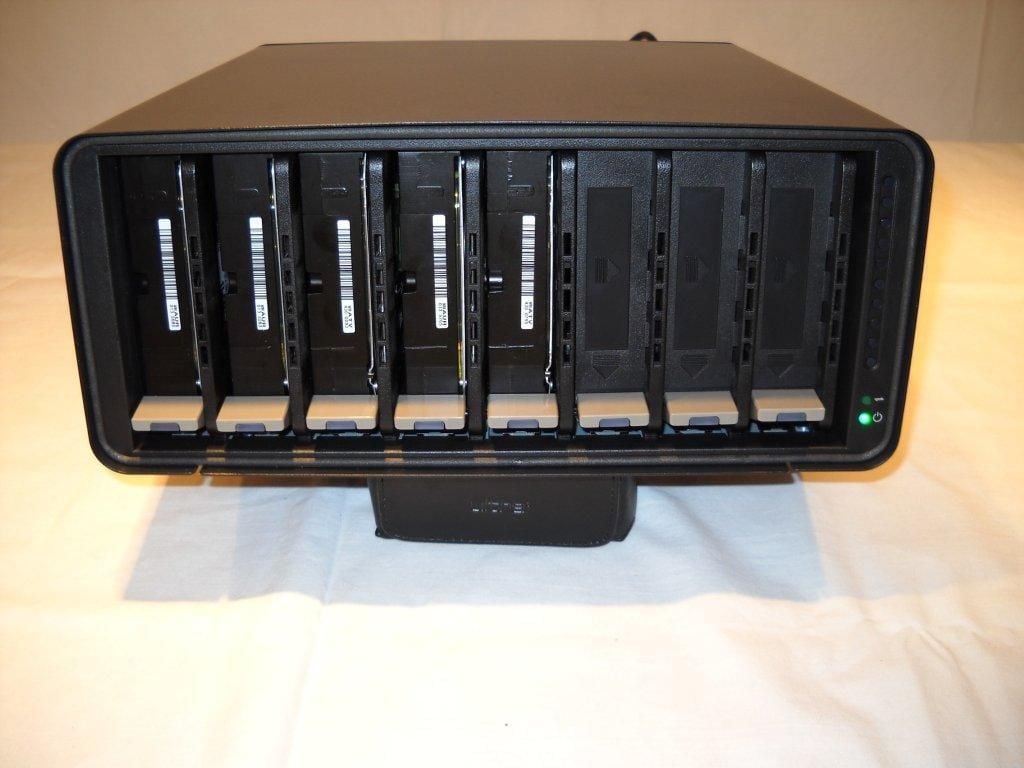
Another front shot of the DroboElite.
Photo credit: Scott Lowe
For a complete review of the DroboElite, check out TechRepublic’s Servers and Storage blog.
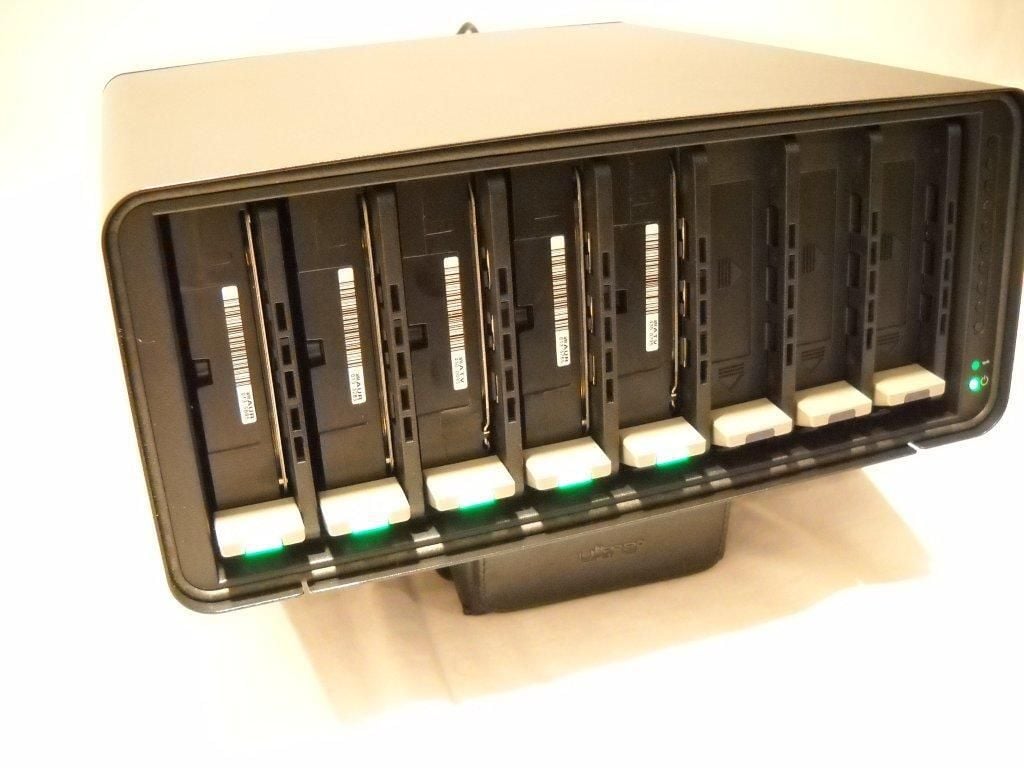
Once fully initialized, the LEDs under each drive come on.
Photo credit: Scott Lowe
For a complete review of the DroboElite, check out TechRepublic’s Servers and Storage blog.
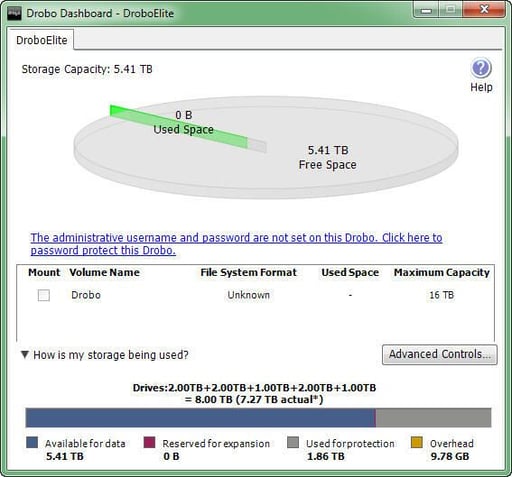
The DroboElite dashboard shows current disk usage.
Photo credit: Scott Lowe
For a complete review of the DroboElite, check out TechRepublic’s Servers and Storage blog.
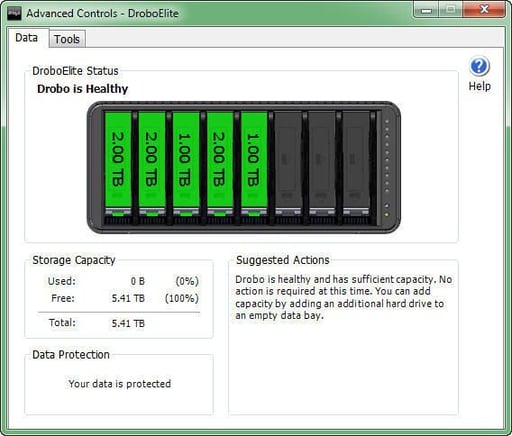
The dashboard also shows you the size of the disks in each chassis slot.
Photo credit: Scott Lowe
For a complete review of the DroboElite, check out TechRepublic’s Servers and Storage blog.
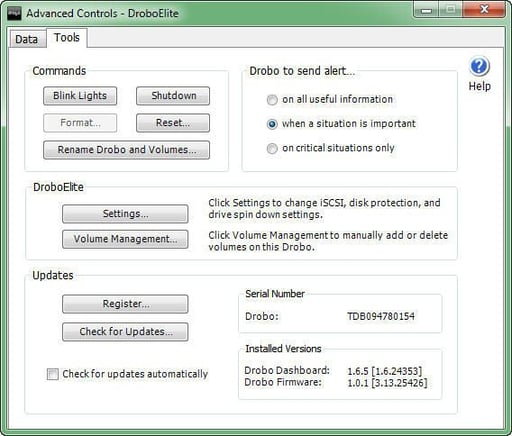
The dashboard includes a lot of other capabilities and is the primary location from which the DroboElite is administered.
Photo credit: Scott Lowe
For a complete review of the DroboElite, check out TechRepublic’s Servers and Storage blog.


