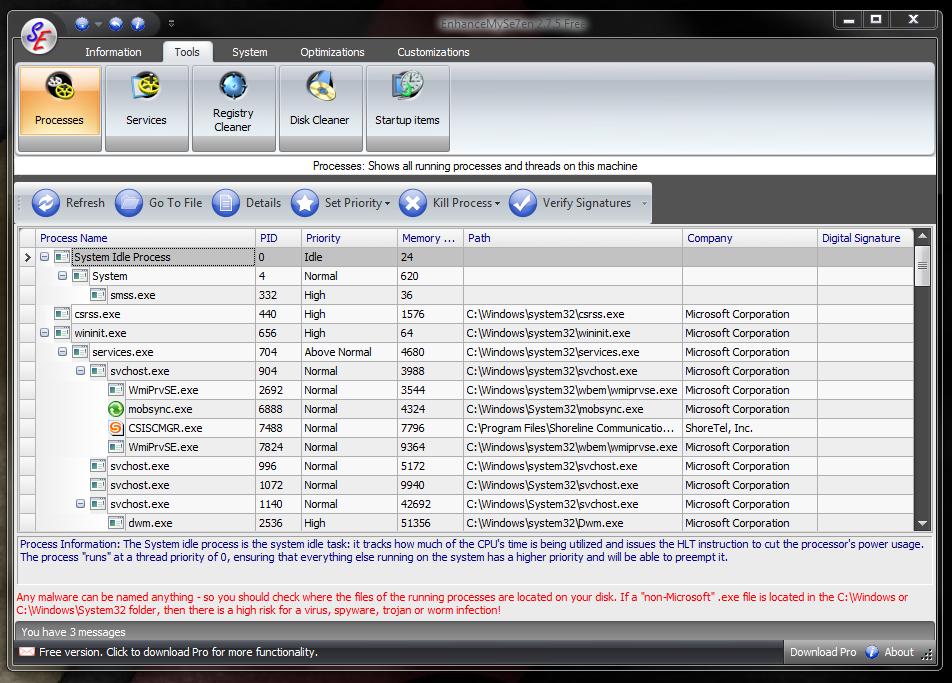
The process listing is a tool similar to the Windows task manager \u2013 only you’ll have more control over the various processes here.
Image by Jack Wallen for TechRepublic.
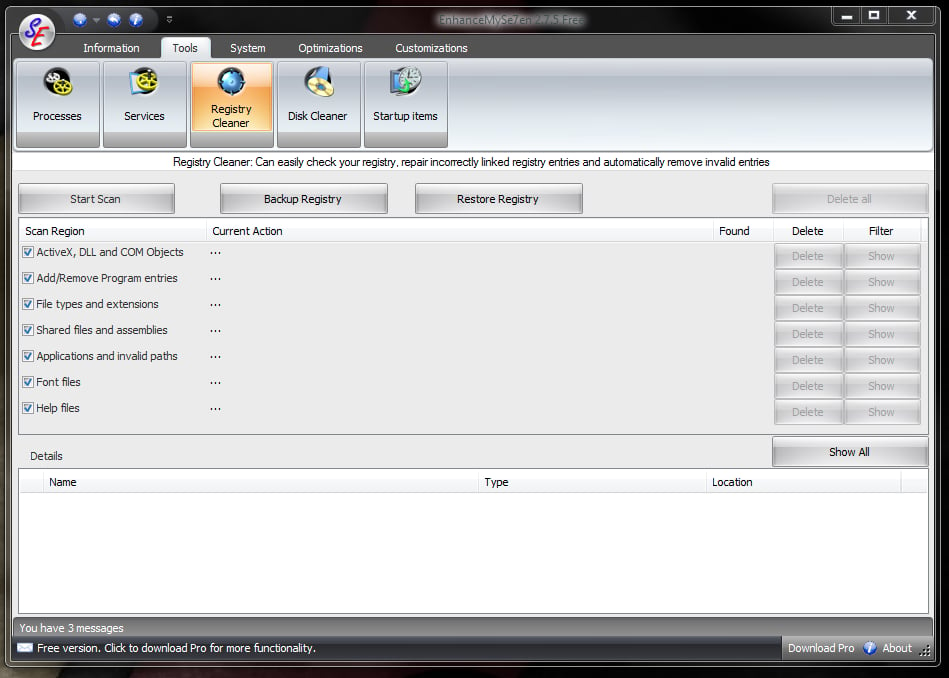
In the Registry Cleaner tool you can clearly see (and select) the various regions of the registry the tool will check.
Image by Jack Wallen for TechRepublic.
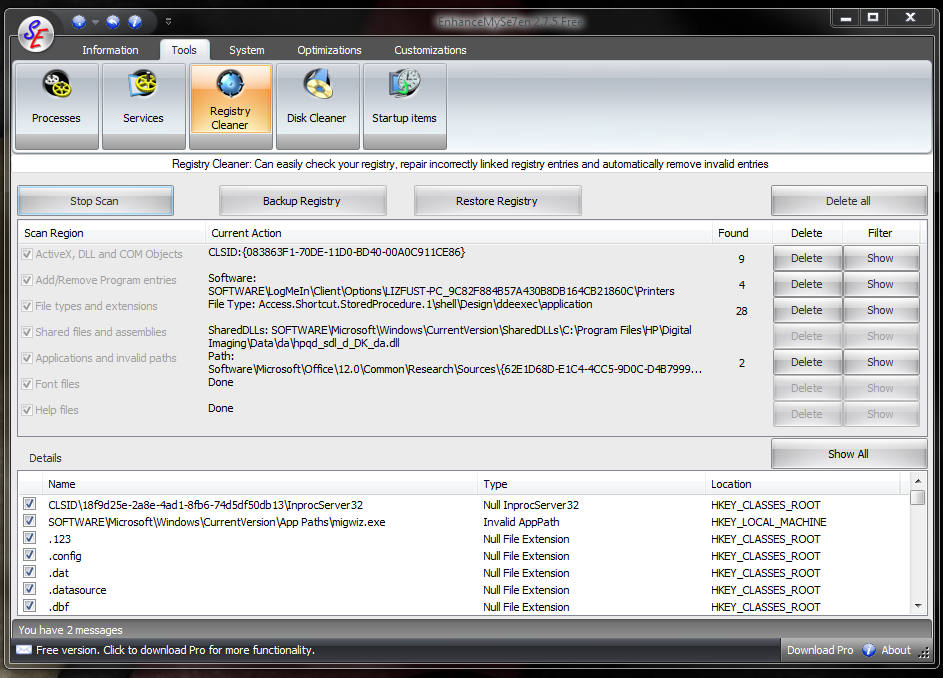
During the registry scan you can see, in real time, the issues that are currently troubling your registry. And with this tool you can quickly go through and delete what you want.
Image by Jack Wallen for TechRepublic.
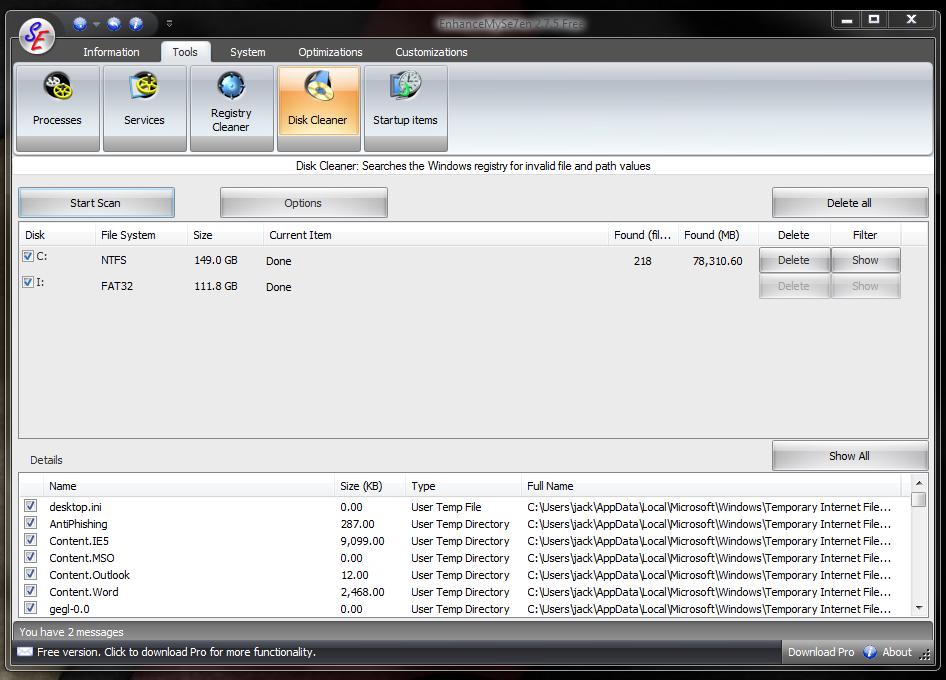
The Disk Cleaner tool will go through which ever disc you select and scan it for temporary files that can be removed. This cleaner is quite efficient, by the way.
Image by Jack Wallen for TechRepublic.
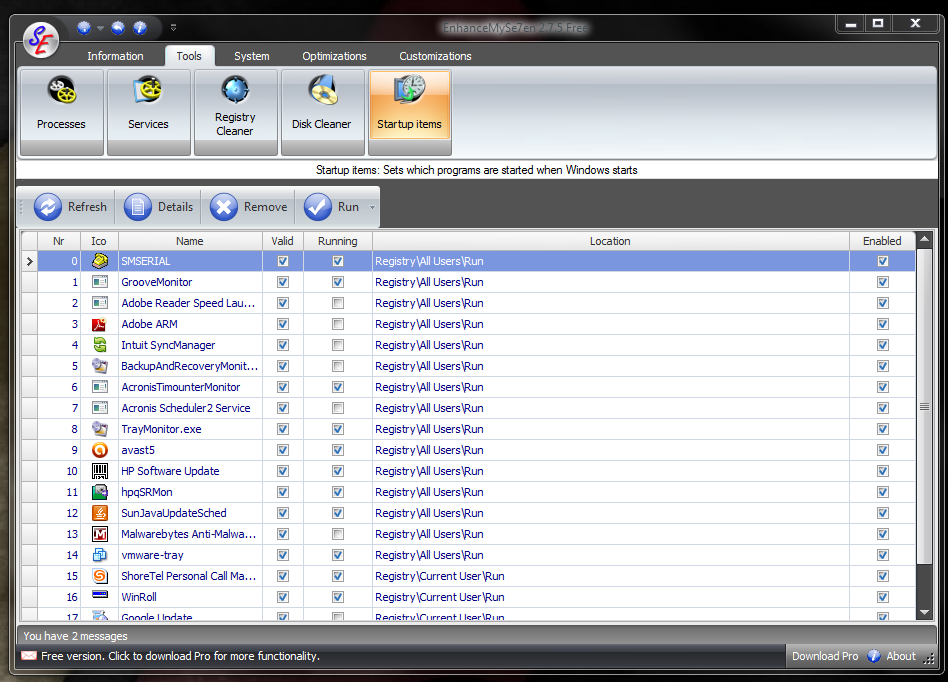
From the Start Up Items tool you can quickly see what is currently set to start up at log in and you can easily add or remove an application from startup from this same screen.
Image by Jack Wallen for TechRepublic.

Mark W. Kaelin has been writing and editing stories about the information technology industry, software, hardware, gaming, finance, accounting, and technology geekdom for more than 30 years.


