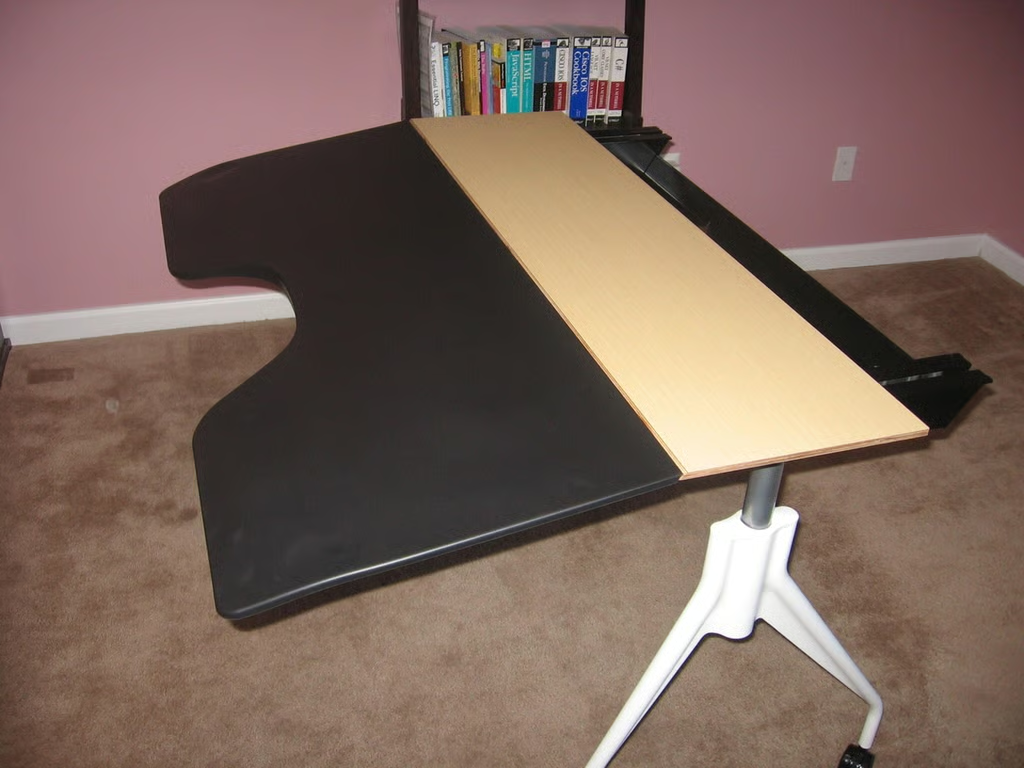
This view shows the desk with the surface fully extended and down. In the back is a handy cable management system.
For a full review of the Herman Miller Envelop Desk, check out the TechRepublic Product Spotlight Blog.
Image created by Justin James for TechRepublic.
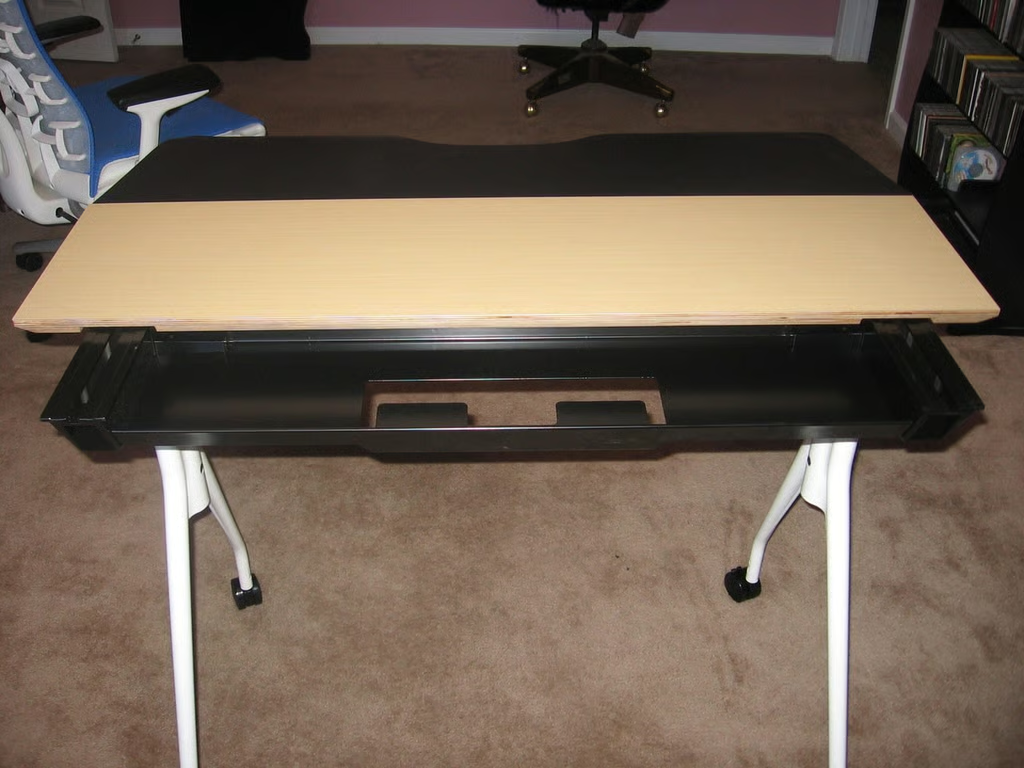
The view from the rear with the surface fully extended, showing the cable management system.
For a full review of the Herman Miller Envelop Desk, check out the TechRepublic Product Spotlight Blog.
Image created by Justin James for TechRepublic.
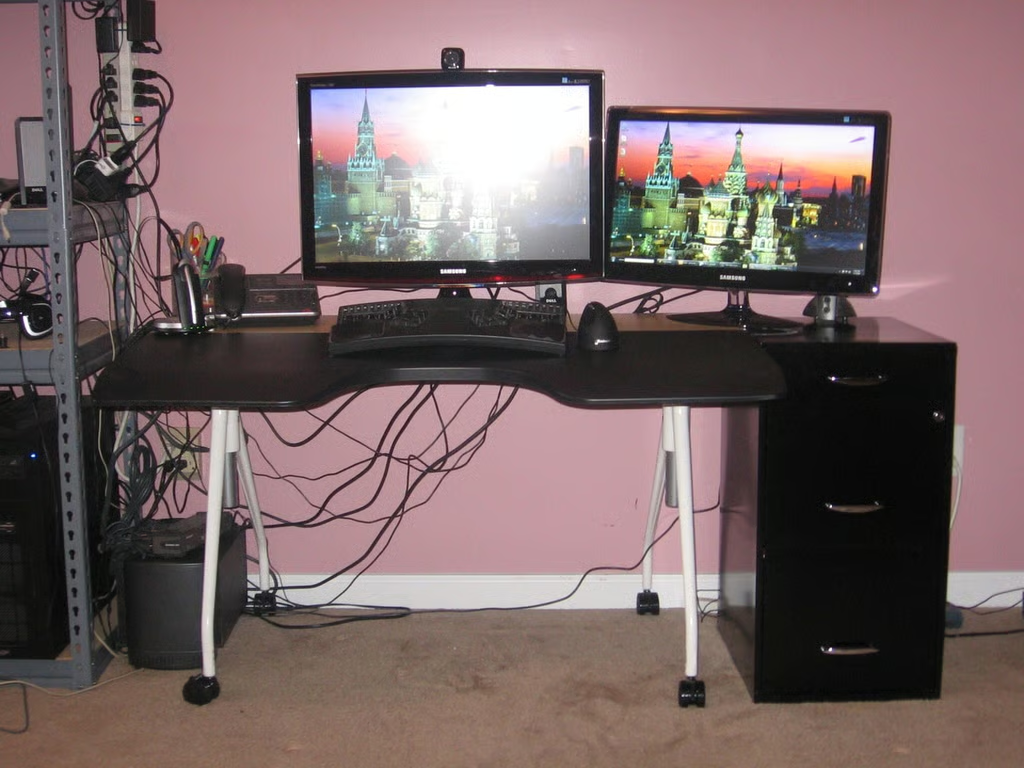
The desk is now fully loaded with two monitors (a 26″ and a 23″), keyboard/mouse, phone and headset, and pencil holder. Clearly the desk is quite full with just this amount of items on it, and the lack of a “modesty panel” means that the cables are quite visible. In fact, the 23″ monitor is so crowded that I needed to put some padding under the base where it overhangs the file cabinet to keep it stable! Using the recommended monitor arms would solve this problem, but these monitors do not have VESA mounts on the rear.
For a full review of the Herman Miller Envelop Desk, check out the TechRepublic Product Spotlight Blog.
Image created by Justin James for TechRepublic.

I am an all purpose IT person. If there's a generic job title in IT, I've probably had it, most likely more than once. Programmer, systems administrator, DBA, PC tech/repair, Help Desk, webmaster, web designer, web developer, applications developer, network engineering. Somehow I have managed to get my thumb stuck in each one of those pies!


