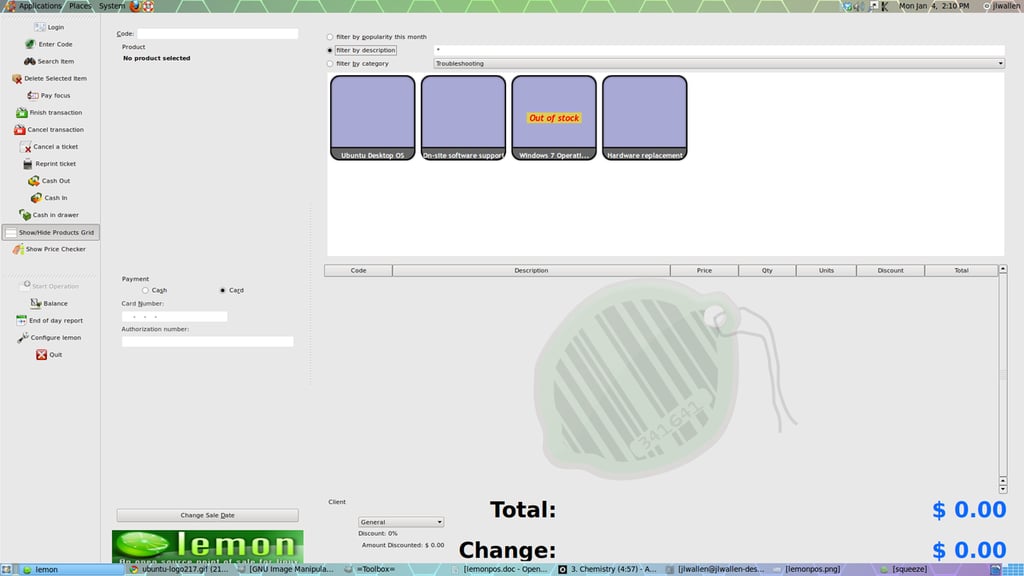
In order to sell items all the user has to do is click on the item to add to the sale. You can also filter items by category, description, or popularity.
For a full review of LemonPOS, check out the TechRepublic Product Spotlight Blog.
Image created by Jack Wallen for TechRepublic.
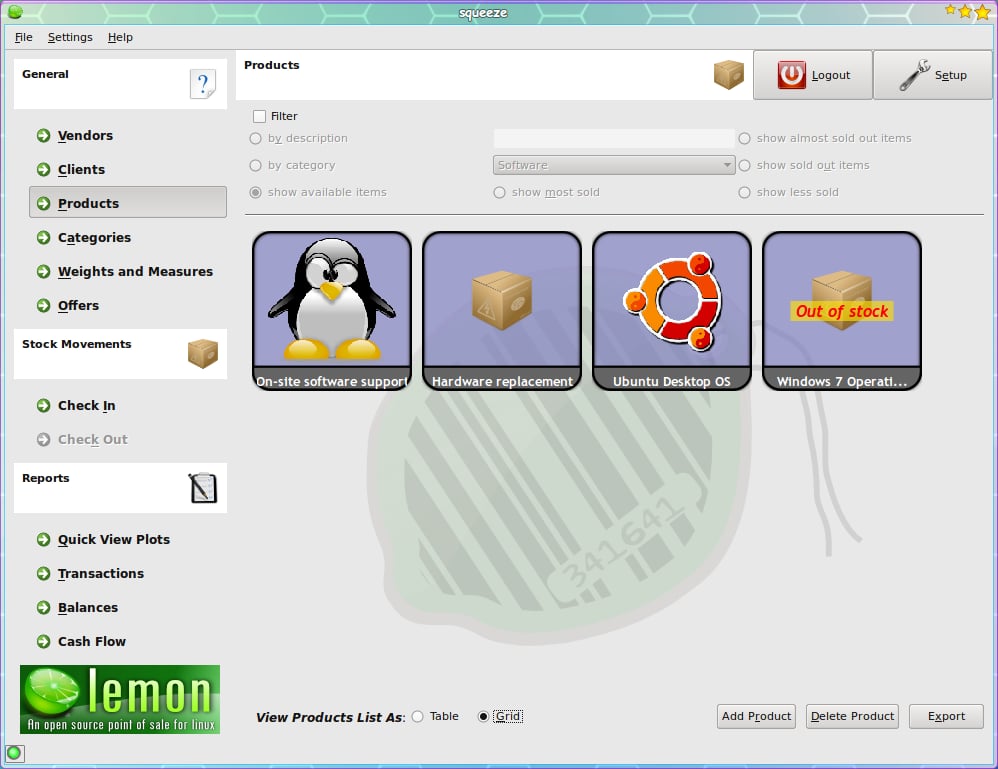
The Squeeze administrator main window, from here you can tackle your inventory, vendor, client, and category administration.
For a full review of LemonPOS, check out the TechRepublic Product Spotlight Blog.
Image created by Jack Wallen for TechRepublic.
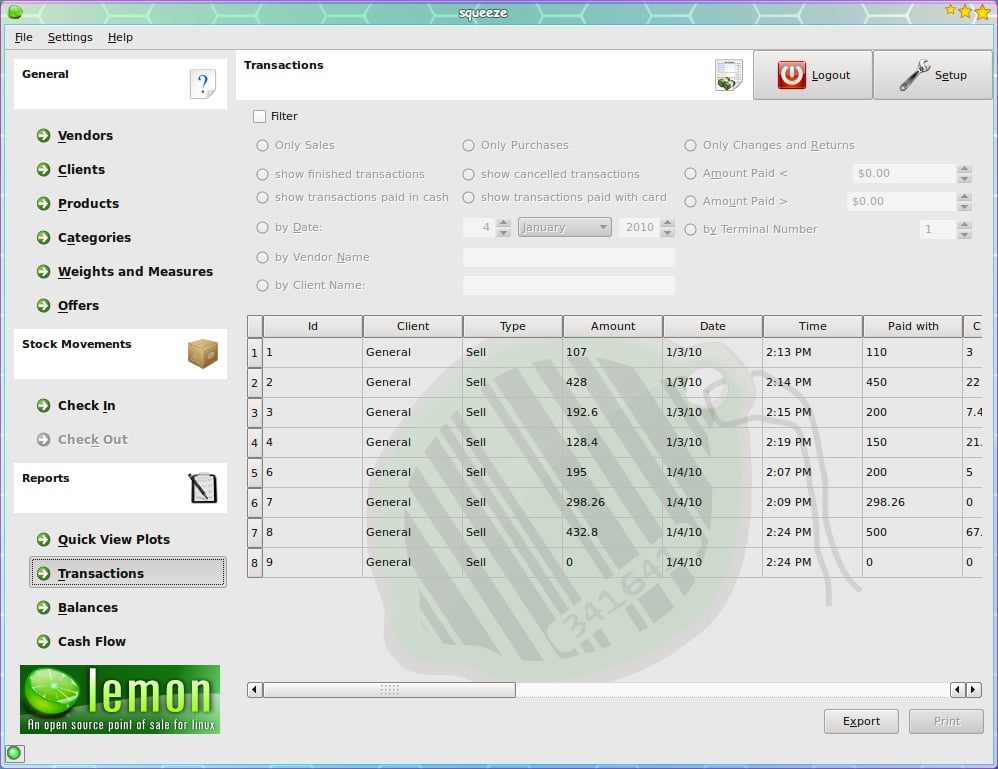
From the transactions page you can see a running report of the transactions. These transactions can be filtered for ease of search.
For a full review of LemonPOS, check out the TechRepublic Product Spotlight Blog.
Image created by Jack Wallen for TechRepublic.
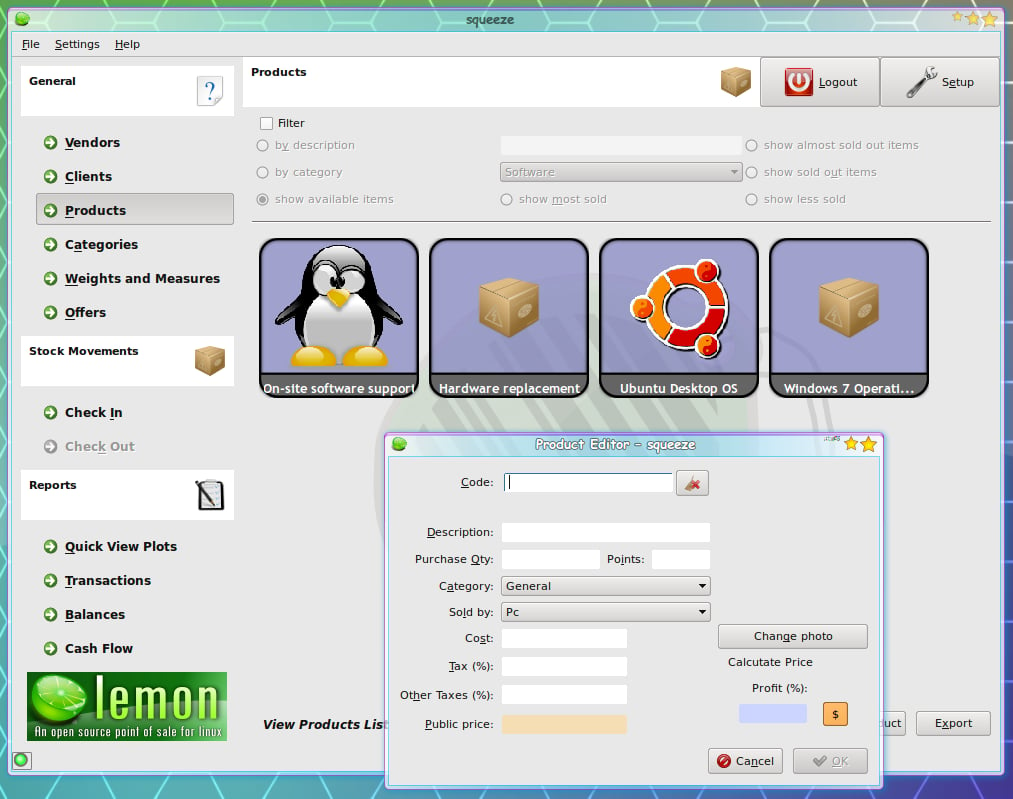
Adding a new product is as simple as clicking the Add Product button and filling out the information. Squeeze even has a built-in Public Price calculator that bases price on profit margin.
For a full review of LemonPOS, check out the TechRepublic Product Spotlight Blog.
Image created by Jack Wallen for TechRepublic.

Jack Wallen is an award-winning writer for TechRepublic, The New Stack, and Linux New Media. He's covered a variety of topics for over twenty years and is an avid promoter of open source. For more news about Jack Wallen, visit his website jackwallen.com.


