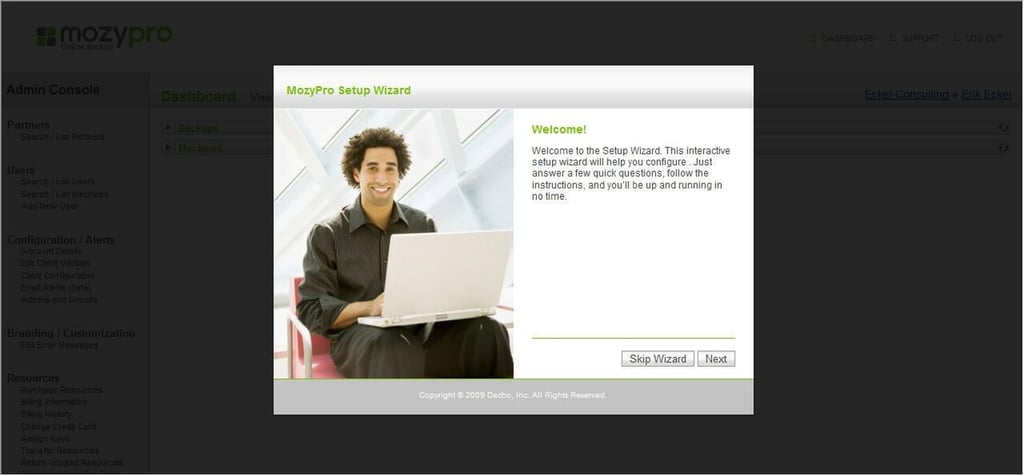
MozyPro includes a Setup Wizard to assist new users in installing and configuring the backup software.
For a full review of MozyPro Online Backup, check out the TechRepublic Product Spotlight Blog.
Image created by Erik Eckel for TechRepublic.
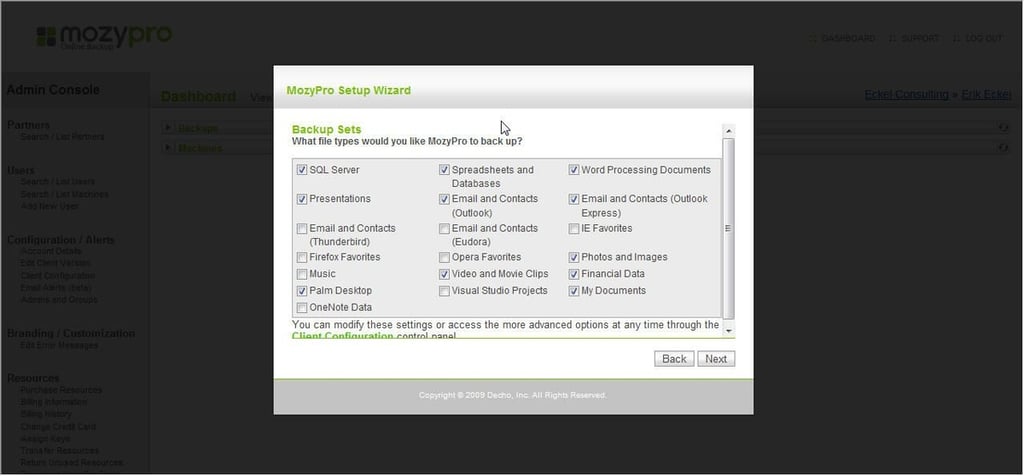
The MozyPro Setup Wizard includes preconfigured Backup Sets. Users can choose either to back up file types, as shown within this window, or specific files and folders using an optional configuration window once the software is installed.
For a full review of MozyPro Online Backup, check out the TechRepublic Product Spotlight Blog.
Image created by Erik Eckel for TechRepublic.
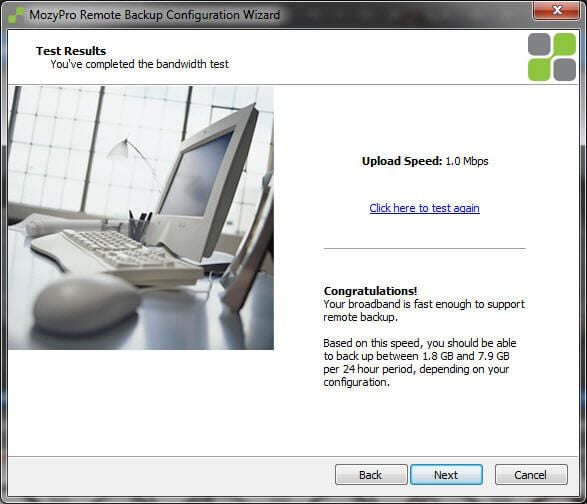
The Setup Wizard includes a bandwidth test. The results are shown in this window, which provides an estimate as to how long the initial backup operation will take to complete.
For a full review of MozyPro Online Backup, check out the TechRepublic Product Spotlight Blog.
Image created by Erik Eckel for TechRepublic.
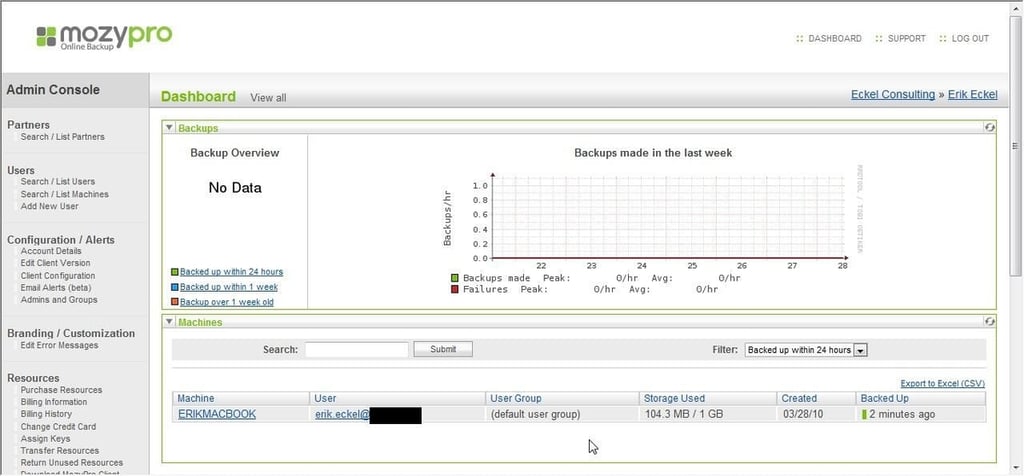
The MozyPro Dashboard enables tracking backup progress, filtering results, configuring alerts, assigning keys to additional systems and performing other administrative tasks.
For a full review of MozyPro Online Backup, check out the TechRepublic Product Spotlight Blog.
Image created by Erik Eckel for TechRepublic.
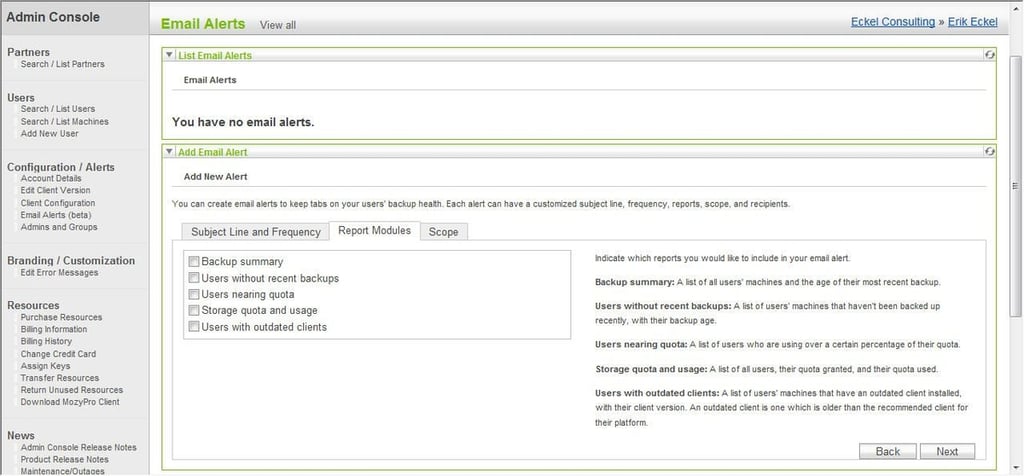
Within the MozyPro Dashboard, administrators can configure alerts according to their specific requirements. Such customization simplifies the process of tracking failed backups across a variety of workstations and servers even within distributed organizations.
For a full review of MozyPro Online Backup, check out the TechRepublic Product Spotlight Blog.
Image created by Erik Eckel for TechRepublic.

Erik Eckel is a managing partner at Louisville Geek and president of Eckel Media Corp. He previously served as Executive Editor at TechRepublic. He received Microsoft Engineer accreditation from Sullivan University and earned his Bachelor's Degree in English from the University of Louisville. He's earned Network+, Windows NT 4.0 MCP+I and MCSE, and Windows 2000 Professional MCP accreditations.


