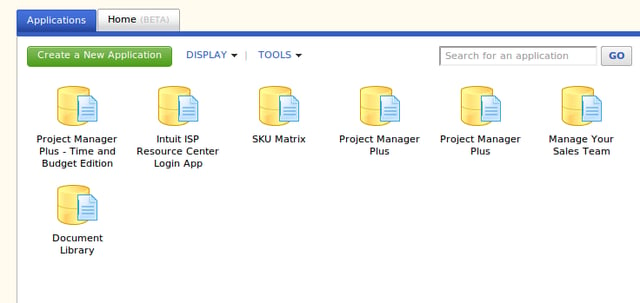
A sample of a Quickbase users’ home page. Here you can quickly select which application to use.
For a full review of Quickbase, check out the TechRepublic Product Spotlight Blog.
Image created by Jack Wallen for TechRepublic.
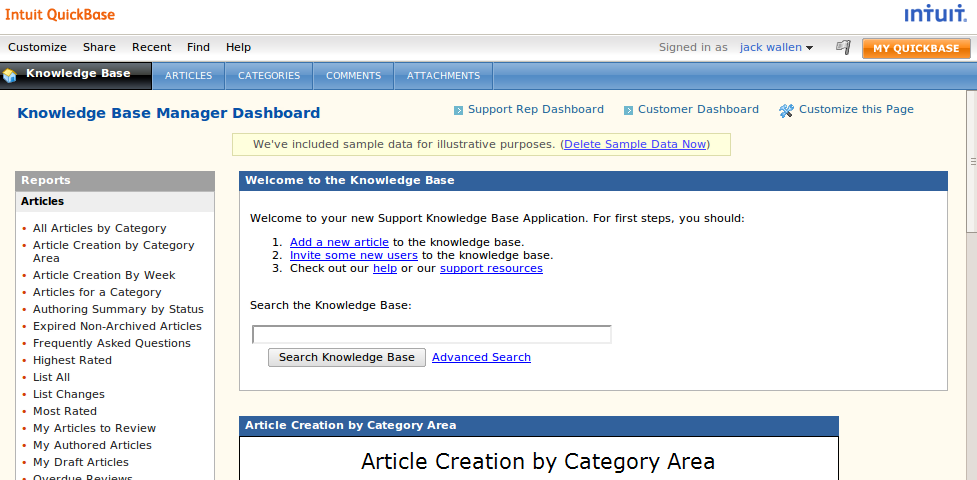
From the application library there are tools, like this Knowledge-base library, that can be added to your Quickbase with just a couple of clicks.
For a full review of Quickbase, check out the TechRepublic Product Spotlight Blog.
Image created by Jack Wallen for TechRepublic.
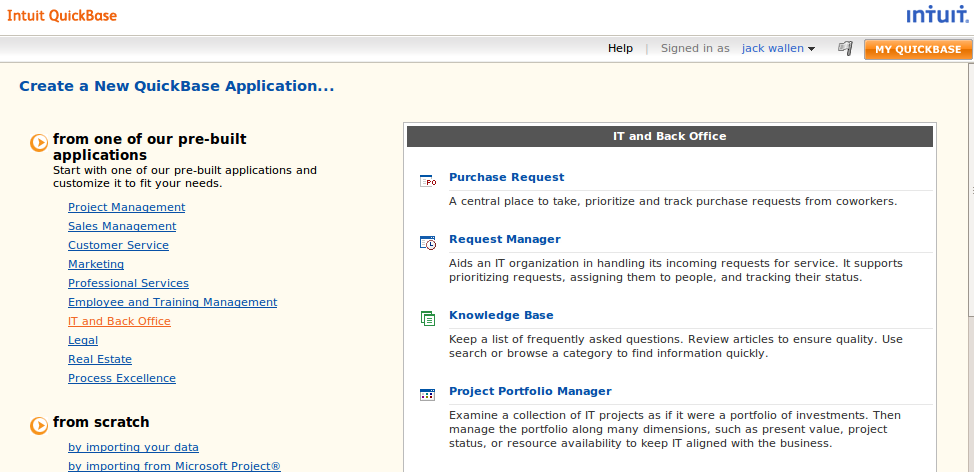
When you click the Create Application button you can select from numerous pre-built applications, all of which are categorized for simple searching.
For a full review of Quickbase, check out the TechRepublic Product Spotlight Blog.
Image created by Jack Wallen for TechRepublic.
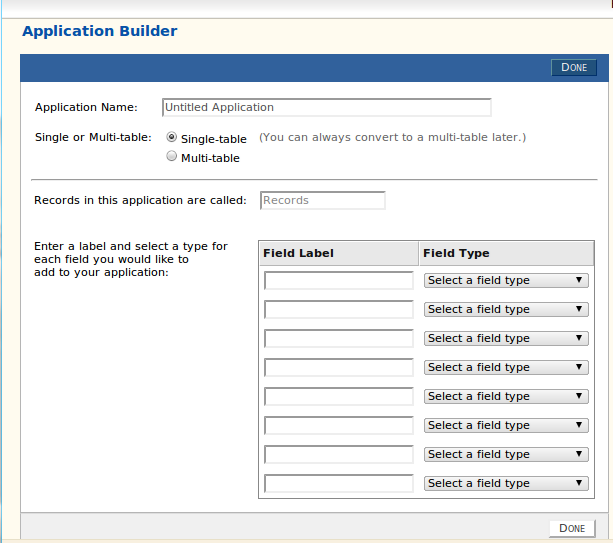
Creating an application from scratch is as simple as decided the type of application data you will use. In this case I am creating a database application to inventory operating systems install within an enterprise.
For a full review of Quickbase, check out the TechRepublic Product Spotlight Blog.
Image created by Jack Wallen for TechRepublic.
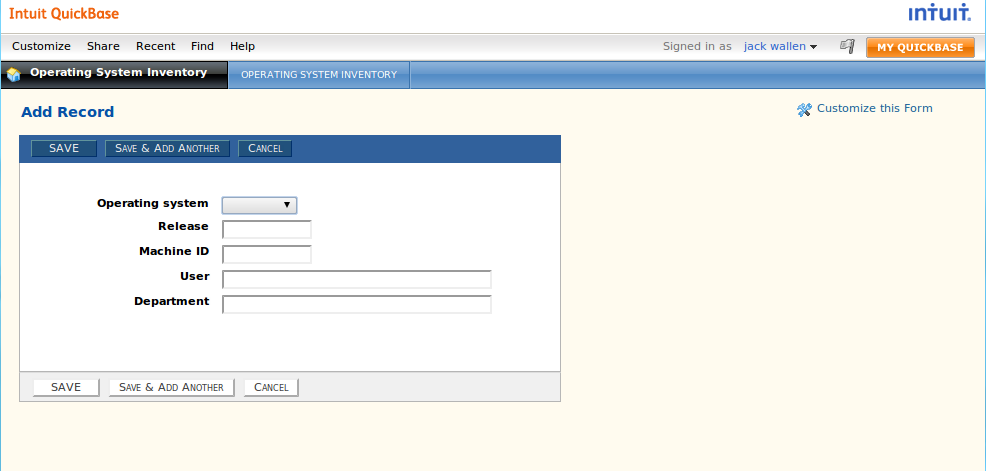
In less than five minutes an OS inventory application was created and ready to use.
For a full review of Quickbase, check out the TechRepublic Product Spotlight Blog.
Image created by Jack Wallen for TechRepublic.

Jack Wallen is an award-winning writer for TechRepublic, The New Stack, and Linux New Media. He's covered a variety of topics for over twenty years and is an avid promoter of open source. For more news about Jack Wallen, visit his website jackwallen.com.


