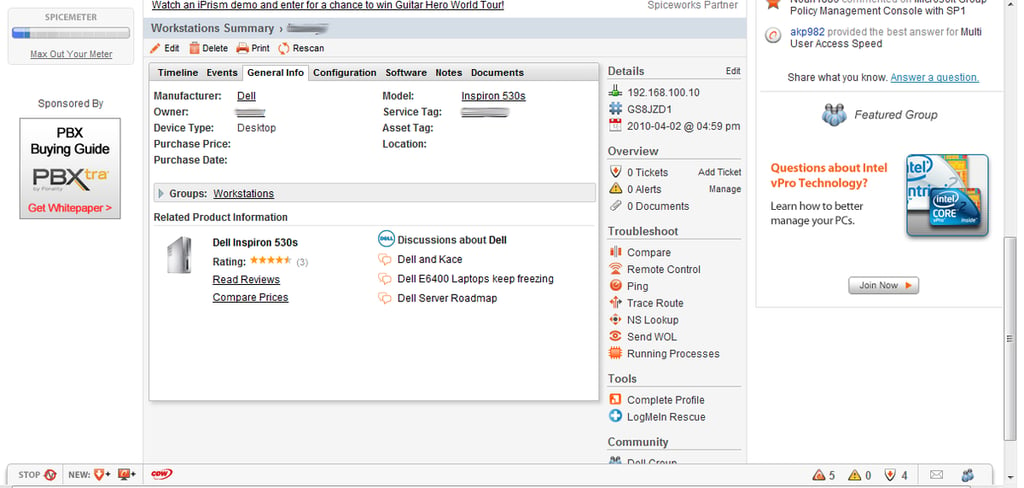
A desktop machine discovered by Spiceworks. You can add your own information about this device in the Notes tab.
For a full review of Spiceworks, check out the TechRepublic Product Spotlight Blog.
Image created by Jack Wallen for TechRepublic.
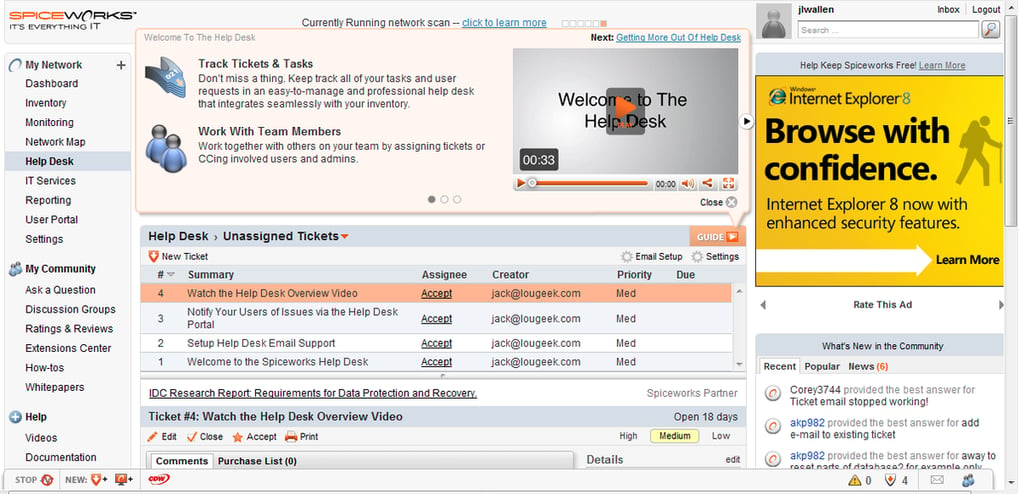
The helpdesk is one of the more useful sections of Spiceworks. Here you can create a global helpdesk that will allows users to submit help requests which can then be tracked from this dashboard.
For a full review of Spiceworks, check out the TechRepublic Product Spotlight Blog.
Image created by Jack Wallen for TechRepublic.
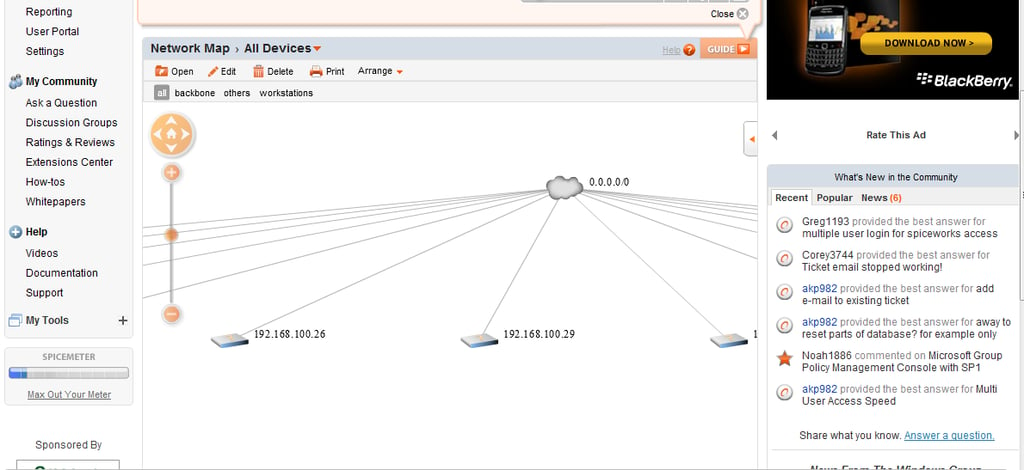
You can see a graphical rendering of your network from within Spiceworks. This aspect of Spiceworks could, in my opinion, use a bit of tweaking.
For a full review of Spiceworks, check out the TechRepublic Product Spotlight Blog.
Image created by Jack Wallen for TechRepublic.
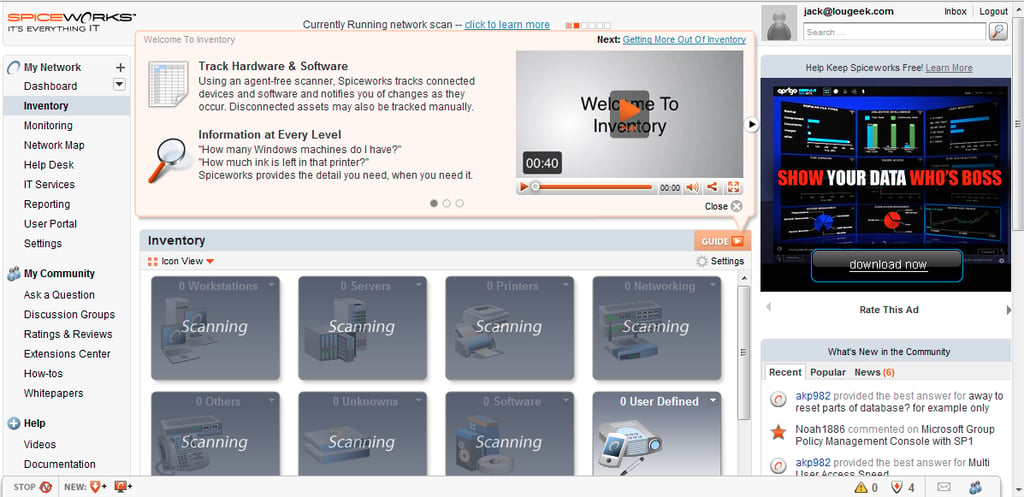
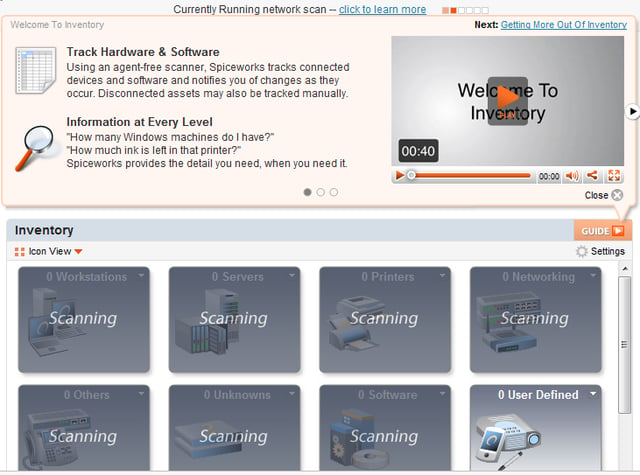
Here you see a newly installed Spiceworks instance scanning a network for devices.
For a full review of Spiceworks, check out the TechRepublic Product Spotlight Blog.
Image created by Jack Wallen for TechRepublic.
For a full review of Spiceworks, check out the TechRepublic Product Spotlight Blog.
Image created by Jack Wallen for TechRepublic.

Jack Wallen is an award-winning writer for TechRepublic, The New Stack, and Linux New Media. He's covered a variety of topics for over twenty years and is an avid promoter of open source. For more news about Jack Wallen, visit his website jackwallen.com.


