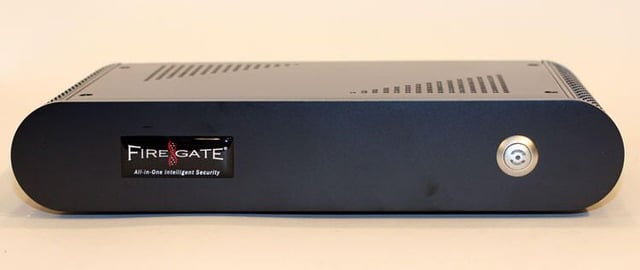
The Firegate 100 boasts simple design. The front console features only a branding label and power button.
For a full review of the Wiresoft Firegate 100 Series firewall, check out the TechRepublic Product Spotlight Blog.
Image created by Erik Eckel for TechRepublic.
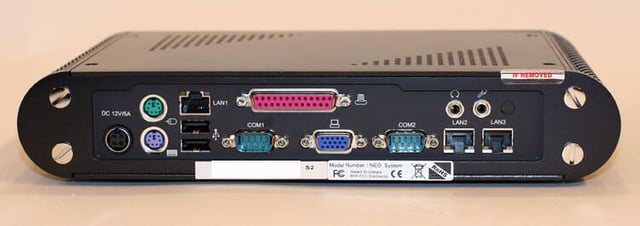
The Wiresoft Firegate 100 utilizes a small desktop unit form factor. However, only the gigabit Ethernet and power ports utilized.
For a full review of the Wiresoft Firegate 100 Series firewall, check out the TechRepublic Product Spotlight Blog.
Image created by Erik Eckel for TechRepublic.
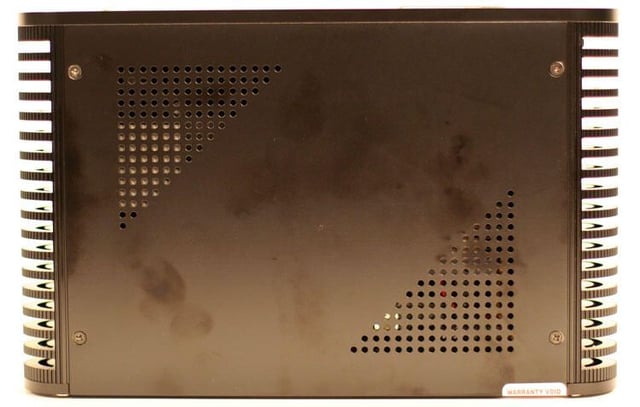
The well-built chassis’ top cover includes numerous vents to assist in cooling. The actual unit measures 11\u201d wide x 7\u201d deep x 2.25\u201d tall. It weights approximately four pounds.
For a full review of the Wiresoft Firegate 100 Series firewall, check out the TechRepublic Product Spotlight Blog.
Image created by Erik Eckel for TechRepublic.
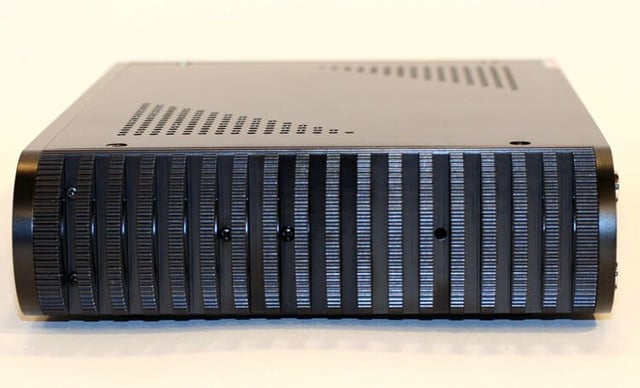
The Firegate 100 feels bombproof. The unit’s case is noticeably tough. The sides boast cooling fan-like rounded edges, as can be seen here.
For a full review of the Wiresoft Firegate 100 Series firewall, check out the TechRepublic Product Spotlight Blog.
Image created by Erik Eckel for TechRepublic.
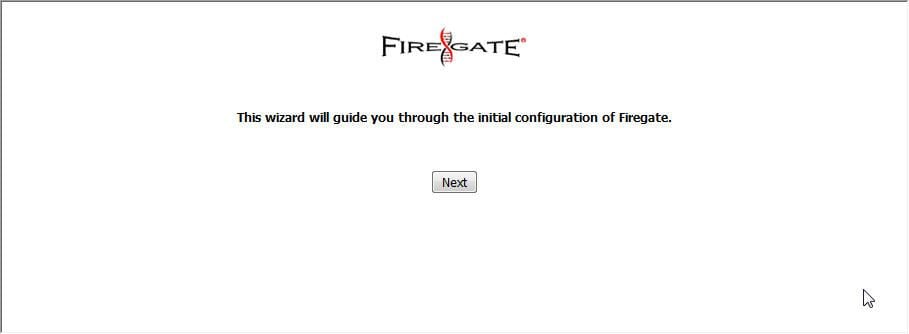
When deploying the Firegate, this wizard initializes setup and configuration.
For a full review of the Wiresoft Firegate 100 Series firewall, check out the TechRepublic Product Spotlight Blog.
Image created by Erik Eckel for TechRepublic.
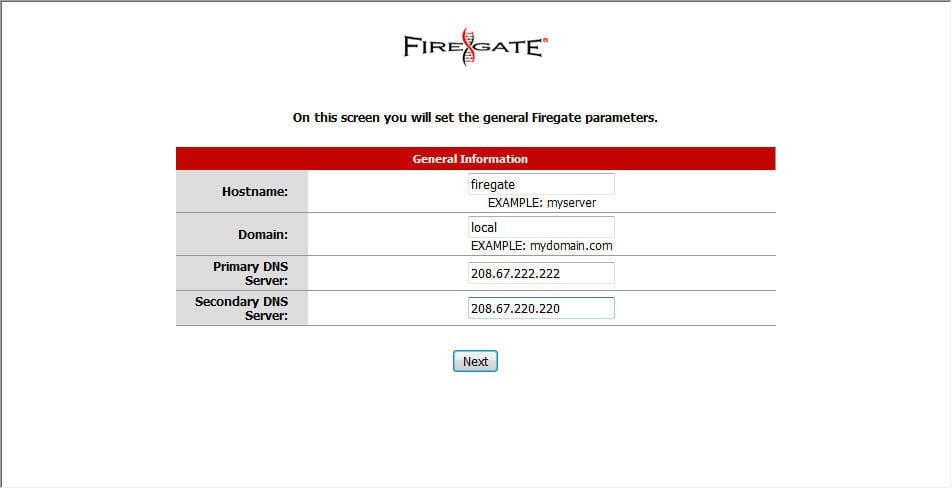
Administrators must specify primary and secondary DNS servers when first deploying the Firegate. The wizard provides this menu for specifying the DNS information.
For a full review of the Wiresoft Firegate 100 Series firewall, check out the TechRepublic Product Spotlight Blog.
Image created by Erik Eckel for TechRepublic.
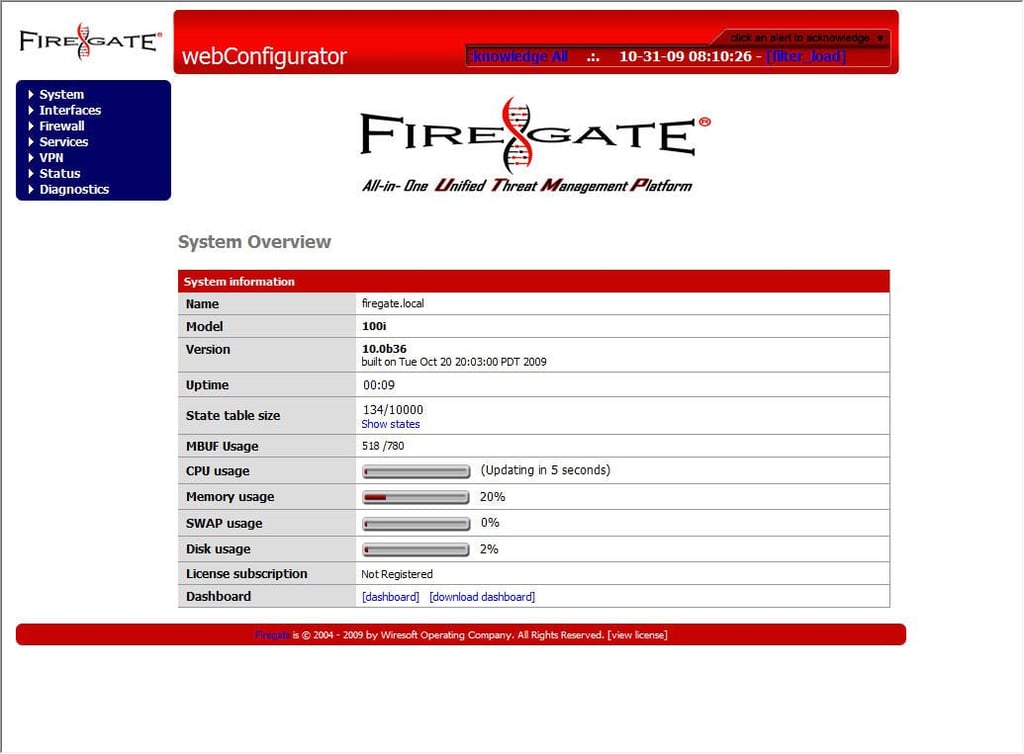
The Firegate System Overview console displays a brief dashboard view listing critical system information. System and memory usage and system uptime are among the statistics included.
For a full review of the Wiresoft Firegate 100 Series firewall, check out the TechRepublic Product Spotlight Blog.
Image created by Erik Eckel for TechRepublic.
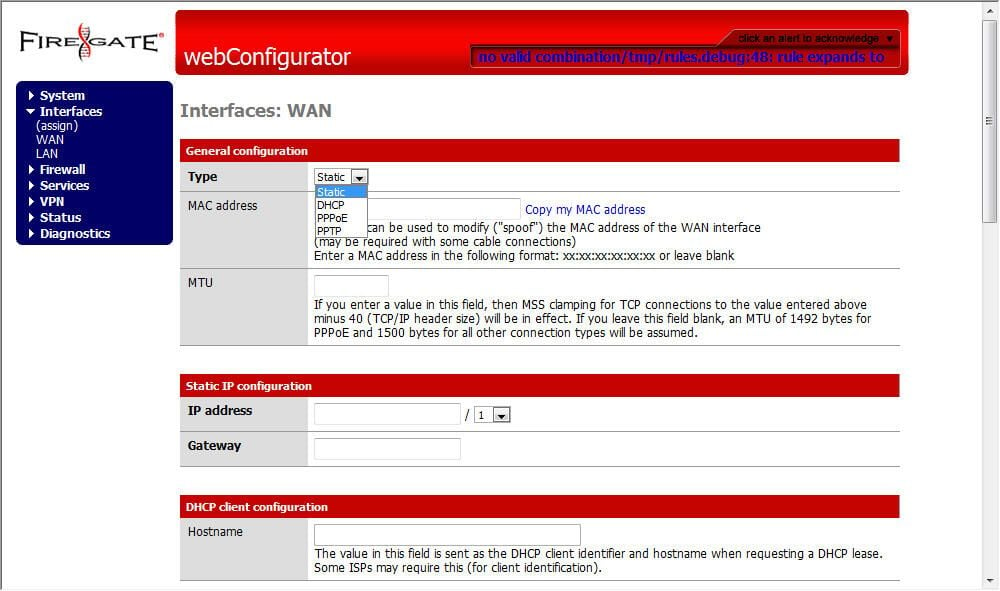
The Firegate 100 supports static, DCHP, PPPoE and PPTP connections for the WAN interface. WAN settings are configured using this menu.
For a full review of the Wiresoft Firegate 100 Series firewall, check out the TechRepublic Product Spotlight Blog.
Image created by Erik Eckel for TechRepublic.
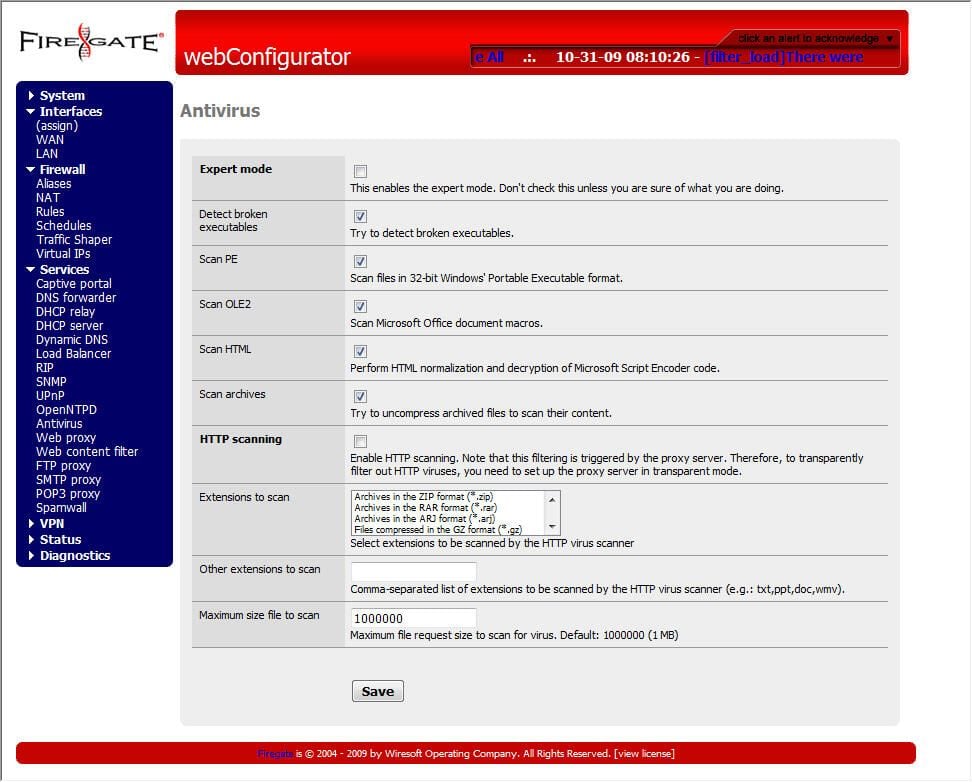
The Firegate 100’s services are administered from webConfigurator pages such as this one used to configure the device’s antivirus protections.
For a full review of the Wiresoft Firegate 100 Series firewall, check out the TechRepublic Product Spotlight Blog.
Image created by Erik Eckel for TechRepublic.
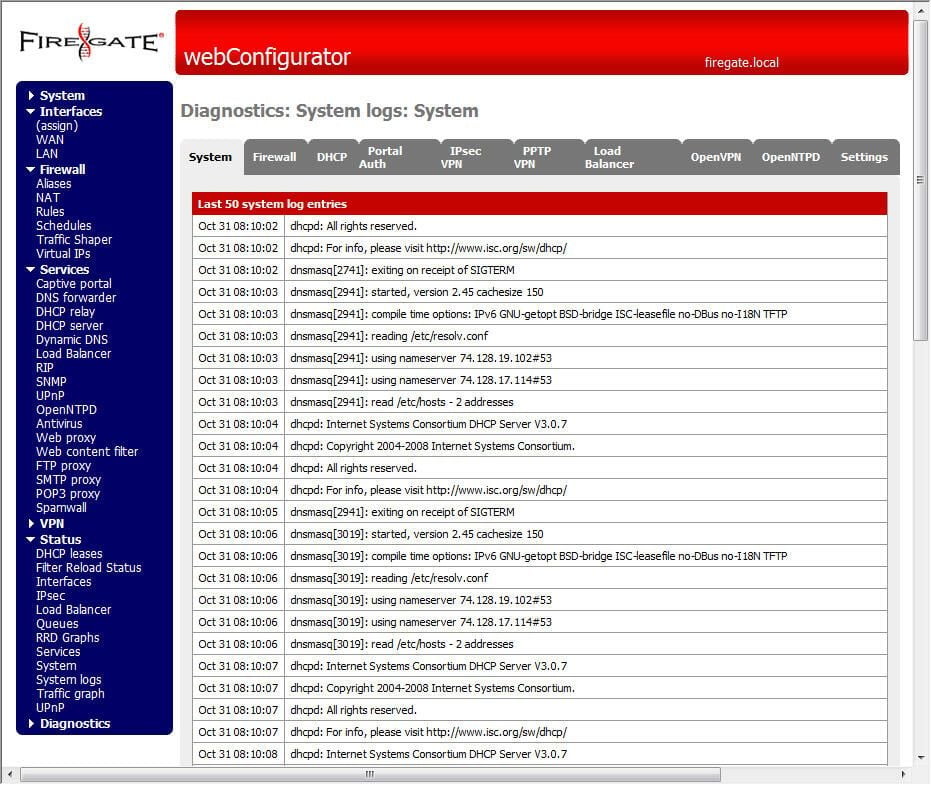
The Firegate 100 logs numerous events and alerts, as can be seen here. These system events, errors and alerts can be used to track firewall and service activity, interface configuration and network activity.
For a full review of the Wiresoft Firegate 100 Series firewall, check out the TechRepublic Product Spotlight Blog.
Image created by Erik Eckel for TechRepublic.
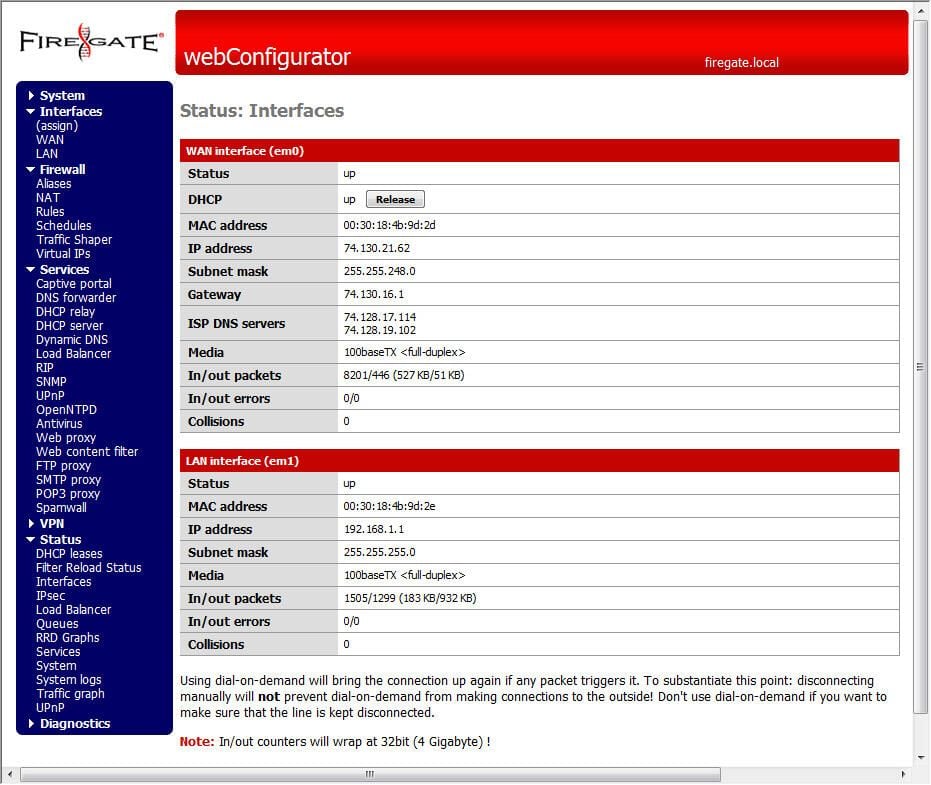
The Firegate’s webConfigurator lists the status of each active interface. Here the WAN interface (em0) is serviced by the device’s LAN1 port, while the LAN2 port(em1) is powering the unit’s connection to the LAN.
For a full review of the Wiresoft Firegate 100 Series firewall, check out the TechRepublic Product Spotlight Blog.
Image created by Erik Eckel for TechRepublic.

Erik Eckel is a managing partner at Louisville Geek and president of Eckel Media Corp. He previously served as Executive Editor at TechRepublic. He received Microsoft Engineer accreditation from Sullivan University and earned his Bachelor's Degree in English from the University of Louisville. He's earned Network+, Windows NT 4.0 MCP+I and MCSE, and Windows 2000 Professional MCP accreditations.


