\n\tThis gallery is also available as a post in the Five Apps Blog.
\n
\n\tOne of my New Year’s resolutions is to be better organized. Thankfully, there is a whole slew of software available to help with that goal. This blog post lists five applications that can help with organization.
\n
\n\t\n\n
\n
\n
\n
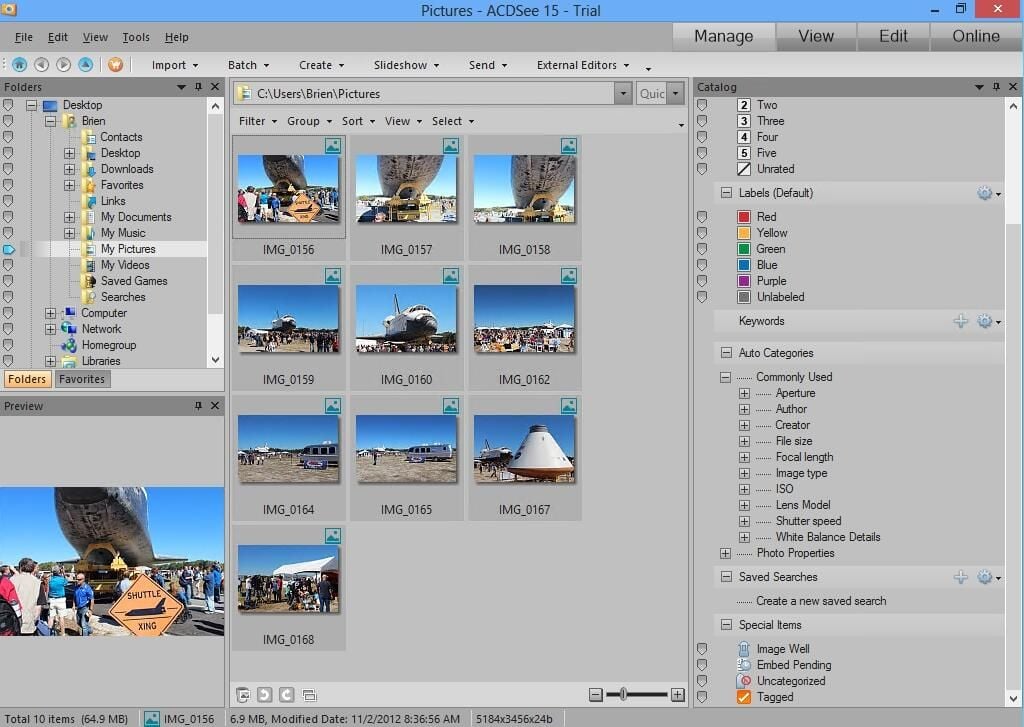
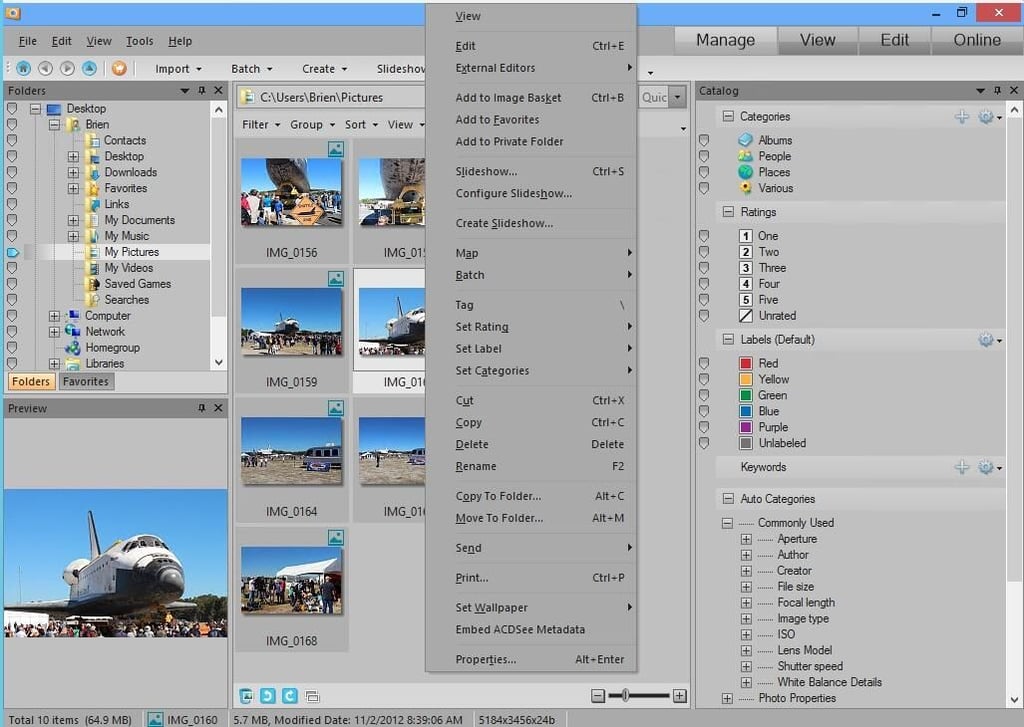
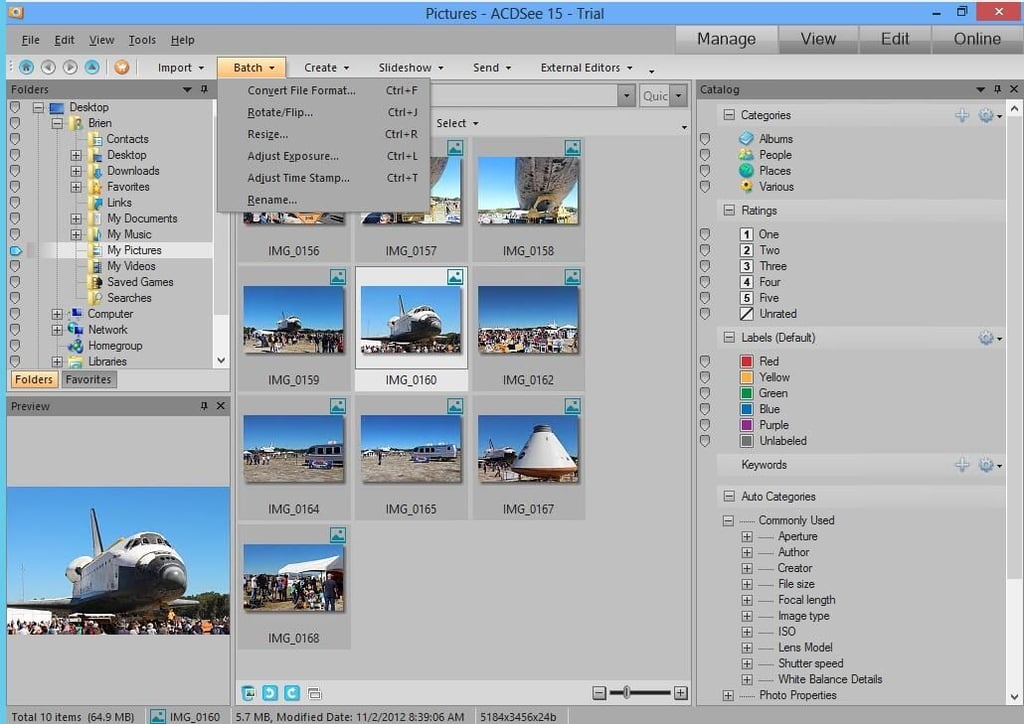
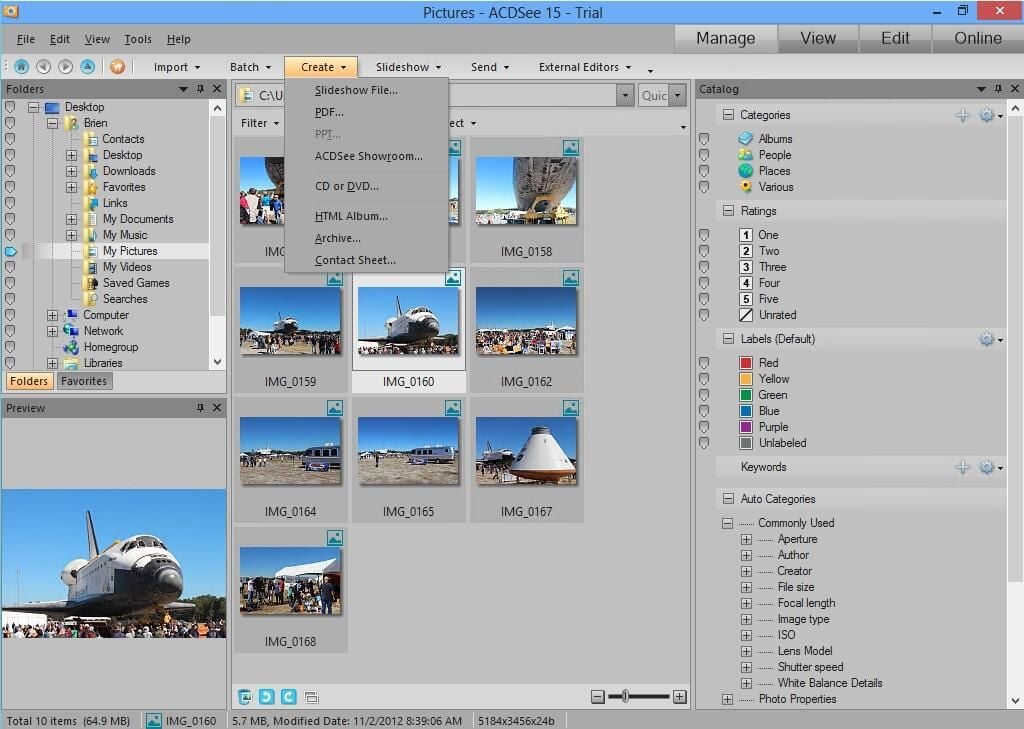
\n\tACDSee 15 is a utility that is designed to help you to organize your photo library (and how can you go wrong with an application whose name sounds like AC-DC). ACDSee can help you to sort and categorize your photos with ease. You also have the ability to do batch image conversions if you want to convert your images to a different format or resize or rename them. The software also gives you the ability to create PDF and HTML based photo albums or to create photo slide shows.
\n
\n\tCredit: Images by Brien Posey for TechRepublic
\n\tA free 30-day trial of ACDSee 15 is available for download. The application costs $49.99 to purchase.
\n
\n\tCredit: Images by Brien Posey for TechRepublic
\n\tCredit: Images by Brien Posey for TechRepublic
\n\tCredit: Images by Brien Posey for TechRepublic
\n
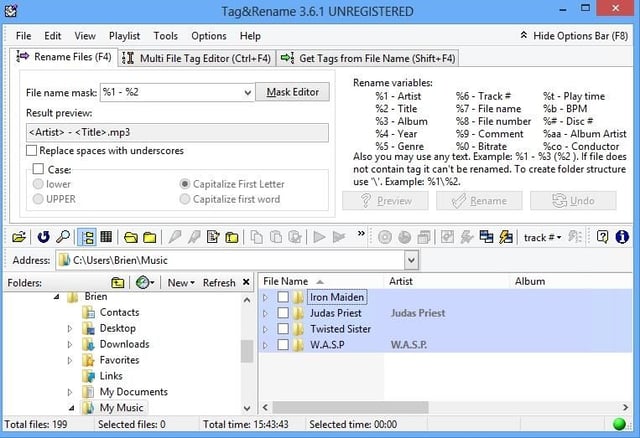
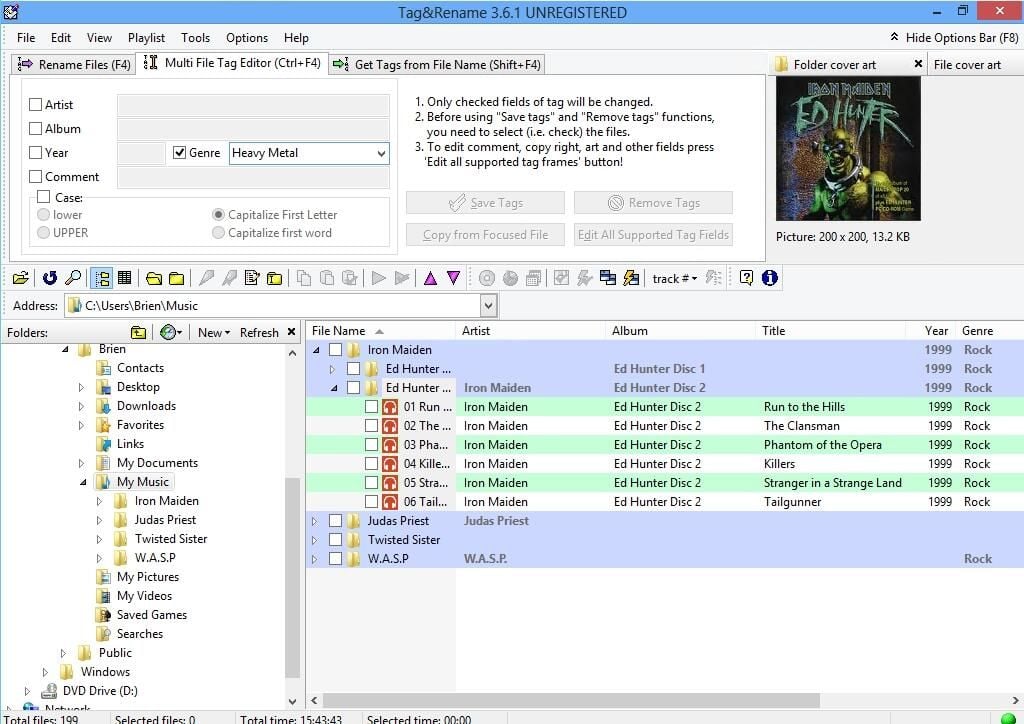
\n\tTag&Rename is a utility for renaming audio files or for making corrections to metadata tags. File renames can be based on a series of environment variables related to metadata tags. For instance, you can rename songs so that the file name includes the artist or the album name. The file naming mask is surprisingly flexible with regard to its ability to generate custom naming conventions. In addition, the software lets you perform bulk corrections on missing or incorrect metadata. For example, you could change an album’s genre from Rock to Heavy Metal.
\n
\n\tCredit: Images by Brien Posey for TechRepublic
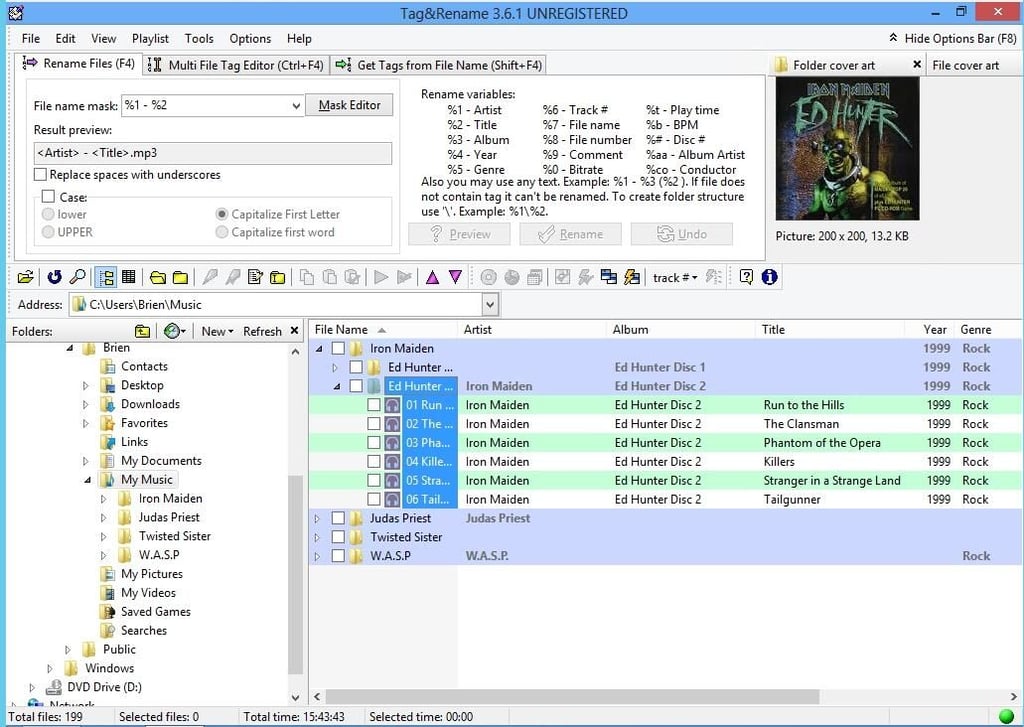
\n\tTag&Rename costs $29.95, but a 30-day free trial is available for download.
\n
\n\tCredit: Images by Brien Posey for TechRepublic
\n\tCredit: Images by Brien Posey for TechRepublic
\n
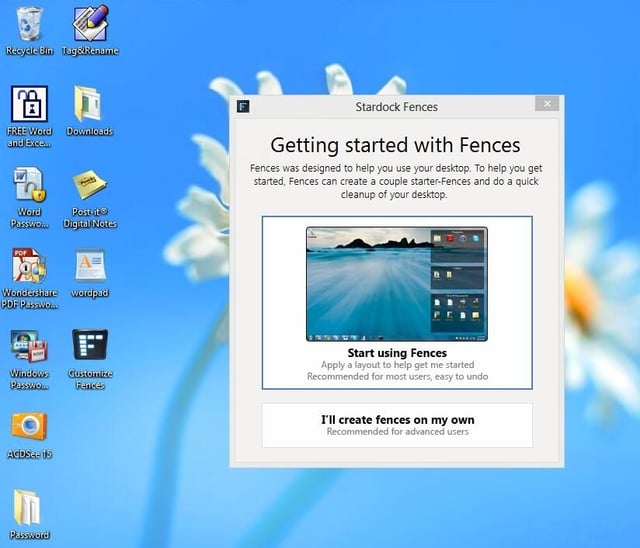
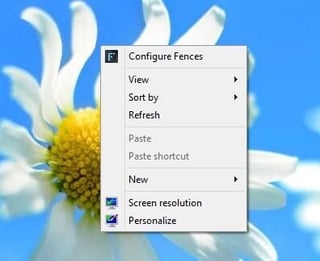
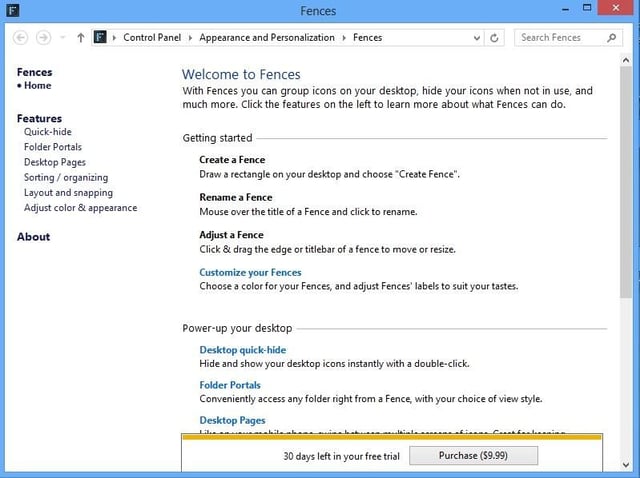
\n\tFences is a utility designed to reduce the clutter by organizing your desktop icons. When you install Fences, the Setup program asks you if you want to create your own fences or if you want Fences to build some fences of its own. If you choose to let the software create its own fences, your icons will be organized in a more meaningful way. Of course you can always create additional fences, or modify or delete any of the default fences.
\n
\n\tCredit: Images by Brien Posey for TechRepublic

\n\tFences costs $9.95, but a free 30-day trial is available for download.
\n
\n\tCredit: Images by Brien Posey for TechRepublic
\n\tCredit: Images by Brien Posey for TechRepublic
\n\tCredit: Images by Brien Posey for TechRepublic
\n
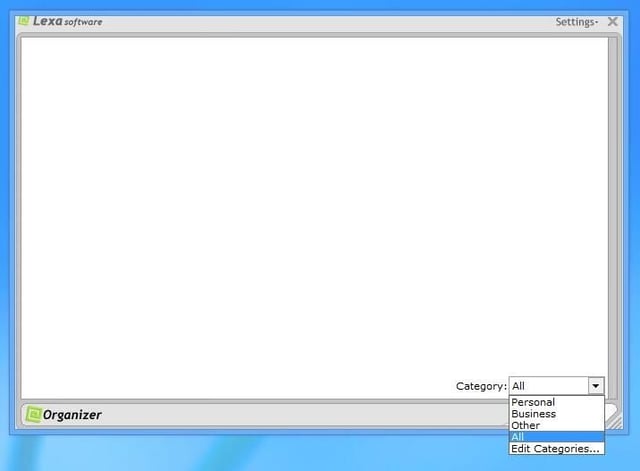
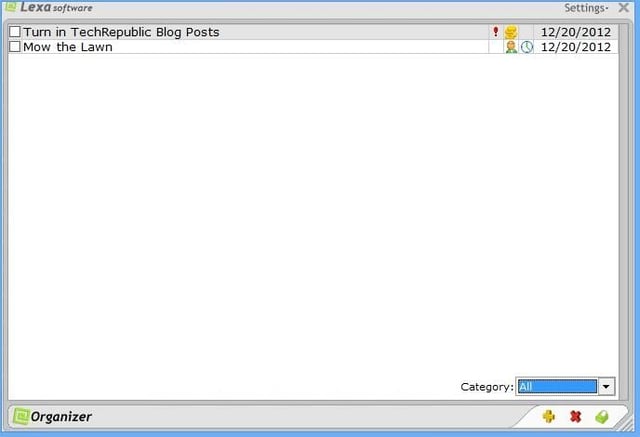
\n\tLexa Organizer is a light weight task management utility. The software lets you define a series of tasks, which can be grouped by category (business, personal, etc.) The software lets you assign due dates, priorities, and even optional reminders for each task.
\n
\n\tCredit: Images by Brien Posey for TechRepublic
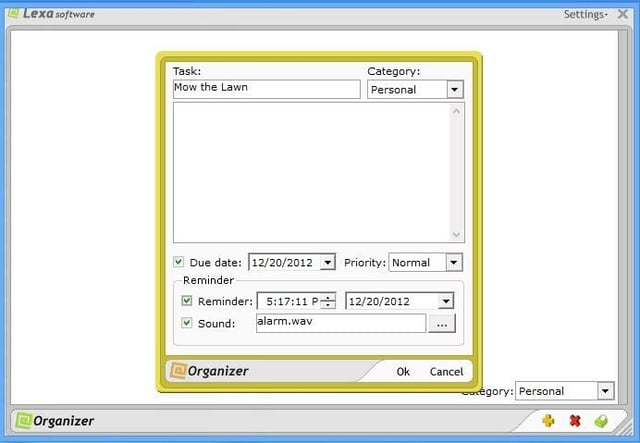
\n\tLexa Organizer sells for $19.95, but a 15-day free trial is available for download.
\n
\n\tCredit: Images by Brien Posey for TechRepublic
\n\tCredit: Images by Brien Posey for TechRepublic
\n
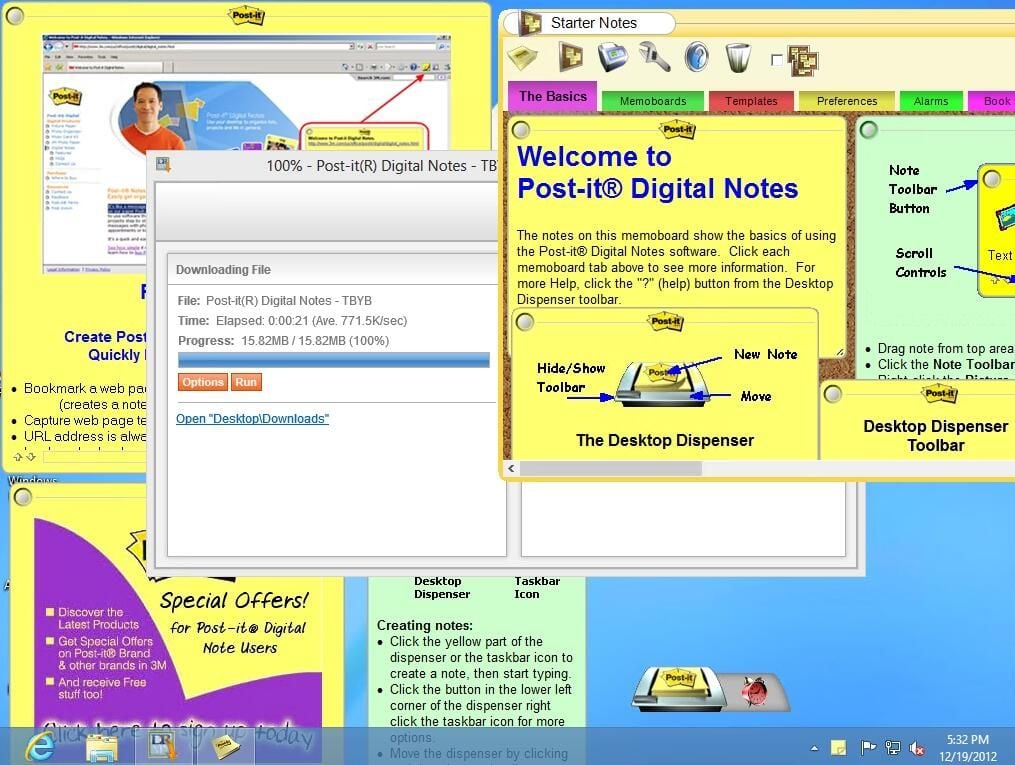
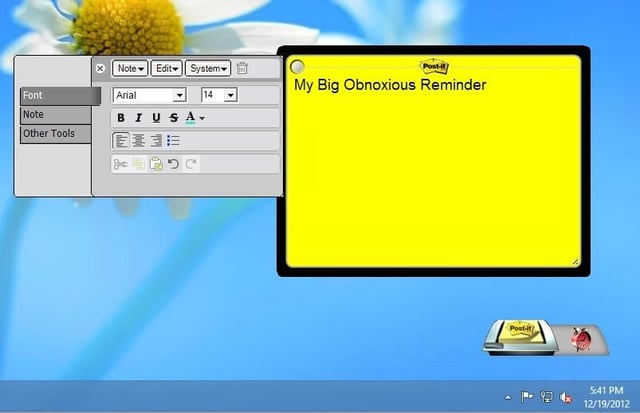
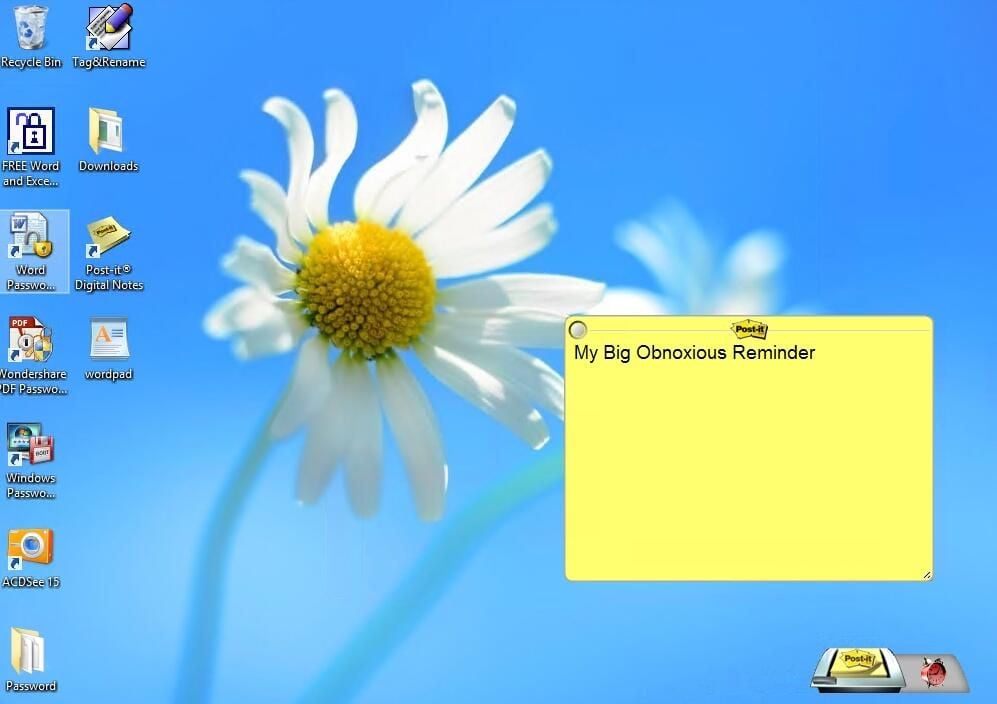
\n\tPost it Digital Notes is a utility from 3M that lets you place electronic post it notes on your Windows desktop. At first the utility is a little bit obnoxious, because it covers almost your entire desktop in default post it notes. Once you clear the clutter however, the utility is easy to use and useful. You can even use a combination of fonts and images on the notes that you create.
\n
\n\tCredit: Images by Brien Posey for TechRepublic

\n\tPost It Digital Notes sells for $9.95, but a 30-day free trial is available for download.
\n
\n\tCredit: Images by Brien Posey for TechRepublic
\n\tCredit: Images by Brien Posey for TechRepublic
\n
\n\t
\n\t
\n
\n
\n\tCredit: Images by Brien Posey for TechRepublic

* 1988 - Started teaching myself about computers \ * 1992 - Mainframe programmer for an insurance company \ * 1993 - Network Administrator for a different insurance company \ * 1996 - Author for The Cobb Group \ * 1998 - Network Administrator for Fort Knox \ * 1999 - CIO for chain of hospitals \ * 2000 - Gave up the corporate rat race to work out of my home. I have been a full time technical author ever since. Visit my Web sites at http://www.brienposey.com and http://www.relevanttechnologies.com \


