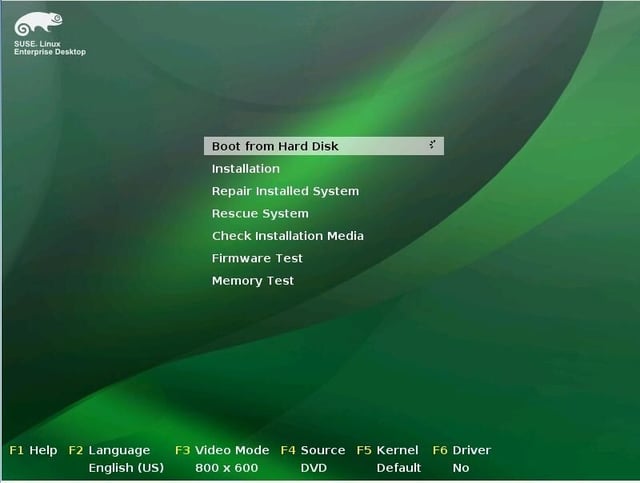
The GRUB bootloader looks similar to OpenSUSE’s and that of other Linux distributions.
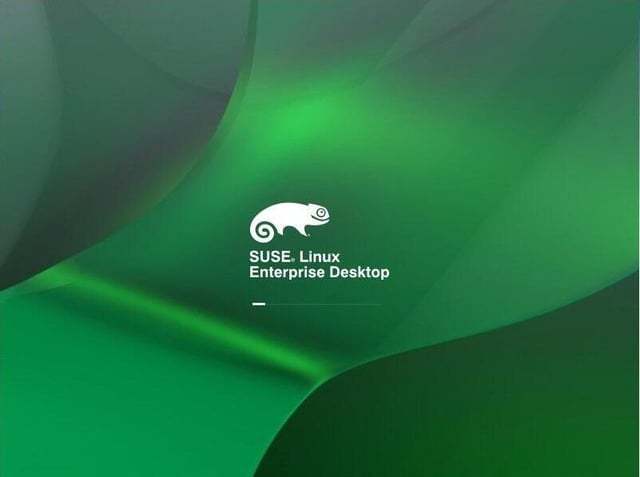
The boot process, obscuring scary kernel messages.
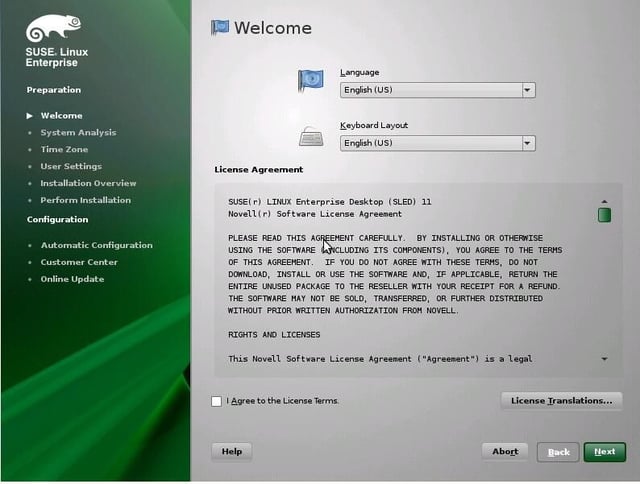
Install screen and entire install process borrows extensively from OpenSUSE.
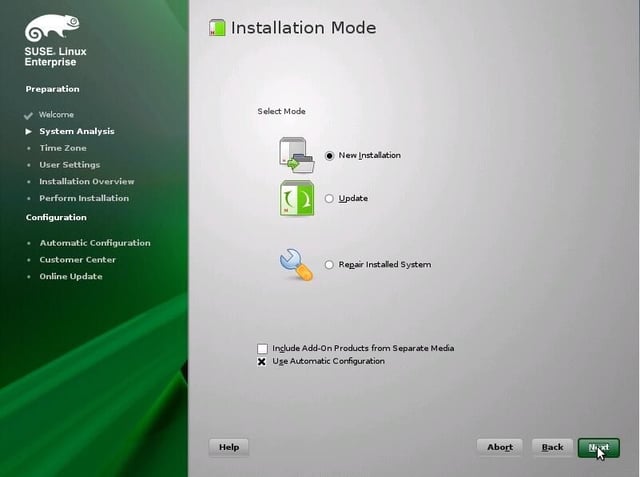
More Install
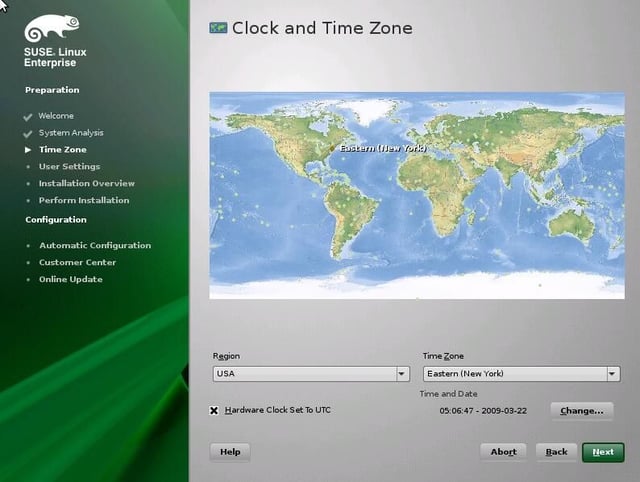
Location Selection
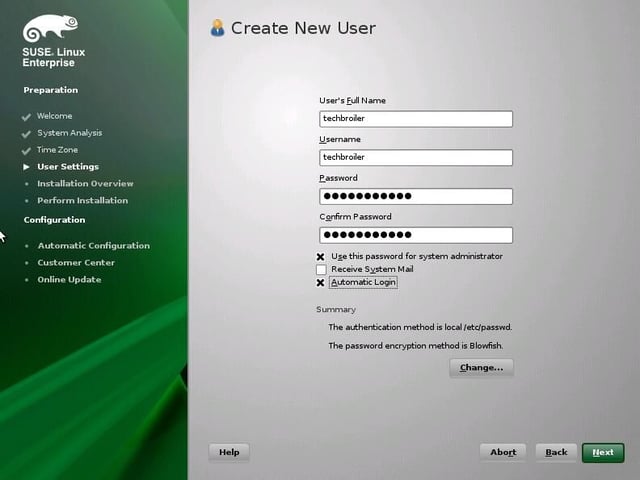
User Creation
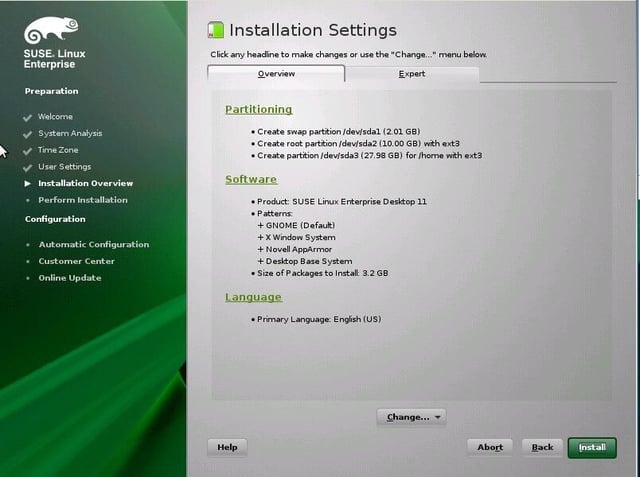
Install Summary
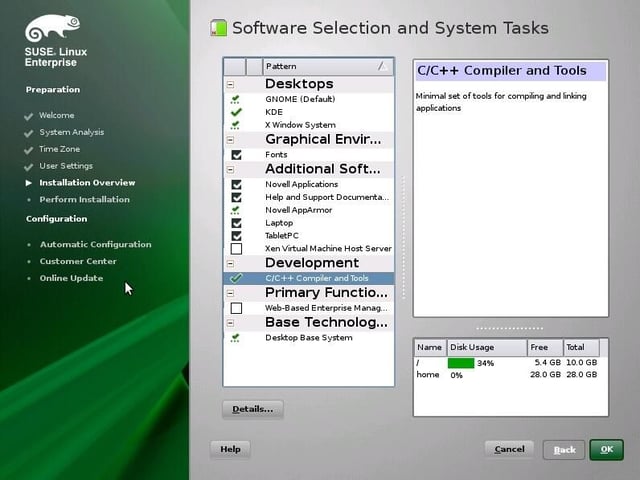
Package Selection. Notice that the KDE 4 desktop can be installed here as well as the compiler tools. However, for more extensive development the OpenSUSE repositories need to be manually added.
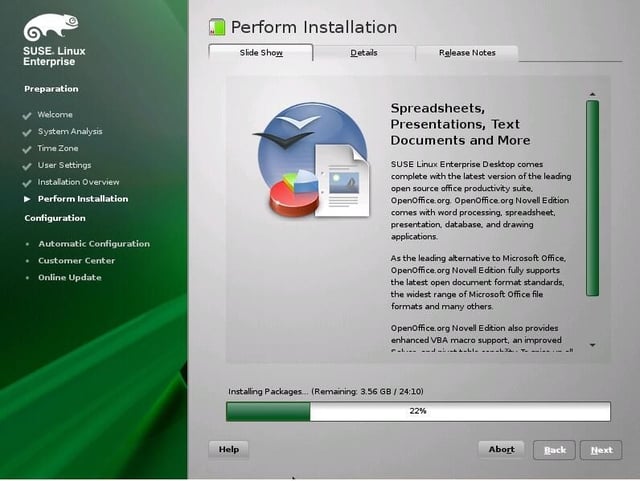
The install process takes about 30-40 minutes.
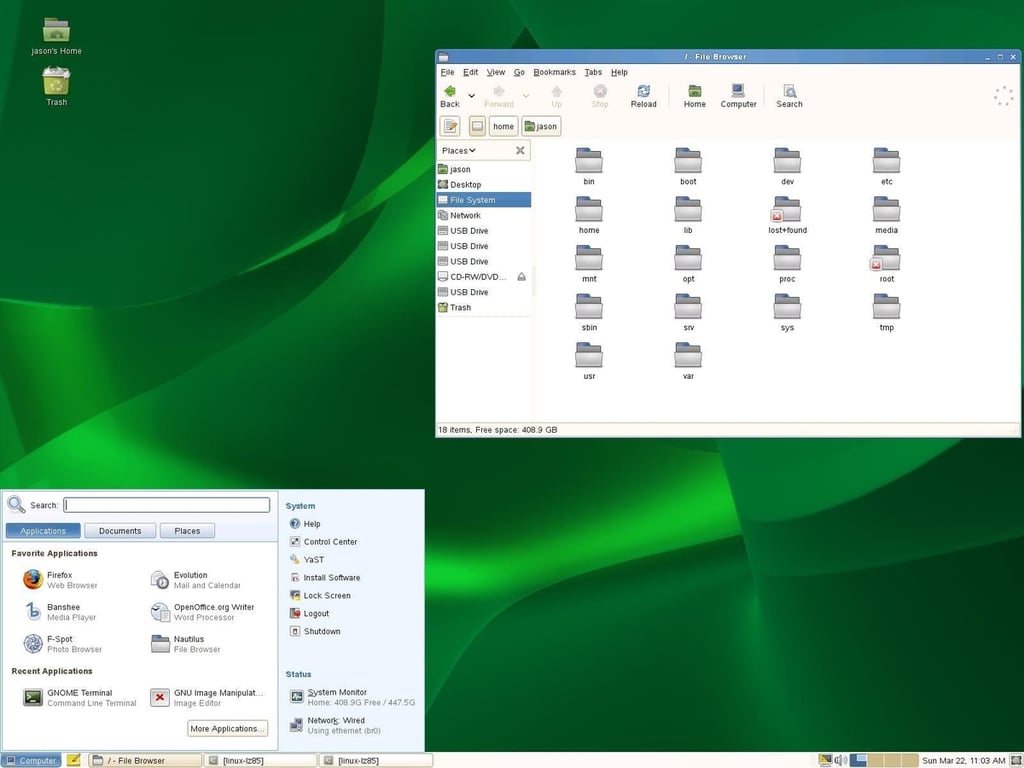
SLED 11’s GNOME menu is not a major departure from OpenSUSE’s or SLED 10’s.
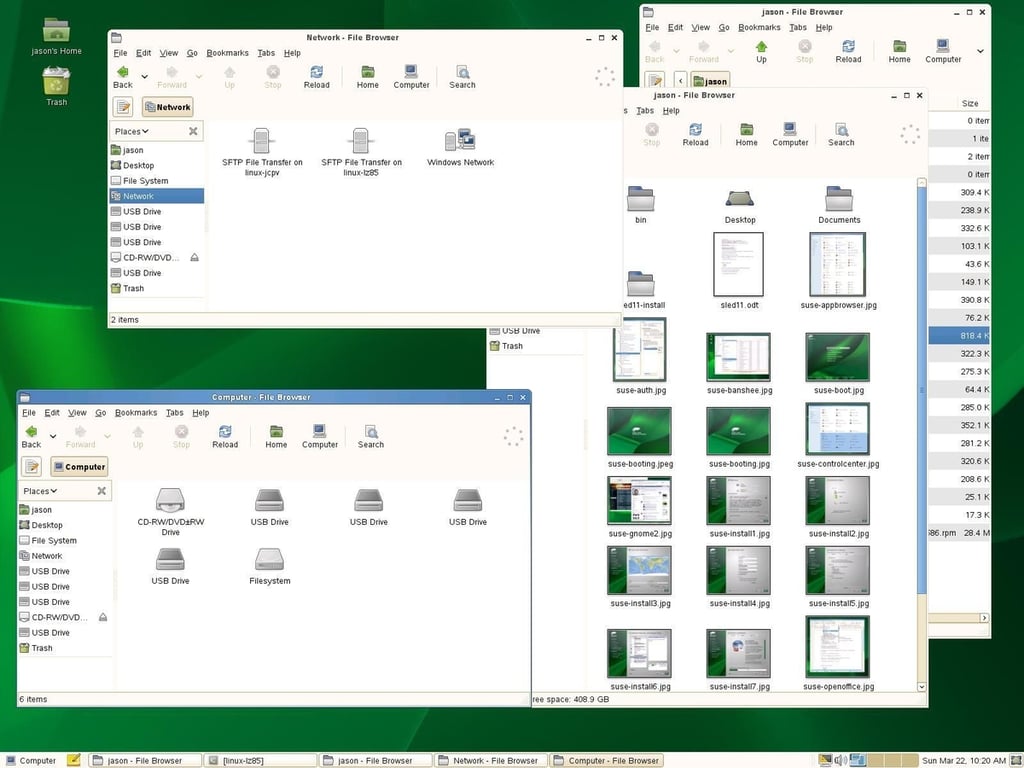
Multiple file manager views.
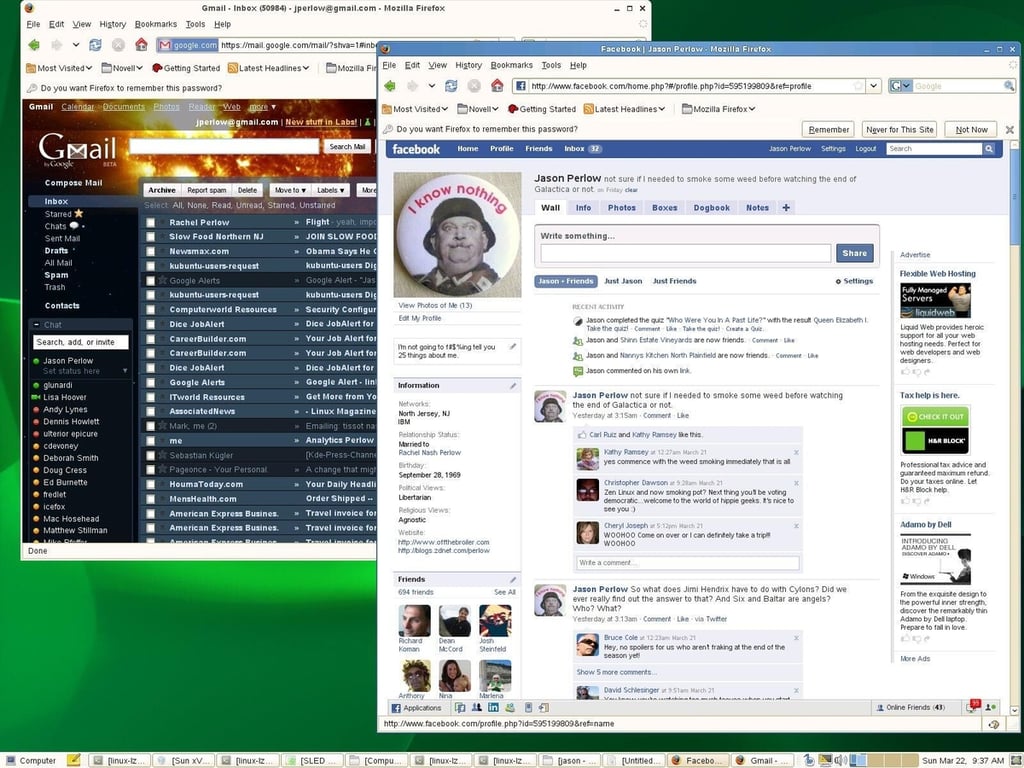
Firefox 3 with Facebook and GMail
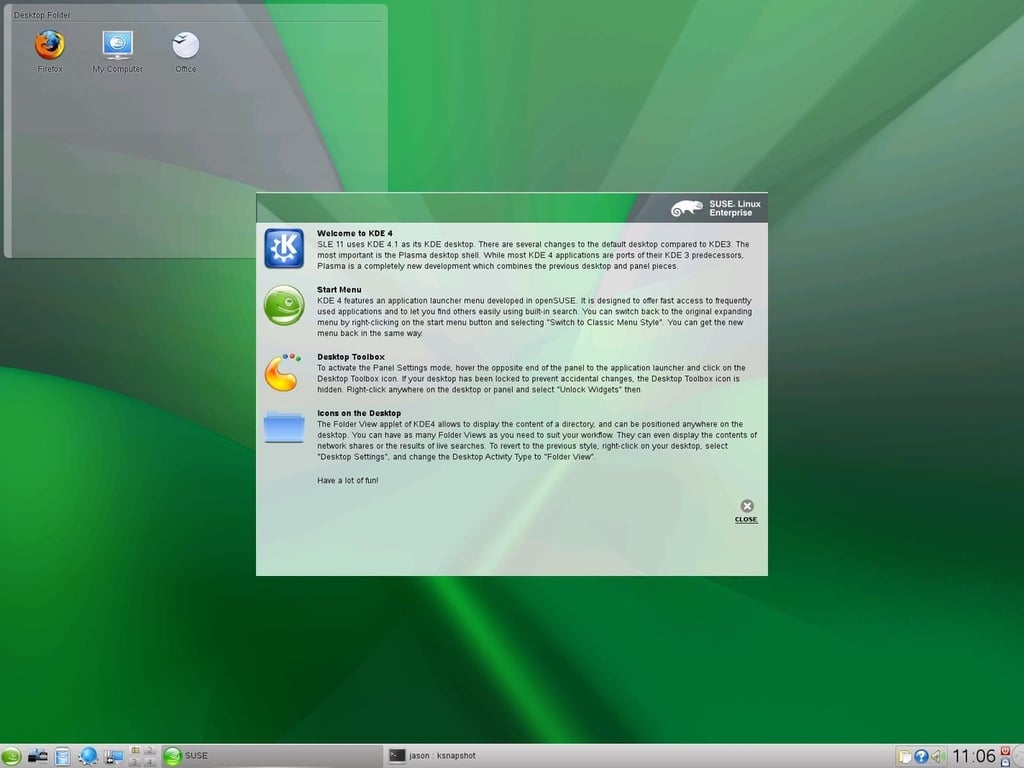
SLED 11 KDE 4.x desktop
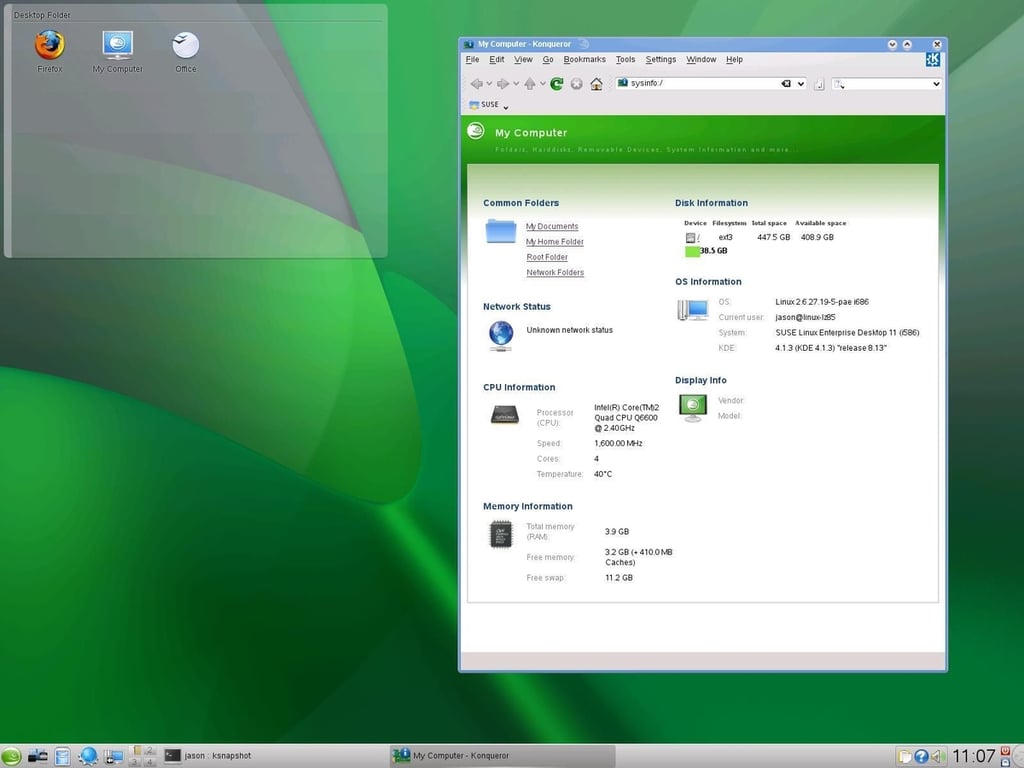
SLED 11 KDE 4.x desktop
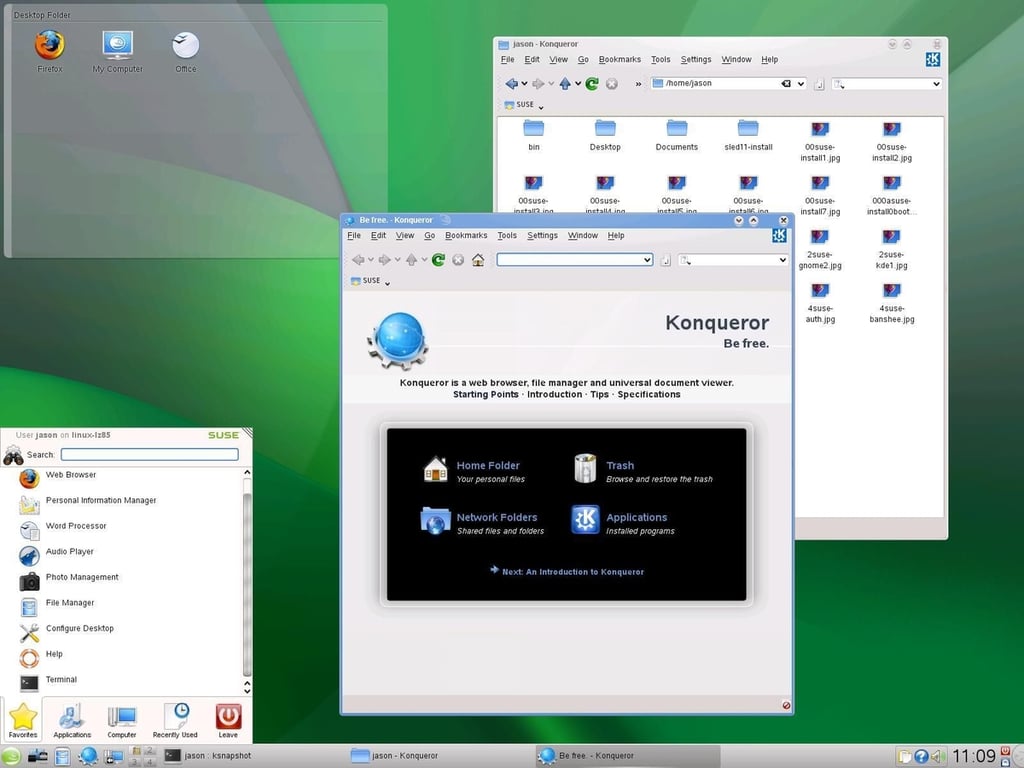
The KDE 4 menu system has been extensively customized.
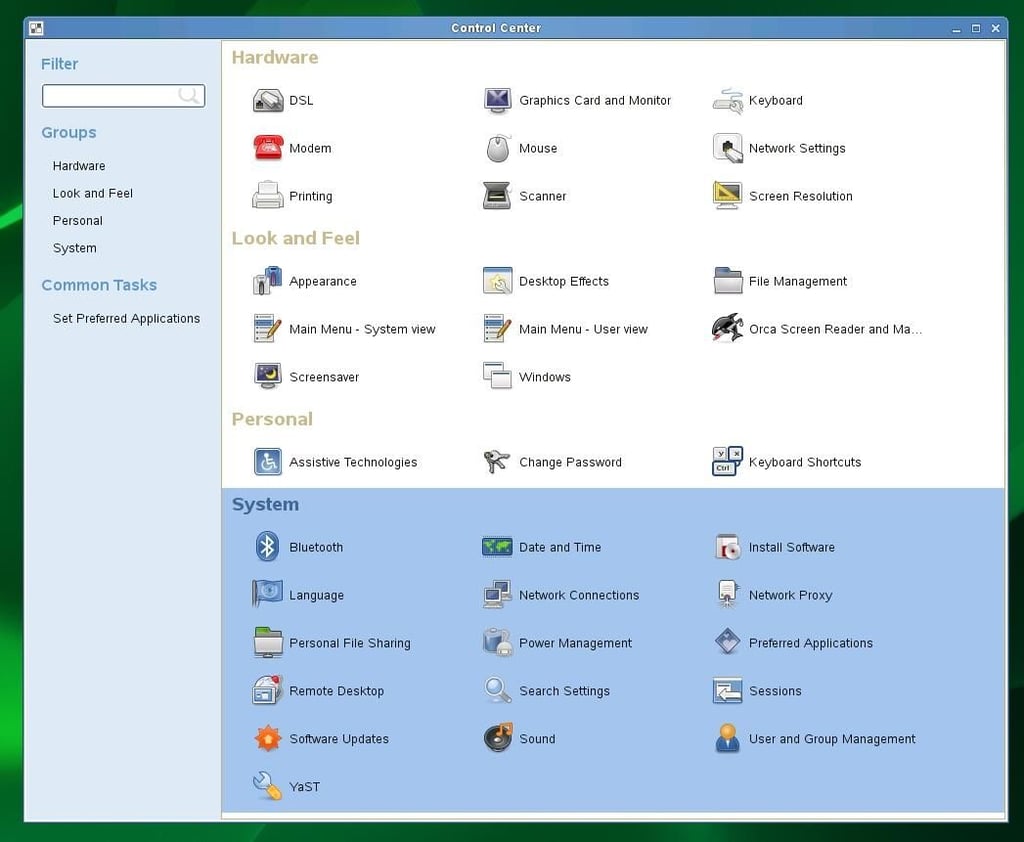
The SLED 11 user control center.
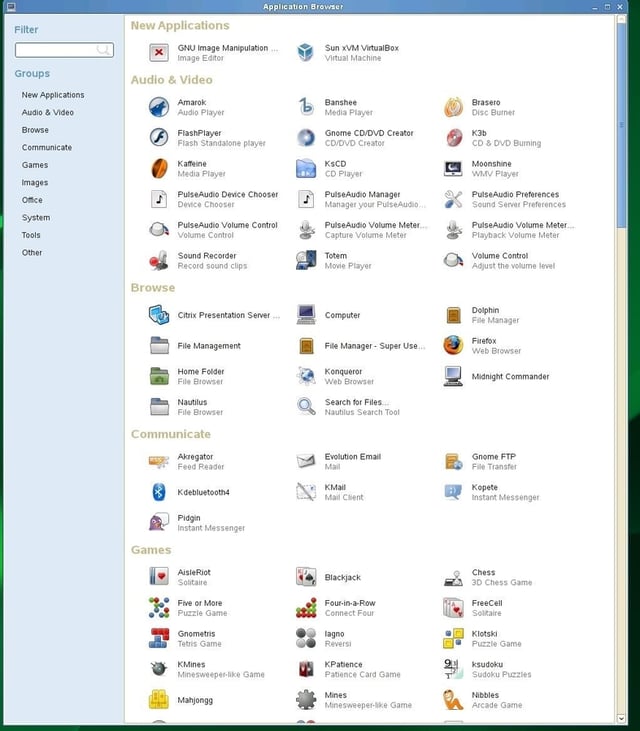
The applications list in SLED 11 is several pages long.
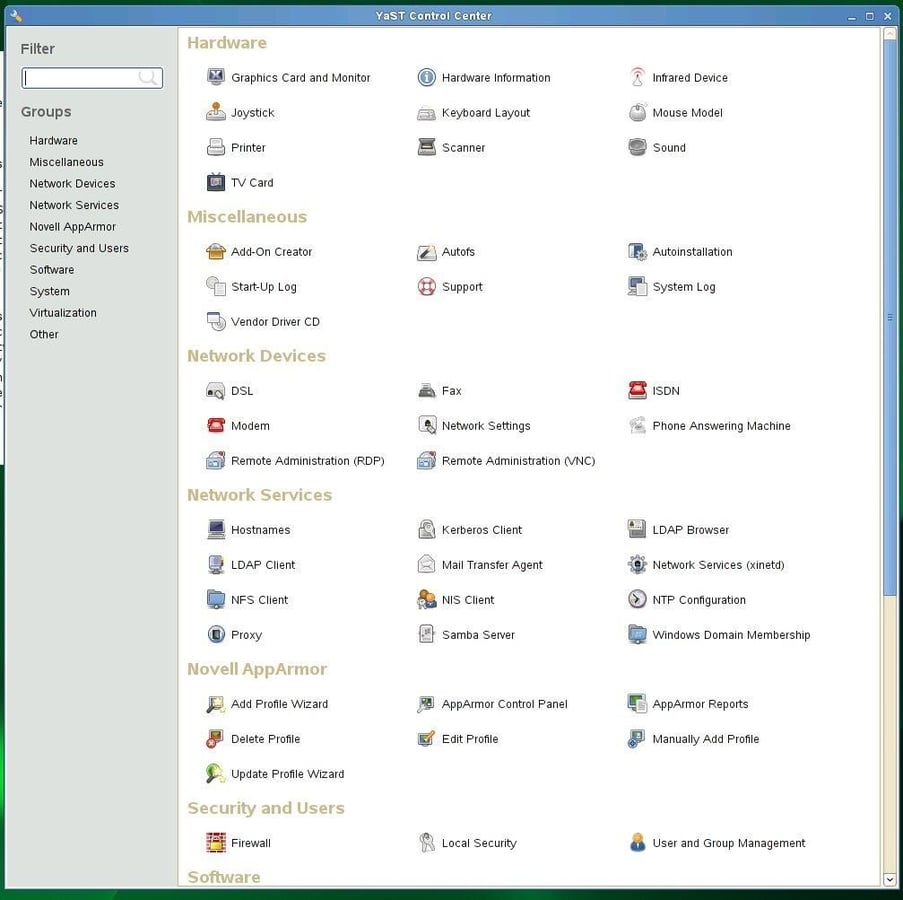
The YaST2 administrative GUI.
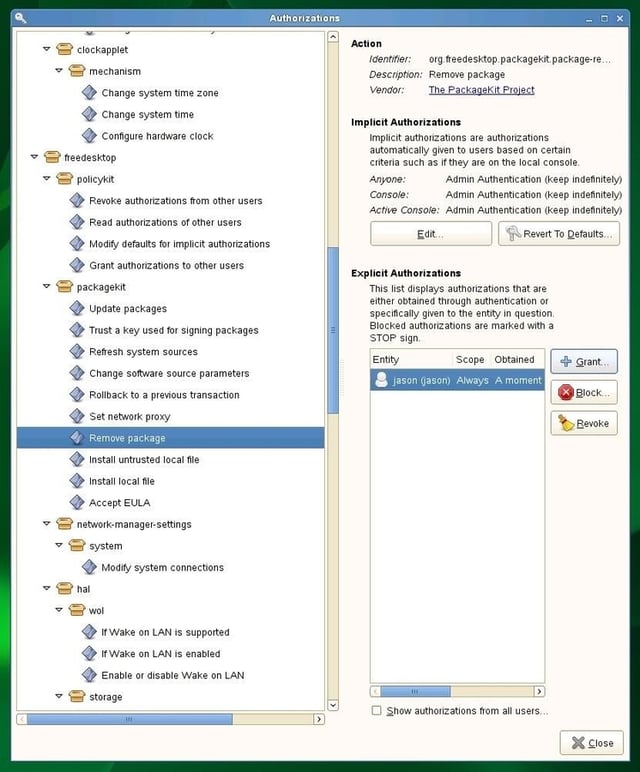
The Policy Manager allows desktop administrators to grant or revoke privileges on a finely granular level.
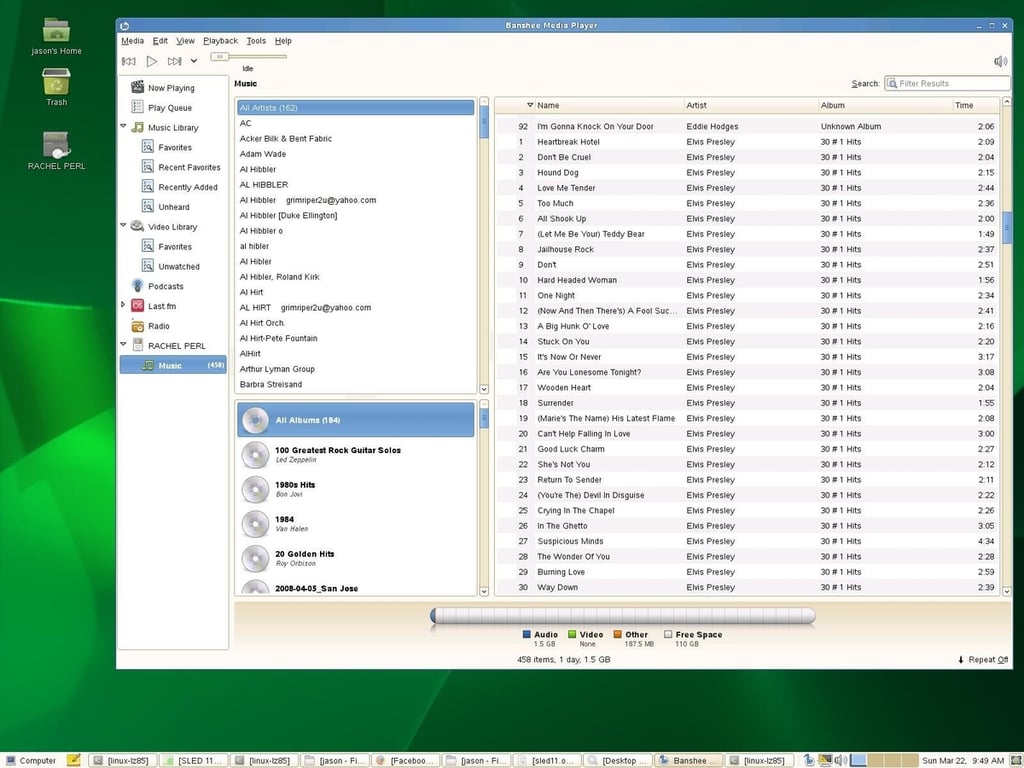
The Banshee media player has full support for the iPod and the AAC media format which has been commercialy licensed.
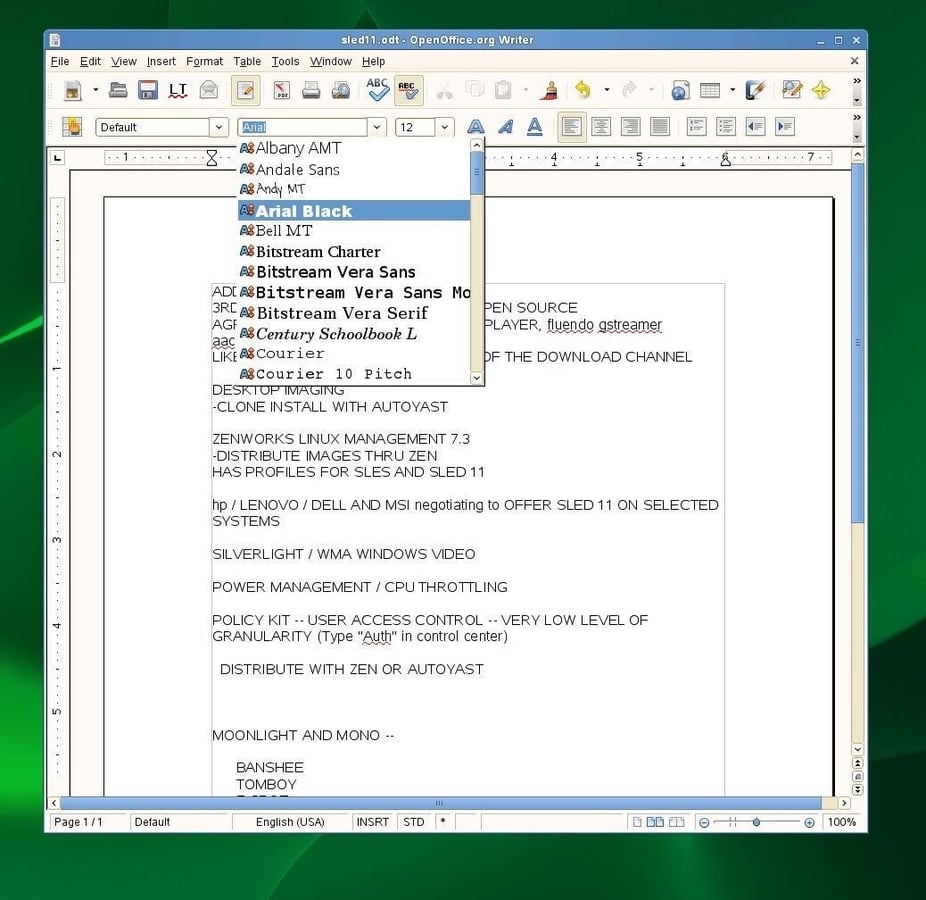
OpenOffice 3.0 includes Novell’s customizations as well as fonts licensed from AGFA Compugraphic which match the fonts in Windows and Microsoft Office.


