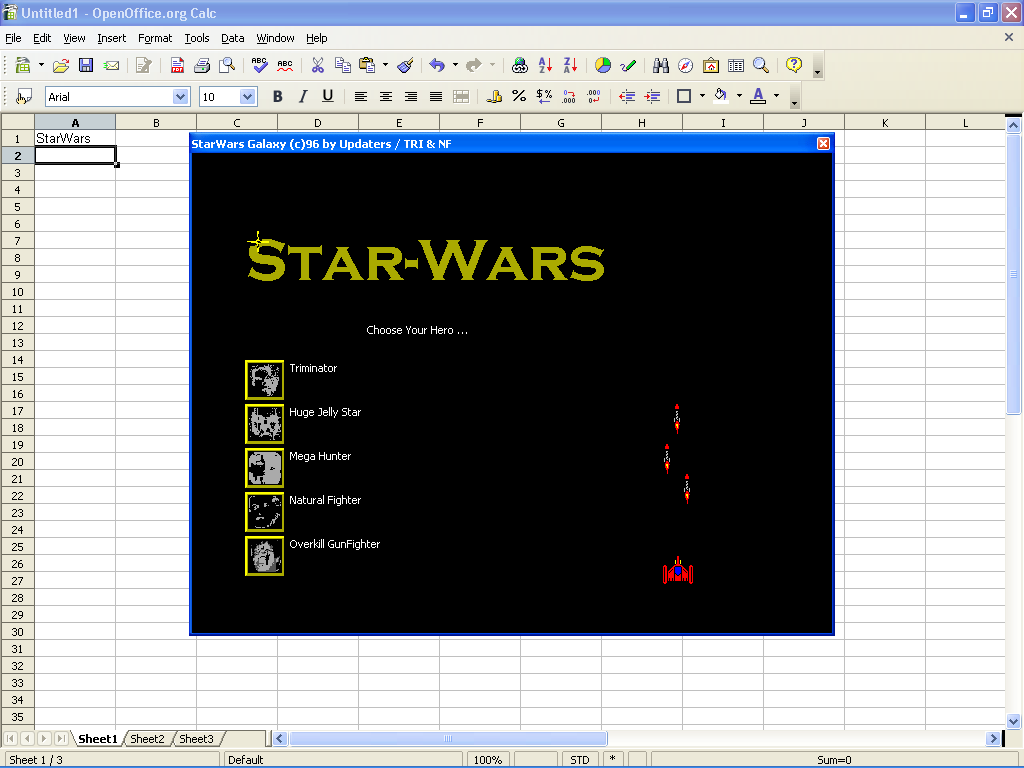
Select Cell A1 again and type the formula =game(“StarWars”) and press [Enter]. When you do, a window titled StarWars Galaxy will appear in the middle of the screen and will prompt you to choose any one of five Heroes to be your player.
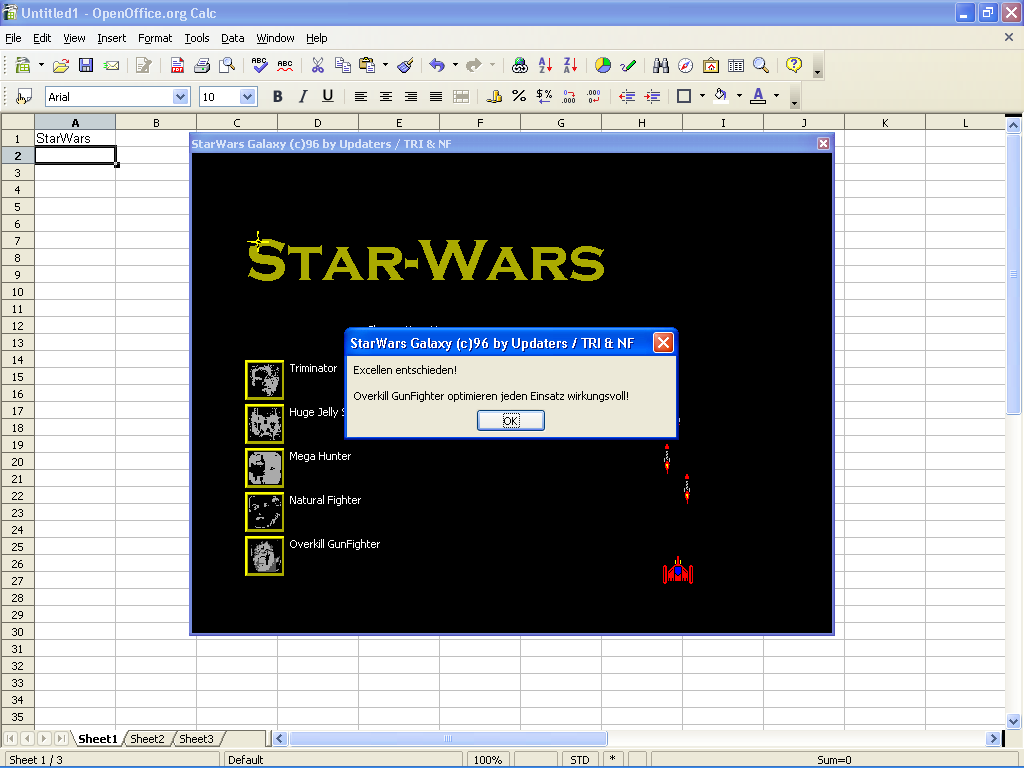
Once you select a Hero, you’ll see a dialog box, which contains Germanic text that essentially congratulates you on your choice! Click OK to continue.
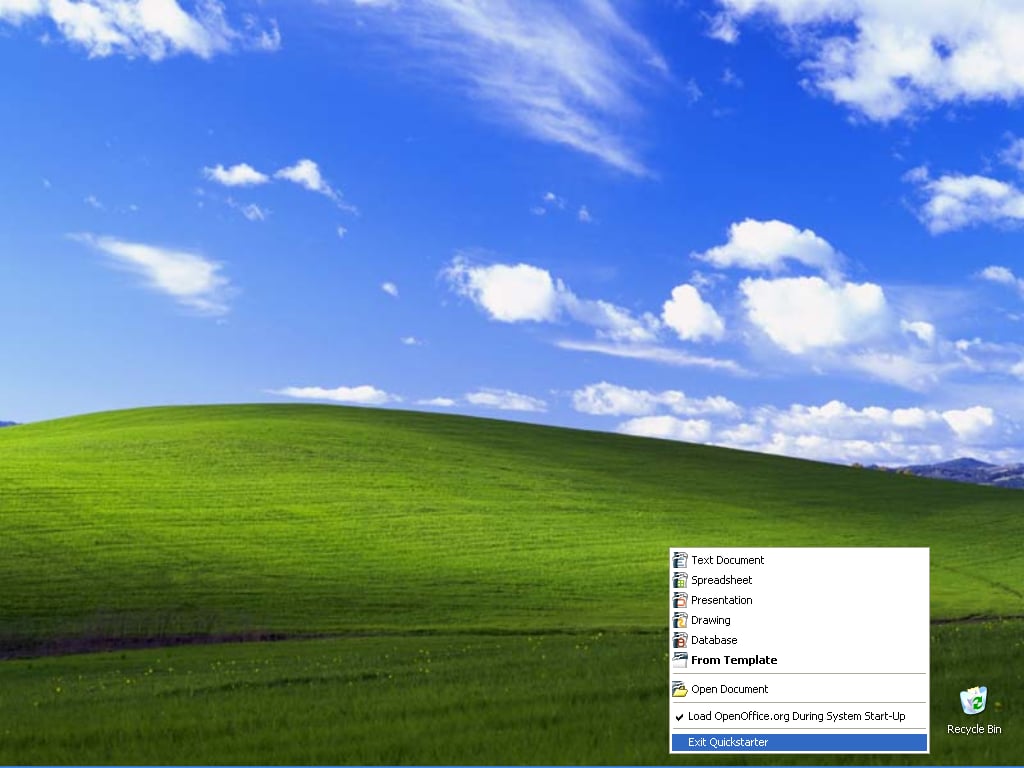
In order to play the game again, you’ll have to close Calc as well as close down the OpenOffice Quickstarter, which you do by right clicking on the OpenOffice icon in the notification panel and selecting Exit Quickstarter.
Once you do so, you can launch Calc and start a new game session.
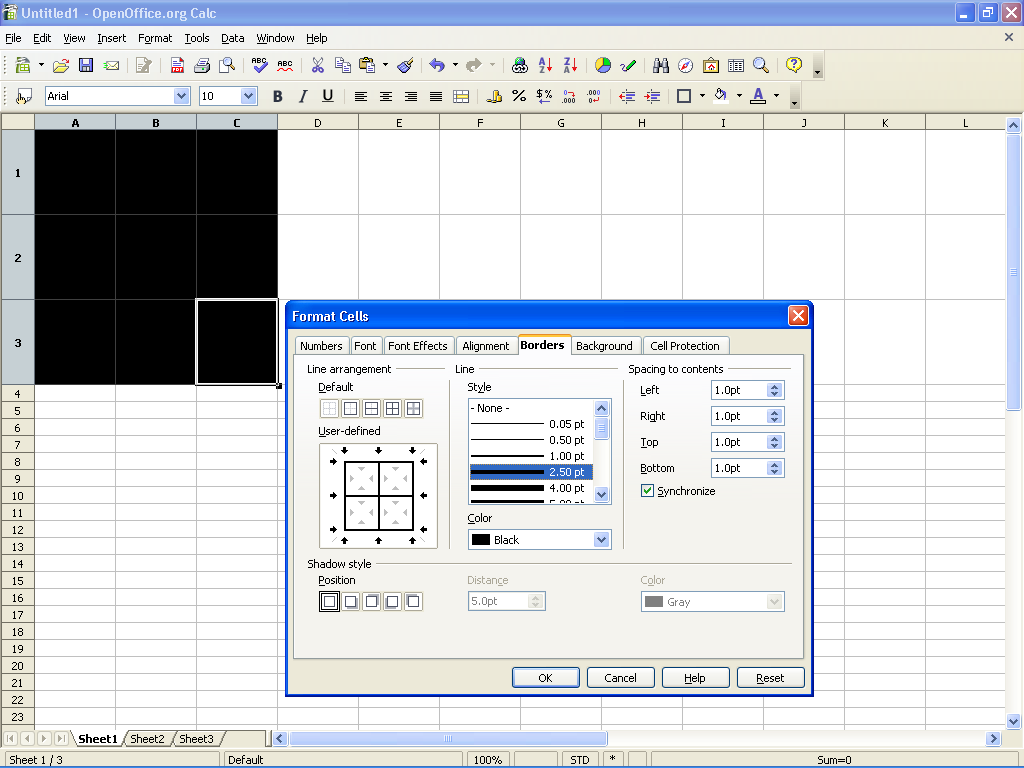
Select cells A1 thru C3, right click any cell, and select the Format Cells command.
When you see the Format Cells dialog box, choose the Borders tab, select the Set Outer Border and All Inner Lines button in the Line Arrangement panel and then select 2.50 pt in the Line Style panel.
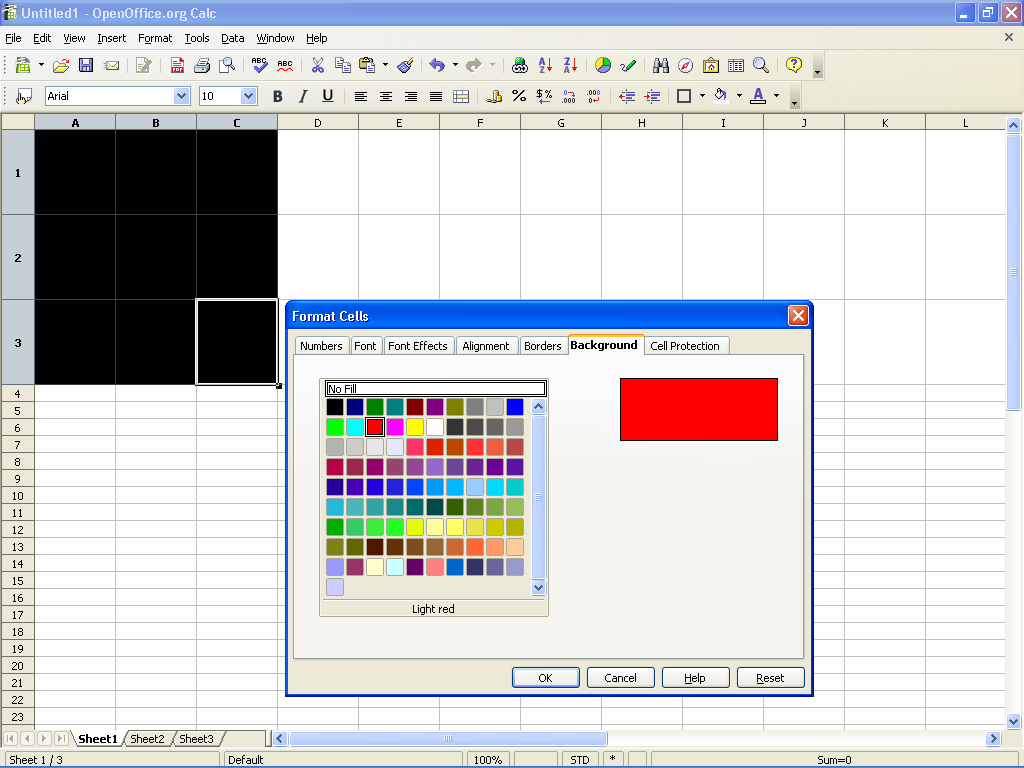
On the Background tab, select any color you want to use for the game area.
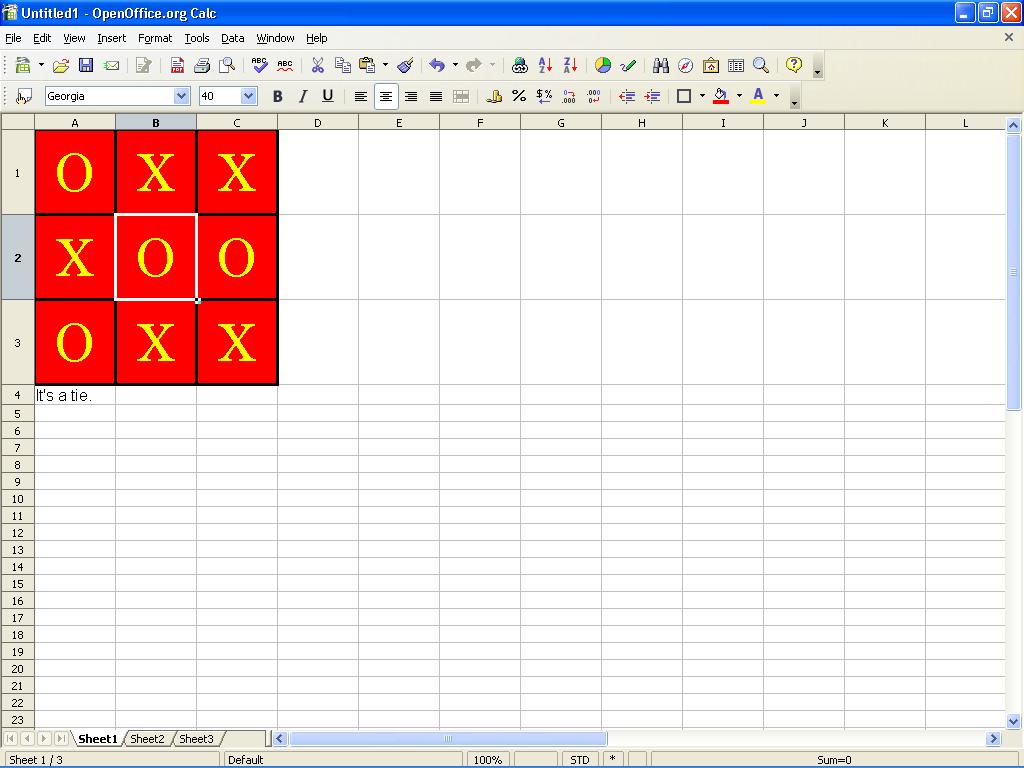
Most games will end in a tie.

My first computer was a Kaypro 16 \"luggable\" running MS-DOS 2.11 which I obtained while studying computer science in 1986. After two years, I discovered that I had a knack for writing documentation and shifted my focus over to technical writing.


