
\n\tIf you’ve been using computers for a long time, you know what the term Easter Egg means when related to software. An Easter Egg is a small program that is hidden deep inside of an application and is designed by the application’s developers as a way of displaying their names—very similar to the credits that you see at the end of a movie. However, uncovering the Easter Egg is tricky as it almost always involves performing a series of very intricate and non-intuitive steps.
\n\t
\n\tThe increase in the prevalence of malware led to the notion that undocumented code embedded into a major application could be used to compromise sensitive or confidential data. In fact, many companies and government offices forbid the use of software containing Easter Eggs for security reasons. As such, Microsoft now officially bans the practice embedding Easter Eggs in their software as part of their Trustworthy Computing initiative.
\n\t
\n\tHowever, in their heyday, Microsoft’s developers created some really elaborate Easter Eggs. In this gallery, I’ll show you the Easter Eggs that they embedded into Word 95, 97, and 2000.
\n
\n\tThis gallery was originally published in August 2010.
Word 95
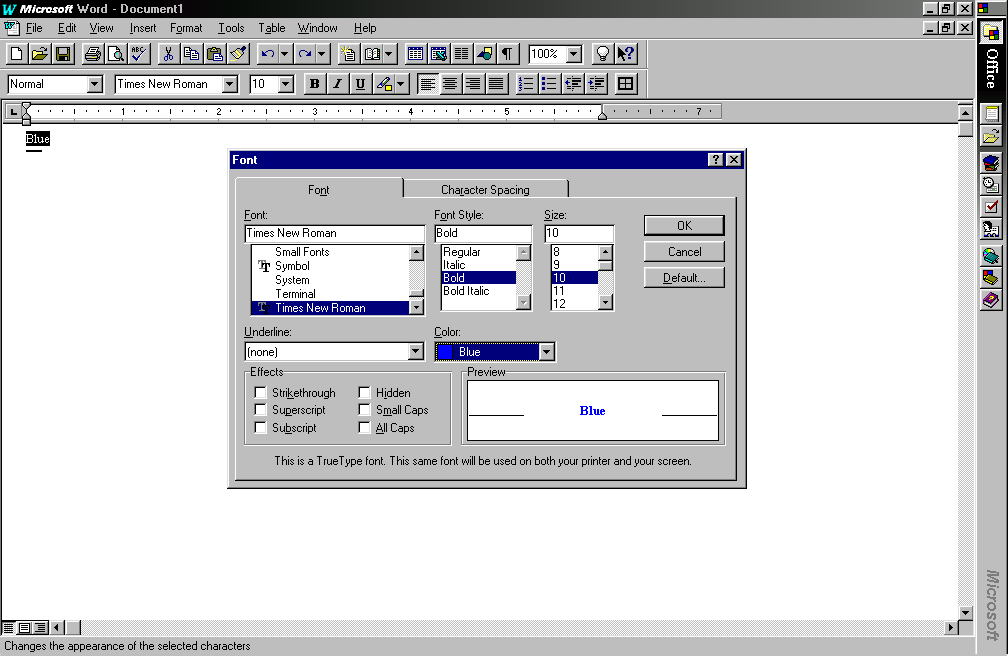
Launch Word as you normally would and type the word Blue at the top of the document. Then, select the text, pull down the Format menu and select the Font command. When you see the Font dialog box, select the Bold font style, change the color of the font to Blue, and click OK.
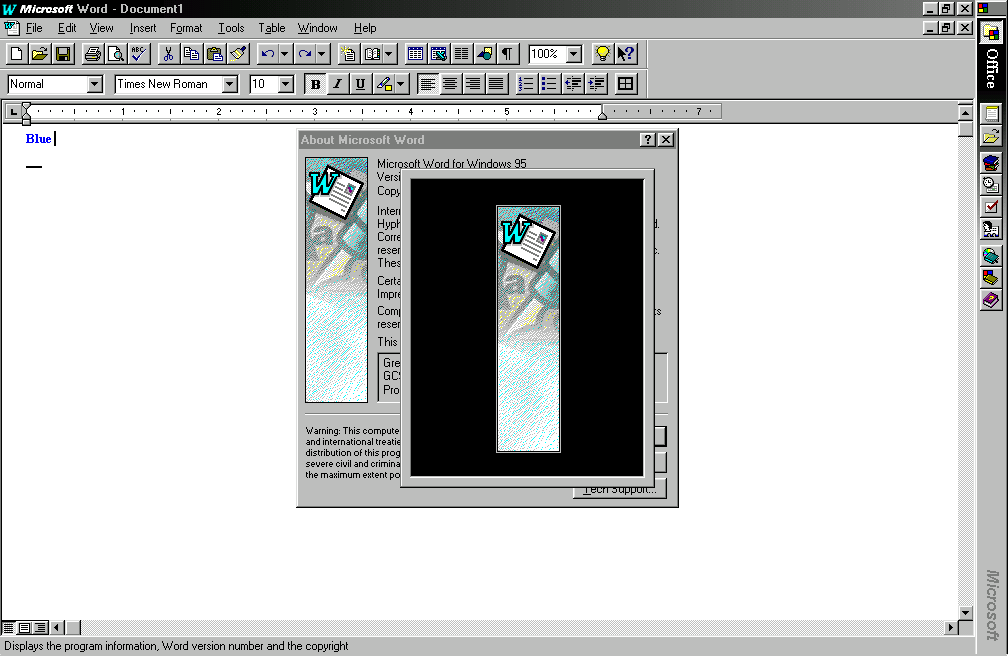
You’ll then see a black window appear over top of the About Microsoft Word dialog box containing just the graphic.
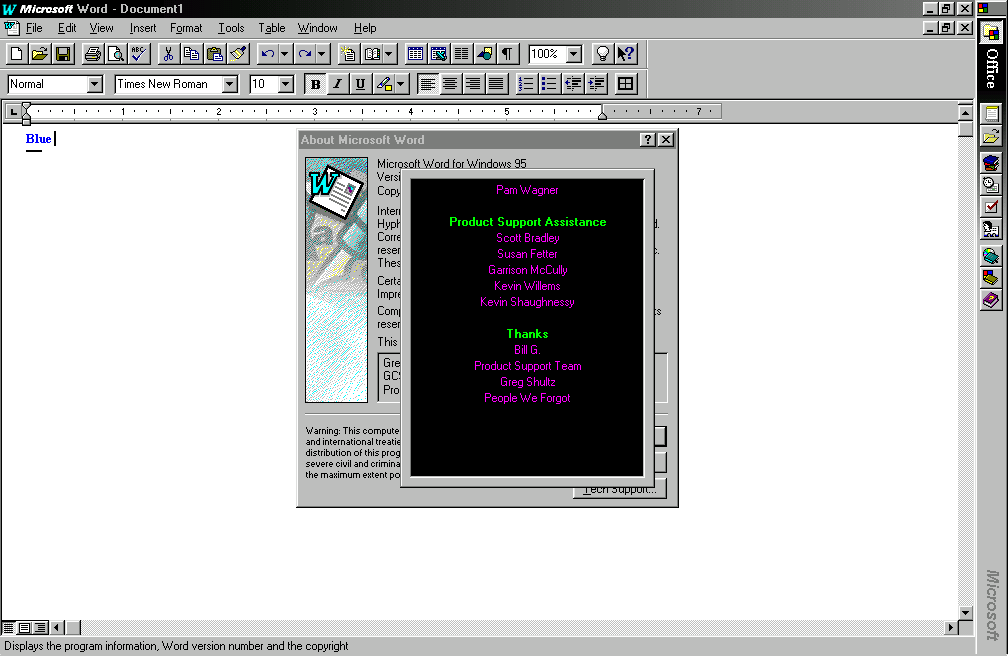
At the very end of the credits, you’ll see your name appear. Here you can see my name appears right after the Product Support Team.
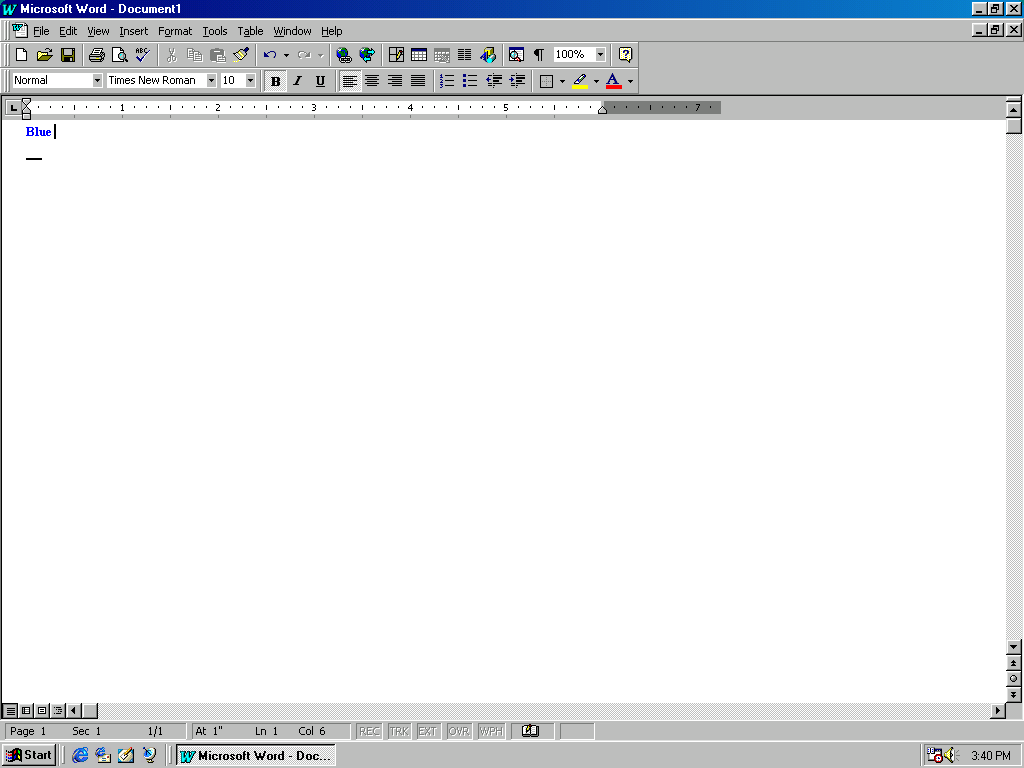
Then type one space after the word Blue.
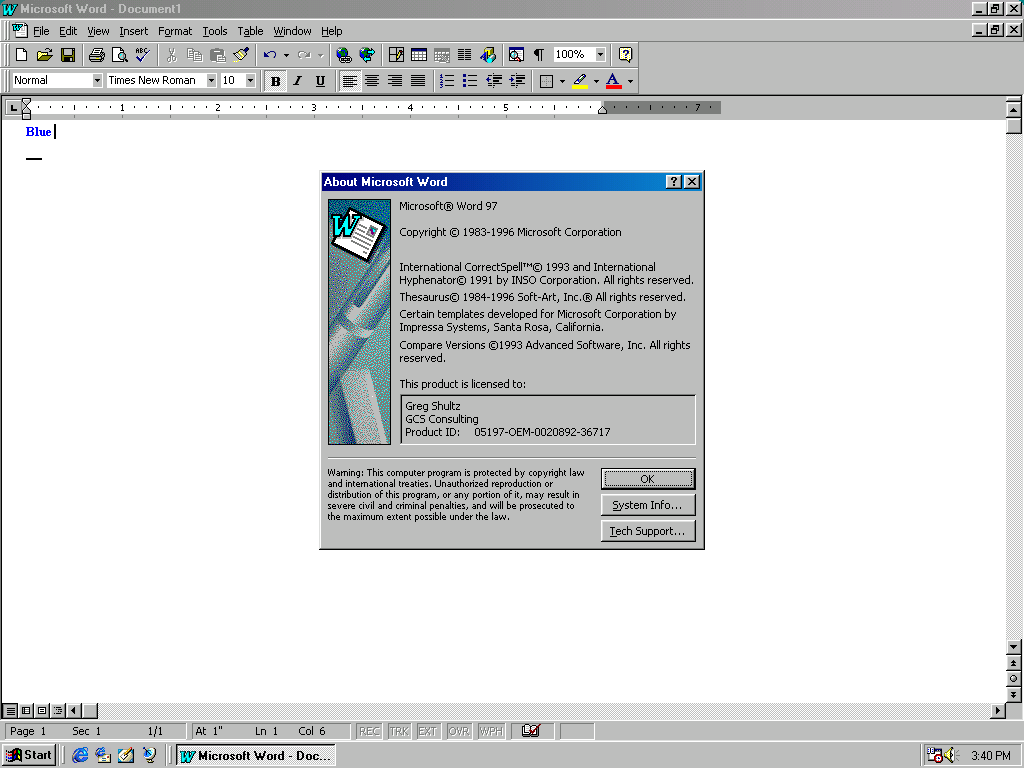
At this point you pull down the Help menu and select the About Microsoft Word command. When you see the About Microsoft Word dialog box, hold down [Ctrl] [Shift] and click on the Word icon graphic.
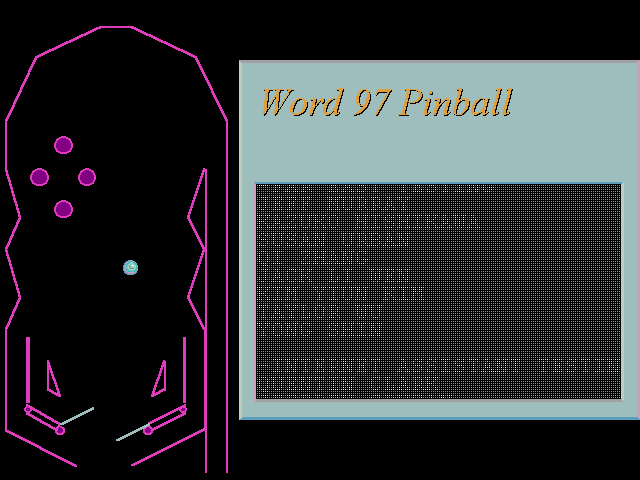
You’ll then see a black window appear over top of the About Microsoft Word dialog box and a very rudimentary pinball game will appear. You use the Z and M keys to activate the flippers. While you play the game, the names of the Word 97 developers scroll up the screen. To exit the game, you press [Esc].
Word 2000 – 1
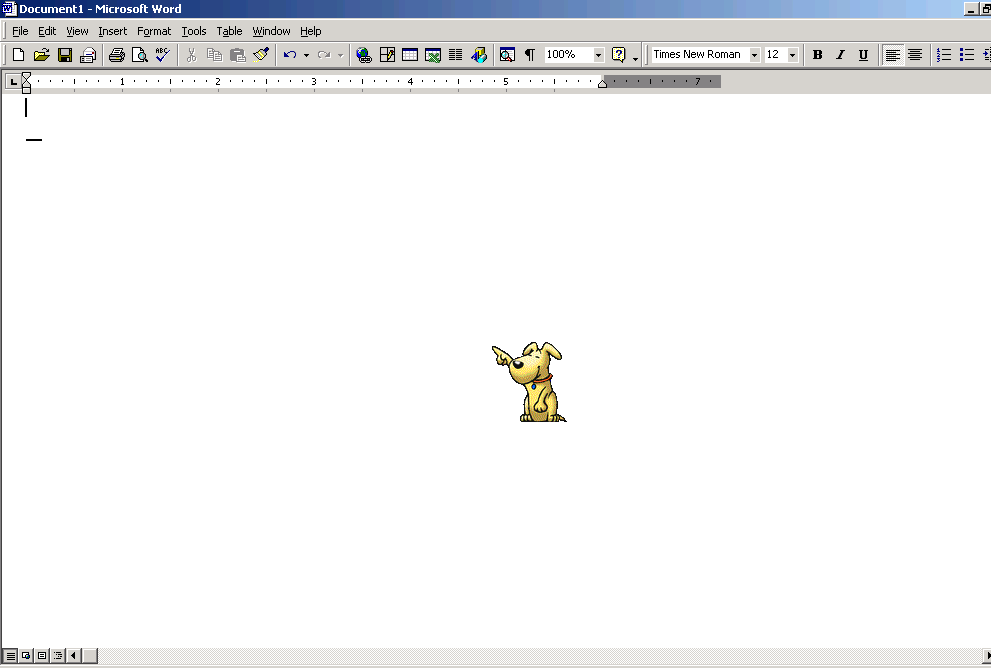
Launch Word as you normally do and press [F1] to display the “Office Assistant”.
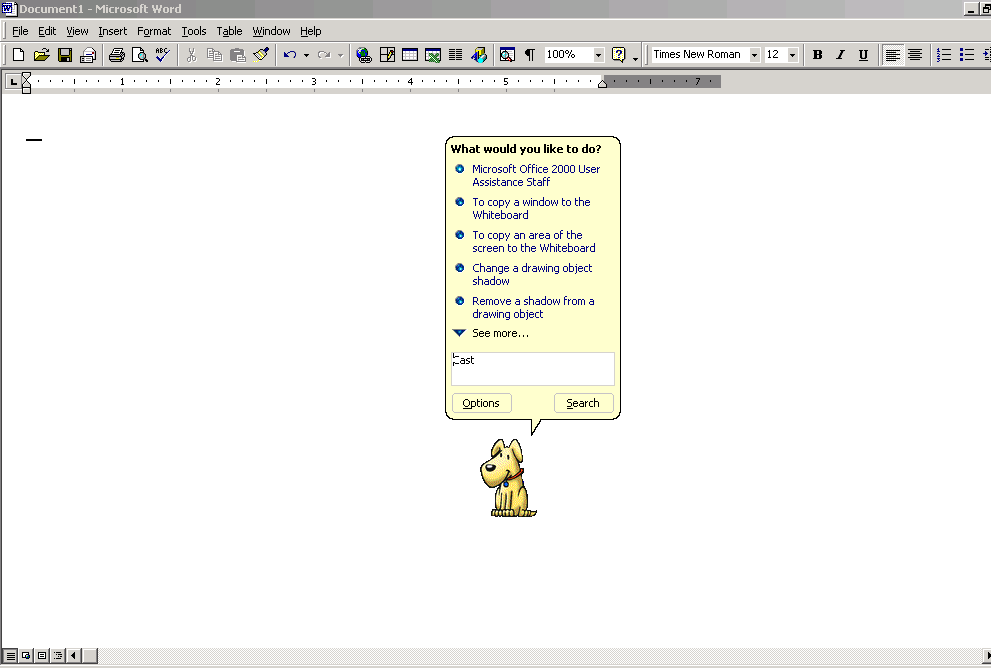
In the subsequent \u201cWhat would you like to do?” prompt, click the “Microsoft Office 2000 User Assistance Staff” topic.
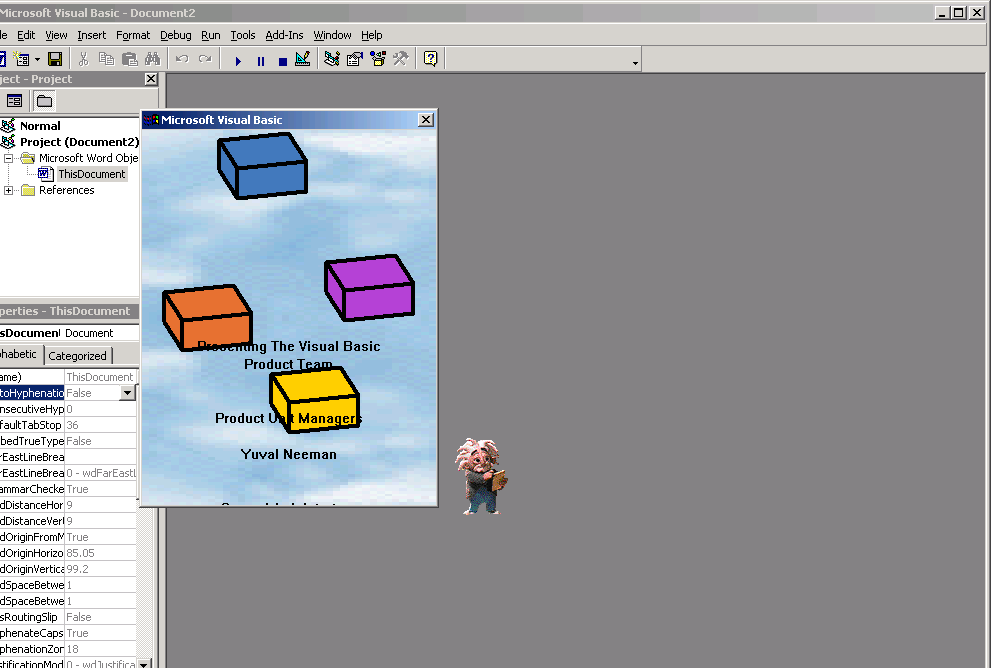
When you do, a window will appear with a cloud background and music will begin playing. As it does, four colored blocks will float around the screen while the developers’ names scroll upward across the screen.

My first computer was a Kaypro 16 \"luggable\" running MS-DOS 2.11 which I obtained while studying computer science in 1986. After two years, I discovered that I had a knack for writing documentation and shifted my focus over to technical writing.


