
\n\tOne of the biggest advantages of Android over iPhone is widgets. Here are 15 of the best widgets available for Android, updated for 2012 and selected by TechRepublic Editor in Chief Jason Hiner.
\n
\n\tIf you’d prefer to view this as a list instead of a photo gallery, then see the companion blog post.
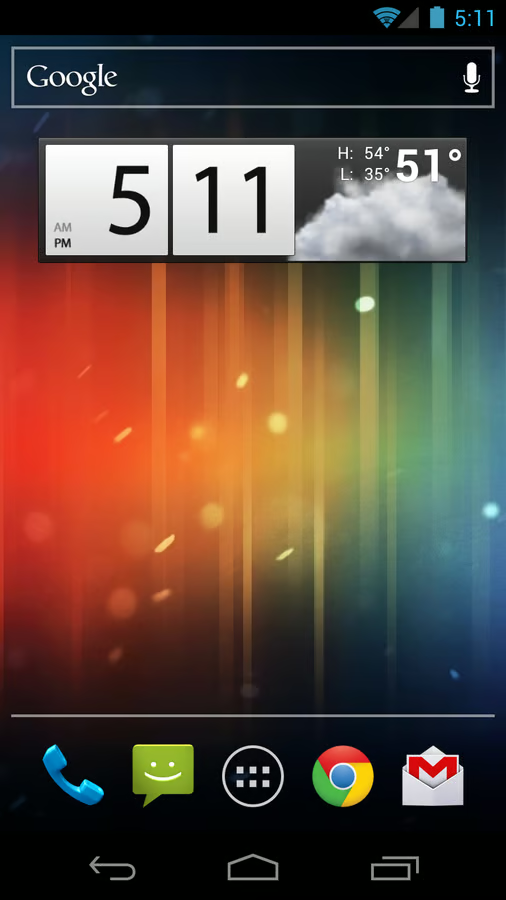
\n\tArguably, the most well-known widget on Android is the Clock & Weather widget from HTC, but that’s obviously limited to HTC devices. The best universal Android widget that does the same thing is the one from Beautiful Widgets, which also offers the same functionality in a variety of differences sizes and configurations and tosses in a few bonus widgets such as a battery monitor and some configuration toggles.
\n
\n\tIf you’d prefer to view this as a list instead of a photo gallery, then see the companion blog post.
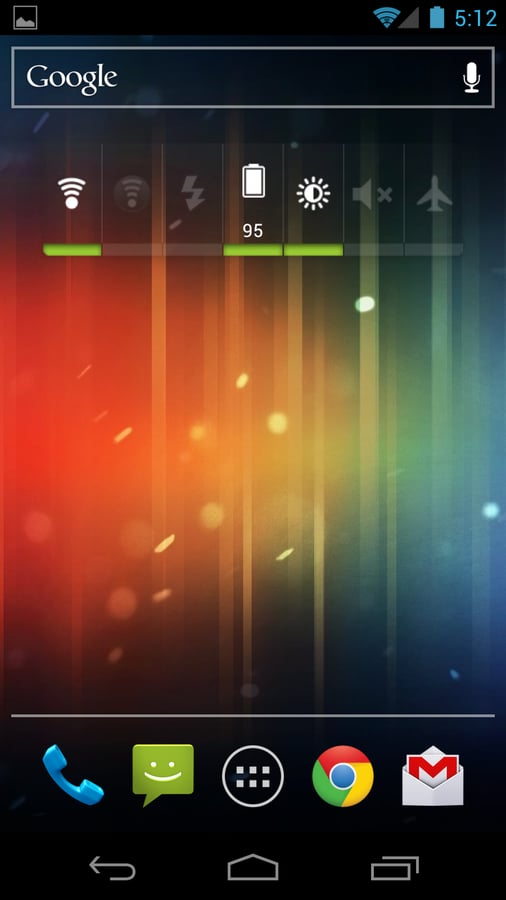
\n\tAndroid comes with a “Power Control” widget that I’ve always liked because it lets you quickly toggle Wi-Fi, Bluetooth, Brightness, and more. However, the “Extended Controls” widget allows you to create a customized version of Power Control with a lot more toggle options.
\n
\n\tIf you’d prefer to view this as a list instead of a photo gallery, then see the companion blog post.
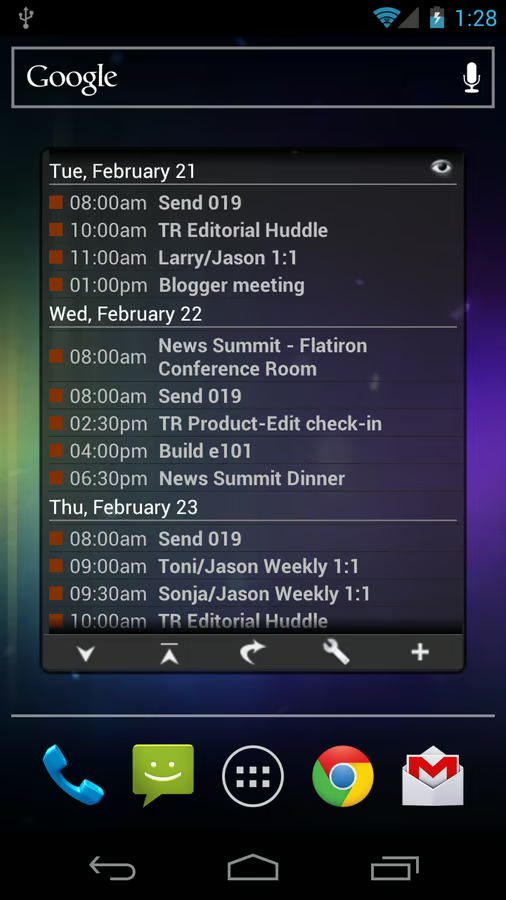
\n\tIf you need to quickly scan your calendar to check on your next meeting or see what your day looks like tomorrow, you can’t beat the Business Calendar widget. It offers virtually every size and configuration option imaginable. I prefer the 4×4 (full screen) widget in agenda mode with the simple list of all upcoming calendar appointments.
\n
\n\tIf you’d prefer to view this as a list instead of a photo gallery, then see the companion blog post.
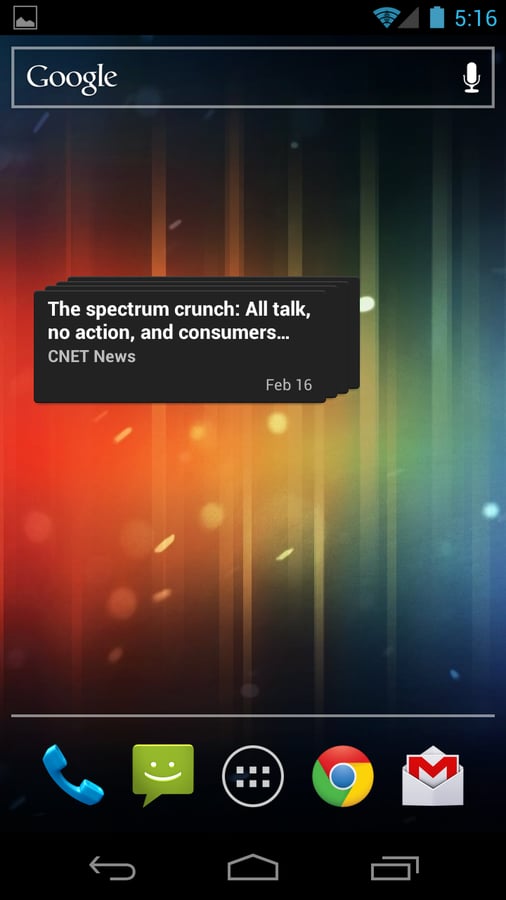
\n\tTo keep an eye on the latest news, it’s hard to beat Google Reader, since it’s completely customizable based on RSS feeds. You can follow national politics or world news or you can follow the smallest trade publication that covers your industry. As long as it has an RSS feed, you can put it in Google Reader and then you can follow it at a glance with the ticker widget that is automatically added when you install the Google Reader app.
\n
\n\tIf you’d prefer to view this as a list instead of a photo gallery, then see the companion blog post.
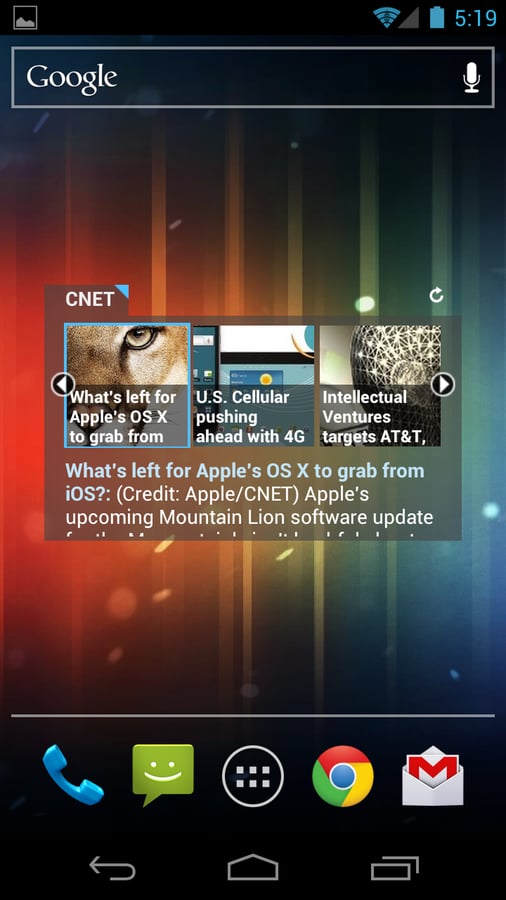
\n\tPulse is another news reader that has a great widget. Pulse is a visual newsreader that represents stories with images that it finds within those stories. It has a nice default news feeds to choose from, but you can also search for lots of others from across the web. The widget only allows you to select on feed to use on its ticker.
\n
\n\tIf you’d prefer to view this as a list instead of a photo gallery, then see the companion blog post.
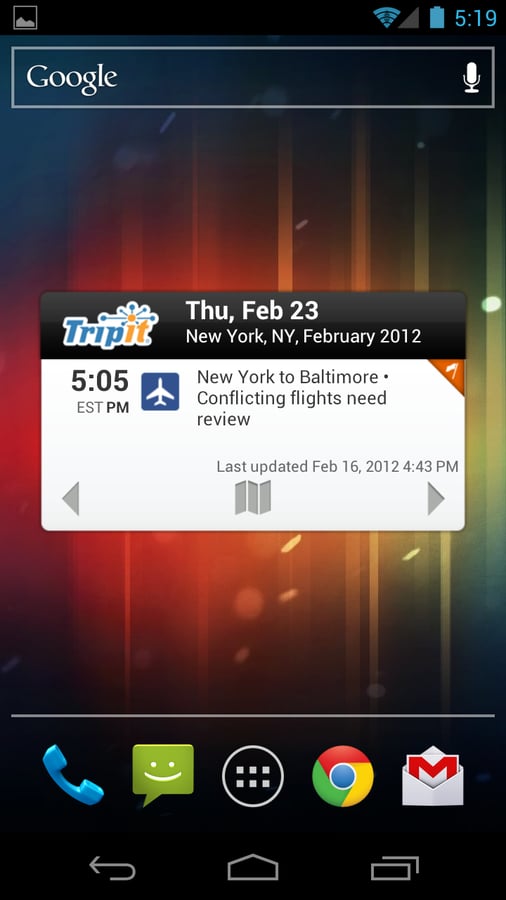
\n\tI’ve recommended Tripit on my favorite iPhone and Android apps lists because it’s a great little service for tracking all of your travel itineraries. It also happens to have a useful Android widget that comes in two sizes.
\n
\n\tIf you’d prefer to view this as a list instead of a photo gallery, then see the companion blog post.
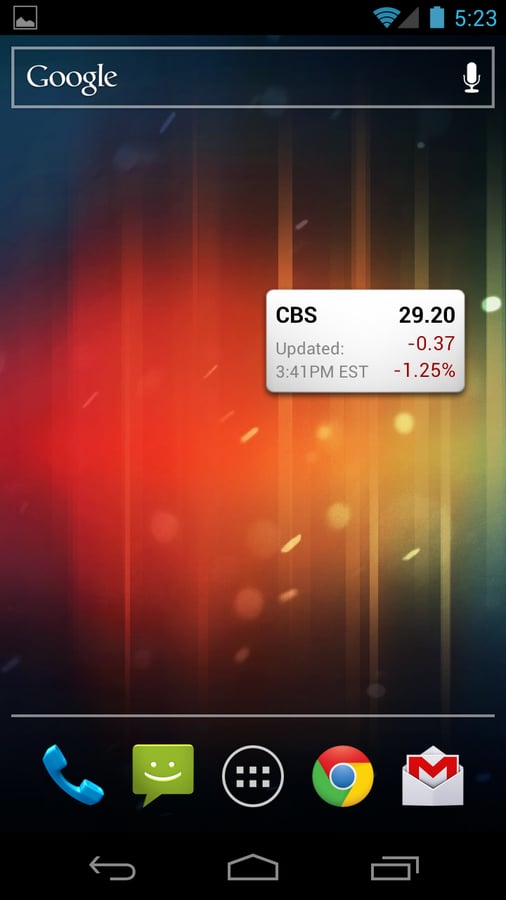
\n\tThe simple mission of Google Finance is to track stocks. The app also comes with a widget that allows you to quickly glance at the performance of a single stock or index in a little 2×1 widget. You can have use multiple instances of the widget to track multiple stocks.
\n
\n\tIf you’d prefer to view this as a list instead of a photo gallery, then see the companion blog post.
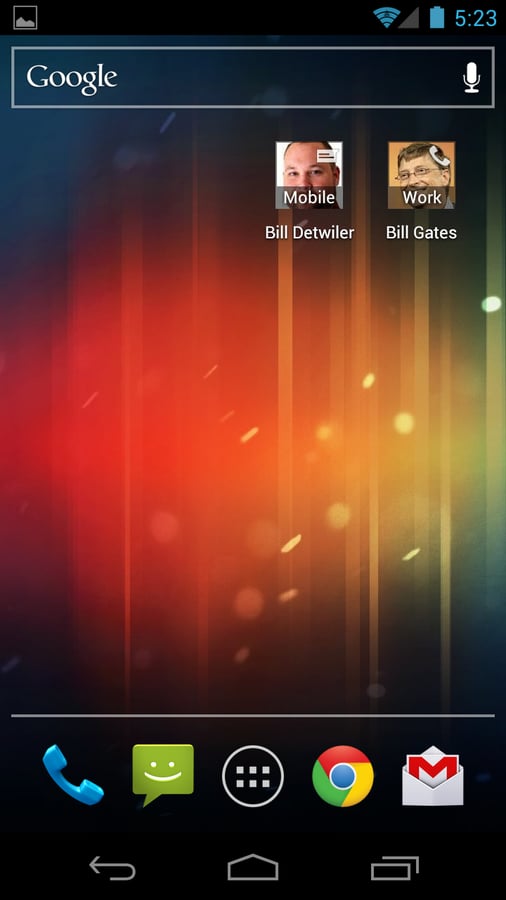
\n\tIn addition to quick-glance information, Android widgets can also provide quick functions (kind of like macros or keyboard shortcuts on a PC). The Direct Dial and Direct Message widgets allow you to pick someone’s phone number in your contacts and create an icon that allows you to immediately call or text that person. If you have a photo for the person then it shows their photo in a 1×1 icon. These two widgets come with Android 4.0 Ice Cream Sandwich (that’s why there’s no download link), but if you don’t have a phone with ICS then you can use a widget like Picture Dial.
\n
\n\tIf you’d prefer to view this as a list instead of a photo gallery, then see the companion blog post.
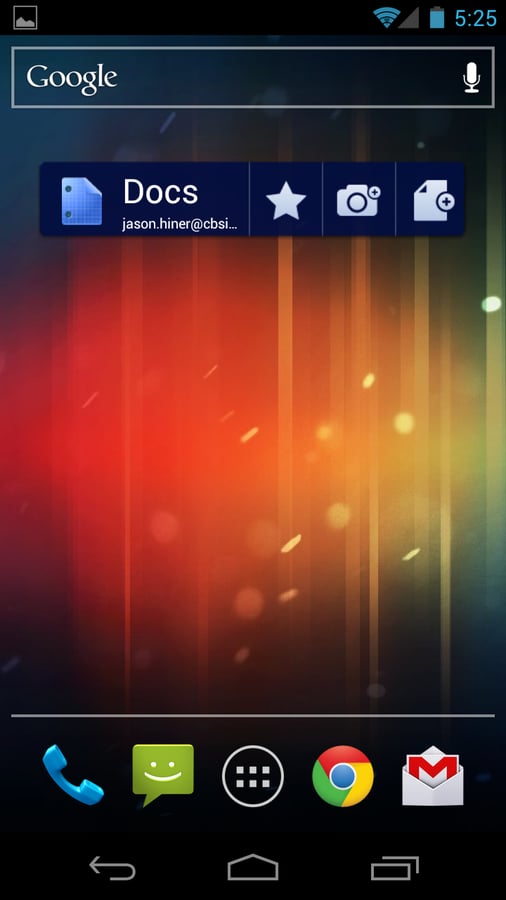
\n\tThe Google Docs app comes with a widget bar that provides one-tap access to your list of docs and your favorites and also let’s you start a new document or add a photo to your docs with a single tap.
\n
\n\tIf you’d prefer to view this as a list instead of a photo gallery, then see the companion blog post.
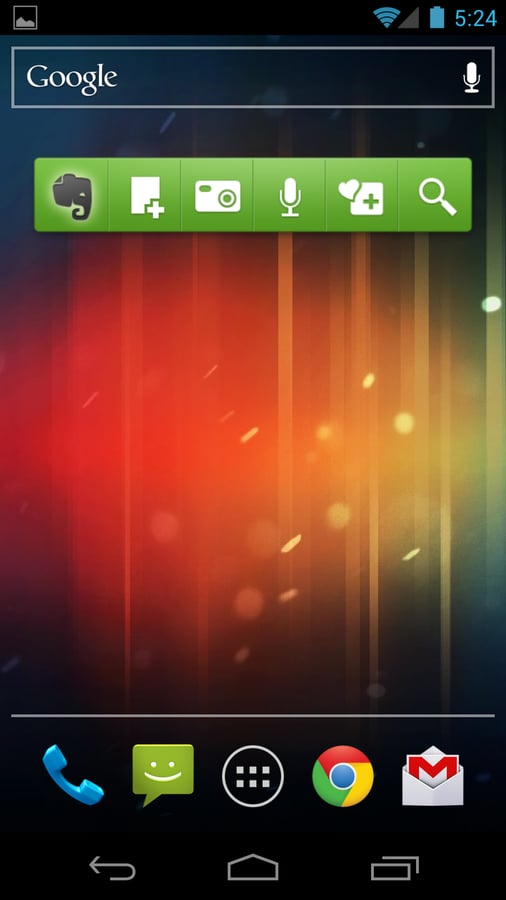
\n\tEvernote is a great note-taking service that has multiple mobile apps as well as desktop apps and web access. The great thing is that you can make notes in any of these places and it gets synced to all of the other instances. The Evernote app for Android comes with a widget bar (similar to Google Docs) that gives you one-tap access to your notes, lets you search your notes, and lets you quickly create a new note.
\n
\n\tIf you’d prefer to view this as a list instead of a photo gallery, then see the companion blog post.
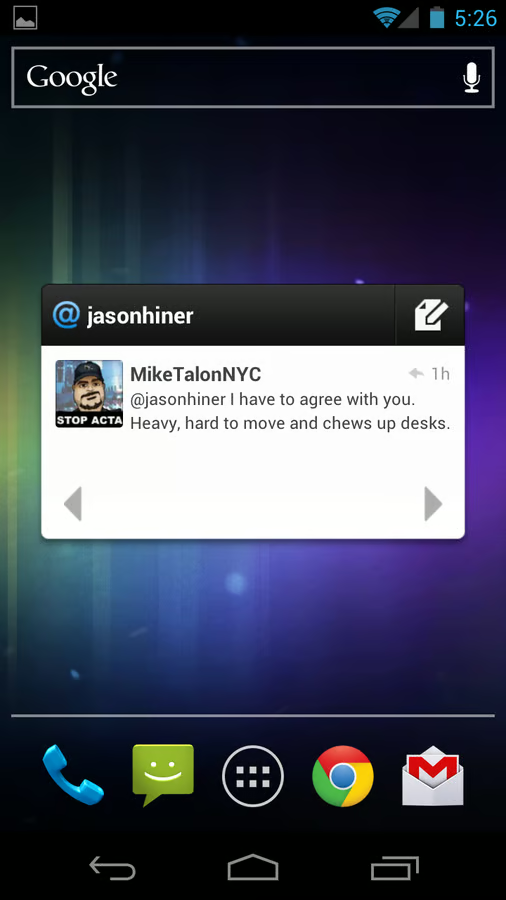
\n\tAs I’ve said before, Twitter is a terrific real-time intelligence engine. Now that there’s an official Twitter Android app, there are also a couple Twitter widgets (large and small) for scanning your Twitter stream. You can even configure the Twitter widget to display “Mentions” so that you can quickly see who’s talking to you (or about you) and respond.
\n
\n\tIf you’d prefer to view this as a list instead of a photo gallery, then see the companion blog post.
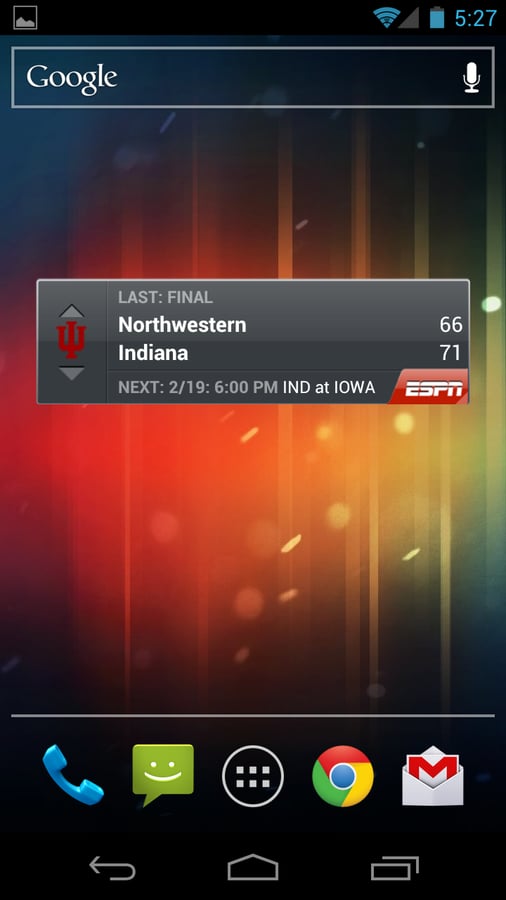
\n\tThis ESPN widget that lets you keep track of the scores from your favorite sports teams. It shows the last game and the next game (or current game). You can quickly tap it to get more details in the ESPN app.
\n
\n\tIf you’d prefer to view this as a list instead of a photo gallery, then see the companion blog post.
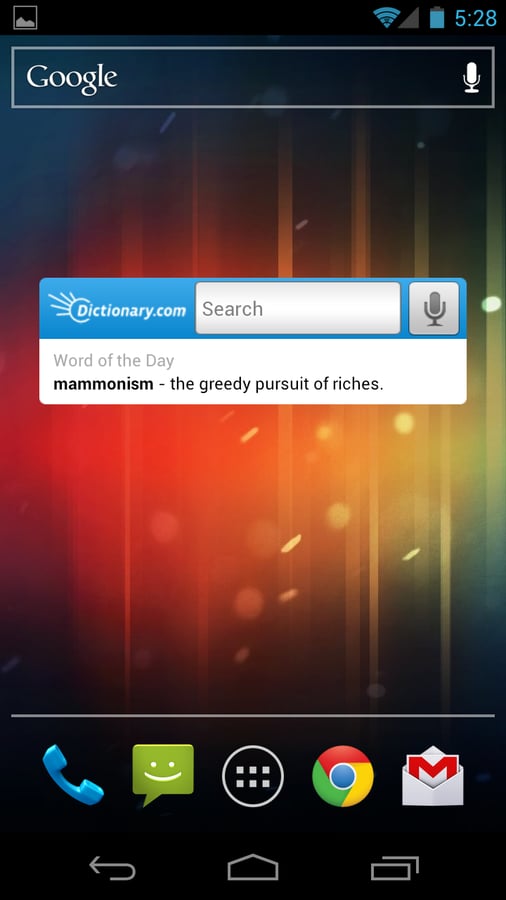
\n\tFor my fellow wordsmiths out there, Dictionary.com has a terrific widget that allows you to type or speak a word and quickly get the definition. As a bonus, the widget also displays a word of the day.
\n
\n\tIf you’d prefer to view this as a list instead of a photo gallery, then see the companion blog post.

Jason Hiner is Editorial Director of CNET and former Editor in Chief of TechRepublic. He's co-author of the book, Follow the Geeks.


