\n\tThis gallery is also available as a post in the TechRepublic Five Apps Blog.
\n
\n\tOne of the biggest attractions of Windows 8 is Microsoft’s effort to bridge the gap between consumer-focused touchscreen devices and business productivity systems. The Windows 8 operating system will run both so-called “legacy” applications on the traditional desktop and the new touch/mobile-friendly “Windows 8 style” (formerly) Metro apps available through the Windows Store. Windows RT, for ARM-based devices, runs only the new style apps.
\n
\n
\n\tWhile many business users are likely to revert to the desktop applications for more sophisticated productivity tasks, those with tablets and touchscreen laptops are going to be looking for new style apps to fill business needs. In the time leading up to launch day, Microsoft has populated the Windows Store with a sprinkling of apps in each of several categories, including Business and Productivity.
\n
\n\tI’m writing this prior to Windows 8 release and rumor has it that the company may be “holding back” some of the best apps to release in conjunction with the OS launch (see the More on the Way section at the end of this article) so there will certainly be additions to my list at that time.
\n
\n\tIn the meantime, here are five apps that business users should consider installing immediately on a new Windows 8 device.
\n
\n
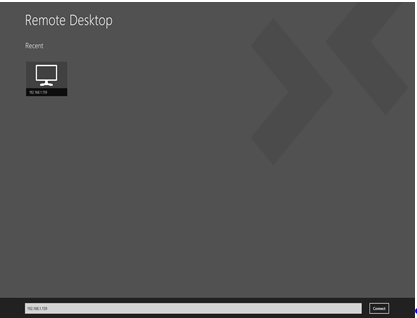
\n\tIf I could install only one app on my Windows 8 tablet, the Remote Desktop app would be it. This is the app that gives you a full Windows desktop even on the Windows RT version of a tablet, but with a simple, touch-friendly user interface.
\n
\n\tThrough the miracle of the RDP protocol and RemoteFX technologies, the new Touch Keyboard, Touch Pointer and Zoom features give you the kind of remote desktop experience you longed for and never could achieve with the RDP clients available for the iPad and Android tablets.
\n
\n\tCredit: Images by Debra Littlejohn Shinder for TechRepublic
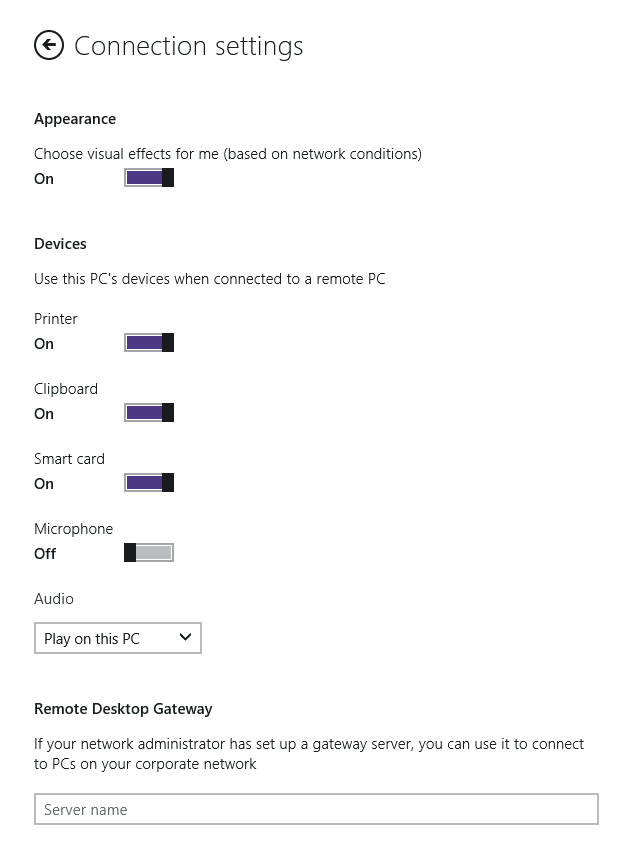
\n\tYou can also use the Remote Desktop app to connect to RemoteApp applications or use a Remote Desktop Gateway on your work network to connect to corporate PCs without setting up a VPN connection.
\n
\n\tCredit: Images by Debra Littlejohn Shinder for TechRepublic
\n
\n\tOne of the most useful functions of the old Windows tablet PCs (yes, I had one of the first XP Tablet Edition versions) was the ability to take notes in meetings and conferences in a low-key way, without having to set up a laptop. I expect note-taking to be something for which I’ll use a Windows 8 tablet a lot, too. I’ve been using OneNote for a few years to organize the data I collect and/or create on a wide variety of subjects: financial data, projects, travel, and more.
\n
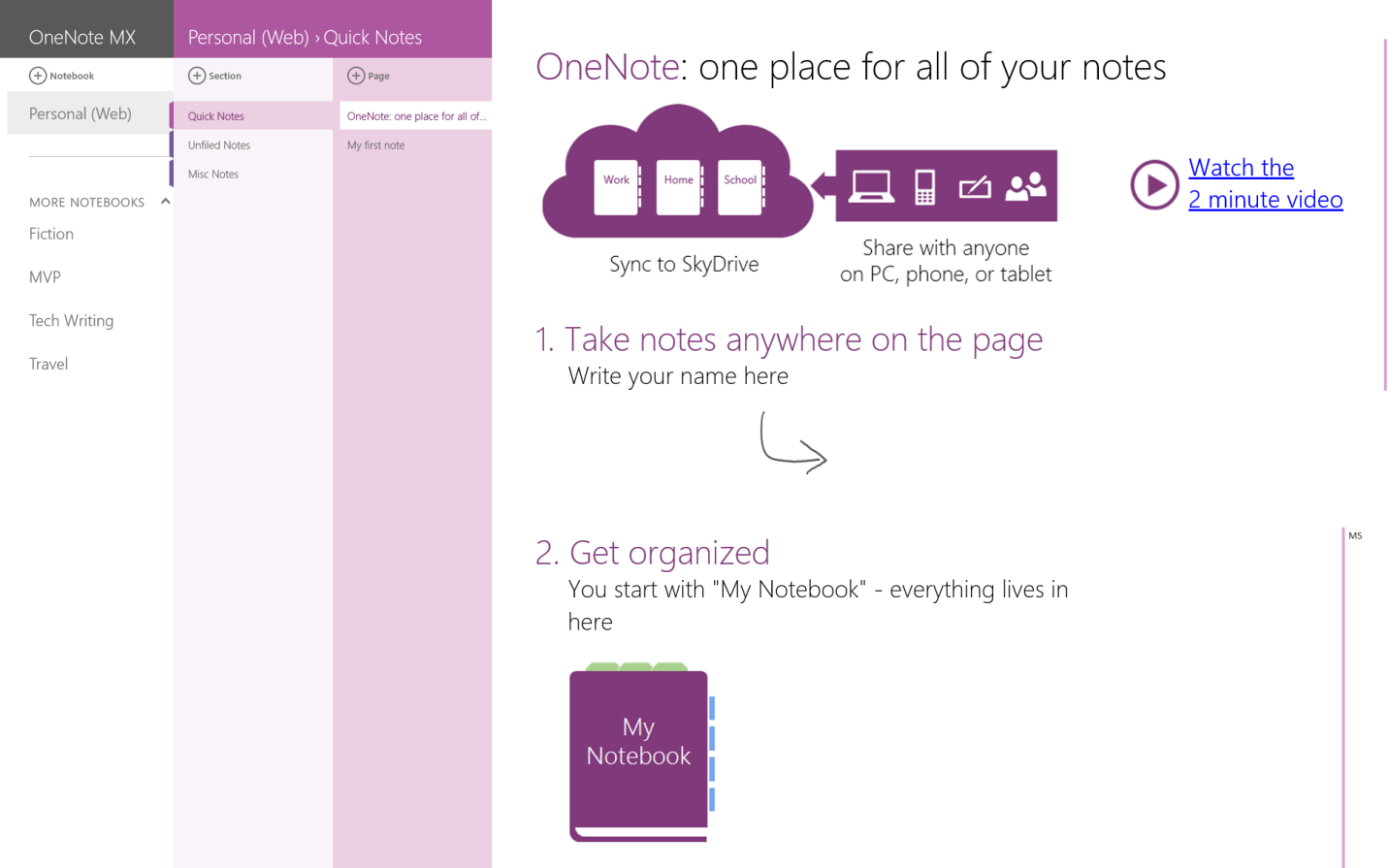
\n\tNow we have OneNote MX for Windows 8, a touch-friendly version of my favorite note-taking and information organization tool. When you sign into the app with your Microsoft ID (Windows Live ID), it will automatically connect to any existing OneNote notebooks that you’ve stored on SkyDrive. It also includes a “Quick Notes” section where you can get started creating notes immediately.
\n
\n\tThe notes you create and save to SkyDrive are also available across platforms, through the OneNote apps for Android and iOS.
\n
\n\tCredit: Images by Debra Littlejohn Shinder for TechRepublic
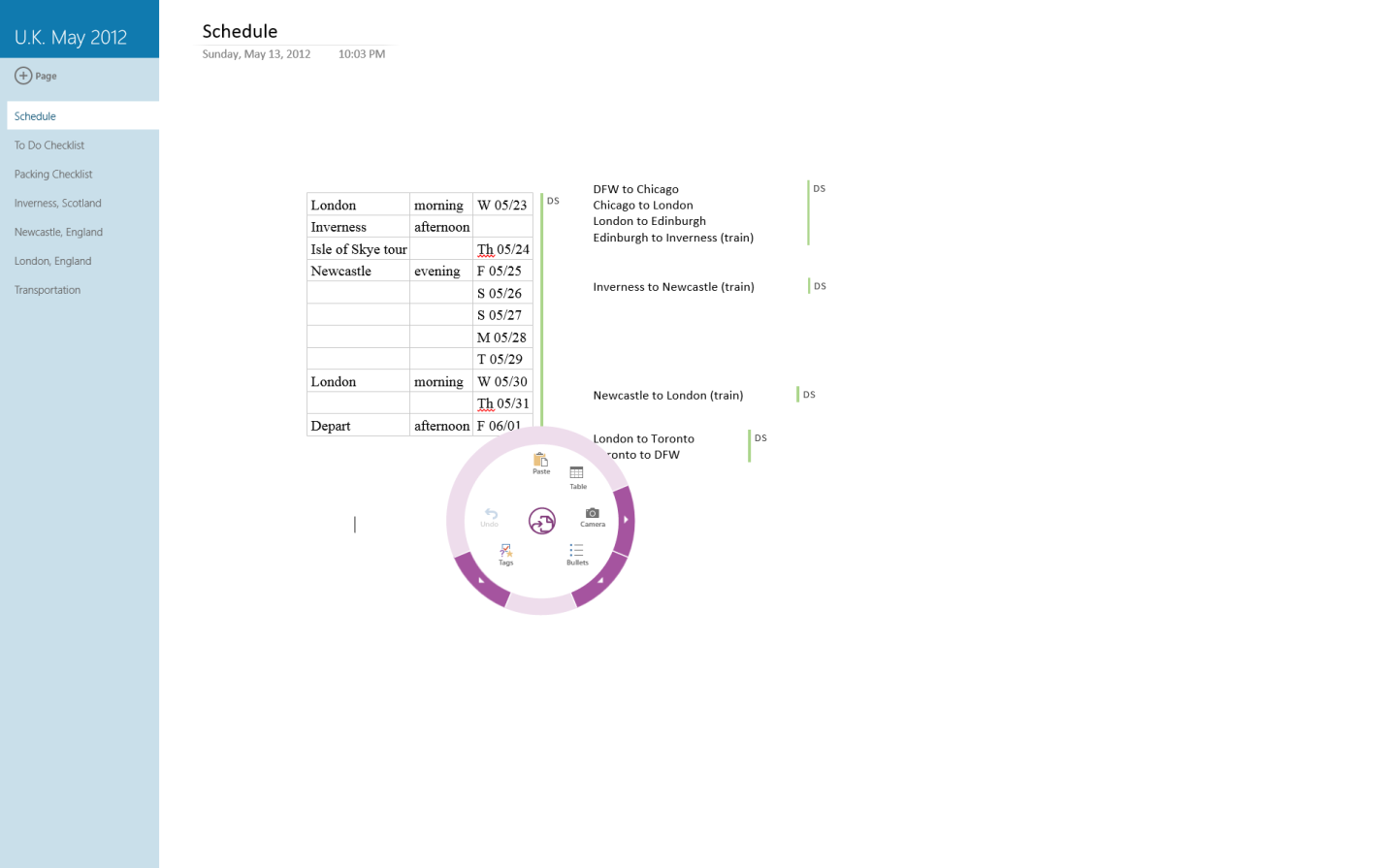
\n\tThe app uses a wheel type interface in place of the Ribbon you’re used to on the desktop version, for formatting, inserting elements and other tasks.
\n
\n\tCredit: Images by Debra Littlejohn Shinder for TechRepublic
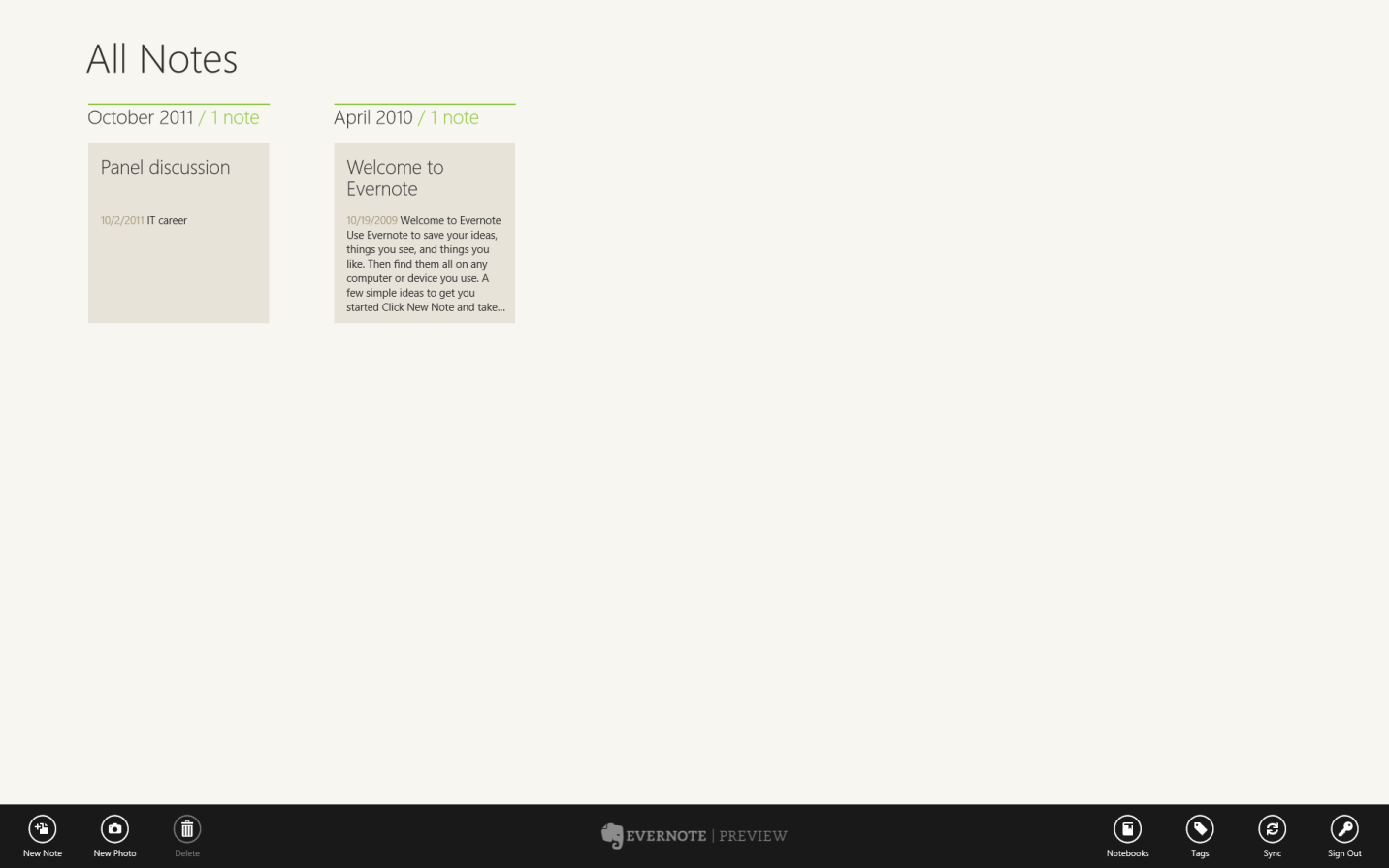
\n\tI should also mention that, for those who use Evernote for note-taking, there is also a Windows 8 Evernote app.
\n
\n\tCredit: Images by Debra Littlejohn Shinder for TechRepublic
\n
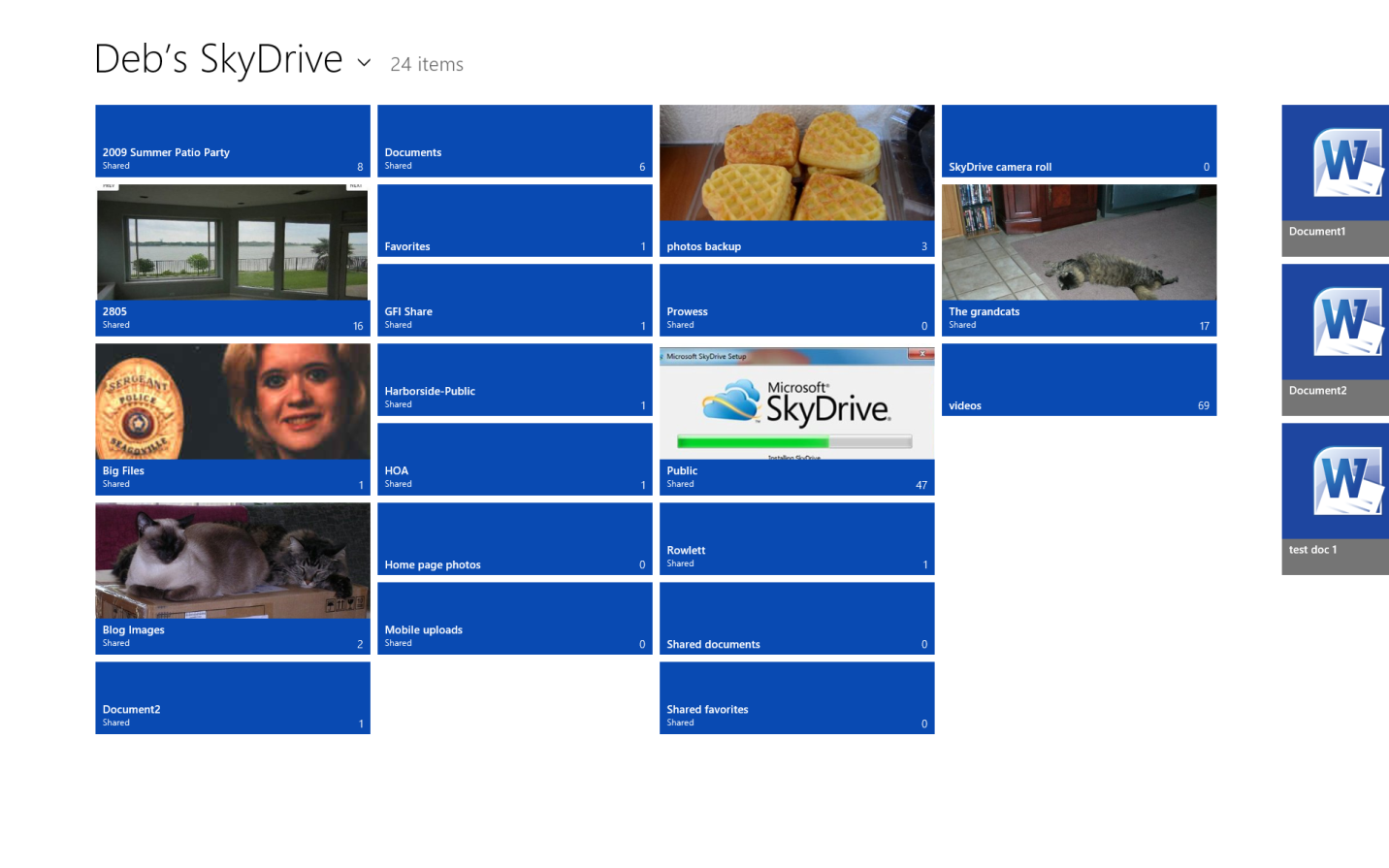
\n\tPart one of the new computing paradigm is a transition to more mobile, touch-screen devices. Part two is the movement of data to the cloud. The two go hand-in-hand, in part because these ultra-portable devices don’t have terabytes of storage space available like their “old fashioned” desktop counterparts and in part because we want to be able to access the same data from different devices, no matter where we are.
\n
\n\tSkyDrive brings a consistent, standard, cloud storage and sharing service to Windows 8 devices that integrates with other apps, such as OneNote and other Office apps.
\n
\n\tCredit: Images by Debra Littlejohn Shinder for TechRepublic
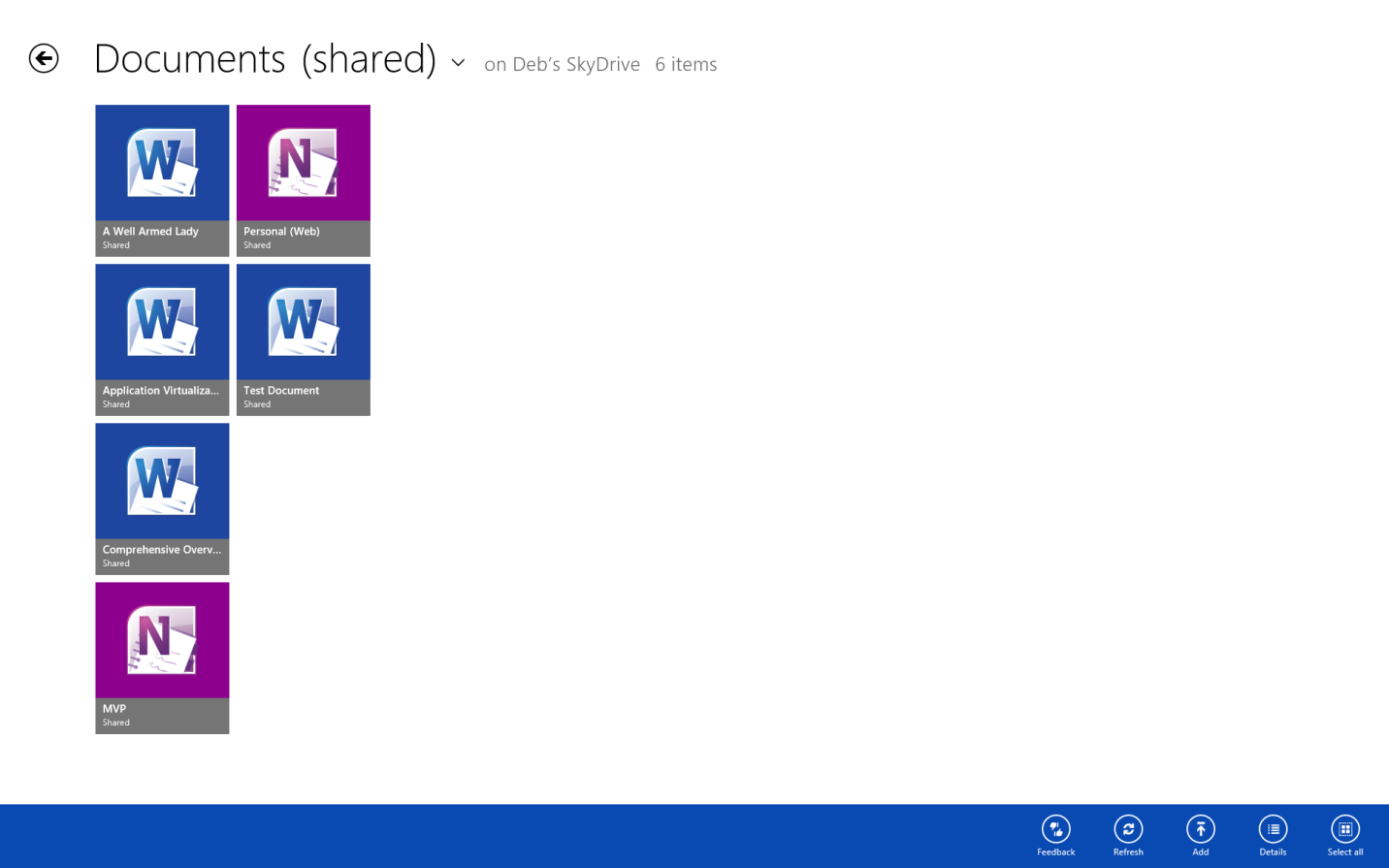
\n\tIf you use SkyDrive to store your data in the cloud, you’ll want to install the new SkyDrive app.
\n
\n\t
\n\tCredit: Images by Debra Littlejohn Shinder for TechRepublic
\n
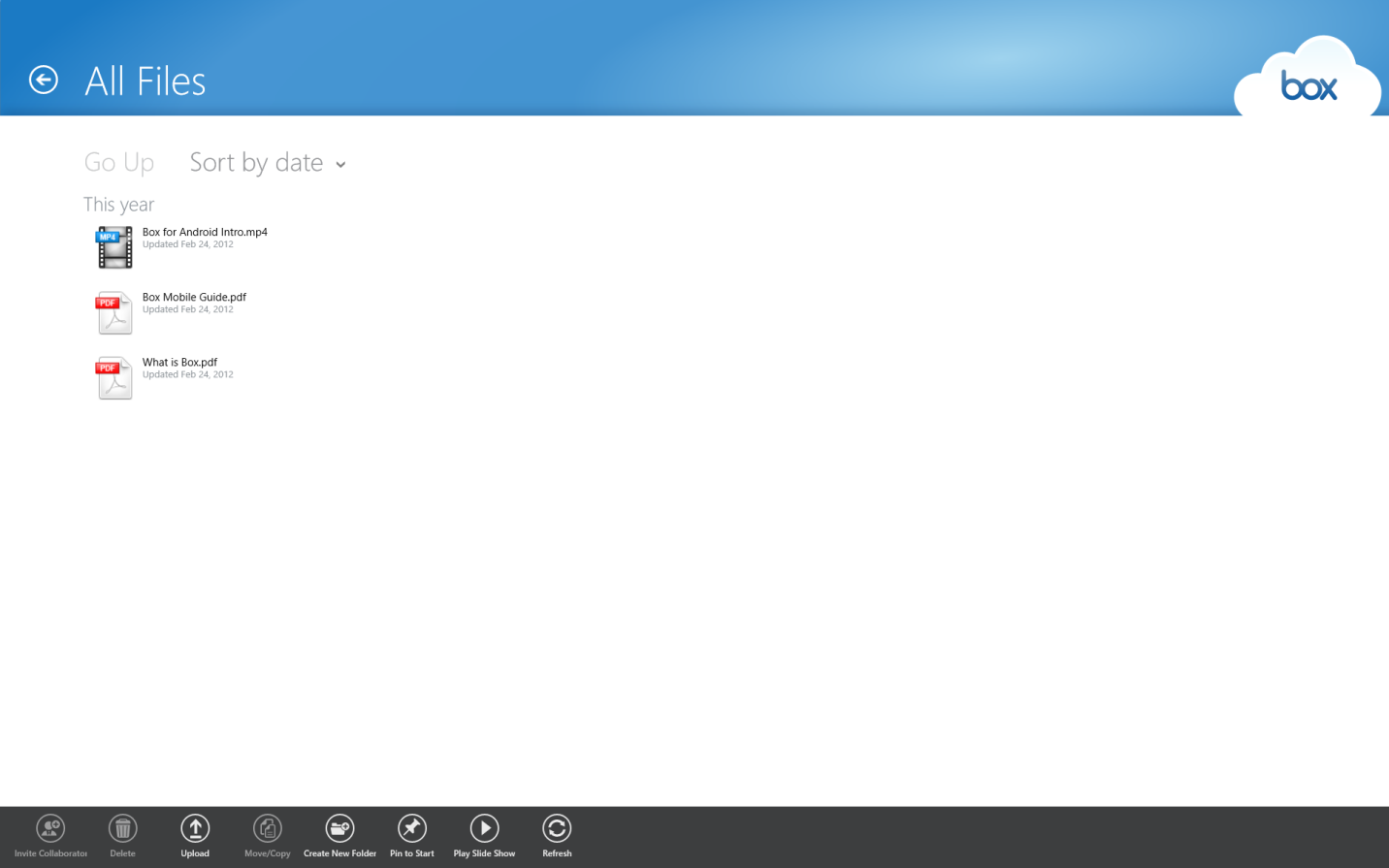
\n\tAs with note-taking, there are other options available for accessing and sharing cloud data. There is also a Windows 8 app for Box, which focuses more on collaboration and has some sophisticated features that include the ability for multiple people to leave comments on files and the option to pin live tiles to the Start screen where you can see file updates made by other collaborators. There are also batch operations for moving, copying or deleting large groups of files and folders.
\n
\n\tCredit: Images by Debra Littlejohn Shinder for TechRepublic
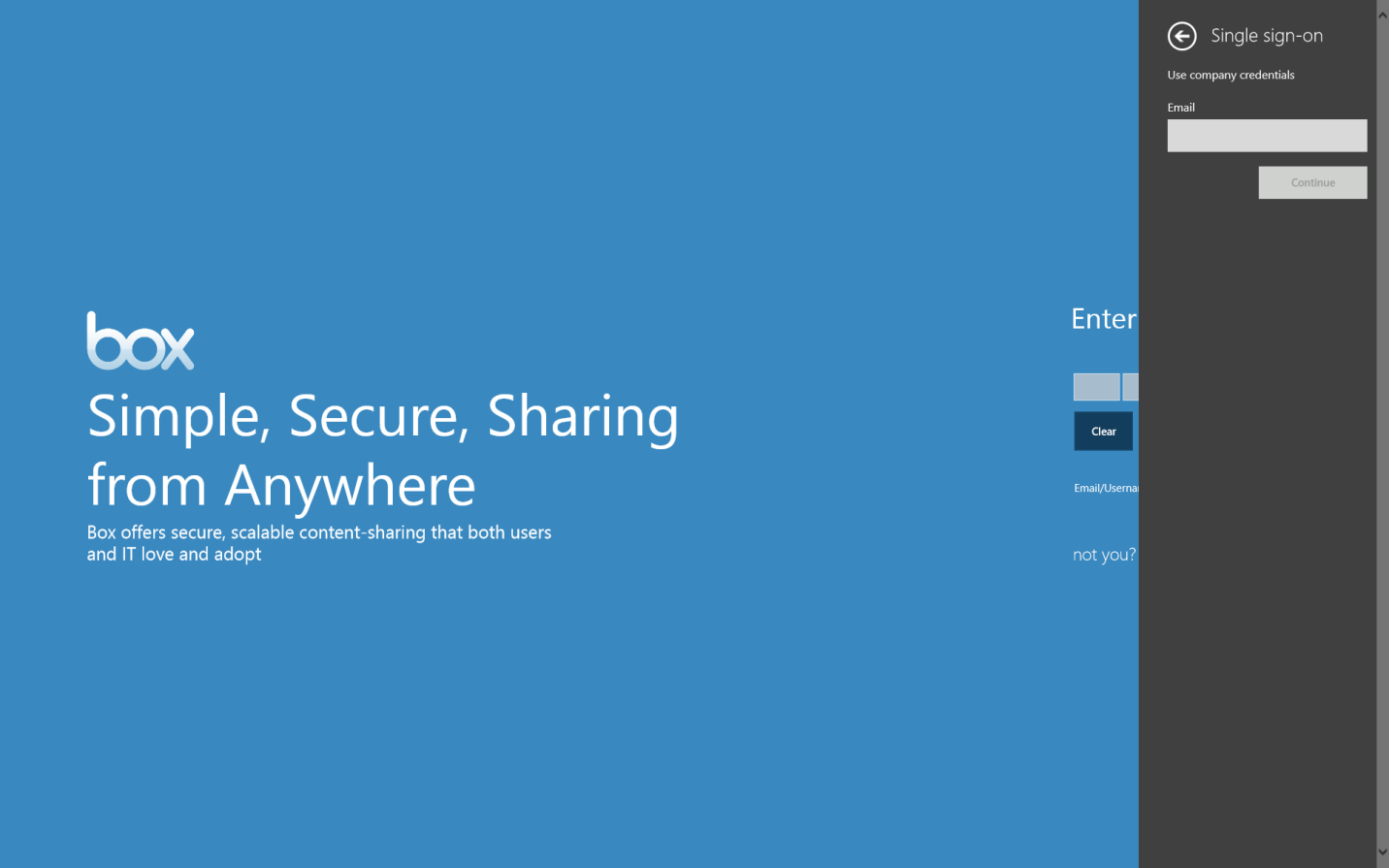
\n\tYou can sign up for an individual account or use company credentials with the Single Sign-on feature if your organization uses Box.
\n
\n\tCredit: Images by Debra Littlejohn Shinder for TechRepublic
\n
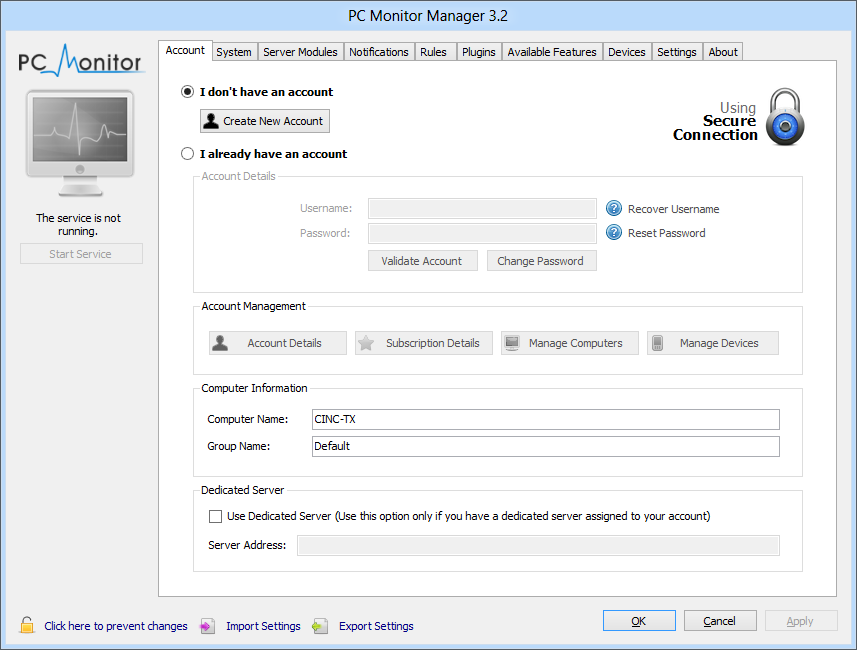
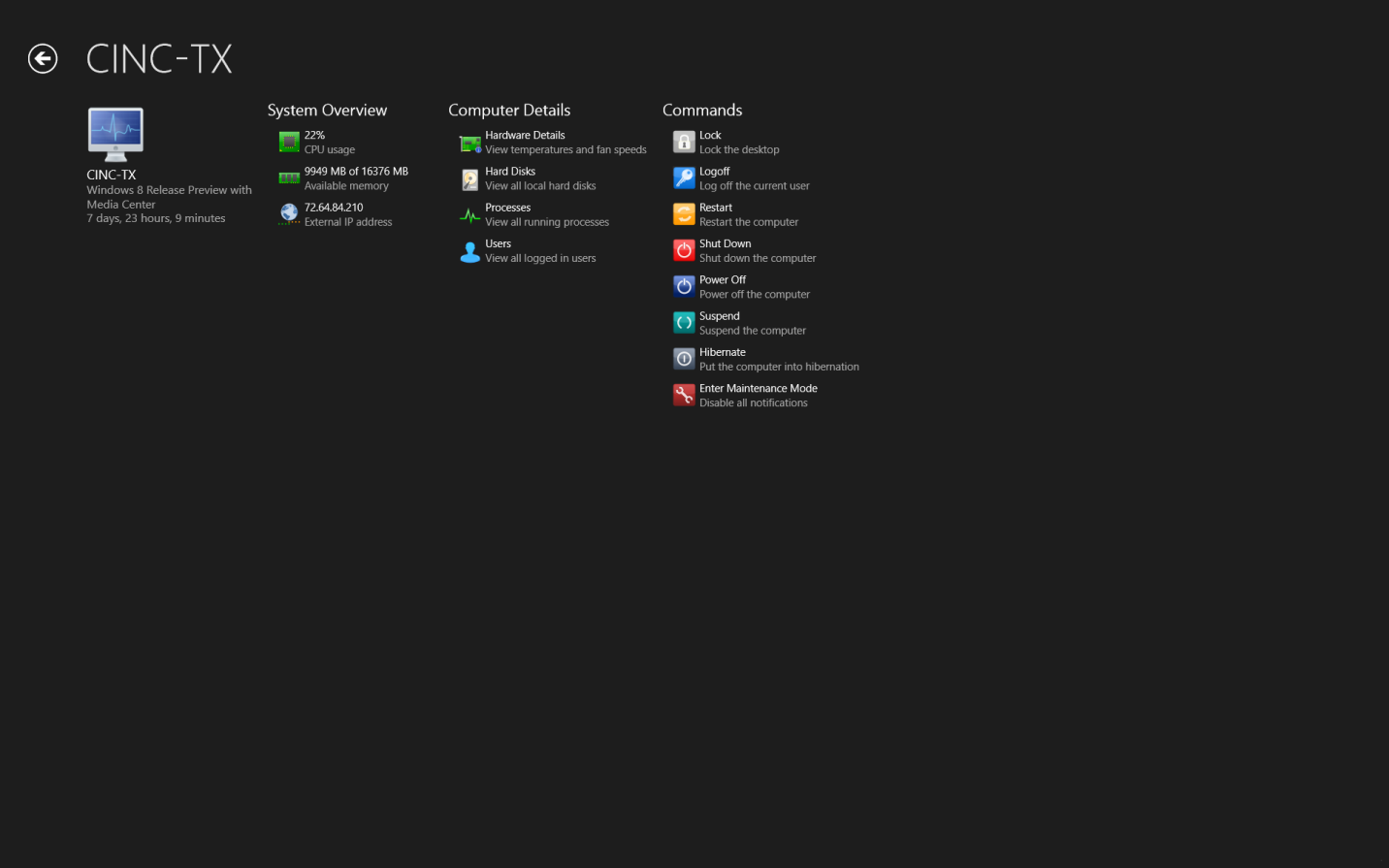
\n\tPC Monitor is a very handy app and service that lets you monitor and manage up to three computers at no cost. You have to install software on the PCs that you want to monitor, but then you can use your Windows 8 device to keep an eye on the status of all the computers, see which users are logged on (and log them off), view and kill processes, run scheduled tasks, and view information about the hardware and software (temperatures, fan speeds, status and uptime, CPU and memory usage, etc.).
\n
\n\tCredit: Images by Debra Littlejohn Shinder for TechRepublic
\n\tThe software is available for Windows 32 and 64 bit computers, Linux and Mac.
\n
\n
\n\tWe know certain apps will be available after Windows 8’s release, including the Office apps (which will come preinstalled on Windows RT).
\n
\n\tMicrosoft has also announced that a Windows 8 app for Skype will be released on October 26 along with the new OS, and there may very well be a few “October surprises” in the offing. Microsoft has put a lot of money and effort into encouraging developers to build Windows 8 apps so we can look forward to many more appearing in the upcoming year.
\n
\n
\n\t
\n\t
\n
\n
\n\tCredit: Images by Debra Littlejohn Shinder for TechRepublic

DEBRA LITTLEJOHN SHINDER is a technology consultant, trainer and writer who has authored a number of books on computer operating systems, networking, and security. These include Scene of the Cybercrime: Computer Forensics Handbook, published by Syngress, and Computer Networking Essentials, published by Cisco Press. She is co-author, with her husband, Dr. Thomas Shinder, of Troubleshooting Windows 2000 TCP/IP and the best-selling Configuring ISA Server 2000, ISA Server and Beyond and Configuring ISA Server 2004. \ \ Deb is also a tech editor, developmental editor and writer to over twenty additional books on subjects such as the Windows 2000 and Windows 2003 MCSE exams, CompTIA Security+ exam and TruSecure?s ICSA certification. She formerly edited the Brainbuzz A+ Hardware News and currently edits Sunbelt Software?s WinXP News (www.winxpnews.com) and Element K's Inside Windows Server Security journal. Her articles are regularly published on TechRepublic?s TechProGuild site and Windowsecurity.com, and have appeared in print magazines such as Windows IT Pro (Windows & .NET) Magazine. She has authored training material, corporate whitepapers, marketing material, and product documentation for Microsoft Corporation, GFI Software, Hewlett-Packard, DigitalThink, Sunbelt Software, CNET and other technology companies. \ \ Deb currently specializes in security issues and Microsoft products; she has been an MCSE since 1998 and has been awarded Microsoft?s Most Valuable Professional (MVP) status in Windows Server Security. A former police officer and police academy instructor, she lives and works in the Dallas-Ft Worth area and teaches computer networking and security and occasional criminal justice courses at Eastfield College in Mesquite, TX.

