\n\tAdmittedly, the standard calculator application found in every version of the Microsoft Windows operating system since the beginning is not usually considered sexy, but the new version found in Windows 7 earns props for adding real value. Check out some of the new features found hidden in the menu tree of this often taken for granted free applet.
\n\t
\n\tThe Hidden
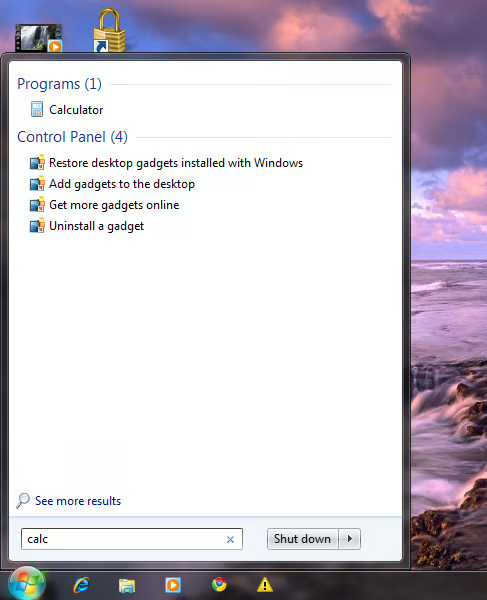
\n\tThe Calculator app is located in its typical spot in the Start Menu – under Accessories. Of course, the easiest way to get to the application is to type “calc” in the Start Menu search box as shown.
\n\t
\n\tThis gallery is also available as a TechRepublic Microsoft Windows blog post and download. The gallery was originally published in March 2010.
\n\tImage created by Mark Kaelin for TechRepublic.
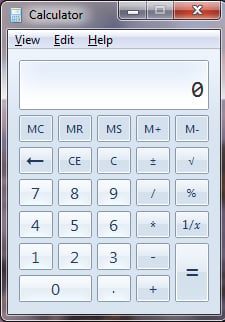
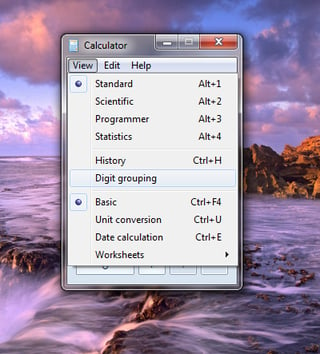
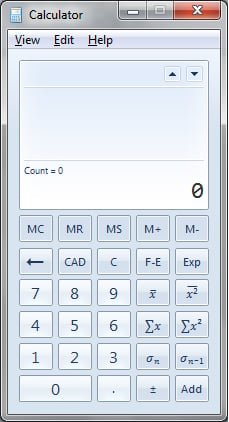
Click on the View menu item and one of the first things you should notice is that there are a plethora of new options available besides the Standard and Scientific modes of the past.
This gallery is also available as a TechRepublic Microsoft Windows blog post and download.
Image created by Mark Kaelin for TechRepublic.
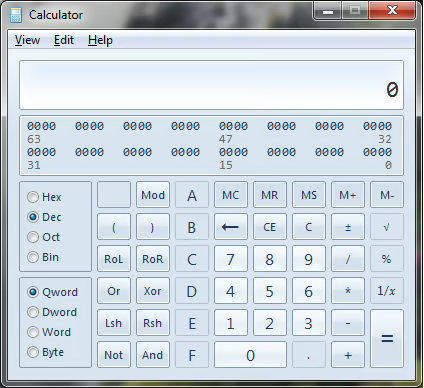
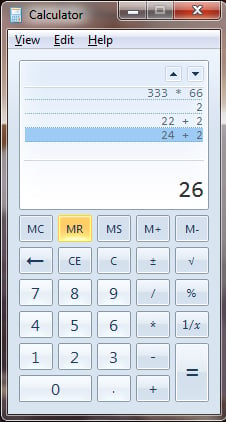
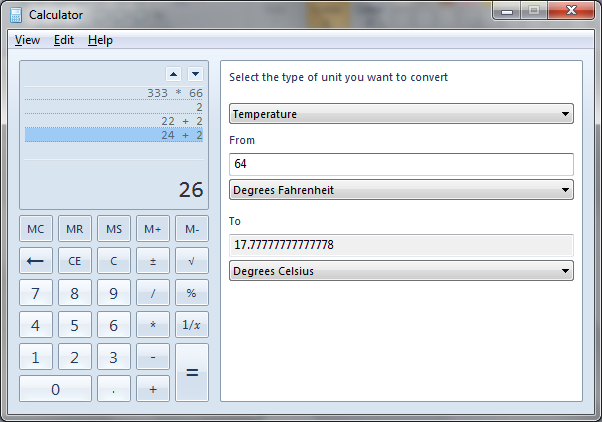
But where the real feature changes have taken place are in the lower levels of the View menu. This image reveals the conversion feature, where you can convert one kind of unit of measurement into another unit of measurement. The categories of units you can convert range from angle to weight/mass.
This gallery is also available as a TechRepublic Microsoft Windows blog post and download.
Image created by Mark Kaelin for TechRepublic.
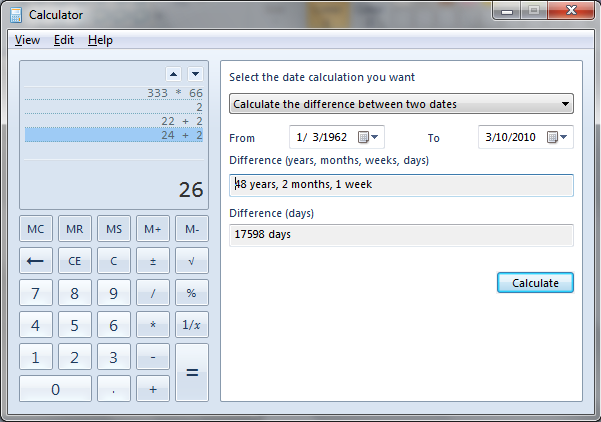
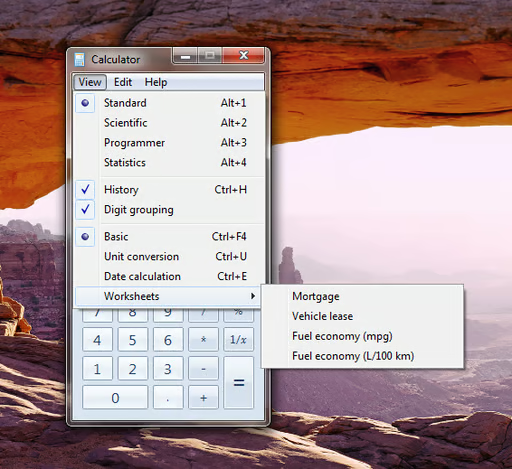
Under the Worksheets menu item, you see four additional worksheets for calculating:
This gallery is also available as a TechRepublic Microsoft Windows blog post and download.
Image created by Mark Kaelin for TechRepublic.
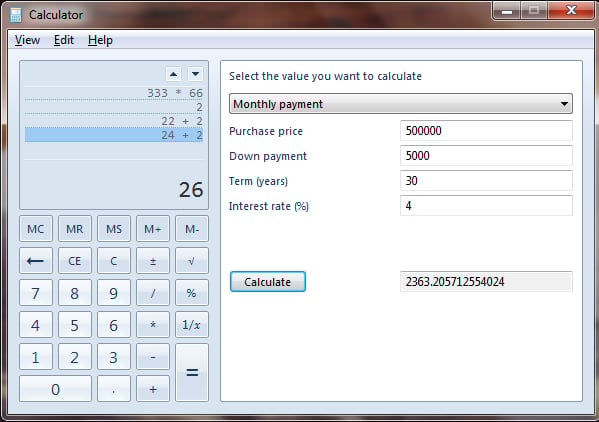
I have been using Web sites to calculate the mortgages on my dream houses in the past, but now I can dream without involving the Internet.
Take advantage
The unadvertised enhancements to the standard calculator applet that comes with Windows 7 has raised the usefulness of this ubiquitous program 10-fold. Check out the new features and you just might end up pinning it to your desktop.
This gallery is also available as a TechRepublic Microsoft Windows blog post and download.
Image created by Mark Kaelin for TechRepublic.

Mark W. Kaelin has been writing and editing stories about the information technology industry, software, hardware, gaming, finance, accounting, and technology geekdom for more than 30 years.


