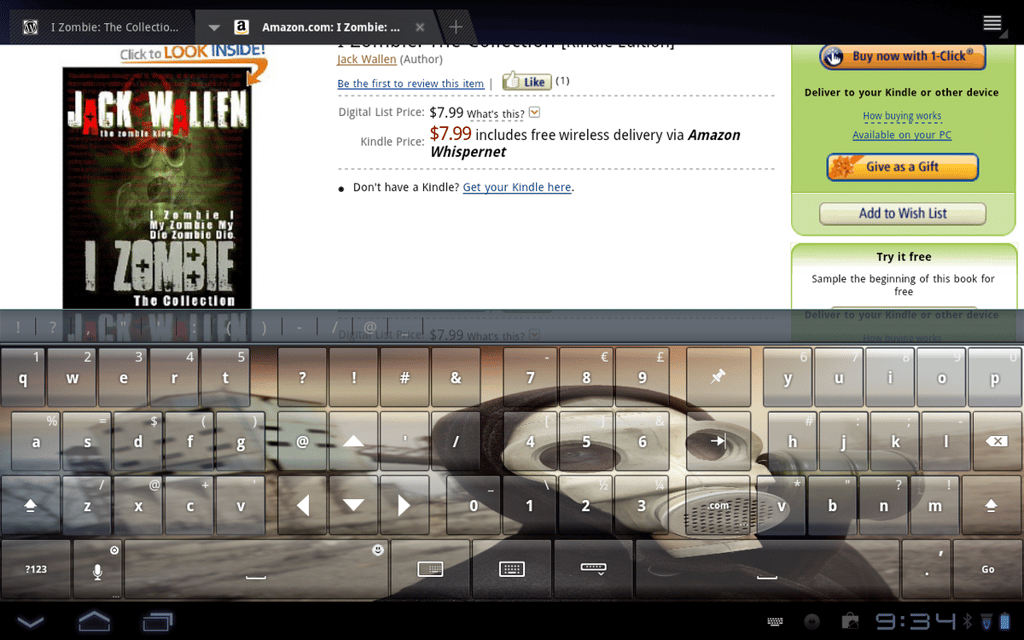
\n\tThumb Keyboard is the best of the best. Like many of the keyboards in this list, it splits the keyboard in two, so you can hold the tablet in either landscape or portrait and still reach all keys with only your thumbs. You can adjust the size of the keyboard (according to tablet or smartphone display size). You can also theme the keyboard and even use your own background.
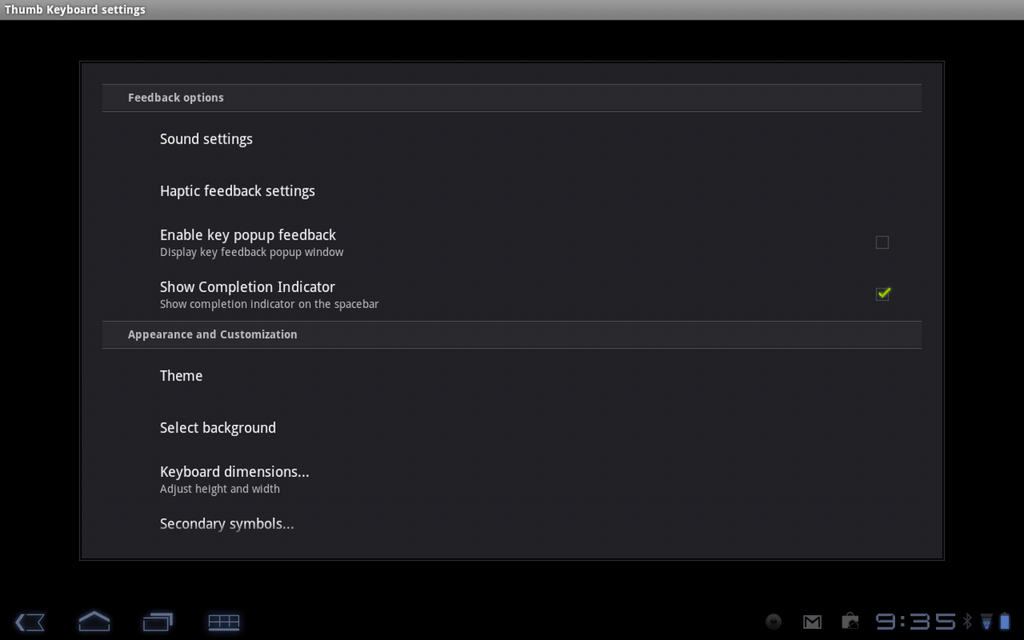
\n\tWhat sets this keyboard apart from the rest is the key layout. With many of the other replacement keyboards, I found myself accidentally hitting the “.” or the “/” key instead of the spacebar. With Thumb Keyboard, typing was faster and less prone to mistakes. The cost is $2.29 USD.
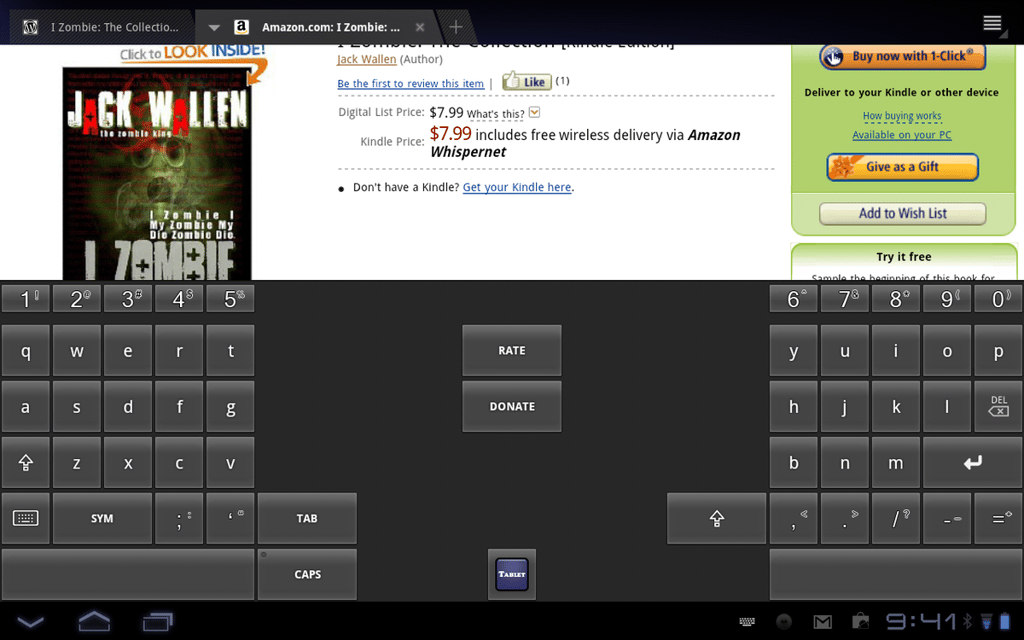
\n\tTablet Keyboard Free is laid out similarly to the Thumb Keyboard with just a few minor differences. There are no options (you can’t adjust the size of the keyboard, nor can you theme the keyboard), but the default split layout works really well. What I like most about this alternative keyboard (outside of the slit, thumb-friendly layout) is how easy it is to get to some of the alternate keys.
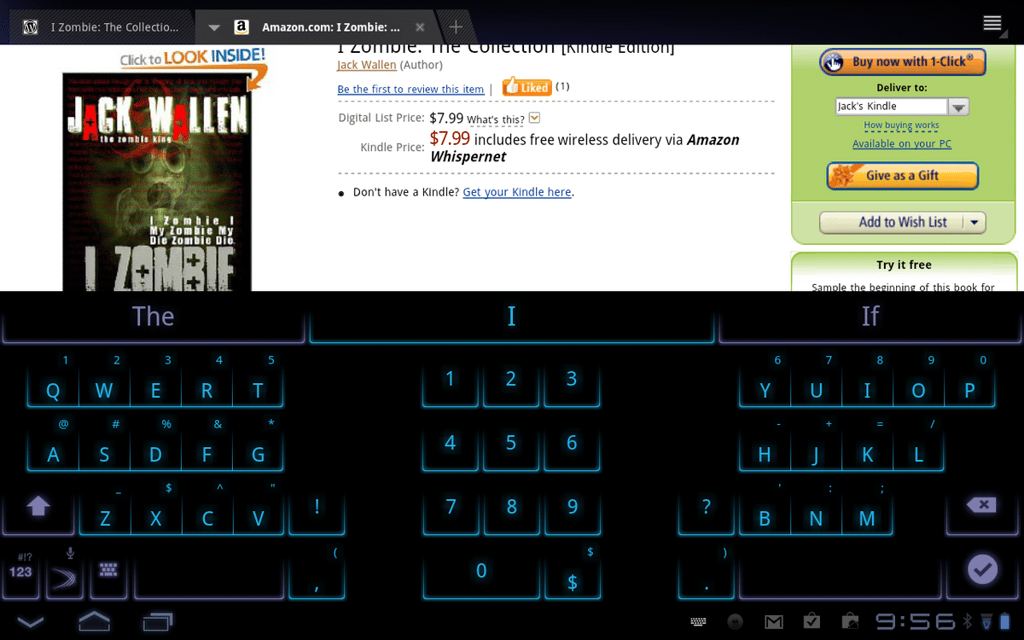
\n\tSwiftKey Tablet X offers one of the finest predictive text engines of any keyboard, period. Now the predictive typing is only available for 30 days on the free version. I highly recommend you try the free version first. Then, should the predictive typing be a feature you must have, you can purchase the full version (at $3.99 USD).
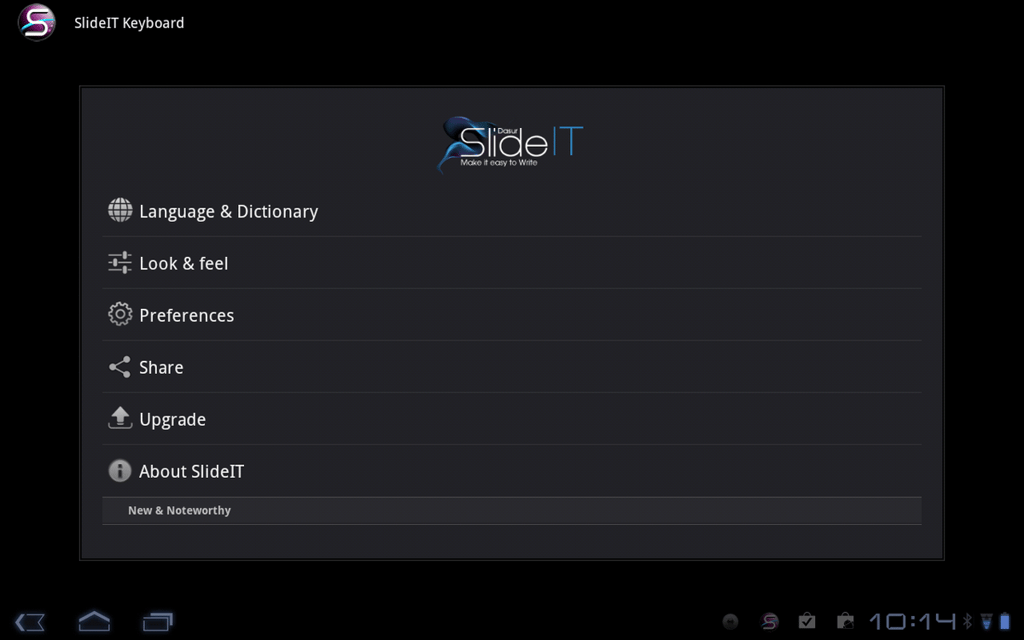
\n\tSlideIT Soft Keyboard doesn’t split the keyboard like the above entries. Instead, it removes the need for tapping and allows you to draw your text on the keypad, helping to erase mistakes. This input method is similar to that of the Swype input found in most Samsung devices.
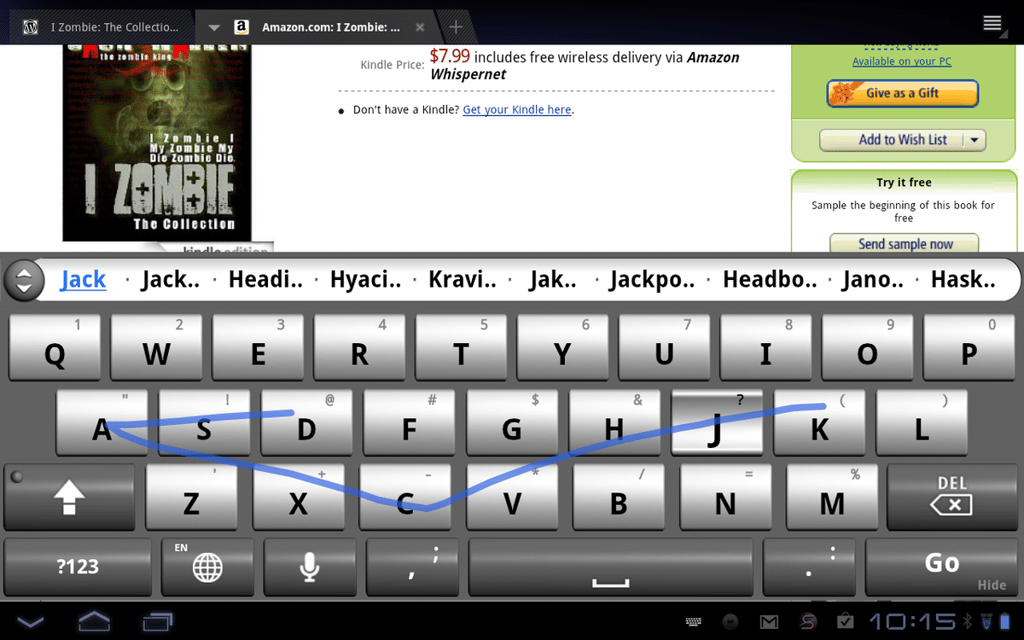
\n\tThe only downside to the SlideIT Soft Keyboard is that you must hold your tablet with one hand (or place it on a surface, like a lap or table) to free up your swiping finger. I have to admit, using SlideIT will increase your typing speed — dramatically. The free version is limited to a 15-day trial, plenty of time for you to determine whether this keyboard is for you. The paid version is $5.99 USD.
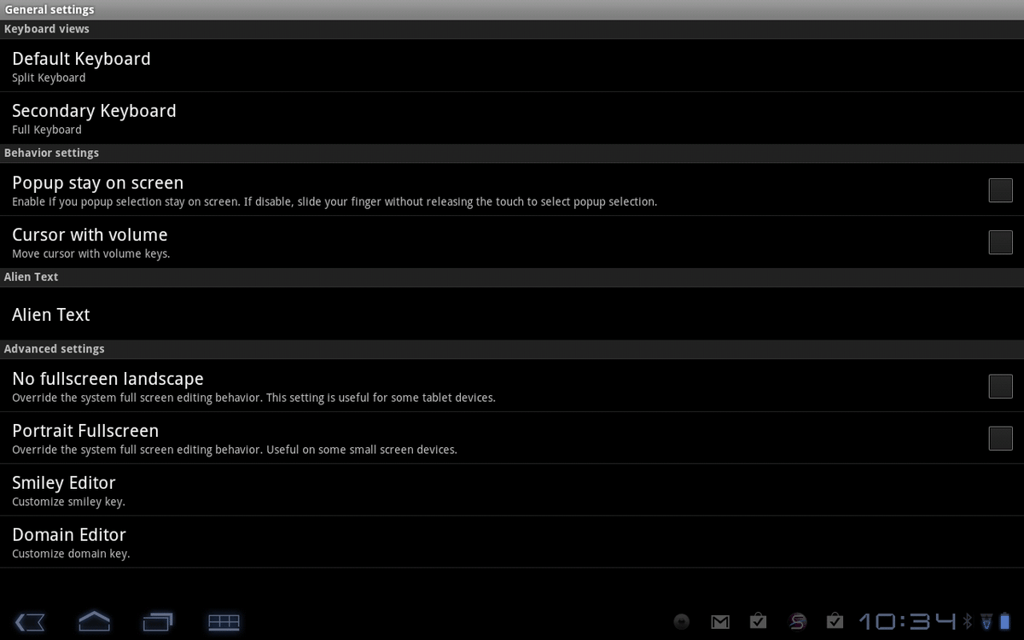
\n\tSuper Keyboard \u2013 Free is a serious contender for the top spot. With this unique keyboard, you can toggle between two layouts (standard and split). You can also define which layout is the default and which is the alternative.
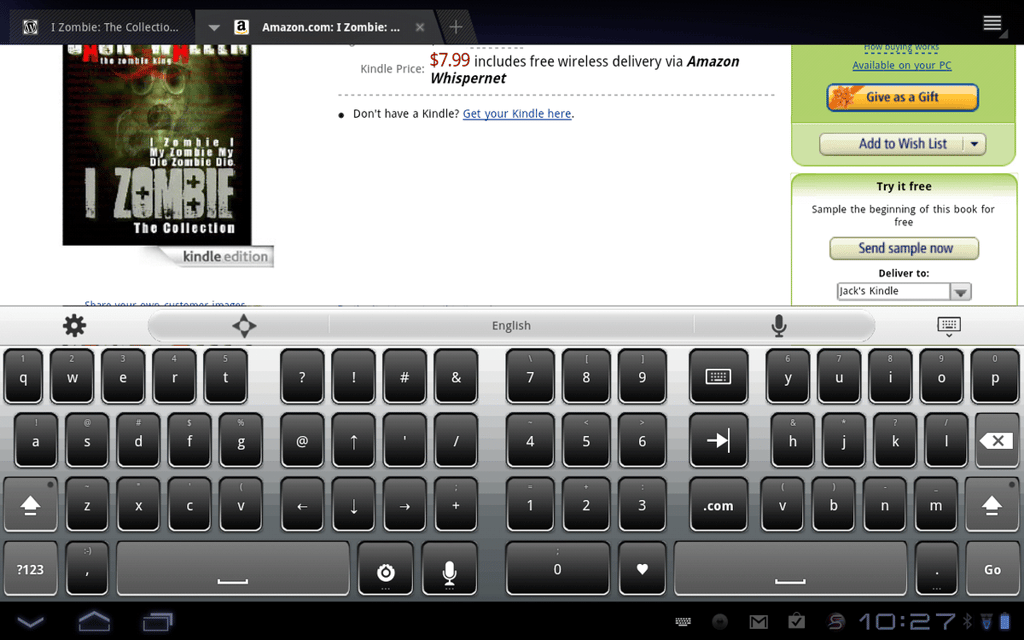
\n\tThe key layout on the split design is incredibly well done and the key size is almost perfect. There are tons of configuration options for this take on the tablet keyboard — and even more, if you pony up for the Pro version (which will set you back $3.99 USD).

Jack Wallen is an award-winning writer for TechRepublic, The New Stack, and Linux New Media. He's covered a variety of topics for over twenty years and is an avid promoter of open source. For more news about Jack Wallen, visit his website jackwallen.com.


