
\n\tIf you have Office, you have PowerPoint, presentation software that’s easy to use and cause for debate among users and experts alike. You love it or you hate it. But if you hate it or you just don’t want to purchase Office, you’re not stuck. There are alternatives and most of them will get the job done just fine.
\n
\n\tNote: You can read the full blog post in our Five Apps blog.
\n
\n\t
\n
\n\tPhoto credit: Copyright \u00a9 iStockphoto/001abacus
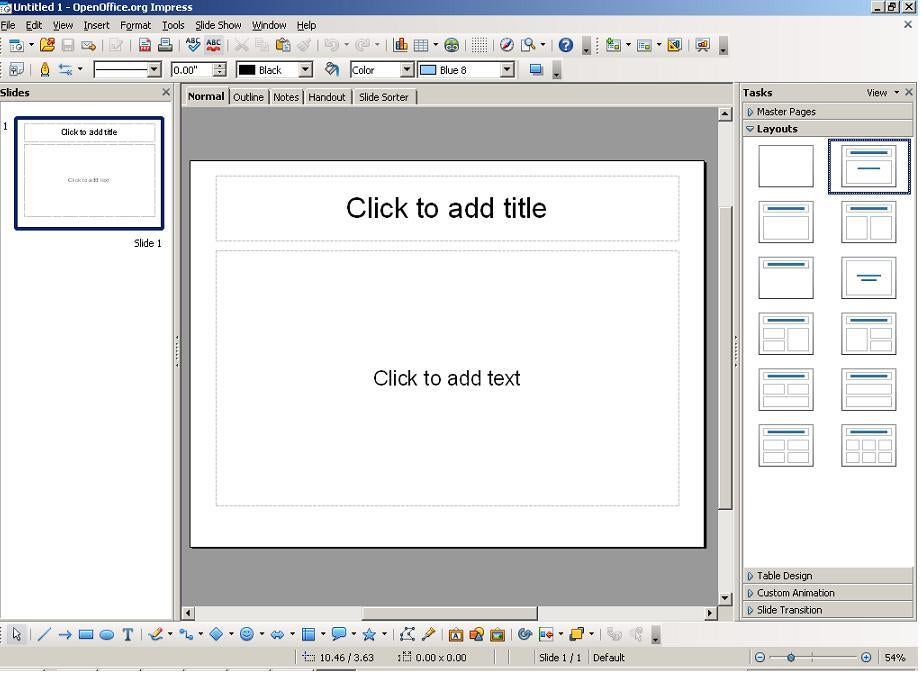
\n\tImpress is part of the free OpenOffice.org suite of business software. The user interface is amazingly similar to PowerPoint 2003. If you can use PowerPoint, you’ll be up and running with Impress in minutes. Like PowerPoint, Impress offers master slides, layout options, object inspection via right-clicking, animation, transitions, and plenty of toys.
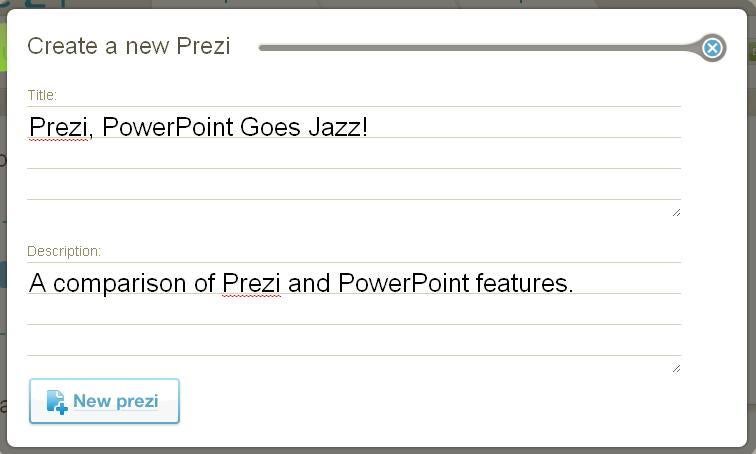
\n\tIf you’re looking for a cloud-based presentation app, check out Prezi.com. It uses Adobe Flash to quickly create edgy animated presentations. There are no slides. Instead, you store everything on a huge canvas and then choreograph the show. To create a new Prezi, supply a name and description, as shown here.
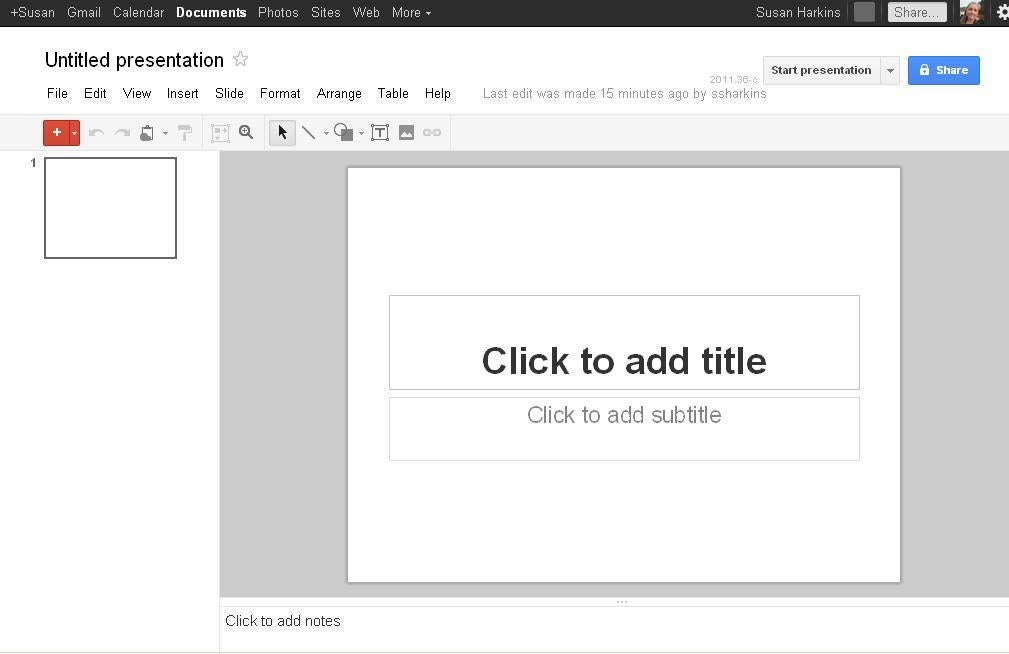
\n\tGoogle recently revamped the app and it’s got a lot more to offer than before. Just pull up Google.com and choose Documents from the More menu. If you don’t have an account, you’ll need to create one. Once you’re in, click Create and choose Presentation.
\n
\n\tThis Web-based app requires a recent version of Internet Explorer or Chrome to tap into its newest features. Google Docs is free, but you’re working in the cloud.
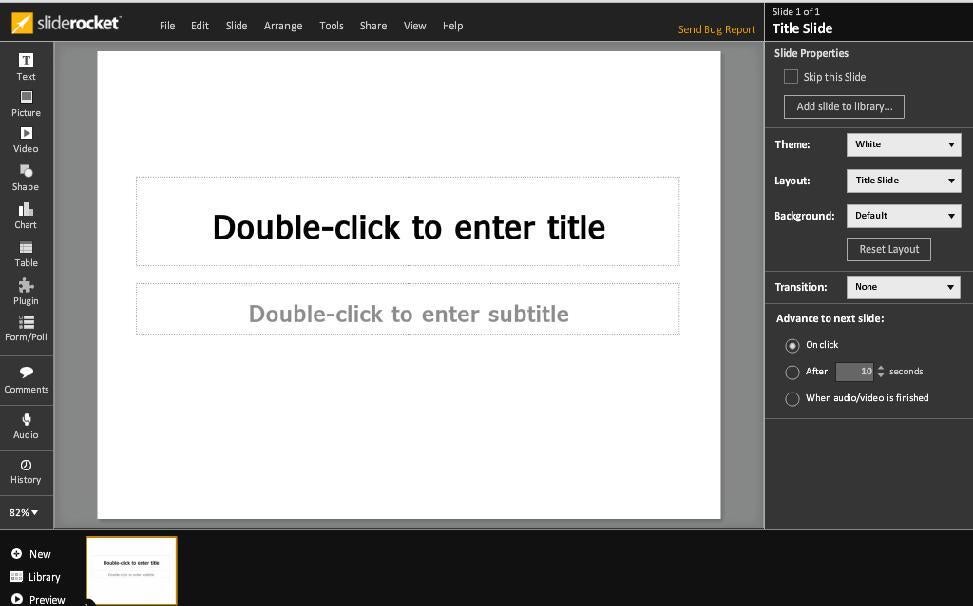
\n\tAnother Web-based presentation app, SlideRocket, offers some impressive and advanced animations and transitions. It’s a good choice for creating a Web presentation. You’ll spend most of your time working in the Editing window, shown here. It’s probably the most comprehensive alternative, when compared to PowerPoint. But the free version lets you publish only as a Web URL — you can’t view your work offline. For $24 a month (per user), you can download your presentation as a PowerPoint or PDF file.

Susan Sales Harkins is an IT consultant, specializing in desktop solutions. Previously, she was editor in chief for The Cobb Group, the world's largest publisher of technical journals.

