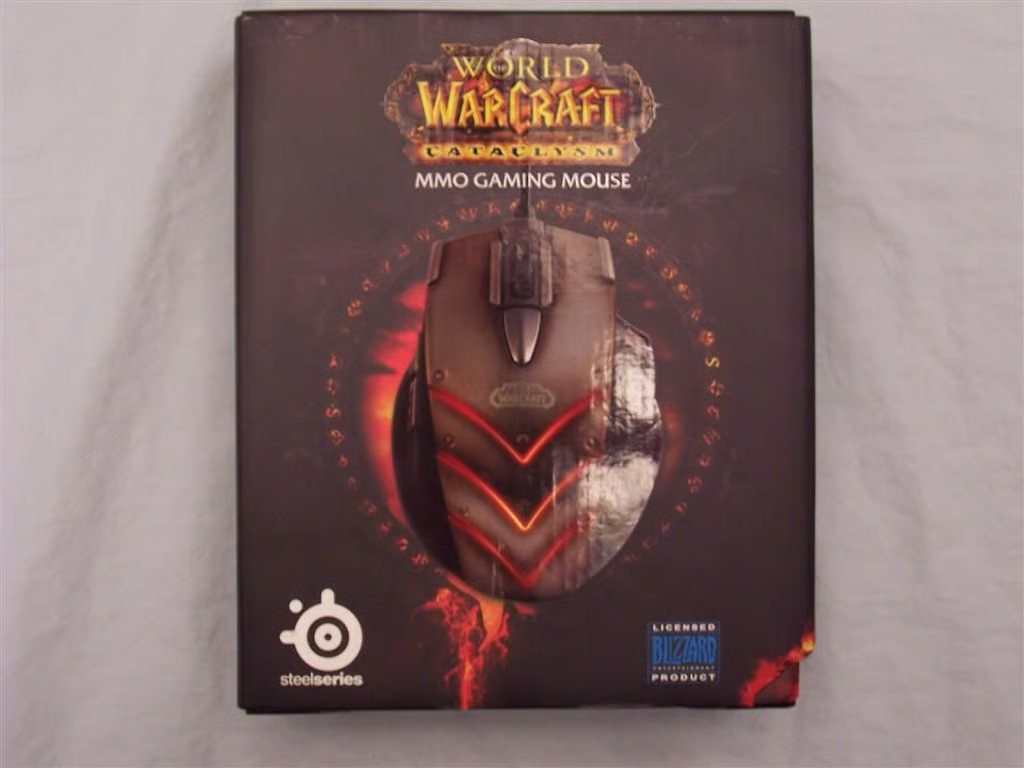
\n\tThe World of Warcraft Cataclysm MMO Gaming Mouse provides gamers \u2013 especially WoW gamers \u2013 an extremely configurable peripheral that also bears resemblance to the current expansion’s supervillain: Deathwing.
\n
\n\tThe cover of the box clearly displays the mouse and its makers \u2013 SteelSeries and Blizzard Entertainment.
\n
\n\tFor more details, read my Geek Gifts 2011 review of the World of Warcraft Cataclysm MMO Gaming Mouse.
\n
\n\tPhoto by Wally Bahny
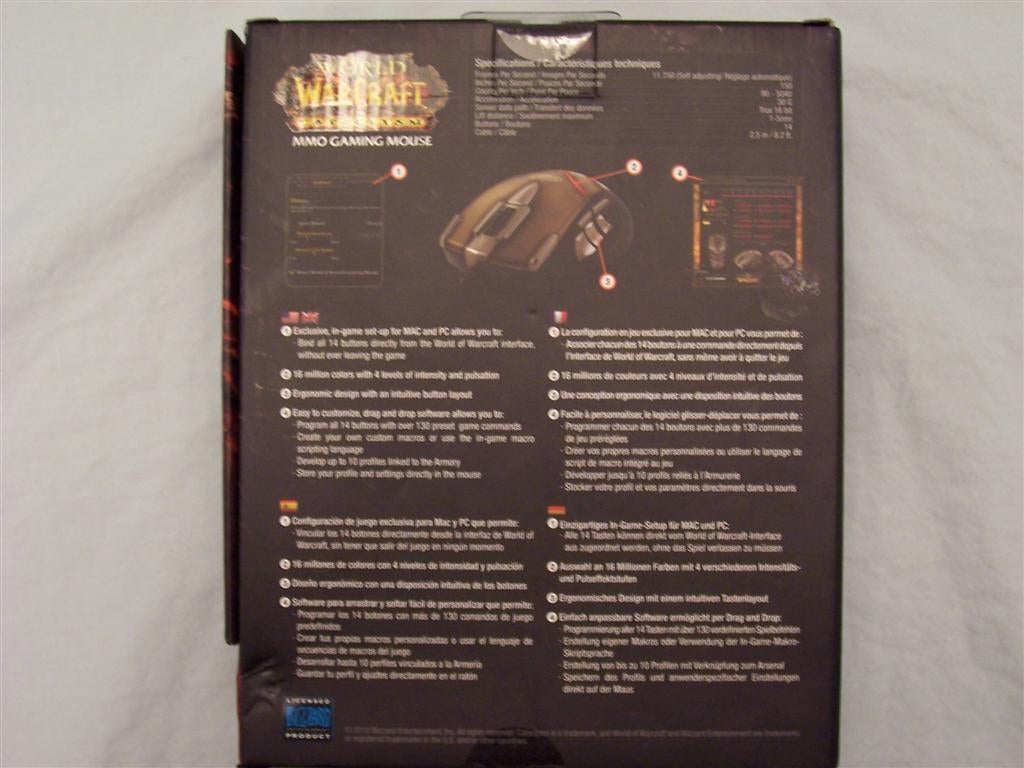
\n\tThe back of the box details several of the mouse’s specifications and features.
\n
\n\tFor more details, read my Geek Gifts 2011 review of the World of Warcraft Cataclysm MMO Gaming Mouse.
\n
\n\tPhoto by Wally Bahny
.JPG)
\n\tThe box cover opens up to reveal the mouse behind its protective plastic bubble. On the inside cover is a stylized overview of the mouse’s appearance and features, and features are itemized on the panel above the mouse.
\n
\n\tFor more details, read my Geek Gifts 2011 review of the World of Warcraft Cataclysm MMO Gaming Mouse.
\n
\n\tPhoto by Wally Bahny
.JPG)
\n\tThe box contents include: the mouse with its woven USB cord, a Quick Start Guide, a booklet from SteelSeries advertising its products, and a SteelSeries sticker.
\n
\n\tFor more details, read my Geek Gifts 2011 review of the World of Warcraft Cataclysm MMO Gaming Mouse.
\n
\n\tPhoto by Wally Bahny
.JPG)
\n\tThis is a close-up view of the mouse from above. You can see the primary buttons, the wheel, and six of the additional buttons easily here. Also visible are the Deathwing-like armor plates.
\n
\n\tFor more details, read my Geek Gifts 2011 review of the World of Warcraft Cataclysm MMO Gaming Mouse.
\n
\n\tPhoto by Wally Bahny
.JPG)
\n\tThe left side of the mouse \u2013 the thumb side \u2013 contains the standard fourth and fifth mouse buttons as well as three of the additional buttons. There is a comfortable rest spot for the thumb slightly below the three additional buttons.
\n
\n\tFor more details, read my Geek Gifts 2011 review of the World of Warcraft Cataclysm MMO Gaming Mouse.
\n
\n\tPhoto by Wally Bahny
.JPG)
\n\tThe right side of the mouse contains just one button directly underneath the ring finger’s rest point. The pinky grips easily onto the side of that rest spot.
\n
\n\tFor more details, read my Geek Gifts 2011 review of the World of Warcraft Cataclysm MMO Gaming Mouse.
\n
\n\tPhoto by Wally Bahny
.jpg?w=640)
\n\tThe downloadable software allows the user to configure any of the buttons to perform nearly any action conceivable. Various profiles for players, characters, or games can be stored and recalled at a moment’s notice. Another option is to check the Enable In-Game Mode checkbox and configure the mouse using the key binding interface in World of Warcraft.
\n
\n\tFor more details, read my Geek Gifts 2011 review of the World of Warcraft Cataclysm MMO Gaming Mouse.
\n
\n\tScreenshot of World of Warcraft Cataclysm MMO Gaming Mouse configuration software by Wally Bahny
.jpg?w=1024)
\n\tIf the Enable In-game Mode checkbox is checked, you can configure the mouse buttons to perform various game commands within the World of Warcraft game client’s key bindings interface. Here I’ve configured the various buttons to trigger spells and abilities on the BottomLeft Action Bar.
\n
\n\tFor more details, read my Geek Gifts 2011 review of the World of Warcraft Cataclysm MMO Gaming Mouse.
\n
\n\tScreenshot by Wally Bahny of the World of Warcraft game client


