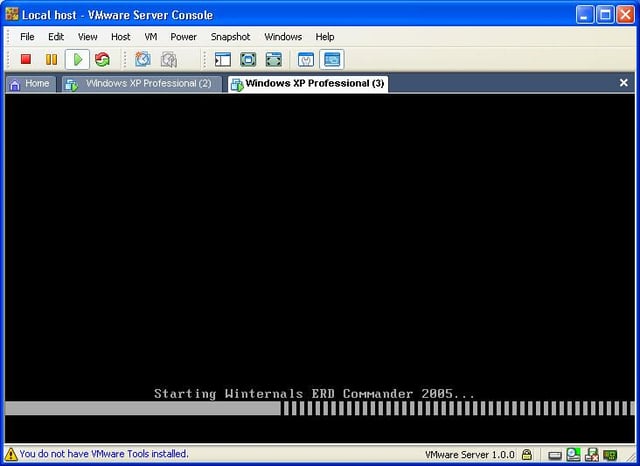
Winternals’ ERD Commander 2005 – which creates a bootable CD you can use to recover from registry failures, undo hotfixes and more. In this gallery, Erik Eckel shows you what ERD Commander 2005 has to offer. You can learn more about ERD Commander and the other tools in Winternals’ Administrator’s Pak in this The Right Tool for the Job? blog post.
The Administrator’s Pak includes a wizard you complete to create the ERD Commander ISO image. Once you’ve burned the ISO image to a CD, you have an incredibly powerful rescue tool at your disposal. Just place it in a troubled PC and boot from the CD. You’ll see this window as ERD Commander starts.
Submitted by Erik Eckel
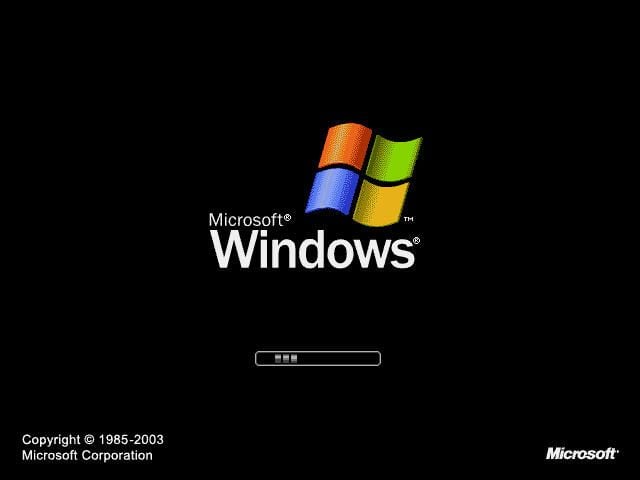
Next, you see the typical Windows XP splash screen. However, instead of booting into Windows XP, ERD Commander creates an XP-like GUI for troubleshooting troubled systems.

Winternals ERD Commander boots to its own GUI. Here ERD Commander is in the process of booting a stalled system.
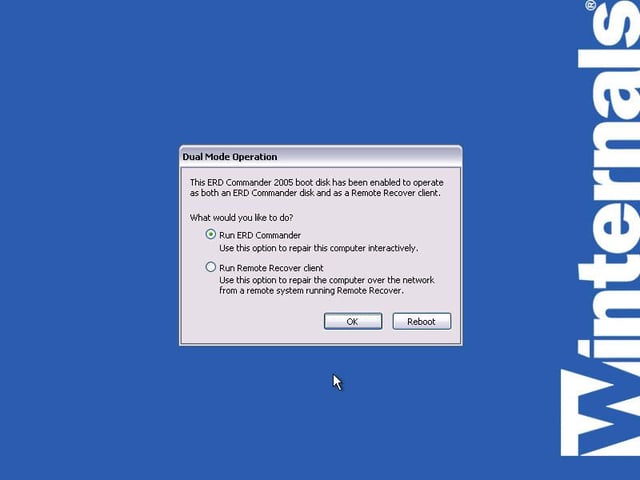
ERD Commander can either troubleshoot a local system or a remote PC or server. You must specify whether you wish to administer the local system or, sitting at a remote system, configure the PC or server for administration by a colleague in a different location.
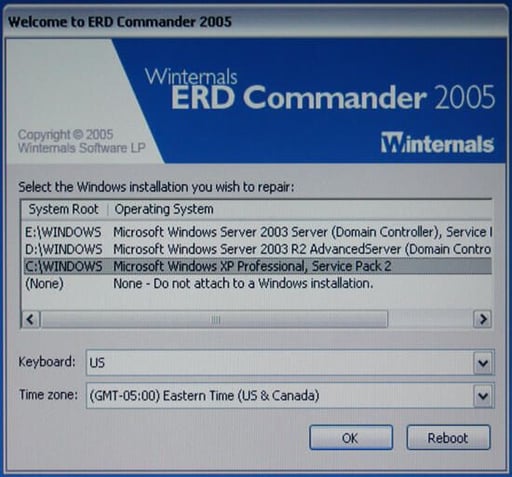
When booting, ERD Commander 2005 searches for all local Windows installations. If the utility finds more than one Windows operating system, as shown here, it provides you with a choice of which OS you wish to administer.
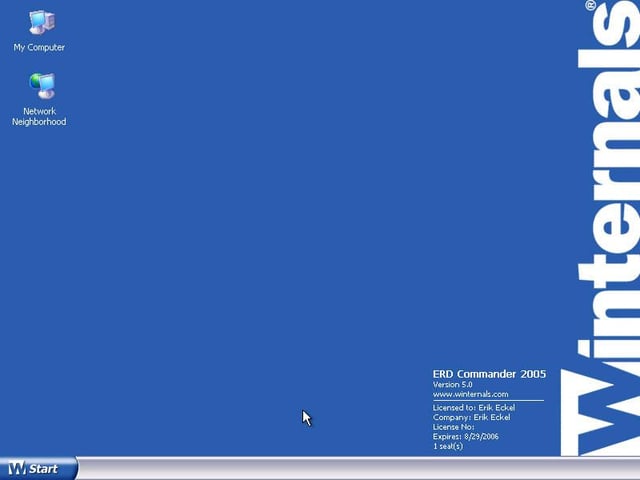
Once you’ve selected the Windows installation you wish to configure, ERD Commander 2005 completes its boot cycle. My Computer essentially works the same as in Windows XP, as does Network Neighborhood. Meanwhile, the Start button provides access to a host of troubleshooting tools (including the command line console, disk configuration software, a variety of recovery tools and more).
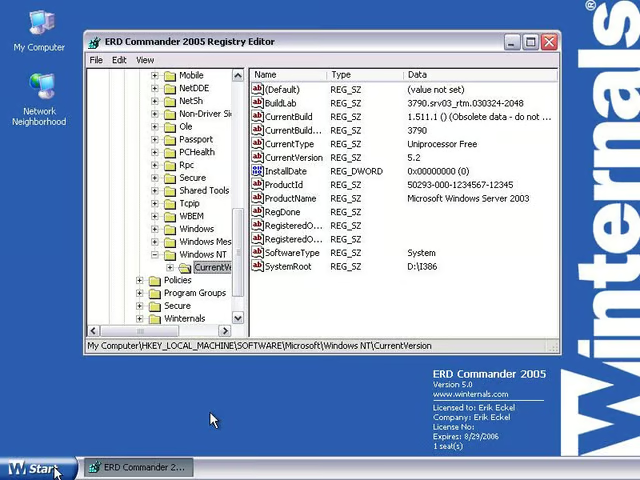
One of the most powerful utilities within the suite, ERD Commander 2005 Registry Editor helps you access and edit problematic registry settings that could be preventing the system from booting. Here you can see how easy it is to navigate and edit registry settings on a Windows Server 2003 box.
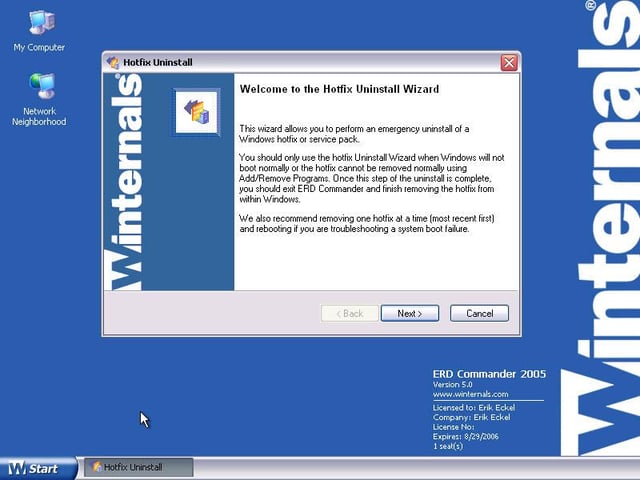
Hotfix removal, sometimes a vexing issue following a failed update attempt, is simplified with the assistance of the ERD Commander 2005 Hotfix Uninstall Wizard. The wizard is particularly helpful when a system fails to boot (thereby preventing use of Control Panel’s Add/Remove Programs application).
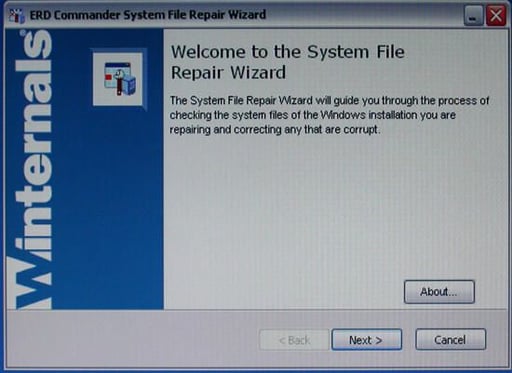
Among the other tools ERD Commander includes is the System File Repair Wizard. The file repair utility makes quick work (I’ve used it to repair corrupted registries that would otherwise have taken hours to review in just seconds) of corrupted registries. The utility checks Windows system files, seeks anomalies and repairs damaged entries.
Bill Detwiler is the Editor for Technical Content and Ecosystem at Celonis. He is the former Editor in Chief of TechRepublic and previous host of TechRepublic's Dynamic Developer podcast and Cracking Open, CNET and TechRepublic's popular online show. Previously, Bill was an IT manager in the social research and energy industries. He has bachelor's and master's degrees from the University of Louisville, where he has also lectured on computer crime and crime prevention.


