Zero Assumption Recovery (ZAR) allows you to recover deleted data from within Windows NT/2000/XP/2003. In this The Right Tool for the Job? blog post, Joshua Hoskins explains how ZAR can recover data from disks that are (or were) formatted FAT16, FAT32, or NTFS, ext2 partitions and even digital camera memory cards.
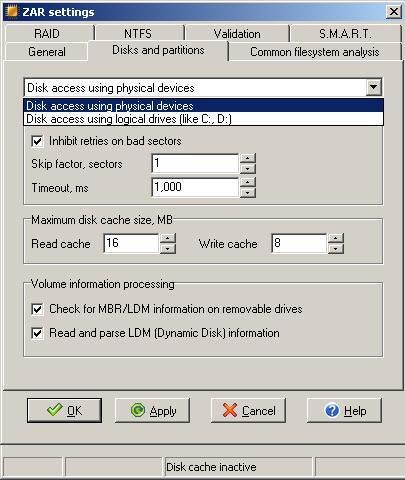
From ZAR’s advanced setting window, you can choose to view your volumes as the logical drives (drive letters), or using the raw physical devices. The physical devices option is very useful if Windows cannot mount your drive without reformatting.
Submitted by Joshua Hoskins
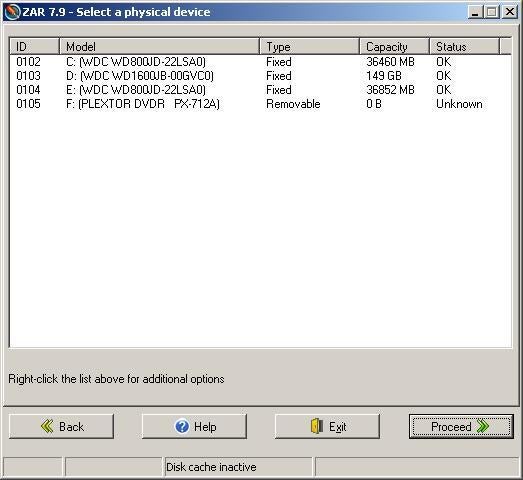
In this screen you can view your drives by logical device names such as drive letters. This is useful for recovering data from a lost partition instead of a full drive.
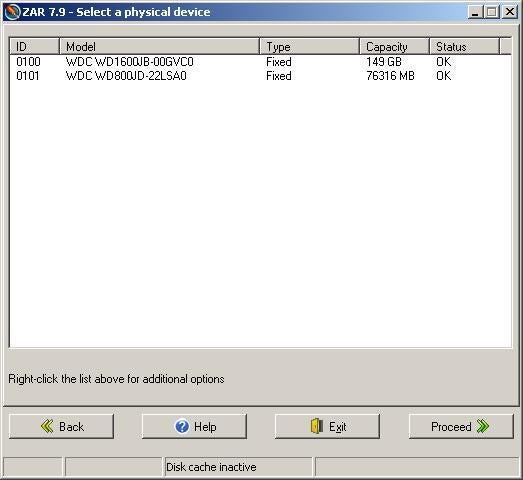
From this windows you can view your physical devices. The easiest way to identify your drives is by size, but if you have multiple drives of the same size, you will need to know the ID of the devices, or the manufacturer’s model number.
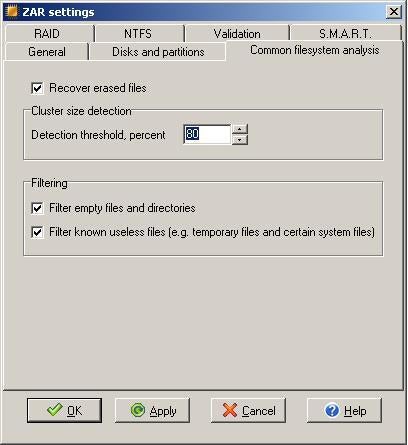
This screencapture shows the Common file system analysis tab of the ZAR settings menu. The recover erased files is one of the common uses of this application, but you must enable this option for it to work.
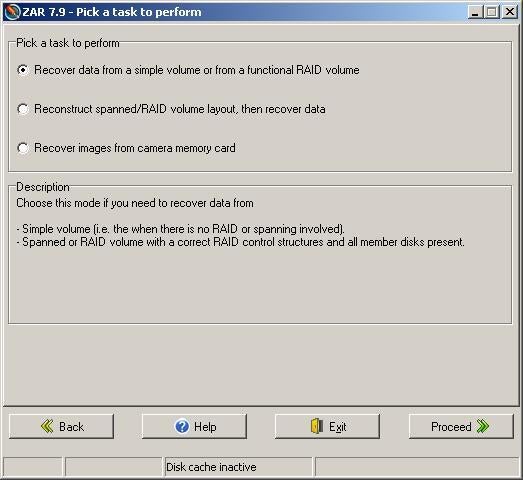
From this window, you choose the type of volume you wish to recover data from. ZAR can handle standard volumes (single disks and working RAID arrays), failed RAID arrays, and images from digital camera memory cards.
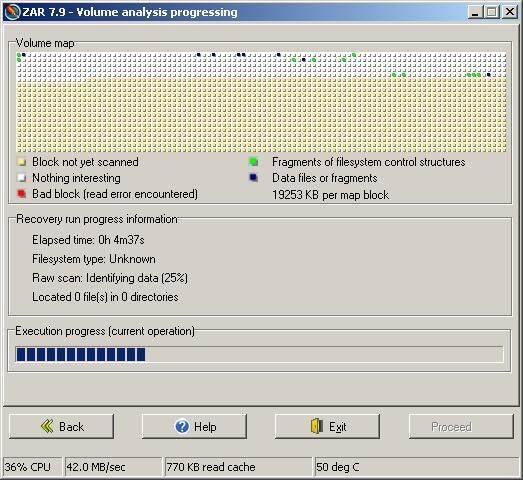
ZAR has a similar appearance to the GUI version of Windows Defrag.
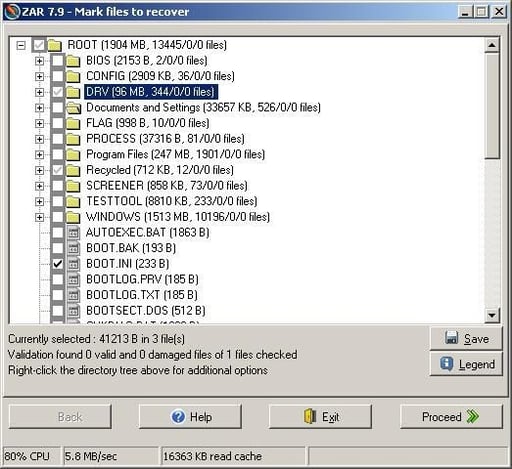
From this screen you select the files and folders you wish to recover. If you are using the trial version of ZAR you are limited to 4 files.
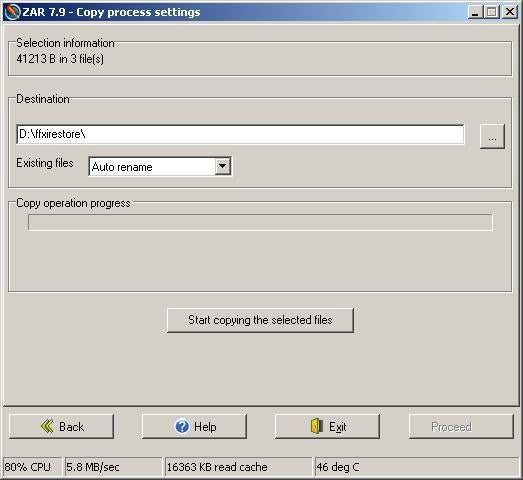
You can place the recovered files on any available volume.
Bill Detwiler is the Editor for Technical Content and Ecosystem at Celonis. He is the former Editor in Chief of TechRepublic and previous host of TechRepublic's Dynamic Developer podcast and Cracking Open, CNET and TechRepublic's popular online show. Previously, Bill was an IT manager in the social research and energy industries. He has bachelor's and master's degrees from the University of Louisville, where he has also lectured on computer crime and crime prevention.

