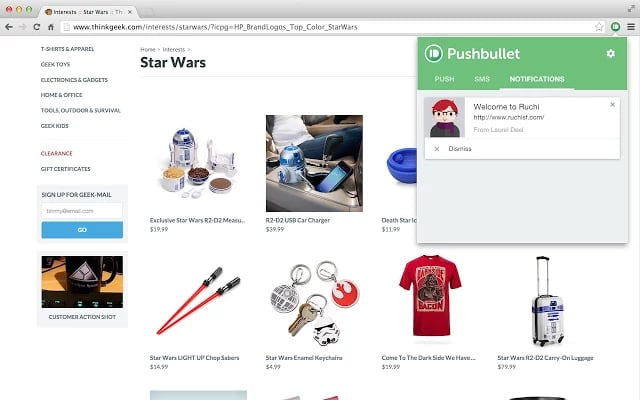
Arguably the most useful extension day-to-day is Pushbullet, which is available for Android\r\nand iPhone,\r\nas well as Chrome,\r\nFirefox,\r\nOpera,\r\nand Safari, and system-level native apps\r\nfor Windows and Mac. The Pushbullet app allows users to share clipboards, share calls or texts between a phone and a computer, and send links between devices.
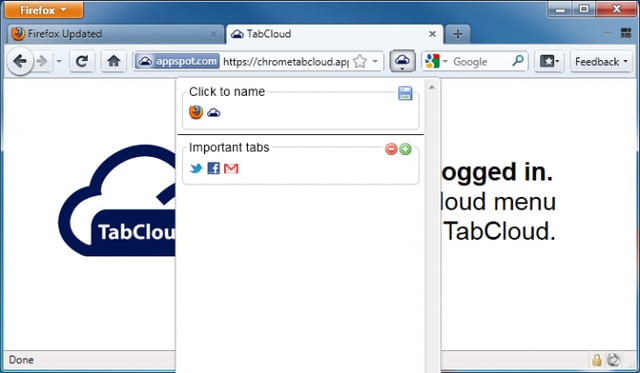
TabCloud\r\nis an extension that allows the user to save the tabs in an open browser\r\nwindow and re-open them on other browsers, computers, or devices — a very handy\r\nfeature when moving between a desktop, notebook PC, tablet, and smartphone.\r\nExtensions exist for Chrome\r\nand Firefox,\r\nand an Android\r\napp is also available.
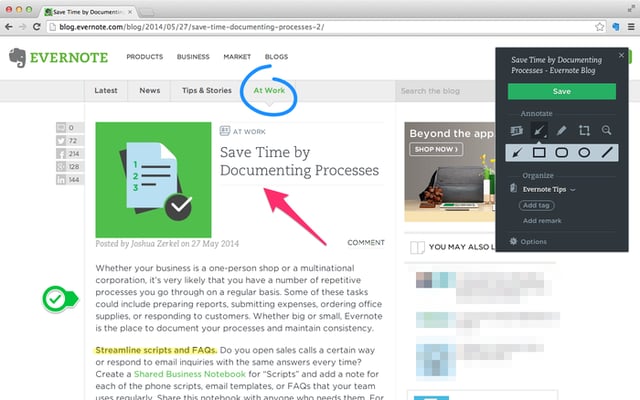
Evernote Web Clipper gives the user the ability to save and annotate web pages in\r\nChrome, Firefox, Safari, and Internet Explorer for use with the standalone\r\nEvernote service on any device with an Evernote app.
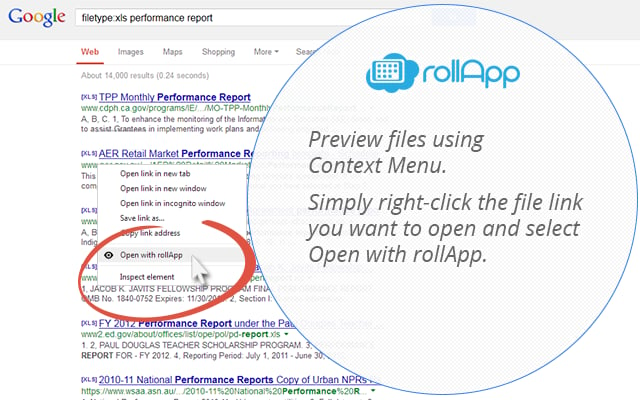
rollApp, a file\r\nviewer add-on for Chrome\r\nand Firefox,\r\nallows users to view over 500 file formats in the browser, such as file\r\narchives, ebooks, documents, spreadsheets, presentations, graphics, diagrams,\r\nand desktop publishing file formats.
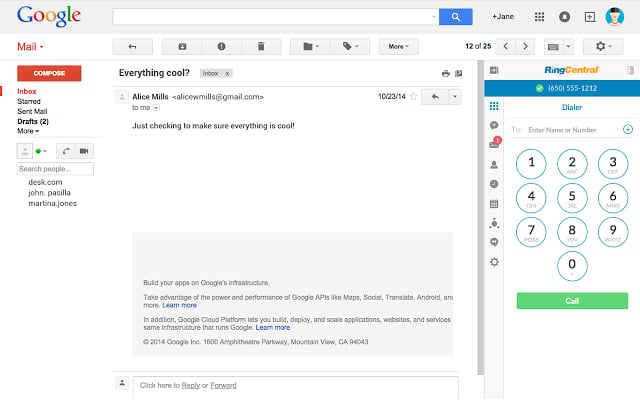
RingCentral is a\r\nbusiness-oriented VoIP solution with a Chrome plugin, which allows for integration with their infrastructure. With the RingCentral plugin, users can make calls, listen to voicemails, schedule\r\nconferences in Google Calendar, and manage business SMS conversations.
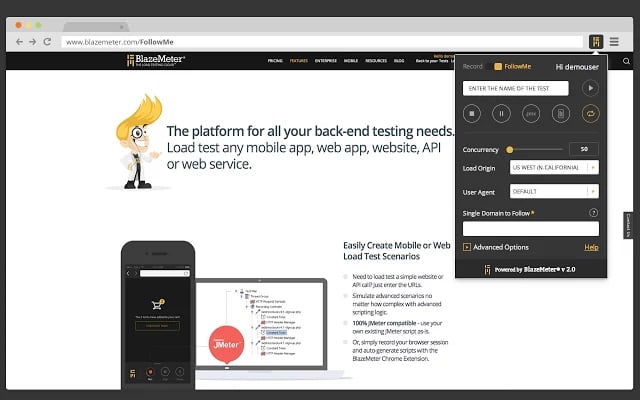
BlazeMeter allows\r\ndevelopers to test the strength of their back-end design and server\r\ninfrastructure by sending cloud-originated traffic to the website to test how\r\nit holds up under pressure. Using the Chrome plugin, users can create and record traffic events to determine weak\r\npoints in website infrastructure. It requires a free account at\r\nBlazeMeter, where performance graphs and other analytics can be viewed. BlazeMeter is\r\ncompatible with Apache JMeter.
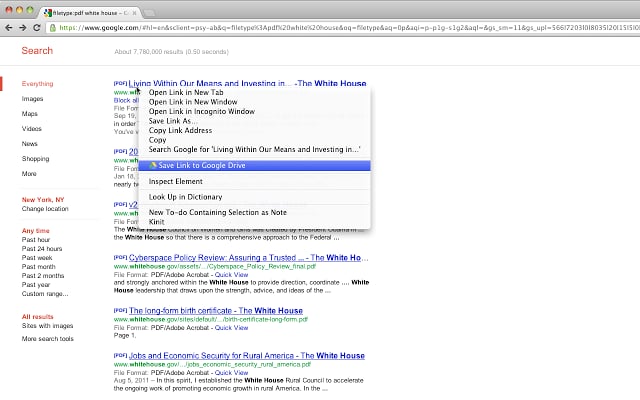
Using the Google Drive plugin provided by Google, users can save photos, screenshots of web\r\npages, and other web content to their Google Drive account.
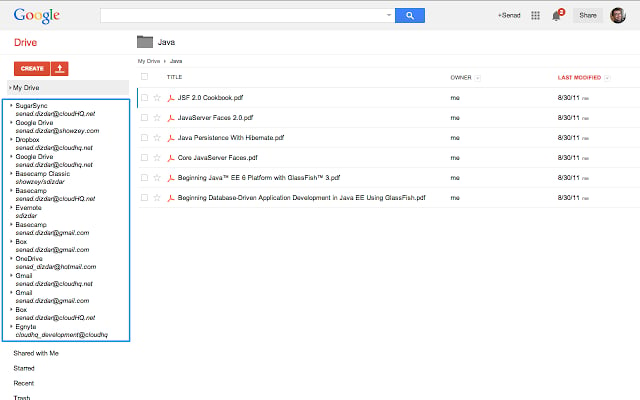
Using this browser extension from cloudHQ, users can sync files and folders with Google Drive and SugarSync, Evernote, or\r\nBaseCamp.
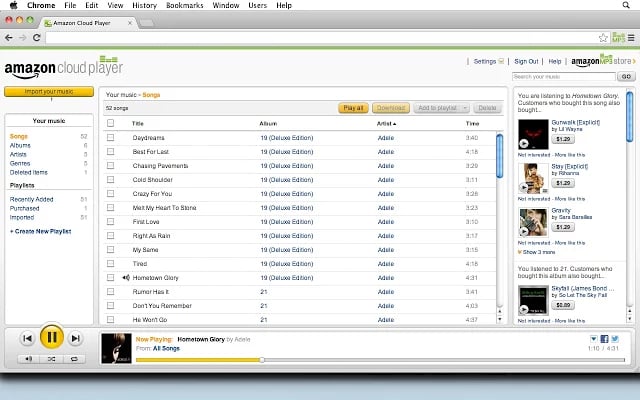
On Chrome, the Amazon MP3 Cloud Music Player allows users to stream music purchased on Amazon, including physical CDs purchased from Amazon that are eligible for AutoRip. You can also store and manage data in Amazon Cloud Drive, and read books using the Kindle Cloud Reader.
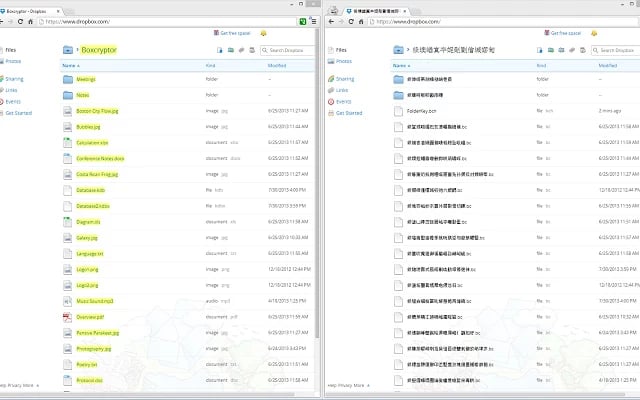
Data stored in Dropbox, OneDrive, and many other public file\r\nstorage clouds is not encrypted in any way, which leaves your data vulnerable\r\nto inspection and mining by your cloud provider. Boxcryptor is available\r\nas a Google Chrome plugin. The standalone versions for\r\nWindows, OS X, iOS, Android, Windows Phone, and BlackBerry, allows you to store\r\nand retrieve encrypted data from public cloud providers.

James Sanders is an analyst for 451 Research. He was formerly a Staff Technology Writer for TechRepublic.


