Fedora 22 is the first Linux distribution to ship with\r\nversion 4.0 of the Linux kernel and GNOME 3.16, which adds a variety of improvements and vastly better HiDPI support. This is the second release of Fedora following the project’s realignment to produce Workstation, Server, and Cloud builds, which are specifically tailored to each use case.
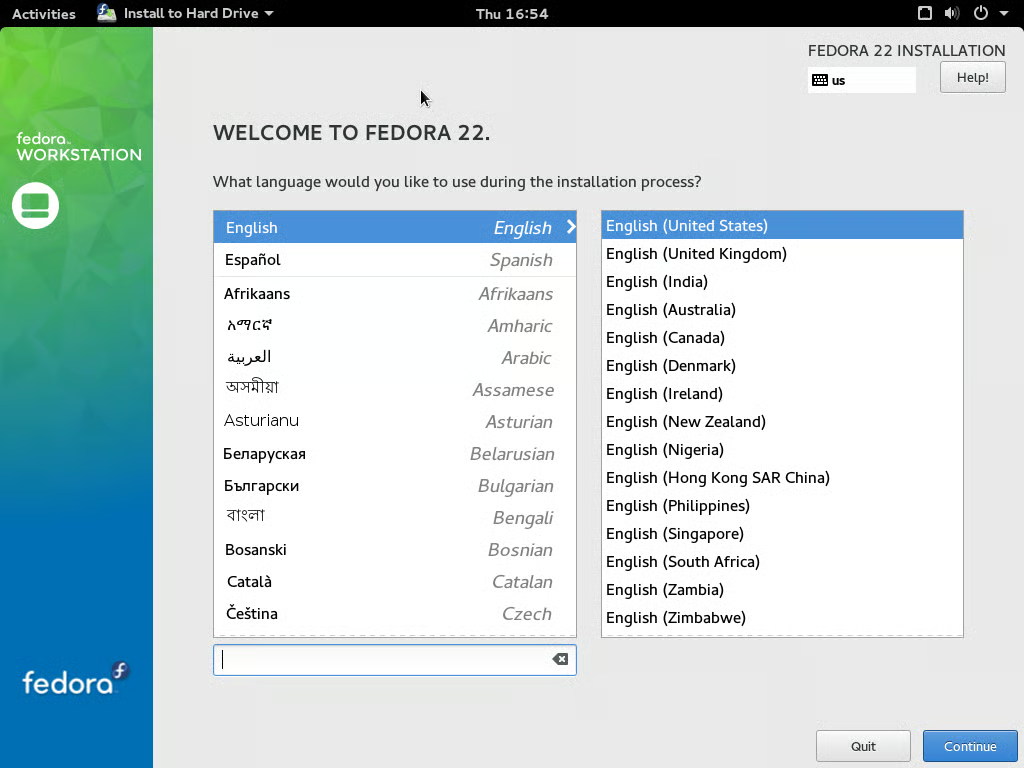
The installation manager for Fedora starts with the keyboard\r\nsettings selection. US English is correctly detected.
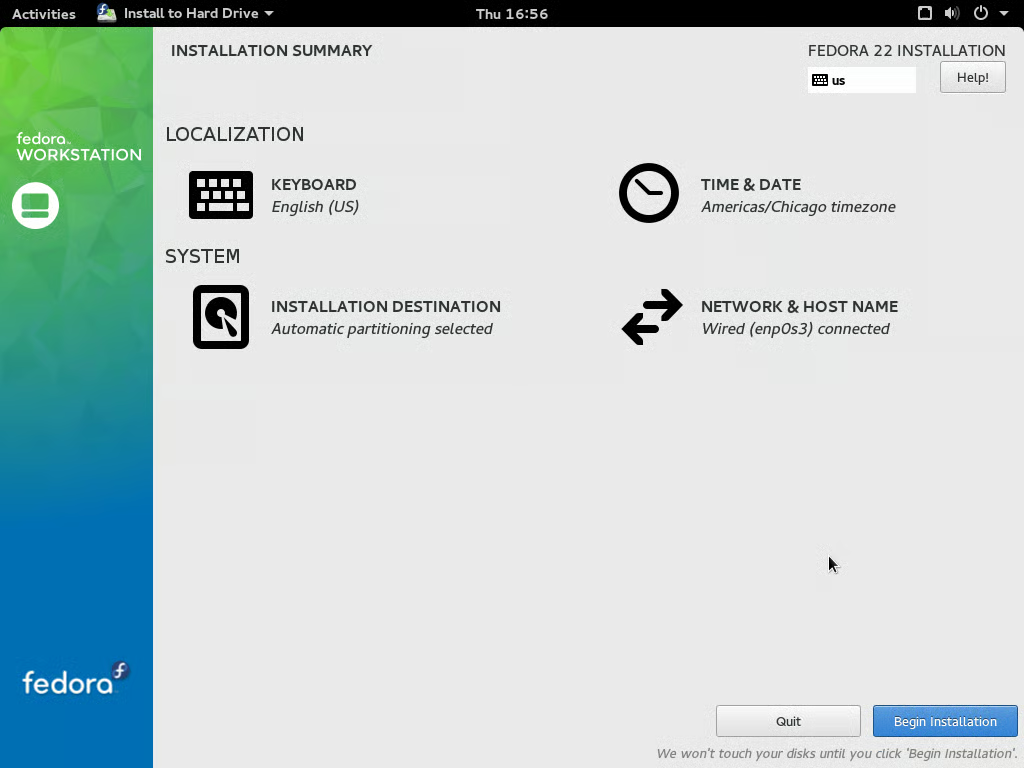
The installer is very low-key, with most of the relevant\r\ndetails auto-filled. It requests user verification that automatic partitioning\r\nis desired.
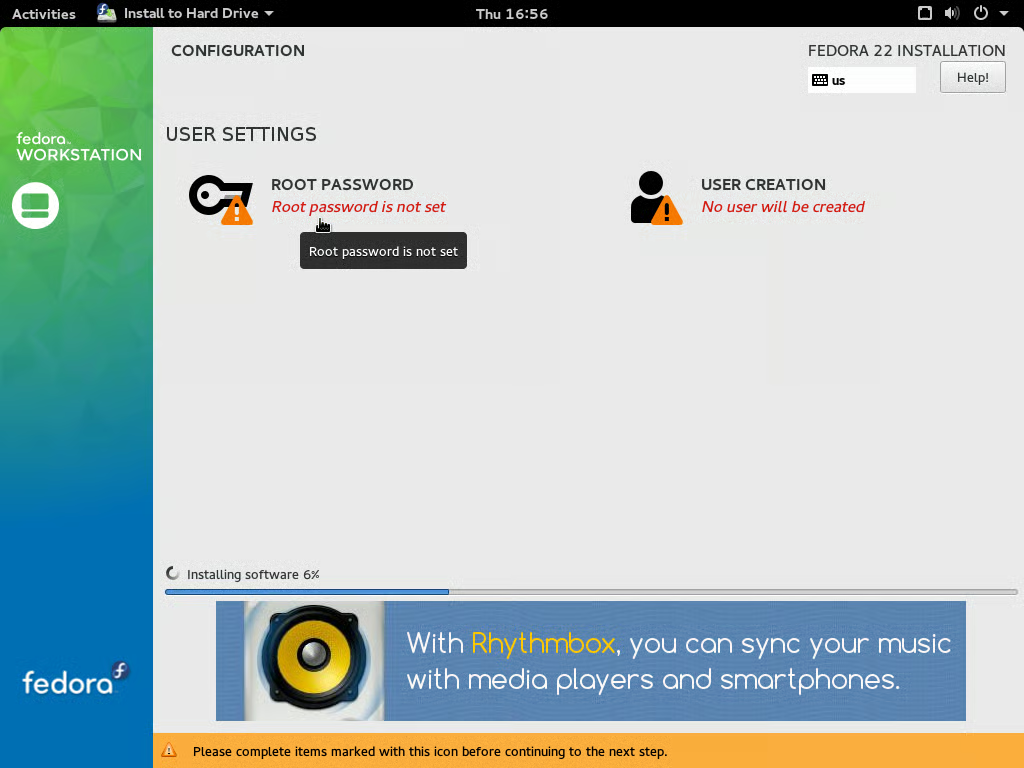
As Fedora is being installed, you can configure the root\r\npassword and main user account information. Other installers (Ubuntu comes to\r\nmind) request this information before installation begins. By doing so during\r\ninstallation, the time spent in the installer is reduced somewhat.
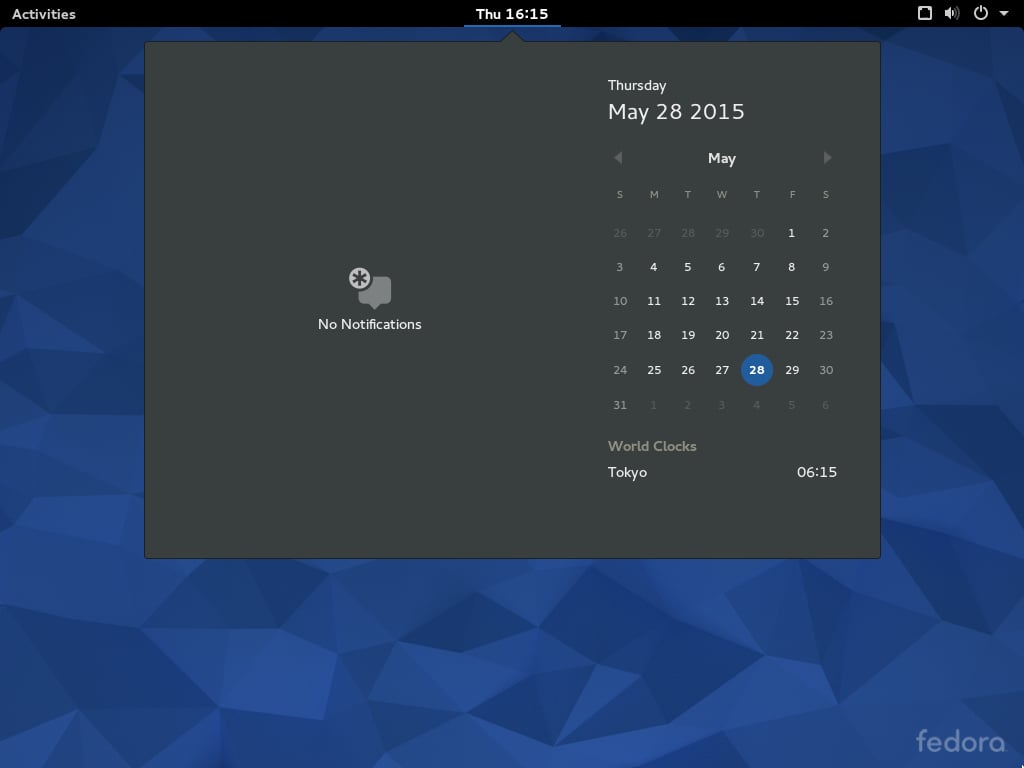
In GNOME 3.16, the notifications panel and the installer are\r\nmerged into one menu, which is far more convenient and less visually busy than\r\nhaving notifications at the bottom, as in GNOME 3.14 on Fedora 21. World clocks\r\ncan be configured by the user, with Tokyo used here as an example.
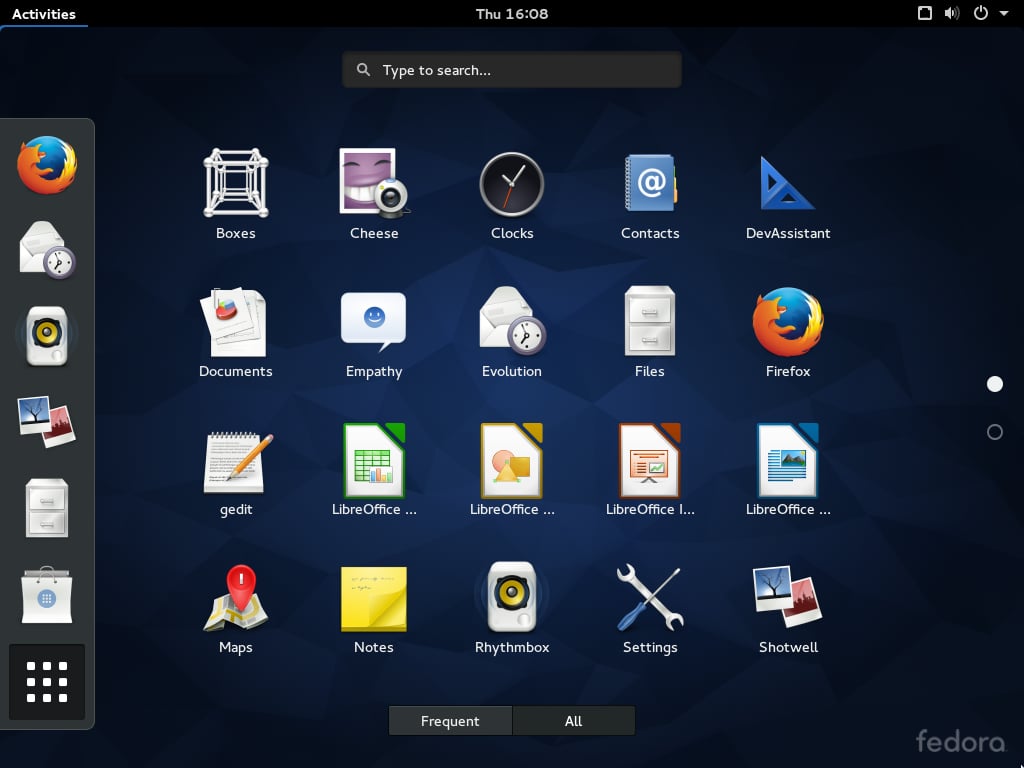
The Program selection menu and the default programs are\r\nshown here. A fresh installation of Fedora 22 Workstation is a relatively\r\nlightweight 4.1 GB after installation.
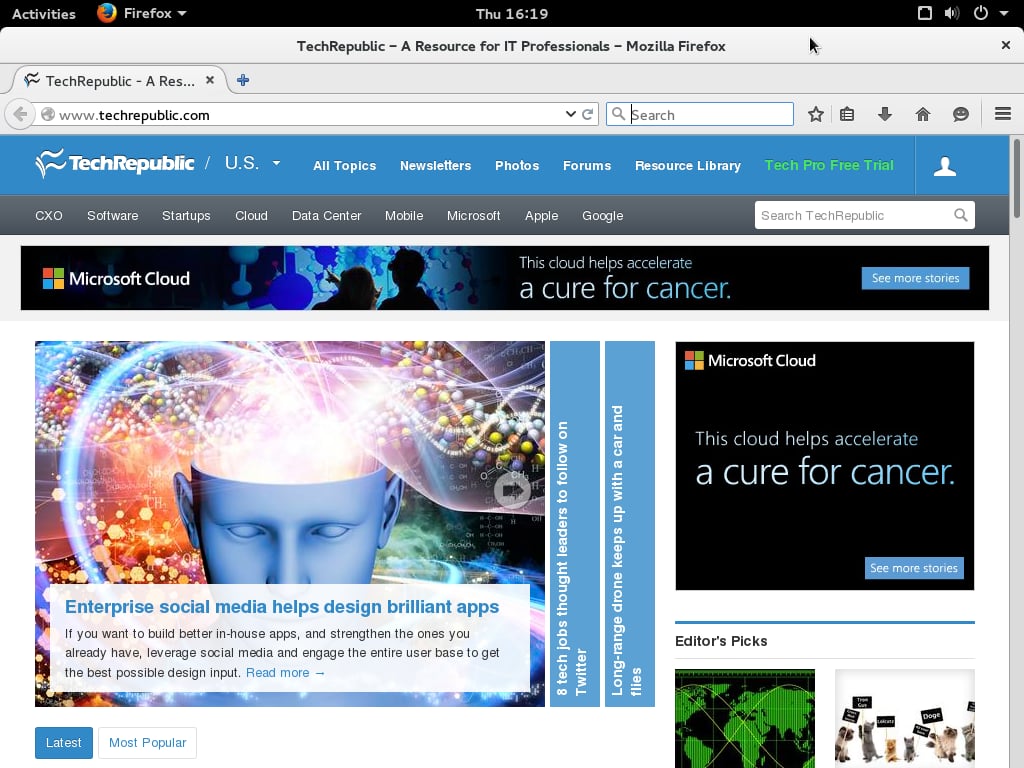
Firefox 38 is the only included browser in Fedora 22, though\r\nalternatives are available in the repositories.
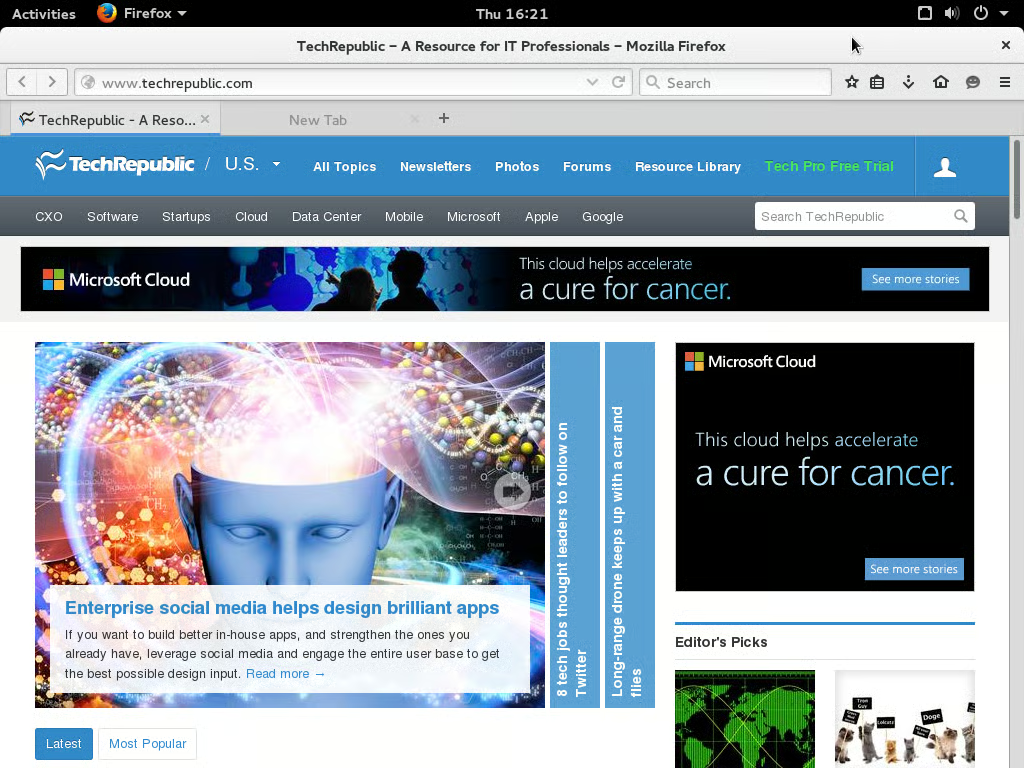
This is Firefox 38 with the GNOME Theme\r\ninstalled, which makes Firefox more accurately match the global theming of\r\nGNOME 3.16. Additional options can be configured in GNOME Theme Tweak.
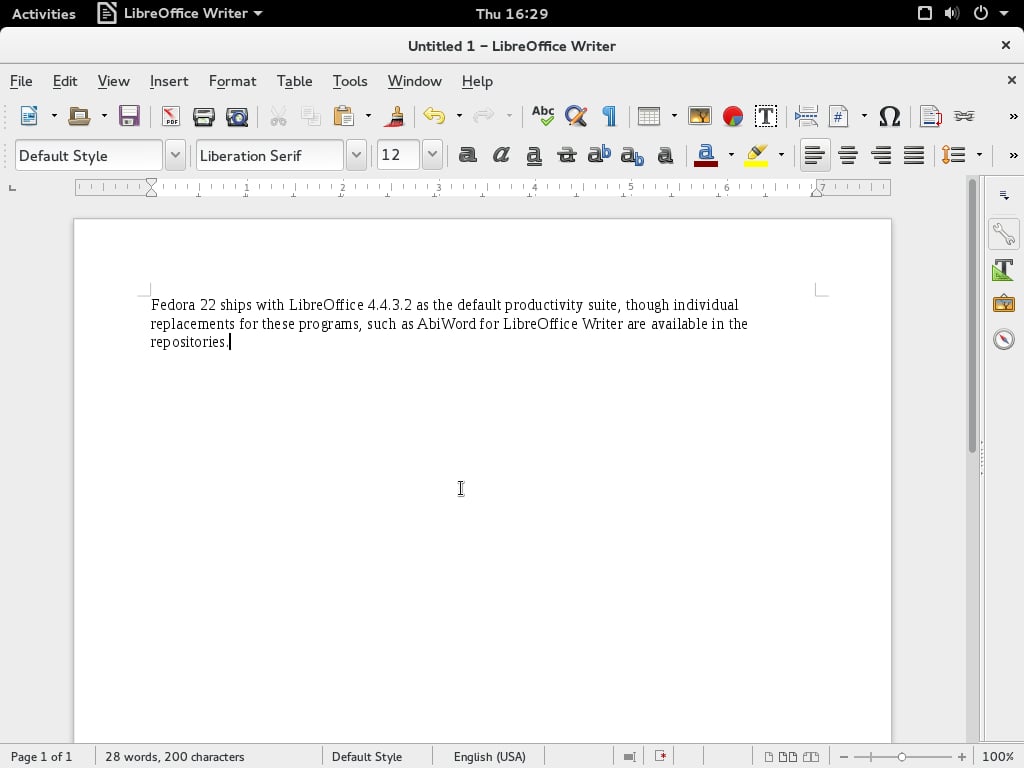
Fedora 22 ships with LibreOffice 4.4.3.2 as the default\r\nproductivity suite, though individual replacements for these programs, such as AbiWord for LibreOffice Writer, are available\r\nin the repositories.
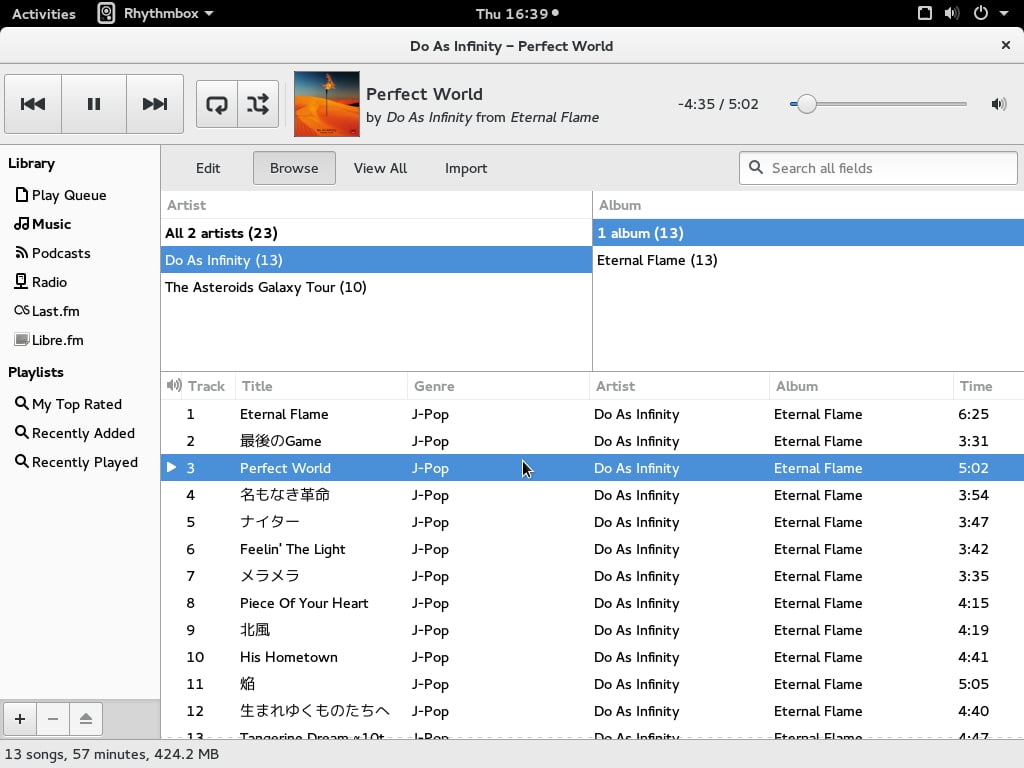
Fedora 22 ships with the Rhythmbox music player and manager,\r\nwhich automatically looks for files in the user’s /home/user/music/ folder and\r\nadds it to the library. It can automatically fetch album art from the internet,\r\nand can integrate with your Last.fm account. (Disclaimer: Last.fm and TechRepublic are CBS Interactive properties.) When a new track starts, this information is placed in the notification bar\r\n(see the dot by the time). Note that displaying Unicode characters (in this\r\ncase, Hiragana, Katakana, and Kanji from the Japanese language) is handled\r\nperfectly without any additional configuration. These characters are\r\nanti-aliased, in contrast to the aliased rending found in Windows.
Fedora does not ship with nonfree codecs, though these can\r\nbe added by the user with the addition of the third-party RPM Fusion repository.
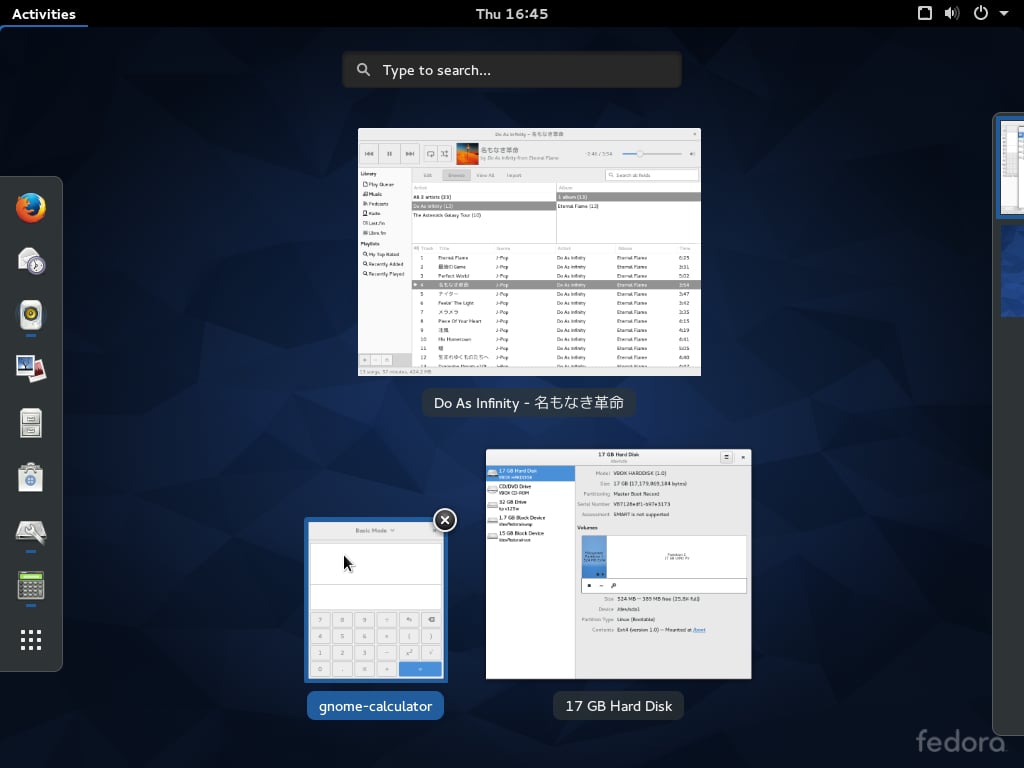
The selection menu is invoked when the Super (Windows) key\r\nis pressed. From here, you can switch easily between open programs, open a\r\nprogram from the left sidebar, or switch desktops on the right sidebar.
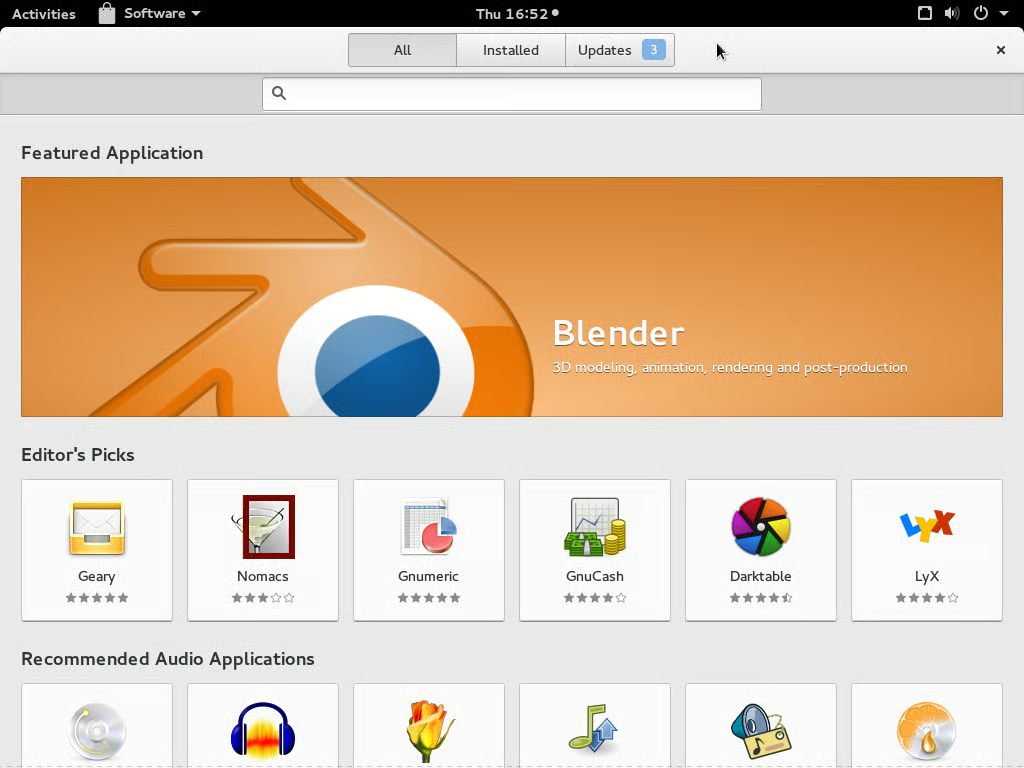
The GNOME Software program is used to install programs and\r\ntheir dependencies. The default screen rotates between various default\r\napplications.
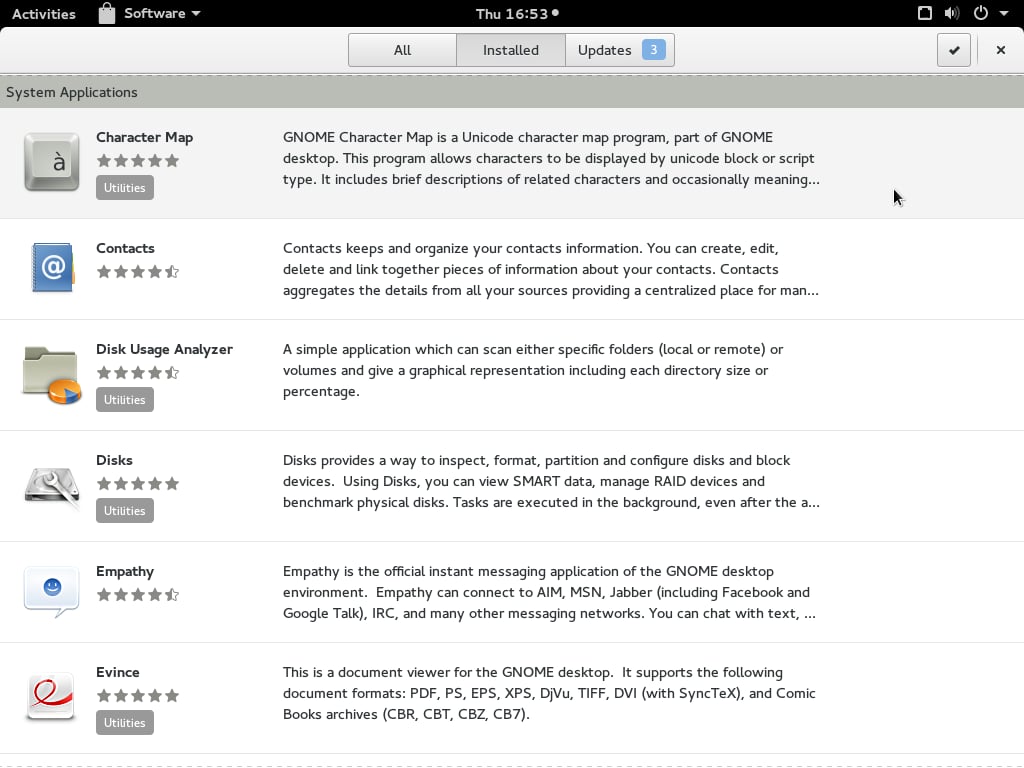
Viewing installed applications in GNOME Software, certain\r\nvital but less-often used programs such as Character Map can be bundled into\r\nfolders in the program selection menu. Ubuntu GNOME, which uses the Ubuntu Software Center to install programs, does not have the GNOME Software\r\npackage, which forces users to edit configuration files to achieve the same\r\neffect.
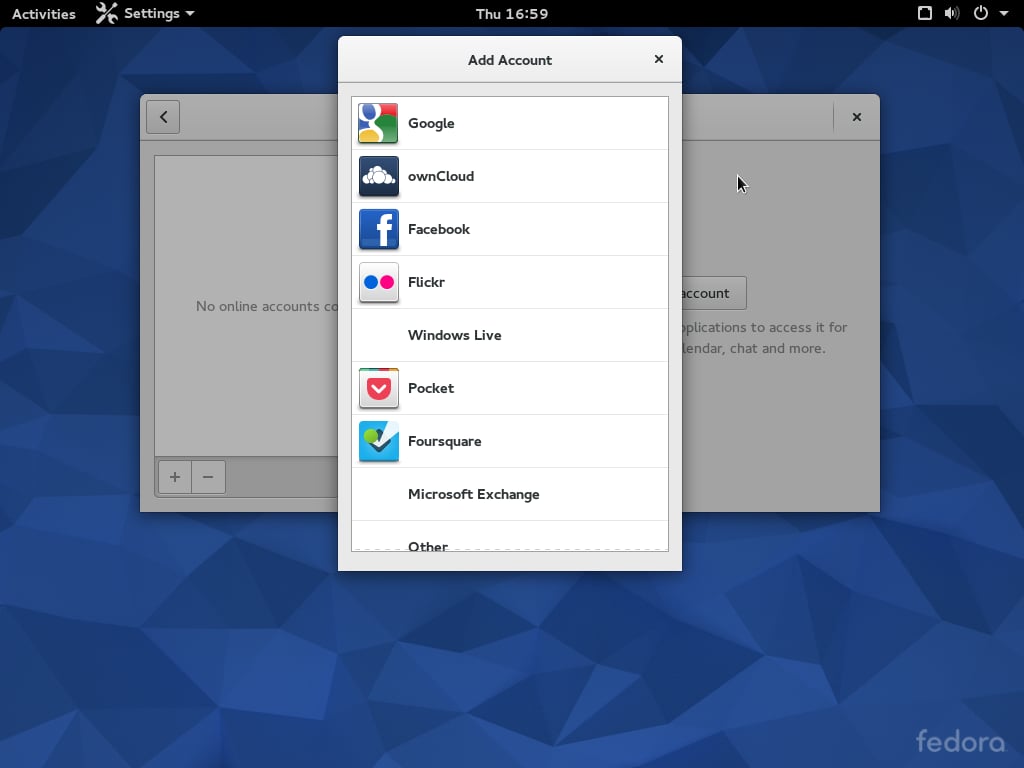
You can add your online accounts for a variety of\r\nintegrations with the OS, such as your Google Calendar or ownCloud storage system.
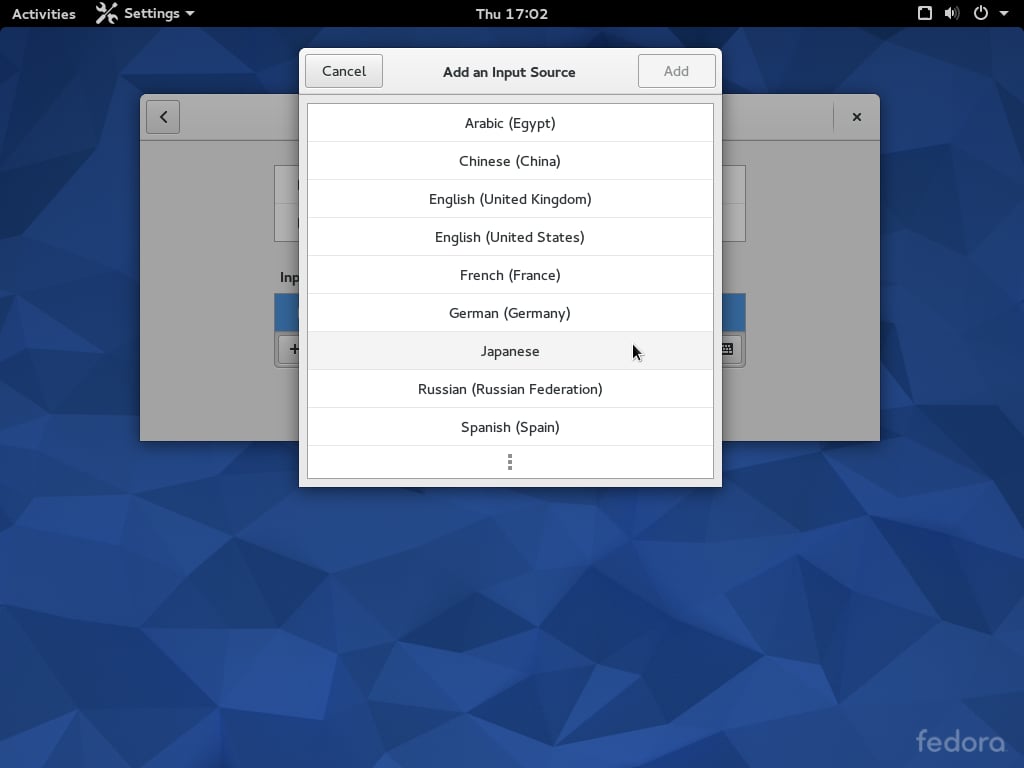
Out of the box, you can enable an Input Method Editor (IME) here called Input Source to the system, which can be switched using a\r\nkeyboard shortcut or the menu bar at the top. The Kana Kanji IME for Japanese performs better than the Microsoft IME on Windows because it provides more relevant results (for me).
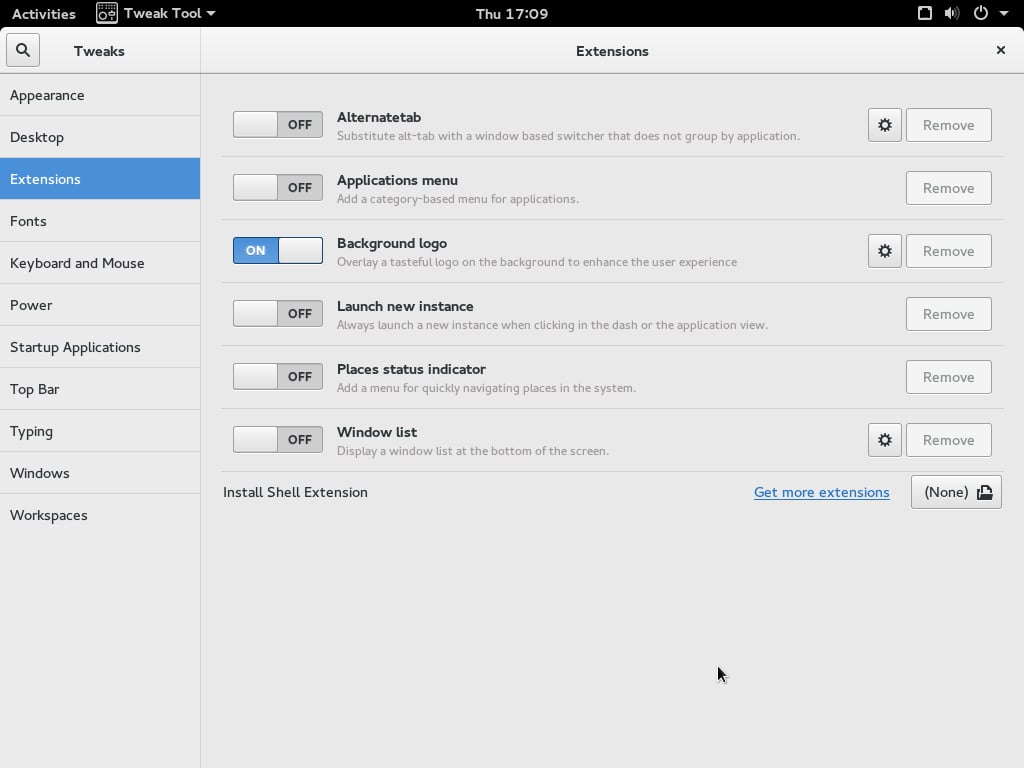
The GNOME Tweak Tool serves roughly the same function as\r\nTweak UI from older versions of Windows. From this screen, you can turn off the Fedora logo that sits on the bottom right corner.
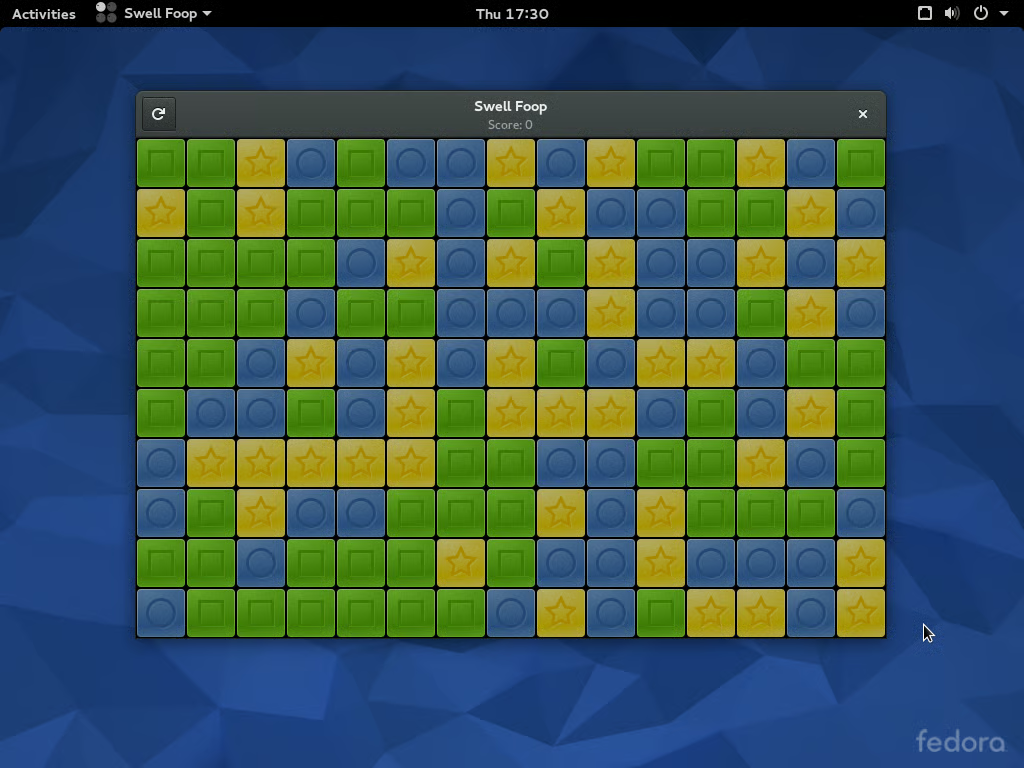
The usual GNOME desktop games can be installed from the\r\nSoftware package. Swell Foop is the GNOME version of Same Game, a puzzle game that\r\noriginated on the Fujitsu FM-7 home computer.
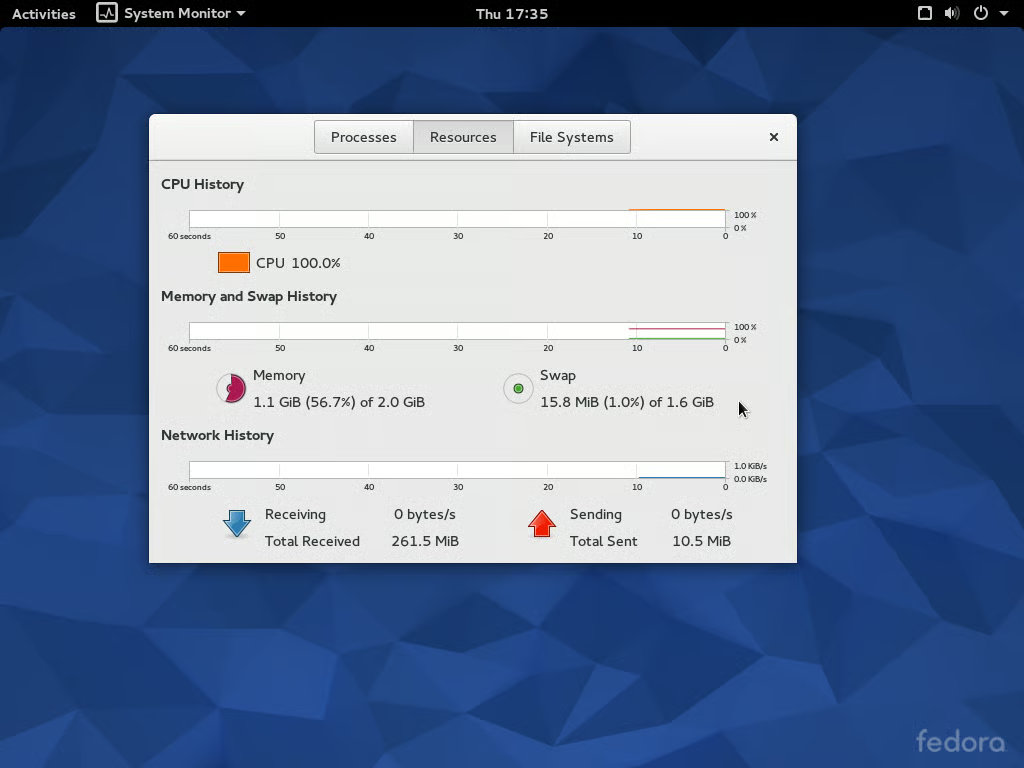
Helpfully, the utility shows how much\r\ndata has been transferred since the session started, among other things.
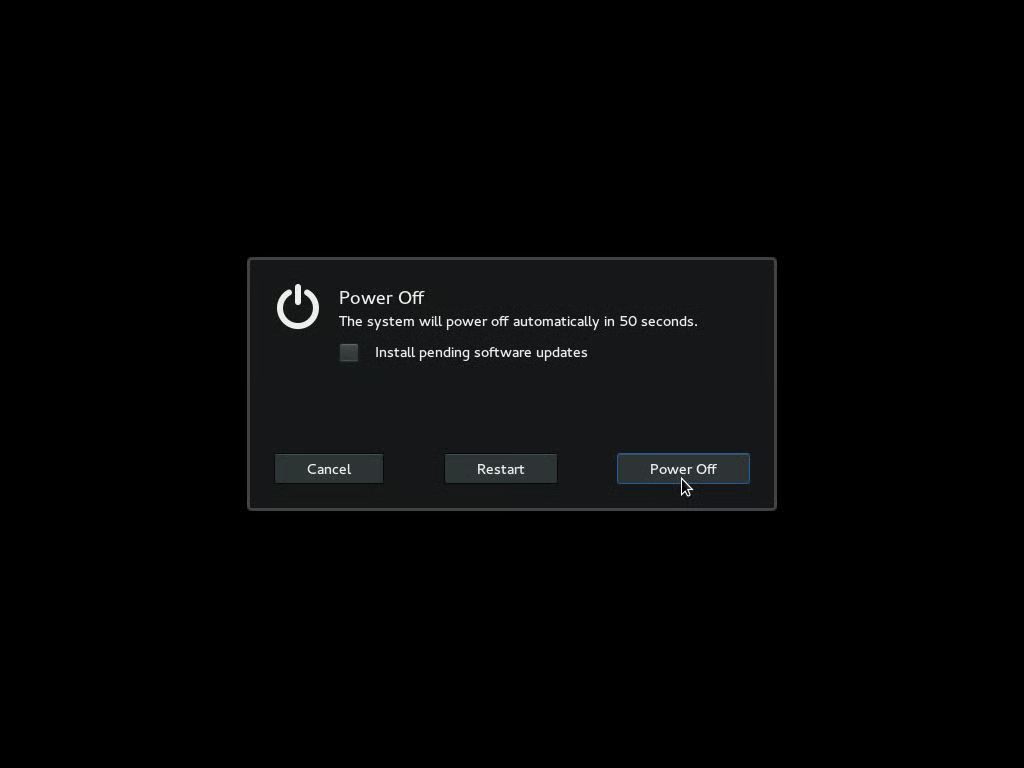
The shutdown screen allows the user to select if software\r\nupdates should be installed.
Also see
Hands-on review: Lenovo ThinkPad W550s running Fedora 22 Beta
Fedora 22: Cloud, desktop, and server innovation (ZDNet)
Innovation: How to be a World-Changer (ZDNet/TechRepublic)