
This\r\ngallery is also available as a TechRepublic article.
The\r\nability to combine written words with pictures or videos helps convey the exact\r\nmessage you are looking to present. For instance, if you are working on a\r\nsoftware user’s guide, screenshots can show your clients exactly what you mean\r\nin a particular context. Although the Windows Snipping utility that comes\r\nbundled in Windows since Vista might qualify and work fine for your needs, you\r\nmight also be looking for features like extra editing functionality and\r\nrecording capabilities. Here are five apps that act as proper extensions of any\r\nbasic screen capture system.
\r\n\r\n
Credit: Images by\r\nMatthew Nawrocki
\r\n\r\n
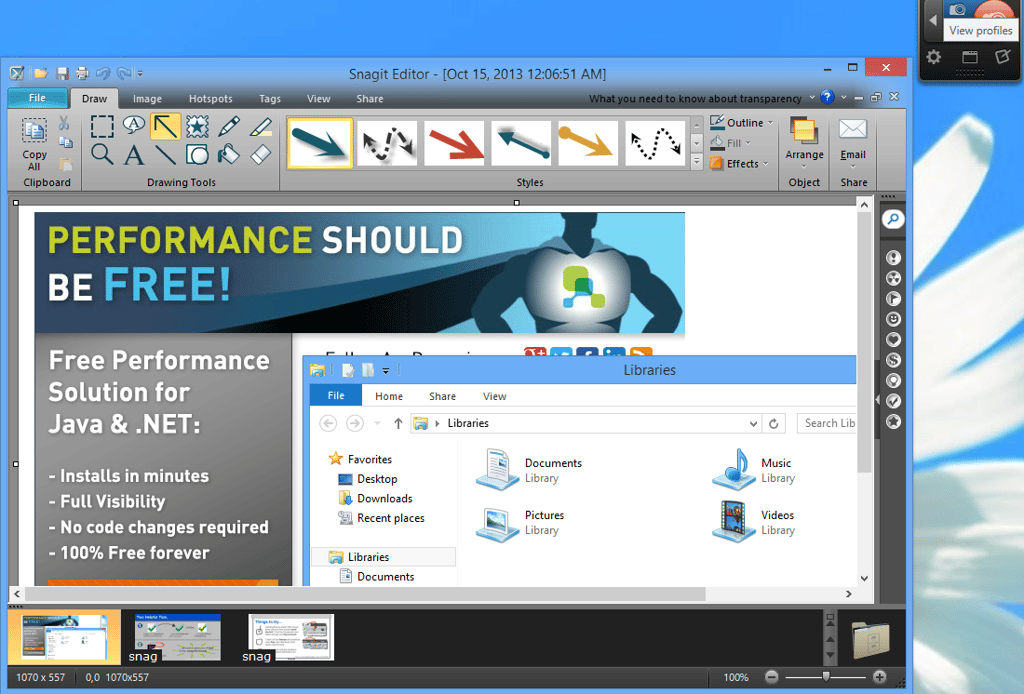
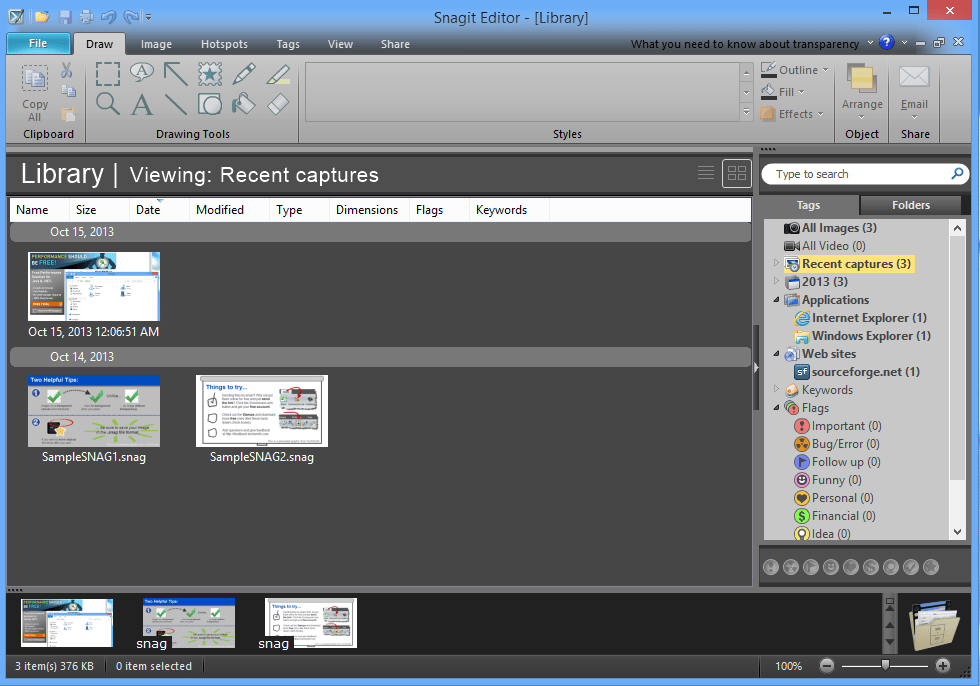
\r\n\r\nFor those interested in a\r\ncomprehensive package, SnagIt by TechSmith is one of the bigger names in\r\nscreenshot and video recording apps. In addition to offering multiple modes of\r\ncapture (i.e. full screen, window, region, et al), images and videos that you\r\ncreate are automatically saved in an organized and catalogued fashion for quick\r\nretrieval. Basic editing capabilities exist as well, allowing for quick crops,\r\ndrawing lines and shapes and countless other effects. SnagIt can be acquired\r\nfor $49.95.
\r\n\r\n
Credit: Images by\r\nMatthew Nawrocki
Credit: Images by\r\nMatthew Nawrocki
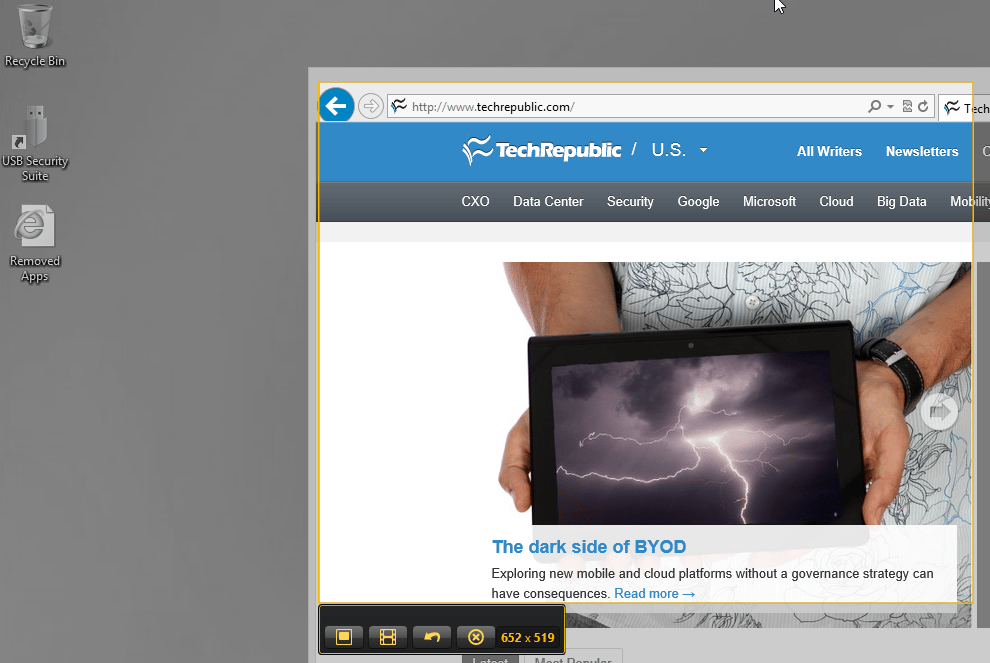
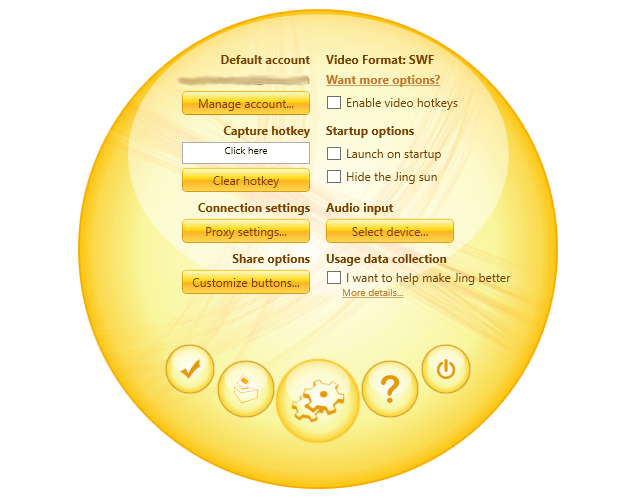
\r\n\r\nTechSmith also has a little\r\nbrother to SnagIt in the form of Jing. Although much more simplified in terms\r\nof features and capabilities, the app is free to download and use. Essentially,\r\nyou have most of the same image and video capture functionality with a subset\r\nof the editing tools that typically come with SnagIt. It even includes a\r\nsimilar control-panel “bubble” which can be dragged around for easy\r\naccess to the Jing.
\r\n\r\n
Credit: Images by\r\nMatthew Nawrocki
Credit: Images by\r\nMatthew Nawrocki
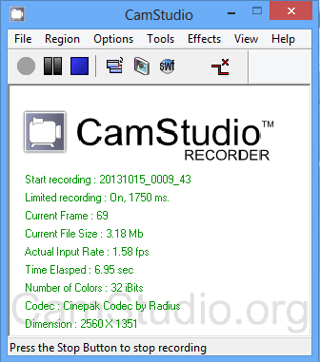
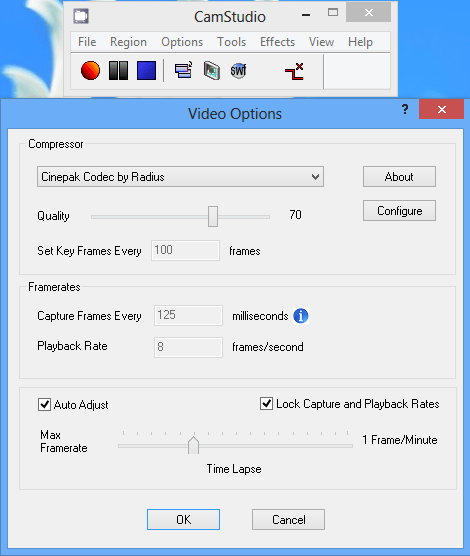
\r\n\r\nIf you need to create an\r\non-screen video recording versus simple screenshots, CamStudio is a worthy\r\ncandidate for the job. The user interface simply stays out of your way and you\r\ncan create projects ranging from tutorial videos to product demos and\r\ndistribute them as AVI or SWF format files. As a nice bonus, CamStudio offers a\r\nfree lossless video codec which is also rather efficient on bitrate, while\r\nproviding a quality video, devoid of artifacts and chunking.
\r\n\r\n
Credit: Images by\r\nMatthew Nawrocki
Credit: Images by\r\nMatthew Nawrocki
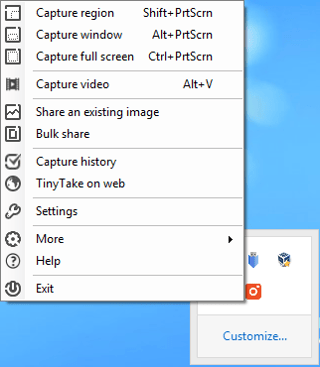
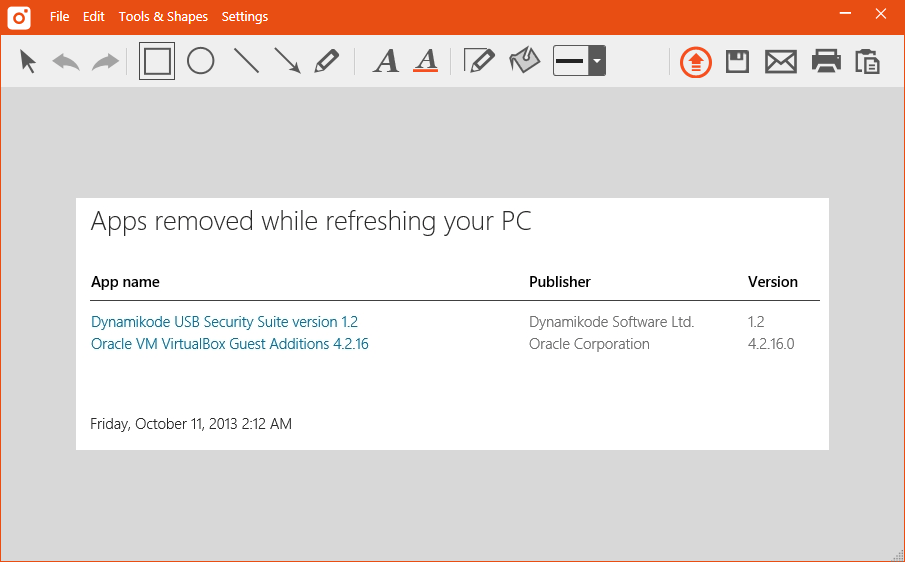
\r\n\r\nCombining an elegant user\r\ninterface with the ability to quickly push screenshots and video recordings to\r\nthe cloud seems to be the forte of MangoApps, creator of Tiny Take. I find\r\nTinyTake to be similar to SnagIt in its image editing and annotation tools, all\r\nwith a price tag of $0. The only minor annoyance I’ve noticed is that, in order\r\nto properly use TinyTake, you need to create an account using a\r\n”business” email account, ala no personal Gmail, Live or Yahoo!\r\nemail. Fortunately, I was able to mitigate this concern, using another personal\r\nemail address that is attached to a custom domain name.
\r\n\r\n
Credit: Images by\r\nMatthew Nawrocki
Credit: Images by\r\nMatthew Nawrocki
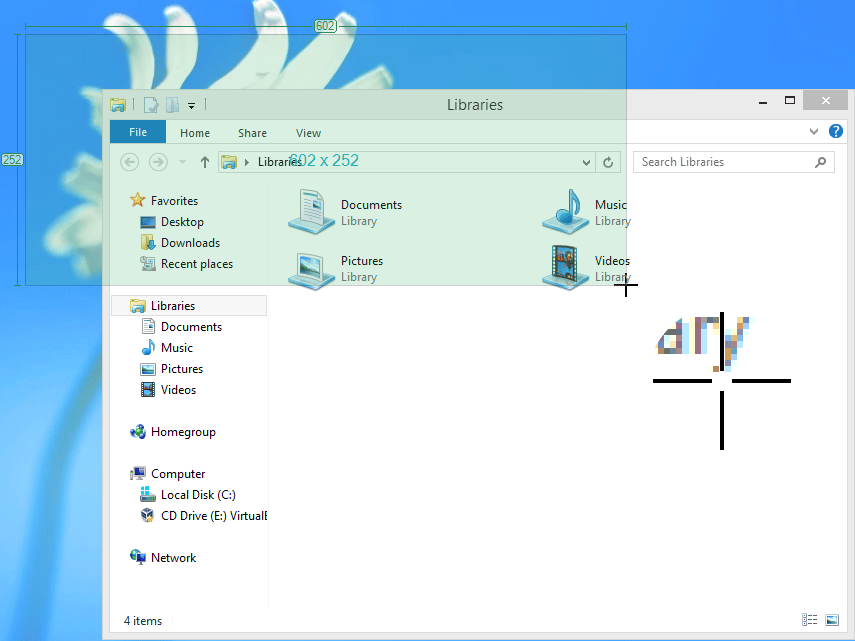
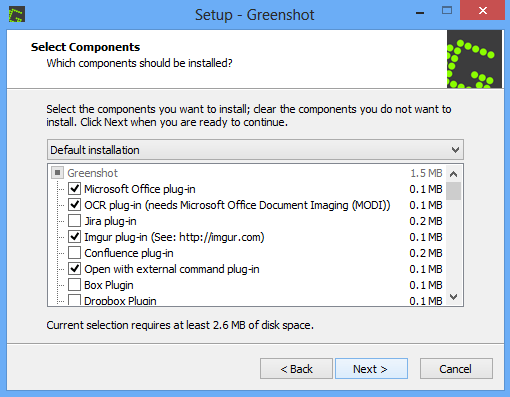
\r\n\r\nFor the open source enthusiasts\r\nout there, you haven’t been forgotten either. Greenshot is a screenshot utility\r\nfor Windows provided under the GPL. It takes images and handles edits with\r\naplomb. There are also plugins that offer integration with Atlassian’s JIRA and\r\nConfluence, making quick snaps and uploads to a wiki page painless.
\r\n\r\n
Credit: Images by\r\nMatthew Nawrocki
Credit: Images by\r\nMatthew Nawrocki

An avid technology writer and an IT guru, Matthew is here to help bring the best in software, hardware and the web to the collective consciousness of TechRepublic's readership. In addition to writing for TechRepublic, Matthew currently works as a Customer Success Professional for Ultimate Software in Santa Ana, California.


