Five Apps: Audit your PCs information for free - TechRepublic

Five Apps: Audit your PCs information for free

  • 106_blackbird_02.jpg

    Five free apps that collect PC information

    This gallery is also available as a TechRepublic article.

    If you’re looking to audit your PCs, you need to have the\r\nright tools to handle this task. If you’re in a very small company, with one or\r\ntwo PCs, gathering this information isn’t a challenge to your schedule. If,\r\nhowever, you’re looking at 10 or more machines to be audited, you’ll want to\r\nhave a hand in the process of collecting this data.

    \r\nFortunately, there are plenty of software titles out\r\nthere to help you out with this task. I have gathered up five such tools so you\r\ndon’t have to go searching for them. Out of these tools, there will certainly\r\nbe one or two that will stand up to your needs. Let’s dive in and see what each\r\nhas to offer.

    \r\n\r\n

    Credit: Images by Jack Wallen for TechRepublic.

  • a1_belarc_1.png

    Belarc 1

    Five apps

    \r\n\r\n

    1. Belarc Advisor

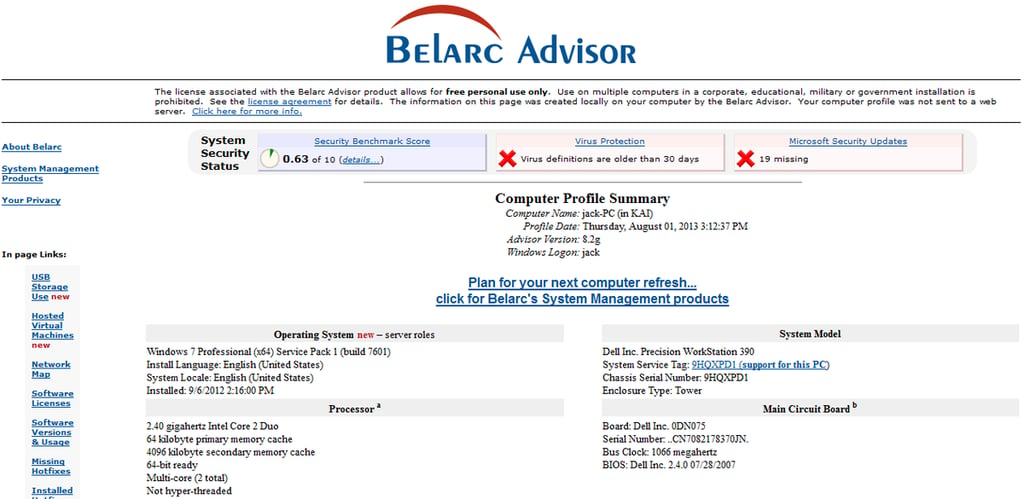
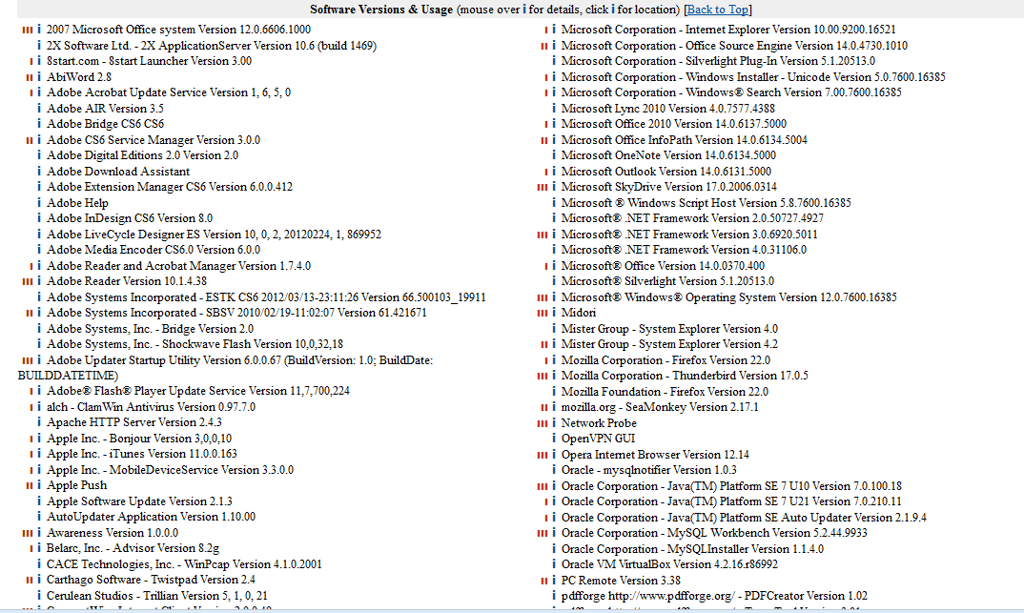
    \r\n\r\nBelarc\r\nAdvisor is often considered the go-to tool for auditing/profiling a system\r\n\u2013 and with good reason. Belarc makes short shrift of gathering all the\r\ninformation about hardware and software on a system, as well as missing\r\nMicrosoft hotfixes, state of anti-virus apps, and security bench marks. Once\r\nthe application is run, it will display the results in a local web page. Belarc\r\nwill run on most versions of the Windows platform (from Windows 95 to Windows 8\r\n\u2013 both 32 and 64 bit). The report generated by Belarc will display in your default\r\nbrowser \u2013 it does not require Internet Explorer.

    \r\n\r\n

    Credit: Images by Jack Wallen for TechRepublic.

  • a2_belarc_2.png

    Belarc 2

    Credit: Images by Jack Wallen for TechRepublic.

  • b1_msinfo32_1.png

    MSInfo 1

    2. MSIfo32.exe

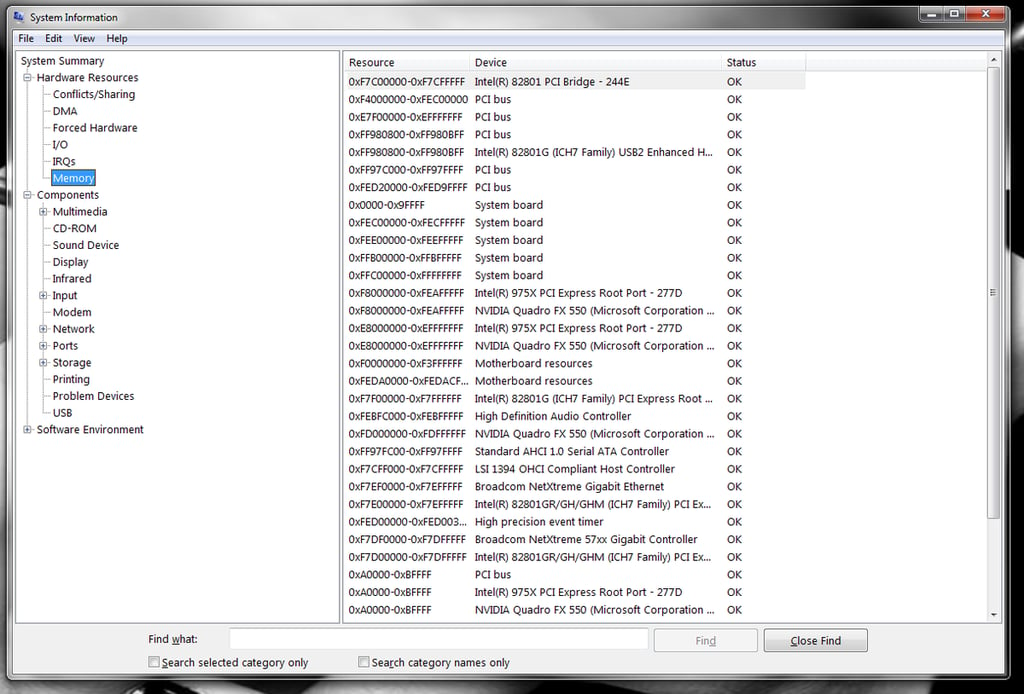
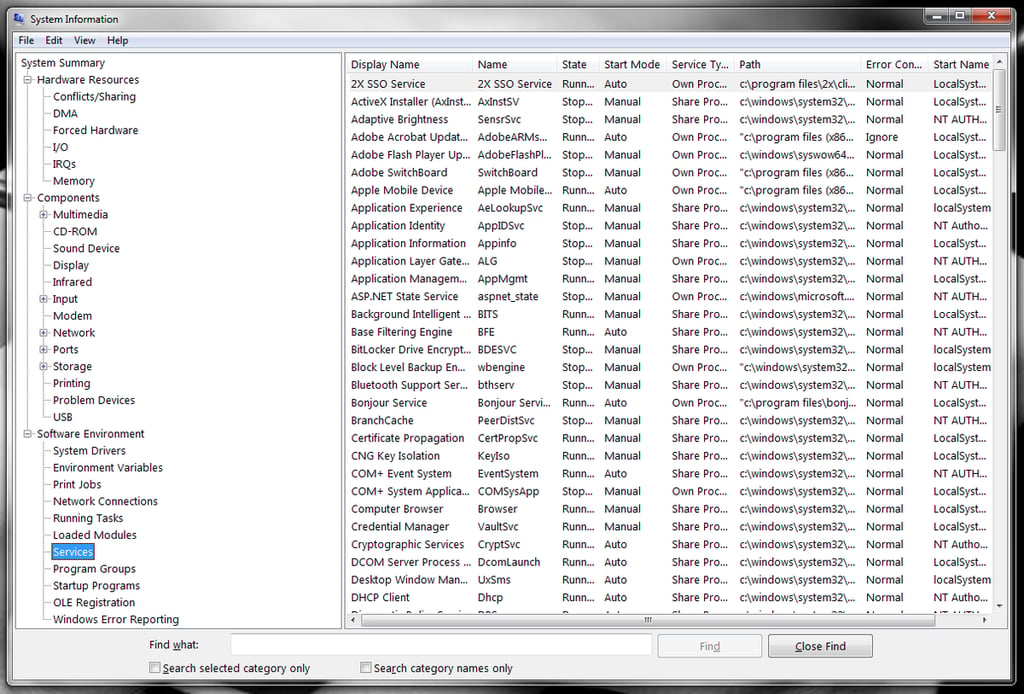
    \r\n\r\nMSInfo32.exe\r\nis the Windows built-in information gathering tool. This easy to use tool\r\ngathers the following information: The version of Windows, OEM System\r\nInformation, type of CPU, amount of memory and system resources, BIOS version,\r\nlocale, time zone, user name (only present if the computer is configured to log\r\ninto a domain), boot device, and the path to the Page file. The application can\r\nbe run by clicking Start and then entering msinfo32.exe. The tool is very quick\r\nto gather information and displays more than you’ll ever need in an easy to\r\nread window.

    Credit: Images by Jack Wallen for TechRepublic.

  • b2_msinfo32_2.png

    MSInfo 2

    Credit: Images by Jack Wallen for TechRepublic.

  • c1_produkey_1.png

    Produkey 1

    3. Produkey

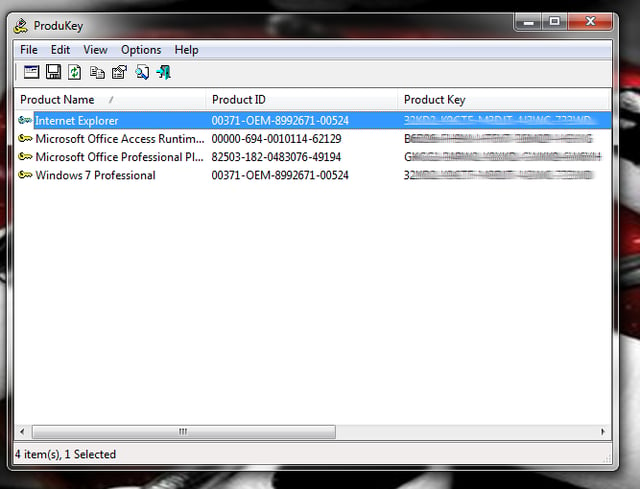
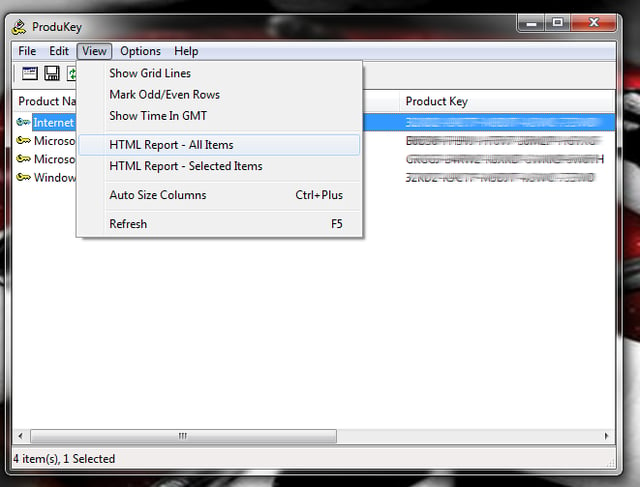
    \r\n\r\nProdukey is\r\nthe tool you need when you have to dig up the product IDs and CD-keys for\r\nMicrosoft software. This tool quickly (and reliably) grabs the information for\r\nWindows, Microsoft Office, Exchange Server, and SQL Server. Nothing is more\r\nreliable when you’ve lost your keys for installed Windows software. One caveat\r\nto Produkey is that you might find your anti-virus solution prevents it from\r\nrunning. If this is the case, temporarily disable your anti-virus and run the\r\napp.

    Credit: Images by Jack Wallen for TechRepublic.

  • c2_produkey_2.png

    Produkey 2

    Credit: Images by Jack Wallen for TechRepublic.

  • d1_lookinmypc_1.png

    LookInMyPC 1

    4. LookInMyPC

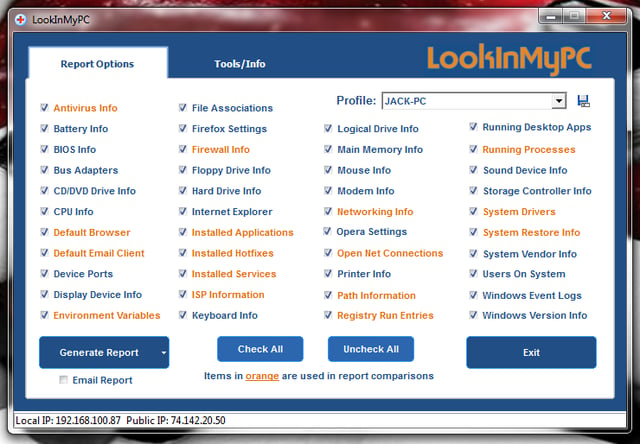
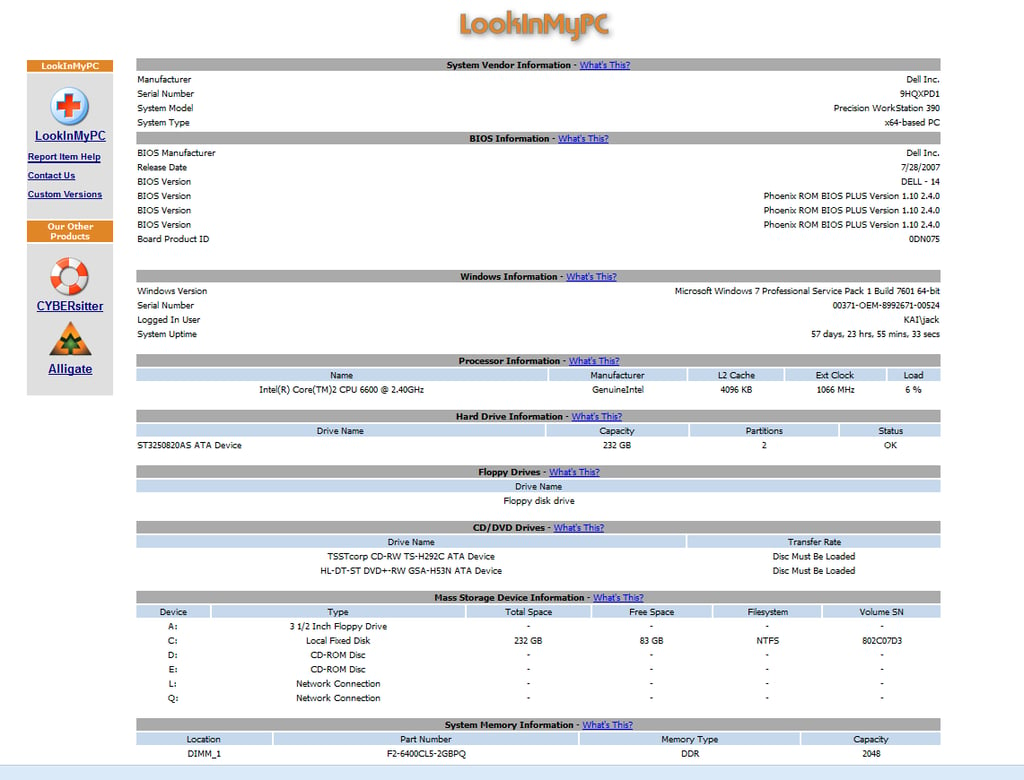
    \r\n\r\nLookInMyPC is\r\nanother tool that generates quite a bit of information about system hardware\r\nand software. One very nice feature of LookInMyPC is that many of the reports\r\noffer links to Google searches, so you can quickly find out more details on\r\nwhat some of the more obscure results mean. LookInMyPC makes no changes to your\r\nPC and can be run from a portable device. As well, you can generate a handy\r\nzipped file and send it as an email (from within the tool itself). LookInMyPC\r\nalso includes command line support and auto report archiving.

    Credit: Images by Jack Wallen for TechRepublic.

  • d2_lookinmypc_2.png

    LookInMyPC 2

    Credit: Images by Jack Wallen for TechRepublic.

  • e1_speccy_1.png

    Speccy 1

    5. Speccy

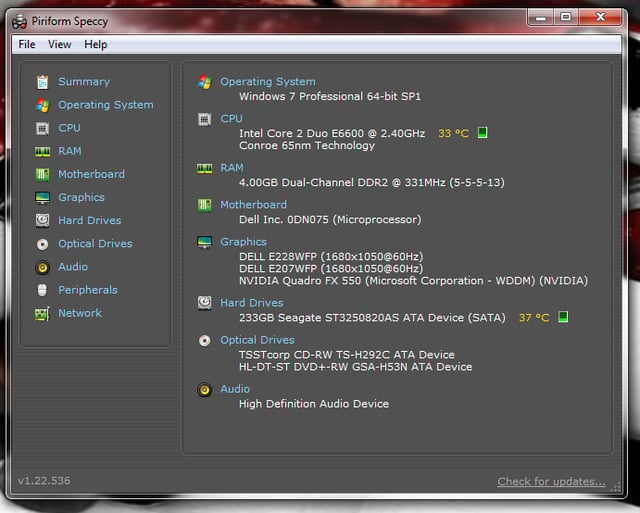
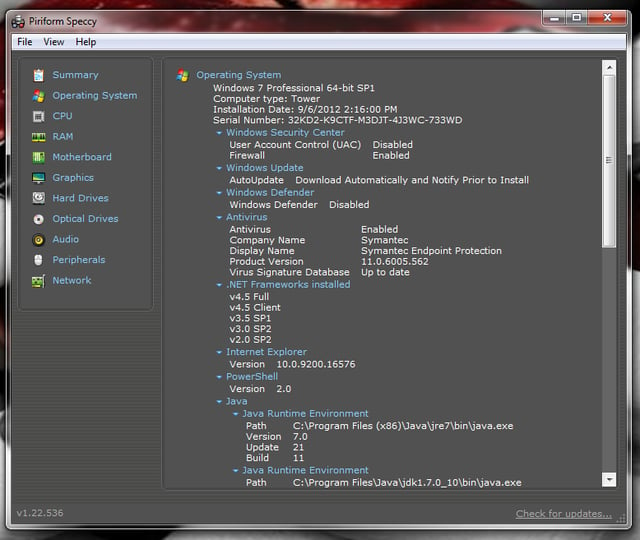
    \r\n\r\nSpeccy is an\r\ninformation gathering tool created by Piriform and is called an electronic\r\n\u201cWhat’s inside\u201d sticker for your PC. Speccy will give you all the standard\r\nissue about your computer, plus: CPU, Motherboard, RAM, Graphics Cards, Hard\r\nDisks, Optical Drives, device temperatures, SMART data retrieval, and Audio\r\nsupport. Speccy is run from a self-contained executable, so it can be used as a\r\nhandy, portable tool. The one downfall of Speccy is that it’s not going to\r\ngather as much detailed information as the other tools. But for the average\r\nneed, Speccy does a fine job.

    Credit: Images by Jack Wallen for TechRepublic.

  • e2_speccy_2.png

    Speccy 2

    Bottom line

    \r\n\r\nGathering PC information can make your life as an\r\nadministrator far easier. If your company isn’t large enough to use an\r\nenterprise tool that gives you a constant heads up on PC information for an\r\nentire network, you will need to use the right tools to extract that data\r\nquickly. Any one of the tools listed would be an outstanding addition to your\r\nalready growing admin tool kit. With these applications you’ll have every piece\r\nof PC information you need at the tip of your fingers.

    Credit: Images by Jack Wallen for TechRepublic.

1 of 11
Jack Wallen

Jack Wallen is an award-winning writer for TechRepublic, The New Stack, and Linux New Media. He's covered a variety of topics for over twenty years and is an avid promoter of open source. For more news about Jack Wallen, visit his website jackwallen.com.