Five Apps: Catalog anything for free - TechRepublic

Five Apps: Catalog anything for free

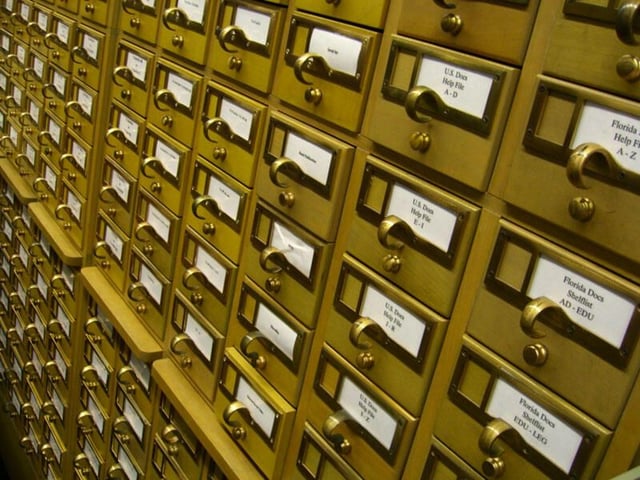
  • 1_card_catalog.jpg

    Five free cataloging applications

    This gallery is also available as a TechRepublic article.

    We all have reasons to catalog various items. Whether you\r\nhave a small business with an inventory you need to keep track of or if you\r\nhave an overwhelmingly large collection of software or book – there is a need\r\nfor cataloging. Here’s the thing, finding free software suited for this task\r\nisn’t easy. But with a little creativity and a lot of searching, you can dig up\r\nat least five such tools.

    \r\n\r\nTake a look at these five different pieces of software -\r\neach of which should serve your cataloging needs well. Although some offer more\r\nfeatures than others; in the end, they’ll all get the job done. So, let’s dig\r\nin and find out which, if any, of these free tools will be the perfect match\r\nfor your needs.

    \r\n\r\nCredit: Images by Jack\r\nWallen for TechRepublic

  • a1_datacrow_1.png

    Datacrow 1

    Five Apps

    \r\n\r\n

    1. Datacrow

    \r\n\r\n

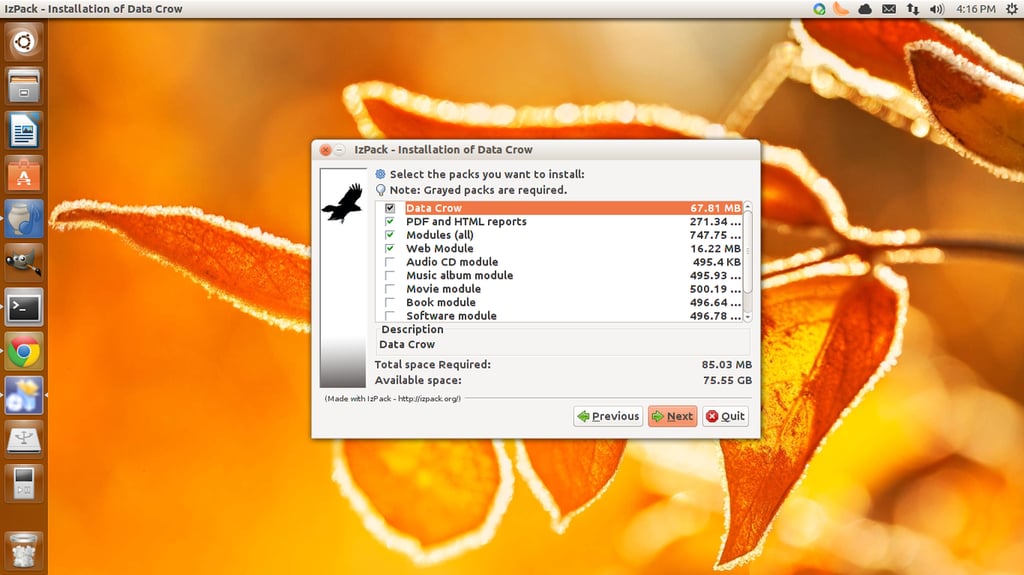
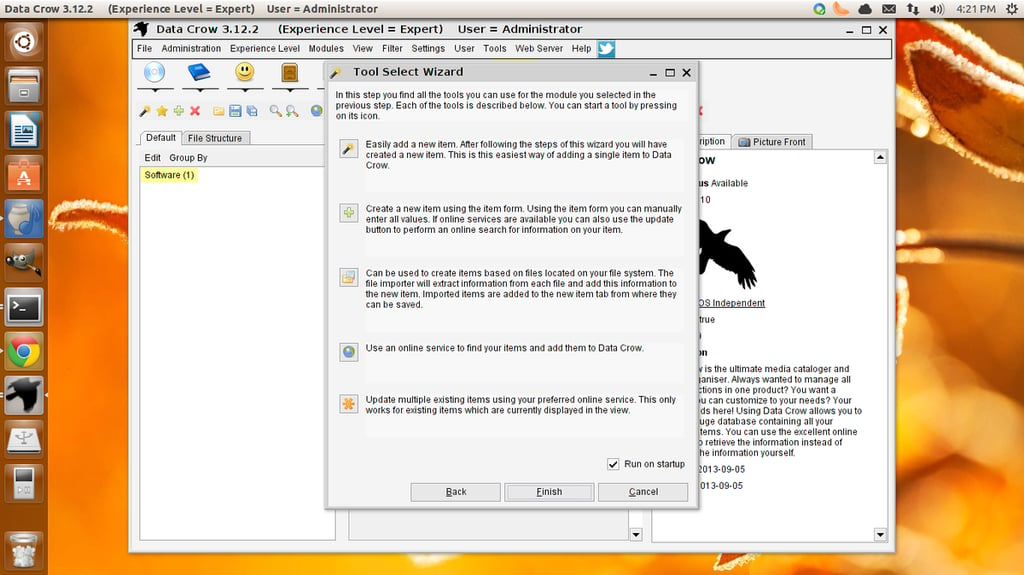
    Datacrow is often\r\nlisted as one of the best in breeds for this category – and with good reason.\r\nWith Datacrow you can catalog movie, video, books, images, games, software,\r\nmusic, and more. Other features include: Create your own collection module,\r\nmanage what you’ve loaned out, connect with online services (such as imdb.com,\r\nbol.com, and more), make use of reporting tools, file information importing and\r\nmore. Datacrow is a cross-platform application (Windows, Mac, Linux) that is\r\nwritten in Java (which to some could be a deal breaker). So, in order to get\r\nDatacrow to work, you will need a JRE installed on the machine. One thing to\r\nlike about the project is that the developer, Robert Jan van der Waals, has\r\nmade the source code very readily available on his site and has invited users\r\nto make feature requests and report bugs.

    \r\n\r\nCredit: Images by Jack\r\nWallen for TechRepublic

  • a2_datacrow_2.png

    Datacrow 2

    Credit: Images by Jack\r\nWallen for TechRepublic

  • b1_soft_cat_1.png

    SoftCAT Free 1

    2. SoftCAT Free

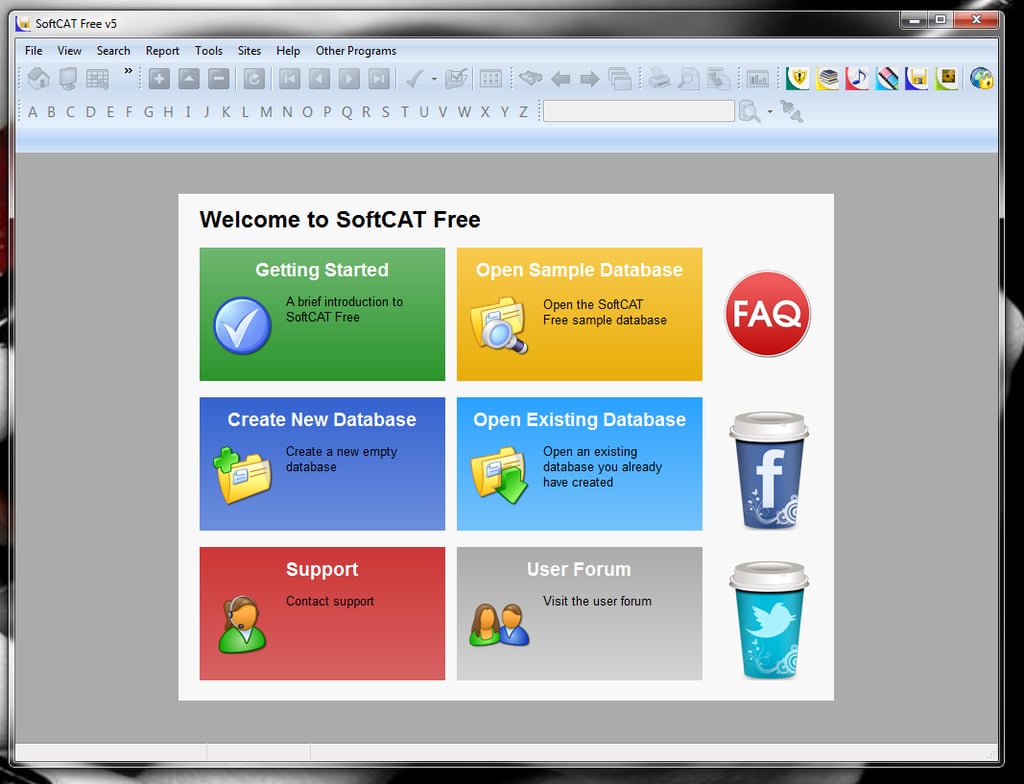
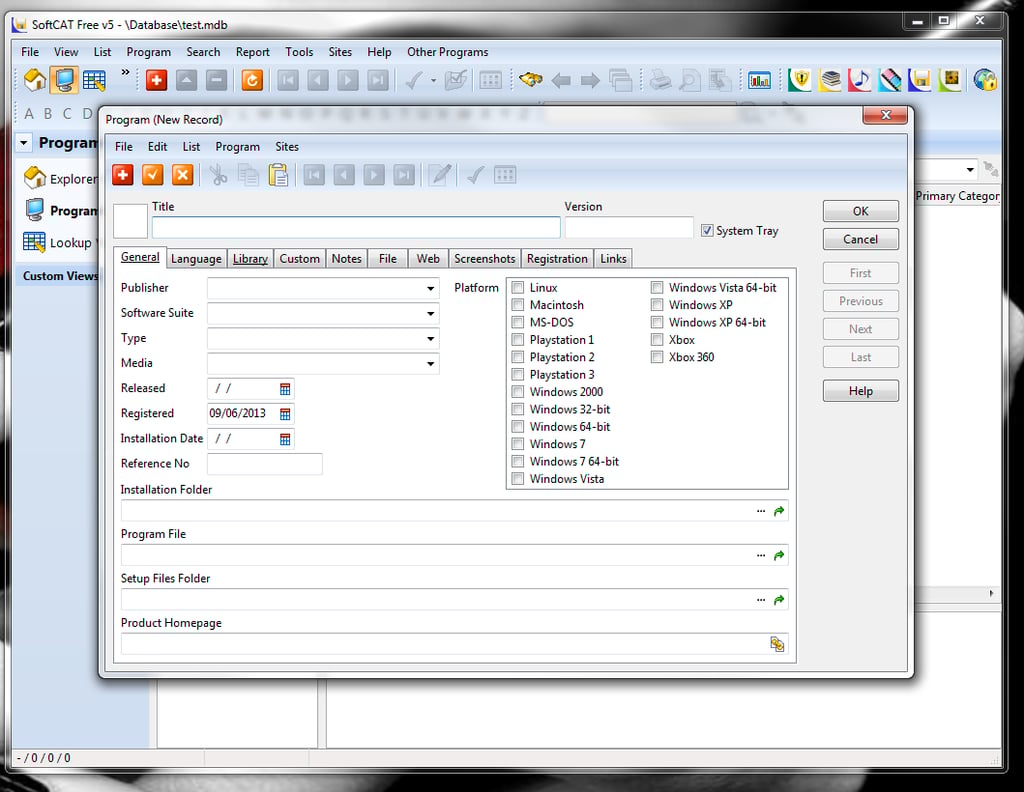
    \r\n\r\nSoftCAT\r\nFree is a very powerful cataloging tool with tons of features. With this\r\ntool you can enjoy: Comprehensive data fields, custom data fields, personal\r\nnotes, include up to nine screen shots per program, customize to fit your\r\nneeds, built-in explorer, powerful search tool, search and replace, five data\r\nsort levels, create reports, archive reports, analyze collections, and more.\r\nSoftCAT offers two versions: A free version and a full version. The differences\r\nbetween the free and the full versions are simple; the free version does not\r\ninclude the features: Auto catalog, form designer, report designer, and export.

    \r\n\r\nCredit: Images by Jack\r\nWallen for TechRepublic

  • b2_soft_cat_2.png

    SoftCAT Free 2

    Credit: Images by Jack\r\nWallen for TechRepublic

  • c1_inflow_1.png

    inFlow Free 1

    3. inFlow Free

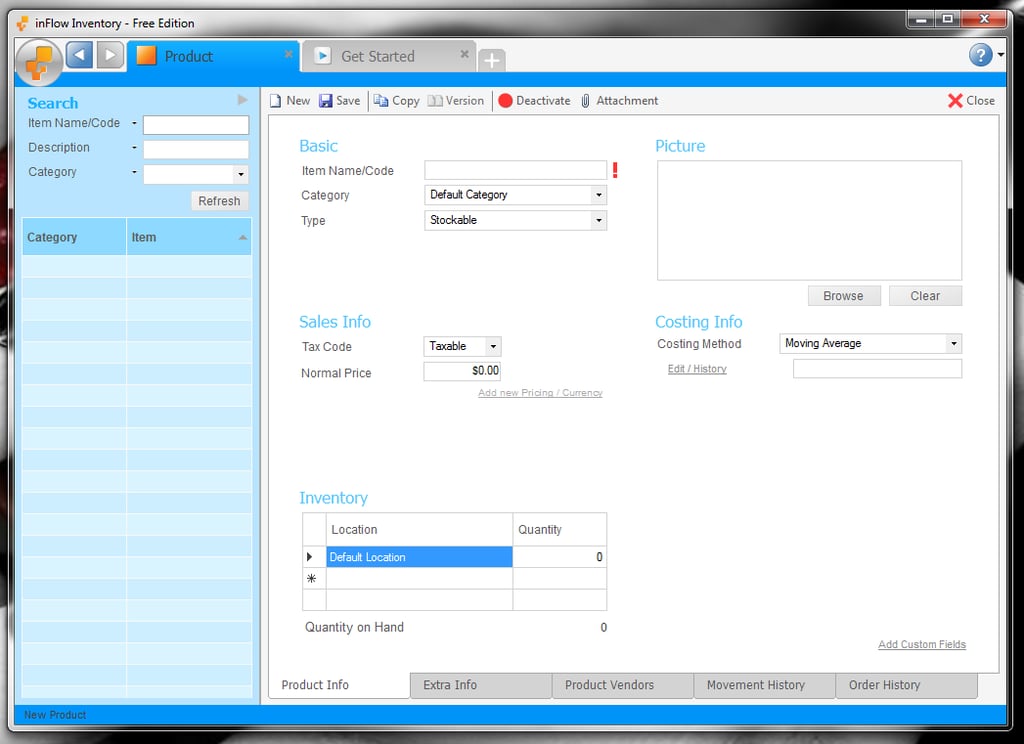
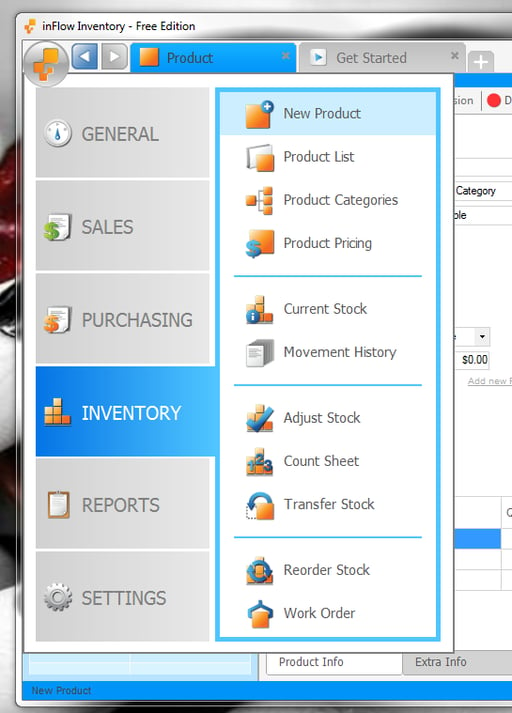
    \r\n\r\ninFlow Free is\r\nan inventory application best suited for small businesses with a small\r\ninventory of products. The main limitations of the free version are: One\r\nhundred product/customer limitation, up to fifteen reports, multi-user mode is read\r\nonly, forum support only. Outside of those limitations, inFlow offers features\r\nlike: Product lists, barcode support, multiple units of measurement, multiple\r\nlocations, movement history, one-click workflow or advanced workflow, reorder\r\nstock, product cost tracking, print/email purchase order, and much more. If you\r\ncan live with the limitations of the free version, this application is very\r\npowerful and easy to use. If, however, the limitations take this application\r\noutside the realm of the useful, the regular version is only $299.00 per\r\nlicense. There is also a Premium edition ($499.00) that includes Bill of\r\nmaterials and work orders, customized documents, count sheets, and more.

    \r\n\r\nCredit: Images by Jack\r\nWallen for TechRepublic

  • c2_inflow_2.png

    inFlow Free 2

    Credit: Images by Jack\r\nWallen for TechRepublic

  • d1_zotero_1.png

    Zotero 1

    4. Zotero

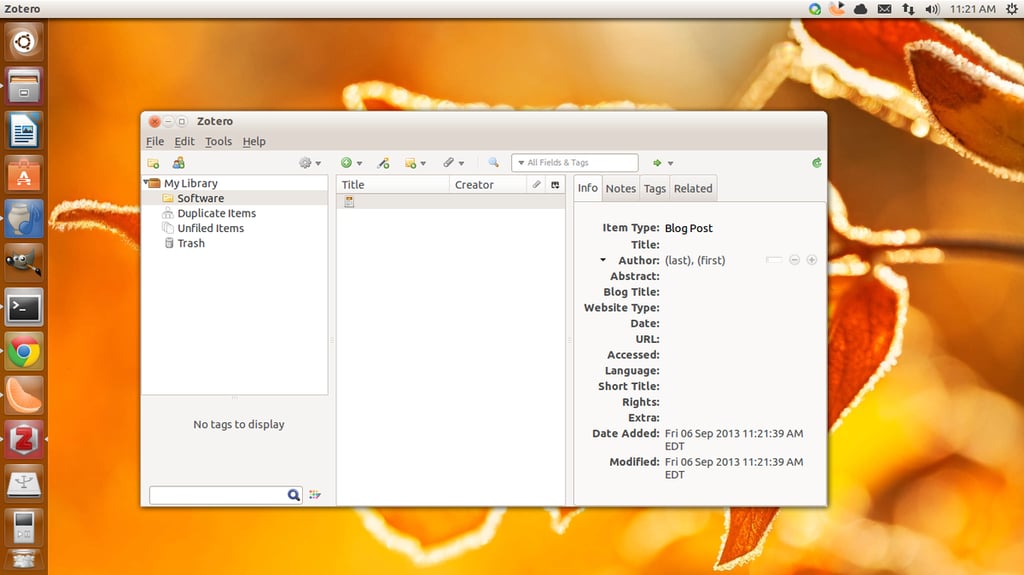
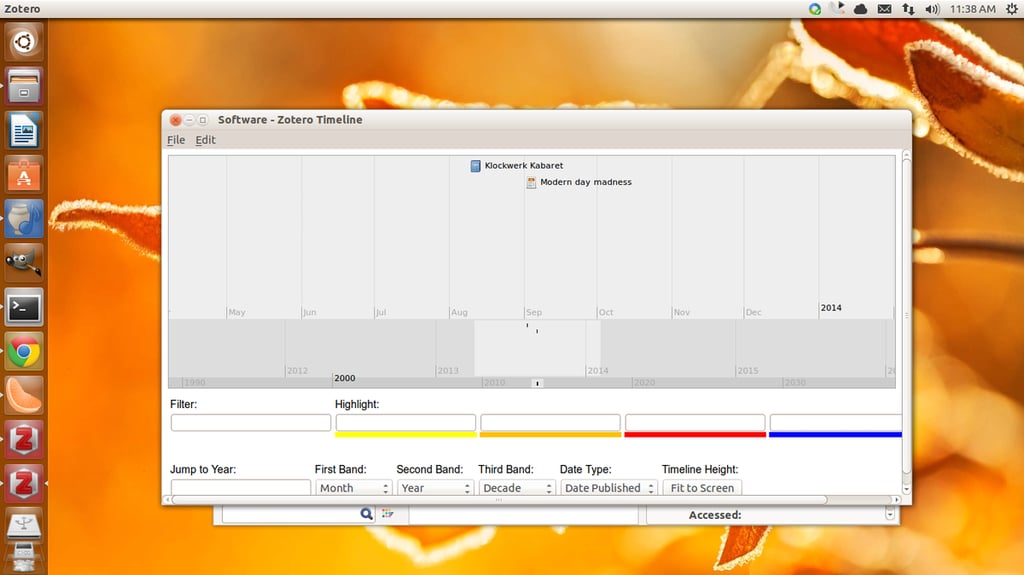
    \r\n\r\nZotero is a\r\ncross-platform tool geared specifically for cataloging your research. Think of\r\nit as your personal research assistant, where you can: Store anything, cite,\r\nsync, and collaborate. With Zotero you no longer have to worry about keeping\r\ntrack of folders. Instead, Zotero organizes your research into collections -\r\nsimilar to a music player playlist. Research items can be added to multiple\r\nnamed collections and sub-collections. And searching is made simple with a\r\npower tagging system. With the citing system you can create: footnotes,\r\nendnotes, in-text citations, or bibliographies. The sync system allows you to\r\nsync your research across as many devices as you need. Finally, you can create\r\ngroups and invite users to your groups to aid in collaboration with your\r\nresearch. Zotero comes in a stand-alone desktop tool or a Firefox, Chrome, or\r\nSafari extension.

    \r\n\r\nCredit: Images by Jack\r\nWallen for TechRepublic

  • d2_zotero_2.png

    Zotero 2

    Credit: Images by Jack\r\nWallen for TechRepublic

  • e1_libreoffice_base_1.png

    LibreOffice Base 1

    5. LibreOffice Base

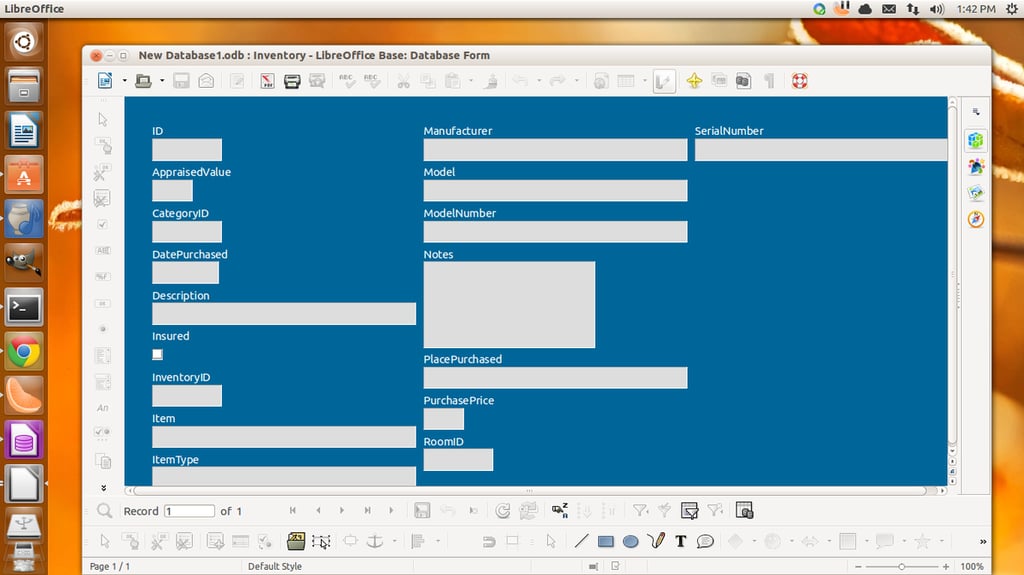
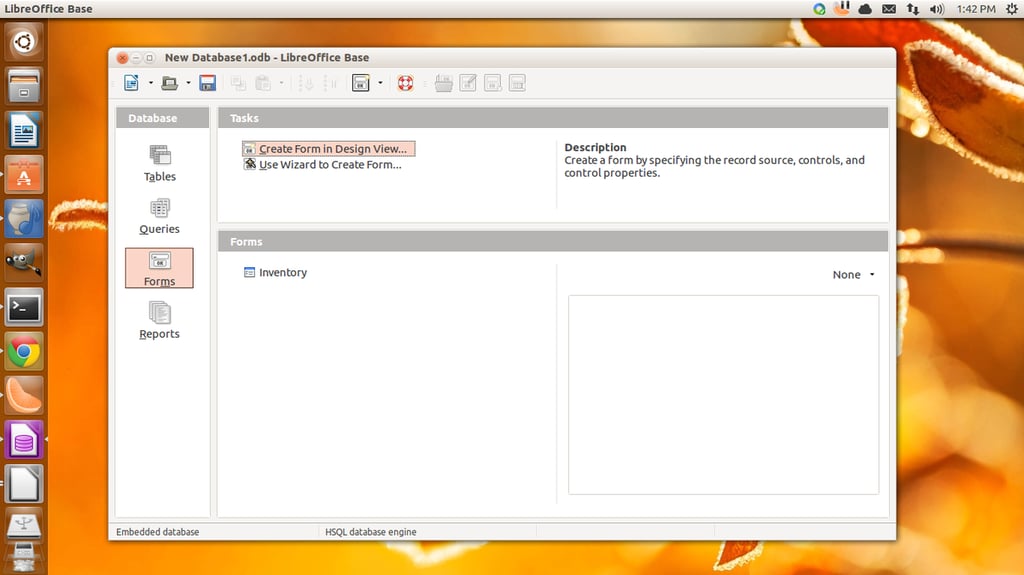
    \r\n\r\nLibreOffice Base is\r\nobviously not a cataloging software; but, with a little creativity, you can\r\nquickly create a database specifically for what you need to catalog. Using the\r\nForm Designer wizard, you will even have a user-friendly form that will allow\r\nyou to enter data for your collections. What’s best about using this method is\r\nthat you can then make use of the database for other tools – so you’re not\r\nlimiting your collection data to one, isolated tool. The only caveat to using\r\nLibreOffice Base is that you have to have, at least, a cursory understanding of\r\nhow databases work. No, you do not need to be a DB Admin, but you’ll at least\r\nwant to know what databases are and how to create them (with the help of the\r\neasy-to-use wizards).

    \r\n\r\nCredit: Images by Jack\r\nWallen for TechRepublic

  • e2_libreoffice_base_2.png

    LibreOffice Base 2

    Bottom line

    \r\n\r\nIf you’re looking to catalog just about anything, there\r\nare tools out there waiting to be used. With a bit of digging, you can find\r\njust what you need. Or, if you don’t feel like searching, you can give one of\r\nthese tools a try. Each of these offerings has something unique, and some are\r\nmuch more powerful than others – but each of them will handle the task.

    \r\n\r\nCredit: Images by Jack\r\nWallen for TechRepublic

1 of 11
Jack Wallen

Jack Wallen is an award-winning writer for TechRepublic, The New Stack, and Linux New Media. He's covered a variety of topics for over twenty years and is an avid promoter of open source. For more news about Jack Wallen, visit his website jackwallen.com.