This gallery is also available as a TechRepublic article.
When you think of graphic design, you generally think of\r\nPhotoshop, Gimp, Inkscape, and other bitmap and vector image editing software.\r\nBut most designers have more than just the standard tools in their arsenal.\r\nWhether it’s a tool to aid in the selection of a color scheme, batch processing\r\ntools, or font tools etc. – there’s always yet another tool to aid in your\r\nquest to create the perfect design. And these tools aren’t just for the\r\nhard-core designers. Anyone can add secondary tools to their ever-growing\r\ngraphics toolkit – but which tool is best suited for you?
\r\n\r\nI’ve scrounged up five tools that meet different graphics\r\nneeds. Alone, none of them will help you create a masterpiece. In conjunction\r\nwith your favorite editor, however, these tools will go a long way to help\r\nextend your abilities and offerings.
\r\n\r\n
Credit: Images by Jack\r\nWallen for TechRepublic
\r\n\r\n
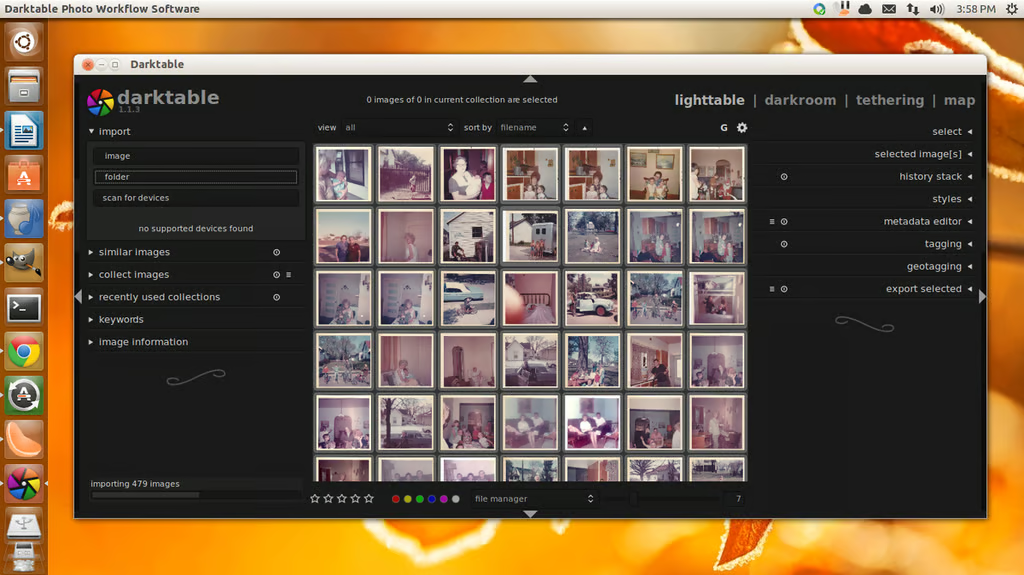
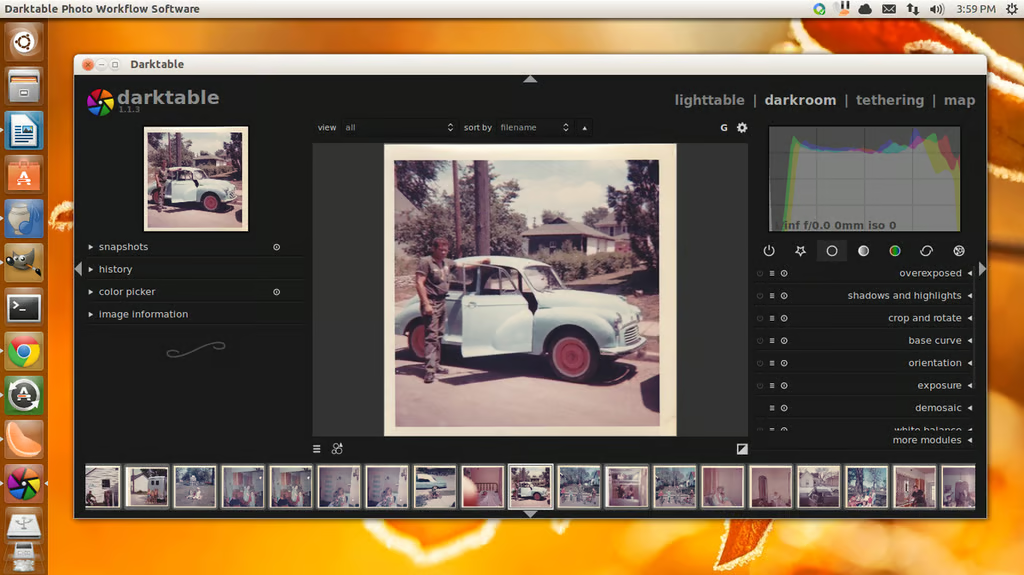
\r\n\r\nDarktable is an\r\nopen source photography workflow software. With this amazing tool you can bring\r\na level of quality to your photographs you’ve never had before. With this\r\nsoftware you will enjoy a virtual light table and darkroom, similar to what\r\nprofessional photographers use. Darktable features: Non-destructive editing,\r\nrun database queries against your image libraries, zero-latency fullscreen, zoomable user interface, powerful export\r\nsystem, and more. Darktable also includes a module system that can handle tasks\r\nlike: Crop and rotate, base curve, exposure controls, highlight reconstruction,\r\nwhite balance, temperature, and more. If you’re looking for an outstanding tool\r\nto bring professional quality to your photos, Darktable is what you need.\r\nDarktable is free and runs on Linux and Mac.
Credit: Images by Jack Wallen for TechRepublic
Credit: Images by Jack Wallen for TechRepublic
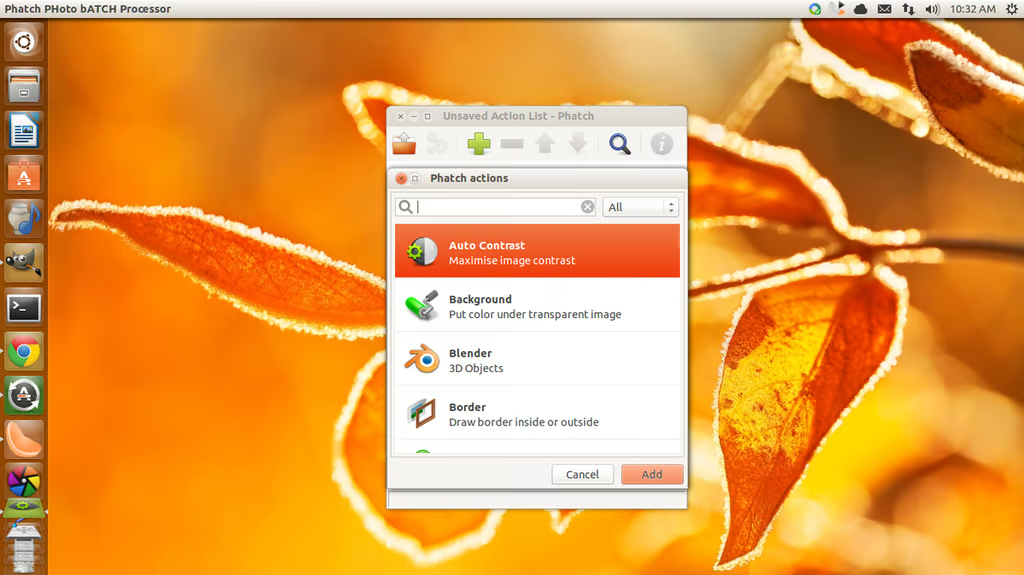
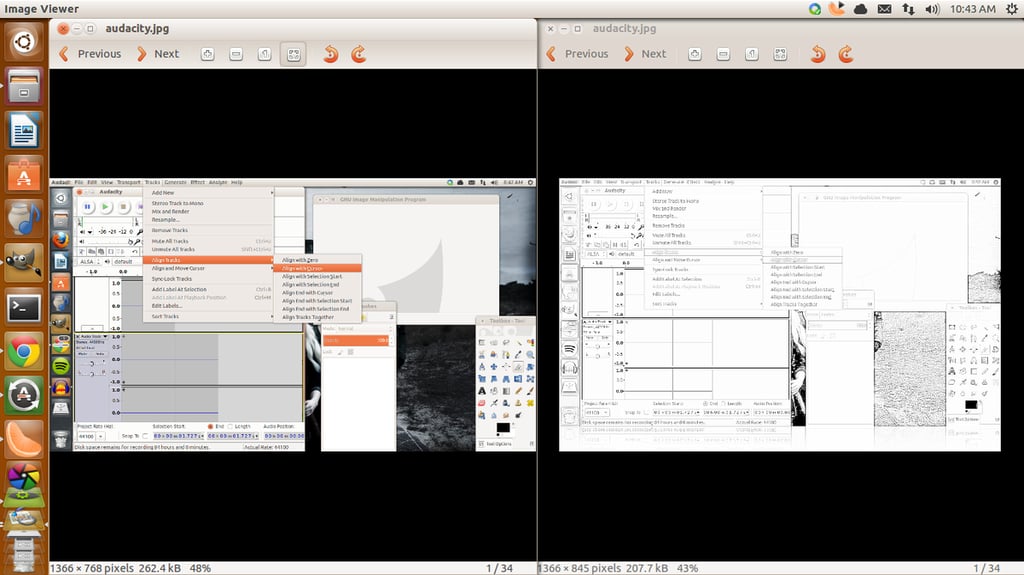
\r\n\r\nPhatch is one of the more handy graphics applications you will\r\never use. What Phatch does is do batch editing on digital images – but it’s much more than that. What you do is create a set of actions to\r\nrun on a folder of images. There are numerous actions you can include in the\r\nset (such as color to alpha, colorize, contour, desaturate, crop, grid, invert,\r\nmask, mirror, perspective, posterise, rotate, rename, shadow, text, save, and\r\nmuch more). Once you’ve created your set of actions, you can then run the\r\nactions against a folder of files. You have the option of making changes to the\r\nsource files, or creating a new folder so to retain the integrity of your\r\noriginals. Phatch runs on Windows, Linux, and Mac.
Credit: Images by Jack Wallen for TechRepublic
Credit: Images by Jack Wallen for TechRepublic
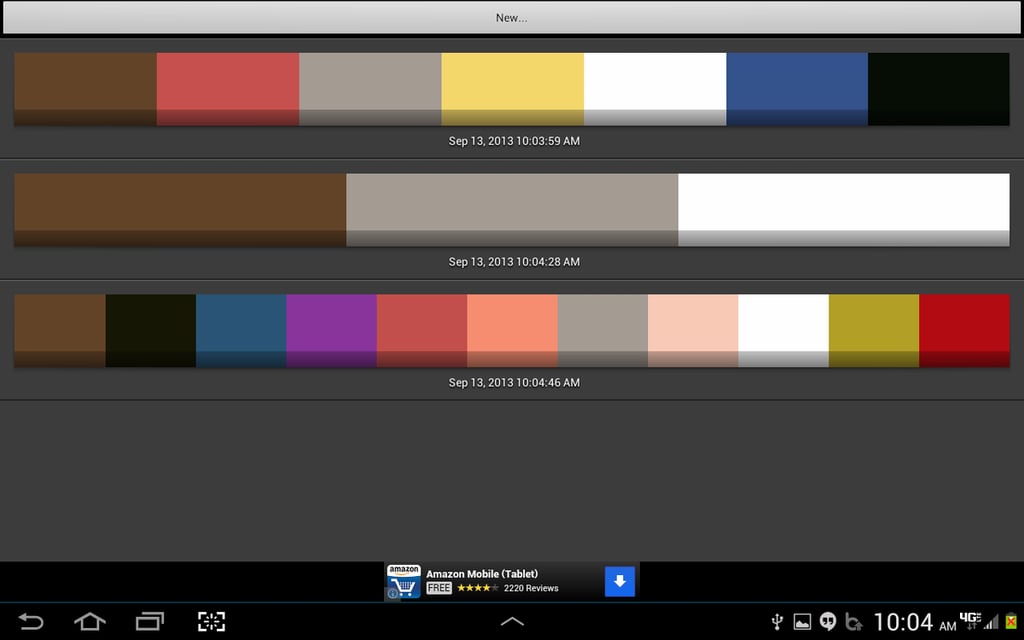
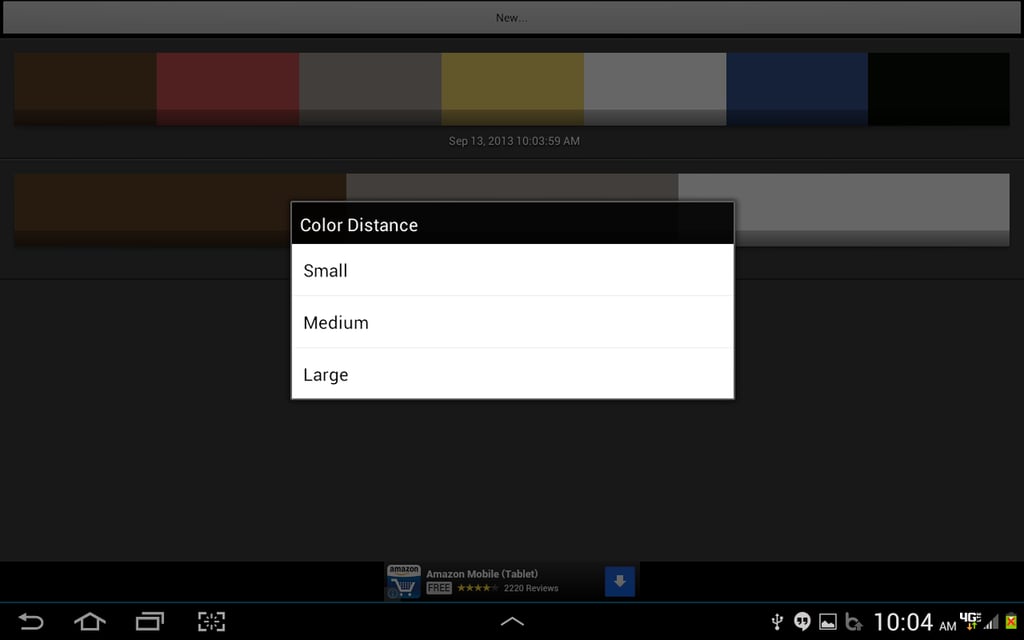
\r\n\r\nColor Scheme Generator is one of those tools you may not ever use. However, if\r\nyou need to develop a solid color scheme, you’ll be glad you have this tool at\r\nthe ready. The tool works is by scanning an image (from your gallery or taken from you device camera) and then generating a color\r\nscheme to match the pallet of the image. With CSG you can generate small,\r\nmedium, and large color schemes. The\r\ntype of scheme you generate will depend upon how many colors you need. For more\r\ncolors, generate a small scheme. For less colors, generate a large scheme. From\r\nthe color scheme you can then retrieve HEX, RGB, and HSV values for each color.\r\nColor Scheme Generator is free and available on the Android platform.
Credit: Images by Jack Wallen for TechRepublic
Credit: Images by Jack Wallen for TechRepublic
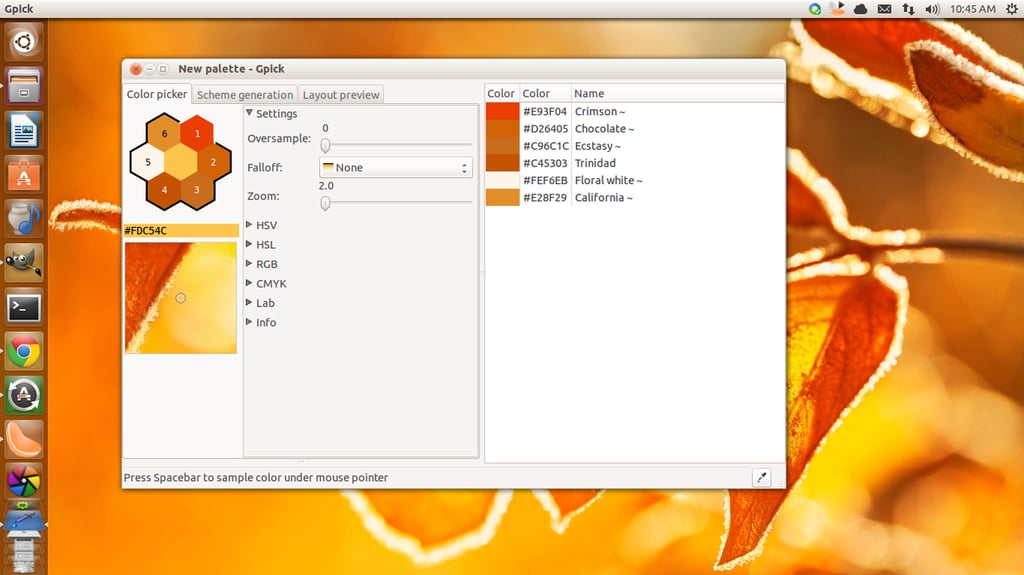
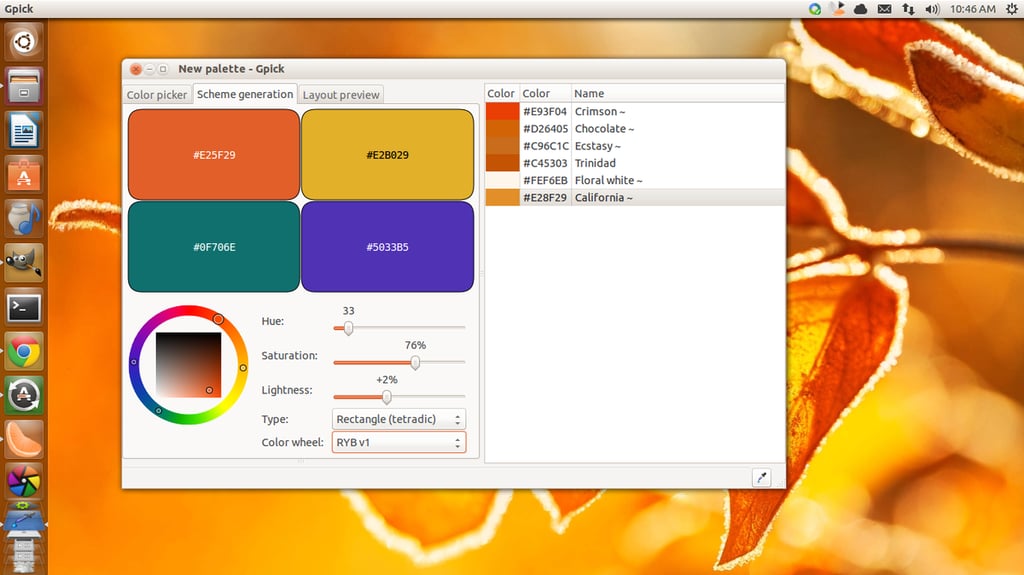
\r\n\r\nGpick is there when you simply need to know various values of\r\na color. There are tons of these types of\r\napplications, but Gpick (for Linux) is better than most of them. Gpick features: Fast color picking, create\r\npalette from images, select color from anywhere on desktop, automatically named\r\ncolors, export/import, copy picked colors to clipboard, oversampling, mix\r\ncolors, create harmonious colors, and much more. So if you’re looking for a\r\ntool that will help you pick a color (and see its various values), Gpick is an outstanding choice.
Credit: Images by Jack Wallen for TechRepublic
Credit: Images by Jack Wallen for TechRepublic
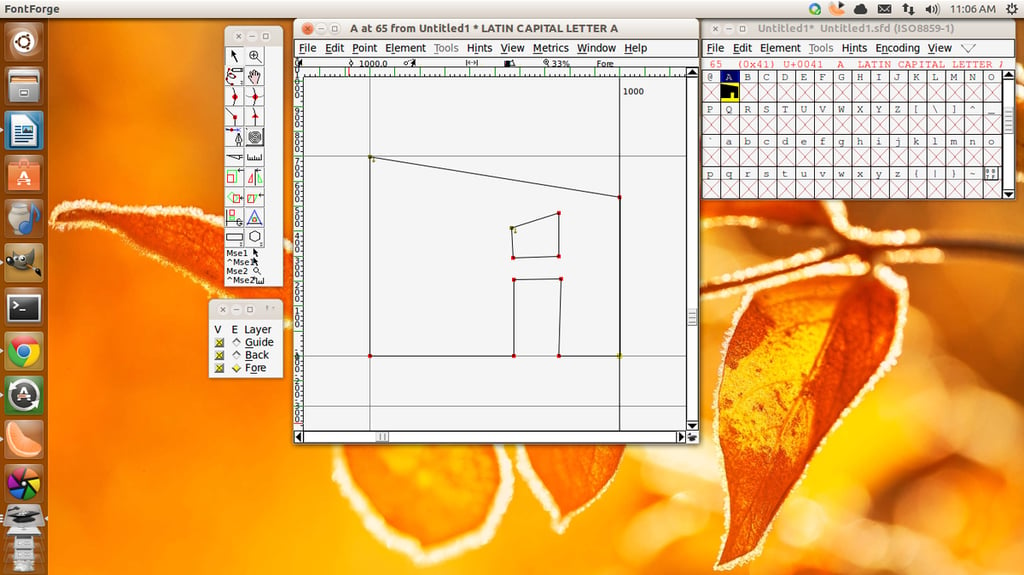
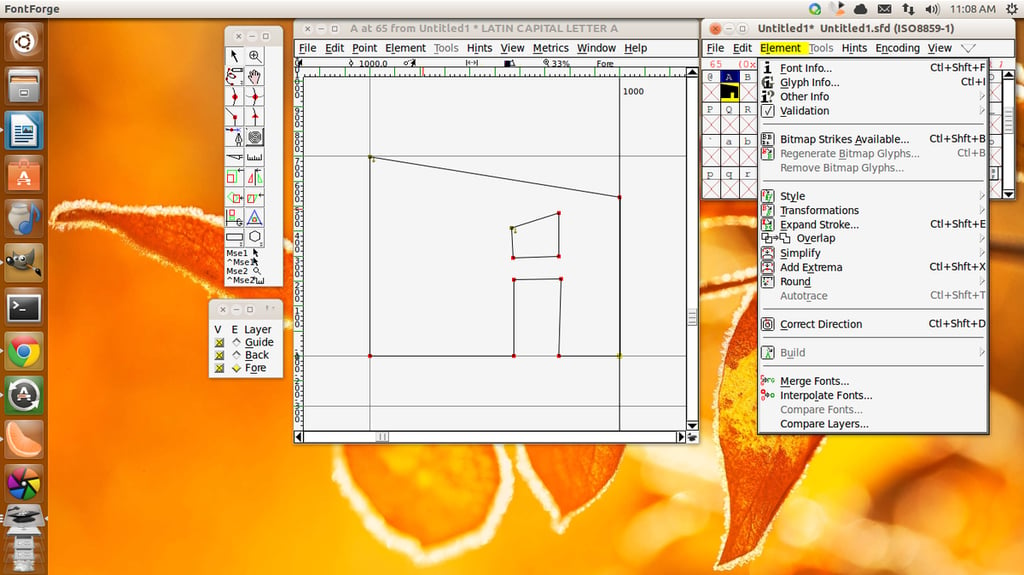
\r\n\r\nFontforge is\r\nnot the easiest tool to use; but once you get the hang of it, you’ll be\r\ncreating fonts that perfectly meet your needs. Fontforge is an outline font editor that lets you\r\ncreate postscript, truetype, opentype, cid-keyed, multi-master, cff, svg and\r\nbitmap fonts. You can even edit existing fonts and convert fonts from one\r\nformat to another. Fontforge does have a steep learning curve, but it is free, and it is available for Linux, Windows, and Mac.
Credit: Images by Jack Wallen for TechRepublic
\r\n\r\nIf you’re a graphics designer,\r\nyou need tools other than the standard editors. Each of these tools offers up\r\nsomething for every designer looking to expand their current toolbox. Give\r\nthese a try and see if your graphic designing tasks become easier and your\r\npalette of offerings becomes more expansive.
Credit: Images by Jack Wallen for TechRepublic

Jack Wallen is an award-winning writer for TechRepublic, The New Stack, and Linux New Media. He's covered a variety of topics for over twenty years and is an avid promoter of open source. For more news about Jack Wallen, visit his website jackwallen.com.


