Five apps to take the pain out of documentation - TechRepublic

Five apps to take the pain out of documentation

  • documentation2istock000036016580small.jpg

    Five apps to take the pain out of documentation

    If you’re a system or network administrator or a programmer,\r\nyou know one of the most tedious exercises you can undertake is documenting your\r\nsystems, networks, or projects. But without proper documentation, you may\r\nas well build it all and forget how you did it — because that information will\r\nslip from your memory. Or worse, you’ll be relieved of your duties and those\r\nwho step in to fill your shoes will be clueless as to what you did.

    So what’s the best way to approach it? Do you just open up\r\na word processor and start typing random bits of information? Or do you use an application\r\ndesigned to simplify the process? It makes sense to take advantage of a\r\nspecialized app, but which one should you use? Here’s a list of\r\nfive useful apps that can simplify your documentation chores. They’re either\r\nspecific to a task or general enough to aid in most situations.

    Note: This gallery is also available as an article.

    MBM YAPR
  • Sphinx

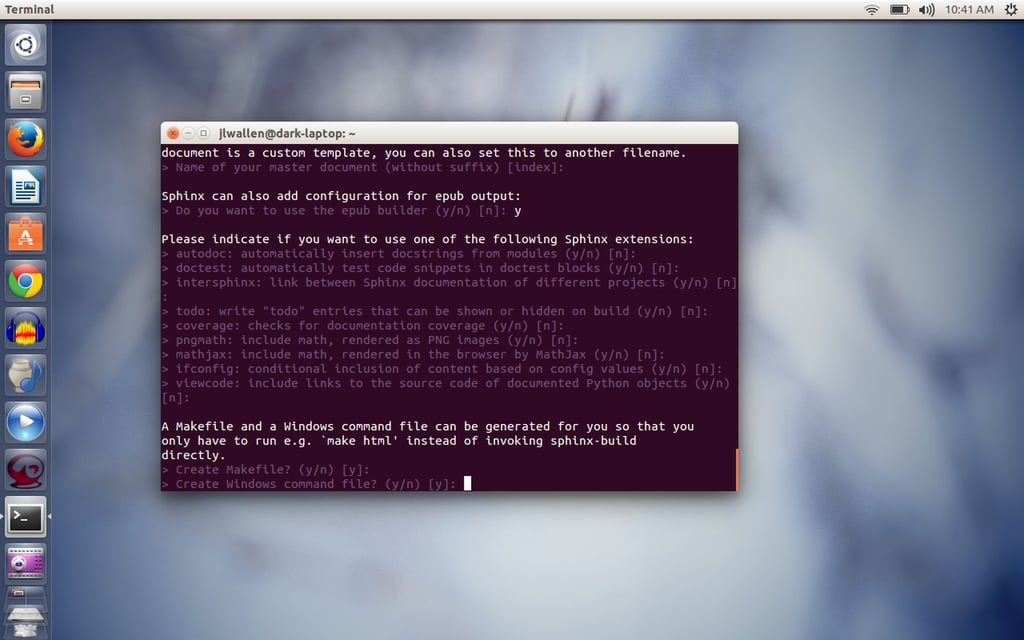
    Your\r\nfirst step will be to run the sphinx-quickstart, which will build the directory\r\nstructure for your documentation. It will ask you numerous questions (in most\r\ncases, the default answers will work) and then instruct you to populate your\r\nmaster file and create other documentation source files. After that, you run\r\nthe make builder command to build the\r\ndocuments.

  • Geany

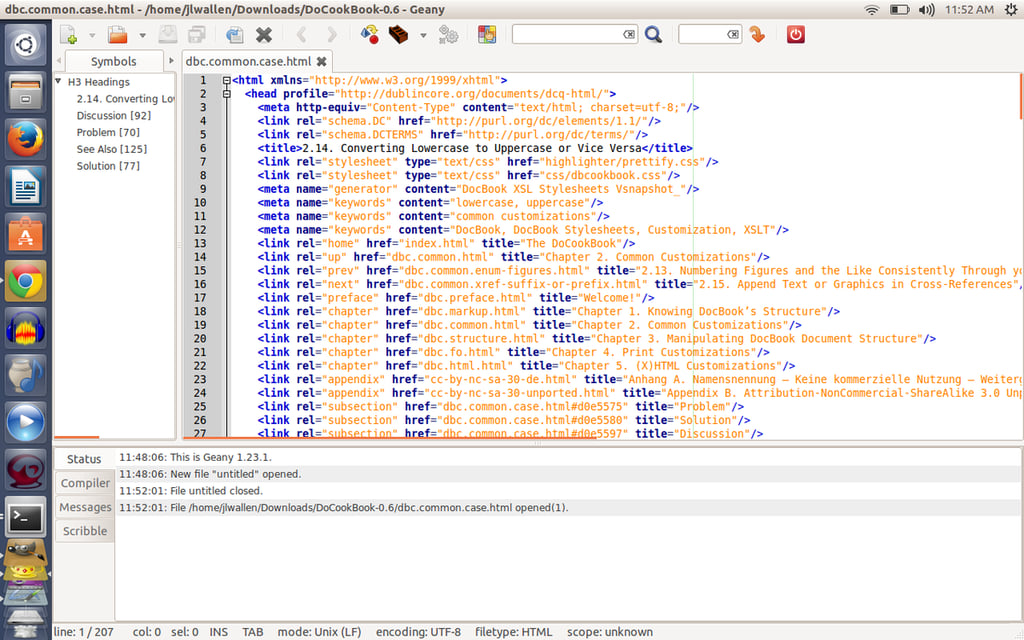
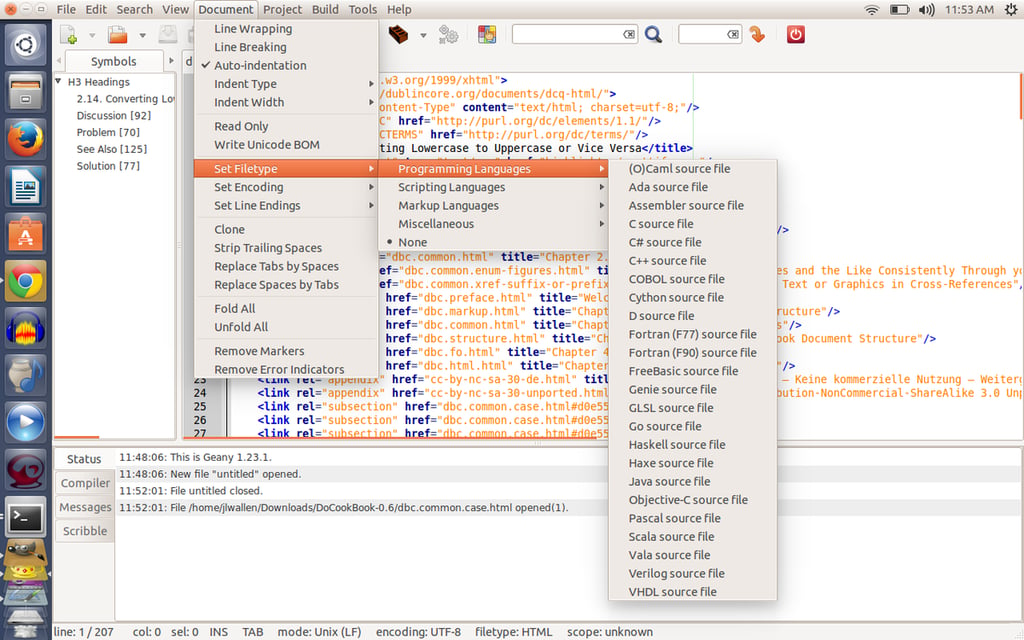
    Geany isn’t just a simple cross-platform text editor. It’s an easy-to-use\r\ngraphical text editor that can handle your documentation tasks in XML format\r\n(think DocBook). Geany features syntax highlighting, code folding, symbol name\r\nauto-completion, auto-closing of XML and HTML tags, and call tips, among other\r\nthings. It also supports a large list of file types.

  • Geany

    You can create projects within Geany and specify things like\r\nfiletypes, encoding, and line endings on a per-project basis. Although Geany is\r\ngeared more toward coding projects, it’s an outstanding tool to help you\r\nconstruct your documentation. There is also a plug-in called GeanyGenDoc that\r\nwill automatically generate documentation based on source code. To learn more\r\nabout GeanyGenDoc, take a look at the online manual.

  • Calibre

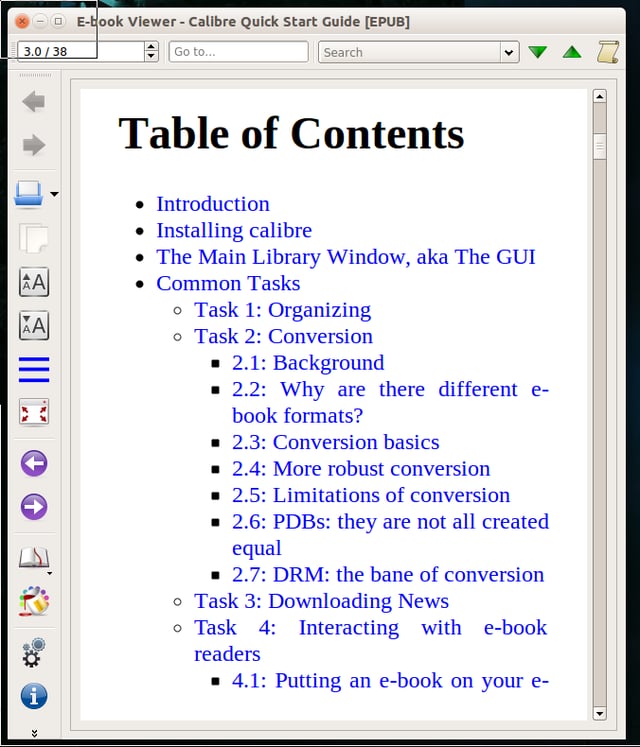
    Calibre also lets you generate a handy table of contents for\r\neasier documentation navigation.

1 of 5
Jack Wallen

Jack Wallen is an award-winning writer for TechRepublic, The New Stack, and Linux New Media. He's covered a variety of topics for over twenty years and is an avid promoter of open source. For more news about Jack Wallen, visit his website jackwallen.com.