There are a lot of new features in macOS Sierra to be excited about. What follows is a detailed tour through the features Apple has brought to its latest OS, starting with the addition of Siri.
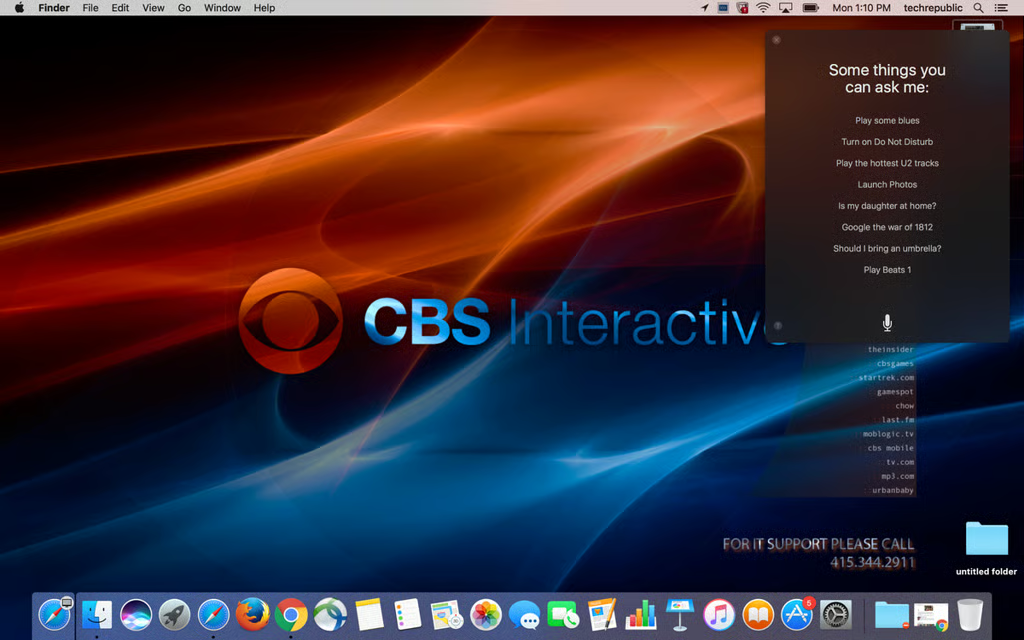
Siri can be conjured in macOS Sierra by holding down Command and the spacebar. She’ll appear in the upper right hand corner of the screen, and you can ask whatever you wish.

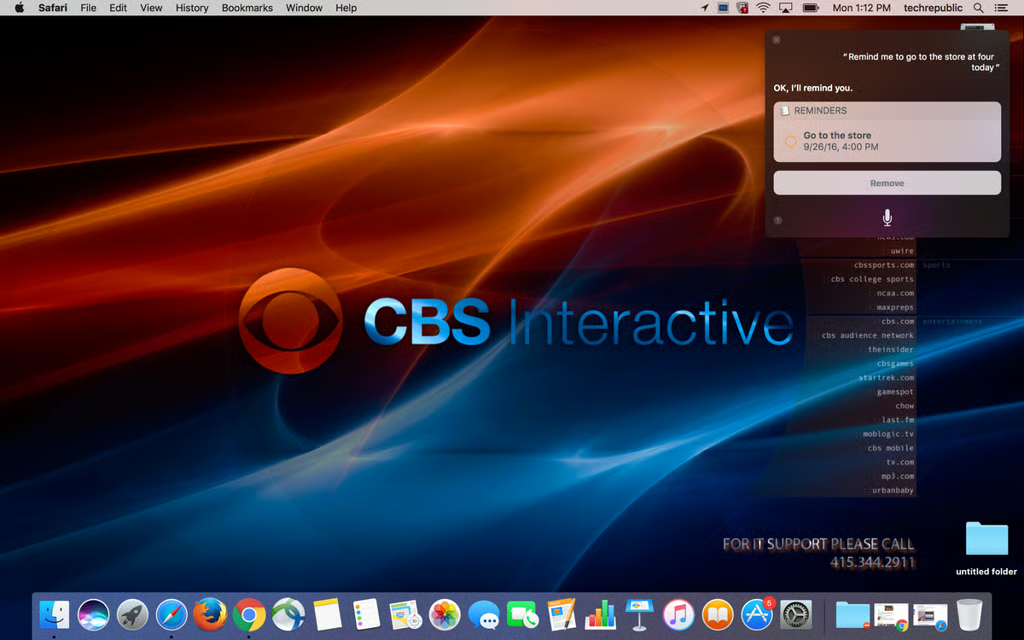
Of course, reminders you create in macOS will be shared with your mobile devices as well.
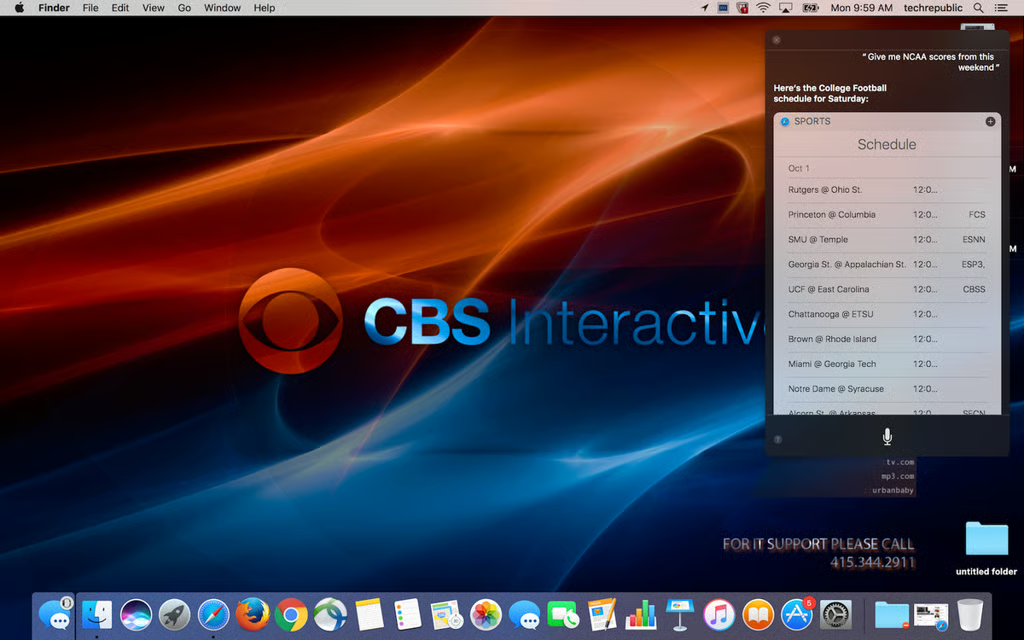
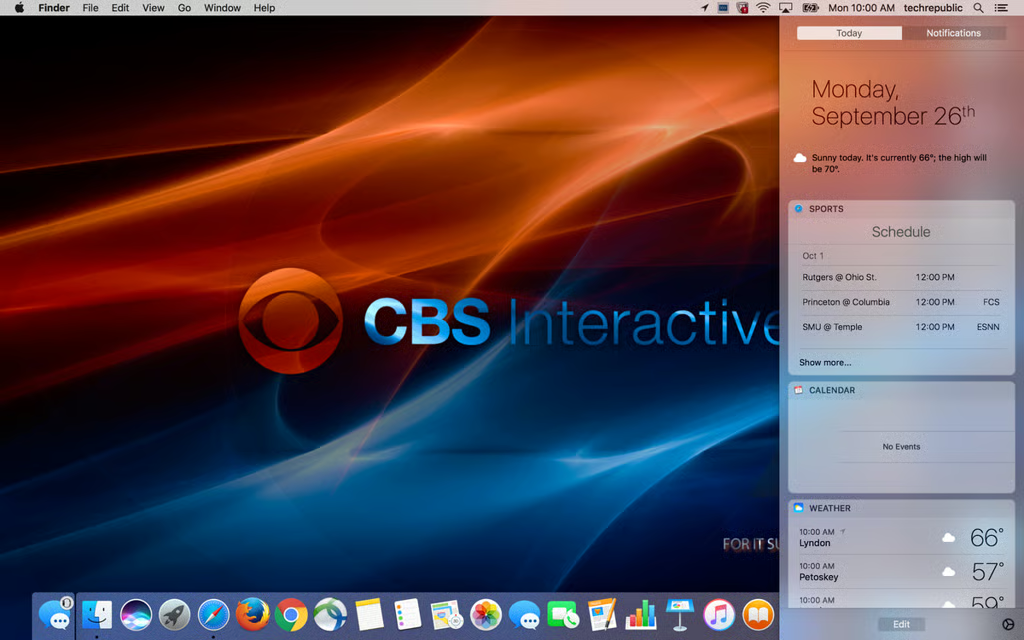
Say you search for all the NCAA games coming up next weekend. You’ll notice a “+” in your Siri results. Click on that to add the search to your Today window, which slides out from the right hand side of the screen.

There it sits, giving you weekly updates of upcoming games.
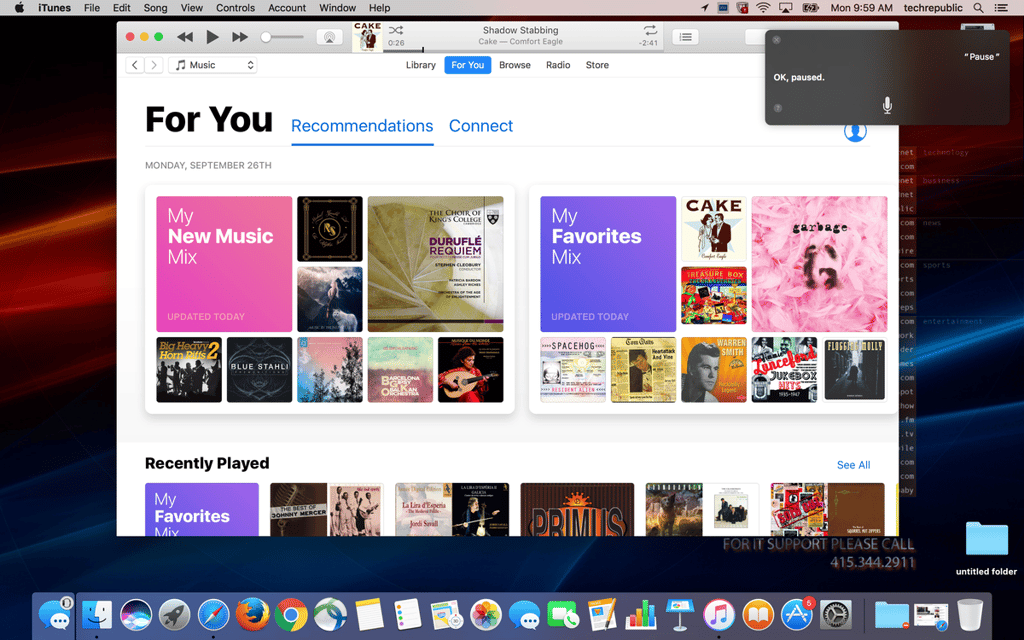
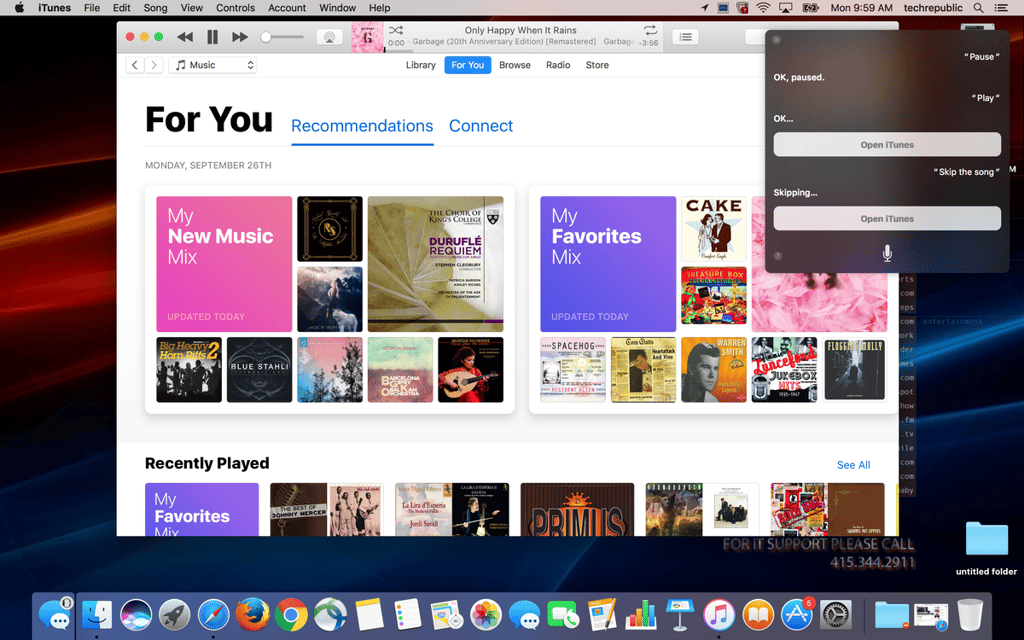
If lifting your finger all the way to the function keys is too exhausting let Siri do the heavy iTunes lifting. Tell her to pause a song and she’ll pause a song.
Not only will Siri control playback, but she’ll also change tracks or play any artist you request.
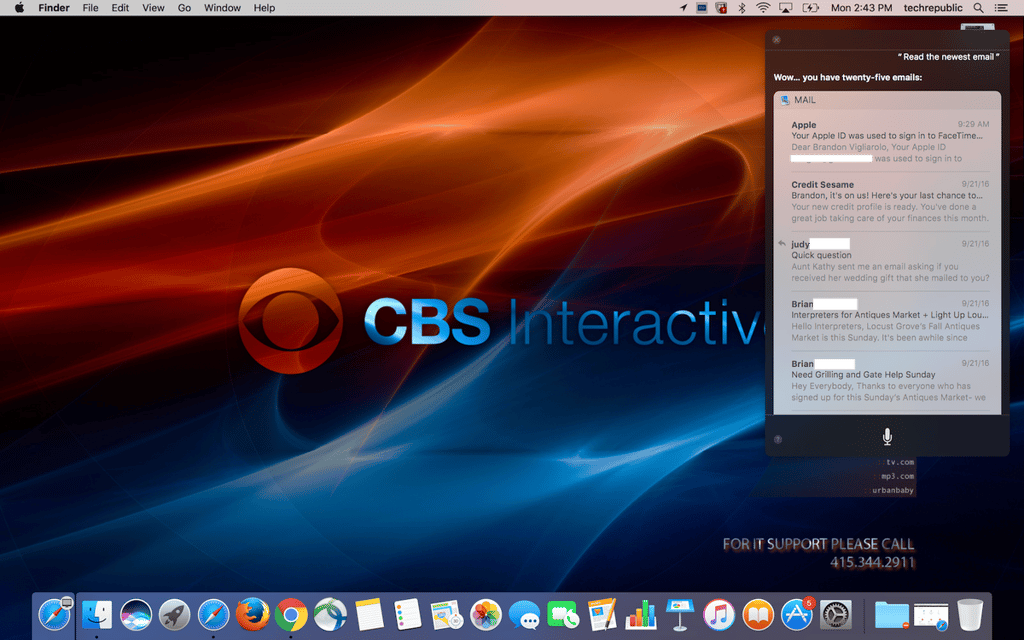
Tell Siri to show you your new email and she’ll slowly read the subject line and sender of each one. Tell her to read the whole message and she’ll do that too.
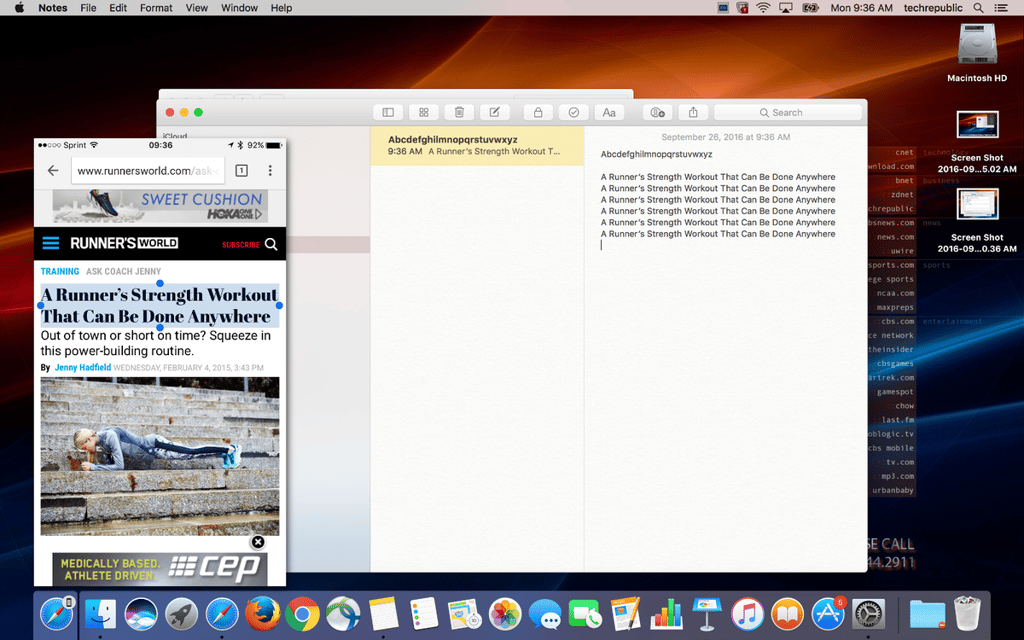
Have you ever copied a link on your phone and wished you could paste it onto your desktop browser? Apple thinks you have, so it added universal cut and paste to Sierra.
As long as you have handoff configured on your iPhone and Mac you’ll be able to cut and paste text right from one device to the other.
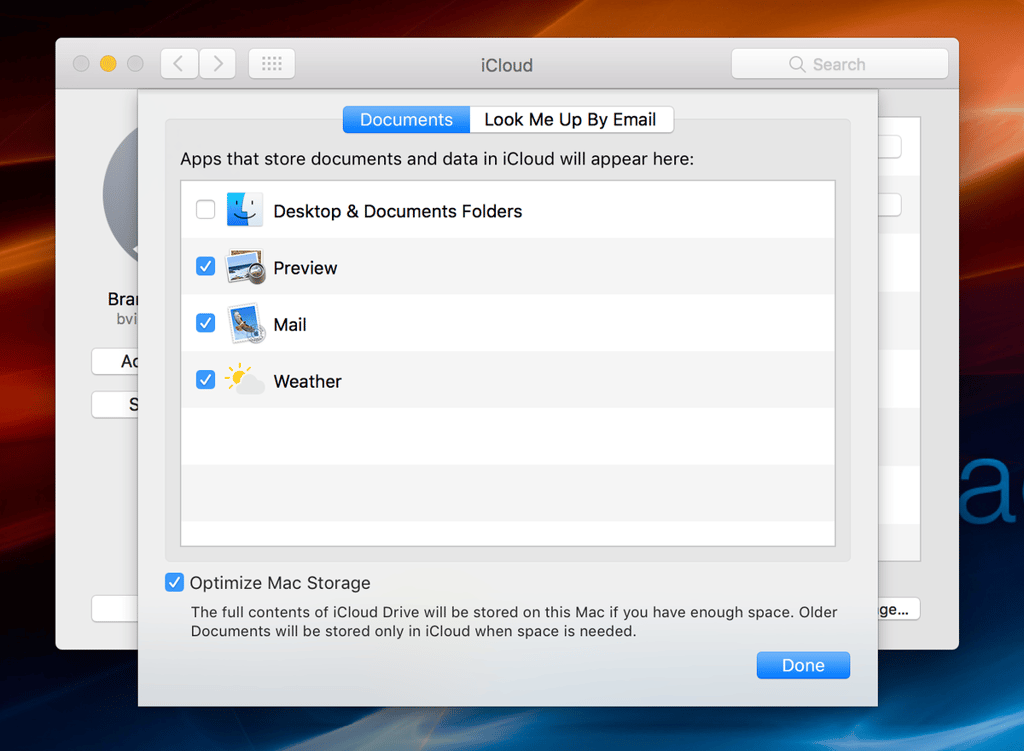
You can now sync the contents of your Documents folder and your Desktop right to iCloud.
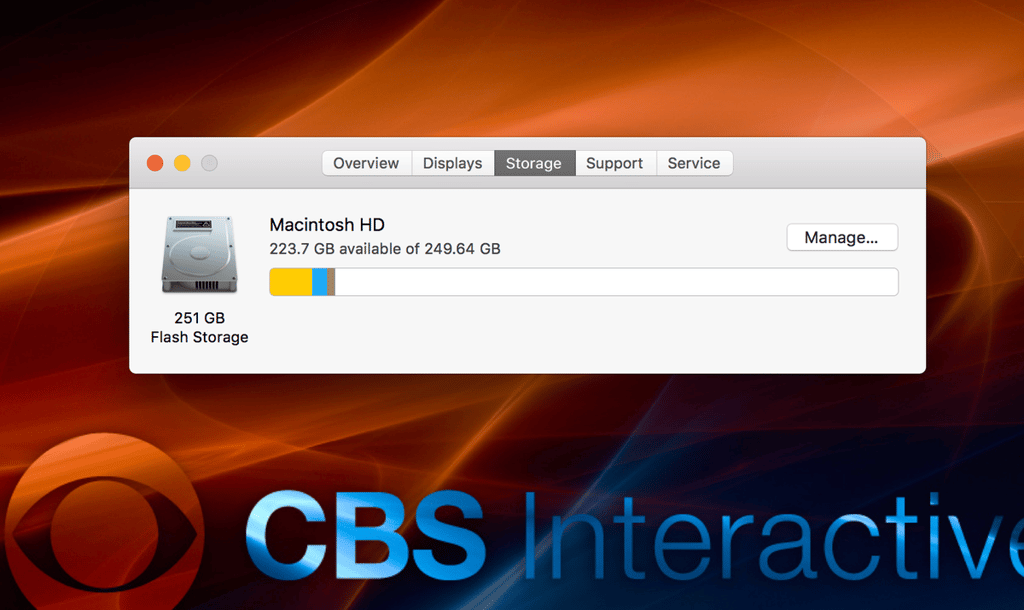
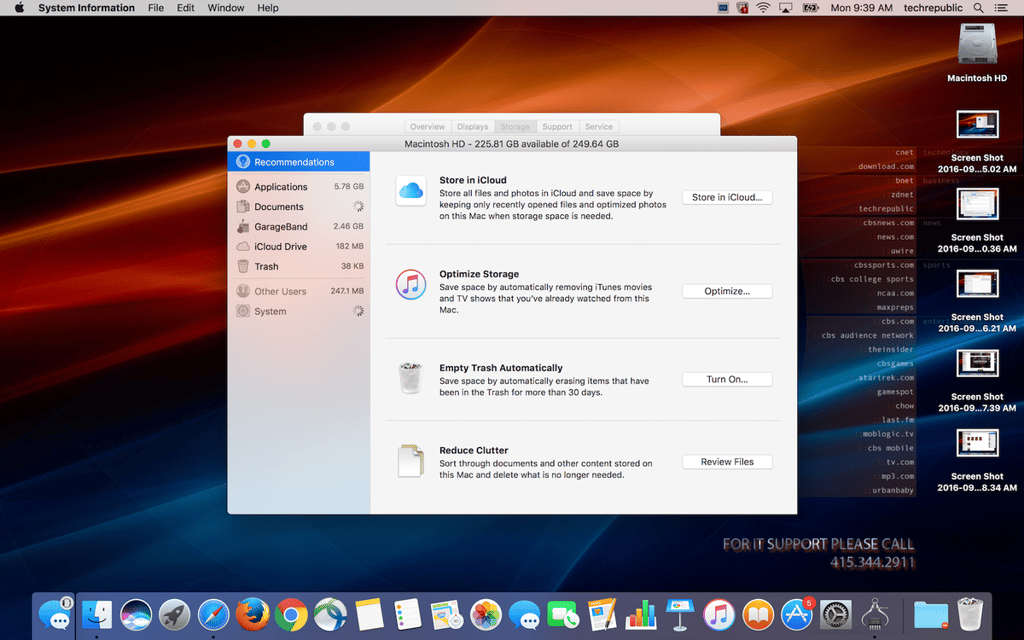
New storage management options appear as well. Click on the Storage tab in the About This Mac window. You’ll see a new Optimize option.
Optimization can move unnecessary files to iCloud, automatically clear the trash, and remove old files you don’t need.
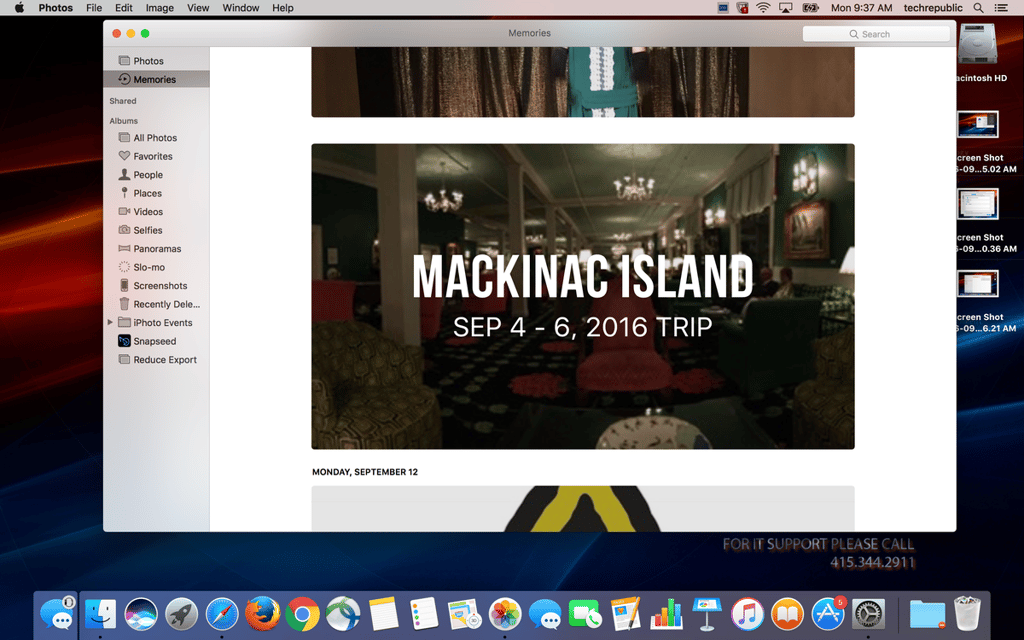
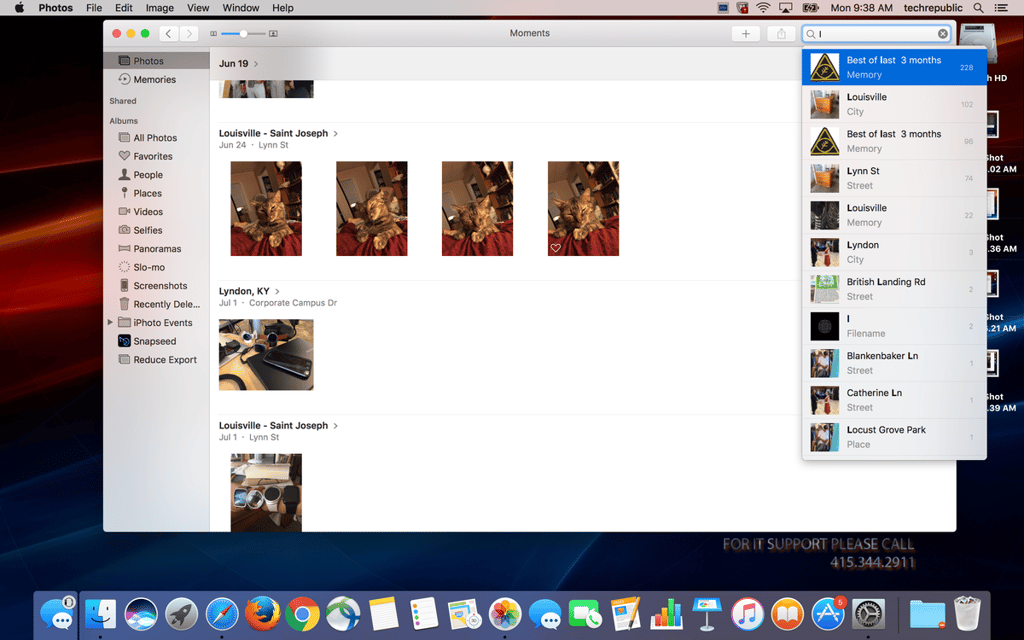
The Photos app is boasting a lot of improvements that bring it in line with the iTunes version. The memories slideshows are featured on macOS now, allowing you to watch the simple presentations on a bigger screen.
Searching through your photos has gotten smarter as well: Photos recognizes location and faces.
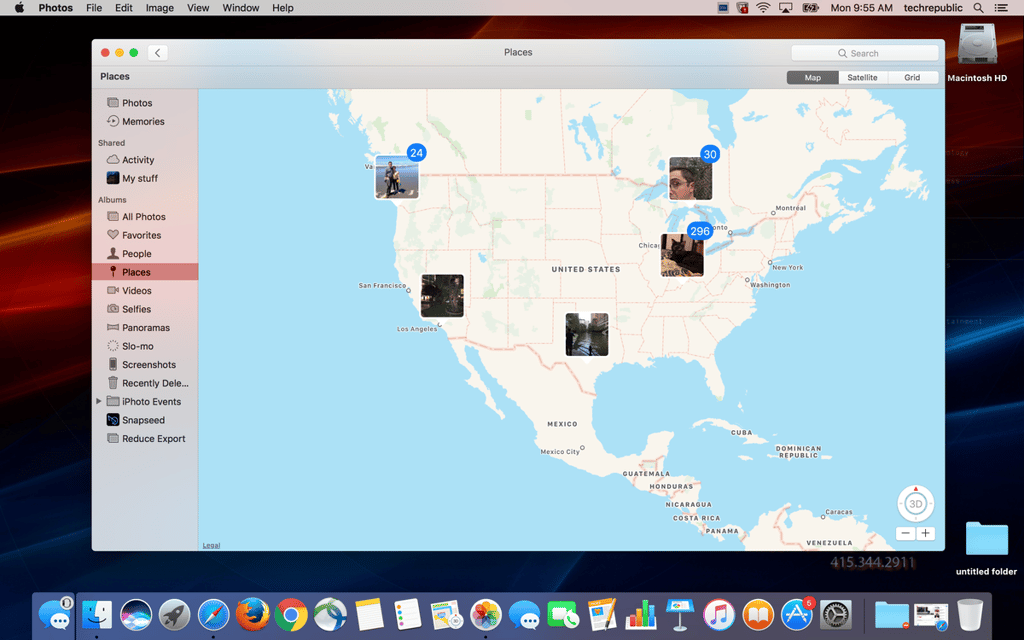
There’s a neat location option too–see where on the map you took a shot!
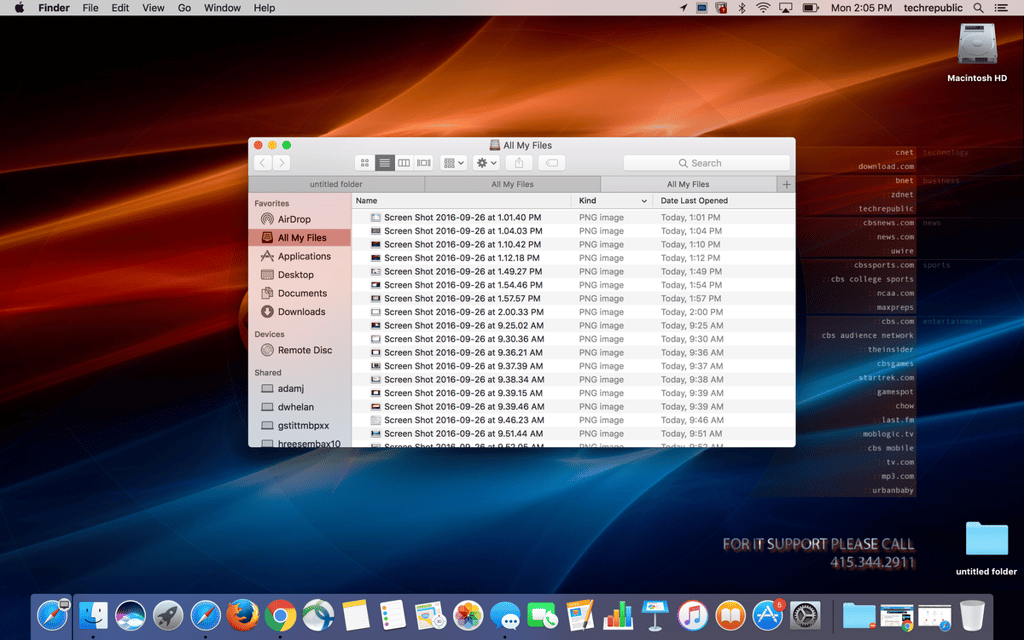
Tabs aren’t just for web browsers anymore: they’re in a lot of other macOS apps too, like Finder and Maps.
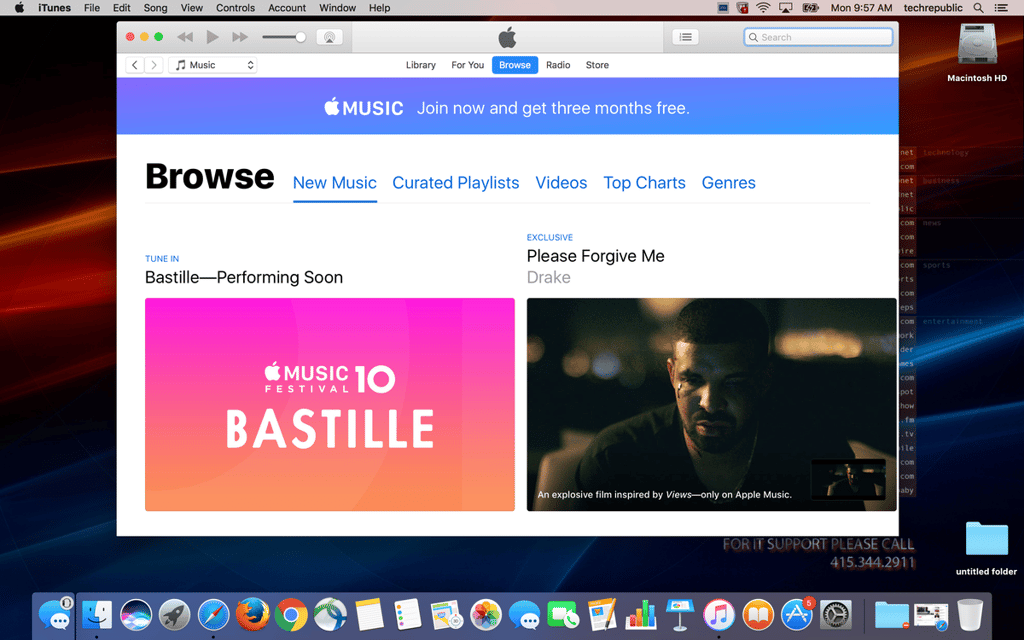
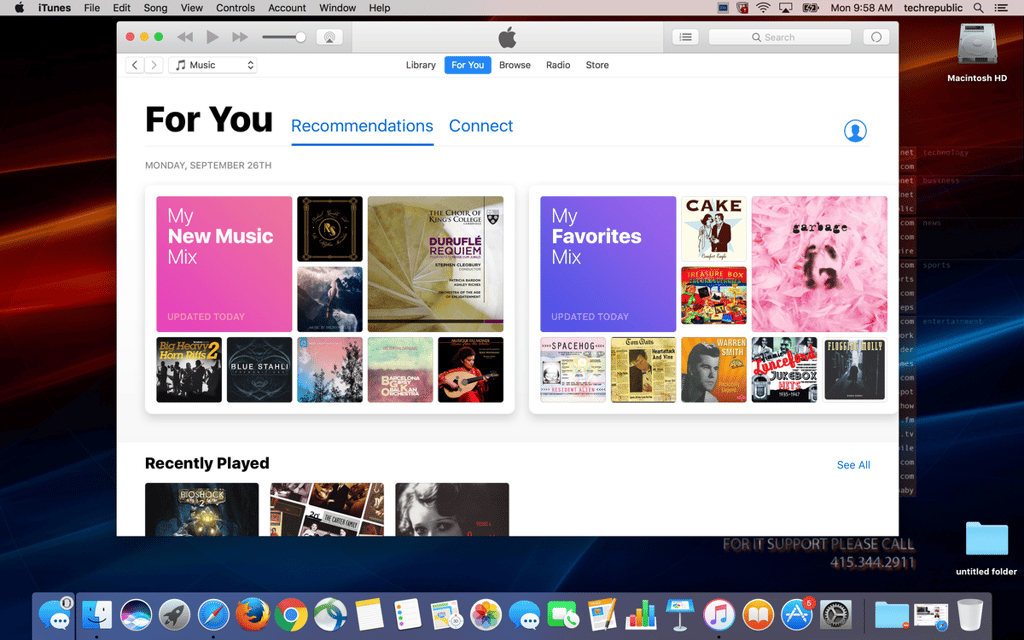
Apple is really pushing its Apple Music subscription service, so you’ll see the same view whether you’re a subscriber or not.
If you are a subscriber you’ll notice a new look on the Suggestions and Browse screens.
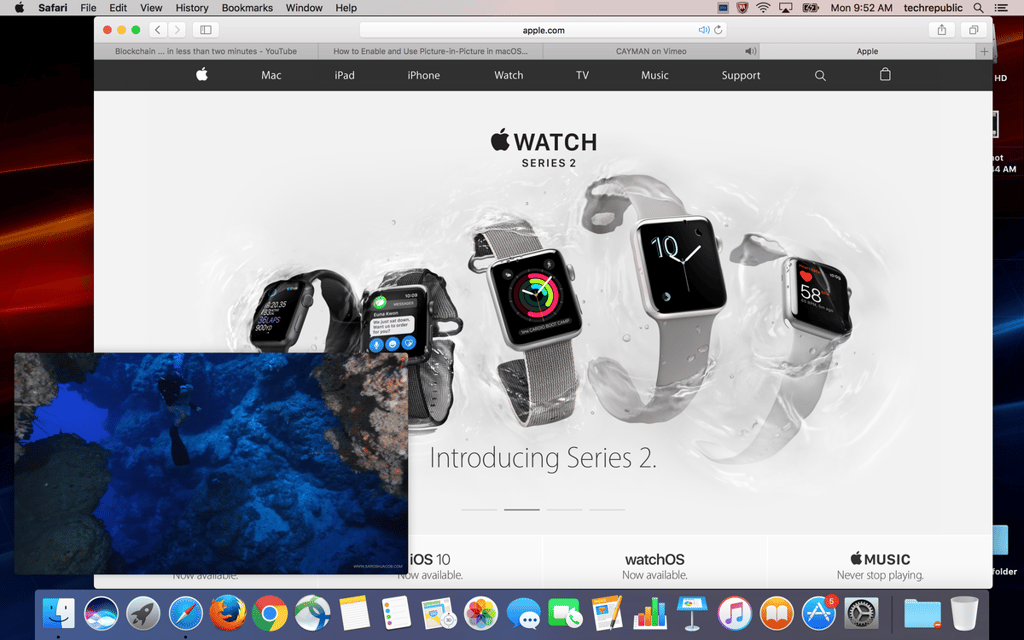
You can do it on your iPad, and now you can do it on your Mac as well: picture-in-picture is finally here.
Unfortunately, there are a lot of limitations to Apple’s PiP system: it’s an API that websites have to add in order for it to work. Right now the biggest name to offer PiP is Vimeo, so don’t count on undocking those YouTube videos anytime soon.
Apple seems dead set on overhauling Messages with a bunch of features of questionable use. While not all of them have made the leap from iOS to macOS there are a couple that have, and they are definitely some of the better ones.
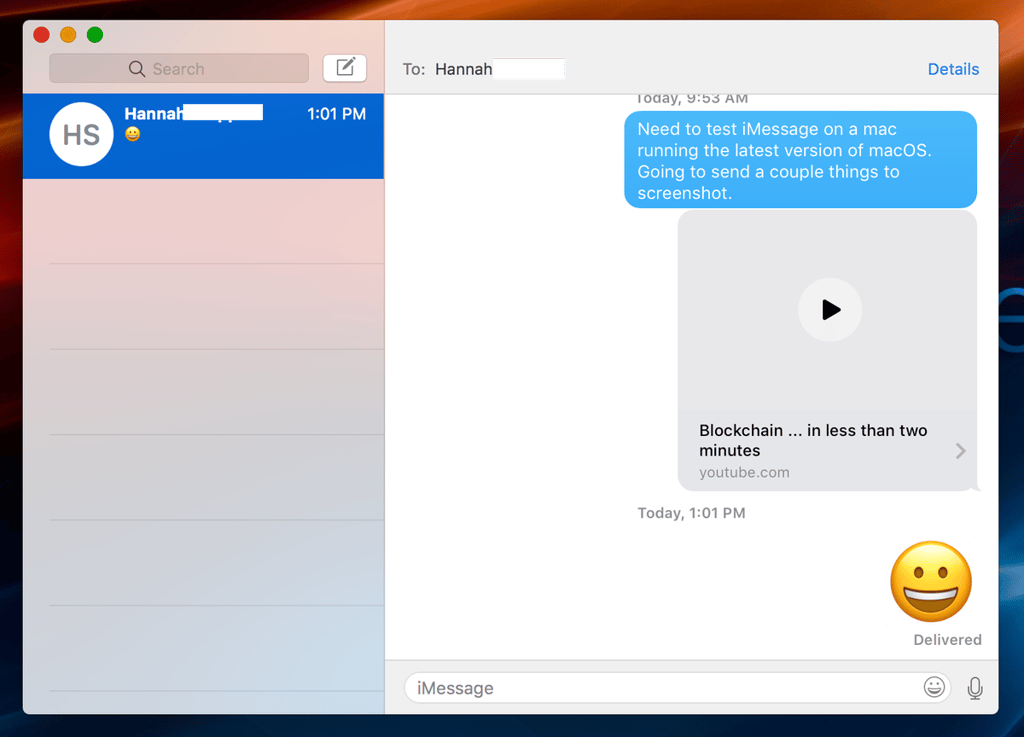
Videos, for example, can now be played inside the Messaging program itself.
When you’re just sending an emoji as a response it will show up nice and large.
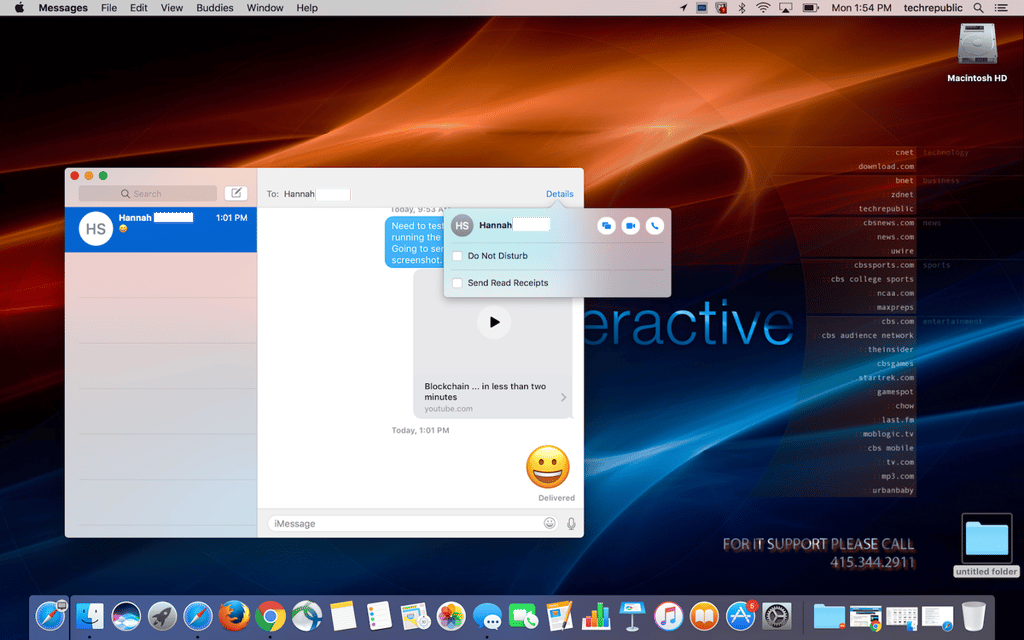
Want to make sure one particular person is seeing your messages? Now you can turn on read receipts by person instead of across the board.
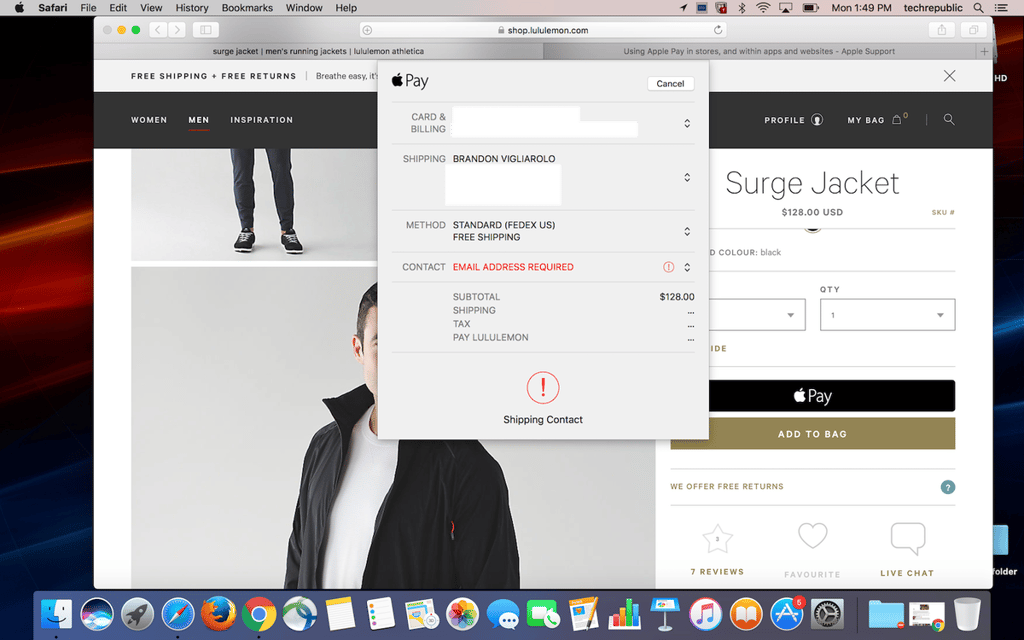
Some websites are adding the ability for customers to check out using Apple Pay. Click the button at checkout, and you’ll use Touch ID on your iPhone to complete the transaction.
The number of stores is currently a bit limited–here’s hoping it grows with time.
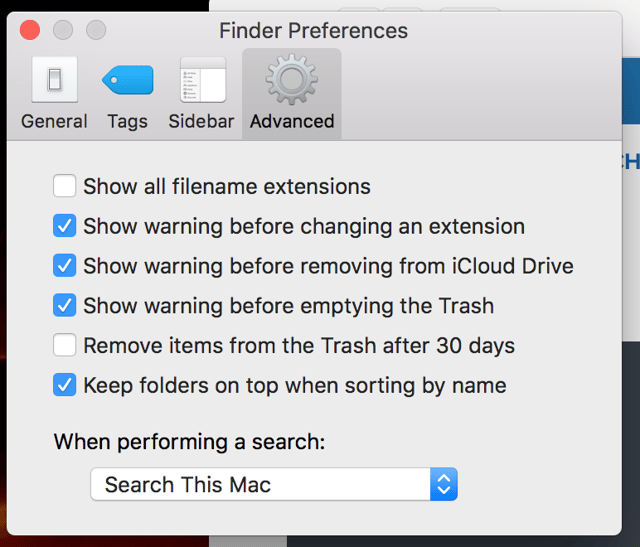
Tired of sorting by name and having all your folders get mixed in with your documents? Those days are over with macOS Sierra.
Open up Finder Preferences, click on Advanced, and check the Keep Folders On Top When Sorting By Name option.
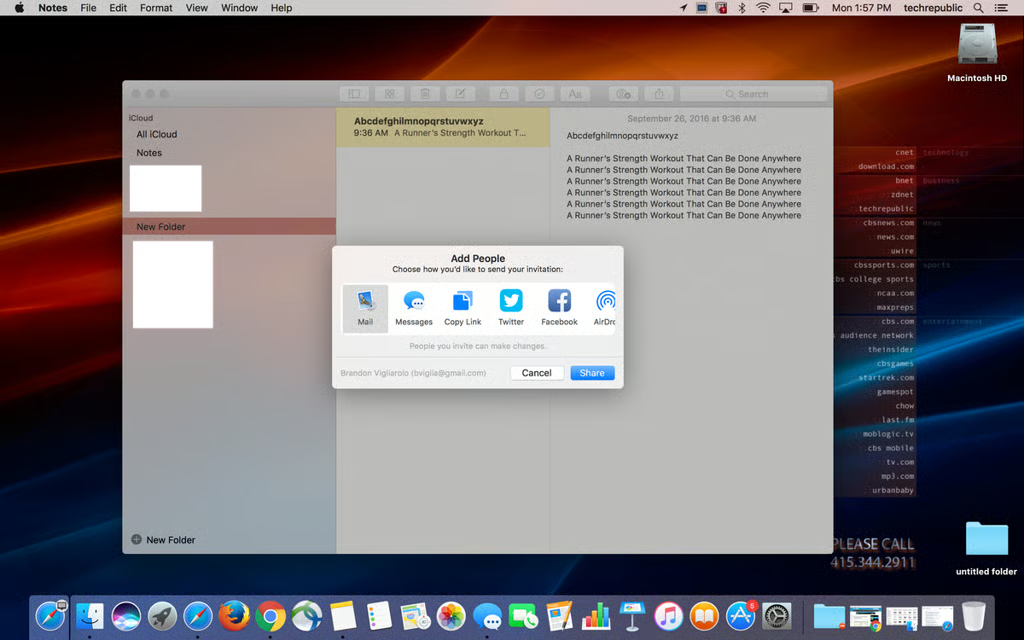
A lot of work is done on the web, and that means an increased need for collaboration. Apple has added the ability to share Notes with other macOS and iOS users so that you can both collaboratively work on documents.
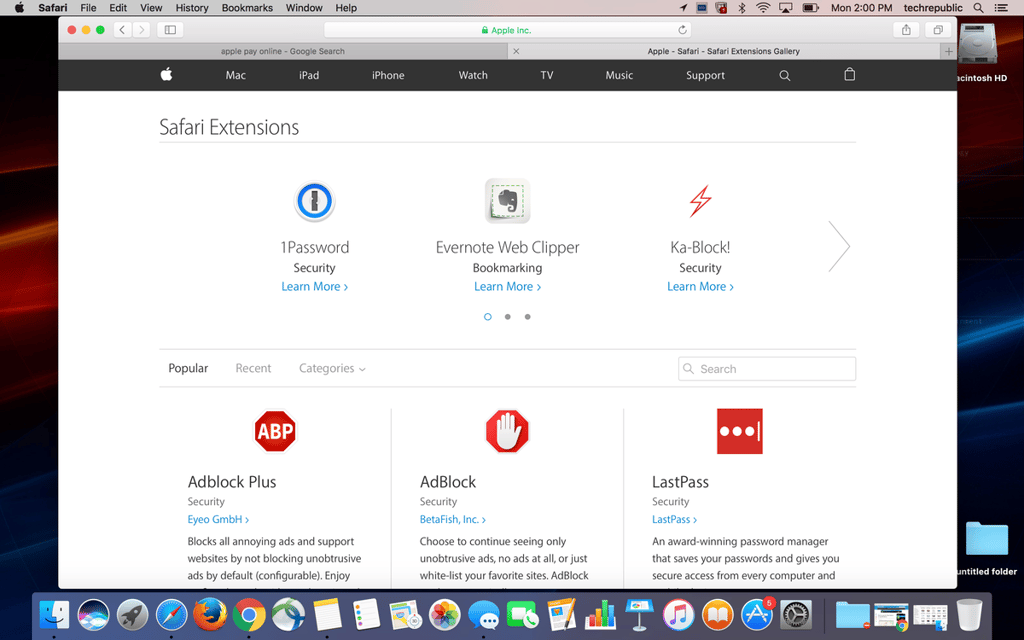
It hasn’t been implemented yet, but soon Safari extensions will leave their home on the web for greener App Store pastures.
Good news for owners of the Apple Watch: you can configure it to unlock your Mac when you come within a certain distance.
Hopefully you don’t have a Mac made prior to 2013, though: 2012 and older models aren’t compatible with the auto unlock feature.