The first five apps to install on a job-worthy iPad - TechRepublic

The first five apps to install on a job-worthy iPad

  • Prop1.jpg

    Connectwise

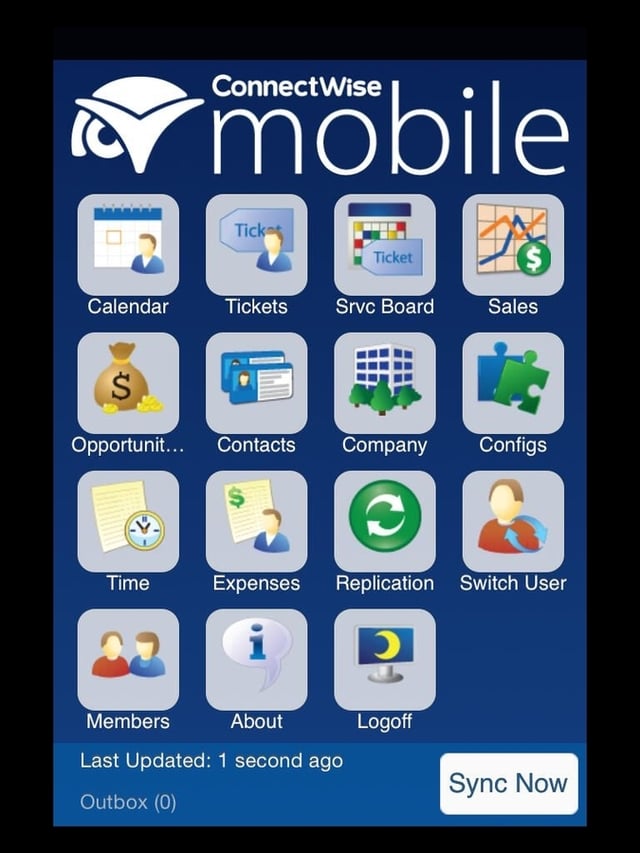
    Business professionals live\r\nand die by the industry-specific applications their organizations deploy. \r\n\r\nFor example, my tech consultancy relies on Connectwise as our automation solution.
    To ensure that your iPad\r\noffers optimal value and efficiency, make your organization’s business application\r\nthe first program you install.\r\n

  • Prop2.jpg

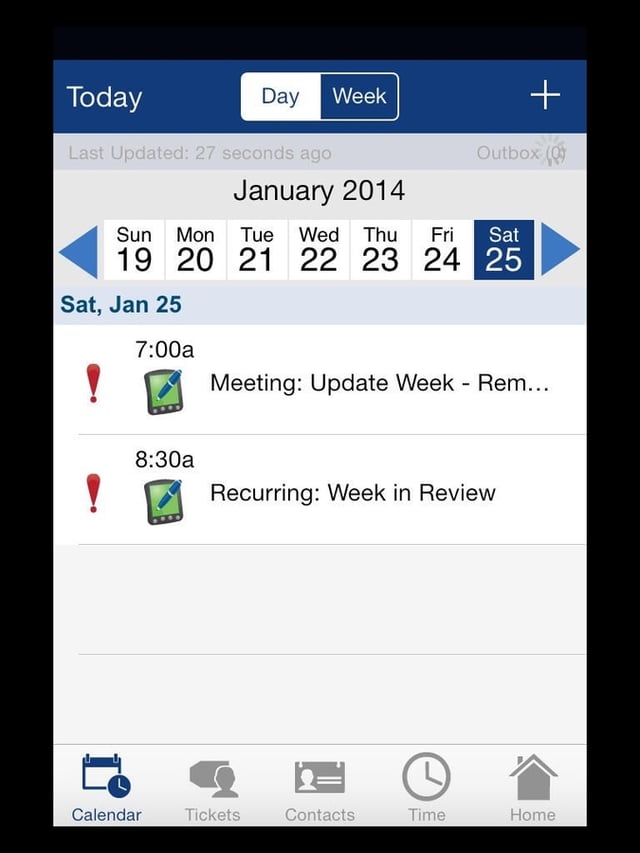
    Connectwise calendaring

    Connectwise on the iPad enables staff to\r\nperform critical functions, such as review calendars, respond to service\r\nrequests, and close tickets. Those functions streamline our operations, just as\r\nsimilar proprietary enterprise apps do for other firms.\r\n

  • iWorkPages1.jpg

    iWork Pages

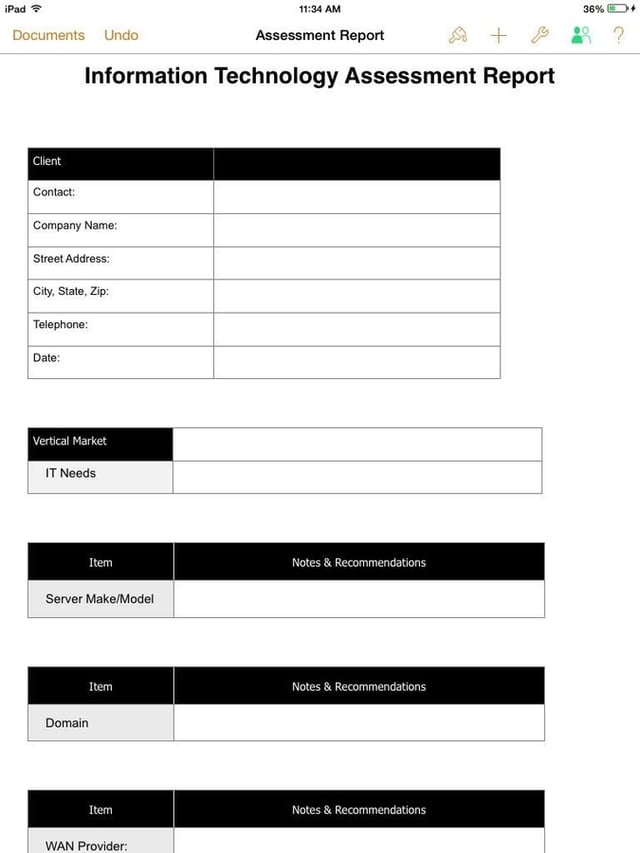
    Apple’s office\r\nproductivity tool suite — Pages, Numbers, and Keynote — is available free to new\r\niPad customers. In my experience, the applications are not present on Apple\r\ndevices, so you’ll need to download them from the App store.

  • iWorkNumbers2.jpg

    iWork Numbers

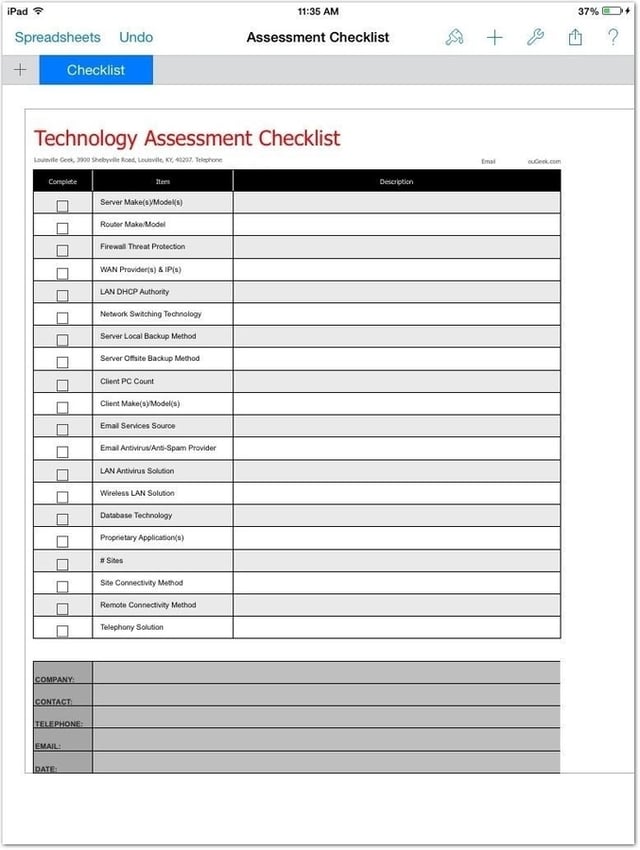
    A Numbers checklist such as this one helps you avoid overlooking important information when performing field audits using an iPad.

  • v2_Penultimate1.jpg

    Penultimate drawing

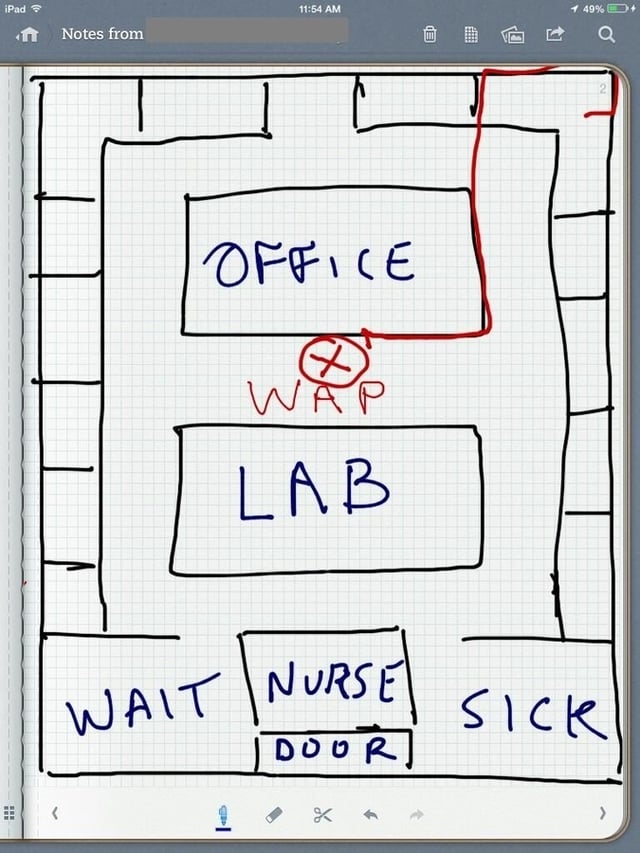
    Penultimate\r\nlets you create freehand drawings on your iPad. You can draw organization\r\ncharts, network diagrams, floor plans, and other shapes and objects, which\r\ncomes in handy in numerous business situations.

  • Penultimate2.jpg

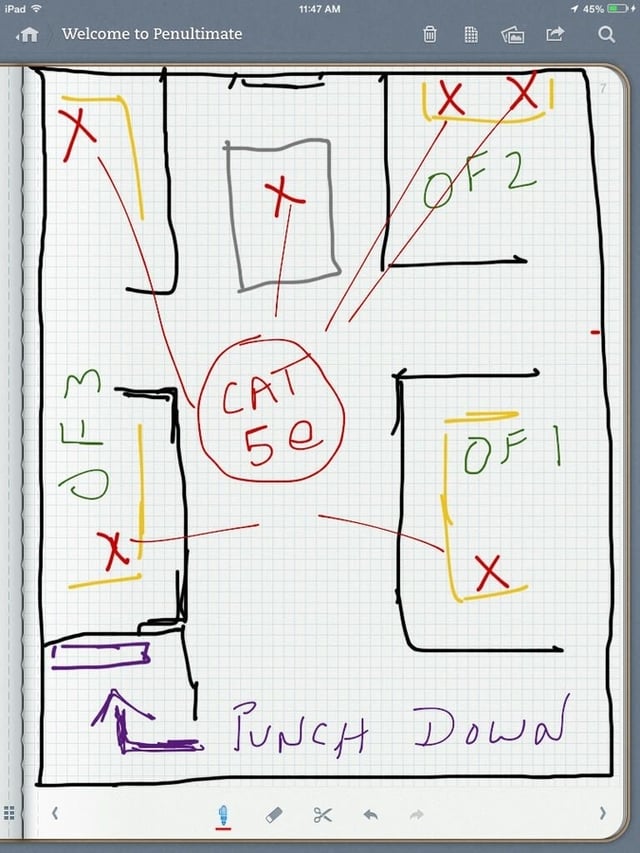
    Penultimate in the field

    Based on a walk-through of a client site requiring an office\r\nexpansion, it was easy to create this basic floor plan. It shows the proper location for new desks,\r\ndata cabling, and a network closet complete with punch-down block.

  • Evernote2.jpg

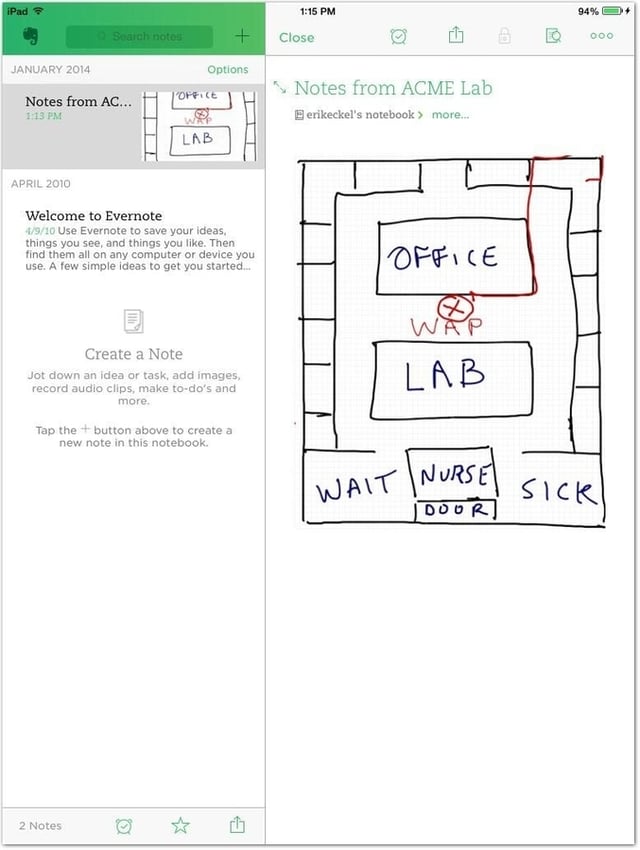
    Evernote and Penultimate drawings

    Evernote makes it easy to create and share notes as simple text included\r\nwithin email messages. While some advanced options are available, including the\r\nability to automatically import Penultimate drawings, the application’s\r\nstrength is the simplicity it offers for creating and distributing notes quickly\r\nand efficiently.

1 of 7
Erik Eckel

Erik Eckel is a managing partner at Louisville Geek and president of Eckel Media Corp. He previously served as Executive Editor at TechRepublic. He received Microsoft Engineer accreditation from Sullivan University and earned his Bachelor's Degree in English from the University of Louisville. He's earned Network+, Windows NT 4.0 MCP+I and MCSE, and Windows 2000 Professional MCP accreditations.