


- Best overall: NordVPN.
- Best for price-conscious users: Surfshark.
- Best for ease of use: CyberGhost.
- Best for privacy: Proton VPN.
- Best for Linux purists: WireGuard.
There are many VPNs available on the market. When it comes to Linux distributions, some are better than others. So, which are the best VPNs for Ubuntu? I reviewed many of them and narrowed it down to five candidates. Let’s take a look at each, examine their features, pros and cons, and who they are best for.
Top VPN comparison
The key factors to consider when looking for a VPN for Ubuntu are price, Linux compatibility, security, and privacy. Let’s compare each candidate based on these features.
| Our rating (out of 5) | Starting price | Linux VPN app | Security | Privacy | |
|---|---|---|---|---|---|
| NordVPN | $5 | $3.39 a month for 10 devices. | Yes. | AES-256 encryption, multi-hop technology, obfuscated servers to prevent tracking, malware blocking. | Servers outside jurisdiction of surveillance alliances. No logs. |
| Surfshark | $5 | $1.99 a month for unlimited devices. | Yes. | AES-256 encryption, kill switch, IPv6 and DNS leak protection, AV, and malware blocking. | IP address swapping, no logs, operates outside of 14 Eyes. |
| CyberGhost | $4 | $2.19 per month per user. | Yes. | AES-256 encryption, kill switch, DNS leak protection, blocking of online tracking, NoSpy servers, ad blocking, AV. | No logs, operates outside 14 Eyes jurisdiction. |
| Proton VPN | $5 | $2.99 a month. | Yes. | AES-256 encryption, kills switch, ad-blocking, leak protection, password manager. | No logs, privacy focused apps, secure location outside 14 Eyes, blocks tracking. |
| WireGuard | 4.1 | Free. | Yes. | Cryptography features include Curve25519, ChaCha20, Poly1305, BLAKE2, SipHash24, HKDF. | Lacks privacy features. |
NordVPN: Best overall

Our rating: 4.7 out of 5
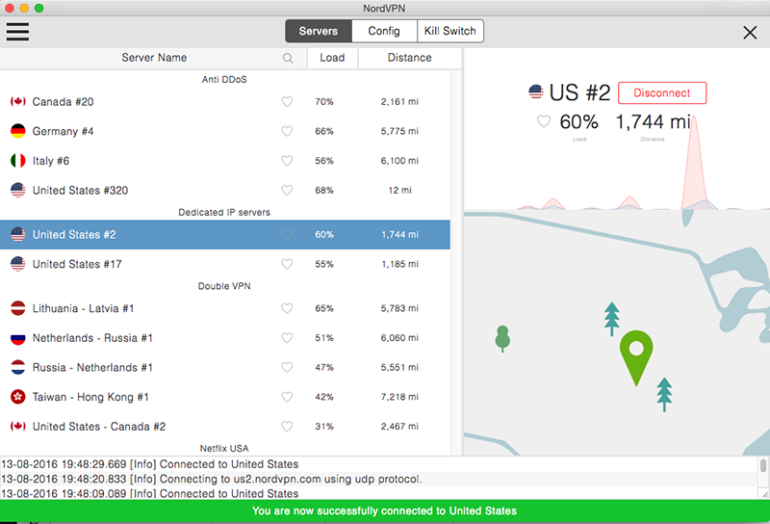
NordVPN is my top choice for Ubuntu. It offers the right combination of speed, security, privacy, and Linux support. Its Linux app makes it easy for open-source users to download and install NordVPN on any Linux distributions including Ubuntu.
SEE: 9 Must-Do Tips to Secure Ubuntu Server (TechRepublic Premium)
Why I chose NordVPN
Some other VPNs beat NordVPN on specific features, and it’s a little pricier than competitors. But none match it across the board in terms of speedy access to a vast network of servers that lie beyond the jurisdiction of the various surveillance alliances – and backed by a wealth of privacy and security features as well as a huge, globally distributed server network.
For more information, read the full NordVPN review.
Pricing
- Basic: $3.39 per user a month for 10 devices.
- Plus: $4.39 per user a month for 10 devices (adds anti-malware and browsing protection, ad blocker, data breach scanner, and password manager plus 4GB more of storage).
- Complete: $5.39 per month per user (adds 1 TB of cloud storage).
- Prime: $7.39 per month per user (adds dark web monitoring, credit monitoring, and cyber-extortion/Identity theft insurance).
Features
- AES-256 encryption.
- Supports OpenVPN and its own NordLynx protocol.
- Security features include multi-hop technology, obfuscated servers to prevent tracking, and malware blocking.
- Tutorials walk users quickly and easily through installation on Linux devices.
- Fast speeds with Ubuntu.
- 7,300 servers in 118 countries that can access geo-blocked content such as streaming services.
- 24/7 live chat support.
Pros and cons
| Pros | Cons |
|---|---|
| Fast and secure. | Lack of a GUI so those who don’t like command line interfaces (CLI). |
| Large selection of servers around the world. | It is the most expensive VPN on the list. |
| Set up for easy install and use in Ubuntu. |
Surfshark: Best for price-conscious users

Our rating: 4.6
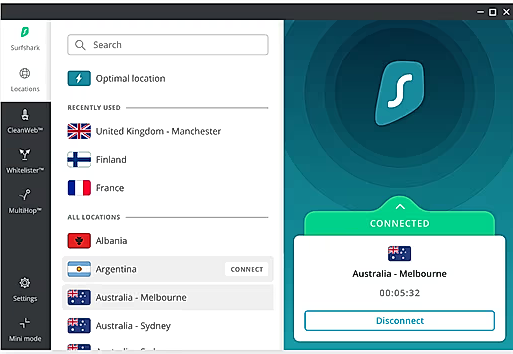
Surfshark is a good VPN that is available at a competitive price. It offers a feature set that is almost comparable to the best VPNs including good security, privacy, and Linux-friendliness. Hence, it is a popular choice among Ubuntu users. It offers strong encryption, a system-level kill switch, DNS leak protection, and more.
Why I chose Ubuntu
I picked Surfshark for Ubuntu due to its low price tag backed by a very good feature set. It’s fast, but not quite as fast as NordVPN. It has plenty of servers around the world, works to maintain user privacy, and is a good all-round VPN.
For more information, read the full Surfshark review.
Pricing
- Starter: $1.99 per user per month for unlimited devices.
- One: $2.49 per user per month (adds antivirus, security alerts, no data tracking, and country specific search).
- One+: $4.29 per user per month (adds data removal from company databases and search sites).
Features
- Strong encryption, kill switch, IPv6 and DNS leak protection, AV, and malware blocking.
- Users have the choice of a CLI and or GUI app.
- Users can simultaneously connect any number of devices.
- Over 3,000 servers in 100 countries.
- Good for streaming service access.
- Maintains privacy with IP address swapping, no logs, and surveillance-free jurisdiction.
Pros and cons
| Pros | Cons |
|---|---|
| Operates outside 5/9/14 Eyes. | Speed is not always consistent. |
| Changes IP addresses periodically. | Price hikes possible after the first two years. |
| Unlimited devices can connect simultaneously. | |
| CLI and GUI app options. |
CyberGhost: Best for ease of use

Our rating: 4.3
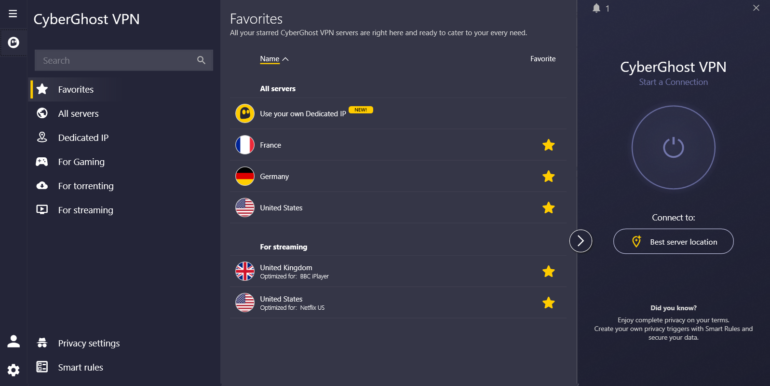
CyberGhost is a good VPN that has a reputation for being easy to use, making it a good option for beginners or those who only occasionally use a VPN and don’t want to spend time learning it.
Why I chose CyberGhost
I selected CyberGhost as it is easy to install, has simple pricing, a decent feature set, and has a user-friendly interface. Other VPNs may be a little better, but I reckon the extra speed and features may not make much difference to many Ubuntu users.
Pricing
- $2.19 per month per user
Features
- Servers are divided into categories for uninterrupted streaming, comprehensive anonymity, and fast secure downloads.
- More than 11,000 servers in 100 countries
- Based in Romania, beyond prying eyes.
- Easy to use and navigate.
Pros and cons
| Pros | Cons |
|---|---|
| Those using CyberGhost for streaming can use optimized and dedicated streaming servers. | Speed is generally OK, but can be inconsistent. |
| Affordable pricing. | Blocked in China. |
| Privacy features include NoSpy servers maintained at CyberGhost headquarters and blocking of online tracking. | |
| Set up for torrenting. |
Proton VPN: Best for Privacy

Our rating: 4.5
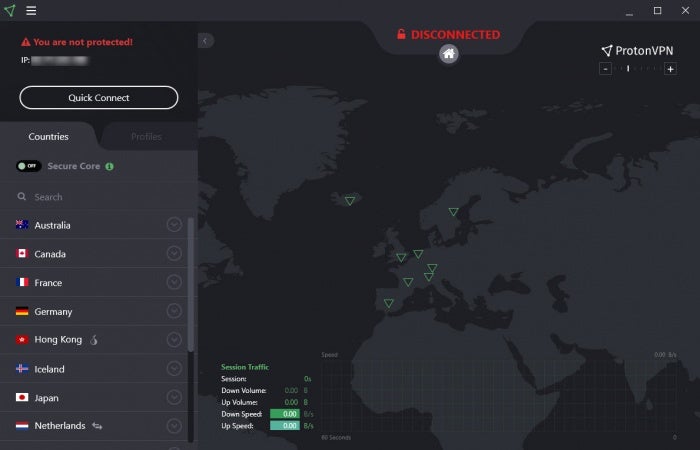
Proton VPN is all about privacy. From its Swiss location to owning all of its more than 12,000 servers, this VPN wants to keep your data secure and private.
Why I chose Proton VPN
I like Proton VPN due to its emphasis on privacy. When you consider that the whole point of a VPN is privacy, Proton VPN does all it can to achieve it. For those using Proton Mail, adding the VPN would seem to be a no-brainer due to integration and price packaging advantages.
Pricing
- Proton Free: 1 device only with limited server use and lower speeds.
- Proton VPN Plus: $2.99 per user per month.
- Proton Unlimited: $7.99 per user per month (includes Proton Mail).
Features
- Its Linux app is designed specifically for Ubuntu.
- Good for point-to-point traffic and video calling.
- 10 devices can be connected simultaneously.
- Security features include shielding of internet traffic, 256-bit AES encryption, kill switch, ad-blocking, and leak protection.
- Privacy features include no logging, secure location outside of 14 Eyes, tracking is blocked.
Pros and cons
| Pros | Cons |
|---|---|
| Large server network (more than 12,000 servers in 117 countries). | Free plan has a data cap, relatively few servers, and speed restrictions. |
| Includes Ubuntu apps. | Doesn’t work in China. |
| Intense focus on privacy. | Average speeds are decent but not as good as some others. |
WireGuard: Best for Linux purists

Our rating: 4.1
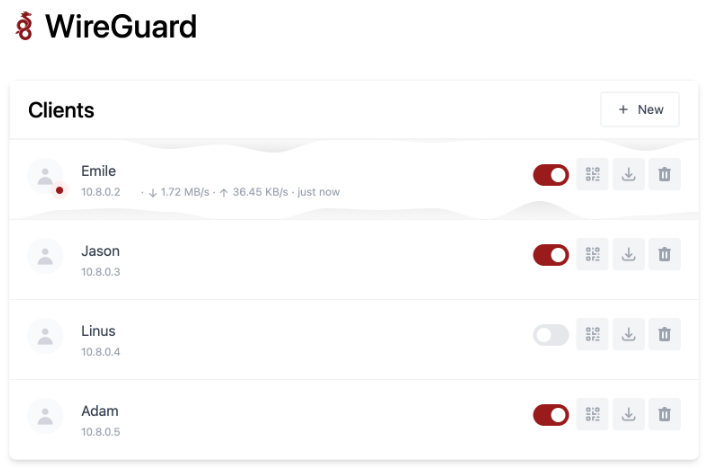
WireGuard is open source and designed specifically for Linux as a way to have a VPN running with minimal system impact. Anyone seeking to remain 100% open source will be drawn to WireGuard.
Why I chose WireGuard
I chose WireGuard to provide an open-source alternative for Ubuntu that is also free. It may be lightweight and it may be missing many of the bells and whistles of others on this list. But it does the job adequately.
Pricing
- Free
Features
- Lightweight design translates to faster speeds and low utilization of system resources.
- Uses more advanced encryption techniques than its competitors.
- By eliminating code bloat and endless handshakes, WireGuard offers high performance.
Pros and cons
| Pros | Cons |
|---|---|
| Free download. | Only offers static, not dynamic, IP addresses. |
| Lightweight. | Lacks privacy features. |
| 100% open source. |
How do I choose the best VPN for my business?
Those selecting a VPN should pay close attention to how they plan to use it. Anyone operating in a business environment or in areas where security and privacy are paramount should gravitate to those VPNs that offer the most robust protection features. Others might be more concerned about the ability to stream content, torrent, or operate in certain geographic zones. Each VPN has strengths and weaknesses depending on the use case.
- NordVPN is the top choice overall but it isn’t the cheapest option.
- Those wanting a good VPN at a more affordable price should consider Surfshark.
- Those desiring a good-enough VPN that ticks most of the boxes and is easy to use should try CyberGhost.
- Those with an eye for privacy are likely to be drawn to Proton VPN.
- Linux purists who want an open-source VPN that doesn’t consume system resources should look no further than WireGuard.
Methodology
I reviewed the VPNs in this guide by studying their features, analyst and expert reviews, as well as how they performed on speed tests.