


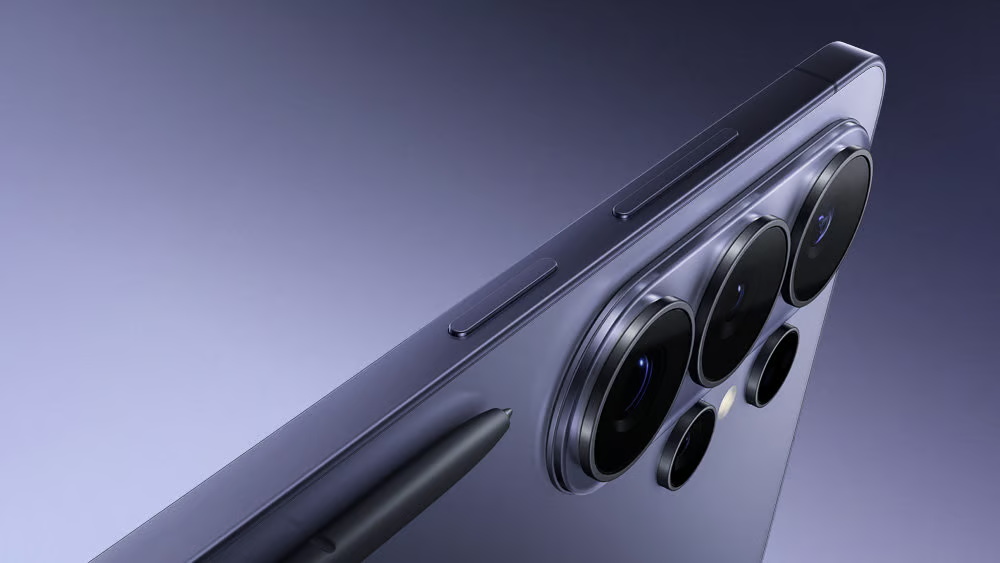
A factory reset can leave some Samsung Galaxy S26 Ultra phones stuck at setup, unable to reach the home screen.
Affected owners running One UI 9 have reported failed Samsung account sign-ins, black screens and webpage errors. A Samsung community representative acknowledged the problem in a South Korean forum response, linking it to instability involving Android’s system WebView component on certain networks.
Samsung has recommended troubleshooting steps, but a permanent fix remains unconfirmed. Galaxy owners considering a factory reset risk being locked out of their phones, while IT teams managing multiple devices could encounter similar problems during redeployment.
Galaxy S26 Ultra setup fails at account sign-in
According to 9to5Google’s reporting, Samsung’s development team identified WebView instability on certain networks. WebView allows Android apps to display web content, including pages used during account sign-in.
Affected phones reportedly display a webpage-unavailable error when loading Samsung’s account-policy page. Android Central reported a complaint involving a black screen and an inaccessible home screen after the update.
The clearest reports involve phones being set up after a factory reset. Samsung has not identified every condition triggering the failure or confirmed all affected carriers and regions. The issue adds a potential complication for owners of the Galaxy S26 Ultra, particularly those who need to reset their phones.
The problem follows Samsung’s September rollout of Android 17-based One UI 9. The broader Galaxy update rollout has since reached additional eligible models, although the same WebView failure has not been confirmed across the lineup.
Samsung’s workaround and the unresolved fix
Samsung’s community representative recommended several troubleshooting measures:
- Switch to Wi-Fi. Connect to Wi-Fi instead of mobile data before attempting Samsung account sign-in again.
- Update the browser. Install the latest available version of Chrome or the relevant WebView component if the phone remains accessible.
- Check account access. Visit the Samsung account website through a browser to check whether sign-in works outside the affected setup process.
These steps are not guaranteed to restore access. Updating a browser may be impossible during setup, and signing in through the website does not necessarily bypass the blocked process.
Samsung also released another Galaxy S26 series update in South Korea on Oct. 26, with general stability and security improvements reported. However, the available release information does not establish that the WebView setup failure has been fixed.
The setup problem is separate from the vulnerabilities addressed in Samsung’s October security update. Installing security patches remains important, but those fixes should not be mistaken for a confirmed solution to the account sign-in failure.
Galaxy S26 Ultra owners should avoid unnecessary factory resets until Samsung confirms a fix. Those who must reset their phones should back up important data first and have a reliable Wi-Fi connection available during setup.
For IT teams managing Galaxy devices, testing the setup process before larger redeployments can help identify affected phones. Samsung’s official support channels and firmware release notes remain the best sources for a confirmed resolution.
Related reading: Separate One UI 9 battery-drain complaints involving Galaxy S24 and S25 devices have also surfaced, although Samsung has not established a connection to the S26 Ultra setup failure.