


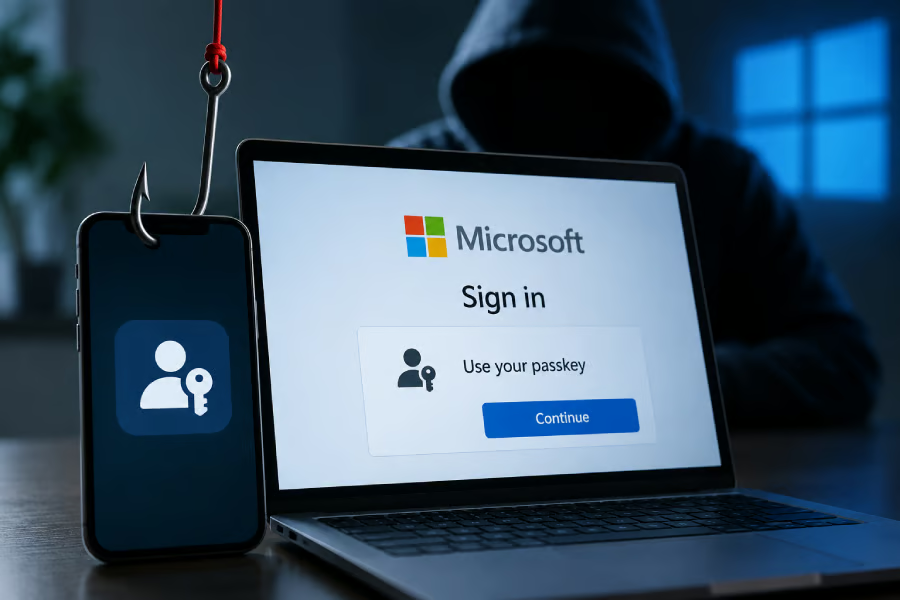
A security feature meant to make Microsoft accounts harder to hijack is becoming the bait attackers use to trick employees into approving the wrong login.
Microsoft researchers have tracked campaigns since May 2026 in which attackers impersonate IT staff and tell employees they need to update a passkey, multifactor authentication, or single sign-on setting. The activity has been linked to multiple threat groups.
Once an account is compromised, Microsoft says the attackers conduct reconnaissance, add authentication methods for persistence, and access data across services including SharePoint, OneDrive, and Exchange Online.
How attackers turn authentication into the phishing lure
Passkeys have emerged as a robust alternative to passwords and PINs, largely because their cryptographic credentials are tied to a specific device, making them much harder to steal and reuse remotely.
Despite that, threat actors seem to have found something exploitable: the ability for an account to be legitimately authenticated across multiple devices. That means the device-bound nature of a passkey doesn’t help much if an attacker can trick the user into authenticating an attacker’s device.
This is where Microsoft’s discovery comes in. Attackers pose as IT support and tell employees that they need to update a passkey, Multifactor Authentication (MFA), or Single Sign-On (SSO) setting, creating a perfectly believable reason for the employee to follow a security-related link or authentication instruction.
In an Attacker-in-the-Middle (AiTM) attack, the attacker puts a phishing site between the victim and Microsoft’s real login service. When the victim enters their information and completes authentication, the phishing site relays those requests to Microsoft. It passes Microsoft’s responses back to the victim, while capturing the authenticated session token issued during the process.
Device-code phishing takes a different route. The attacker starts a legitimate Microsoft sign-in on their own device, receives a code, and then convinces the victim to enter that code on Microsoft’s real authentication page. Microsoft then issues the authentication token to the attacker’s device because, from Microsoft’s perspective, the victim has just approved that login.
And that is where the attack gets more serious. Once inside, Microsoft observed attackers adding their own authentication methods to compromised accounts, an attempt to maintain persistence. The researchers also observed the attackers inspecting the organization’s users, applications, and resources before accessing data in SharePoint, OneDrive, and Exchange Online.
The important distinction is that the attackers are not cracking the passkey. They are manipulating users into authorizing access or capturing the session created after authentication.
Must-read security coverage
- UK Police Convicts Pair in £5.5 Billion Bitcoin Launder Case
- Blackpoint Cyber vs. Arctic Wolf: Which MDR Solution is Right for You?
- How GitHub Is Securing the Software Supply Chain
- 8 Best Enterprise Password Managers
The actors behind the attacks
Microsoft attributes the activity to several threat actors, including Storm-3121 and Storm-3032. It links Storm-3121 to initial-access operations that feed into ShinyHunters and Falcon, while Storm-3032 refers to actors that split from the BlackFile group and now operate under the Helix banner.
Google previously identified the same threat group pattern under the UNC6671 tag.
Before making contact, the actors appear to spend time researching their targets, gathering information about employees and the organization’s structure from public sources. They then use that information to identify employees worth targeting, while in some cases abusing already compromised accounts to reach more victims through trusted channels such as Microsoft Teams.
How to stay ahead of the attack
Microsoft’s discovery and publication of the attack does not necessarily mean the threat is over. As a result, organizations and their employees should remain alert, including non-Microsoft product users adopting passkeys at scale.
- Verify unexpected requests independently. Whether the message asks you to update a passkey, reset a password, approve an MFA prompt, or open a document, verify the request through a known channel before taking action.
- Reduce the amount of sensitive information you put on your public profiles and accounts.
- Protect how authentication is added or recovered. For organizations, restrict who can register new authentication methods or reset them, and apply stronger checks to those actions.
- Be careful of attempts to re-authenticate on a device you are already authenticated on.
- Limit authentication flows that are easy to abuse. Organizations that do not need device-code authentication can block it through their access policies.
- Watch for abnormal signs after authentication. A new authentication method, unusual sign-in, unexpected application authorization, or sudden access to large amounts of cloud data can be more meaningful when those events occur together.
- Contain compromised accounts fully. Revoke active sessions and tokens, remove unauthorized authentication methods and mailbox rules, reset affected credentials, and require users to re-register authentication.
The broader lesson is not that passkeys have failed. They still remove many of the weaknesses associated with passwords and reusable credentials.
What these campaigns show is that attackers increasingly target the authentication process around the technology instead. If they can persuade an employee to approve the wrong sign-in, register a new authentication method, or hand over a valid session, strong credentials alone may not be enough.
For organizations, that makes identity security a layered problem: phishing-resistant authentication should be paired with tighter enrollment controls, session monitoring, Conditional Access, and rapid token revocation when an account is suspected of compromise.
Other news: Microsoft released an out-of-band Windows update to fix Remote Desktop failures, broken Hyper-V Linux folder sharing, and some USB audio issues caused by its September security patch.