


Microsoft has announced a significant under-the-hood change to the Teams Desktop Client on Windows, specifically designed to address long-standing complaints about its sluggish performance and high system resource use.
Instead of relying on one large engine to power everything, the company is splitting the workload.
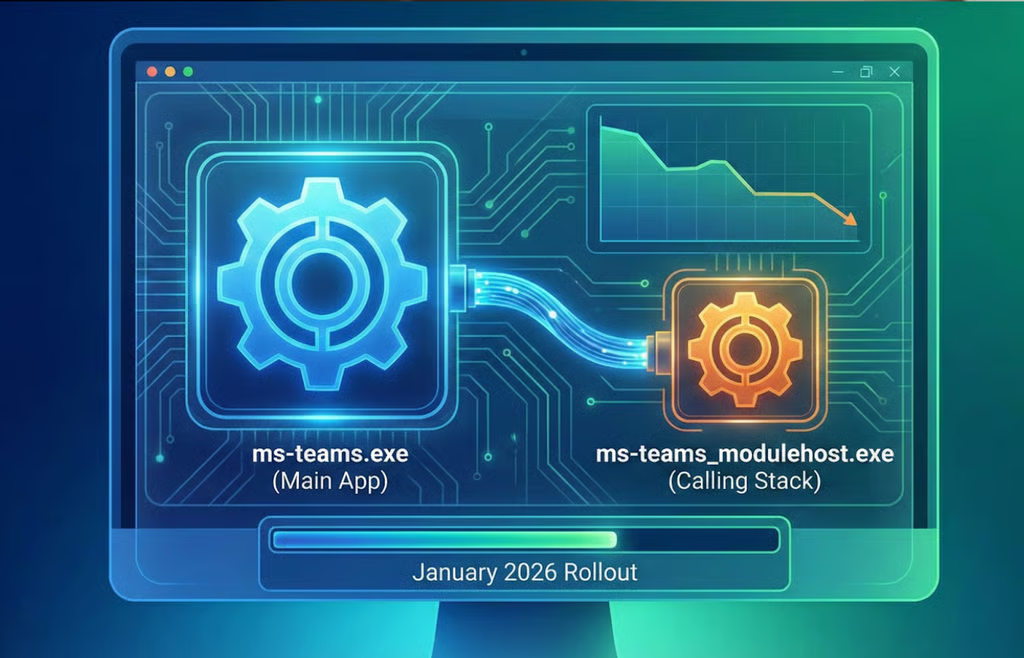
The core of the performance boost comes from introducing a dedicated, secondary process. Currently, the main Teams application (ms-teams.exe) handles chats, file sharing, and the memory-intensive tasks of audio and video calls.
Under the new architecture, Microsoft will introduce a separate file, known as ms-teams_modulehost.exe, that will exclusively manage the complex “calling stack.” This means that when you join a meeting, the most resource-heavy function will be offloaded to its own engine, optimizing how your PC handles the workload.
The goal is twofold: to reduce the time it takes for Teams to launch and to ensure a smoother, more reliable experience during meetings.
In a message center update detailing the change, Microsoft confirmed the purpose of this architectural split.
“We’re improving the performance and startup time of calling features in the Microsoft Teams Desktop Client for Windows,” the company wrote. “To achieve this, we’re introducing a new child process named ms-teams_modulehost.exe that will handle the calling stack separately from the main application process (ms-teams.exe).”
No changes for end users
For employees who rely on Teams daily, this shift is intended to be completely seamless.
There will be no changes to the user interface (UI) or the familiar workflows. The only difference users should notice is an improvement in speed and stability, especially during large calls. However, system administrators and IT professionals have some preparatory steps to take.
Because this change introduces a new executable file, security systems and endpoint management tools must be updated to recognize it as safe.
IT staff must ensure that ms-teams_modulehost.exe is allowlisted alongside the existing main process in all security software. Failure to do so could result in the new calling feature being blocked or triggering false-positive security alerts. Microsoft also urges admins to update any Quality of Service (QoS) rules and keep existing settings for ms-teams.exe in place.
Rollout timeline
This major update is scheduled to begin deployment across all Microsoft environments, including Worldwide, GCC, GCC High, and DoD tenants, starting in early January 2026. Microsoft expects the rollout to be completed by the end of that month.
A recent deep dive into Microsoft Teams security gaps details how misconfigurations can expose organizations to targeted attacks.