


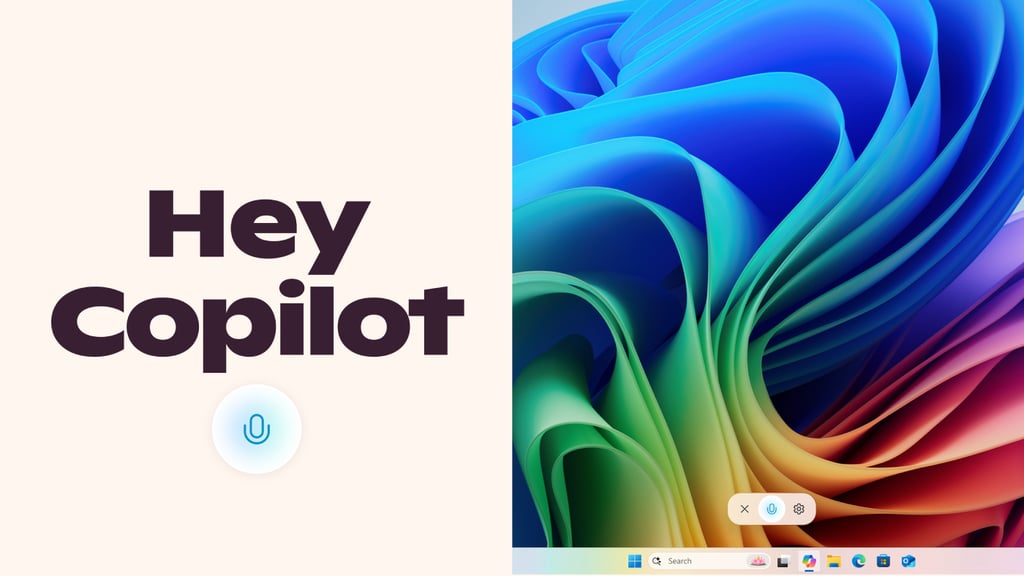
Microsoft is making it easier to talk to its AI assistant. The company announced this week that it has started introducing a new “Hey, Copilot!” wake word feature for Windows 11, allowing users to summon the AI with just their voice.
The feature, currently being tested for Windows Insiders, works similarly to voice assistants like Siri, Alexa, and Google Assistant. Once enabled, users can simply say “Hey, Copilot” to ask questions, get weather updates, or brainstorm ideas.
How to set up “Hey, Copilot!”
According to Microsoft’s Windows blog, the feature is opt-in, meaning users must manually enable it in Copilot’s settings. Here’s how to set it up:
- Open Copilot.
- Click your profile avatar in the bottom-left corner.
- Go to Settings.
- Under Voice Mode, toggle Listen For ‘Hey, Copilot’ to ON.
Once activated, saying “Hey, Copilot” will trigger a small floating microphone UI at the bottom of the screen and a chime to confirm it’s listening. The conversation ends automatically after a few seconds of silence or when the user taps the X button.
Privacy and offline functionality
Microsoft assures that the wake word detection happens locally on the device, and no voice recordings are stored or sent to the cloud unless the wake word is detected.
“The wake word spotter uses an on-device 10-second audio buffer in memory. This audio buffer is never recorded or stored locally,” Microsoft explains in its FAQ. If the PC is offline, the wake word will still be recognized, but Copilot won’t respond without an internet connection.
More Microsoft news
- Inside Microsoft’s Real-Time War Against Cybersecurity Threats
- Project Ire: Microsoft Tests AI That Autonomously Detects Malware
- Microsoft Targets ‘Critical AI Talent’ from Meta to Dominate Next AI Breakthroughs
- Windows 10 Support Ends Soon, Though Extended Security Updates Offers Are Available
Limited availability for now
The update (version 1.25051.10.0 or higher) is gradually being implemented on Windows Insiders with English as their display language. This is Microsoft’s latest move to make Copilot more conversational, following the recent “Press to Talk” feature (activated by holding Alt + Space).
While Cortana once offered similar voice commands, Microsoft has fully shifted its focus to Copilot. If testing goes well, “Hey, Copilot!” could soon become a standard feature for all Windows 11 users.
For now, Windows Insiders can check the Microsoft Store for the latest Copilot update and try the hands-free experience.